
Player Blocks
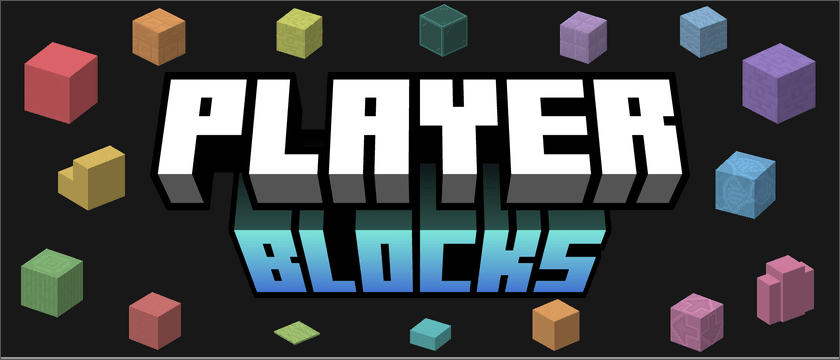
Adds building blocks that match a player’s assigned Minecraft hex color.
介绍
Description
Adds over 50 building and decorative block items that match your personal or team hex color. Placed blocks update when your color changes. Teams use their leader’s color unless an override is set. Only team leaders or operators in the team can change the team color. Players get two confirmed personal color changes per world. Operators have no limit.

Compatibility
- Teams: FTB Teams, Open Parties and Claims, and scoreboard teams.
- Building: Create copycats, Copycats+, and FramedBlocks with select blocks.
- Schematics: WorldEdit and Create schematics apply the placing player’s color.
- Recipes: Optional Create mixer and spout recipes.
Commands
/hex <username> #RRGGBB— Change your personal color./teamcolor hex #RRGGBB— Set your team’s block color./teamcolor reset— Return to the team leader’s color.

常见问题
Player Blocks 支持哪些 Minecraft 版本?
Player Blocks 支持 Minecraft Java 版 1.21.1,可用的加载器:NeoForge。下载时注意选择和你游戏版本一致的文件。
Player Blocks 怎么安装?
先用 PCL2 或 HMCL 启动器安装对应版本的 NeoForge,再把下载的 .jar 文件放进游戏目录的 mods 文件夹,重新启动游戏即可。开启了版本隔离的,mods 文件夹在 versions/版本名 下面。
Our_Creation 的其他作品
查看全部 →
Create: Stranded at Sea
一个以机械动力自动化、冒险和完整经济系统为核心的海洋生存整合包。
Create: New World | A Locked Progression Experience
使用机械动力及其附属模组自动化材料生产,完成各项里程碑,随着进度推进解锁更高级的组件与技术。
Thirst Was Upgraded
为 Traveler's Backpack 添加 Thirst Was Reclaimed 兼容支持和自动饮水功能。

Create: CEconomy Coins
Converts CEconomy's animated coin textures to fit the style of the Create Mod
评论
登录后评论和评分