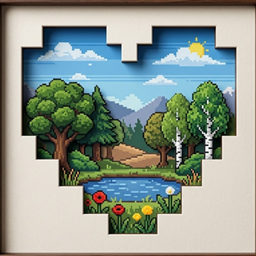
GifScreen
Add custom PNG, JPG and GIF screens to your Minecraft world with adjustable size, offsets, rotation and multiplayer sync.
截图
介绍
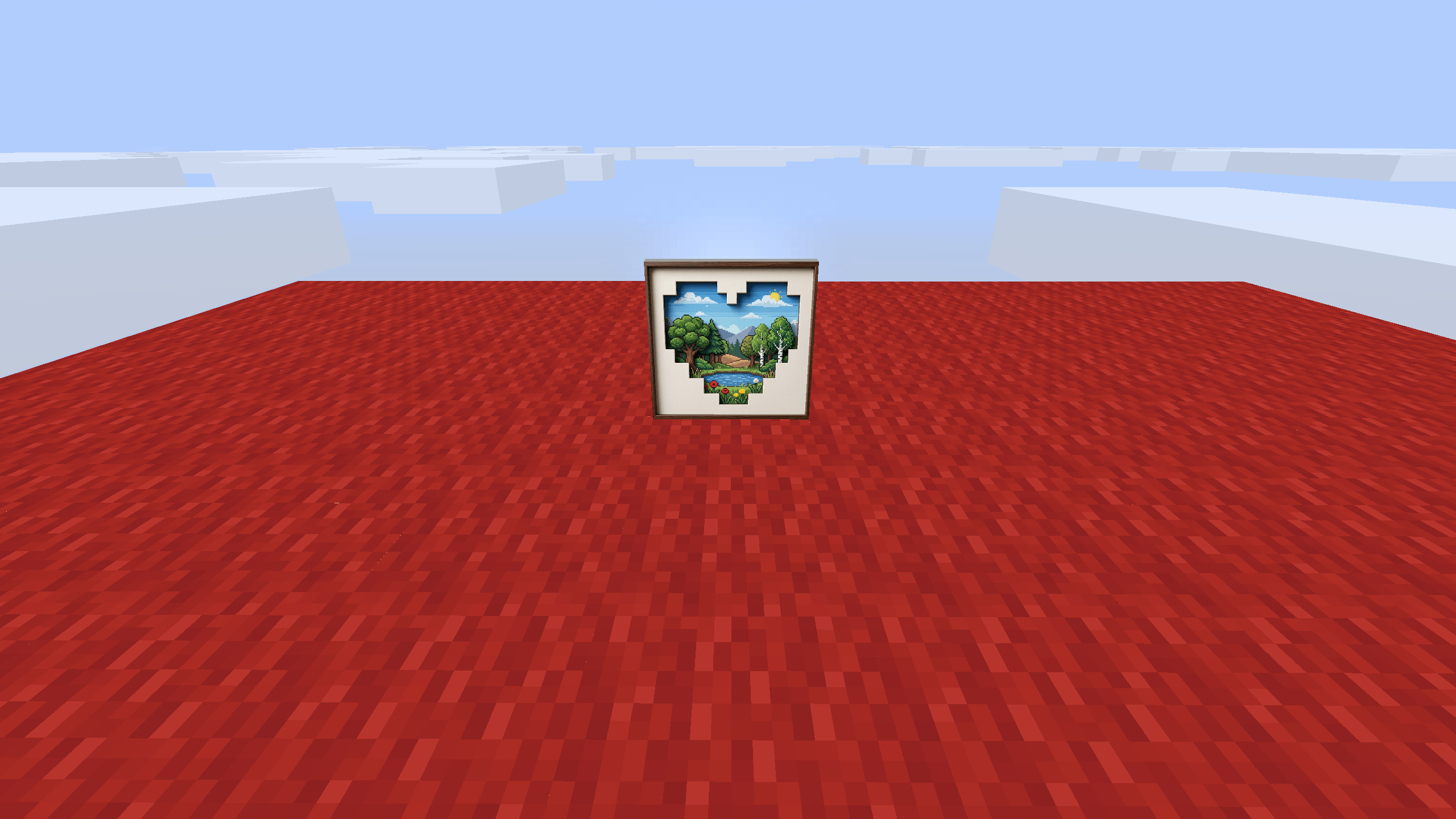
GifScreen adds custom media screens to Minecraft.
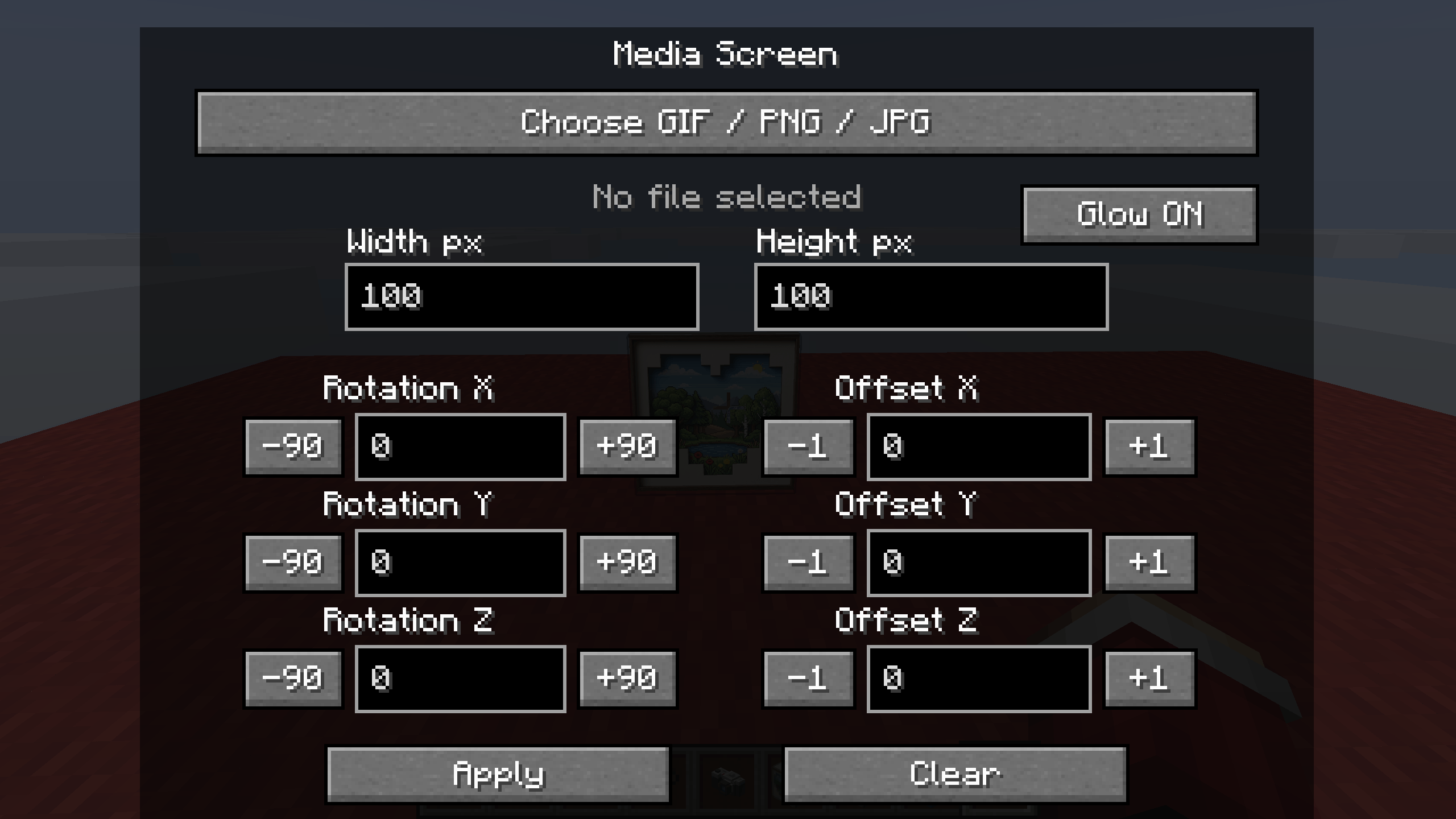
This mod lets you place PNG, JPG and GIF images directly in the world. You can change screen size, move it with offsets, rotate it on different axes and use a glow option for bright rendering.
Features:
– Place PNG, JPG and GIF screens
– Adjustable width and height
– X, Y and Z offset controls
– X, Y and Z rotation controls
– Glow option
– Multiplayer sync support
– Chunked upload for larger files
How to use:
1. Place the Media Screen block
2. Open the configuration screen
3. Choose a PNG, JPG or GIF file
4. Adjust size, offsets and rotation
5. Press Apply
Tested on Minecraft Forge 1.20.1.
常见问题
GifScreen 支持哪些 Minecraft 版本?
GifScreen 支持 Minecraft Java 版 1.20.1,可用的加载器:Forge。下载时注意选择和你游戏版本一致的文件。
GifScreen 怎么安装?
先用 PCL2 或 HMCL 启动器安装对应版本的 Forge,再把下载的 .jar 文件放进游戏目录的 mods 文件夹,重新启动游戏即可。开启了版本隔离的,mods 文件夹在 versions/版本名 下面。
评论
登录后评论和评分