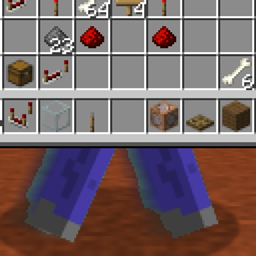
截图
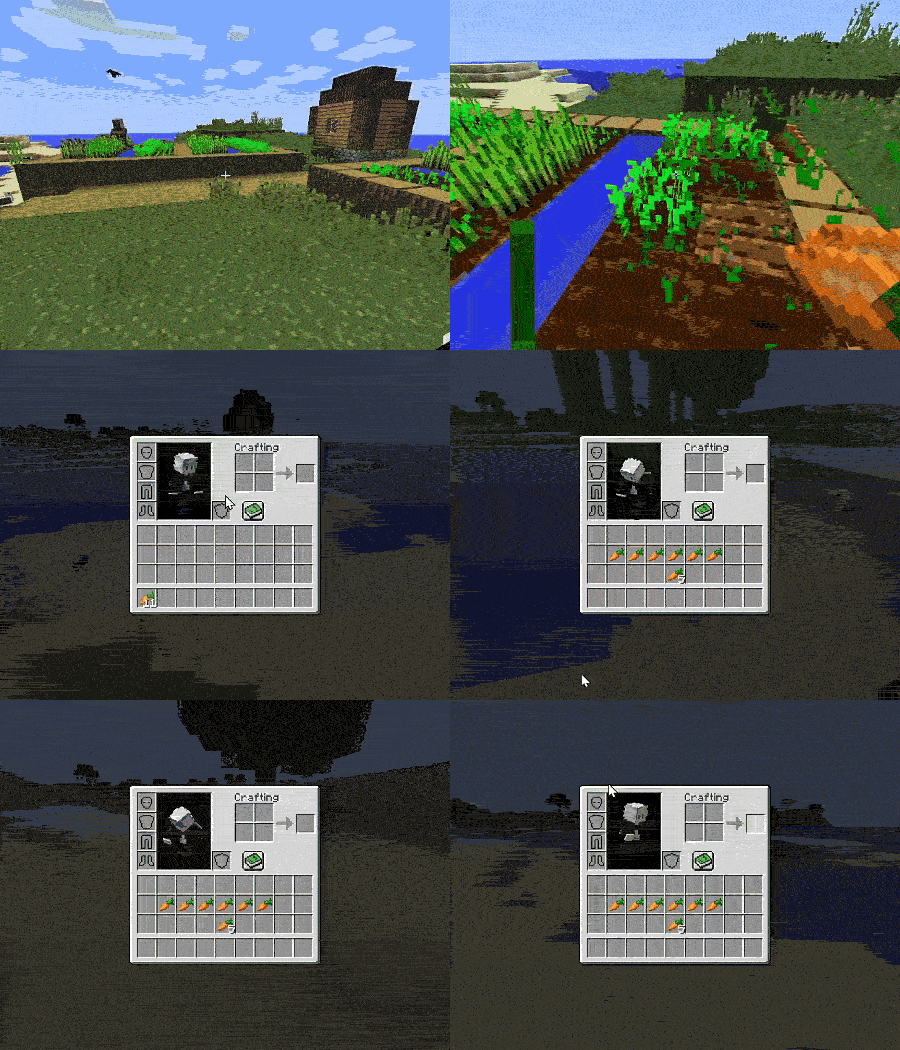
介绍
中文介绍正在准备中,下面暂时显示原文。

Now you can manage your inventory while continuing to move
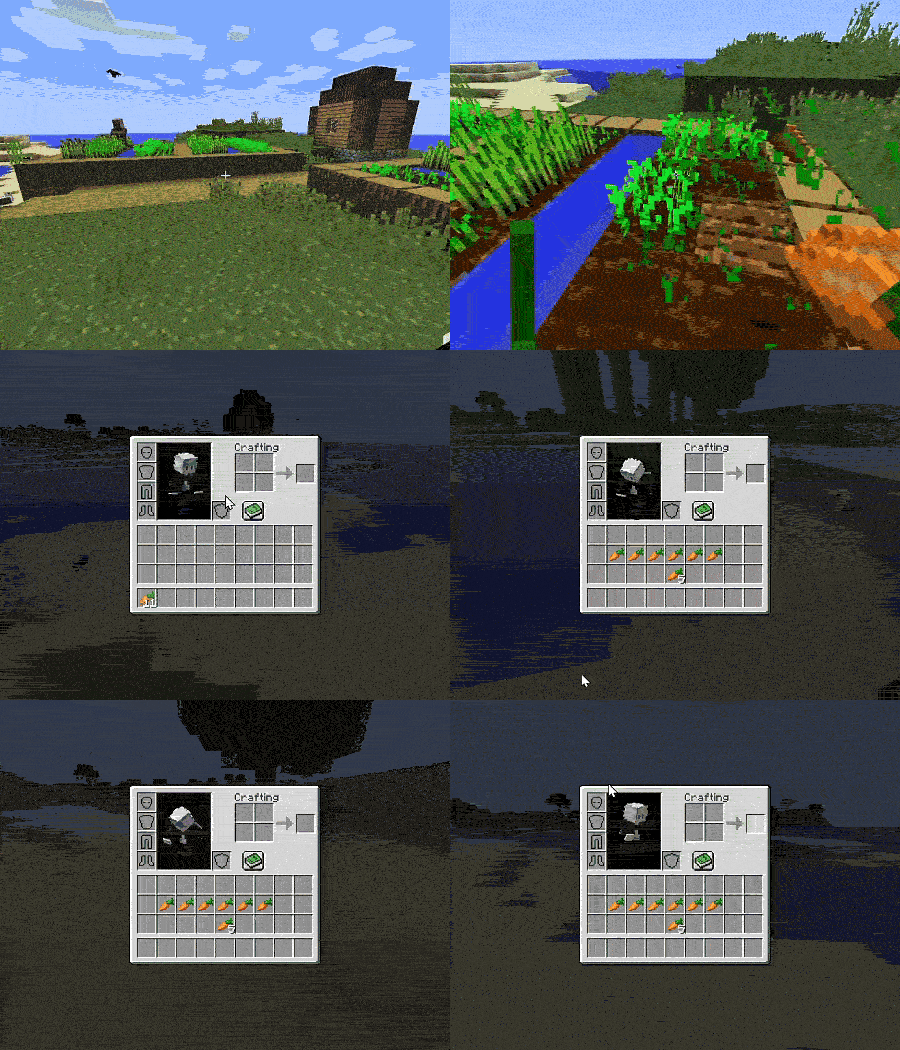
camera in the inventory, you need to hold down “alt” or the mouse wheel)
In the mod settings, you can remove the button or move it to another location as you wish.
Also, if you’re playing on Forge or older versions, I recommend downloading the mod — Mod Menu (Forge)
it will allow you to quickly find and configure the mod you need:
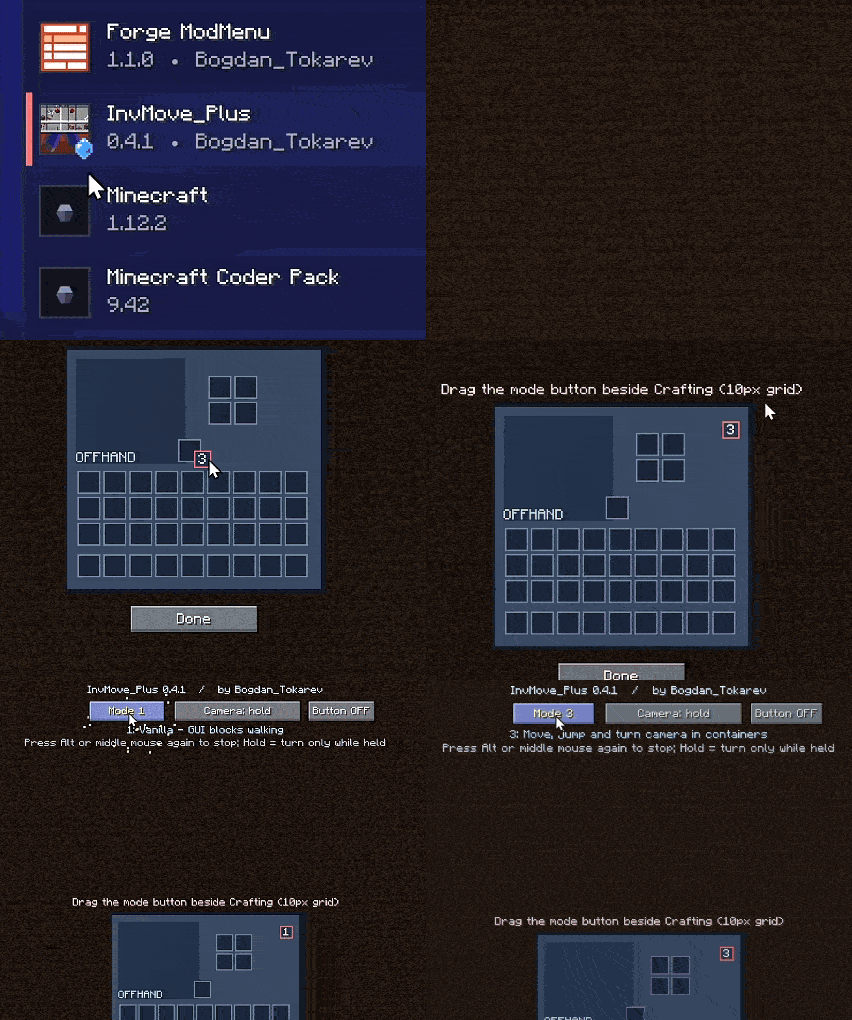
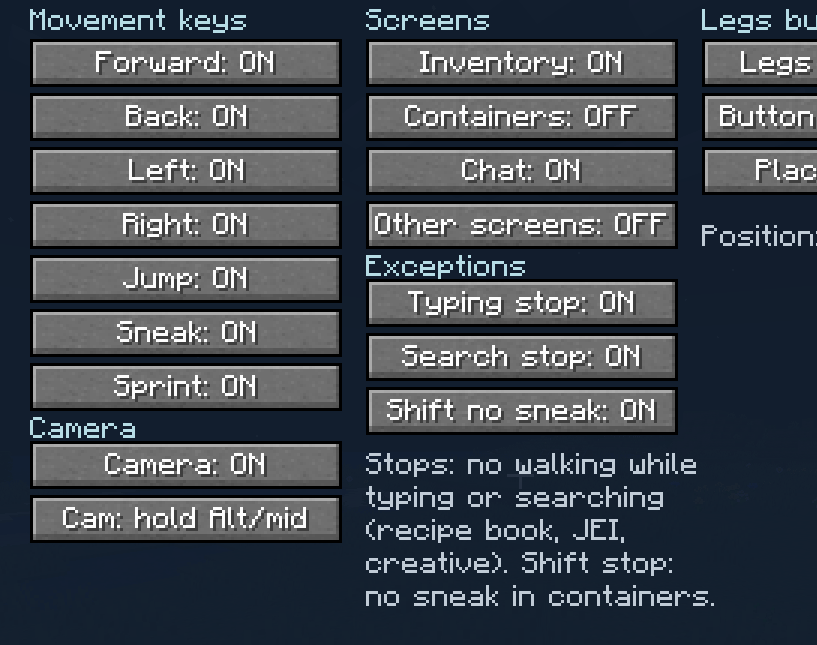
(fully configurable)
Made by Bogdan_Tokarev
常见问题
InvMove Plus 支持哪些 Minecraft 版本?
InvMove Plus 支持 Minecraft Java 版 1.7.10–26.3,共 8 个版本,可用的加载器:Fabric / Forge / NeoForge / Quilt。下载时注意选择和你游戏版本一致的文件。
InvMove Plus 怎么安装?
先用 PCL2 或 HMCL 启动器安装对应版本的 Fabric / Forge / NeoForge / Quilt,再把下载的 .jar 文件放进游戏目录的 mods 文件夹,重新启动游戏即可。开启了版本隔离的,mods 文件夹在 versions/版本名 下面。
Bogdan_Tokarev 的其他作品
查看全部 →
模组菜单 Mod Menu (Forge)
by Bogdan_Tokarev
This mod adds a convenient mod menu to Forge.
2.8万
11 天前
CurseForge
Mob Tactics: Combat AI
by Bogdan_Tokarev
Mob tactics: evading attacks, counterattacking, self‑preservation instinct, and riding animals.
1.3万
14 天前
CurseForge
Better Sprint Plus
by Bogdan_Tokarev
Improved sprint
8,663
8 天前
CurseForge
Structure Finder
by Bogdan_Tokarev
Helps to find structures. (Сompatible with mods)
7,649
今天
CurseForge
评论
登录后评论和评分