
[HMI] Pose Editor
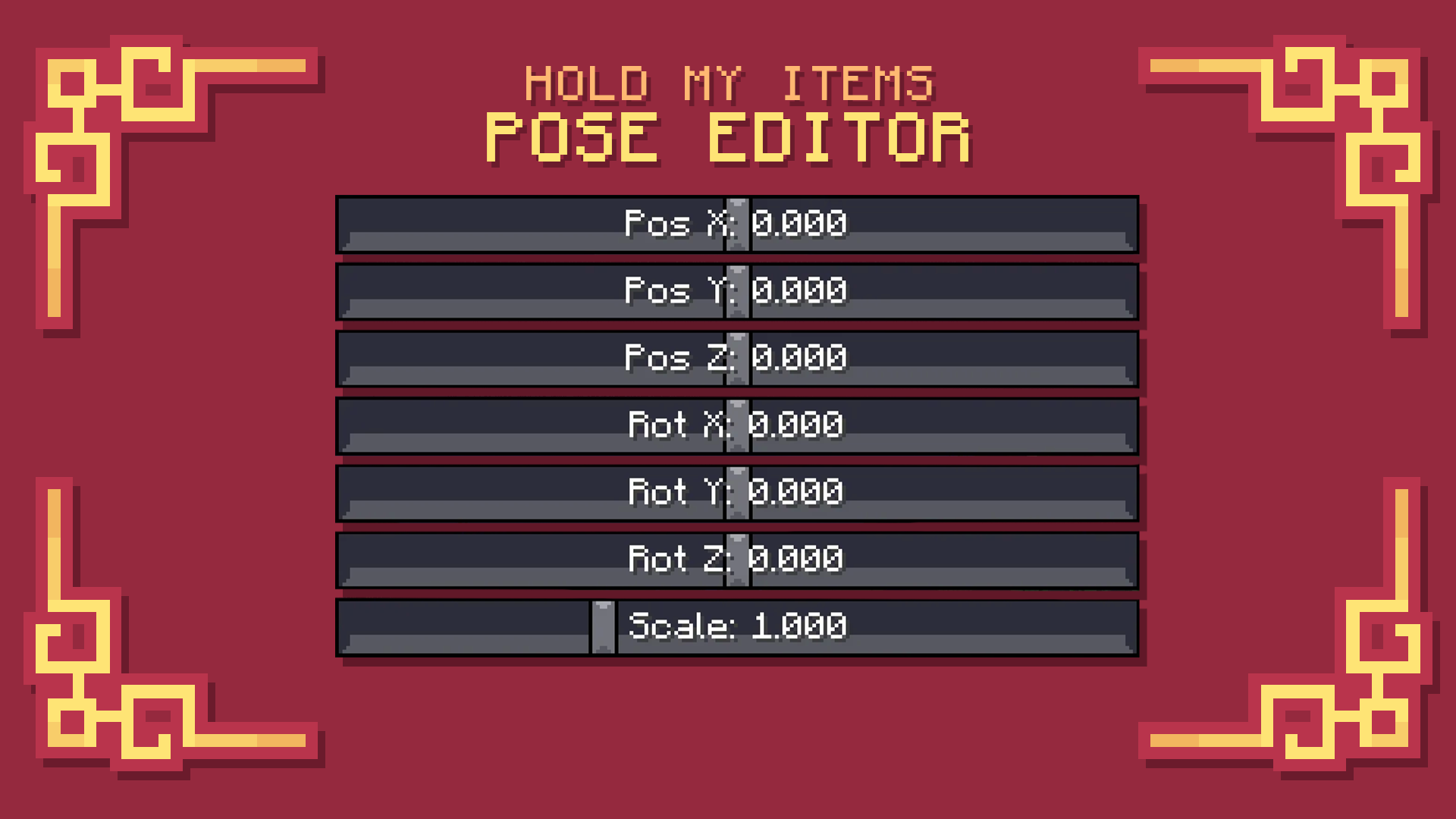
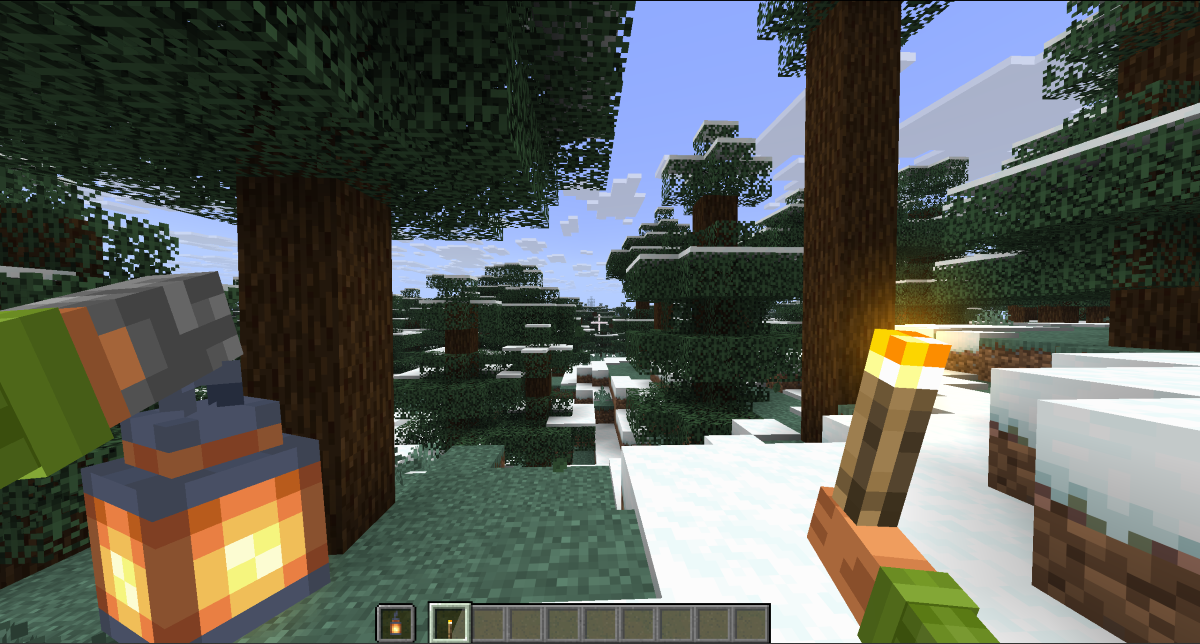
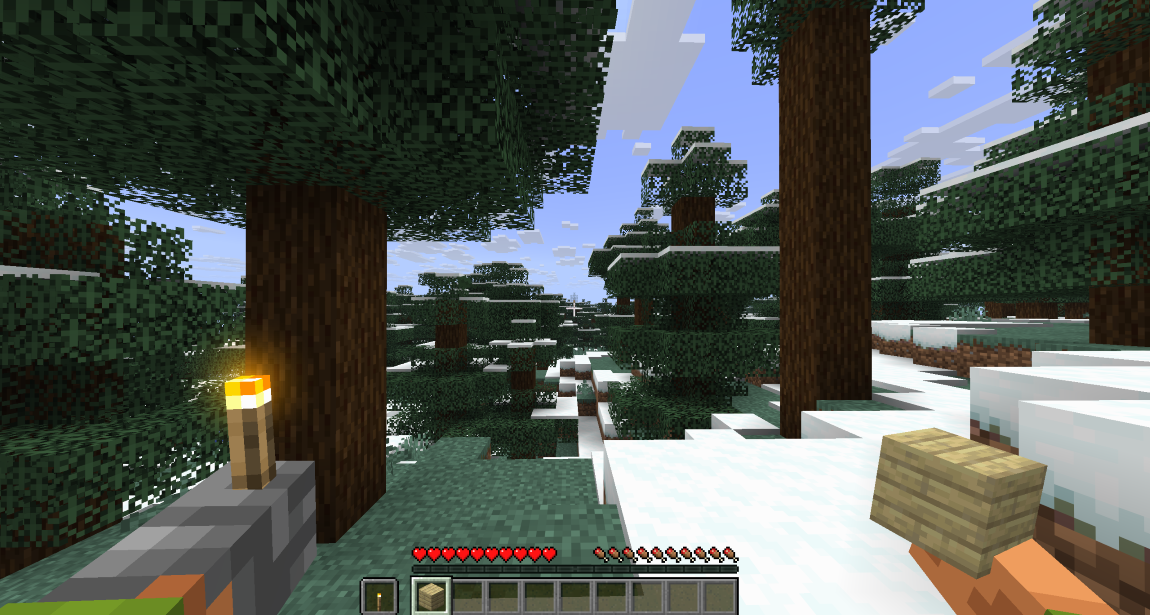
{A menu for changing the poses of all objects and blocks, as well as changing the poses for the left and right hands}
截图

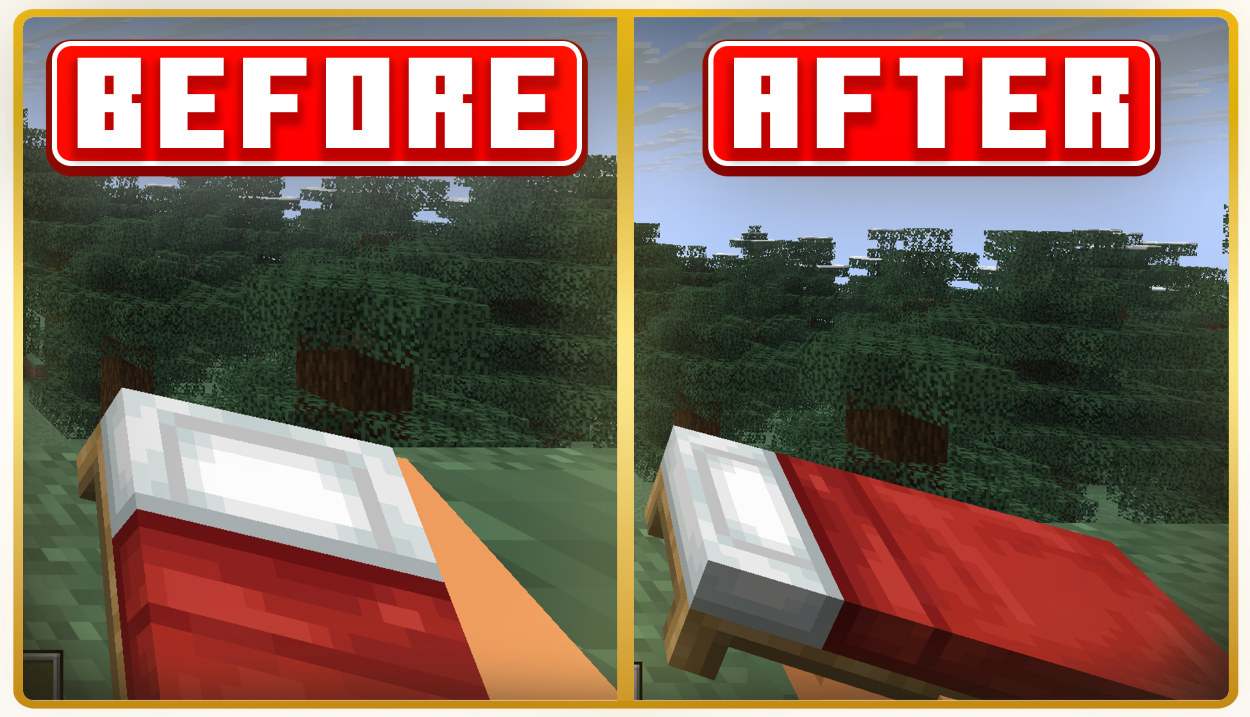
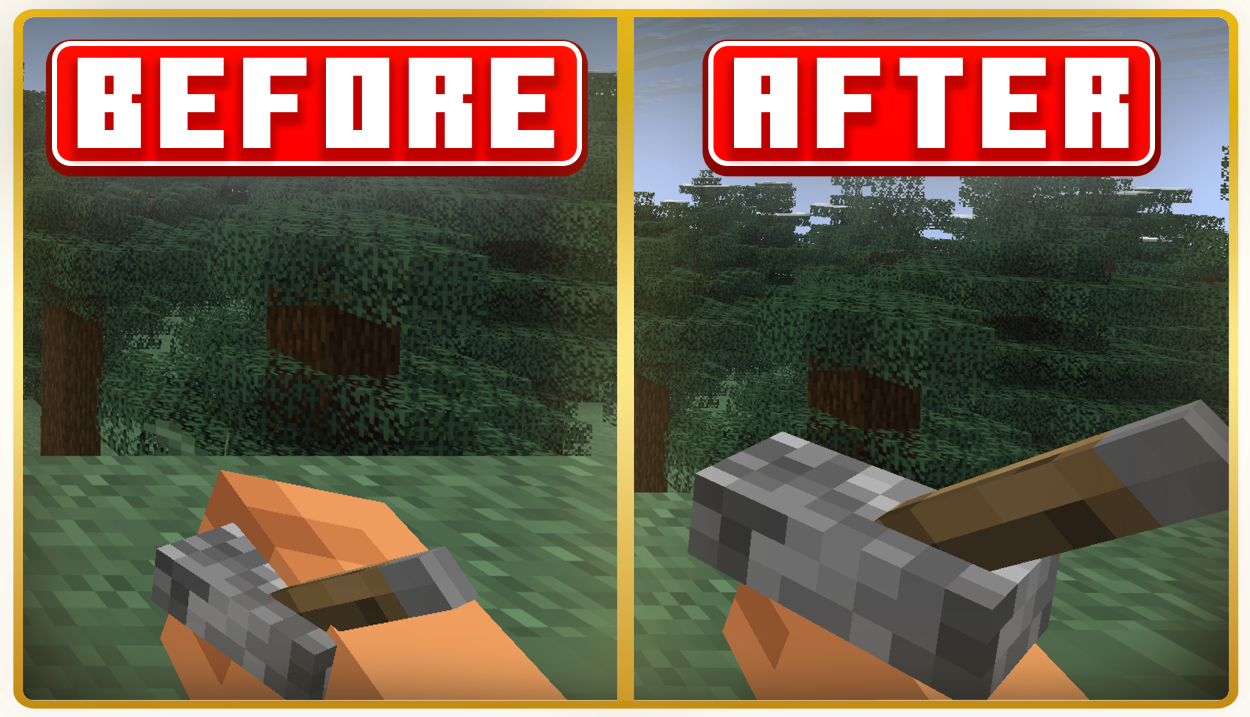
介绍

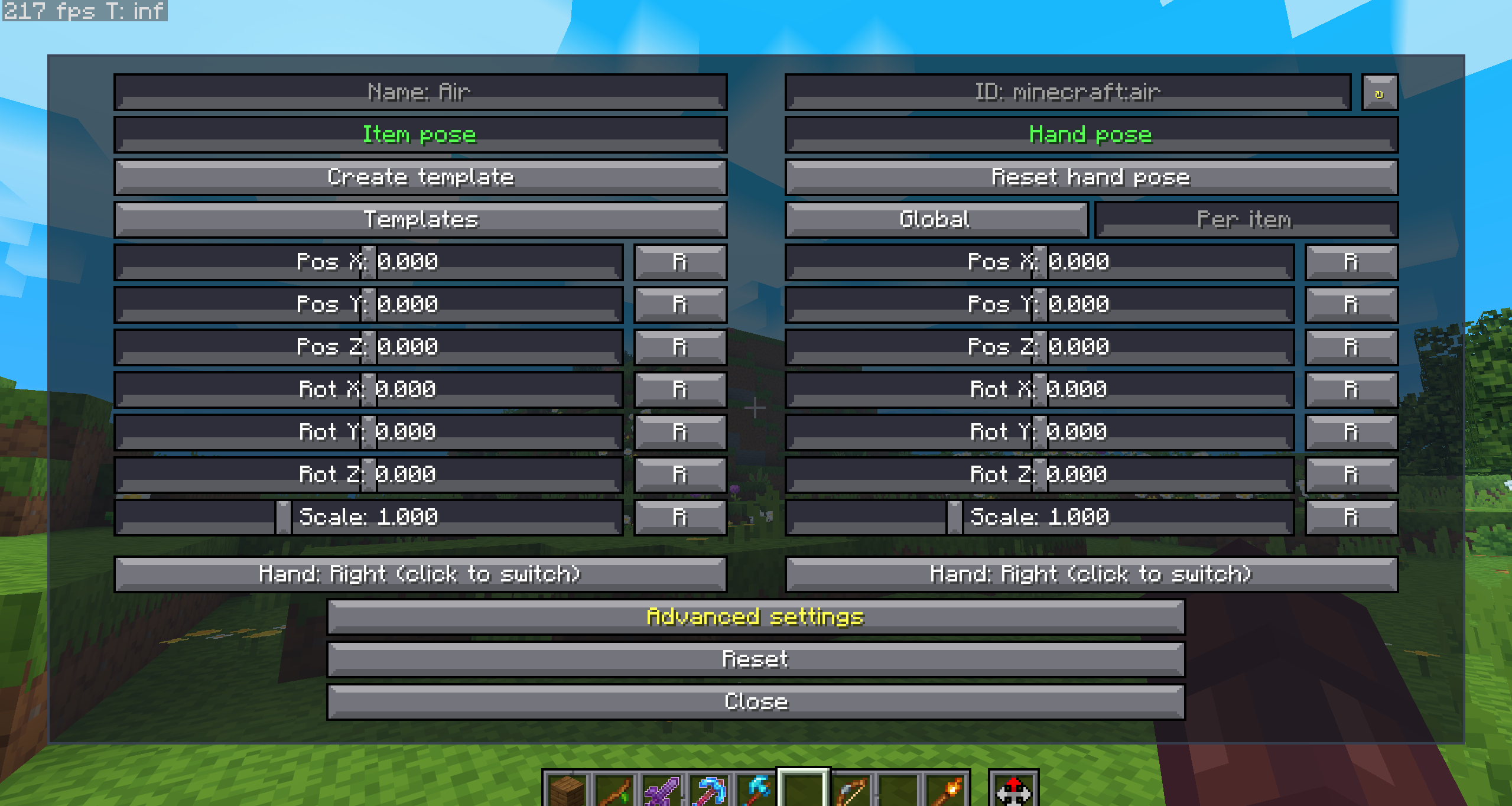
<img src="https://cdn.modrinth.com/data/cached_images/39c67eff74a9810995d69fcff3b17f0eeac3a7cc.png" alt="# To open the menu, press “N” ” loading=”lazy”>
⚙️(The current hotkey is “N”, but you can change it in the game settings)


📁All positions are saved to a file – minecraft/config/hmieditor.json
### – Sliders for PosX/posY/posZ, rotX/rotY/rotZ and scale.
###
### – Edit the item that is in your hand.
###
### – Switch between main and second hand.
###
### – A separate hand pose editor.
###
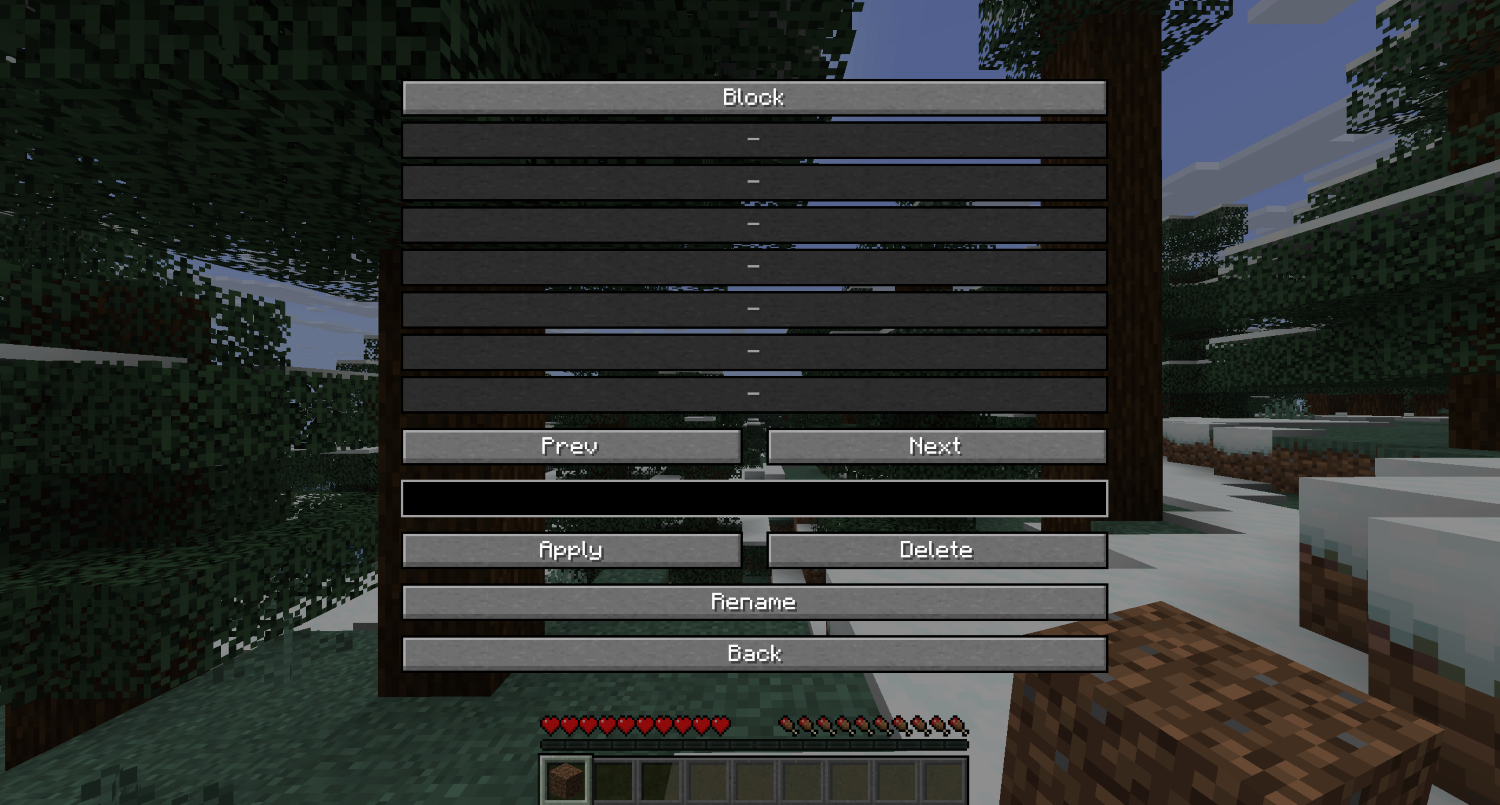
### – Templates: create, apply, rename and delete.
###
### – Auto-save settings in the config



**ㅤㅤㅤㅤㅤㅤㅤㅤㅤㅤㅤㅤㅤㅤ [Hold My Items ],
[Fabric API ],
[Fabric Loader ]**
常见问题
[HMI] Pose Editor 支持哪些 Minecraft 版本?
[HMI] Pose Editor 支持 Minecraft Java 版 1.21.6–1.21.11,共 6 个版本,可用的加载器:Fabric。下载时注意选择和你游戏版本一致的文件。
[HMI] Pose Editor 怎么安装?
先用 PCL2 或 HMCL 启动器安装对应版本的 Fabric,再把下载的 .jar 文件放进游戏目录的 mods 文件夹,重新启动游戏即可。开启了版本隔离的,mods 文件夹在 versions/版本名 下面。运行环境:仅客户端。
Beash 的其他作品
查看全部 →
ATMOSPHERICS
实时根据生物群系改变雾气、天空、云层、雾霾和星空

[HMI] Beash’s Swing Animations
New swing-animations for items

FreshVanilla (Actions and Stuffs JE)
A modpack focused on enhancing the vanilla Minecraft experience without changing the gameplay.
评论
登录后评论和评分