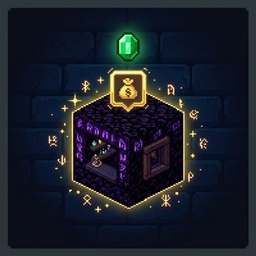
截图
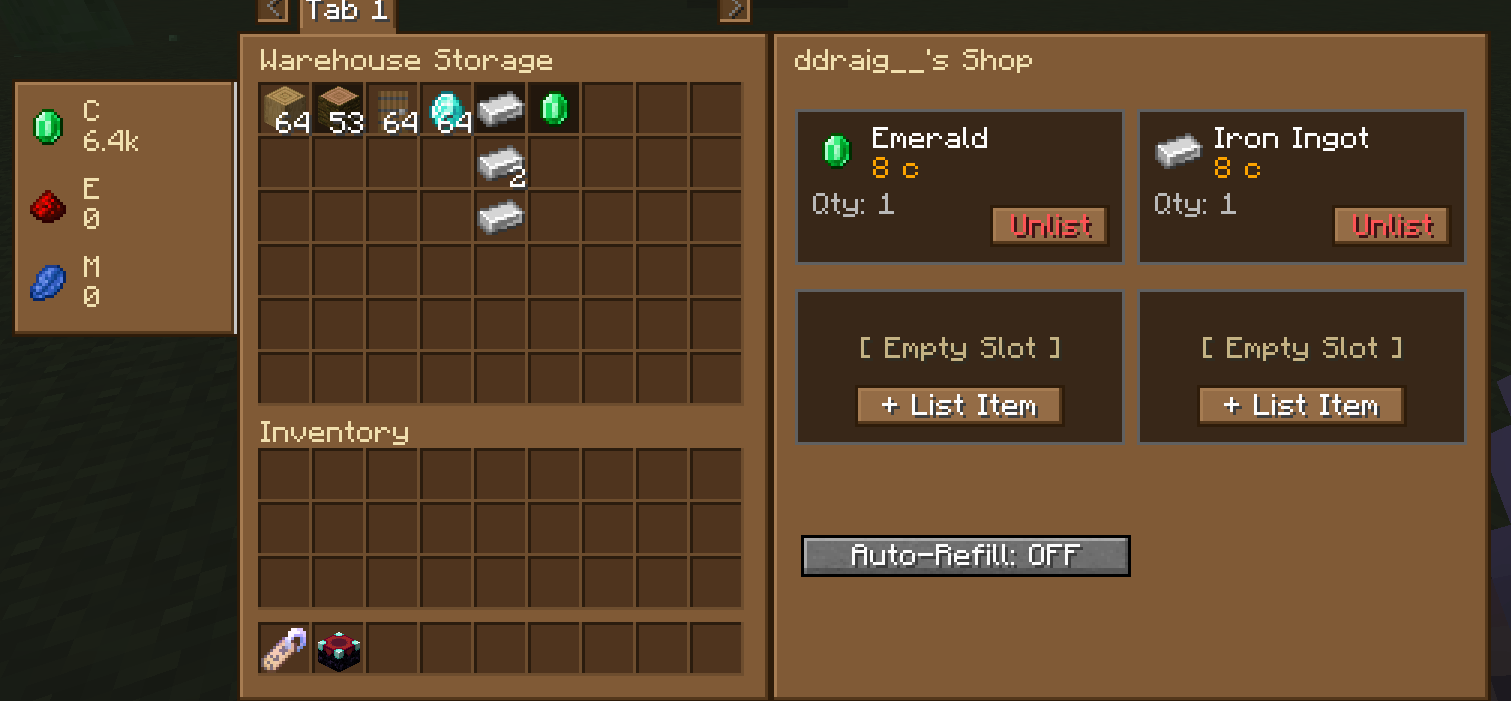
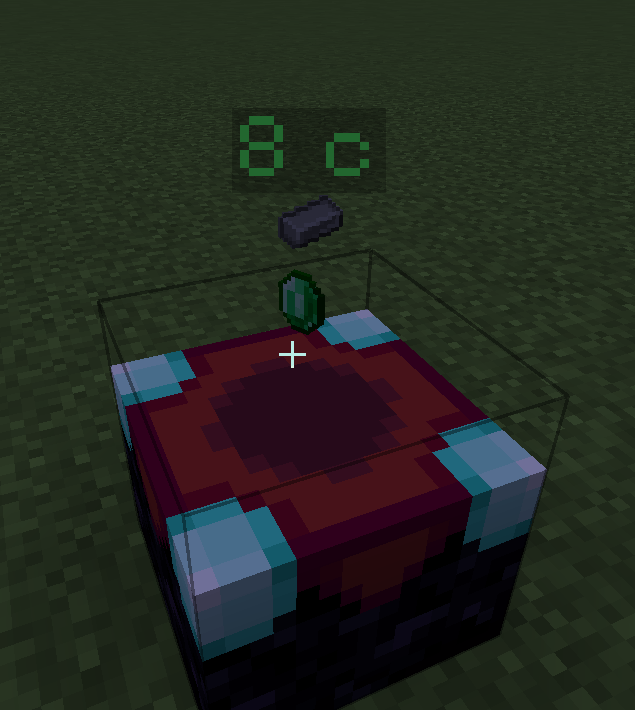
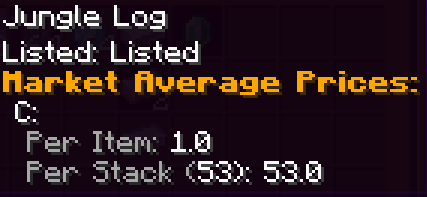
介绍
中文介绍正在准备中,下面暂时显示原文。
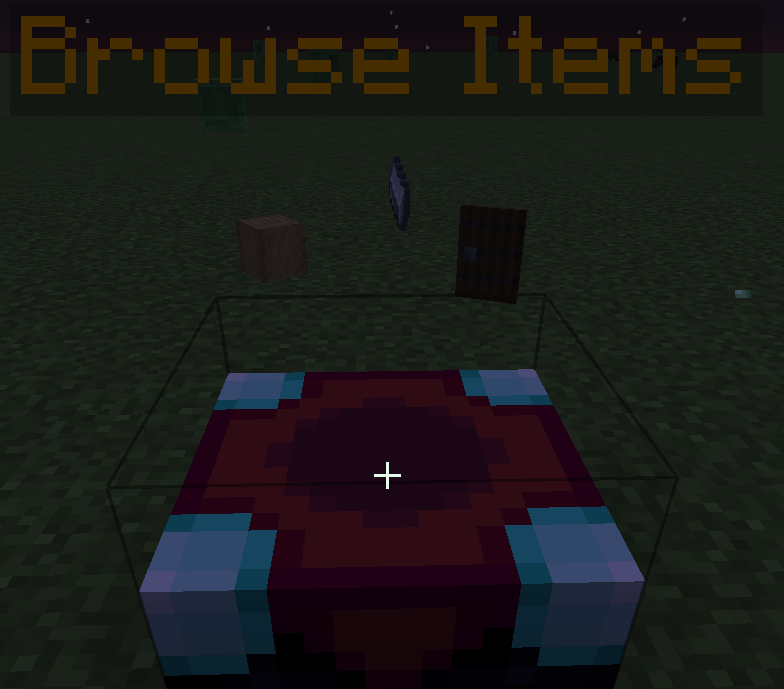
A player-owned shop mod for RPG servers — turn Obsidian blocks into permanent,
always-open storefronts that sell items even when you’re offline.
How shops work
Craft a Shop Tag by combining a Gold Ingot and a Name Tag in a crafting grid,
then rename it at an anvil to set your shop’s title. Right-click any Obsidian
block while holding the Shop Tag to instantly convert it into your personal shop.
Once your shop is placed, how you interact with it depends on what you’re holding:
Right-clicking your own shop opens the owner management screen, where you set
items for sale, prices, and stock.
Sneaking and right-clicking your own shop while holding the Shop Tag switches
the shop between two selling modes:
– Bundle mode: up to 4 items are sold together as a single all-or-nothing
purchase. Buyers must take the whole bundle — no picking individual pieces.
– Individual mode: each shop slot is purchased separately, letting buyers pick
and choose exactly what they want.
Right-clicking someone else’s shop opens their storefront so you can browse and buy.
Shop blocks are indestructible — they can only be removed by the owner or an admin.
Features
Floating item display: the item for sale rotates and floats above the shop block
in 3D so buyers can see exactly what’s being sold at a glance.
Price labels: a floating text label faces the camera at all times, showing the
item name and price without the buyer needing to open any menu.
Sell from anywhere: list items from your hand or link a warehouse slot so the
shop pulls directly from your stored stock.
Auto-refill: when a shop slot runs out, it automatically pulls matching items
from your warehouse to restock itself.
Shop limits: server admins can set a cap on how many shops each player is allowed
to own using the gamerule rpgMarketplaceMaxShops.
Admin commands
List all active shop locations (optionally filtered by player):
/rpg_marketplace admin list-shops [playerName]
Forcibly close a player’s shop (restores the block to vanilla Obsidian and
returns the owner’s items to their inbox):
/rpg_marketplace admin close-shop <playerName>
Teleport directly to a player’s first shop block:
/rpg_marketplace admin teleport-to-shop <playerName>
View the transaction audit log:
/rpg_marketplace admin audit-log [playerName] [page]
常见问题
RPG Marketplace 支持哪些 Minecraft 版本?
RPG Marketplace 支持 Minecraft Java 版 1.20.1,可用的加载器:Fabric / Forge / NeoForge / Quilt。下载时注意选择和你游戏版本一致的文件。
RPG Marketplace 怎么安装?
先用 PCL2 或 HMCL 启动器安装对应版本的 Fabric / Forge / NeoForge / Quilt,再把下载的 .jar 文件放进游戏目录的 mods 文件夹,重新启动游戏即可。开启了版本隔离的,mods 文件夹在 versions/版本名 下面。
Azure_Ddraig 的其他作品
查看全部 →
Supreme Mining Dimensions
by Azure_Ddraig
各种维度,应对各种场景!
27.6万
2 年前
CurseForge

Simply Tokens or Coins
by Azure_Ddraig
简单可自定义的货币解决方案
15.7万
2 年前
CurseForge

Simply Crush Amethyst for Iron
by Azure_Ddraig
减少铁傀儡的残忍!将紫水晶粉碎成粉末并烧炼以获得铁!
1.7万
2 年前
CurseForge
SMD: Hammers!
by Azure_Ddraig
使用 SMD: Hammers! 的破格锤子,强化挖掘与战斗体验!
1.3万
3 年前
CurseForge
评论
登录后评论和评分