
Vanilla Caves and Fabric Cliffs
[1.18] Vanilla server friendly modpack with essential mods, pleasant aesthetics and cool features.
截图
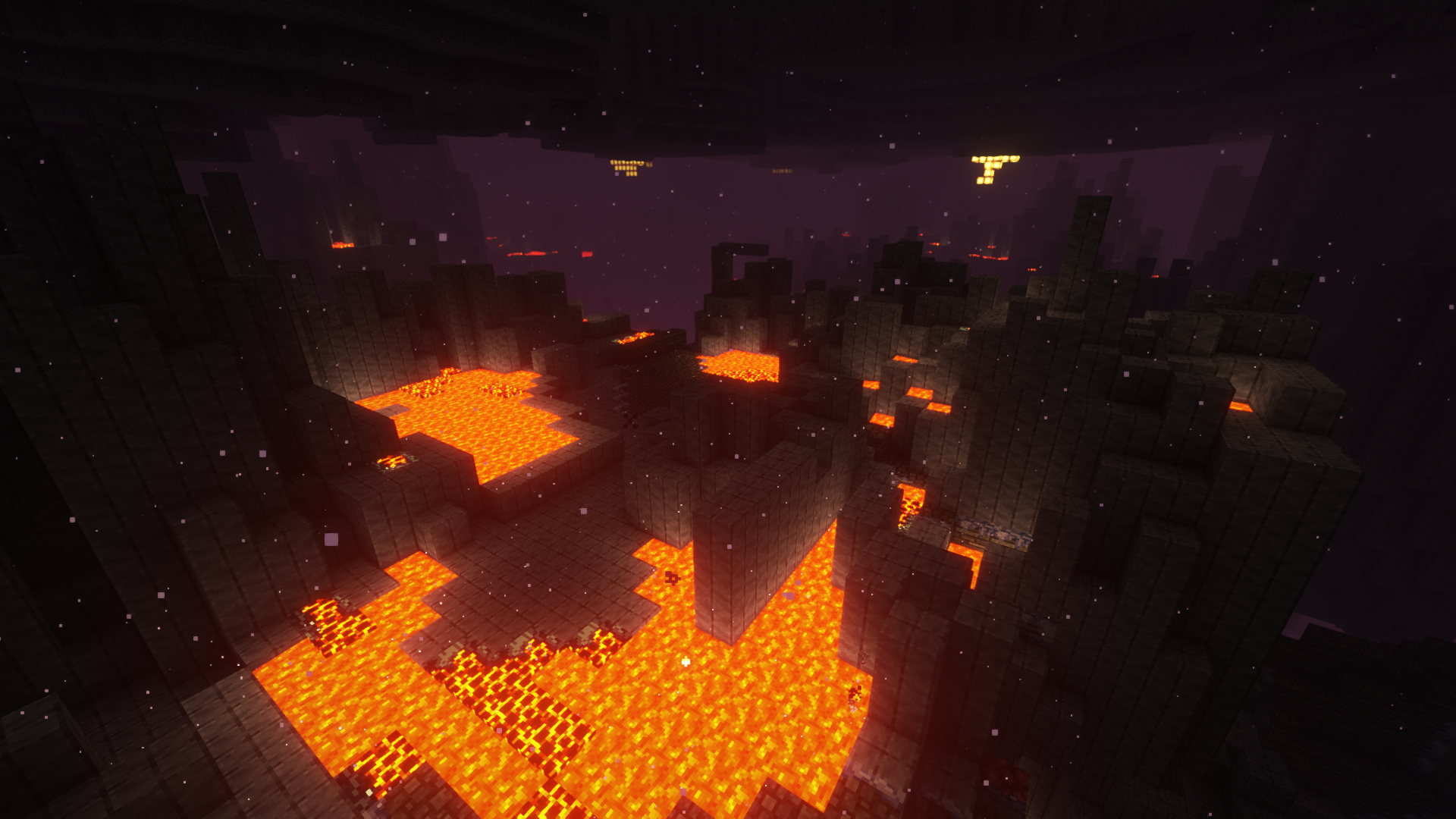
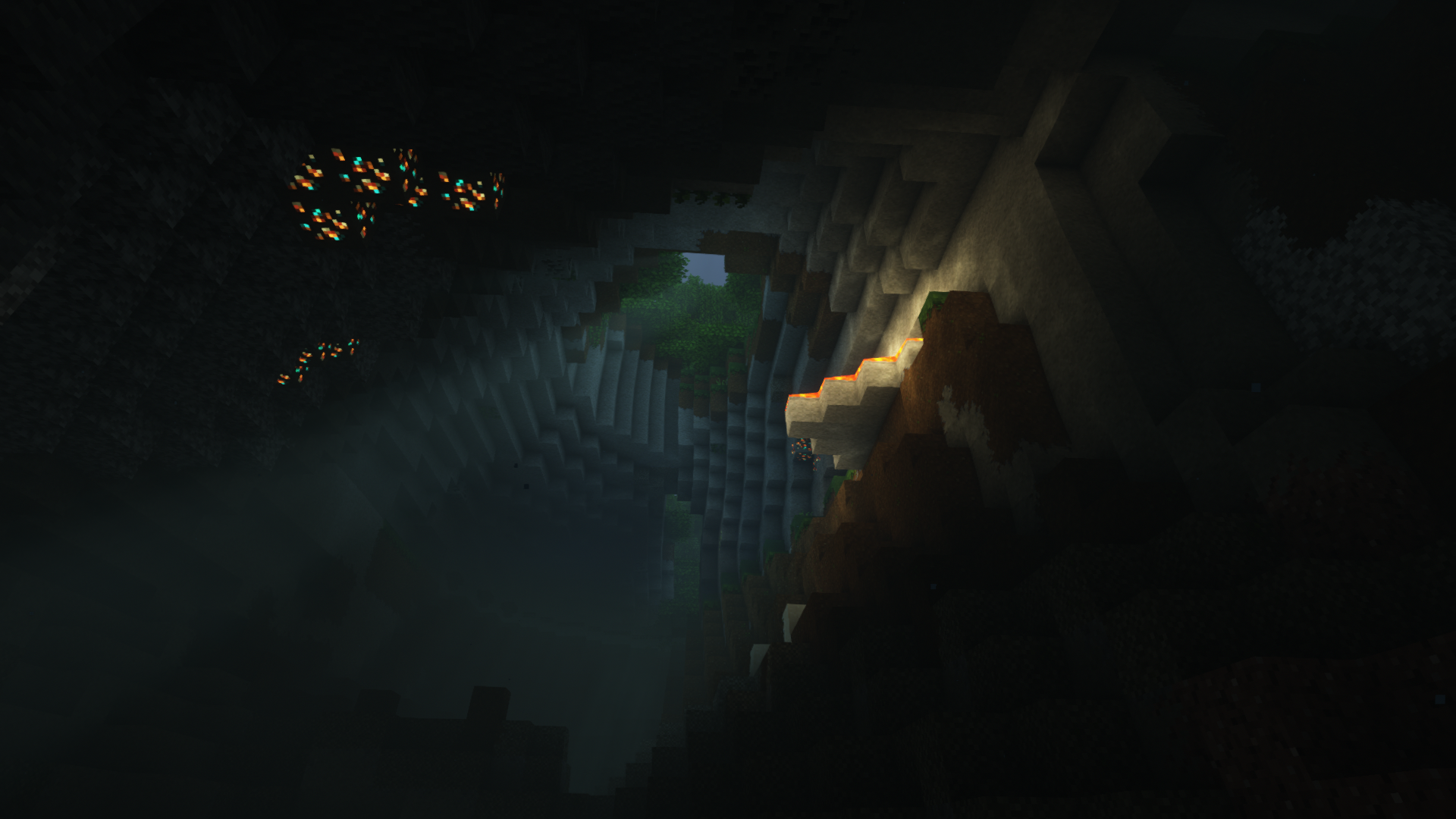

介绍
This is light-weight modpack, that just enhances and fixes vanilla Minecraft 1.18 experience with some quality of life mods. Based on Fabric.
No gameplay modifications!
You can connect to any vanilla server with this modpack.

NEW ABILITIES
- Voice chat for servers supporting it (you can still connect to vanilla servers, but there will be no voice chat) (Simple Voice Chat)
- Take notes per server and world with just pressing N button! (Notes)
QUALITY OF LIFE
- Item browser (Roughly Enough Items)
- Xaero’s Minimap and Xaero’s World Map
- Info about item you are looking at (WTHIT)
- Useful tooltips additions for WTHIT (megane)
- Various mouse wheel related actions (Mouse Wheelie)
- Much more informative tooltips (Inspecio)
- Items blink when close to despawn (Clear Despawn)
- Chat Heads
- Zoom on keypress (Logical Zoom)
- Visualization of saturation and exhaustion to the HUD (AppleSkin)
- Light level overlay on F7 (Light Overlay)
- Epic RPG-style advancements (Advancement Plaques)
- Bigger advancements window (Advancements Enlarger)
- Ability to favorite worlds, servers and protect them from deleting (Cherished Worlds)
- All eggs in creative mode are moved to separate tab (Egg Tab)
VISUALS AND SOUND
- Nice reverberation and sound muffling effects (Sound Physics)
- Pleasant footstep sounds (Presence Footsteps)
- New animations (Not Enough Animations)
- Pretty ambient lights (Illuminations)
- Falling Leaves
- Independent rotation of the camera from a third person view (Better Third Person)
- Smooth grass blocks connection (LambdaBetterGrass)
- Use torch in hand to light area (LambDynamicLights)
- Realistic and cool animations for elytra flying (Cool Elytra Roll)
FIXES
- Dark Loading Screen
- No potion particles in first person (CleanView)
- Exact axolotl color in a bucket (Axolotl Bucket Fix)
- Tooltips that are too large to fit on the screen are compact now (ToolTipFix)
- Additional modifiers for hotkeys (Amecs)
TECHNICAL
- Mod configuration menu (Mod Menu)
- Ready for Custom Item Textures from resource packs (CIT Resewn)
- Connected textures (Continuity)
- Biome colormaps for water, foliage, underwater, underlava, sky, and fog (Colormatic)

LazyDFU(removed, so your 1.17 worlds would be compatible)- Krypton
- Entity Culling
- Sodium
- Reese’s Sodium Options
- Sodium Extra
- Indium
- Iris Shaders (ready for 1.18 shaders! Just drop them into shaderpacks folder)
- FerritCore
- Lithium

Minecraft 1.18 requires Java 17! Don’t forget to download, install and set this version for VC&FC in MultiMC or vanilla launcher settings.
To maximize your FPS, go to Video settings, turn Biome Blend off and set Render Distance and Simulation Distance to 10.
Also, setting Max Framerate to unlimited and turning off VSync may boost your FPS too.
Did you know?
You can use CurseForge app or even MultiMC to install this modpack in a few clicks. Go get it!
Going beyond
Are you looking for even better, epic and stunning visuals? Look no more! Install Complementary shaders and Mizuno’s 16 Craft resource pack (Minecraft Java Edition 1.18 Caves & Cliffs Part 2 Update version) and you will get something truly breathtaking.
常见问题
Vanilla Caves and Fabric Cliffs 支持哪些 Minecraft 版本?
Vanilla Caves and Fabric Cliffs 基于 Minecraft Java 版 1.18,使用 Fabric 加载器。
Vanilla Caves and Fabric Cliffs 怎么安装?
点本页「前往下载」拿到整合包文件(Modrinth 的是 .mrpack,CurseForge 的是 .zip),在 PCL2 或 HMCL 启动器里选择「导入整合包」,启动器会自动装好 Minecraft、加载器和全部模组。建议在启动器里给游戏分配 4–6 GB 内存。
Vanilla Caves and Fabric Cliffs 开服需要多大内存?
推荐服务器内存 12 GB。在线人数多、或者建了大量机器和区块加载器时,可以再加 2–4 GB。
怎么和朋友一起玩 Vanilla Caves and Fabric Cliffs?
点本页的「一键开服」,选好配置后会自动安装 Vanilla Caves and Fabric Cliffs 的服务端,几分钟就能开好。把服务器地址发给朋友,大家用同一个版本的整合包连进去就行。
MJRAMON 的其他作品
查看全部 →
Mob Grinding Utils: Vanillafied (16px)
完整的、手工重制的刷怪塔实用设备模组材质

Clean Bedrock-Style Cursors
像素级还原,简洁清爽的基岩版风格光标,适用于 Minecraft Java版

Appliances
添加各种装置、机器、物品和玩法机制,并尽量贴近原版风格。

Hat Club
纯服务端或单人游戏模组。添加可染色、可附魔、可修复且能提供保护的帽子,并带来有趣的获取方式。
评论
登录后评论和评分