World Architect
Create multiple dimensions on your wish (overworld, void, flat, and more)
截图

介绍
This mod adds a simple way to create new dimensions.
The center of all is the world anchor block, this block has one slot for a world core.
There are 7 kinds of world cores:
1) Default Core – Creates an overworld dimension and acts as teleporter to it
2) Home Core – Acts as teleporter to the base overworld (world 0) – be careful it only brings you back to homeworld, but where?
3) Amplified Core – Creates an amplified dimension and acts as teleporter to it
4) Assign Core – Can be assigned to a position and then teleports there
5) Flat Core – Creates a flat world and acts as teleporter to it
6) Void Core – Creates a void world and acts as teleporter to it
7) Water World Core – Creates a water world and acts as teleporter to it
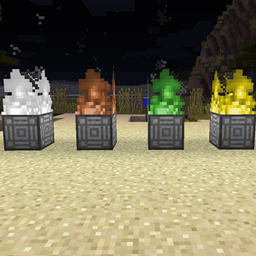
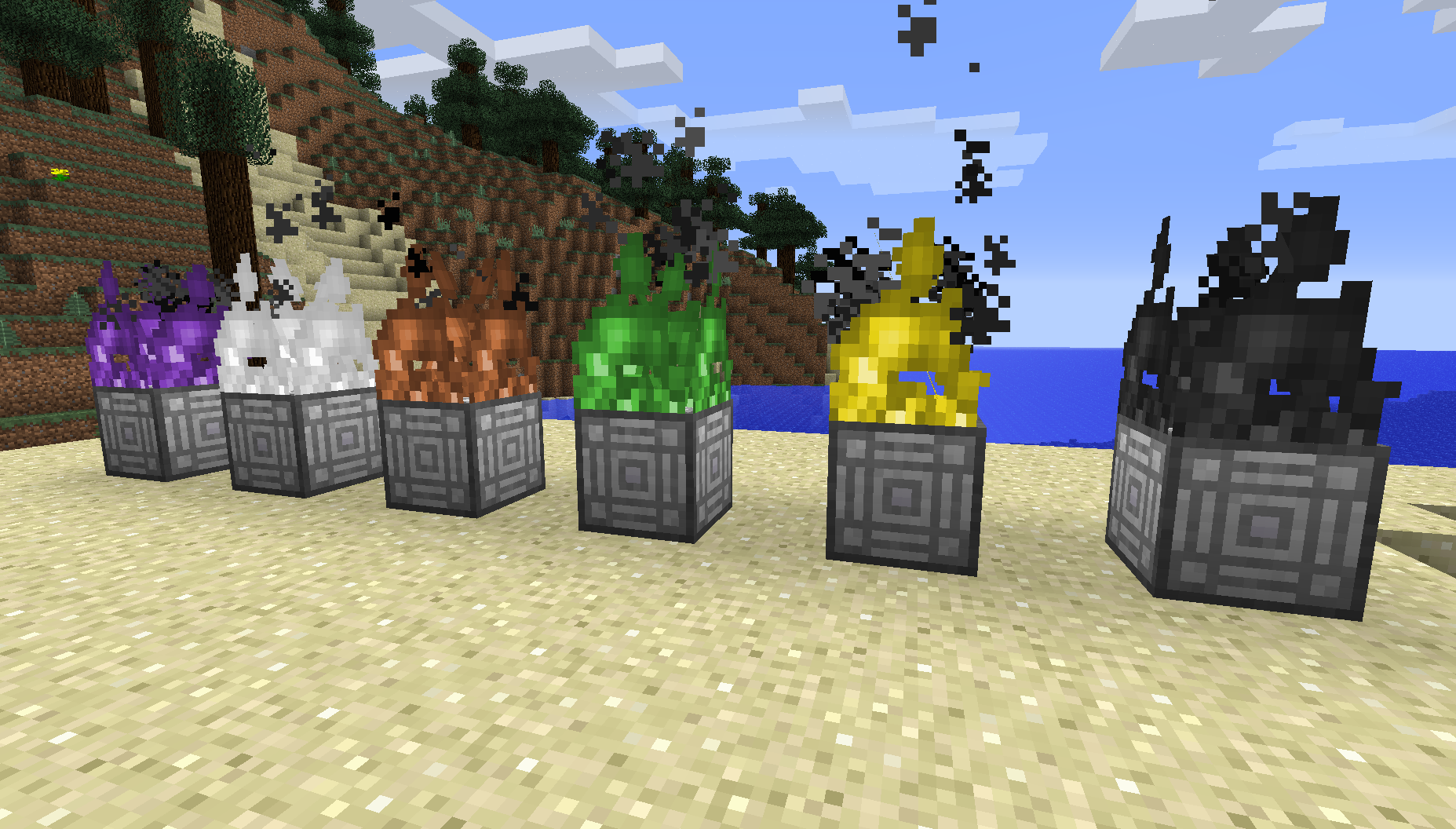
To teleport to a world just step into the flames.
If you log out in a dynamic dimension you get teleported back into you home world(dim=0) at the moment.
All cores can be crafted. In the config file the recipe for every core can be deactivated.
Version 0.4 adds the fire basket, at the moment it can burn with brown and black fire if you put garan roots(found in amplified worlds) or void dust(dropped in void worlds) inside.
Finally allows multiplayer.
常见问题
World Architect 支持哪些 Minecraft 版本?
World Architect 支持 Minecraft Java 版 1.8,可用的加载器:Forge。下载时注意选择和你游戏版本一致的文件。
World Architect 怎么安装?
先用 PCL2 或 HMCL 启动器安装对应版本的 Forge,再把下载的 .jar 文件放进游戏目录的 mods 文件夹,重新启动游戏即可。开启了版本隔离的,mods 文件夹在 versions/版本名 下面。
评论
登录后评论和评分