
Camera Unbound
Immersive camera perspectives, responsive fishing and movement, cinematic respawn, and customizable crosshairs.
截图
介绍

Feel the catch. Enjoy the journey. Find your perspective.
Make fishing, travel and exploration feel more alive. Camera Unbound brings custom views, responsive movement and a crosshair you can make your own.
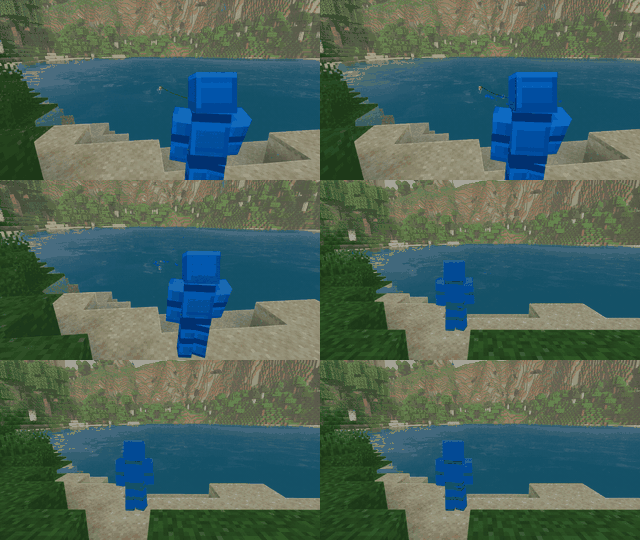
Get closer to the catch

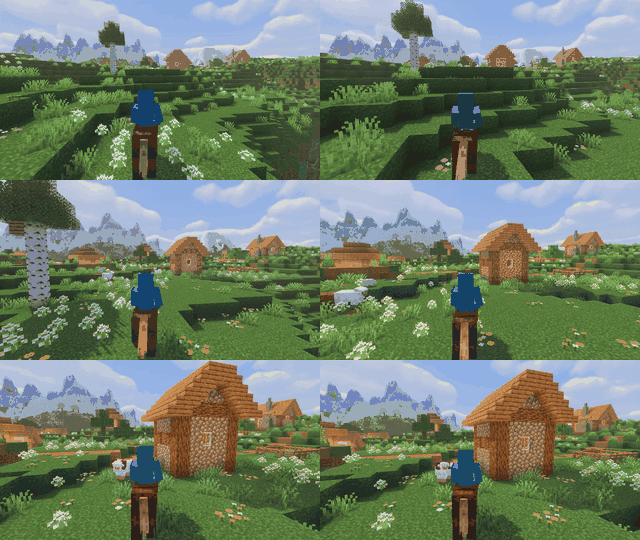
Follow your bobber from a close shoulder view.
Watch the camera react when a fish bites and pulls.
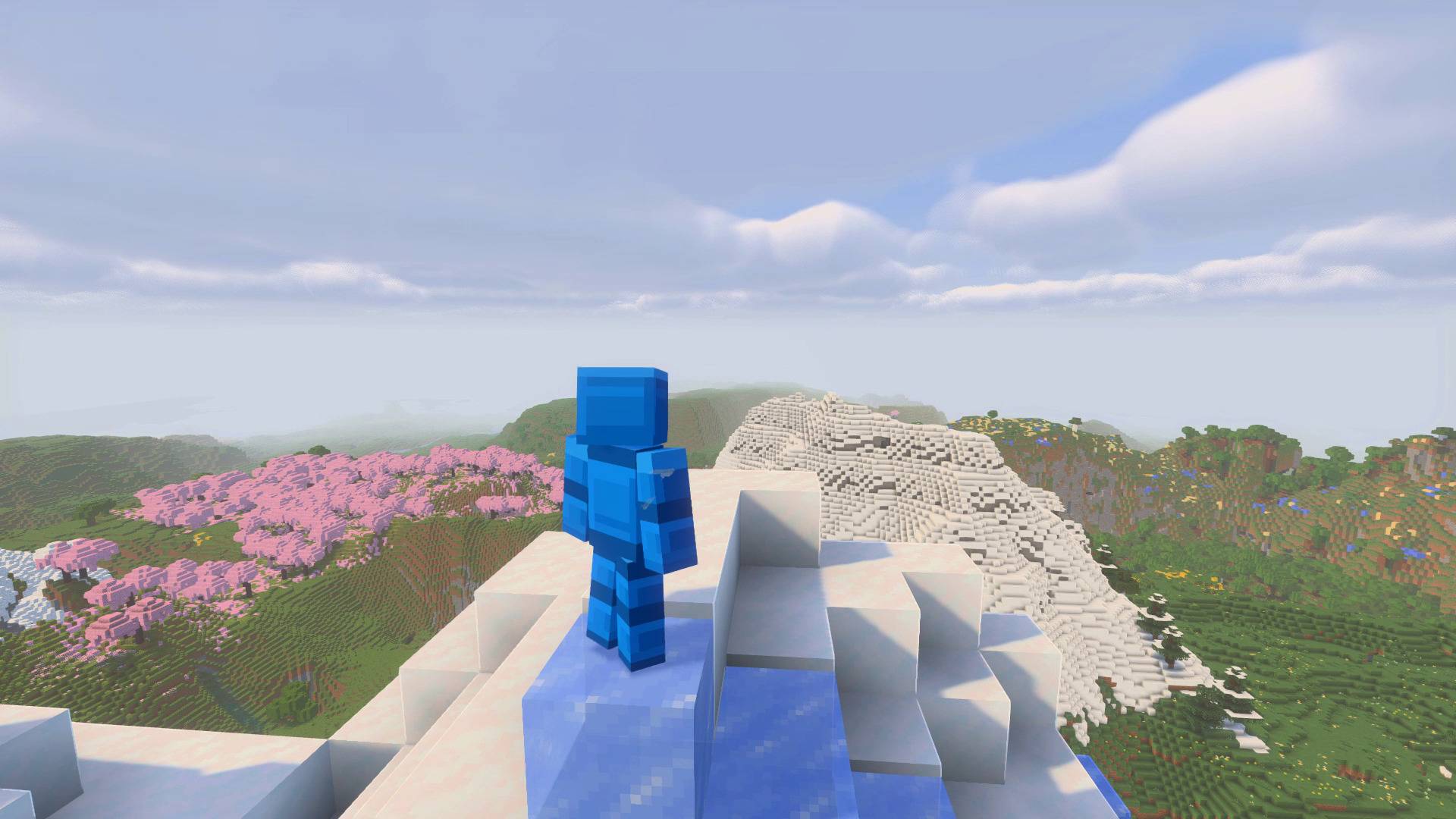
See your world your way

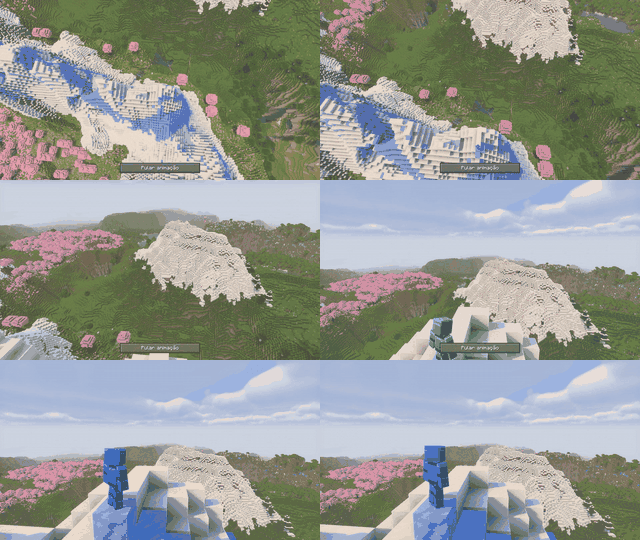
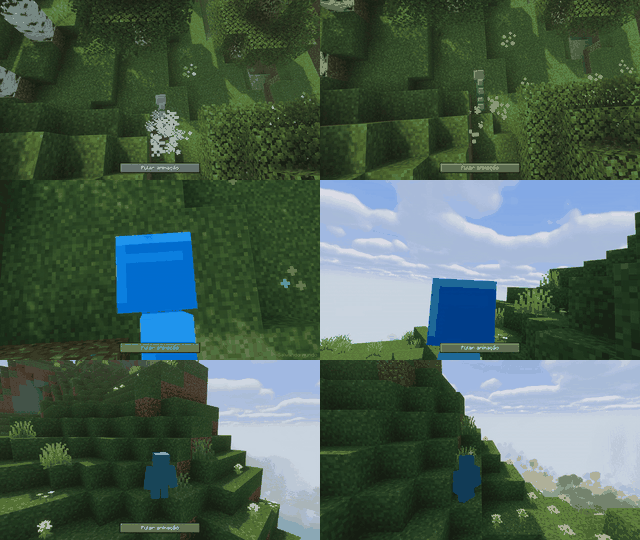
Switch shoulders and explore panoramic, Dungeon or side-on views.
Save the framing that feels right for you.
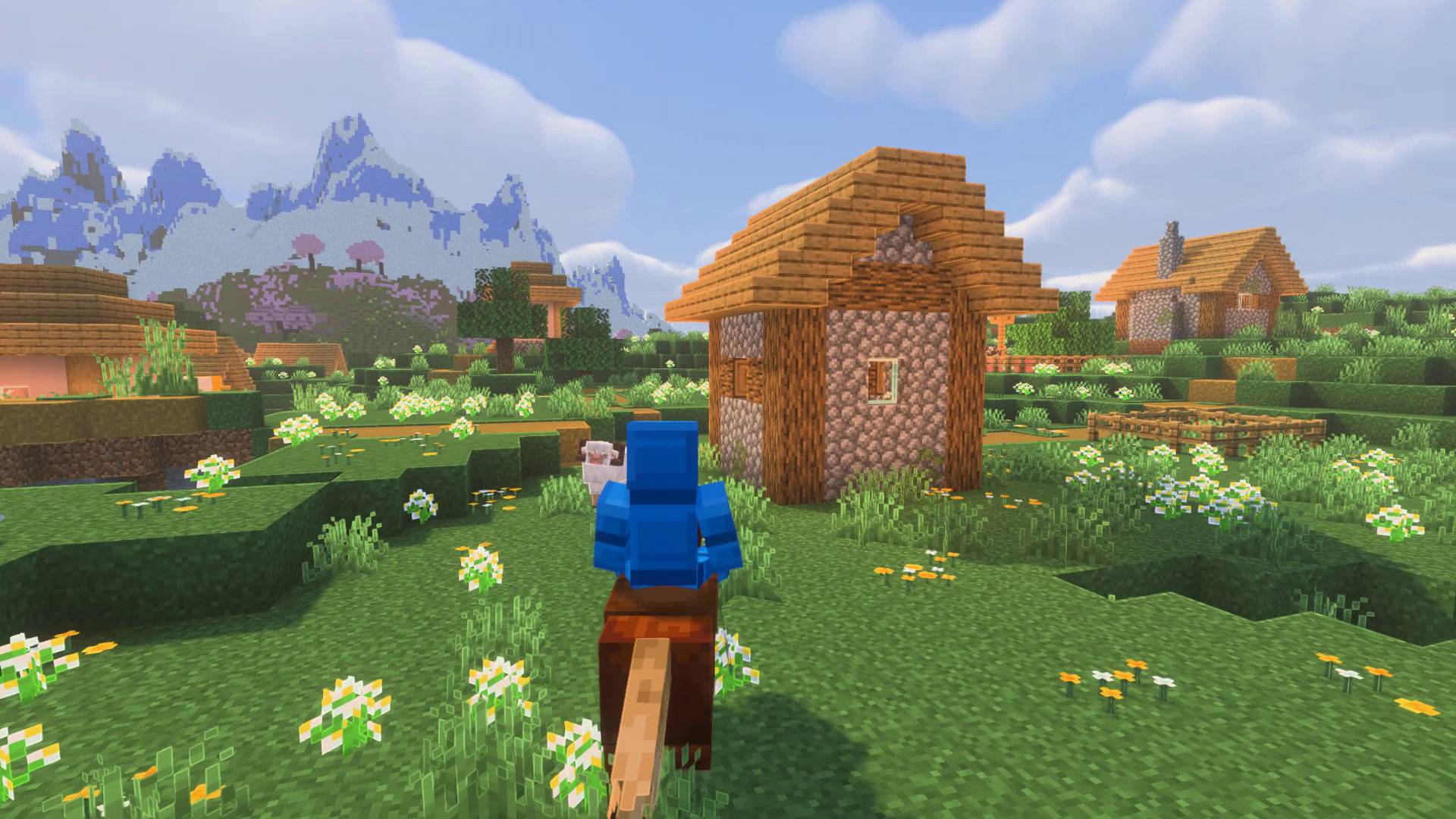
Bring the journey to life

Give riding, running and Elytra flight their own sense of movement.
Keep it subtle or turn up your favorite effects.
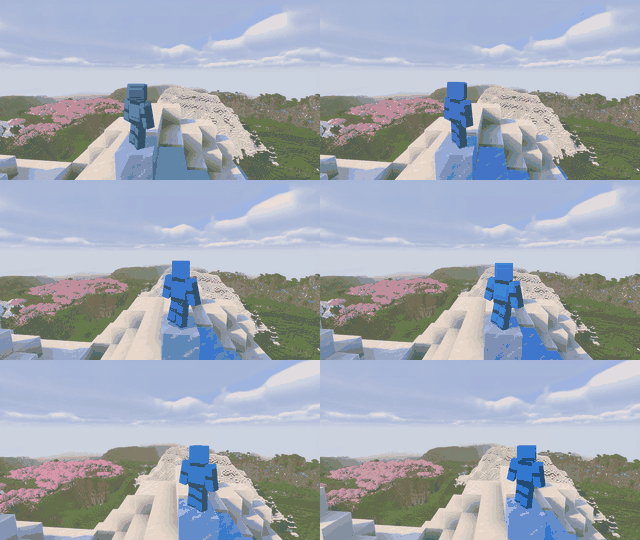
Make an entrance

Arrive with an aerial approach and return with a cinematic respawn.
Turn either effect on or off to suit your playstyle.
Watch the death & respawn transition

Gameplay shown with separate shaders and visual packs. Full setup and credits below.

A setup that feels like you
- Your views. Adjust the framing, name your presets and put your favorites in order.
- Your crosshair. Start with a preset or build your own shape, size and color with a live preview.
- Your movement. Choose the effects you want and tune their intensity.
Preview camera changes in your world before keeping them. Your shortcuts can be remapped in Minecraft’s Controls menu.
Still growing. Better with you.
Camera Unbound is in public beta, and we’re still testing and improving it. Bugs can happen, and other mods that change the camera, aiming, crosshair or animations may sometimes interfere with its features. Compatibility can vary between setups.
Found a bug, have an idea, or want to tell us how the mod feels? Join our Discord to share reports, suggestions, tips and feedback. Your experience helps us shape what comes next.

Come say hi on the Saiph Studio Discord. We’d love to hear from you. 💙
For a bug report, include your Minecraft and mod versions, what happened and how to reproduce it. A screenshot or short clip helps; if another mod seems involved, mention its name too.
Start your next adventure
- Download the Fabric build for your Minecraft version and install it alongside Fabric API in your
modsfolder. - Launch the game and press F7 to find your favorite view.
Client-side: install it on your game; the server does not need the mod.
Requirements & compatibility
- Minecraft Java Edition with Fabric Loader 0.19.0+ and Fabric API.
- Java 21 for Minecraft 1.21.x; Java 25 for 26.x.
- Mod Menu is optional and provides another way to open the settings.
Use one Camera Unbound file matching your exact Minecraft version. See the downloads for available versions.
Other camera, aiming, crosshair or animation mods may overlap with the same features. The showcase setup is not a compatibility guarantee for every modpack. Follow your server’s rules when using freecam.
More controls & camera effects
Explore more views: free look, freecam and tripod mode. Dungeon views include adjustable aiming and block interaction, with free-cursor controls.
Tune more moments: bow aiming, landings, item use, Ender Pearls, thunder and storms. Adaptive framing, AFK movement and other automatic camera features have separate controls.
Camera effects do not change Minecraft’s normal death and inventory rules. Dungeon mode preserves normal block reach and projectile physics.
Visual setup & credits
The GIFs and screenshots are real gameplay captures. The banners and icon are promotional 3D renders created in Blender.
Shaders, visual packs and the Saiph skin are separate from Camera Unbound and are not included or required.
- Lumevale 0.13 — our unreleased shader. Saiph — our blue showcase skin.
- BetterGrassify — grass visuals.
- Fresh Animations, its extensions and FA+ Player — character and mob animation.
- Not Enough Animations, Entity Model Features and Entity Texture Features — animation and model support.
- Iris and Sodium — shader and rendering support.
EndRig MCS2 by Endertainer007, adapted for Saiph Studio with our skin, expression, pose and lighting, is licensed under CC BY 4.0.
Third-party projects belong to their respective creators. None of their assets are bundled with Camera Unbound.
常见问题
Camera Unbound 支持哪些 Minecraft 版本?
Camera Unbound 支持 Minecraft Java 版 1.21–26.3,共 17 个版本,可用的加载器:Fabric。下载时注意选择和你游戏版本一致的文件。
Camera Unbound 怎么安装?
先用 PCL2 或 HMCL 启动器安装对应版本的 Fabric,再把下载的 .jar 文件放进游戏目录的 mods 文件夹,重新启动游戏即可。开启了版本隔离的,mods 文件夹在 versions/版本名 下面。
saipzzofc 的其他作品
查看全部 →
MineGraph
MineGraph: Making Minecraft as animated and fresh as possible, while keeping it 100% vanilla.

Fantasy 3D Armors
Seven 3D armor sets inspired by The Lord of the Rings, from woodland rangers to dark lords. Layered plates, cloaks and distinctive helmets.

Fantasy 3D Tools
Medieval fantasy weapons and tools inspired by The Lord of the Rings. Seven material sets with detailed 3D designs, plus bows, crossbows and more.
评论
登录后评论和评分