
截图
介绍



NOTE: Please prefer downloading Anemos instead for more features.
📗 DESCRIPTION
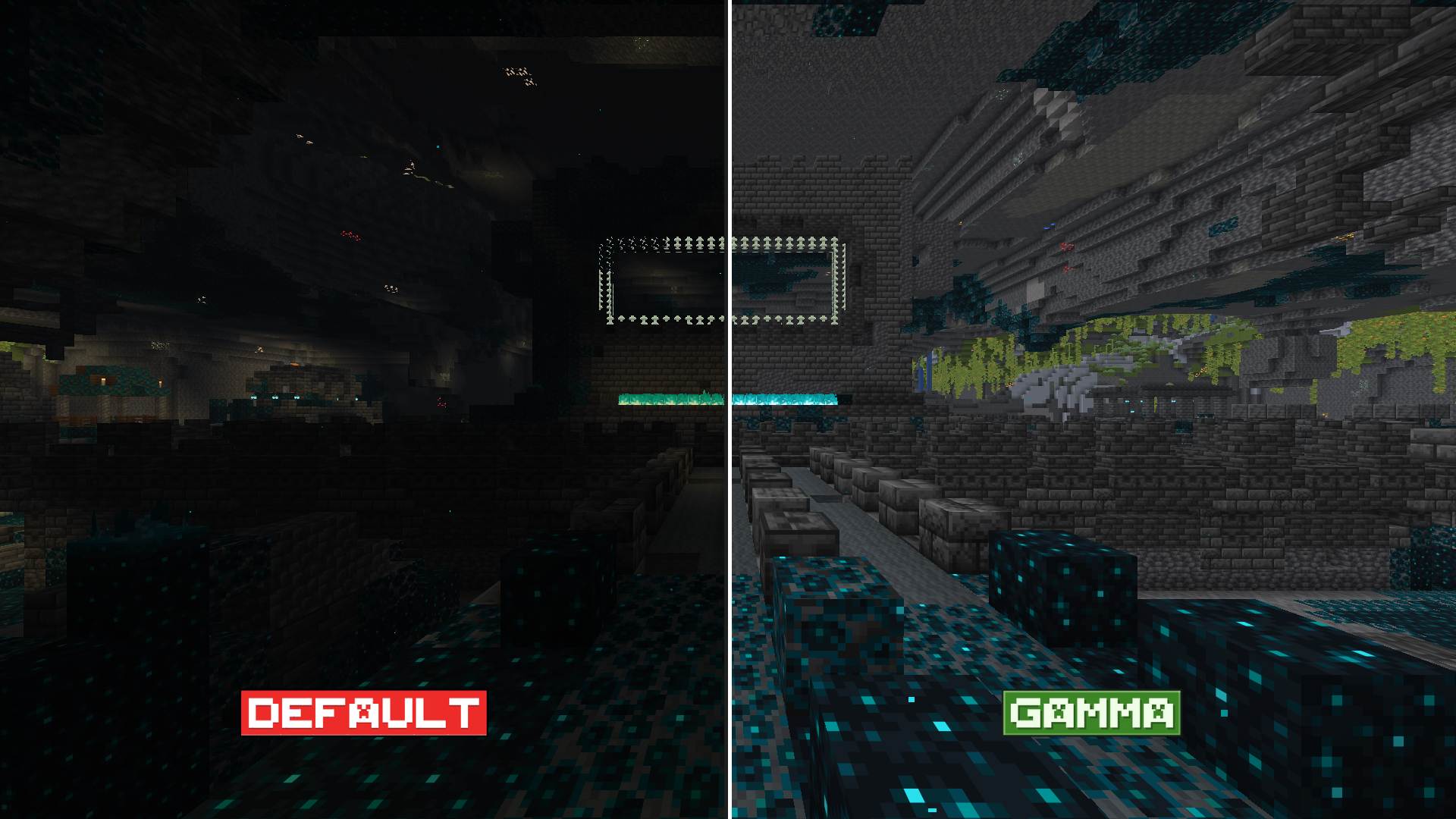
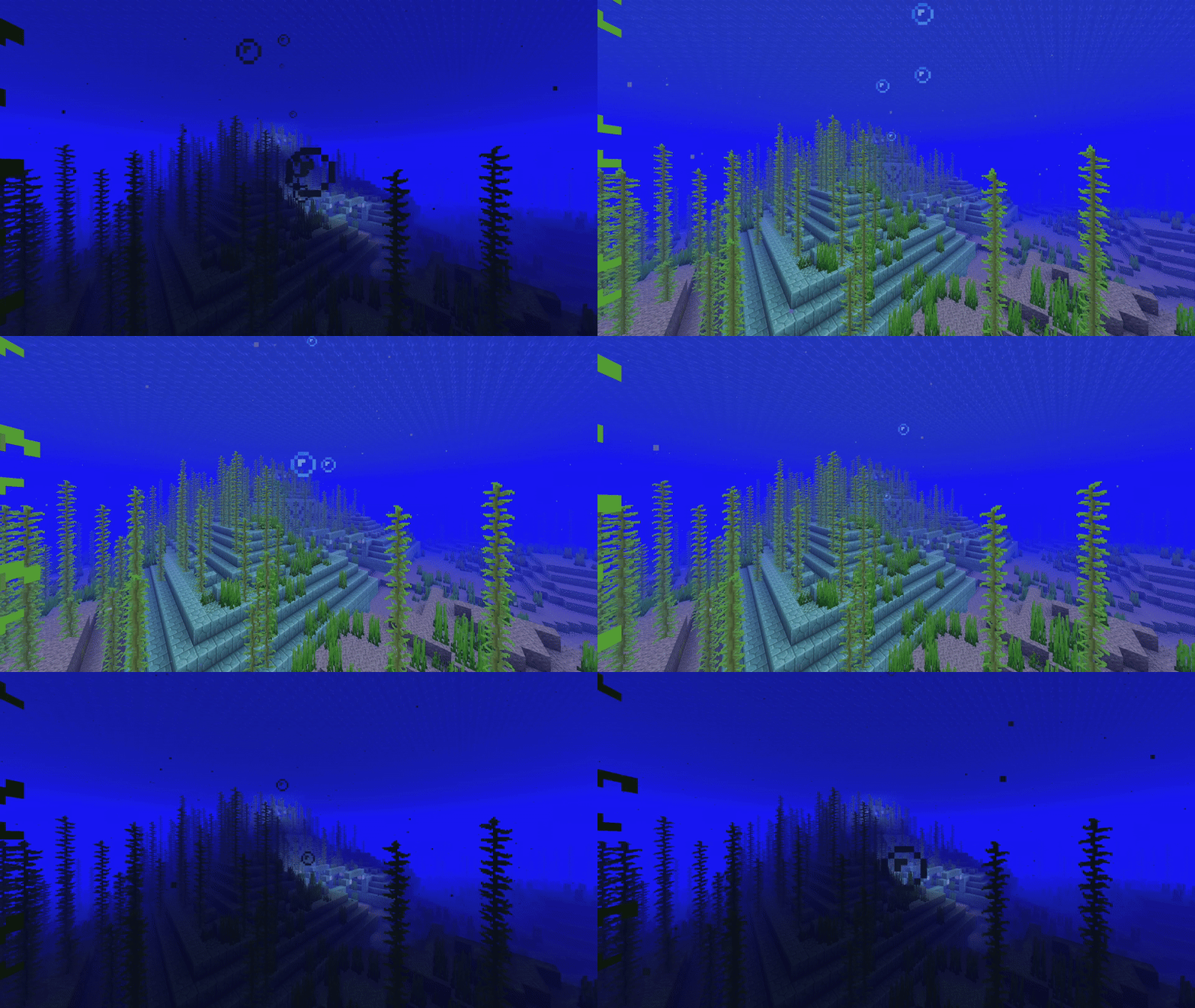
This mod gives you true fullbright by overriding Minecraft’s brightness cap (raised from 100 to 1500). It removes all darkness and shadows, making everything fully lit — regardless of time, biome, or dimension.
🧩 USAGE
- Press
Bto toggle between max brightness and previous brightness.
To configure transitions, use the
/brightauracommand:
*
/brightaura transition <true|false>— enable or disable transition
*
/brightaura transition_duration <ticks>— set the duration of the transition in ticks (e.g. 20 = 1 second)
常见问题
Brightness Aura 支持哪些 Minecraft 版本?
Brightness Aura 支持 Minecraft Java 版 1.21–26.2,共 15 个版本,可用的加载器:Fabric / NeoForge。下载时注意选择和你游戏版本一致的文件。
Brightness Aura 怎么安装?
先用 PCL2 或 HMCL 启动器安装对应版本的 Fabric / NeoForge,再把下载的 .jar 文件放进游戏目录的 mods 文件夹,重新启动游戏即可。开启了版本隔离的,mods 文件夹在 versions/版本名 下面。运行环境:仅客户端。
PrincParshia 的其他作品
查看全部 →
Bare Bones – Connected Glass
让玻璃块和玻璃板无缝连接!

Bare Bones – Better Leaves
增强树叶视觉效果!

Bare Bones – Low On Fire
降低燃烧时的火焰高度!

Bare Bones – Connected Glass
Makes glass blocks and panes connect seamlessly!
评论
登录后评论和评分