Toss’Em!
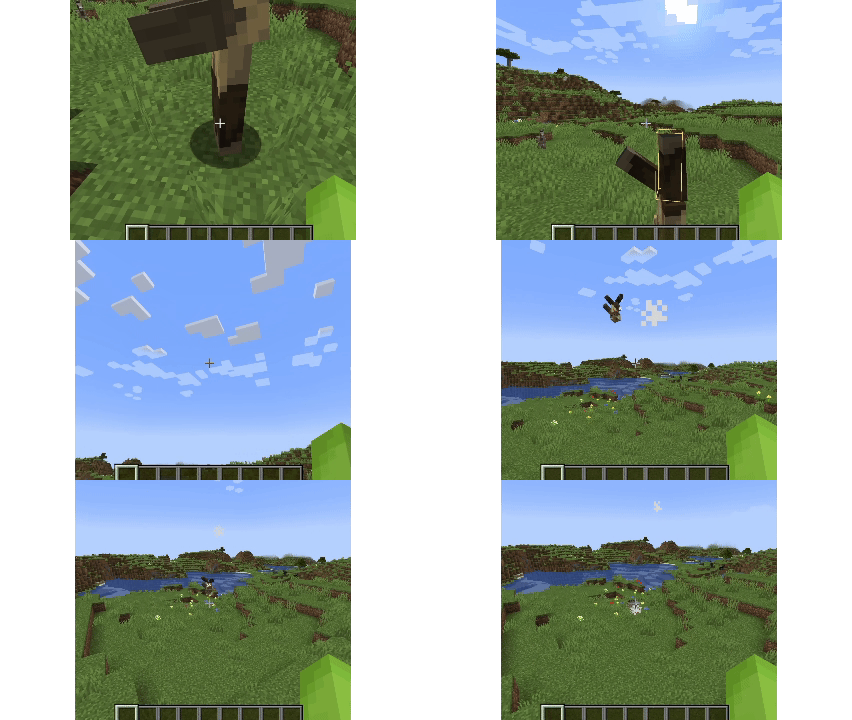
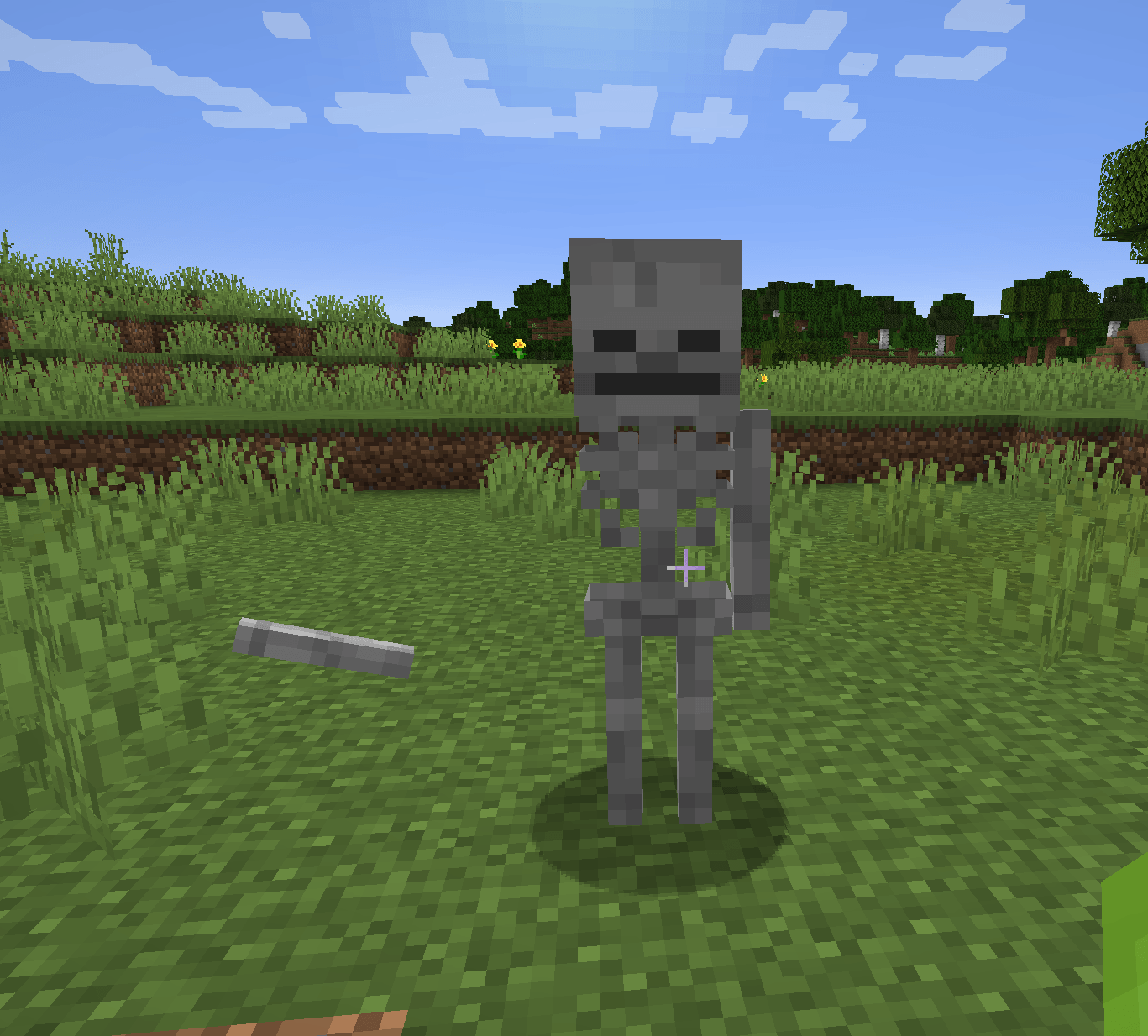
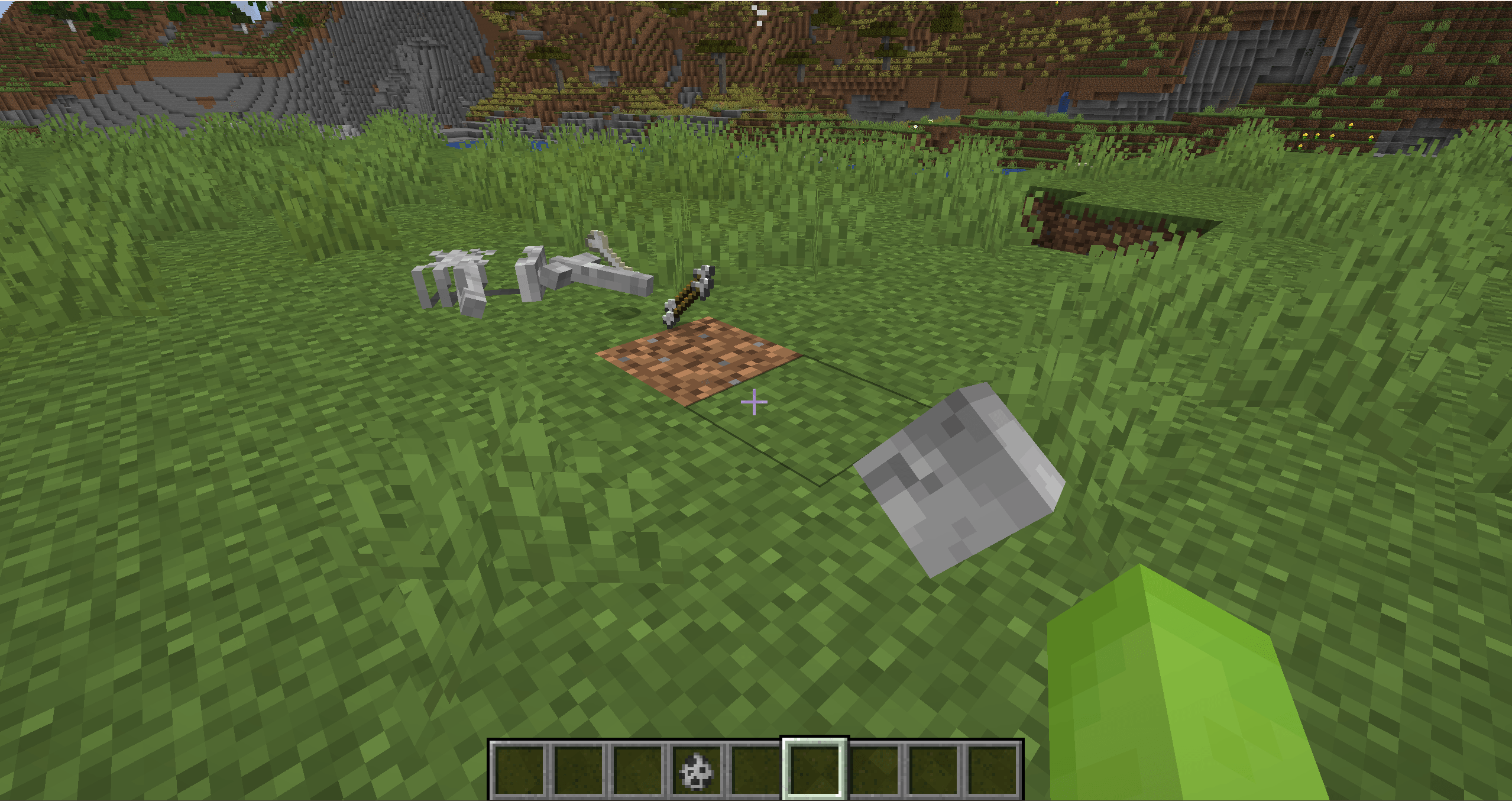
Grab mobs by their body parts, swing them around with ragdoll physics, and throw them!
截图
介绍
Toss ’Em!
Ever wanted to grab a Zombie by the arm, swing it around, and launch it into the distance?
Toss ’Em! adds physics-based mob grabbing and throwing to Minecraft. Hold right click to grab a mob, move your view to build momentum, then release to let it fly.
Throwing is based on your actual hand movement, so gentle motions drop mobs nearby while stronger swings launch them much farther.
Features
- Grab and throw almost any mob.
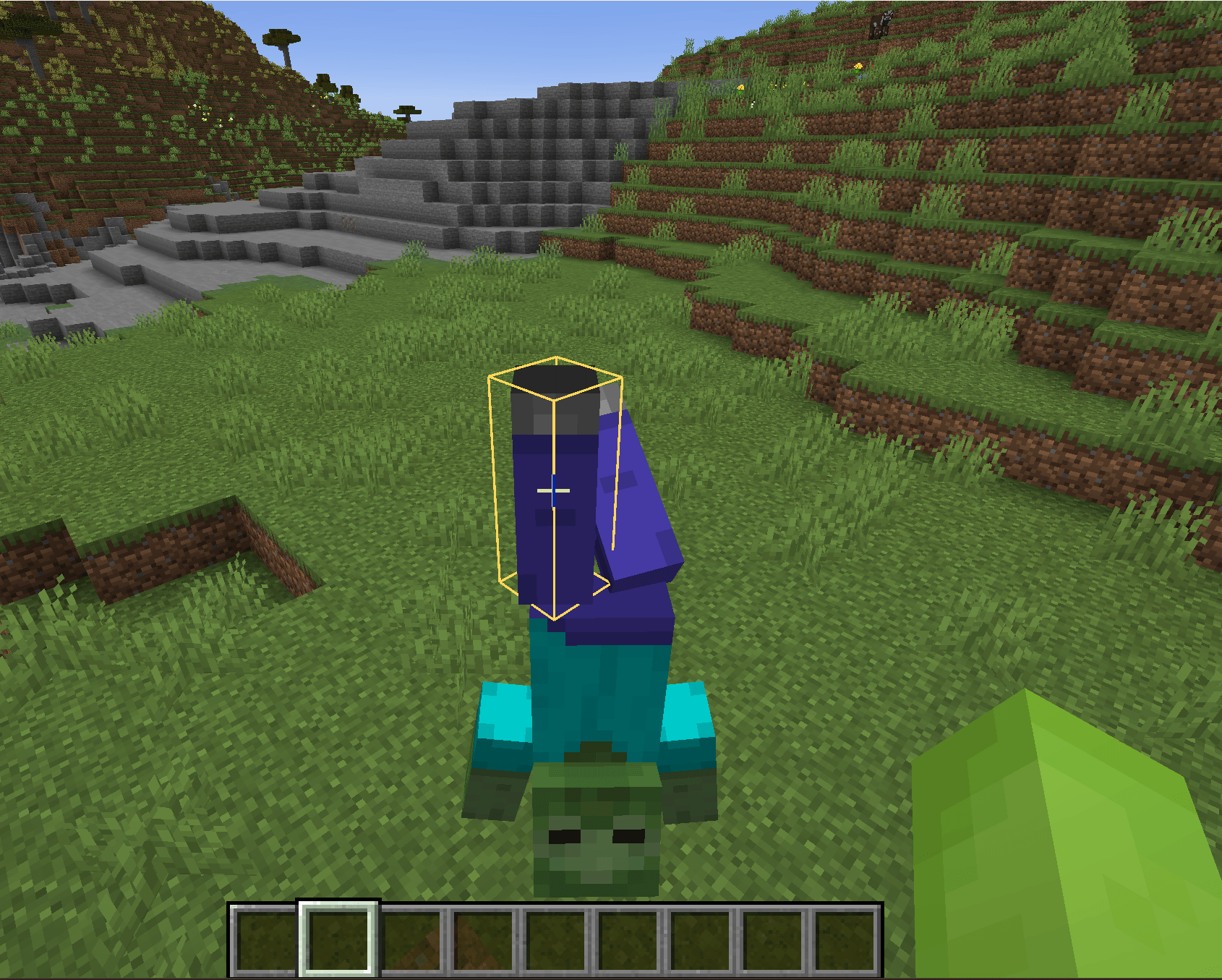
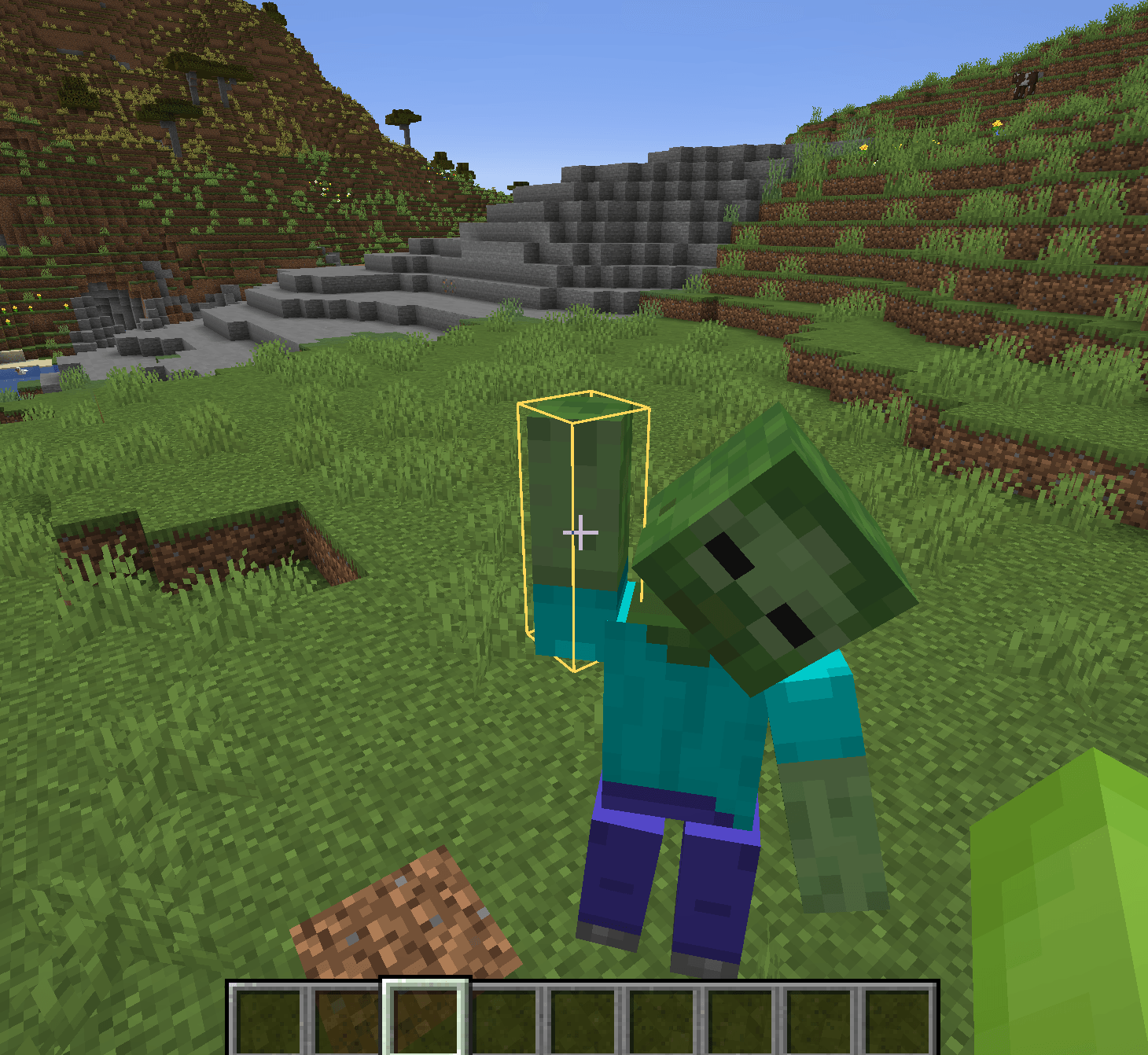
- Physics-based ragdoll motion while held, thrown, falling, bouncing, and rolling.
- Detailed body-part physics for common humanoid mobs:
- Zombies
- Husks
- Drowned
- Skeletons
- Strays
- Wither Skeletons
- Zombie Villagers
- Grab different body parts, including arms, legs, and heads.
- Limbs can detach under enough force.
- Removing both arms prevents attacks.
- Removing a leg causes the mob to collapse and stop moving.
- Removing the head kills the mob and leaves the body to fall naturally.
- Armor, Stray clothing, and Villager/Zombie Villager outfits stay visible during ragdoll physics.
- Mob weight affects throw distance, impacts, and bouncing.
- High-speed throws add wind streaks, camera shake, impact sounds, particles, and stronger collisions.
- Mobs can collide with other mobs while flying.
- Rideable mobs require Shift + Right Click to grab, so normal right click behavior still works.
- Toggle physics outlines with H. The key can be changed in Controls.
- Configure throw strength with:
/tossem throw_strength <value>Controls
| Action | Default |
|---|---|
| Grab / release | Right Click |
| Grab rideable mobs | Shift + Right Click |
| Toggle physics outlines | H |
Notes
Toss ’Em! is designed around playful, over-the-top Minecraft physics. Throw lightly to place a mob down, or build momentum and send it flying.
常见问题
Toss’Em! 支持哪些 Minecraft 版本?
Toss’Em! 支持 Minecraft Java 版 1.20.1–1.21.1,共 2 个版本,可用的加载器:Forge / NeoForge。下载时注意选择和你游戏版本一致的文件。
Toss’Em! 怎么安装?
先用 PCL2 或 HMCL 启动器安装对应版本的 Forge / NeoForge,再把下载的 .jar 文件放进游戏目录的 mods 文件夹,重新启动游戏即可。开启了版本隔离的,mods 文件夹在 versions/版本名 下面。
评论
登录后评论和评分