
Phonon
A custom audio system designed to orchestrate an immersive soundscape in your game.
截图
介绍
Phonon
Give your world a soundtrack. Play your music through placed speakers, tune them to a shared station, or carry it with you in a boombox.
Music where you build
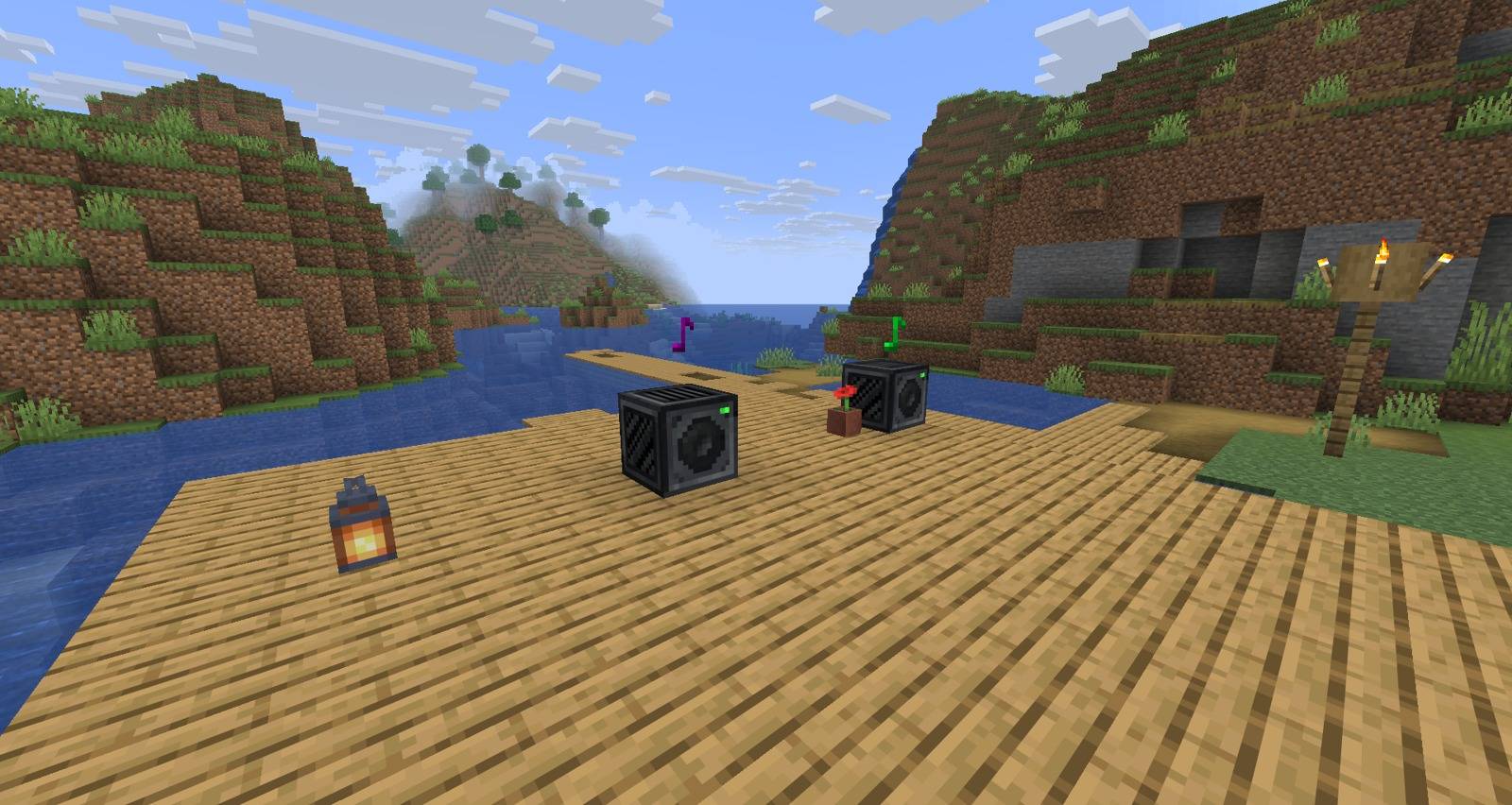
- Speakers: place one in your base and play custom audio with positional sound. Players nearby hear synchronized playback.
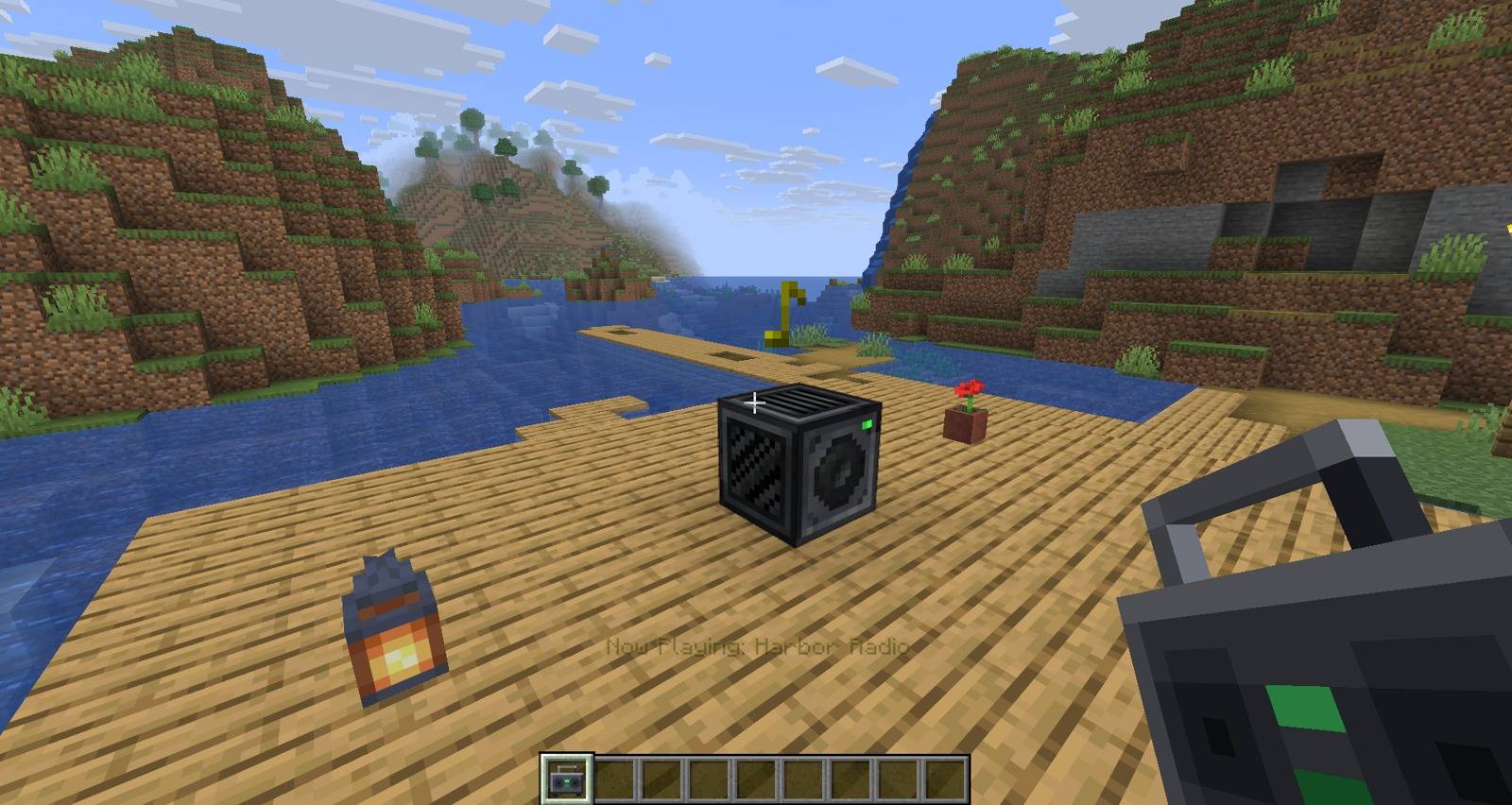
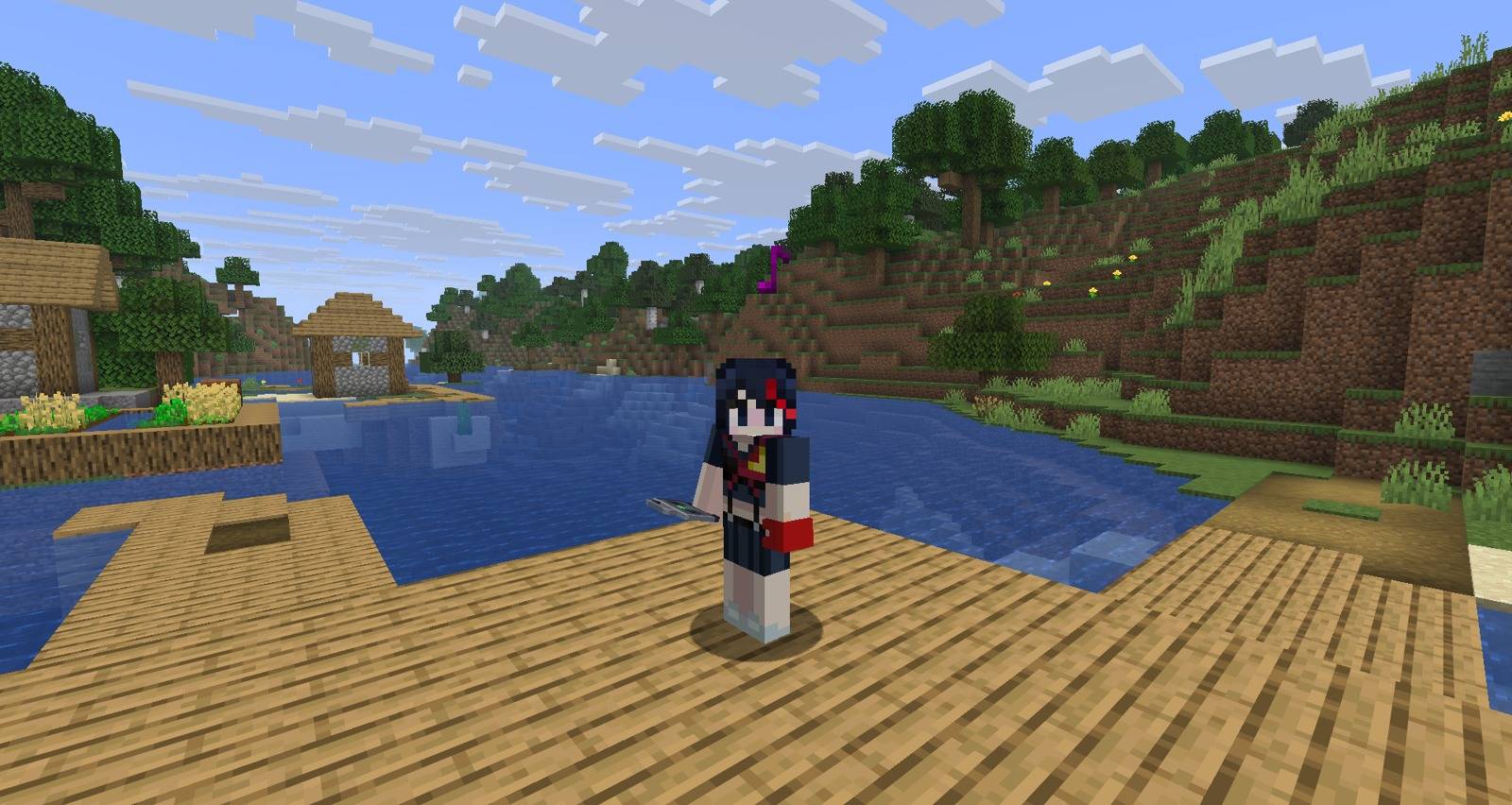
- Boombox: take your music along. It keeps playing in your hand, inventory, on your cursor and even after you drop it on the ground.
- Stations: tune multiple speakers and boomboxes to the same named station to keep them in step.
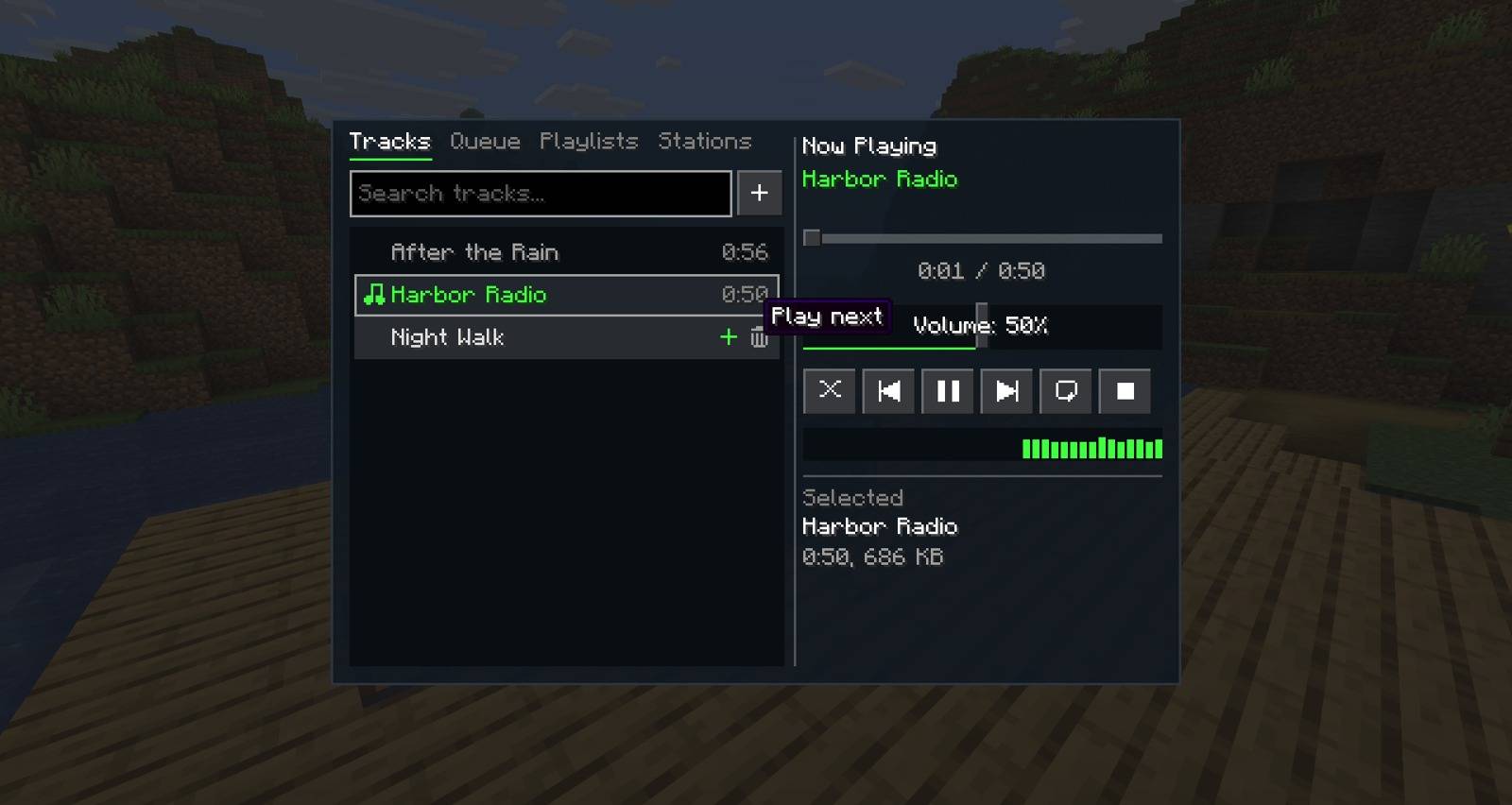
- Queue and playlists: choose what plays next, save named playlists, shuffle and repeat. Playlists show their creator’s name and head.
- Your own tracks: add links from YouTube, Bilibili and other sites supported by yt-dlp, or import files from your world folder.
- Redstone: play, pause, stop and skip tracks with signals. Comparators report playback progress, sculk sensors hear playback start and stop, and nearby parrots and allays dance.

Get started
- Install the matching Phonon and NeoForge versions on both the client and server. The Minecraft version in the jar filename must match your game exactly.
- Craft a Speaker from a jukebox, or find it in the Functional Blocks or Redstone creative tab.
- Add a track with
/phonon add <link>. - Right-click the Speaker, select a track and press Play.
Volume follows Minecraft’s Jukebox/Note Blocks slider. Craft a Boombox from a Speaker; use it to open its controls, or sneak and use it to turn it on or off.
Phonon is in beta. The beta builds support Minecraft 26.2 and 1.21.1; other listed Minecraft targets currently have alpha builds. Choose the file for your game version.
Adding audio
Audio imports run on the server machine, or your own PC in singleplayer. Direct OGG links need no extra tools. Other links and non-OGG files use yt-dlp, FFmpeg and Deno. Phonon offers an operator-approved installation when these are first needed, using pinned builds with verified checksums. Server owners can disable this with allowToolInstall.
For local music, put files in phonon_music inside the world folder and run /phonon reload. Supported formats include MP3, WAV, FLAC, M4A, AAC, Opus, WMA and OGG. Original files stay in the folder.
Shared controls
The Speaker screen has Tracks, Queue, Playlists and Stations tabs. Double-click a track to play it, or press + to add it to the queue. Create a station and tune other speakers to it for shared playback.
Server owners can restrict speaker and station controls with ownerOnlySpeakers, or let everyone manage the library with anyoneCanAddTracks.
Commands
Commands require operator permission.
| Command | Action |
|---|---|
/phonon add [name] <link> |
Add a track; omit the name to use the video’s title |
/phonon list |
List registered tracks |
/phonon remove <name> |
Remove a track |
/phonon reload |
Reload configuration and import local music |
/phonon tools |
Check the audio tools |
/phonon tools install |
Install the audio tools |
/phonon tools update |
Update Phonon’s installed yt-dlp |
常见问题
Phonon 支持哪些 Minecraft 版本?
Phonon 支持 Minecraft Java 版 1.21.1–26.2,共 15 个版本,可用的加载器:NeoForge。下载时注意选择和你游戏版本一致的文件。
Phonon 怎么安装?
先用 PCL2 或 HMCL 启动器安装对应版本的 NeoForge,再把下载的 .jar 文件放进游戏目录的 mods 文件夹,重新启动游戏即可。开启了版本隔离的,mods 文件夹在 versions/版本名 下面。

评论
登录后评论和评分