
Controller Play
A polished controller-first experience for Minecraft Java with precise gameplay input, menu navigation, an on-screen keyboard, profiles, hints, and vibration.
截图
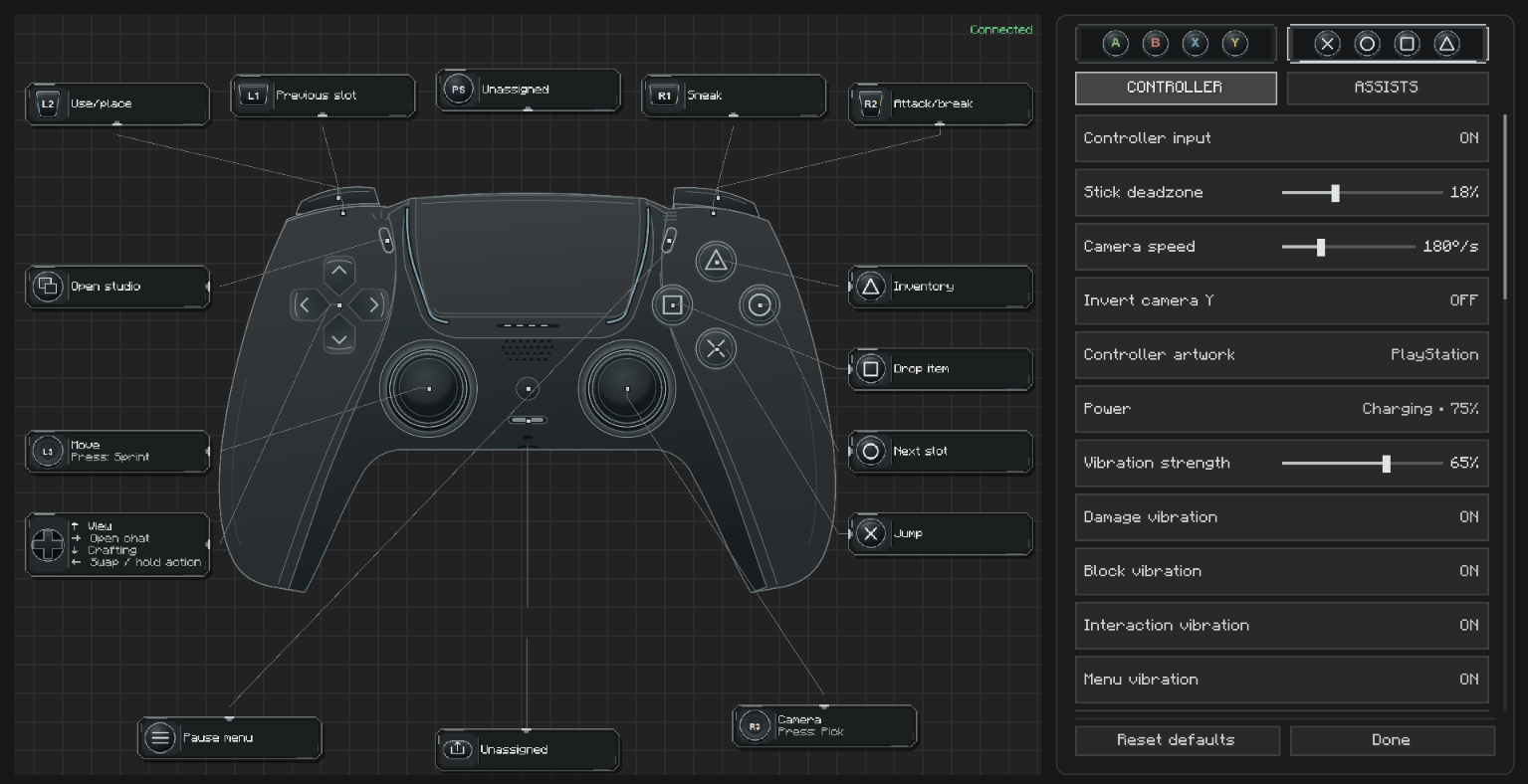
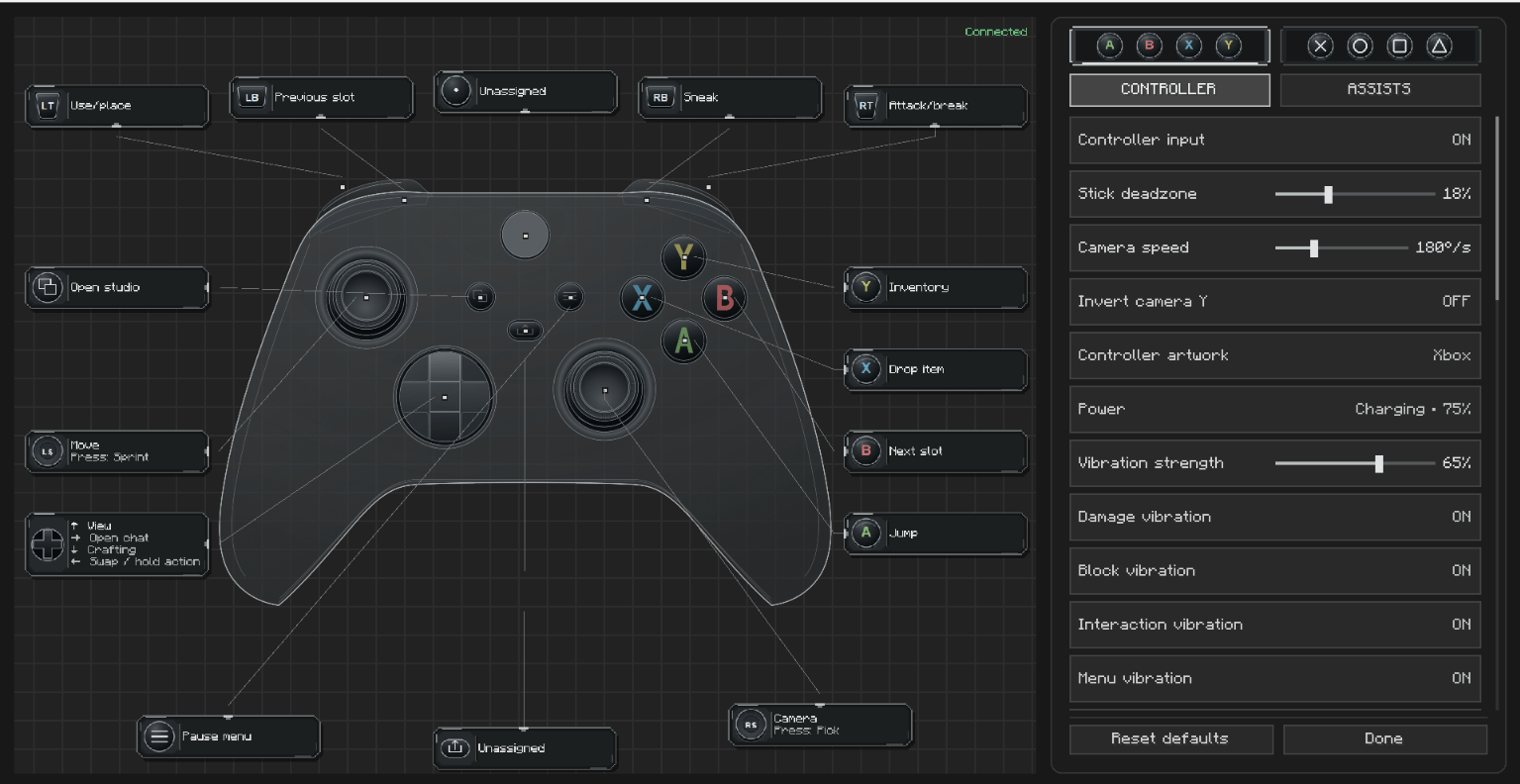
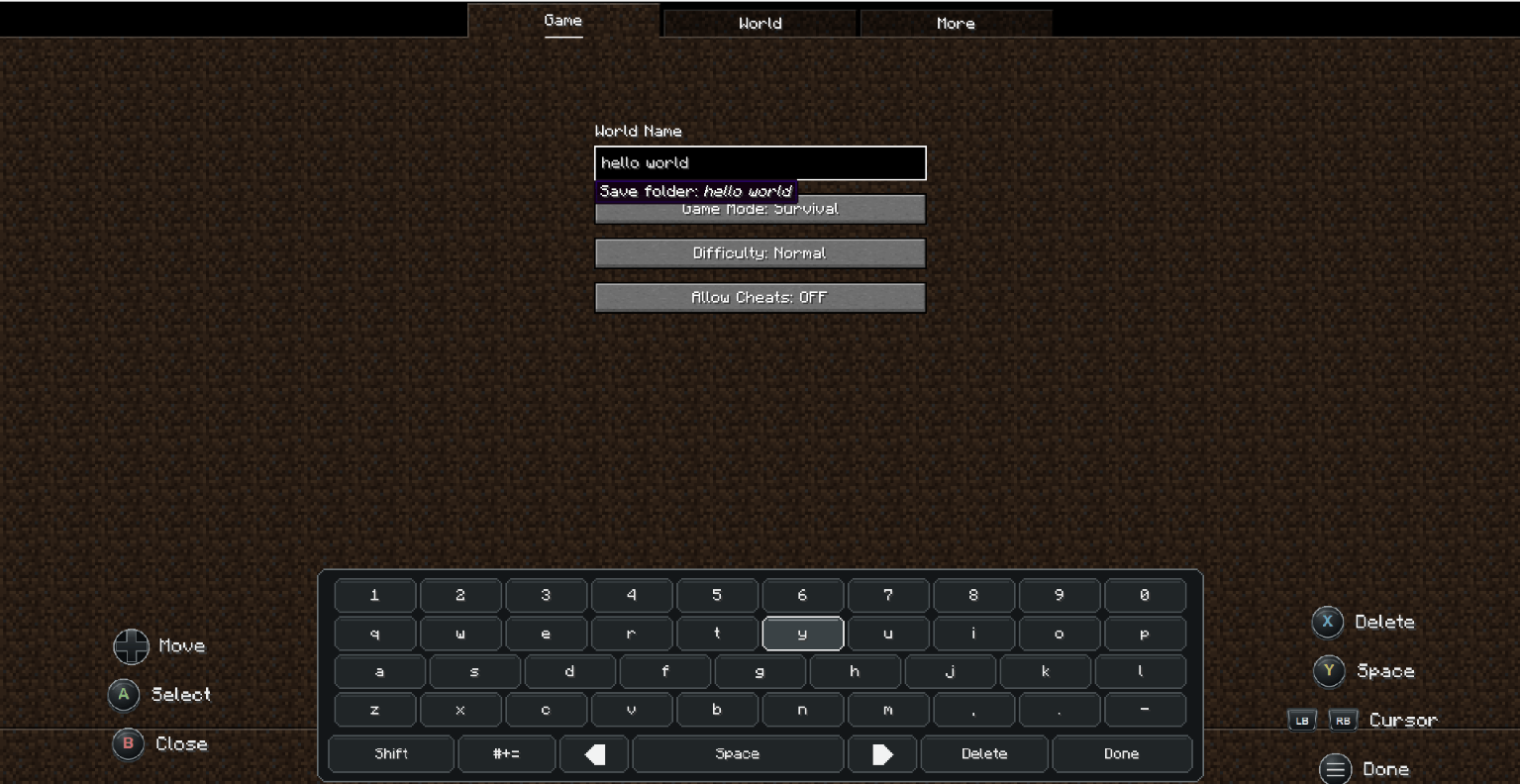
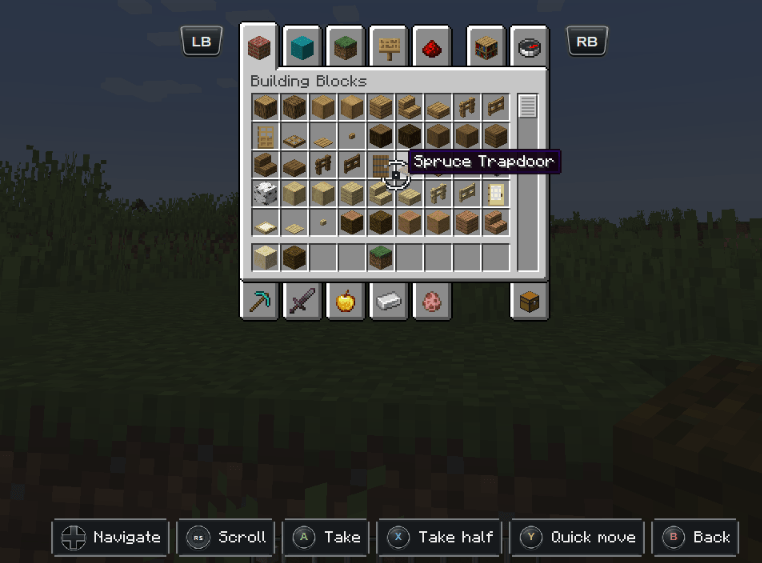
介绍

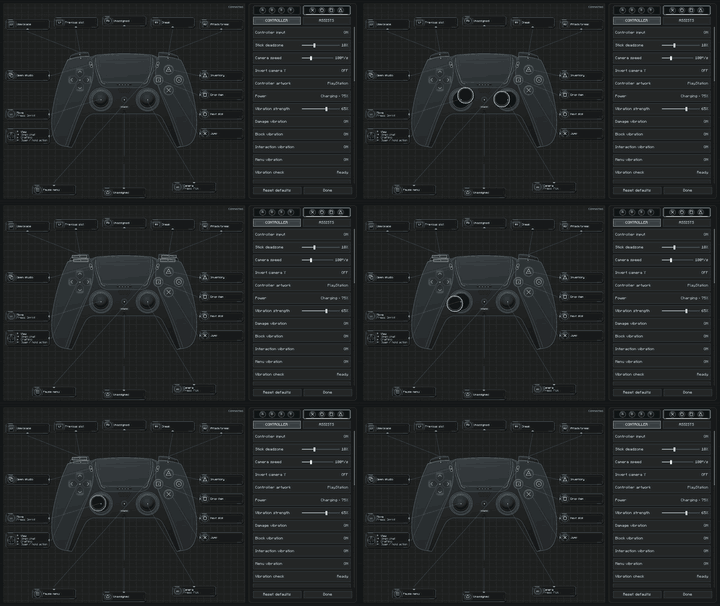
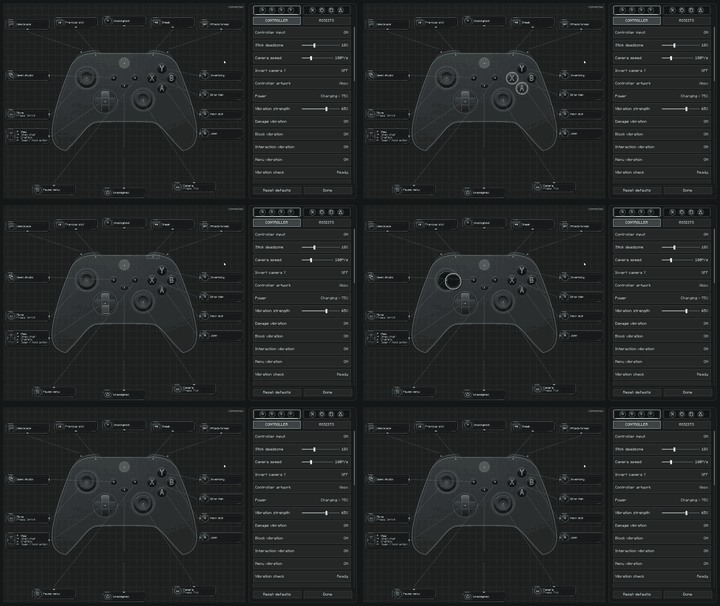
Controller Play brings a complete controller-first experience to Minecraft Java Edition. It connects gameplay, inventories, menus, chat, and settings into one consistent flow so you can play comfortably from the moment the game opens.
The mod is built for precise input and a familiar Minecraft feel. Keyboard and mouse remain available whenever you want them, while controller navigation stays predictable across vanilla screens and compatible modded screens.

- Precise analog control with radial deadzones, response tuning, camera smoothing, and invert options.
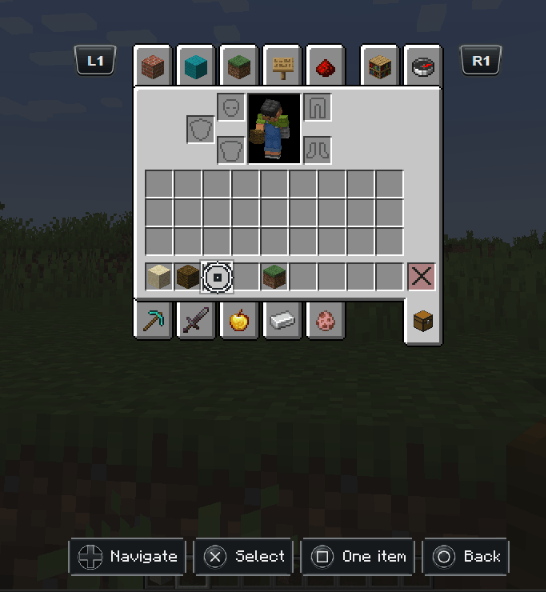
- Controller-ready interfaces for menus, inventories, creative tabs, containers, world lists, and settings.
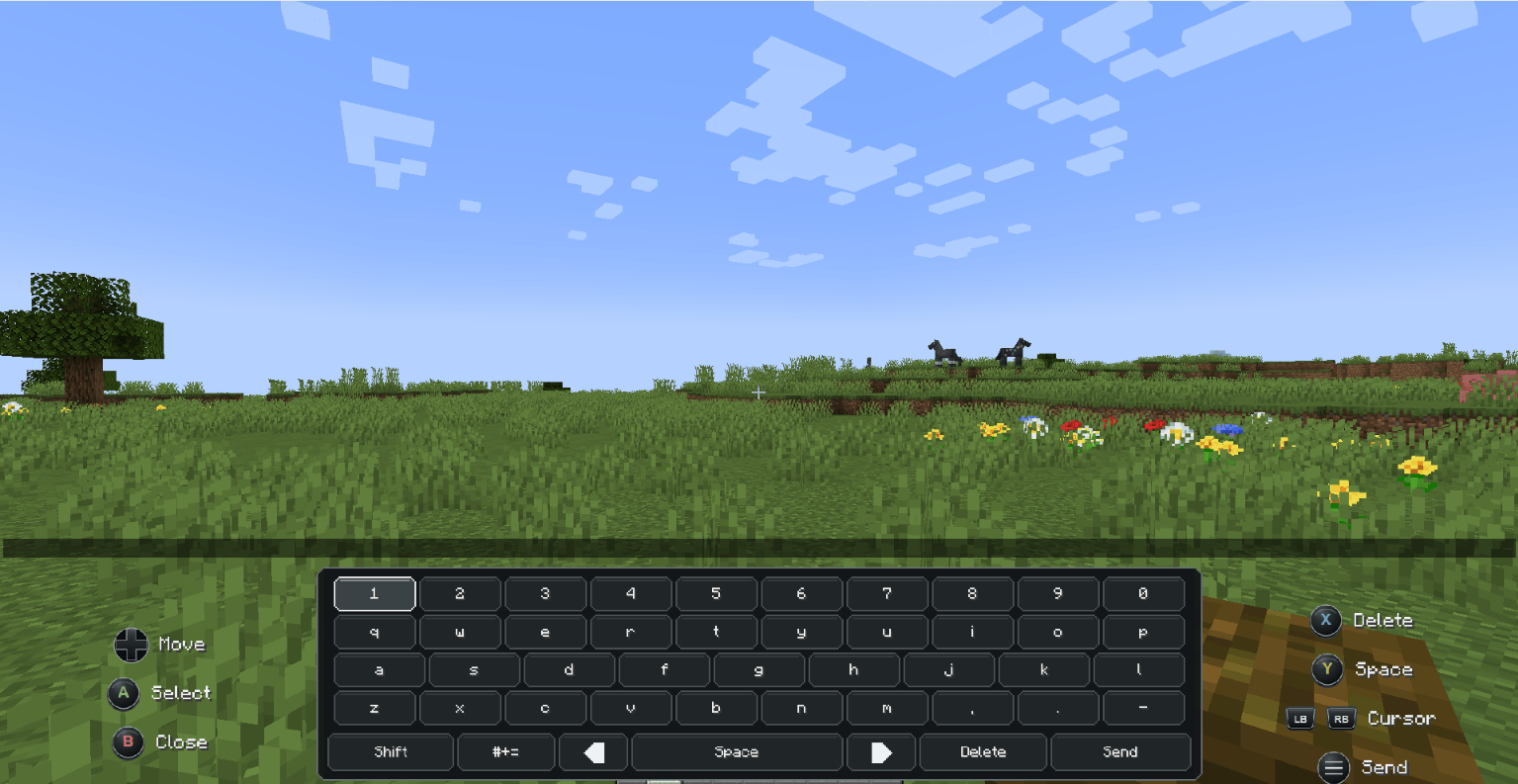
- On-screen keyboard for chat, search boxes, world names, and other text fields.
- Per-controller profiles with automatic device detection, custom bindings, calibration, and saved preferences.
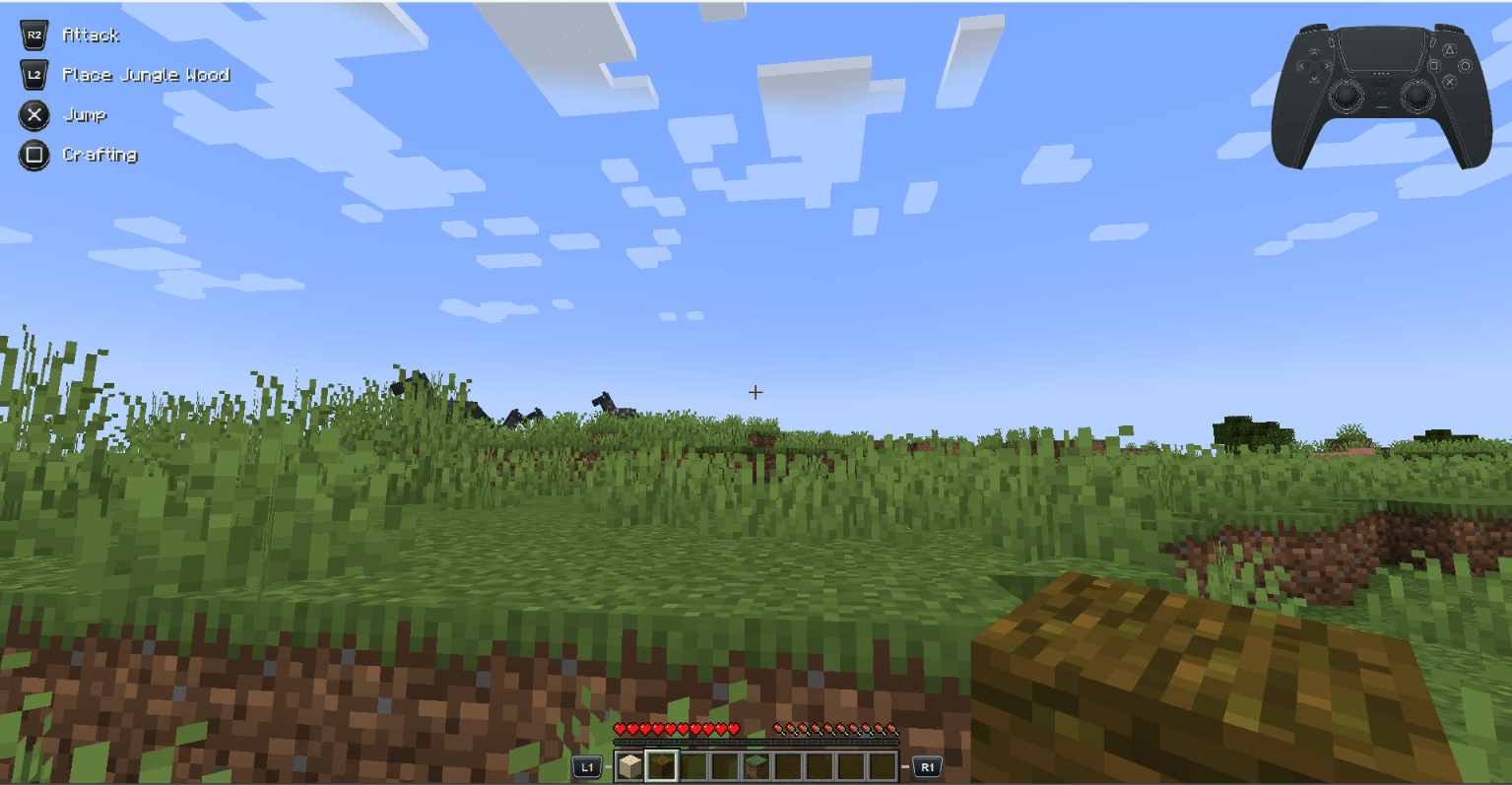
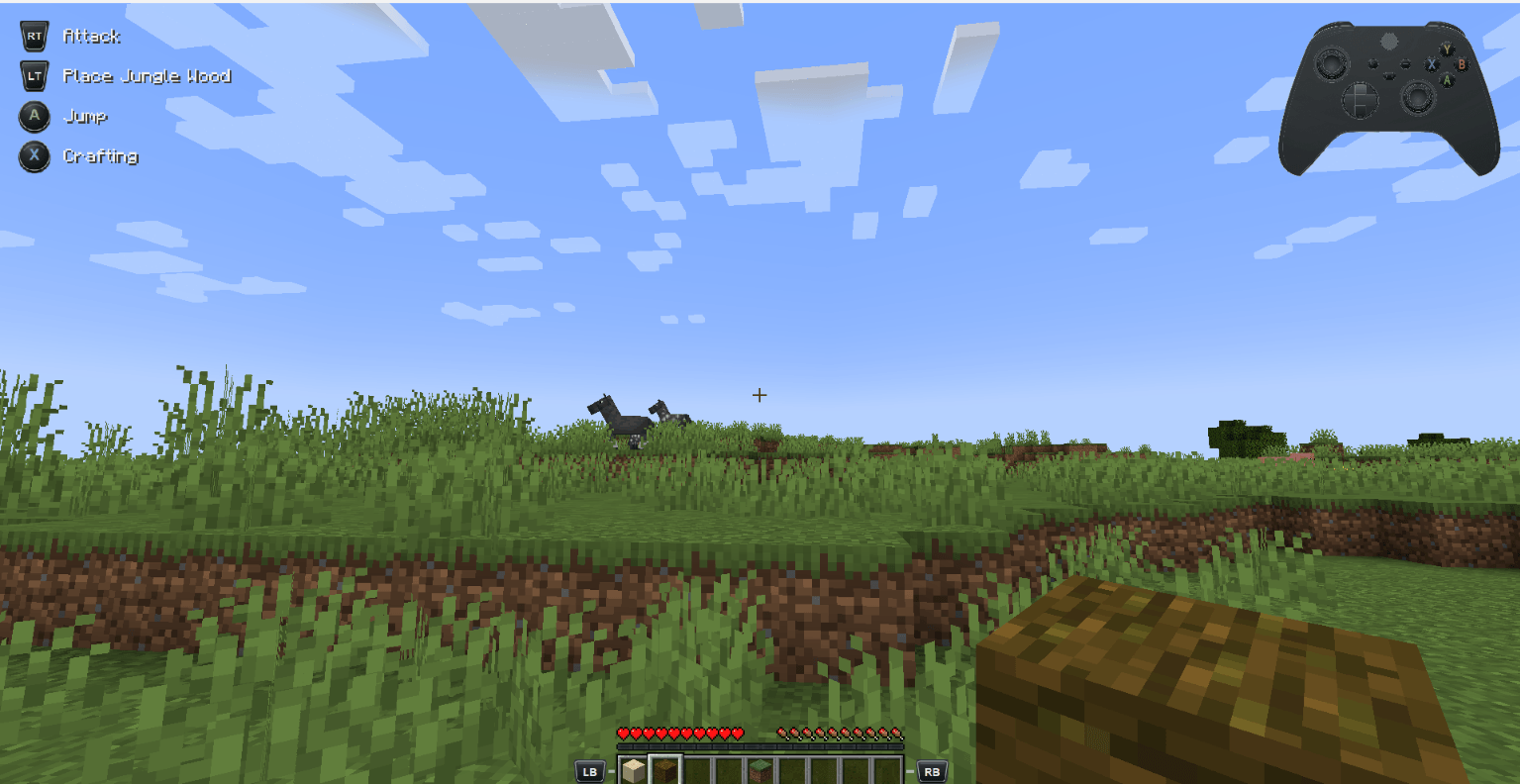
- Xbox, PlayStation, Nintendo, and generic layouts with contextual on-screen button hints.
- Contextual vibration for supported SDL devices, with separate controls for damage, interaction, block breaking, inventory, and menus.
- Quick Actions wheel for useful actions without pausing gameplay.
- Immediate saving to
config/controllerplay.json, including bindings and individual device profiles.


- Download the file that exactly matches your Minecraft version and mod loader.
- Fabric users must also install Fabric API. Forge and NeoForge builds do not require Fabric API.
- Place the downloaded JAR in your Minecraft instance’s
modsfolder. - Connect your controller, launch the game, and press a controller button.
- Open Controller Play settings with F8, Back / Share, or the Controller Play button in Minecraft’s title or options screen.
Settings are saved as soon as they change and restored the next time Minecraft starts.

| Input | Gameplay |
|---|---|
| Left Stick | Move |
| Right Stick | Look |
| A / Cross | Jump / Select |
| B / Circle | Sneak / Back |
| X / Square | Crafting and inventory / Menu action |
| Y / Triangle | Inventory / Quick-move item |
| RT / R2 | Attack |
| LT / L2 | Use item |
| LB / L1 and RB / R1 | Hotbar or tabs |
| D-pad | Hotbar and interface navigation |
| D-pad Left (hold) | Quick Actions |
| Start / Options | Pause |
| Guide / Home | Screenshot |
Every gameplay binding can be changed from the Controller Play settings screen. Fixed navigation inputs remain available so menus cannot become unusable after rebinding.

| Minecraft | Fabric | Forge | NeoForge |
|---|---|---|---|
| 1.20.1 | Supported | 47.4.23+ | 47.1.106+ |
| 1.21.1 | Loader 0.15.11+ and Fabric API | 52.1.16+ | 21.1.250+ |
| 26.2 | Loader 0.19.5+ and Fabric API | 65.1.3+ | 26.2.0.82+ |
Controller Play is a client-side mod. Only one controller is active at a time. Full SDL3 support, including vibration, is bundled for Windows x64; other systems use the GLFW gamepad fallback where available. Hardware behavior can vary with the operating system and controller driver.
常见问题
Controller Play 支持哪些 Minecraft 版本?
Controller Play 支持 Minecraft Java 版 1.20.1–26.3,共 4 个版本,可用的加载器:Fabric / Forge / NeoForge。下载时注意选择和你游戏版本一致的文件。
Controller Play 怎么安装?
先用 PCL2 或 HMCL 启动器安装对应版本的 Fabric / Forge / NeoForge,再把下载的 .jar 文件放进游戏目录的 mods 文件夹,重新启动游戏即可。开启了版本隔离的,mods 文件夹在 versions/版本名 下面。
Haider_x 的其他作品
查看全部 →
Luna shader
Luna 光影:优化了水面反射,呈现深蓝色调,并为末地传送门加入独特的旋转黑洞效果。

Aetheria Shaders
Aetheria Shaders 是 Complementary Reimagined 的一款华丽奇幻改版光影。拥有自定义维度氛围、发光的青绿色水体、银河主题的下界传送门、流动的熔岩,以及体积化的末地龙卷风。性能表现有保障。
Quanta Shader
快速呈现精美的《Minecraft》画面。柔和的阴影、动态云朵、波光粼粼的水面和绚丽天空,同时优化性能,畅玩高帧率游戏。

Vanilla Rebuild
保留 Minecraft 的经典风格,同时增强光照效果,呈现逼真的天空、体积云、柔和阴影,以及各维度独具特色的浓郁氛围。
评论
登录后评论和评分