
截图
介绍
 About SafeZone:
Looking for a tool to stop your players from massacring and committing suicide on your server? Tired of all those annoying hostile mobs? Your plugin doesn’t protect from forge mods’ damage? Then this mod certainly deserves your attention. This mod adds an easy way to protect players in a certain areas of your server. It doesn’t require your players to install the mod as well.
Features:
- Simple commands
- Easy to understand system
- Comprehensive help section
- Client doesn’t require the mod to be installed.
- Works for single-player too
- To learn more about the mod take a look at the ‘Features’ section
- Planned features can also be found in the ‘Features’ section

Soon

Basics
All of the commands start with one base command: “/zone”. Remember that the ‘Tab’ key can be used to complete most of the commands’ arguments. The mod’s commands are only available to level 4 operators and cannot be ran by command blocks. Zones are not shared across worlds (dimensions).
Important
If you’re hosting on a server remember that the client does not require the mod, however the client will not see translated command chat responses and will instead receive untranslated unlocalized codenames.
Help section
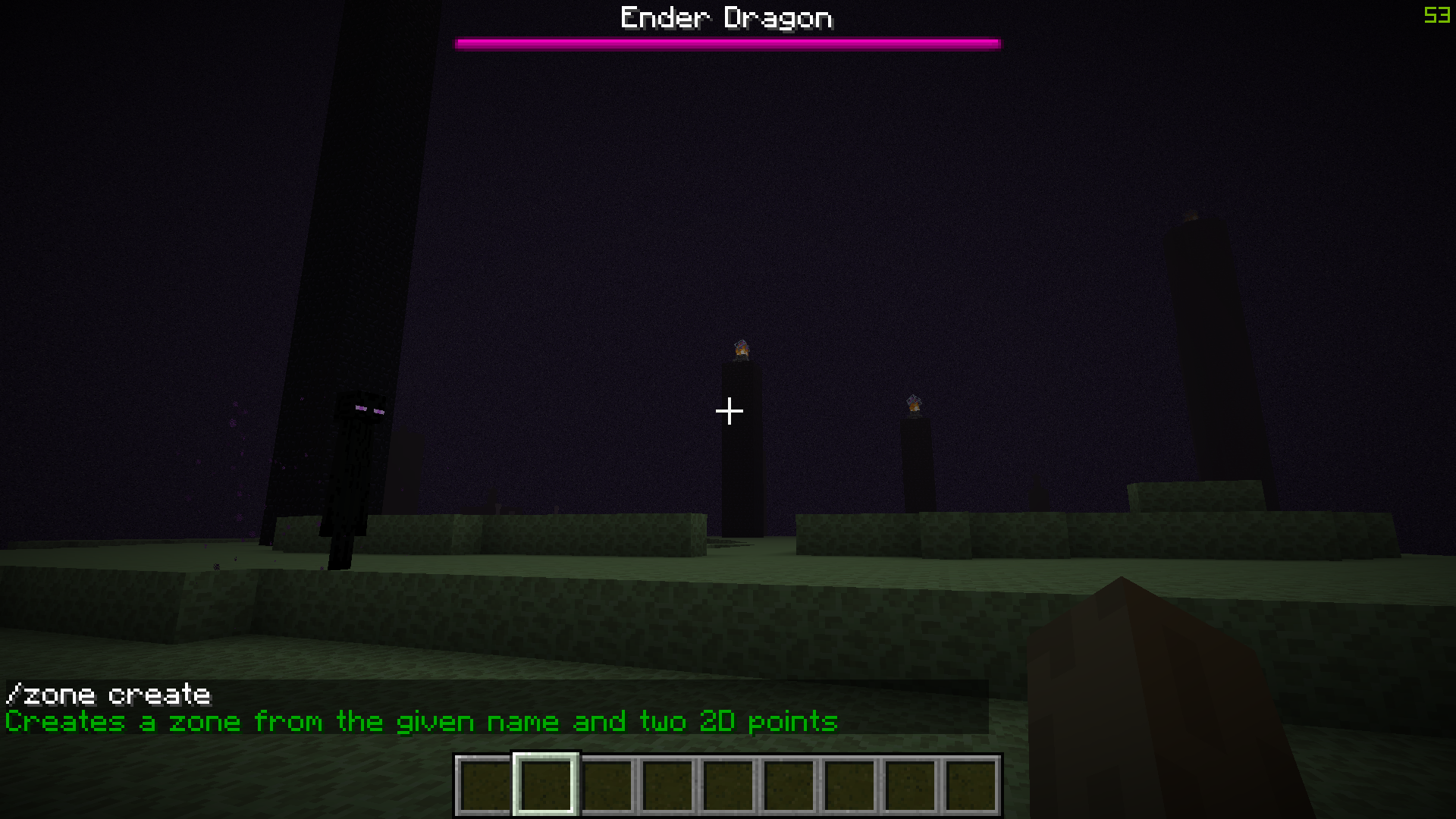
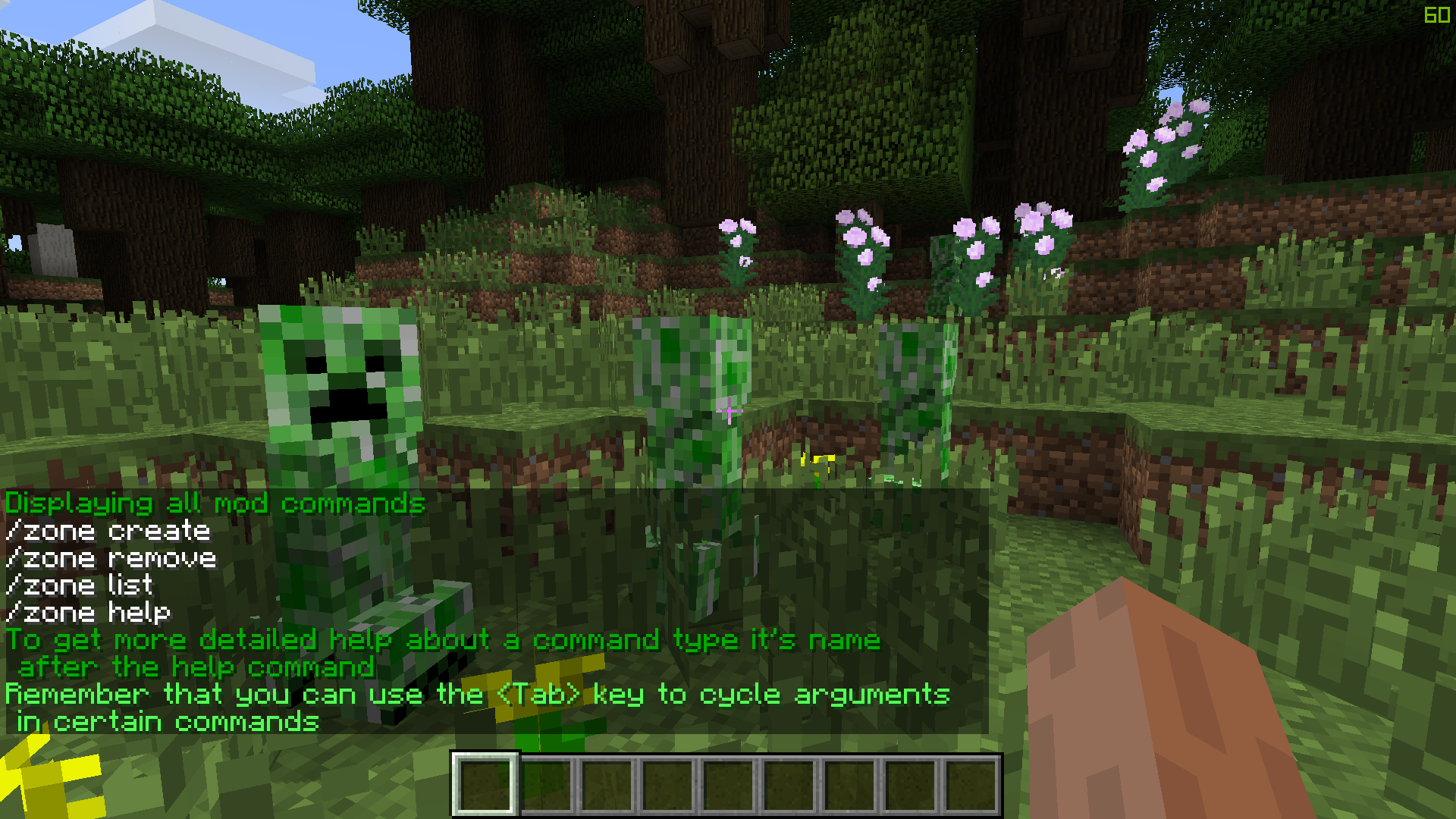
To get information about all the commands in the mod type “/zone help”. To get information about a certain command type “/zone help” followed by the command’s name.
Creating zones
A zone is defined by a name and two sets of two-dimensional coordinates over the X and Z axes. Keep in mind that zones can have identical coordinates, but not identical names. To create a zone type “/zone create” followed by it’s name and coordinates. Don’t forget that you can use relative coordinates (tilde “~”) when creating zones.
Removing zones
Zones are identified only by name. To remove a zone type “/zone clear” followed by it’s name. You can also remove all existing zones in the current dimension by typing “/zone clear”.
Listing zones
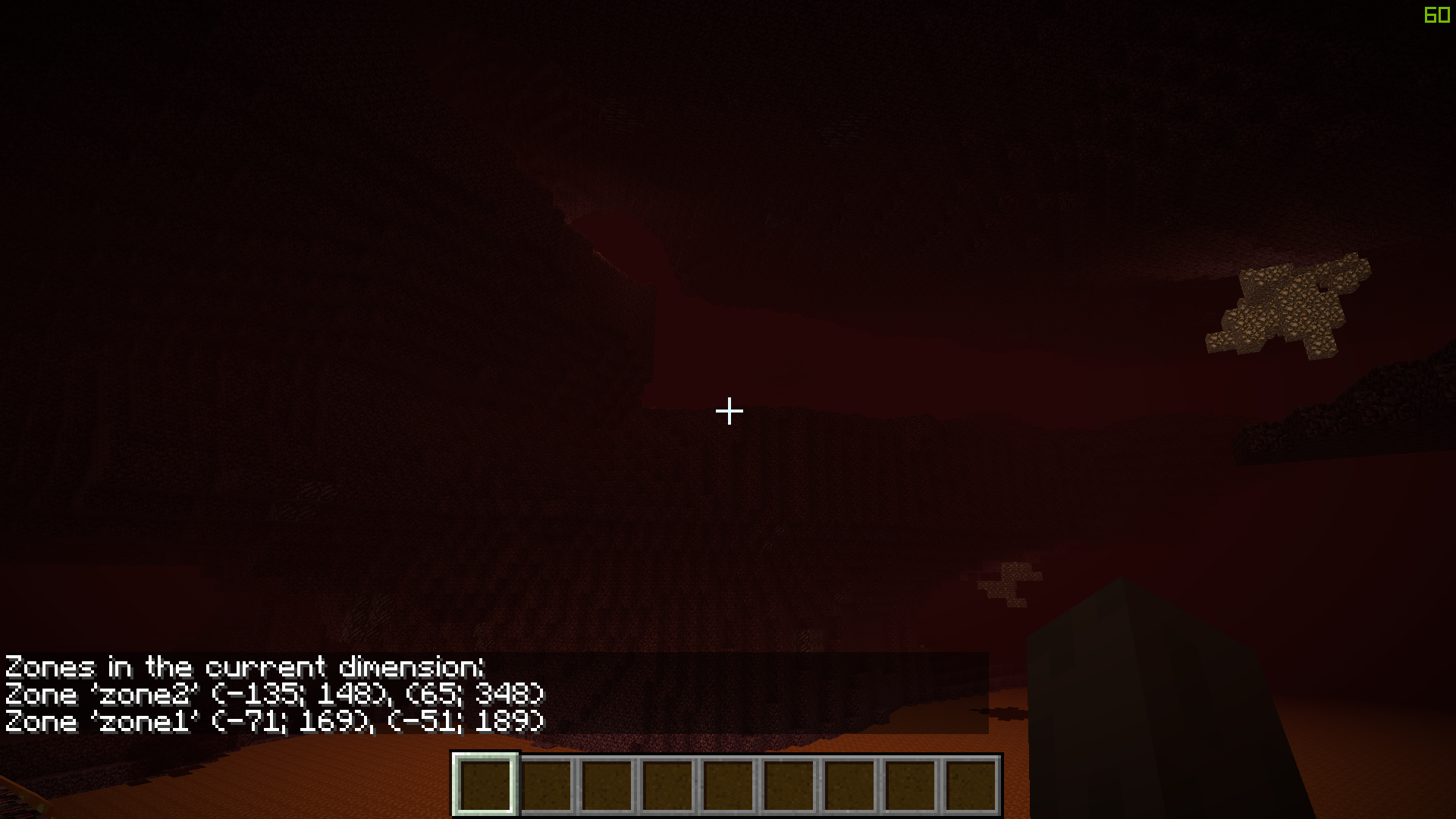
You can see all existing zones and their information in the current dimension sorted in alphabetical order by typing “/zone list”. Also, you can see information about a specific zone by name by typing type “/zone list” followed by the zone’s name.
Planned features
I don’t have many features in mind, but I’m always open to suggestions.
- Prevent block destruction
- Add configuration file
- Improve the help section / lang file

-
- Version 1.0
– Initial release - Version 1.1
– It is possible to display information about a specific zone by using the “/zone list” command
– Fixed a bug with incorrect zone and position intersection calculation
– Optimized, cleaned code
– Improved / Added more details to the “/zone help” command - Version 1.1.1
– Minor code changes
– Improved .mcmeta file
– Added logo - Version 1.2
– Updated to 1.10.2 and 1.11.2
– Changed the “/zone remove” command to the new “/zone clear” command. Typing the new command without arguments clears all existing zones in the current dimension
– Optimized, cleaned code
– Added even more information to the “/zone help” command
- Version 1.0

- Me

The mod’s code and textures are licensed under the Attribution-NonCommercial 3.0 License.
Using the mod in non commercial mod-packs is encouraged and doesn’t require permission, but I would appreciate if you informed me about your mod-pack.
Re-hosting the code is not permitted.

Donations will be considered.
If you want a banner then here is a banner:
[url=http://www.minecraftforum.net/forums/mapping-and-modding/minecraft-mods/2849472-safezone-one-of-the-best-server-protection-tools][img]http://i.imgur.com/aZw95UV.png[/img]
[/url]
常见问题
SafeZone 支持哪些 Minecraft 版本?
SafeZone 支持 Minecraft Java 版 1.7.10–1.11.2,共 3 个版本,可用的加载器:Forge。下载时注意选择和你游戏版本一致的文件。
SafeZone 怎么安装?
先用 PCL2 或 HMCL 启动器安装对应版本的 Forge,再把下载的 .jar 文件放进游戏目录的 mods 文件夹,重新启动游戏即可。开启了版本隔离的,mods 文件夹在 versions/版本名 下面。
Melonslise 的其他作品
查看全部 →
Locks
灵活通用的锁具、有趣的新式撬锁机制,以及许多其他实用工具
Subterranean Wilderness
添加令人兴奋的新洞穴生物群系,带给你一直想要的洞穴更新
Lost In The Mist
据说,心怀黑暗之人会徘徊于迷雾笼罩的世界,为自己的罪孽受苦……

Project Lambda
一个雄心勃勃的项目,旨在 Minecraft 中重现经典射击游戏杰作《半衰期》。
评论
登录后评论和评分