
截图

介绍
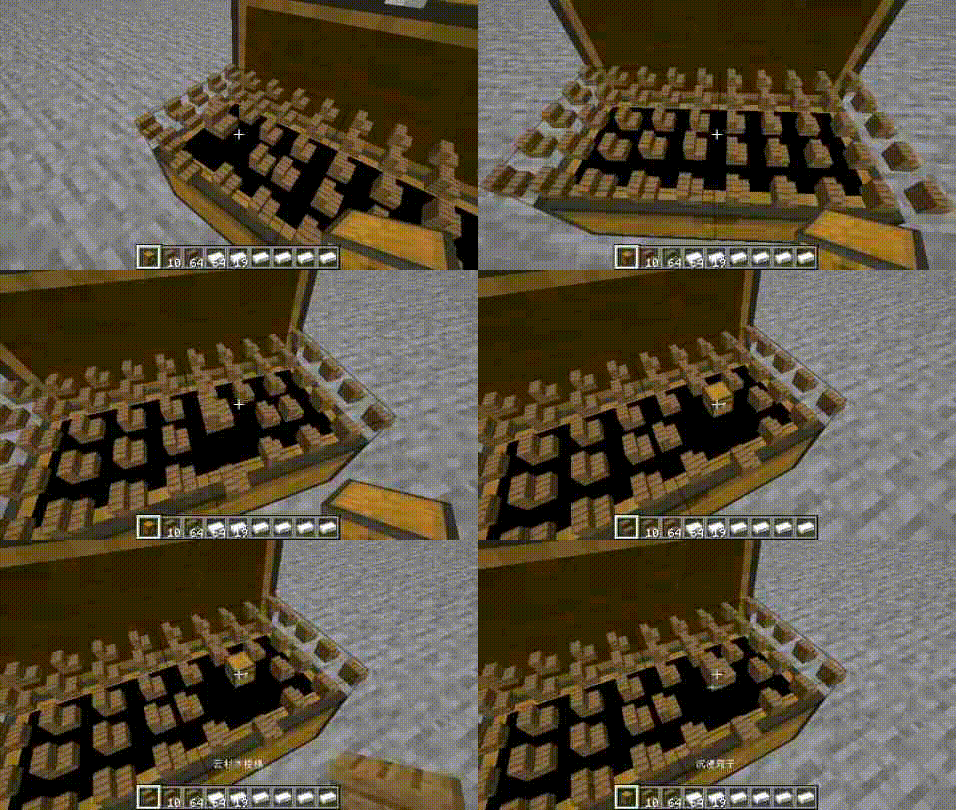
Let’s remove the GUI and see something more immersive!
When lid is not open, you can right-click the top of the chest to open the lid.
Items will appear in the chest!
Right click on the item in Chest to swap it with the item in your hand.
Right click on the other side to close the lid.
Of course, you can still use GUI
When Chest is not open, you can right-click on all faces of Chest to open the GUI,
except for the top, which is used to open the lid.
Some possible issues
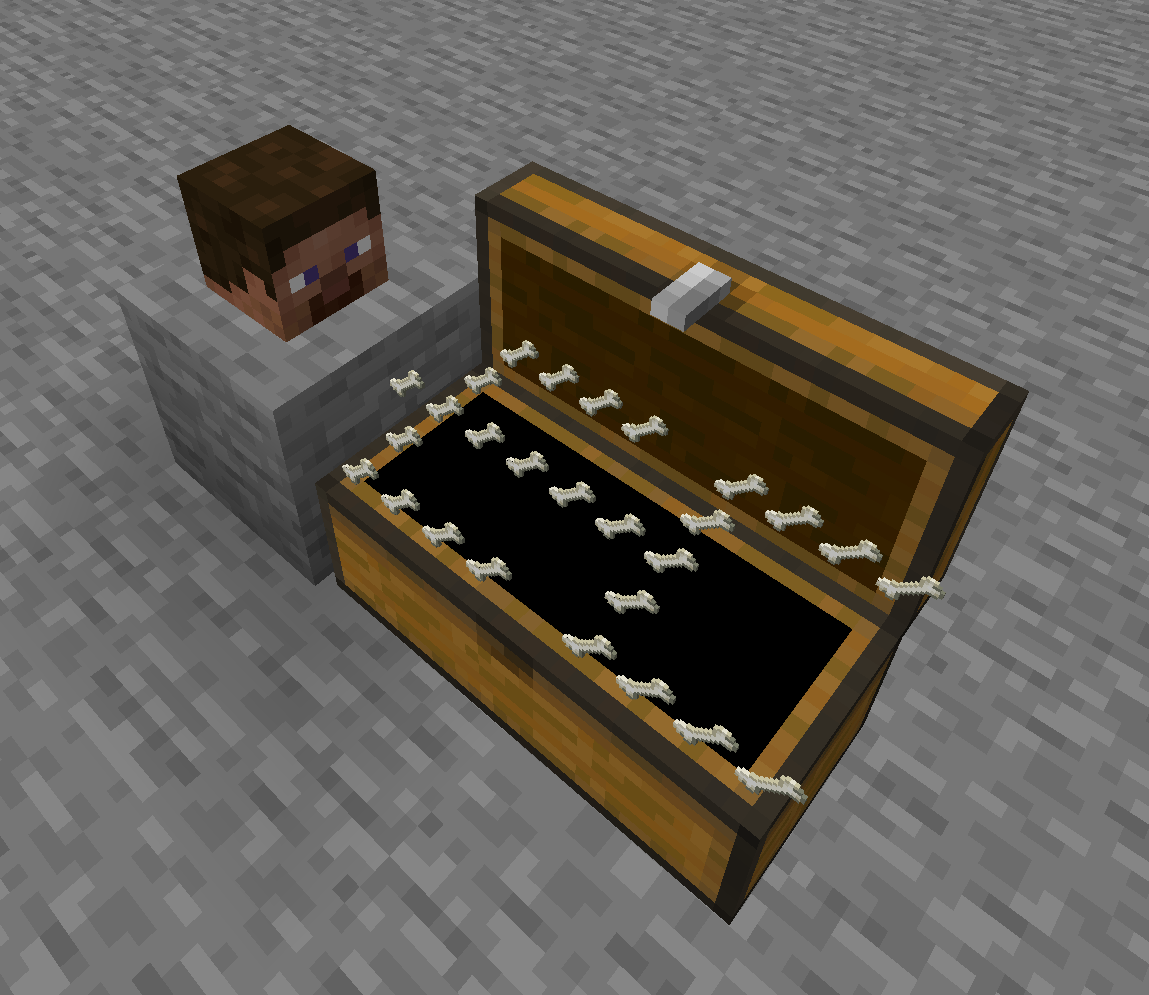
If the model of the item is too large, it will block other items, such as the Dragon Head.
A regular Chest has 27 slots, but it’s not easy to arrange them into long squares, so I only rendered 25, and I chose not to render the other two.
Other block?
Creating.
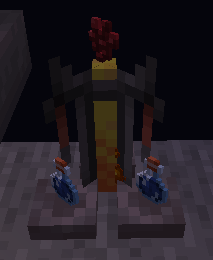
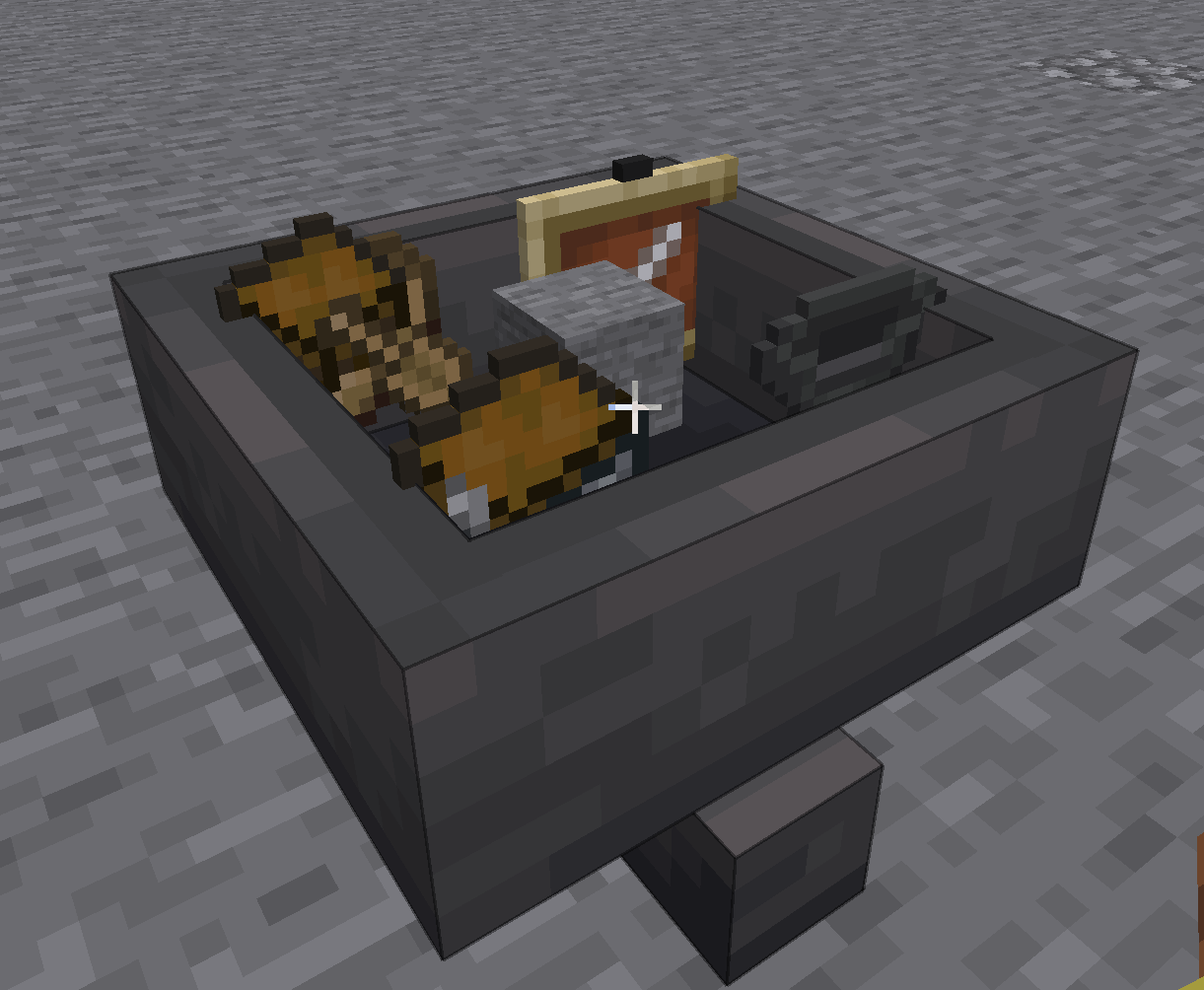
Completed:chest、hopper、brewing table、dropper、dispenser.
常见问题
No Gui Chest 支持哪些 Minecraft 版本?
No Gui Chest 支持 Minecraft Java 版 1.20.1–1.20.4,共 4 个版本,可用的加载器:Forge。下载时注意选择和你游戏版本一致的文件。
No Gui Chest 怎么安装?
先用 PCL2 或 HMCL 启动器安装对应版本的 Forge,再把下载的 .jar 文件放进游戏目录的 mods 文件夹,重新启动游戏即可。开启了版本隔离的,mods 文件夹在 versions/版本名 下面。
strangesmell123 的其他作品
查看全部 →
MelodyMagic
大自然中的所有旋律都能给你带来灵感,你觉得你能用它们做些什么……

No Gui FD
You can use a new Cooking Pot without GUI!

Immersive Slumber
Modify the sleep mechanic by skipping nights to accelerated time. Also, various words will pop up while the player is sleeping, and some of them will be relevant to the game world.

NoGuiEvolution
What you have done will improve your abilities in which areas .
评论
登录后评论和评分