截图
介绍
中文介绍正在准备中,下面暂时显示原文。
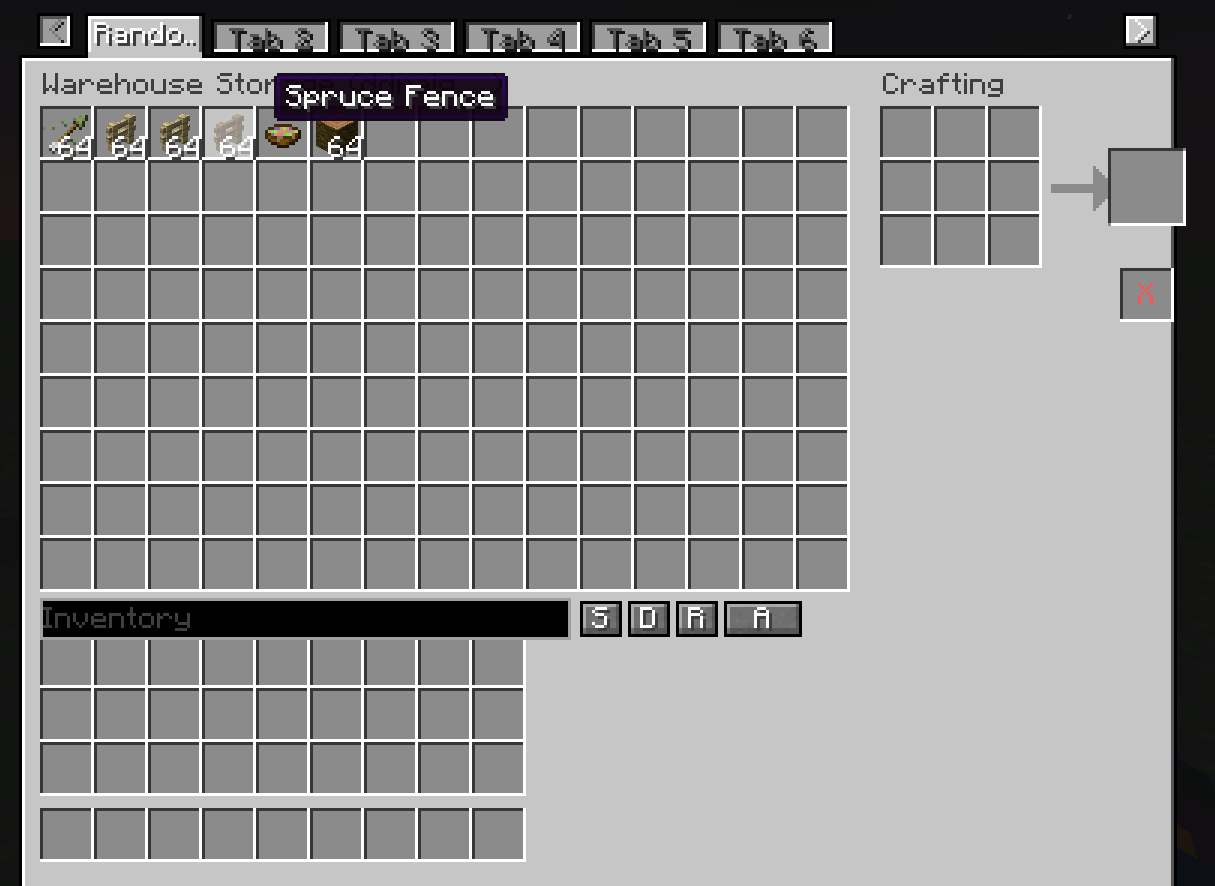
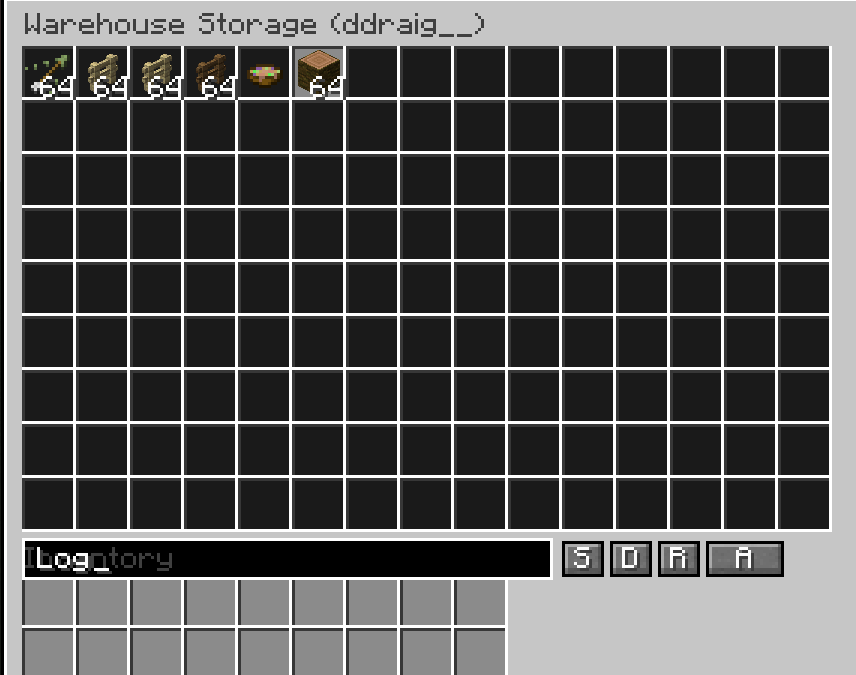
A configurable personal storage mod for RPG servers — each player gets their own
private warehouse that persists across sessions, backed by a database so nothing
is ever lost to a server restart or world reload.
Features
– Fully configurable grid size: set the number of columns, rows, and maximum tabs
allowed per player via the server config. (maximum of 15 columns, 9 rows)
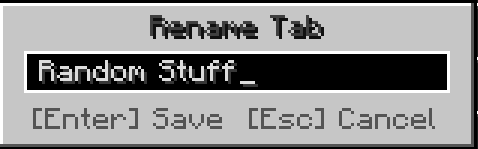
– Multiple tabs: players can own several warehouse tabs, each independently named.
Rename any tab by right-clicking its label directly in the UI.
– Database-backed storage: all inventories are stored in a persistent database.
Individual players can be backed up and restored independently.
– Admin access: admins can view and directly edit any player’s warehouse tabs and
inventory contents.
– Currency system (requires RPG Marketplace or RPG Auction House): define custom
in-game currencies using any item, with support for multiple denominations per
currency group.
How to use
Open your warehouse with:
/player_warehouse open
Or right-click the chest block placed with:
/player_warehouse admin create-warehouse-chest
Admin commands
Open and inspect a player’s warehouse:
/player_warehouse admin check-player <player>
Check how many tabs a player has:
/player_warehouse admin tab-count <player>
Add or remove a tab from a player’s warehouse:
/player_warehouse admin add-tab <player>
/player_warehouse admin remove-tab <player>
View the admin audit log:
/player_warehouse admin audit-log
Back up the entire warehouse database, or a single player:
/player_warehouse admin backup-complete-warehouse
/player_warehouse admin backup-player <player>
Restore a player from a backup file:
/player_warehouse admin import-player <player> <filename.json>
Restore from a backup where the UUID doesn’t match (e.g. migrating a player):
/player_warehouse admin force-import-player <player> <filename.json>
Reload the server config and push all changes to connected players immediately:
/player_warehouse admin reload-config
Currency commands (1.0.1+ — requires RPG Marketplace or RPG Auction House)
Hold the item you want to use as currency in your hand, then run:
/rpg_warehouse admin currency add <type> <denomination>
/rpg_warehouse admin currency remove <type> <denomination>
To disable all built-in default currencies:
/rpg_warehouse admin remove-default-currency
常见问题
RPG Warehouse Storage 支持哪些 Minecraft 版本?
RPG Warehouse Storage 支持 Minecraft Java 版 1.20.1,可用的加载器:Fabric / Forge / NeoForge / Quilt。下载时注意选择和你游戏版本一致的文件。
RPG Warehouse Storage 怎么安装?
先用 PCL2 或 HMCL 启动器安装对应版本的 Fabric / Forge / NeoForge / Quilt,再把下载的 .jar 文件放进游戏目录的 mods 文件夹,重新启动游戏即可。开启了版本隔离的,mods 文件夹在 versions/版本名 下面。
Azure_Ddraig 的其他作品
查看全部 →
Supreme Mining Dimensions
by Azure_Ddraig
各种维度,应对各种场景!
27.6万
2 年前
CurseForge

Simply Tokens or Coins
by Azure_Ddraig
简单可自定义的货币解决方案
15.7万
2 年前
CurseForge

Simply Crush Amethyst for Iron
by Azure_Ddraig
Less Iron Golem Cruelty! Crush Amethyst down to a powder and smelt it for Iron!
1.7万
2 年前
CurseForge

SMD: Hammers!
by Azure_Ddraig
Enhance mining & combat with pattern-breaking hammers with SMD: Hammers!
1.3万
3 年前
CurseForge
评论
登录后评论和评分