Minimap | Compass Minimap
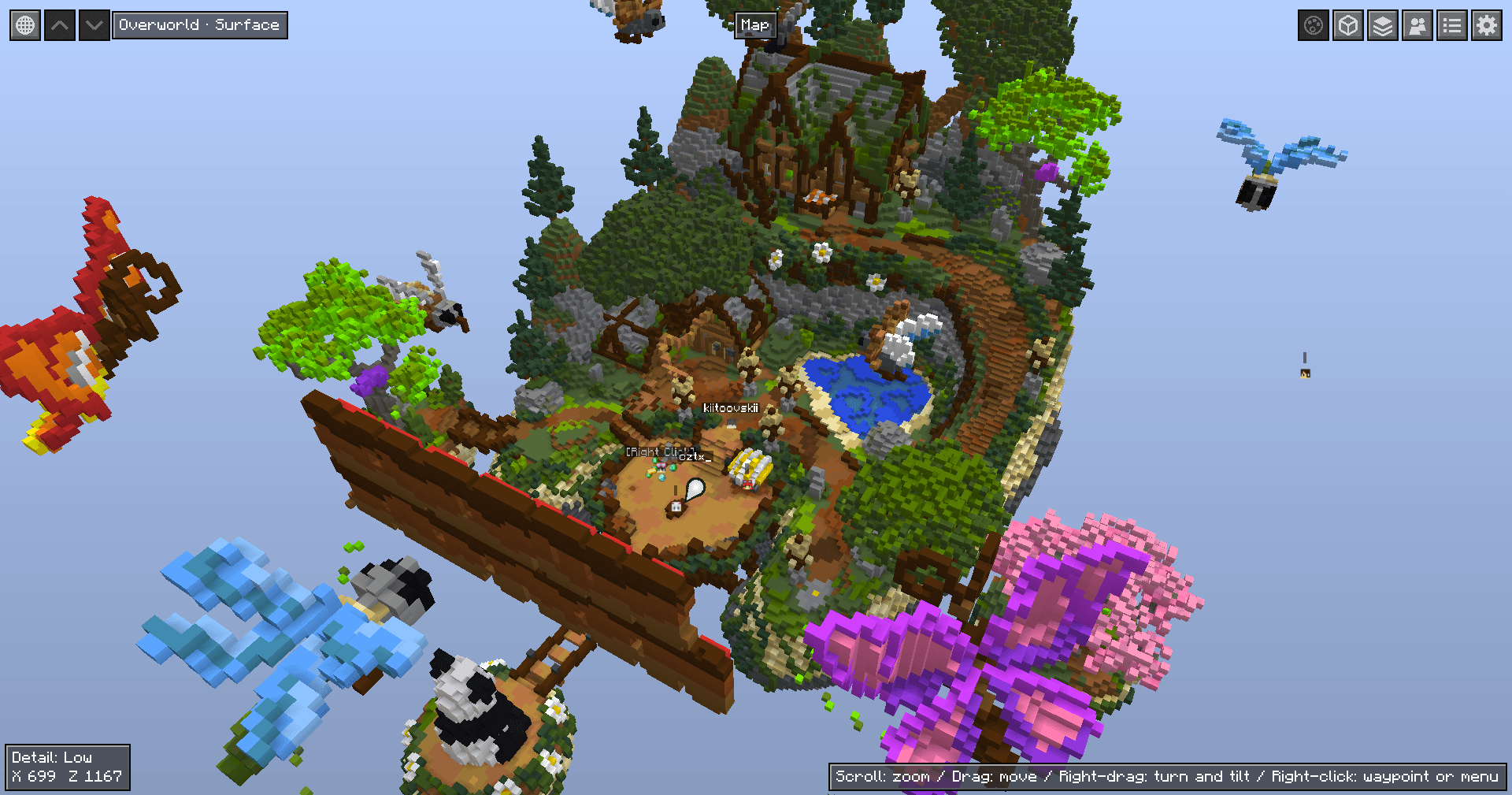
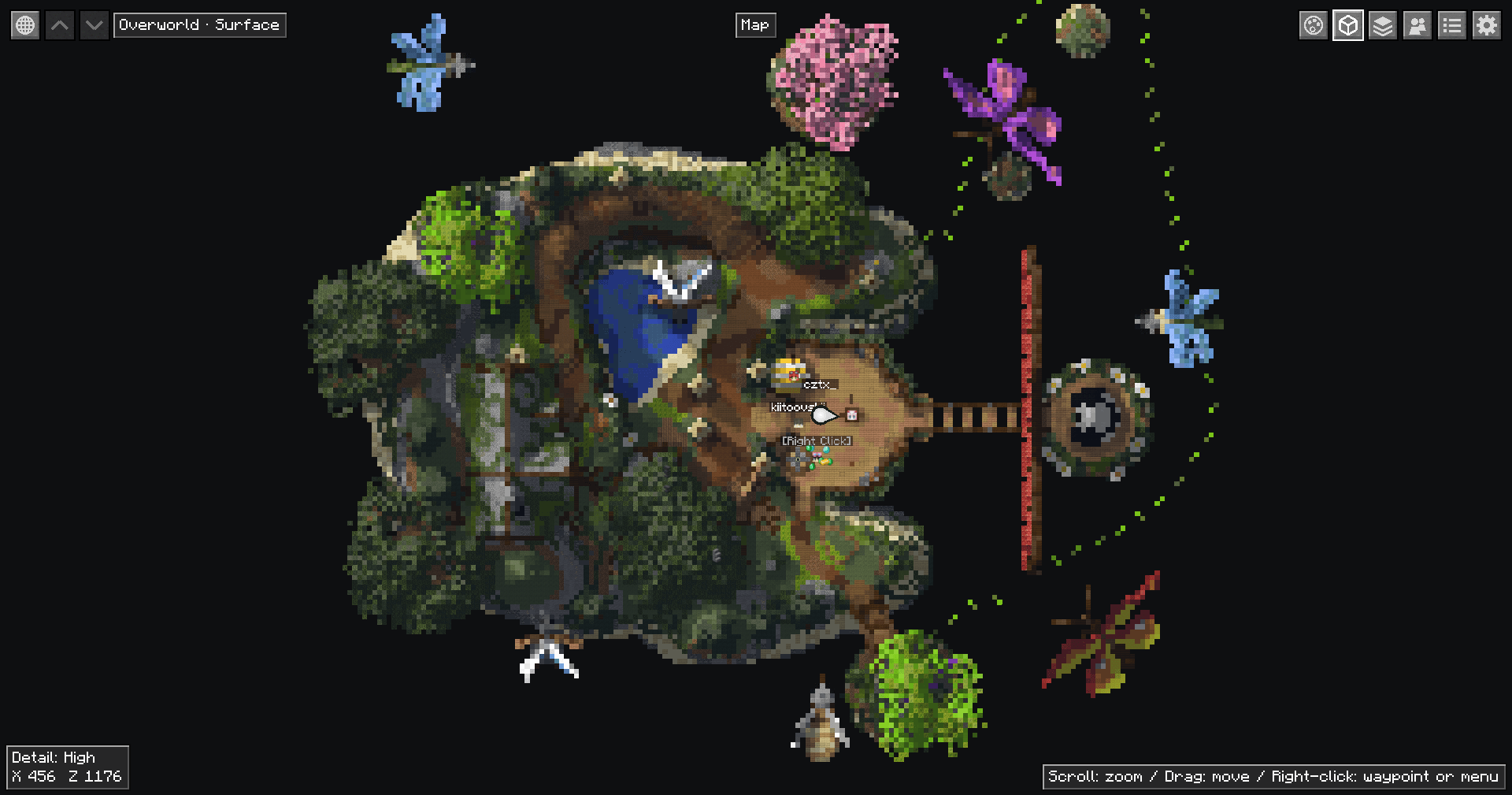
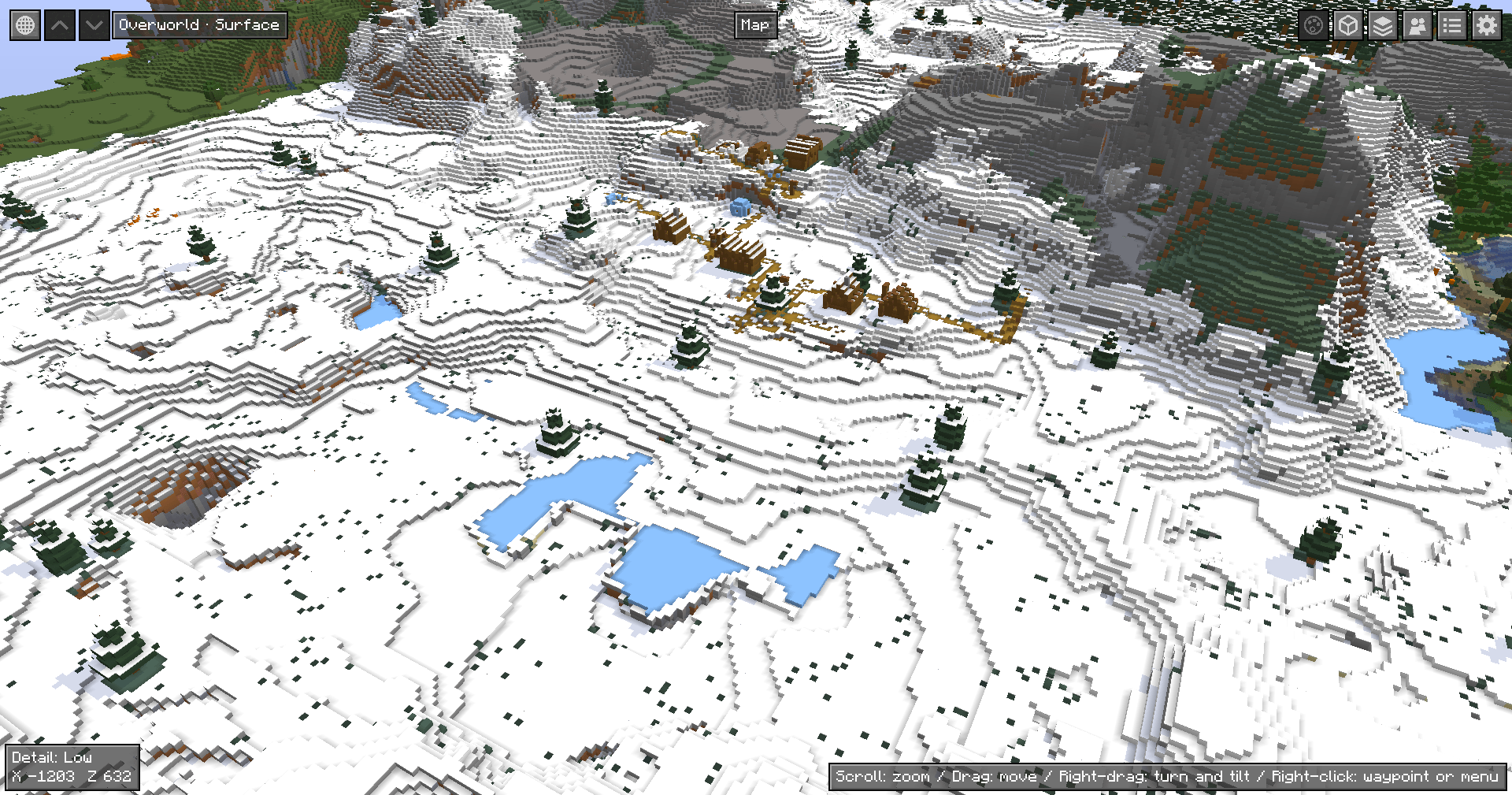
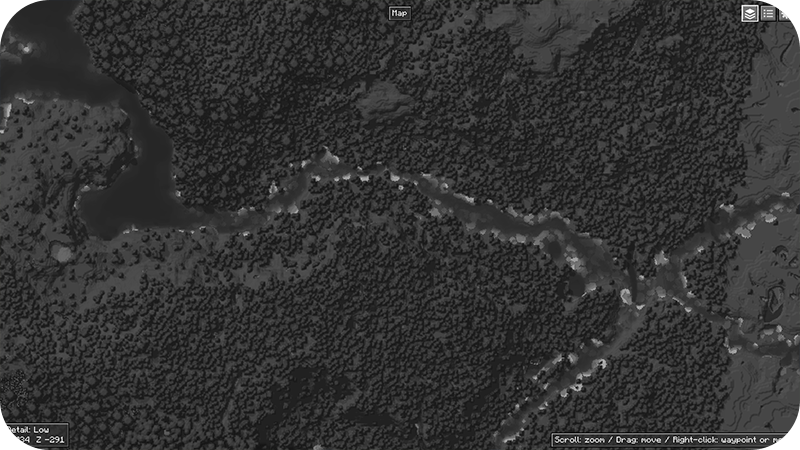
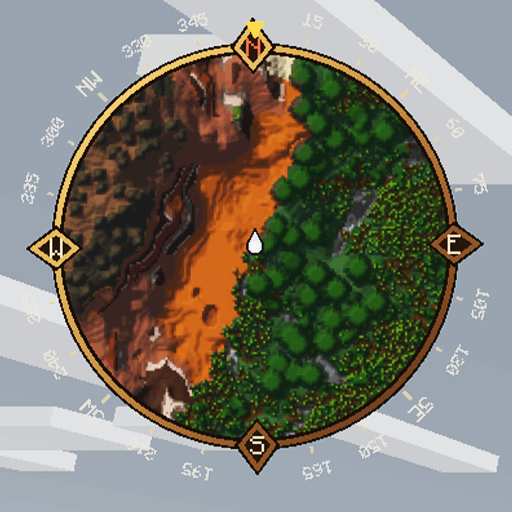
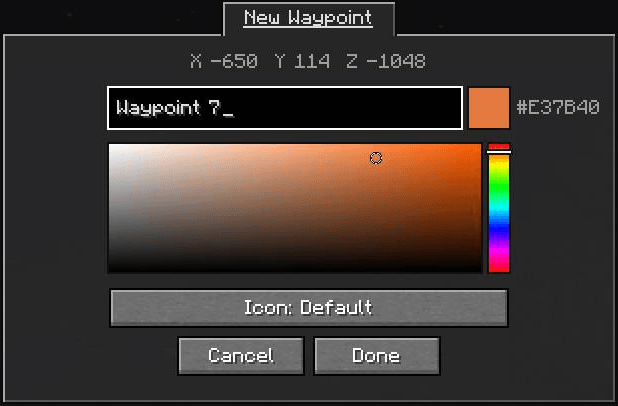
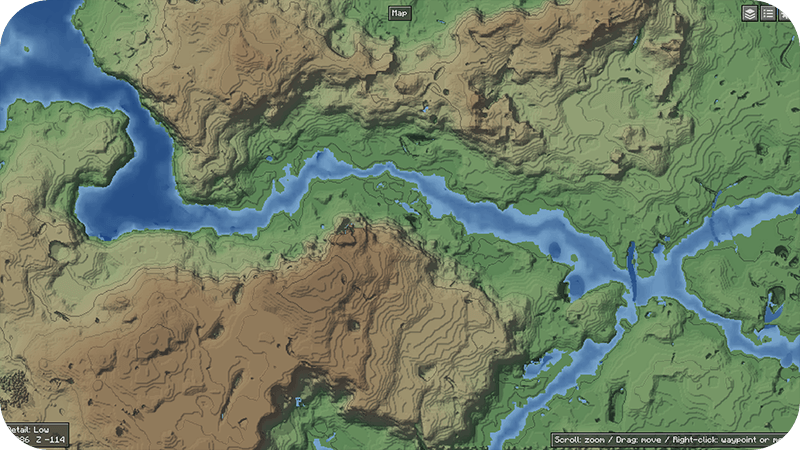
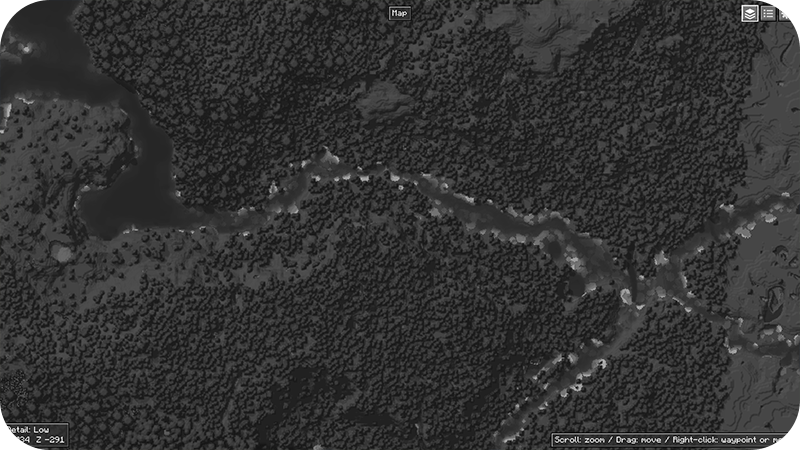
A 2D, 3D (fully rotatable) and Texturepacks compatible Minecraft Minimap with a zoomable full-screen map that remembers explored terrain (with separate cave layers), live entity icons, and customizable waypoints you can share with other players.
截图
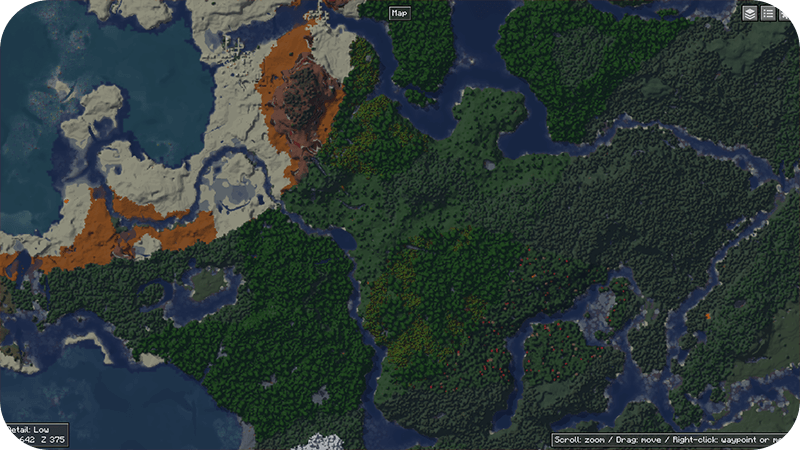
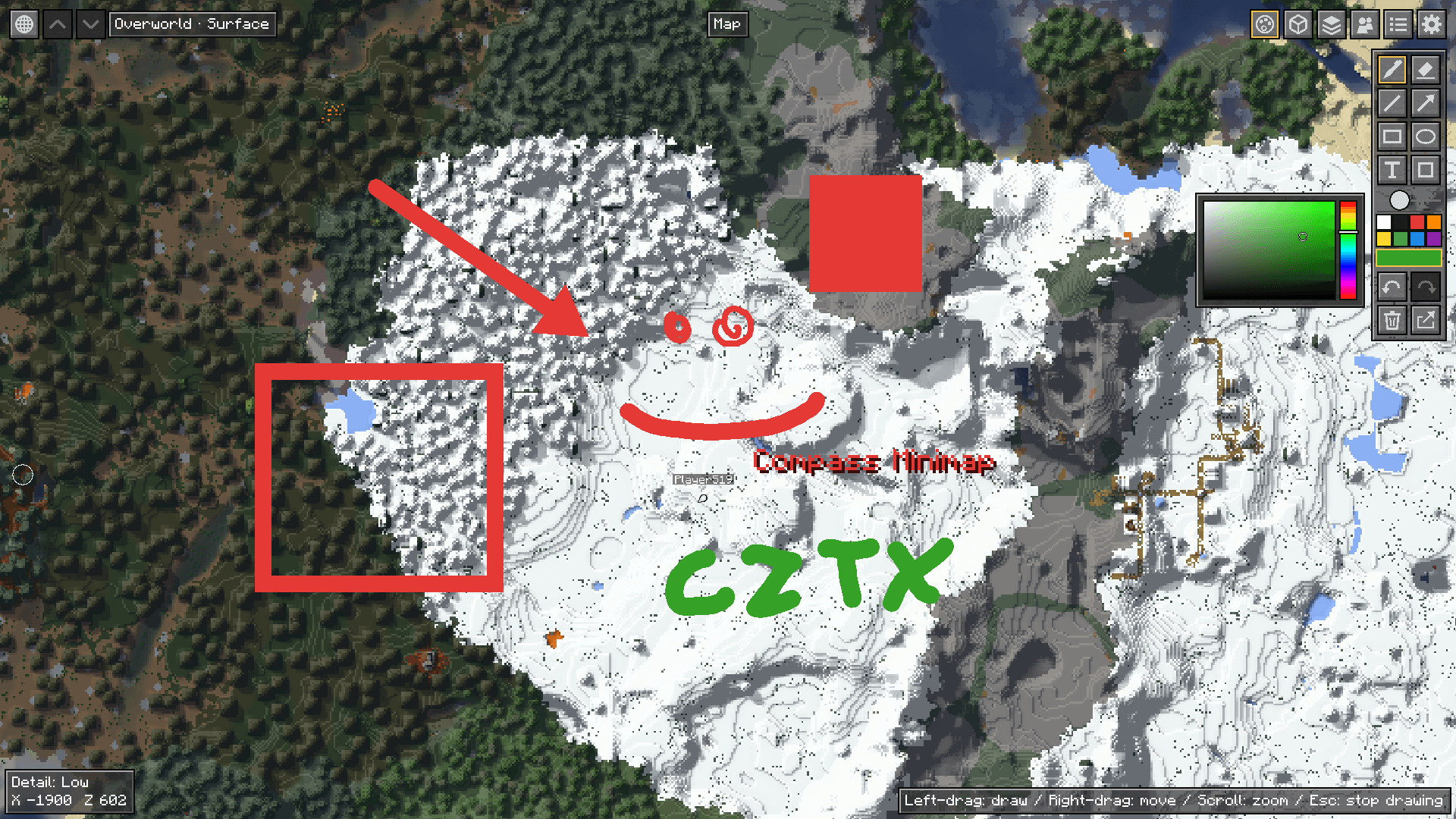
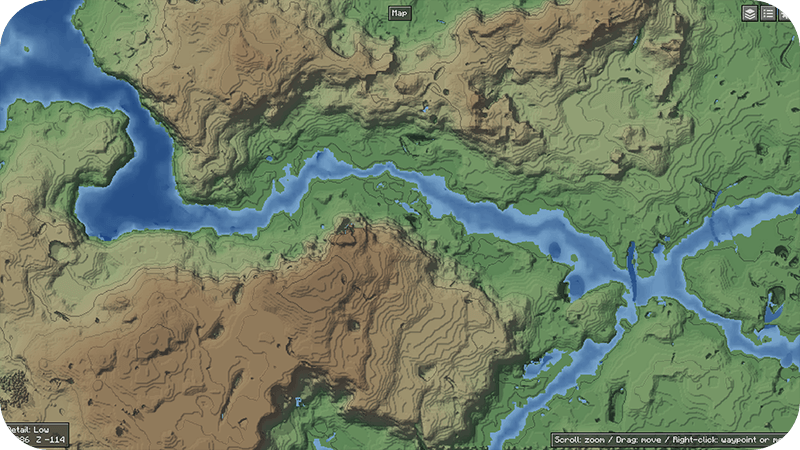
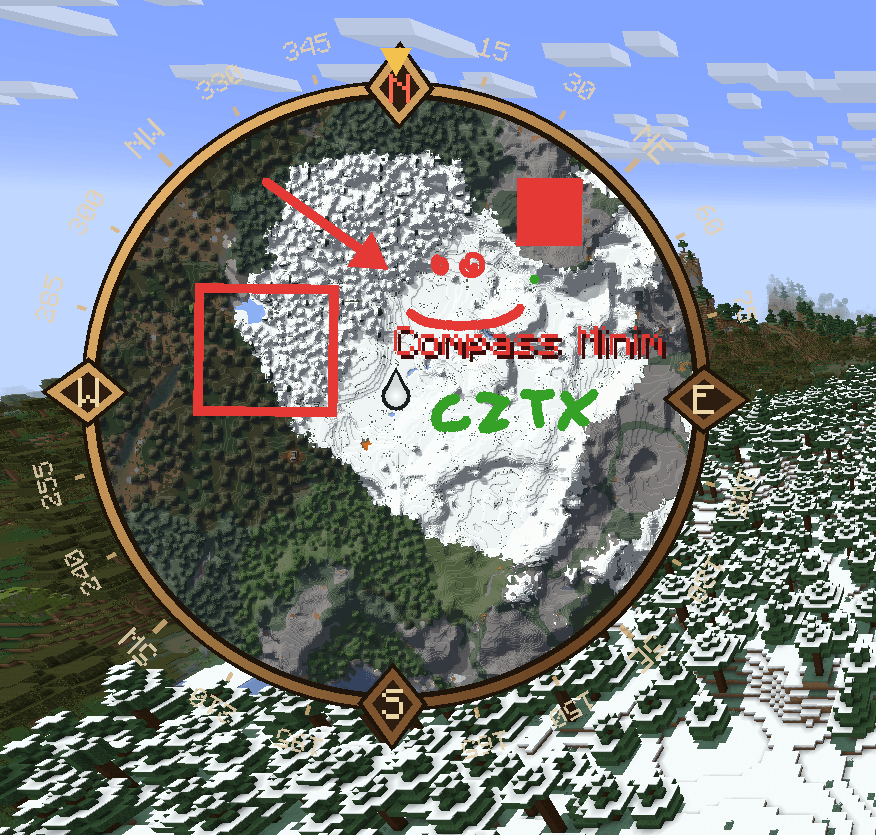
介绍
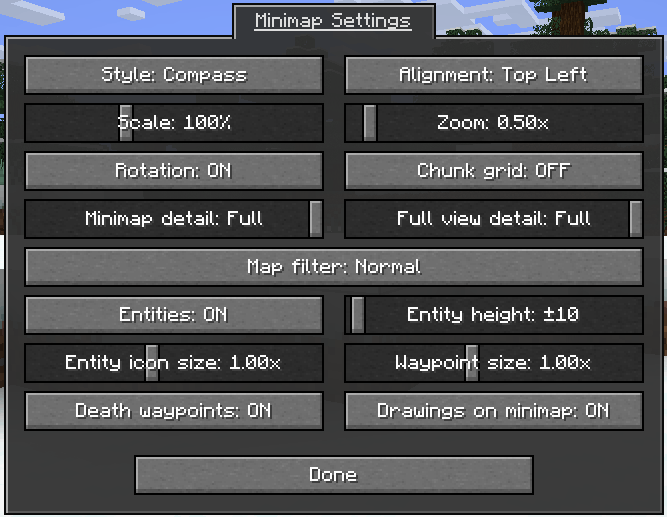
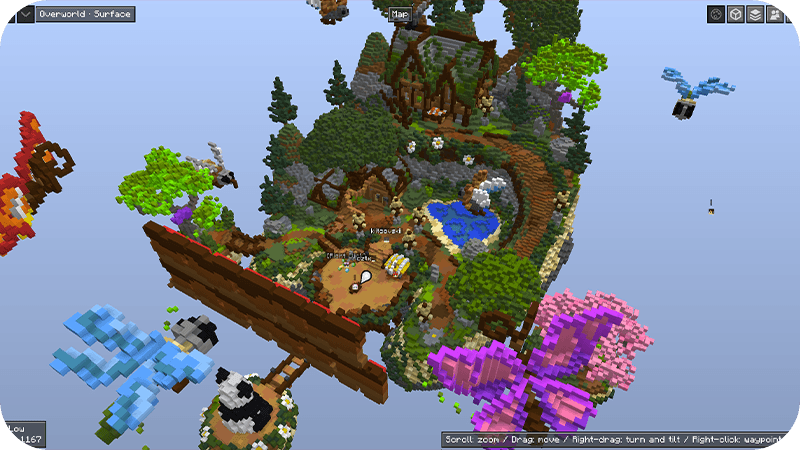
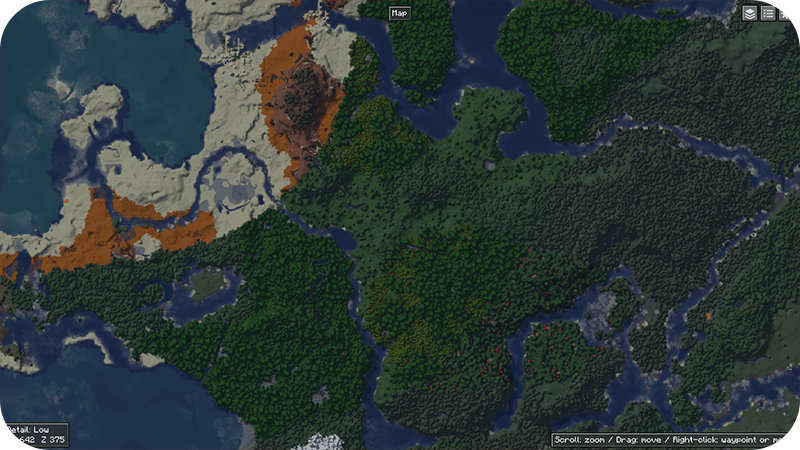
2D, 3D (fully rotatable) and Texturepacks compatible (colors and blocks display) Minecraft Minimap with a zoomable full-screen map that remembers explored terrain (with separate cave layers), live entity icons, and customizable waypoints you can share with other players.
Support for Waystones (by BlayTheNinth) and Stagecoaches (by IamFeelix)
- Press M to open the full-screen map.
- Press U to Create a Waypoint at your position.
- Both Keys can be changed in Controls, under “Compass Minimap”.
- On the full-screen map, scroll to zoom in or out, drag with the left mouse button to move the map, and right-click to place a waypoint where you clicked.
- Details in full view are being automatically adjusted.
常见问题
Minimap | Compass Minimap 支持哪些 Minecraft 版本?
Minimap | Compass Minimap 支持 Minecraft Java 版 1.20–1.21.4,共 12 个版本,可用的加载器:Fabric / Forge / NeoForge。下载时注意选择和你游戏版本一致的文件。
Minimap | Compass Minimap 怎么安装?
先用 PCL2 或 HMCL 启动器安装对应版本的 Fabric / Forge / NeoForge,再把下载的 .jar 文件放进游戏目录的 mods 文件夹,重新启动游戏即可。开启了版本隔离的,mods 文件夹在 versions/版本名 下面。
评论
登录后评论和评分