
Sculk Microphone (Fork)
Fork of the Sculk Microphone Mod that doesn't crash on dedicated servers with no audio devices.
介绍
A fork of the Sculk Microphone Mod by Towo, but patched to not crash on most dedicated servers due to there being 0 audio devices.
Credit to Towo for the mod, all I did was fix a bug.
https://www.curseforge.com/minecraft/mc-mods/sculk-microphone
Description

A Minecraft Forge mod by Towo.
Current Features
- Sculk Sensor activation when talking into your microphone.
- A Warden will be alerted when you speak.
- Comparators linked to Sculk Sensors will output a redstone signal (1 to 15) based on the input volume.
- Customisable options.
- Configurable with commands.
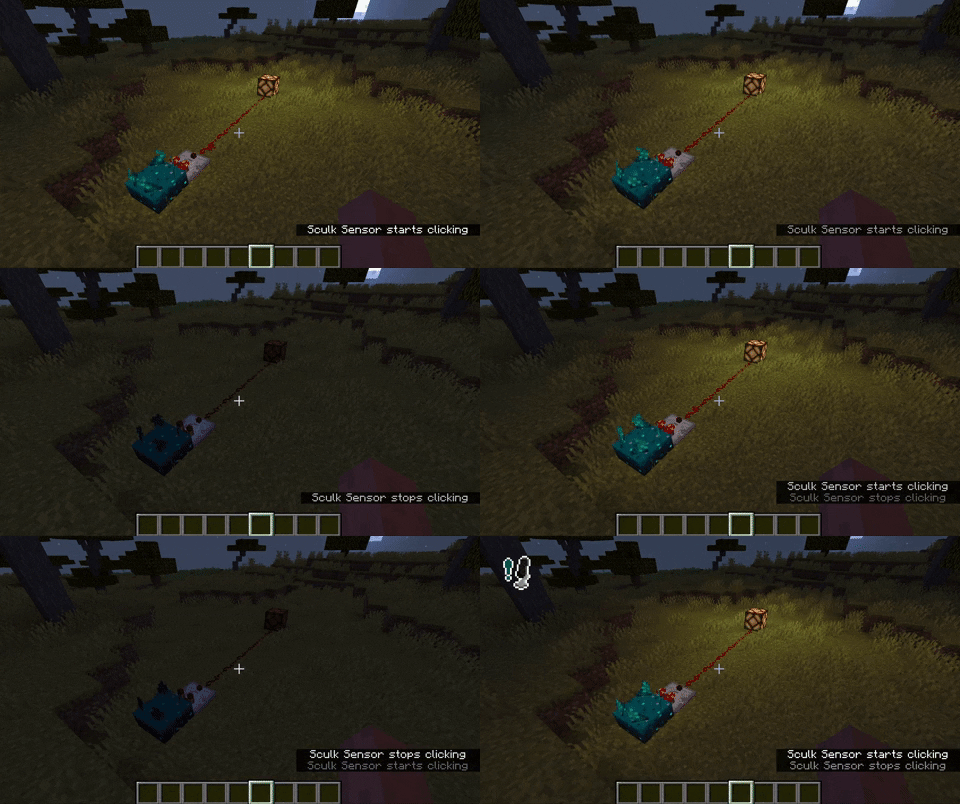

How it works
Simply run the mod, and talk into your microphone! Any nearby sculk sensor should activate. If not, try editing your settings.
Settings
- Microphone This options simply allows you to disable the microphone whenever you wish.
- Sculk Threshold This value will determine at what volume level a sculk sensor will activate / a Warden will hear you. Below the button you can see a moving bar; this is your volume level.
- Icon Whenever your volume is above the given threshold, an icon will appear on-screen. The position of the icon is configurable. This can also be disabled.
- Input Device The device used for recording your voice.
Commands
Somethings are only configurable with commands. These are often things that affect all players in a server.
/sculkmicrophone set …
/sculkmicrophone set distance [value]will set the maximum distance at which a player will have to be to voice-activate a vibration listener./sculkmicrophone set doDynamicRedstone [true|false]will enable or disable whether a redstone comparator should output a signal depending on the volume of an incoming (microphone) vibration./sculkmicrophone set defaultRedstoneSignal [value]will set the value a comparator outputs if it will not dynamically do so.
Any bug you may find or suggestion you might have, can be reported as an issue here.
常见问题
Sculk Microphone (Fork) 支持哪些 Minecraft 版本?
Sculk Microphone (Fork) 支持 Minecraft Java 版 1.19–1.19.2,共 3 个版本,可用的加载器:Forge。下载时注意选择和你游戏版本一致的文件。
Sculk Microphone (Fork) 怎么安装?
先用 PCL2 或 HMCL 启动器安装对应版本的 Forge,再把下载的 .jar 文件放进游戏目录的 mods 文件夹,重新启动游戏即可。开启了版本隔离的,mods 文件夹在 versions/版本名 下面。

评论
登录后评论和评分