截图
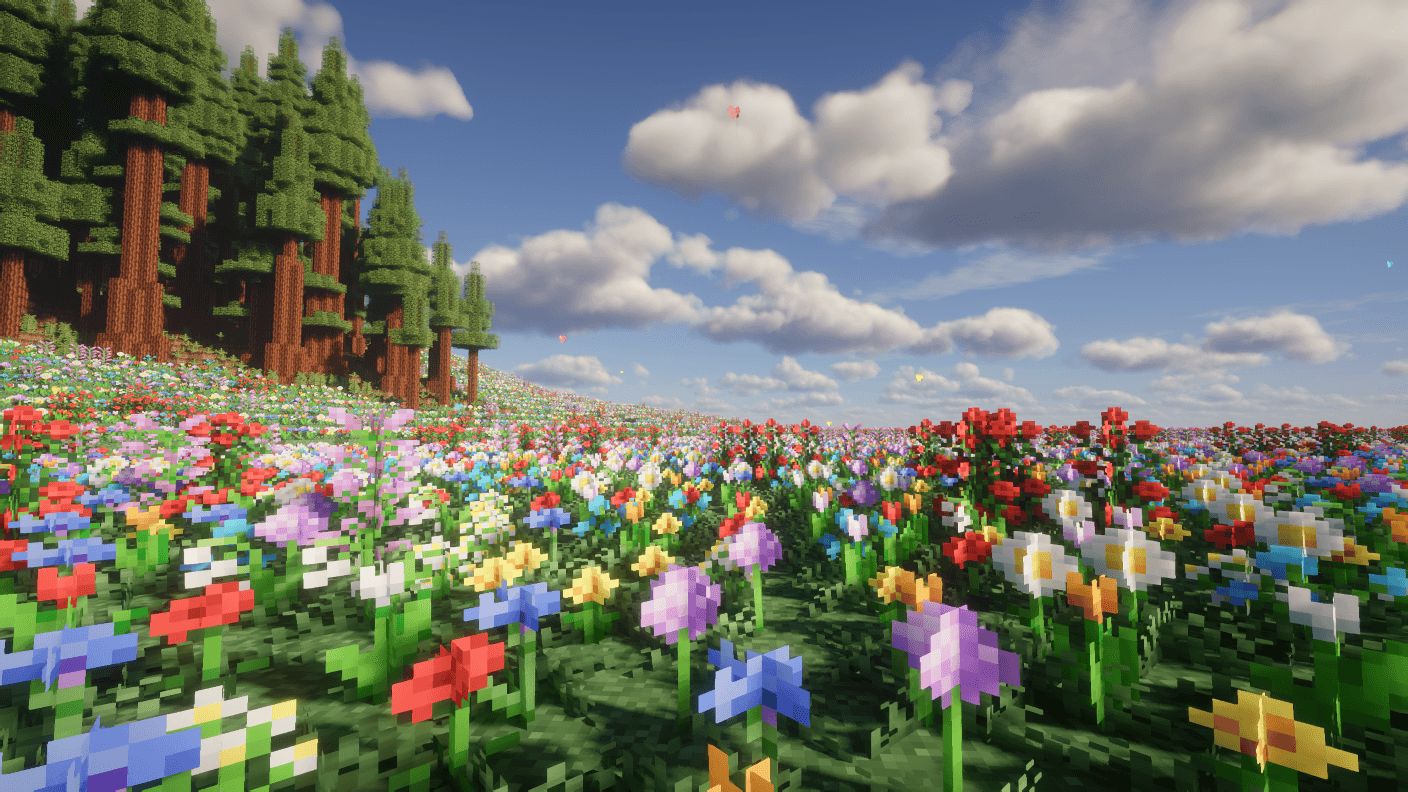
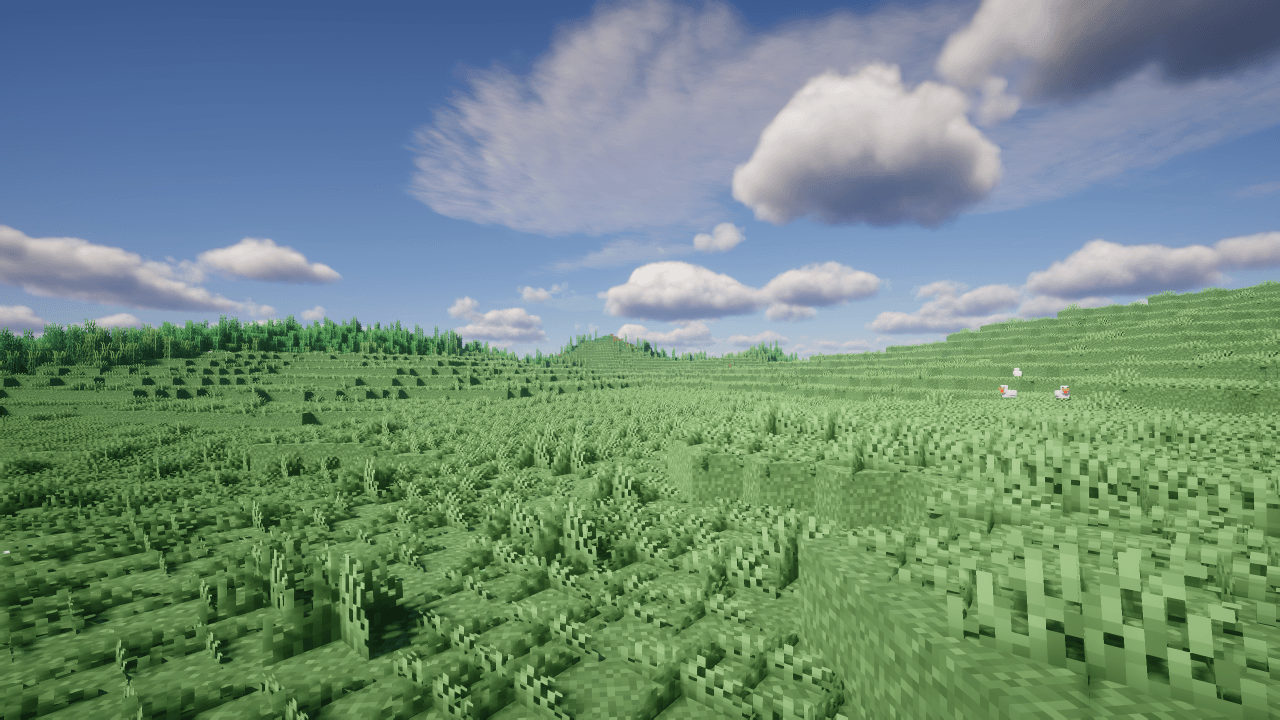
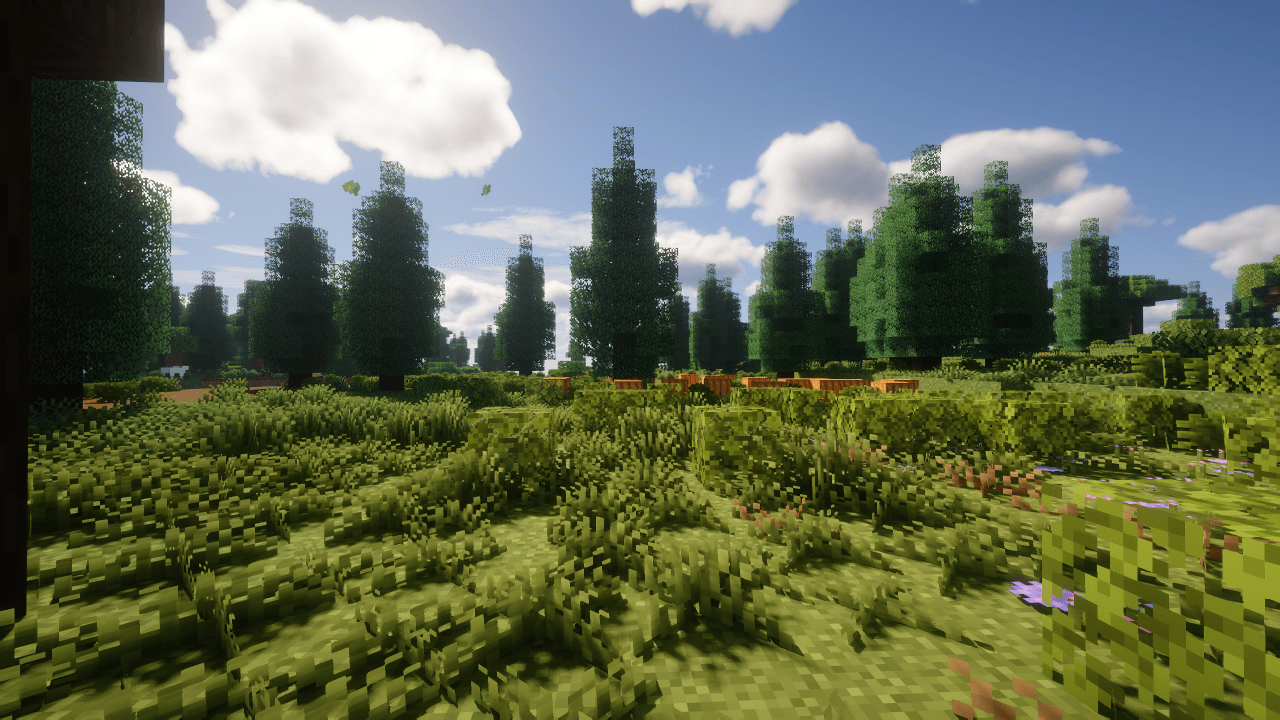
介绍
Lush Grass
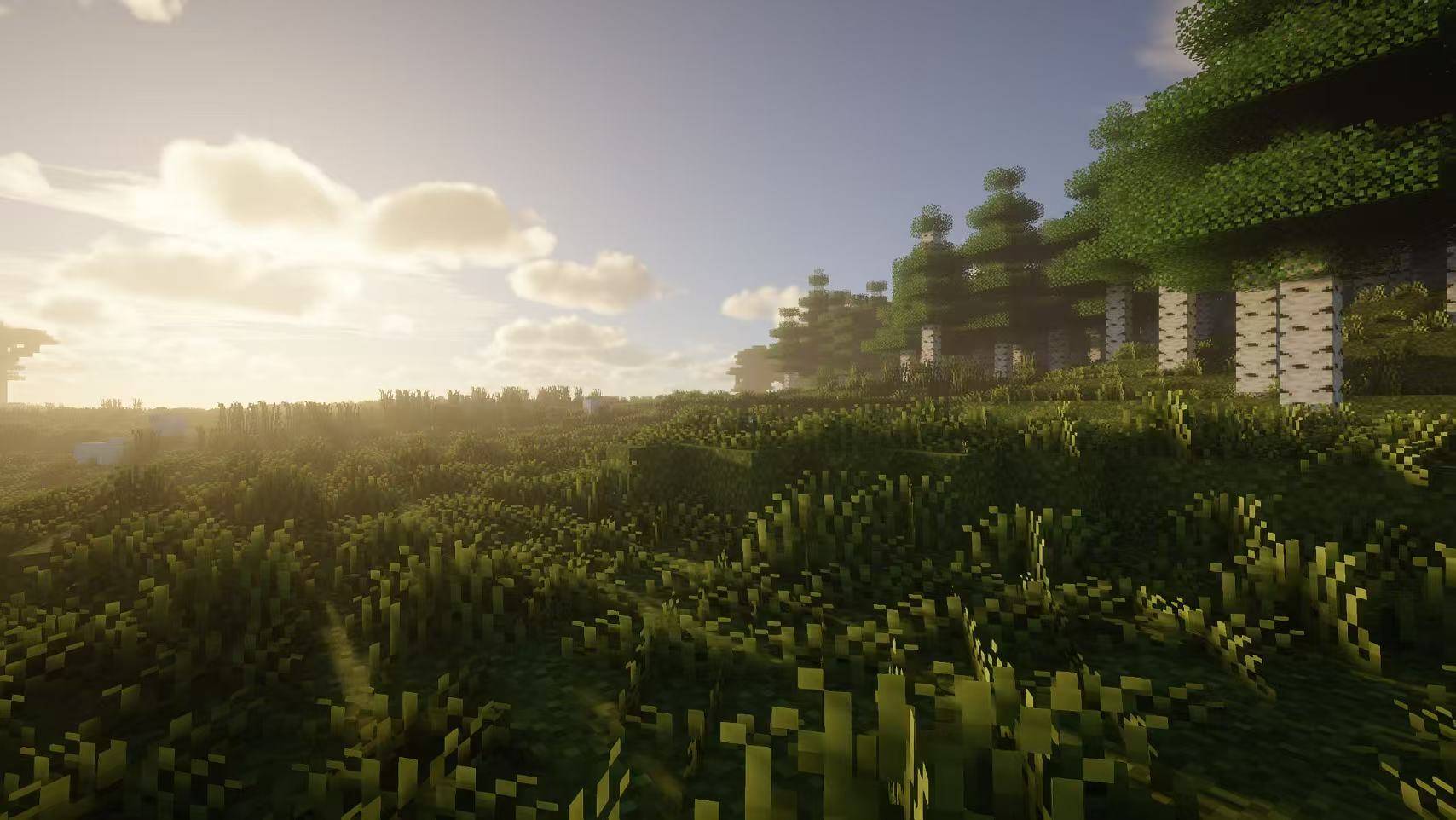
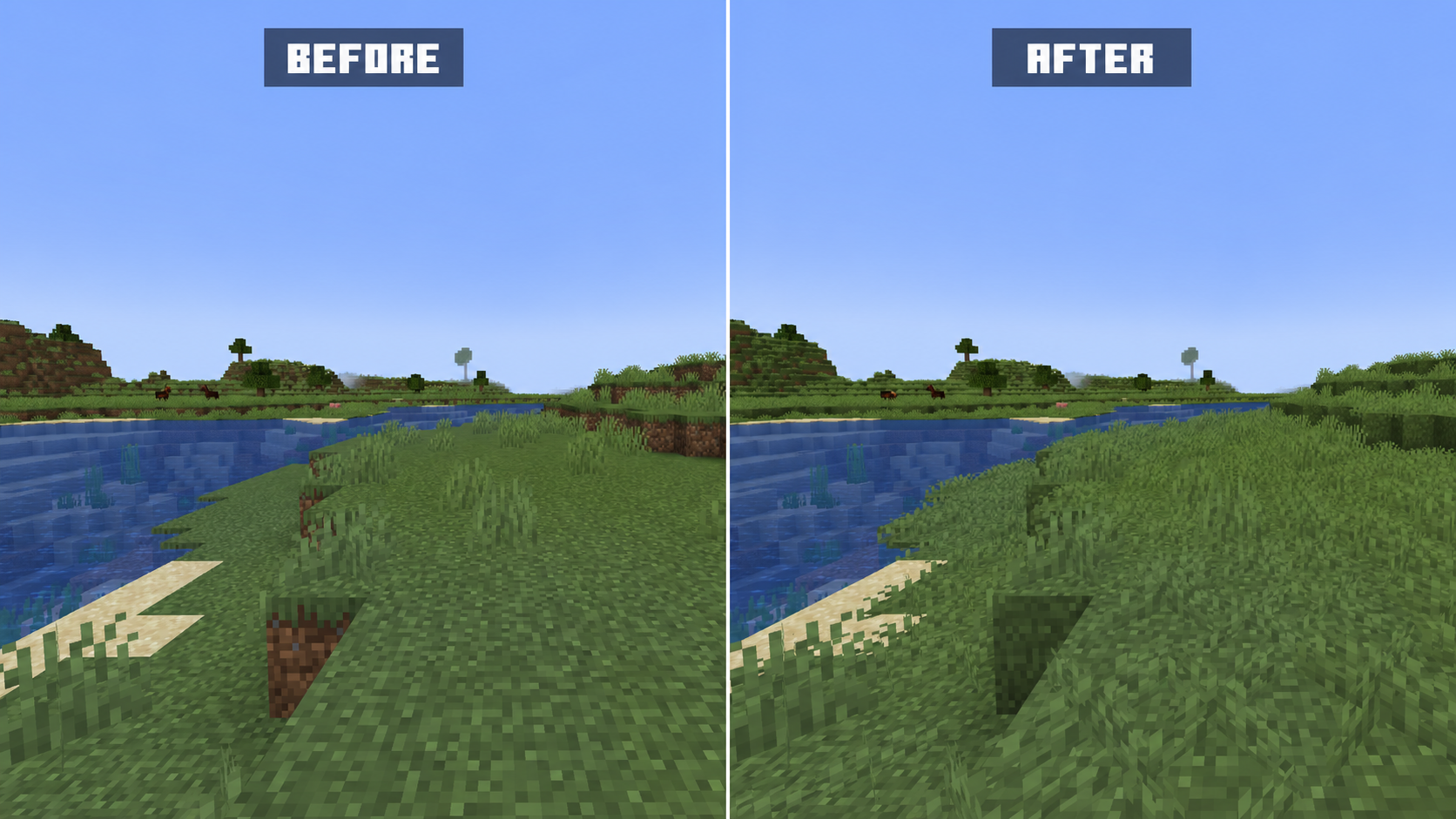
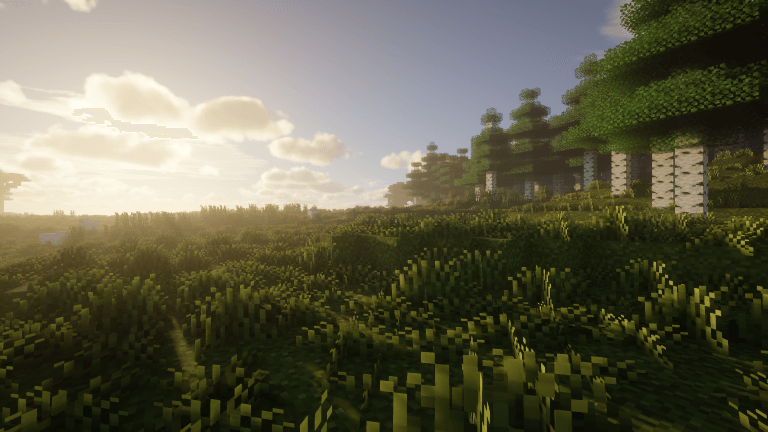
Lush Grass is a lightweight client-side visual mod that makes grass blocks and grassy landscapes look more natural and lush while preserving the vanilla style.
Features
- Improves the appearance of vanilla grass blocks, making grasslands look lusher.
- Renders grass tufts on unobstructed grass blocks to add depth to grasslands.
- Provides client-side configuration with independent controls for grass-block coverage and grass-tuft rendering.
- Supports popular rendering optimization and shader mods, giving grass tufts the correct shader materials and vegetation movement.
Configuration
Lush Grass provides two client-side visual options. Both are enabled by default and can be changed independently.
– Better Grass Blocks improves the appearance of vanilla grass blocks.
– Lusher Grass renders short grass on unobstructed vanilla grass blocks to make grasslands look fuller.
The settings are available through the client configuration screen and in `config/lush_grass-client.toml`. Changing either option automatically refreshes the affected chunks.
AI tools were used to assist with portions of the code. All functionality was reviewed and tested by the author.
常见问题
Lush Grass 支持哪些 Minecraft 版本?
Lush Grass 支持 Minecraft Java 版 1.20.1–26.2,共 4 个版本,可用的加载器:Fabric / Forge / NeoForge。下载时注意选择和你游戏版本一致的文件。
Lush Grass 怎么安装?
先用 PCL2 或 HMCL 启动器安装对应版本的 Fabric / Forge / NeoForge,再把下载的 .jar 文件放进游戏目录的 mods 文件夹,重新启动游戏即可。开启了版本隔离的,mods 文件夹在 versions/版本名 下面。
评论
登录后评论和评分