
截图
介绍

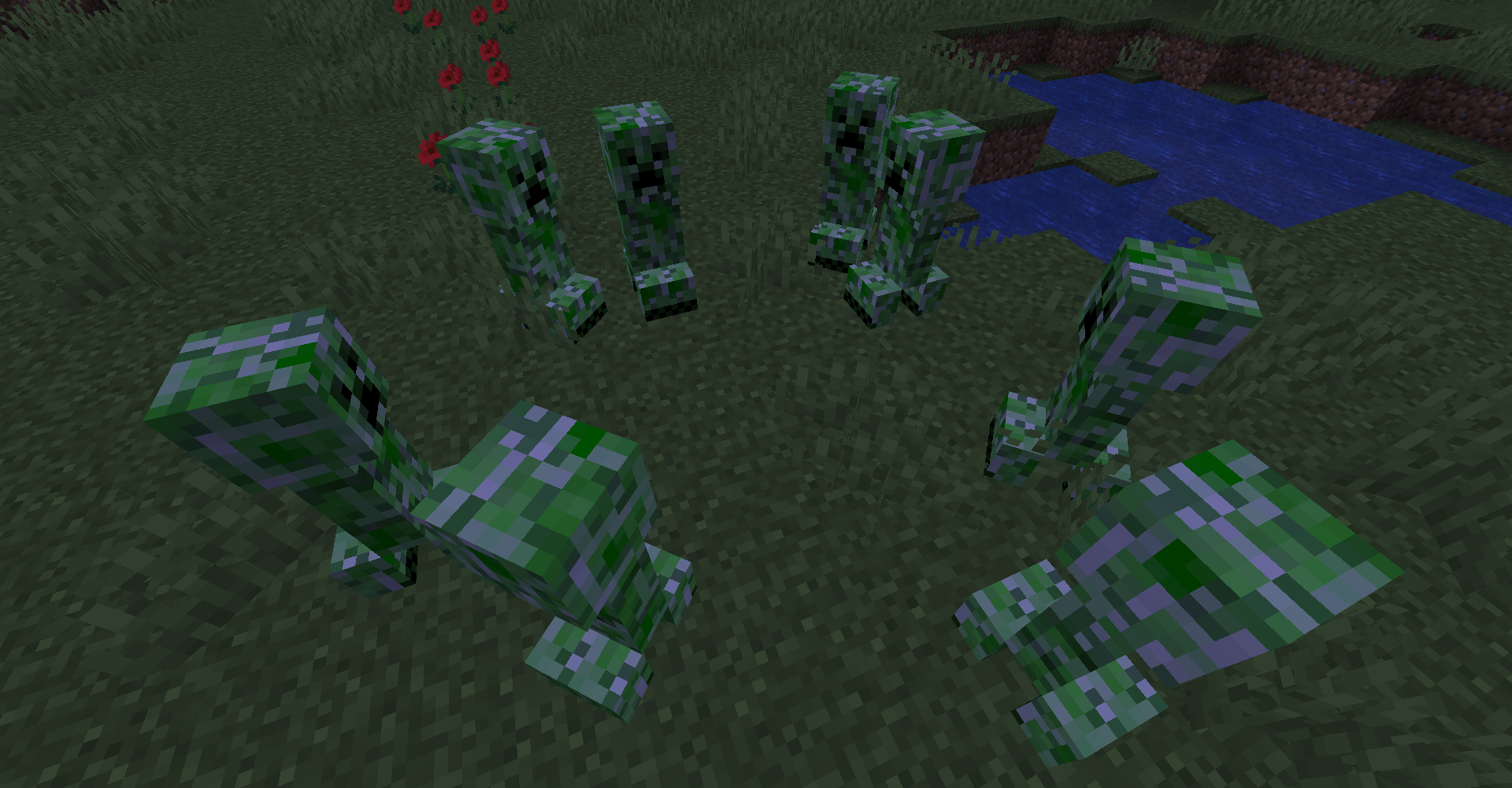
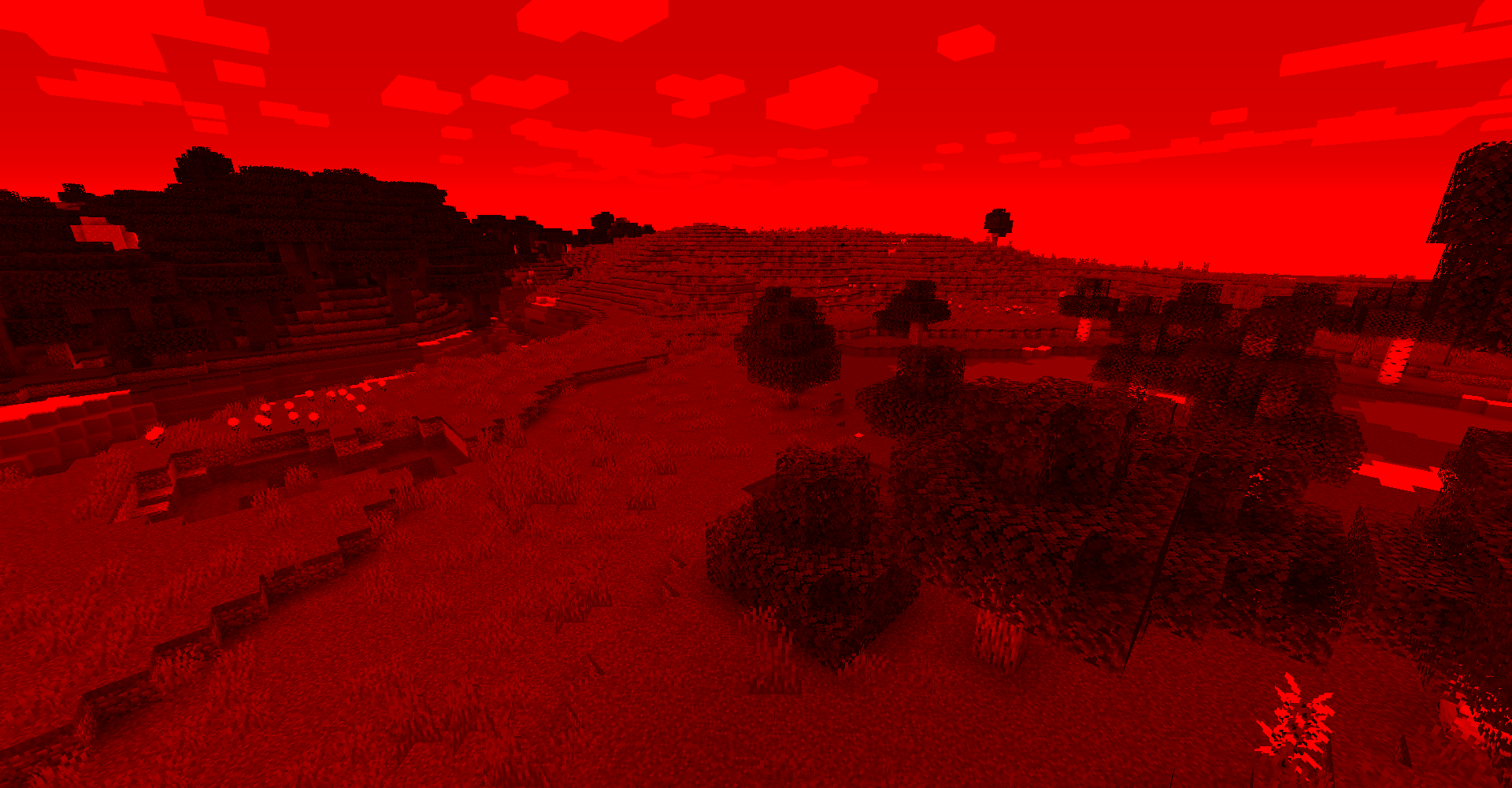
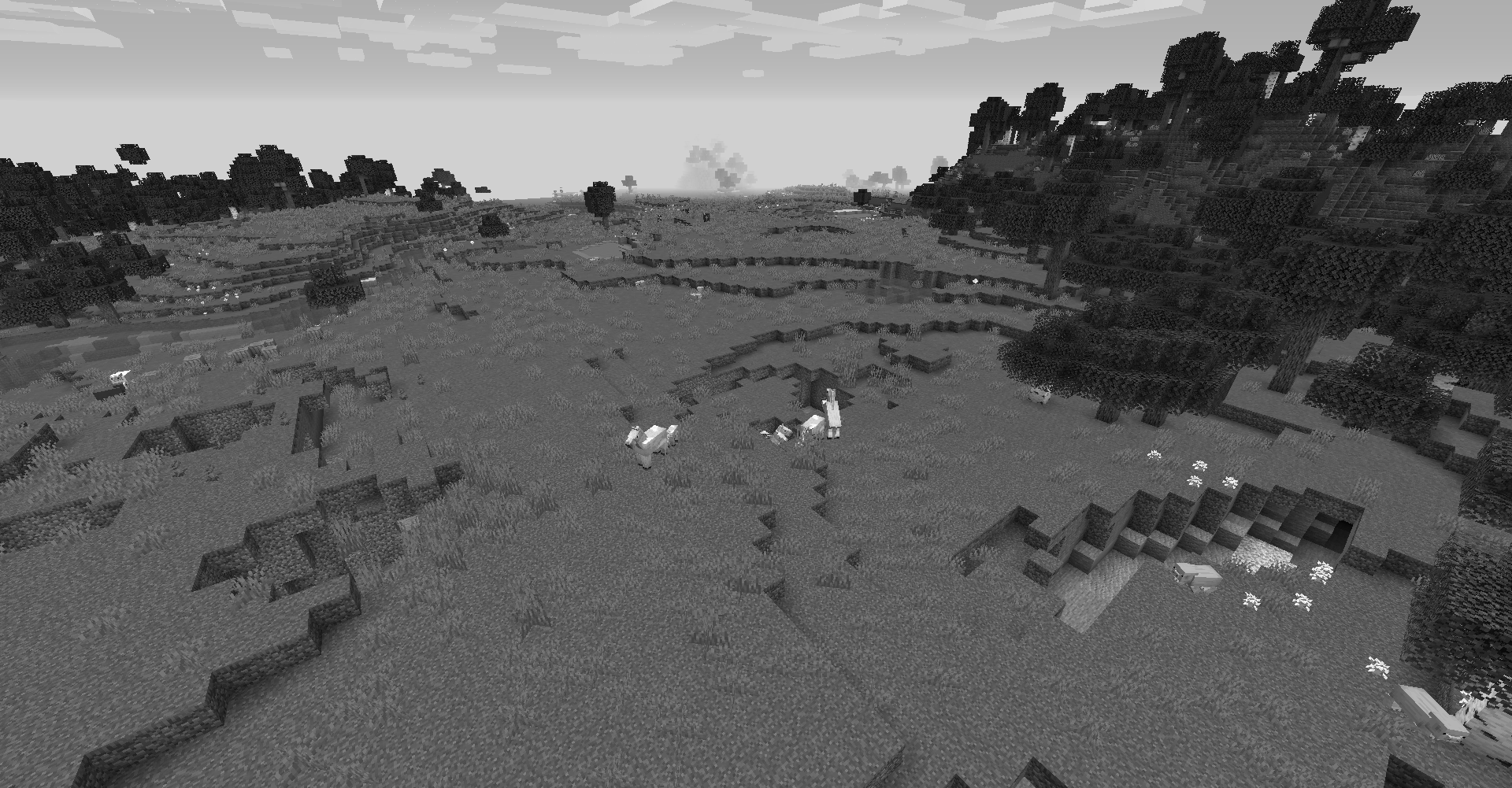
Not everything is what it seems in the world of Minecraft. Sometimes, your eyes could gray out. Other times, you might be wandering within a fogged world.
Welcome to Paranoia, the mod that introduces a sanity bar and nothing else. Well…maybe a few effects here and there. But it wouldn’t be fun if sanity was so linear. So, prepare for a world of randomness as you experience Minecraft with sanity.
This was created for the MMD SpookyJam 2020.
FAQ
Is this mod free of any phobias?
It is free of very common phobias. This is to allow as many users to be able to play this mod as possible. Phobias will probably be as a separate addon for those who decide to make it or myself if I choose to implement it.
Will you backport this to earlier versions?
Currently this mod will be on the latest minor. There are no plans to support legacy versions of forge in the future, apologies for any inconvenience.
Which versions will be supported?
Except for the release, the latest minor of each version will be supported. If a new version arises, I will only support the current version and one version prior. All other versions will not be supported besides from fixing any game-breaking bugs.
Will you support other mod loaders?
Probably when I finish this mod in forge. I usually prefer to work on one implementation until completion before porting to another system.
常见问题
Paranoia 支持哪些 Minecraft 版本?
Paranoia 支持 Minecraft Java 版 1.16.3–1.16.4,共 2 个版本,可用的加载器:Forge。下载时注意选择和你游戏版本一致的文件。
Paranoia 怎么安装?
先用 PCL2 或 HMCL 启动器安装对应版本的 Forge,再把下载的 .jar 文件放进游戏目录的 mods 文件夹,重新启动游戏即可。开启了版本隔离的,mods 文件夹在 versions/版本名 下面。
评论
登录后评论和评分