截图
介绍
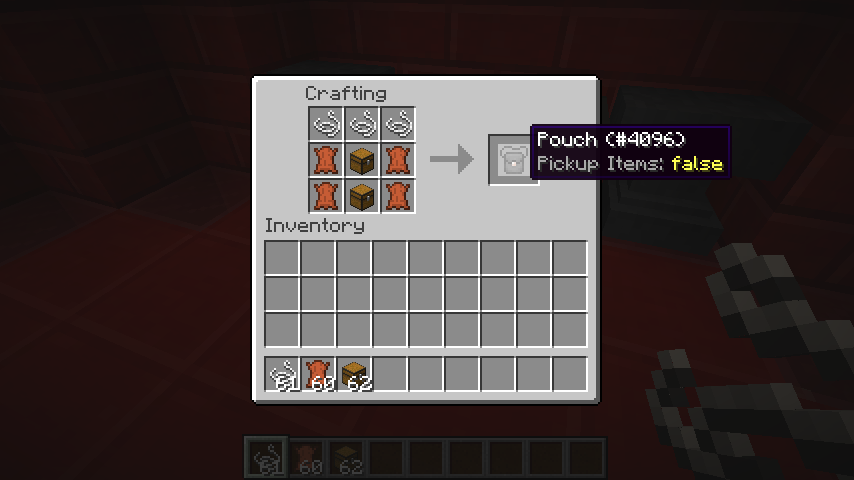
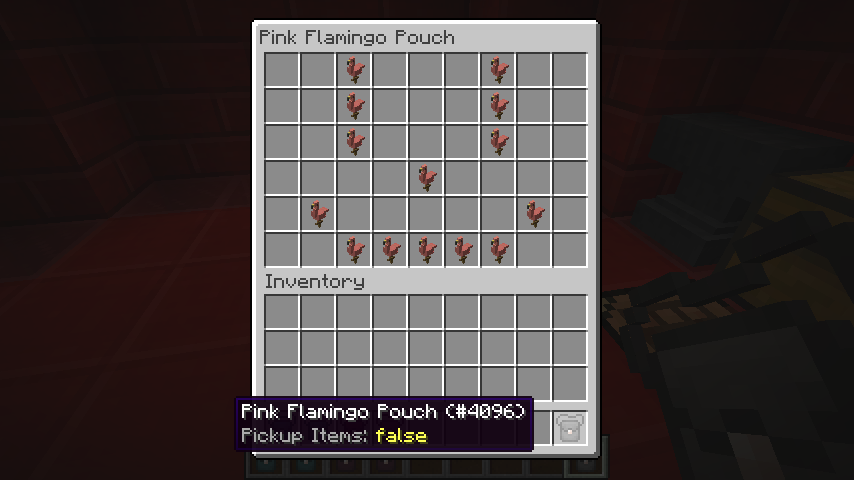
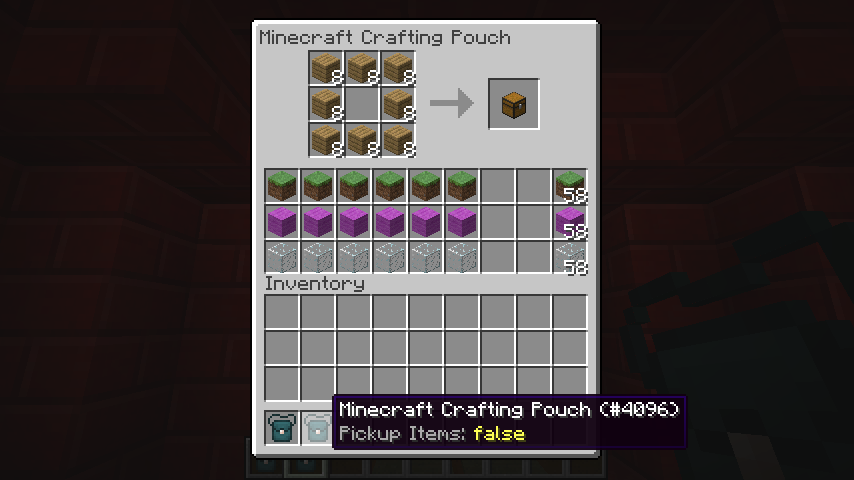
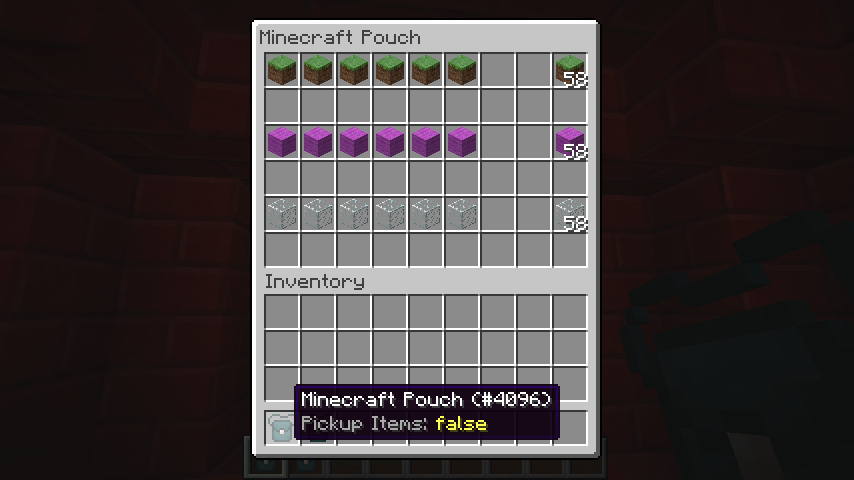
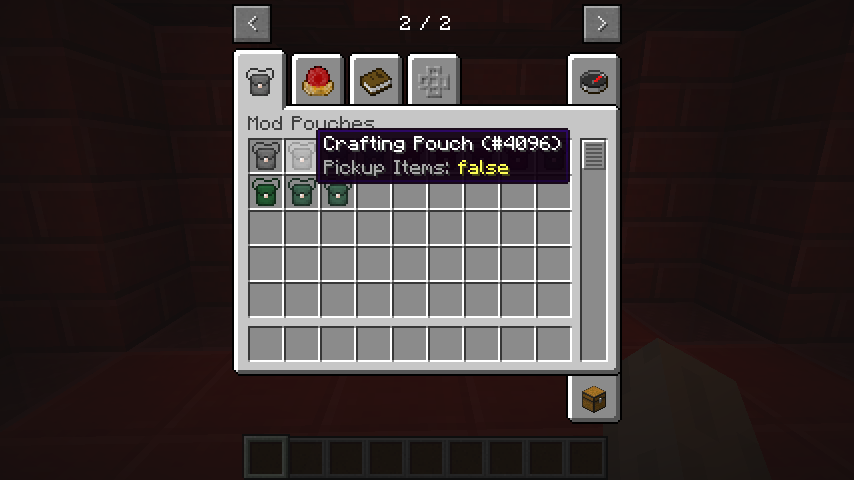
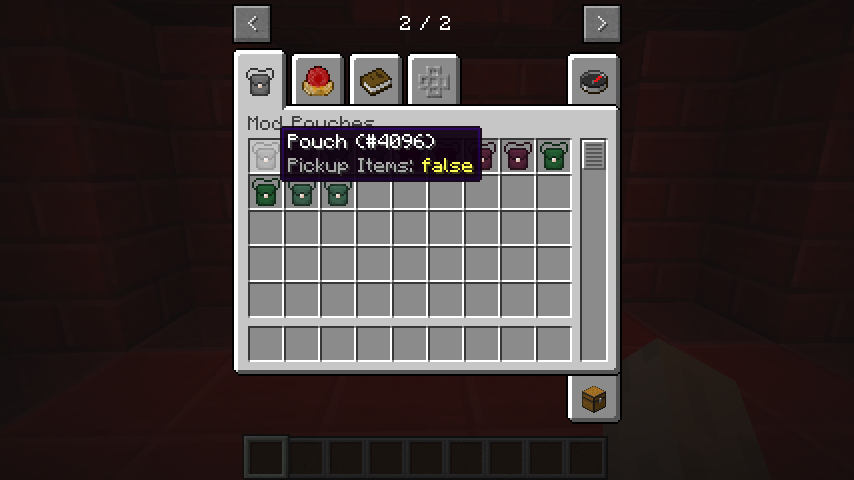
Mod Pouches is a Minecraft mod that adds two items to the game, the Pouch and the Crafting Pouch.
Feature overview:
The Pouch is an item capable of storing a double-chest worth of content.
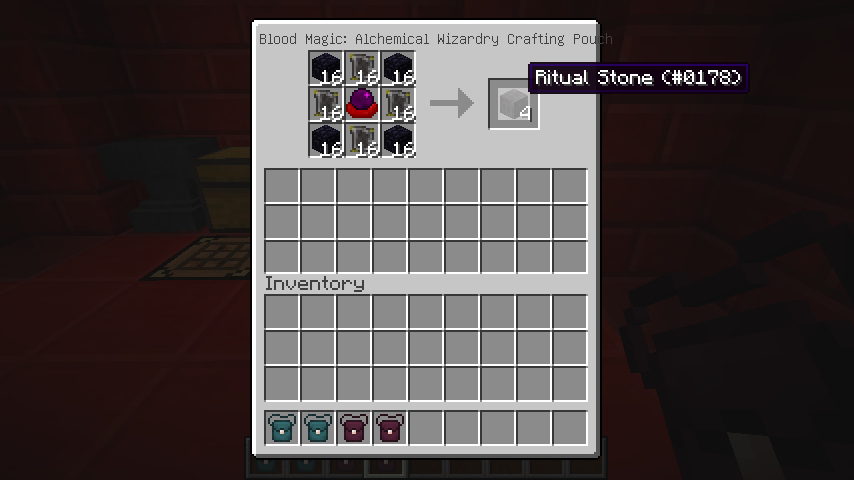
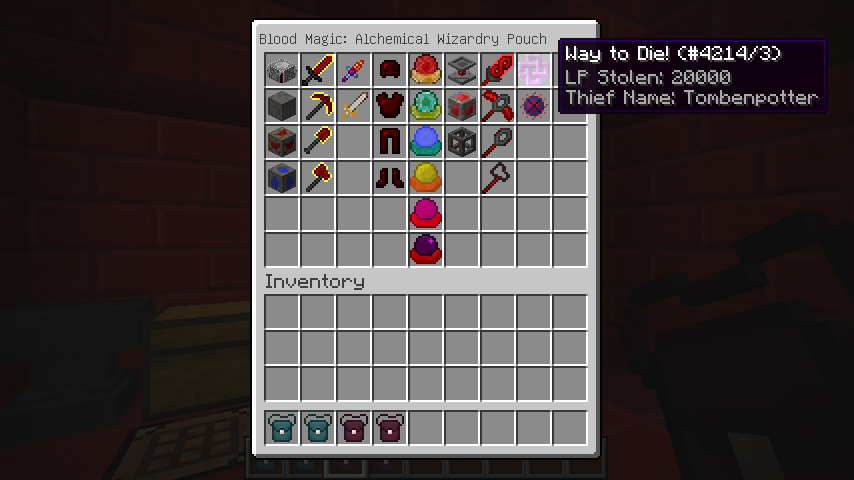
The Crafting Pouch can store a single chest worth of content, but has a crafting grid inside of its GUI.
However, both of them can only store items from a single mod and its children mods (if enabled in the config file).
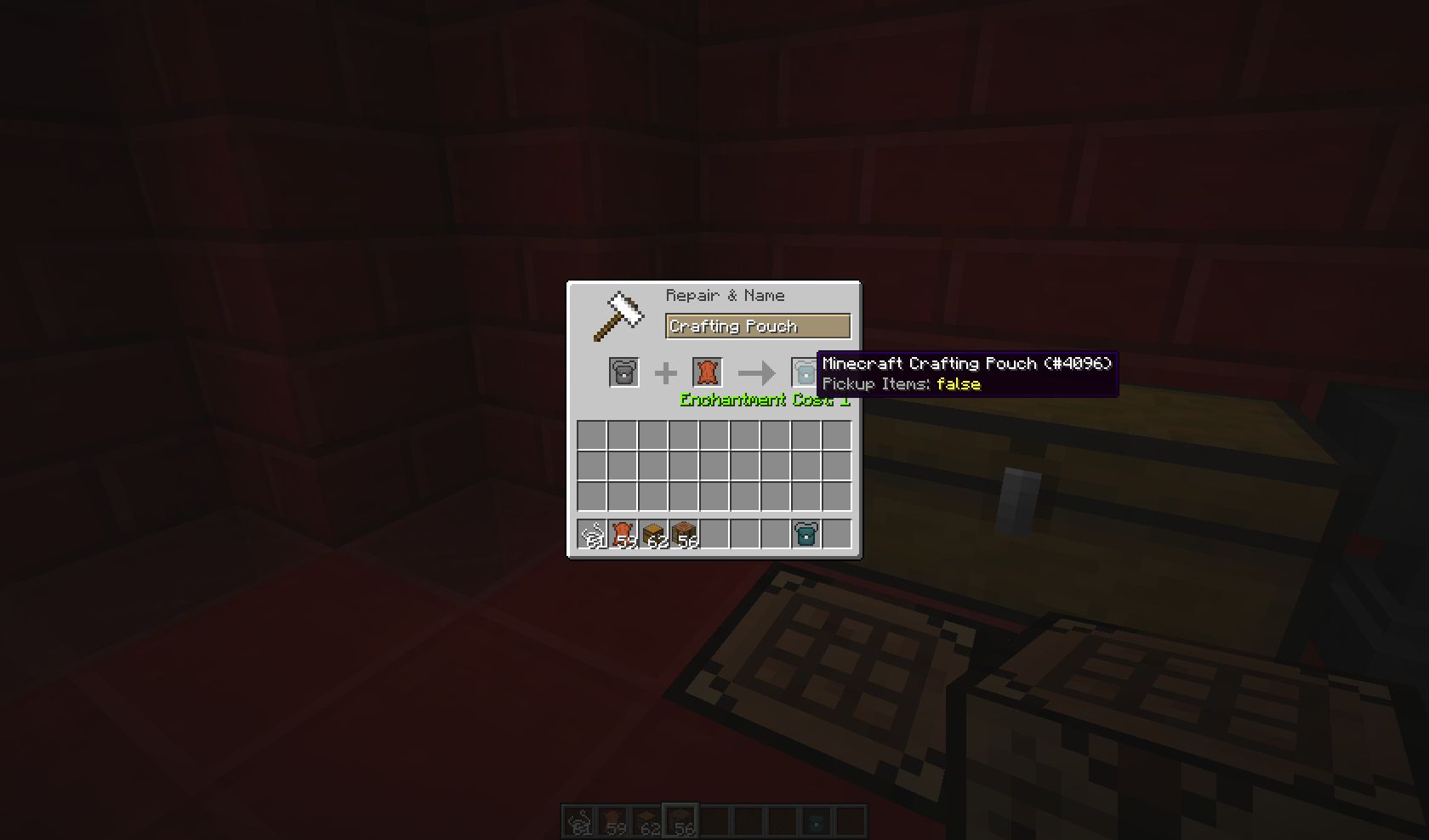
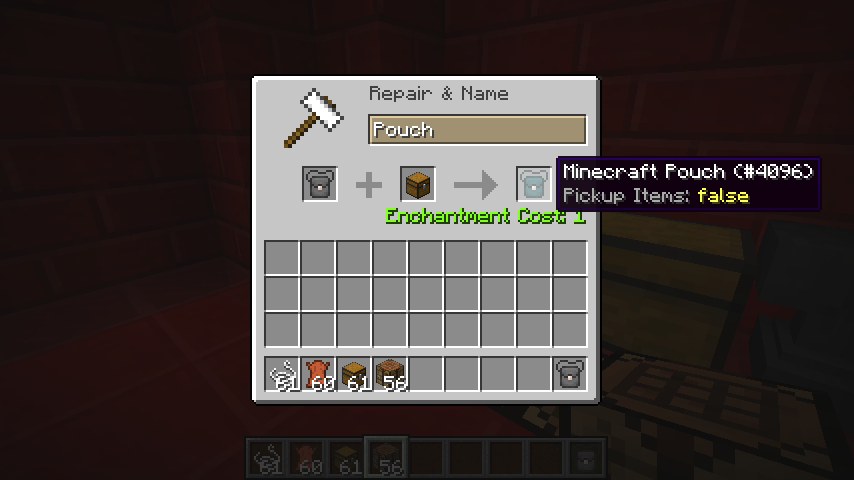
To assign a mod to a Pouch or a Crafting Pouch, simply place the Pouch item in the left side of an anvil, and any item or block from the mod you wish to assign on the right, along with 1 level of experience, and ta-da!
The item placed in the right slot will not be consumed.
The pouch takes by default, a random color associated to the mod you assigned it. You can change that!
Simply rename a Name Tag with a Hex Color Code, and place the Pouch on the left and the Name Tag on the right in an anvil.
For 1 more level of experience, the output will be a pouch, with the color corresponding to the Hex Code provided by the Name Tag.
Any item present in the Pouch before the coloring will be preserved.
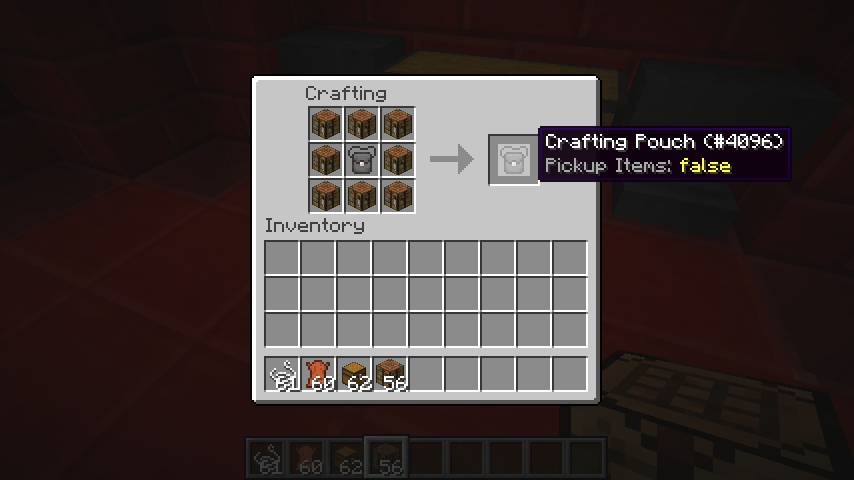
To upgrade from a Pouch to a Crafting Pouch, just surround a regular Pouch with 8 Crafting Tables in a crafting grid.
All settings will be preserved when you upgrade, but the last 3 rows of the Pouch will be dropped on the floor, as they don’t exist in the Crafting Pouch.
If for some reason you want to get a regular Pouch back from a Crafting Pouch, simply surround it with 8 pieces of leather in a crafting grid. All items will be preserved.
The different Pouches have the ability to place the items you’ve picked up inside of their inventory automatically. To enable this, simply shift-right click with the Pouch in your hand.
Images:
For images of the mod, go there
Credits:
- BBoldt who made the Pouch texture!
- Sarge who gave me the idea to create the mod without being aware he did!
- TehNut who created a 1.8 version of the mod (not released yet), and gave me access to his Jenkins!
常见问题
Mod Pouches 支持哪些 Minecraft 版本?
Mod Pouches 支持 Minecraft Java 版 1.7.10,可用的加载器:Forge。下载时注意选择和你游戏版本一致的文件。
Mod Pouches 怎么安装?
先用 PCL2 或 HMCL 启动器安装对应版本的 Forge,再把下载的 .jar 文件放进游戏目录的 mods 文件夹,重新启动游戏即可。开启了版本隔离的,mods 文件夹在 versions/版本名 下面。
tombenpotter 的其他作品
查看全部 →
Guide-API
用于创建游戏内指南的简易前置库模组

Sanguimancy
Sanguimancy:满足你对血魔法的一切自动化需求!

Redstone Armory
让红石(Flux)革命更上一层楼!

Tombenpotter’s Icarus
Over are the days when wings gave you free and unlimited flight!
评论
登录后评论和评分