
截图
介绍
Custom Health HUD
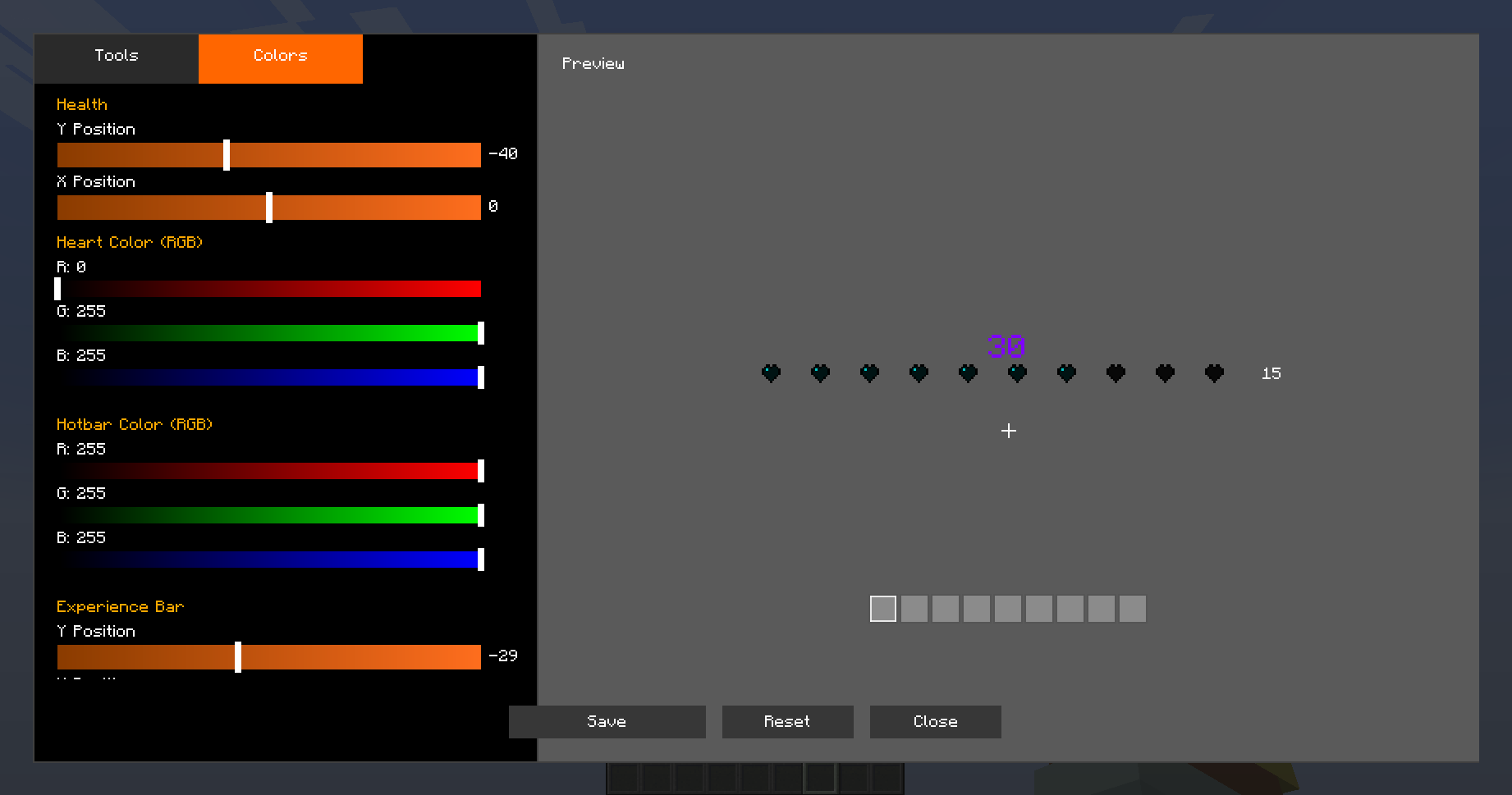
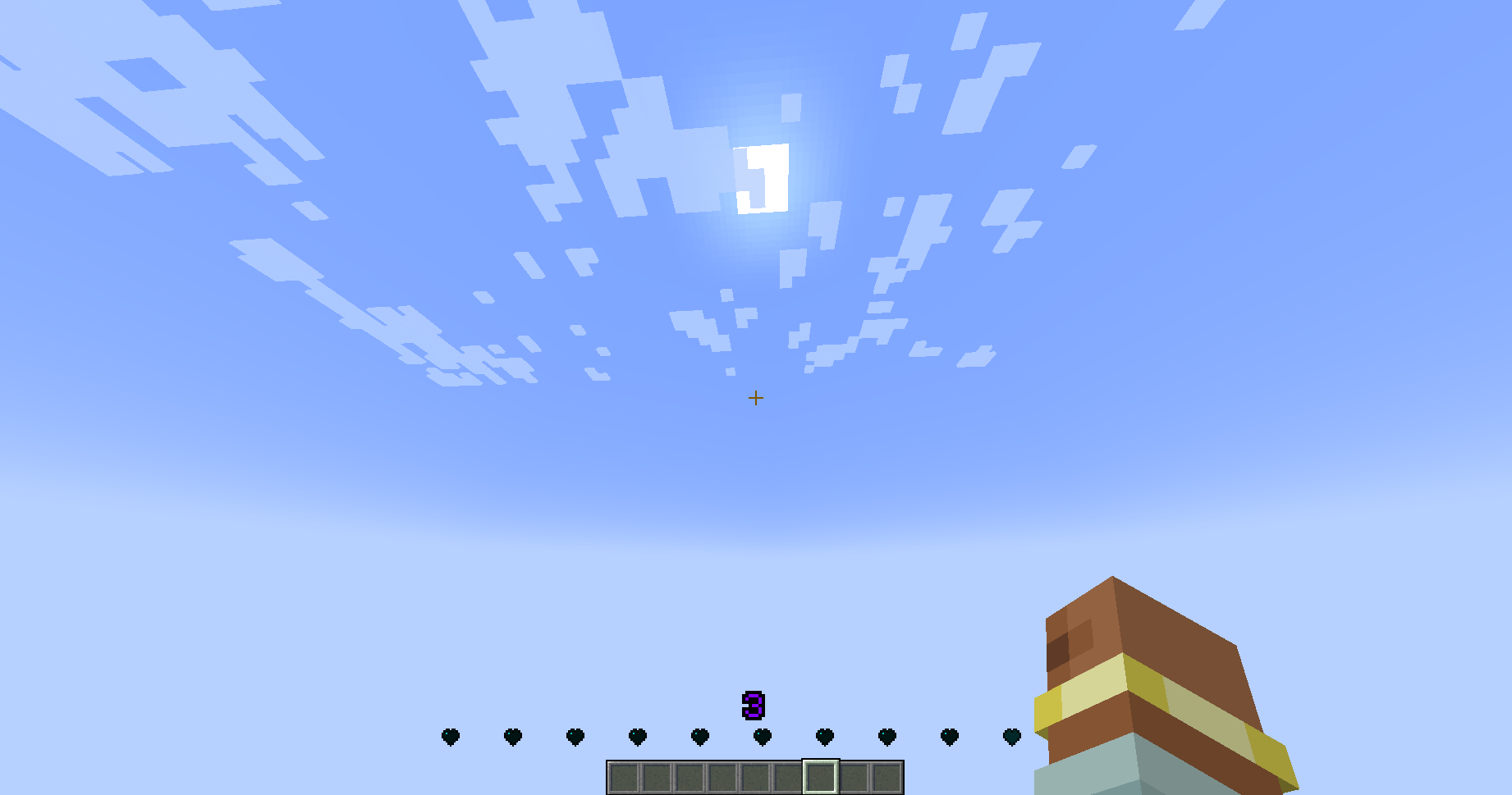
A highly customizable HUD mod for Minecraft Forge that lets you personalize your health bar, experience bar, and other interface elements with full color control and positioning.
✨ Features
Full Customization
Custom Health Bar: Replace the vanilla hearts with a fully customizable version
RGB Color Control: Adjust colors for hearts, hotbar, experience bar, and level number
Position Control: Drag and drop elements anywhere on your screen
Scale Options: Resize hearts and experience numbers to your preference
Spacing Adjustment: Control the spacing between hearts
HUD Elements Control
Toggle visibility of:
Custom Health Bar
Vanilla Health Bar (independent control)
Hotbar
Food Bar
Armor Bar
Air Bubbles
Mount Health
Experience Bar
Experience Level Number
Easy Configuration
In-game GUI: Open with /hud command (requires OP)
Live Preview: See changes in real-time before saving
Drag & Drop: Move elements by dragging them in the preview panel
Color Sliders: Visual RGB sliders for easy color picking
Two Tabs: Separate “Tools” and “Colors” tabs for organized settings
How to Use
Install the mod in your Forge mods folder
Launch Minecraft
Type /hud in-game (requires operator permissions)
Customize to your liking using the intuitive interface
Click “Save” to apply changes
Perfect For
Players who want a cleaner HUD
Streamers seeking a unique interface style
Anyone wanting better control over their game UI
Modpack creators looking for HUD customization options
常见问题
CustomHealthHUD 支持哪些 Minecraft 版本?
CustomHealthHUD 支持 Minecraft Java 版 1.20.1,可用的加载器:Forge。下载时注意选择和你游戏版本一致的文件。
CustomHealthHUD 怎么安装?
先用 PCL2 或 HMCL 启动器安装对应版本的 Forge,再把下载的 .jar 文件放进游戏目录的 mods 文件夹,重新启动游戏即可。开启了版本隔离的,mods 文件夹在 versions/版本名 下面。运行环境:客户端和服务端都要装。
评论
登录后评论和评分