Cozy Cafe
Run a cafe, restaurant, or bistro in Minecraft! Cozy Cafe adds mechanics based off food service games like Plate Up! Overcooked, and Diner Dash.
截图
介绍
Cozy Cafe
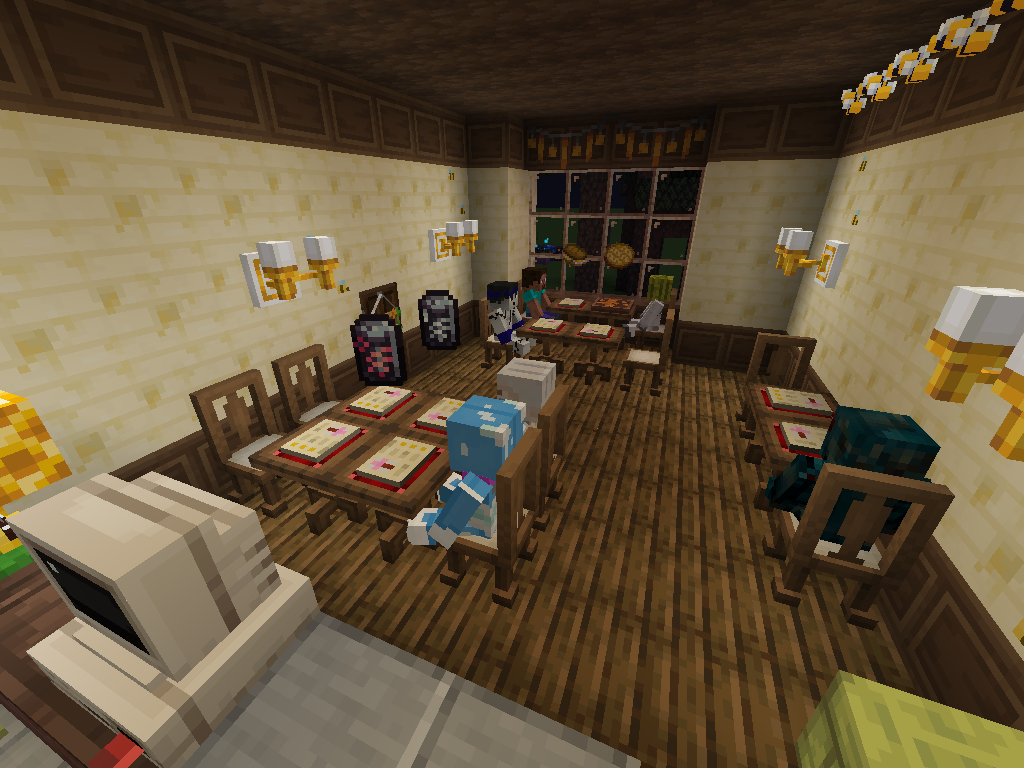
Cozy Cafe adds mechanics based off food service games like Plate Up! Overcooked, and Diner Dash. Customize your cafe’s menu and serve customers every day! Build up your reputation and attract a wider audience to make a lucrative dining experience!
Mechanics
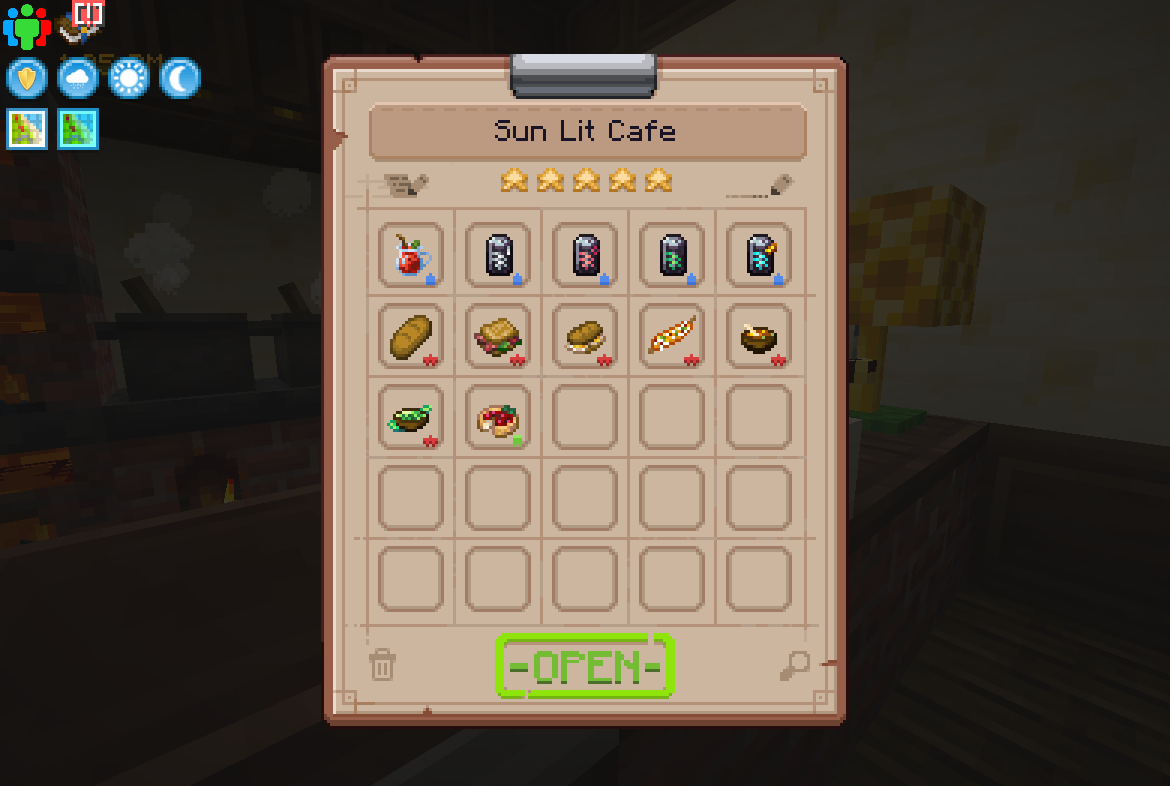
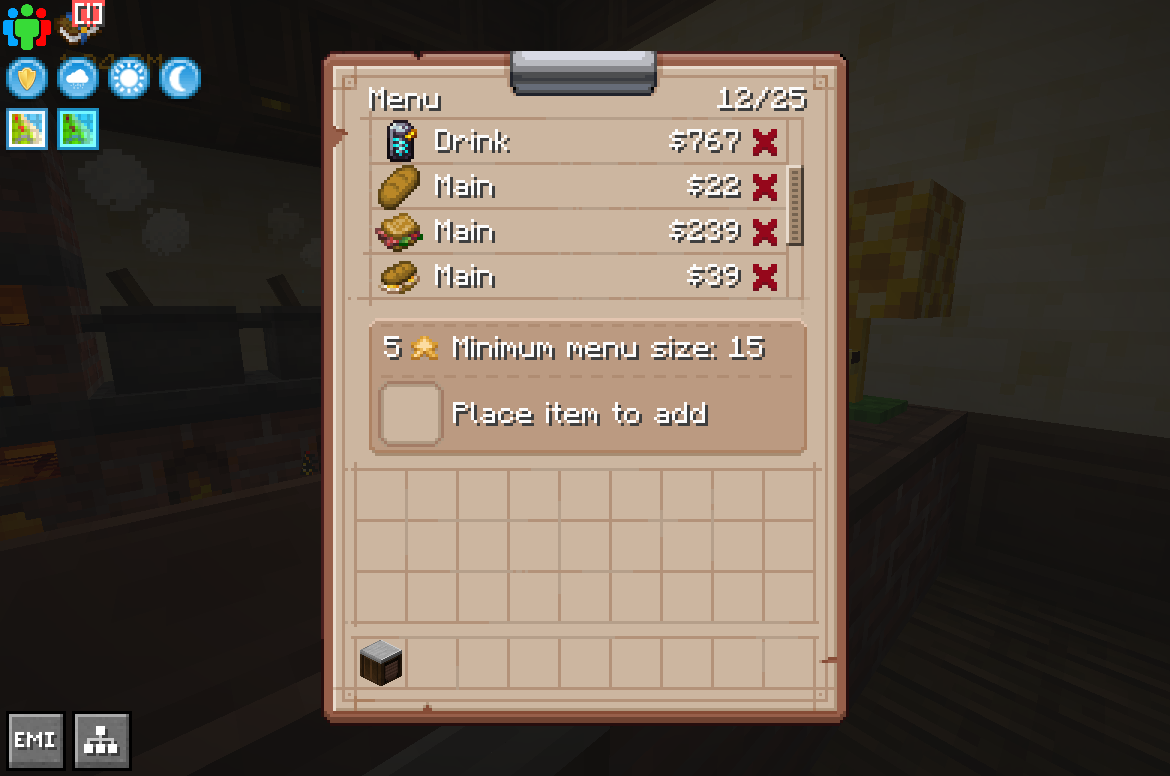
- Design your menu, with each food item being either a drink, main, or dessert.
- Manage the service of customers! Better service will result in higher tips from customers!
- Build up a cafe in any layout you please!
- Earn Reputation, which attracts more customers every day and also increases the max size of your cafe!
- Granular configuration and data-driven menu items! This is designed for modpack makers to integrate into their own packs or to make a cooking pack centered around the mod!
Future Updates
More mechanics planned for future updates! In the 1.1 release, certain decor blocks will raise different stats of your cafe, like increased/decreased wait times and even increased tips! There may also be a flavor and theme system, where certain bonuses can be gained from either customer taste or certain decor.
More information
Learn all about Cozy Cafe through the wiki! There is also an in-depth configuration in config\cozycafe-common.toml to tweak things like currency drops and difficulty.
Mod Compatibility
- Quality Food – Higher quality increases sell value and reputation gain
- Create Numismatics & Create Numismatics Utils – Pay directly to bank account
For the above it is reccomended to use this for the currency configuration:
#The item to use as a 1 denomination of currency (e.g.: minecraft:emerald)
currency_1 = "numismatics:spur"
#The item to use as a 8 denomination of currency (e.g.: minecraft:emerald)
currency_8 = "numismatics:bevel"
#The item to use as a 16 denomination of currency (e.g.: minecraft:emerald)
currency_16 = "numismatics:sprocket"
#The item to use as a 64 denomination of currency (e.g.: minecraft:diamond)
currency_64 = "numismatics:cog"
#The item to use as a 512 denomination of currency (e.g.: minecraft:emerald)
currency_512 = "numismatics:crown"
#The item to use as a 4096 denomination of currency (e.g.: minecraft:emerald)
currency_4096 = "numismatics:sun"
Modded Menu Items
By default, any modded foods will be added as menu items if they’re edible. Mods can also be manually configured via datapack.
The following mods have manually done built-in menu item support (by mod id, too many to link):
Mod compat
- aquaculture
- atmospheric
- autumnity
- bakery
- beachparty
- brewery
- buzzier_bees
- candlelight
- crabbersdelight
- create
- farmersdelight
- farmlife
- farm_and_charm
- herbalbrews
- meadow
- netherdepthsupgrade
- nethervinery
- quark
- refurbished_furniture
- snowyspirit
- species
- supplementaries
- untitledduckmod
- unusualfishmod
- veggiesdelight
- vinery
- vintagedelight
- wildernature
- windswept
If you’d like to request another supported mod, make an pull request/issue post on GitHub!
Dependencies
Support
Questions? Comments? Suggestions? Join our Discord!
常见问题
Cozy Cafe 支持哪些 Minecraft 版本?
Cozy Cafe 支持 Minecraft Java 版 1.20.1–1.21.1,共 2 个版本,可用的加载器:Forge / NeoForge。下载时注意选择和你游戏版本一致的文件。
Cozy Cafe 怎么安装?
先用 PCL2 或 HMCL 启动器安装对应版本的 Forge / NeoForge,再把下载的 .jar 文件放进游戏目录的 mods 文件夹,重新启动游戏即可。开启了版本隔离的,mods 文件夹在 versions/版本名 下面。运行环境:客户端和服务端都要装。
Chakyl 的其他作品
查看全部 →
Unusual Fish
新增虚构鱼类和其他水生生物!

Whimsy Deco
奇趣家具与装饰

Society: Sunlit Valley
星露谷物语般的体验!深入体验种田、养殖和钓鱼玩法,机制均直接还原自游戏!

Splendid Slimes
Data-driven slime ranching! Collect Plorts from slimes for various resources.
评论
登录后评论和评分