
Selection Outlines Vanilla
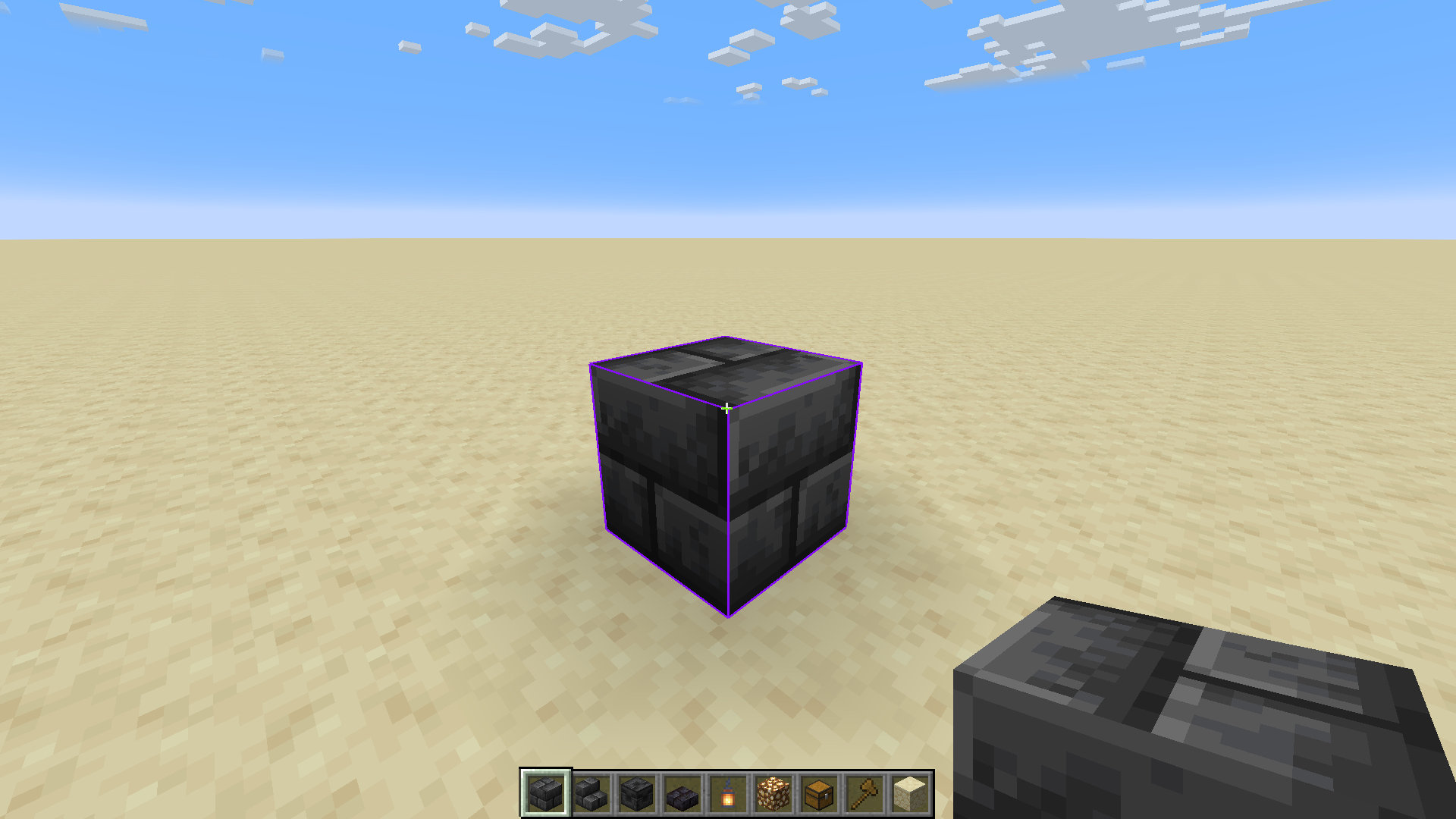
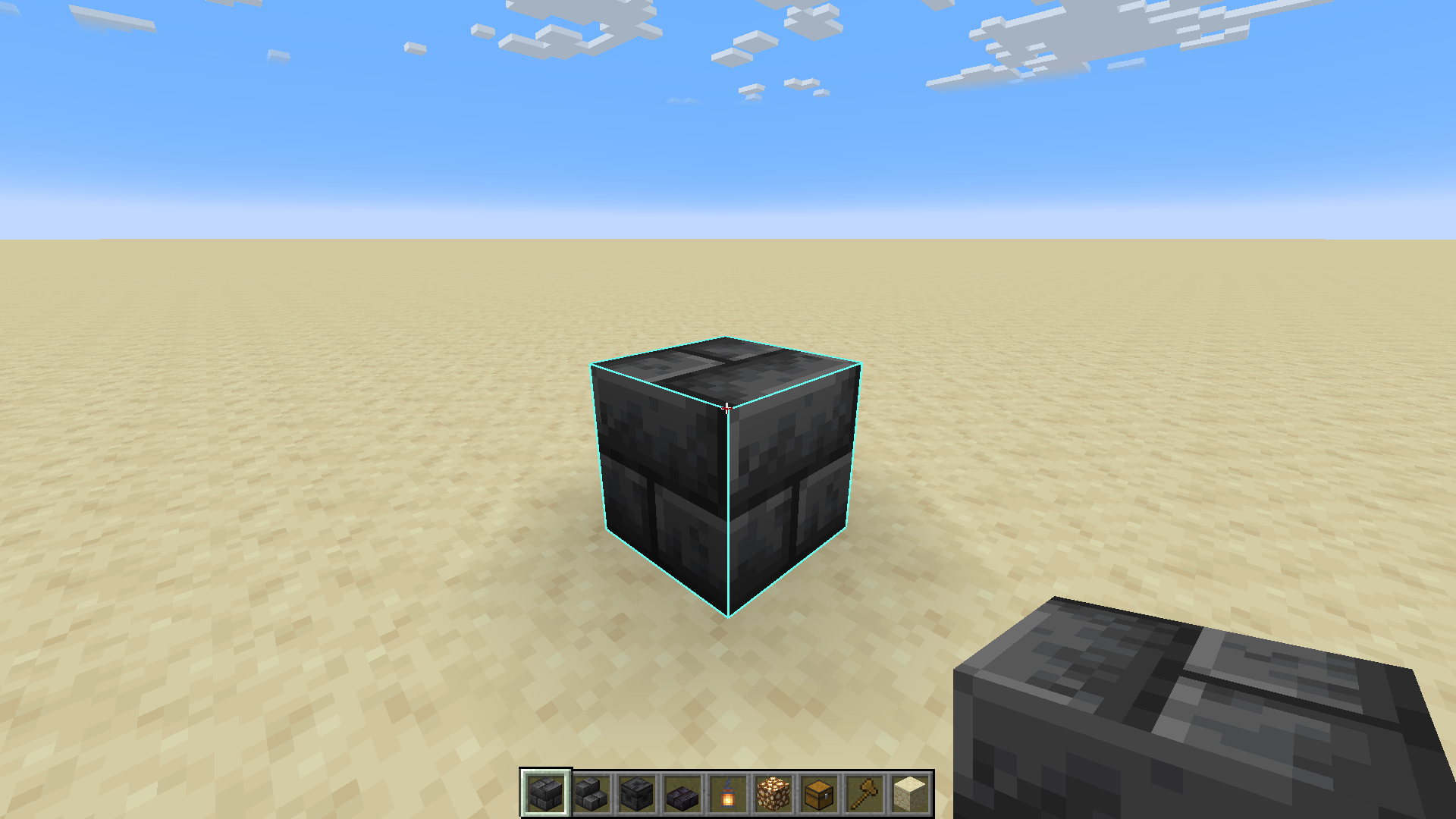
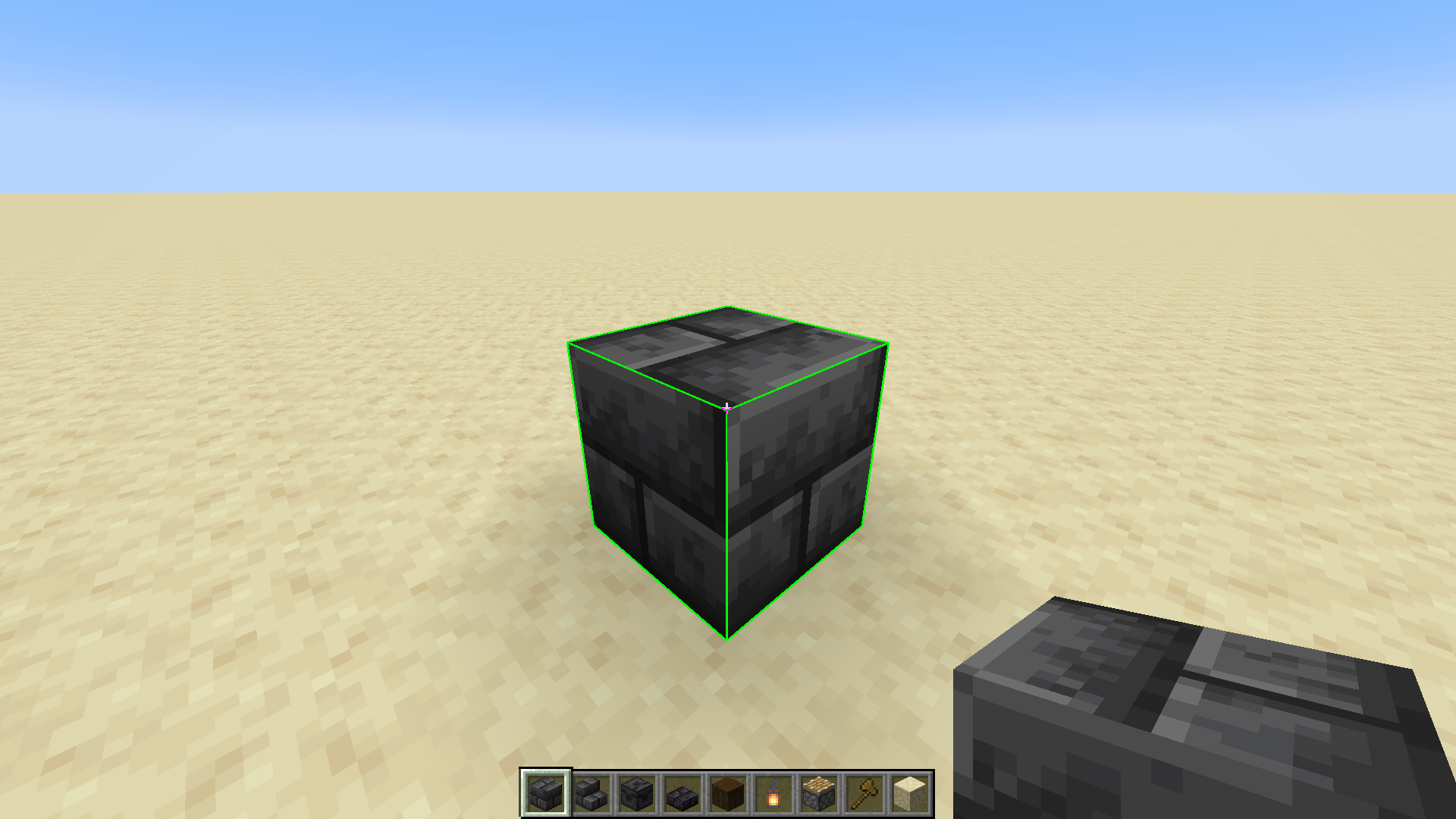
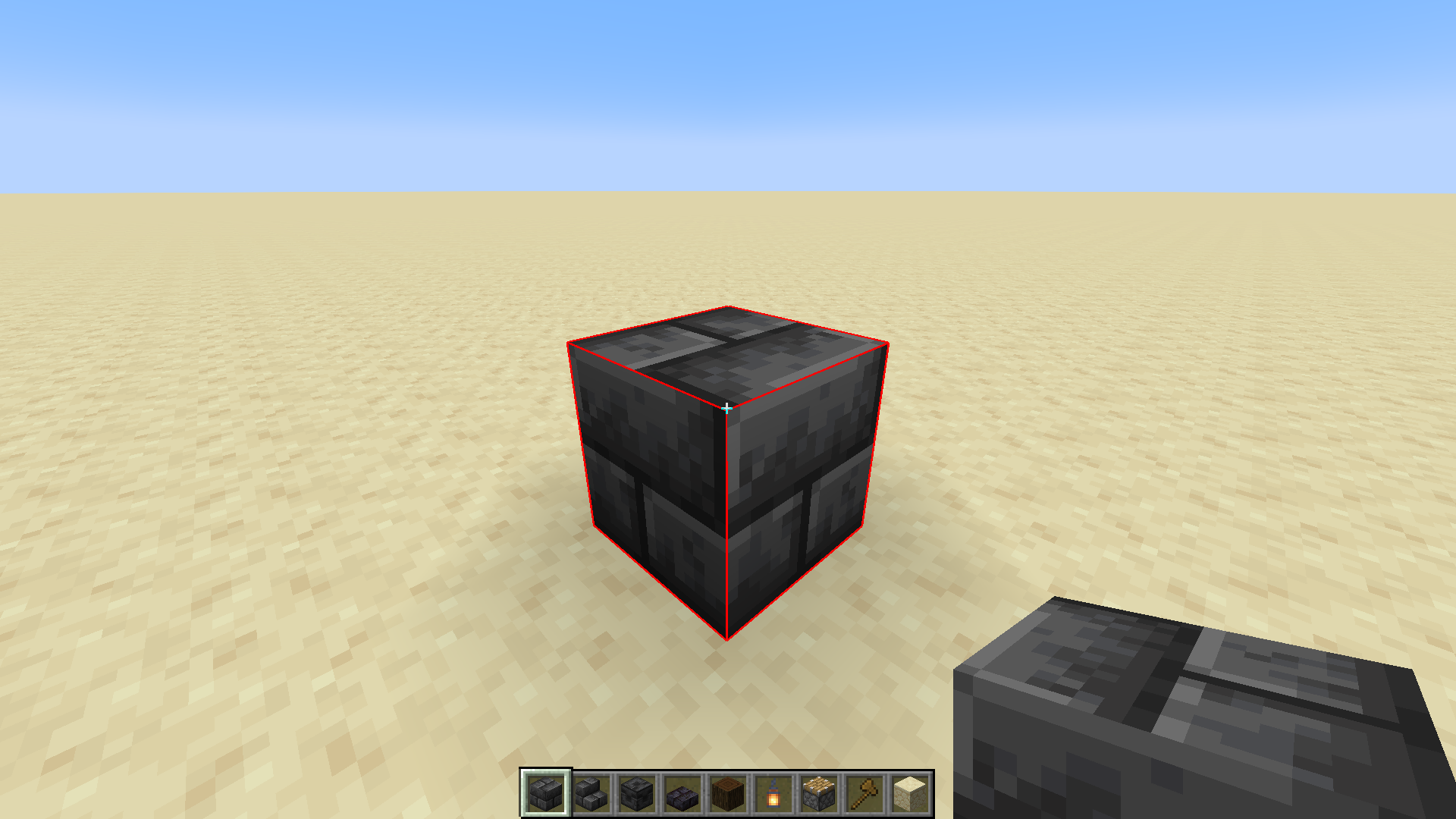
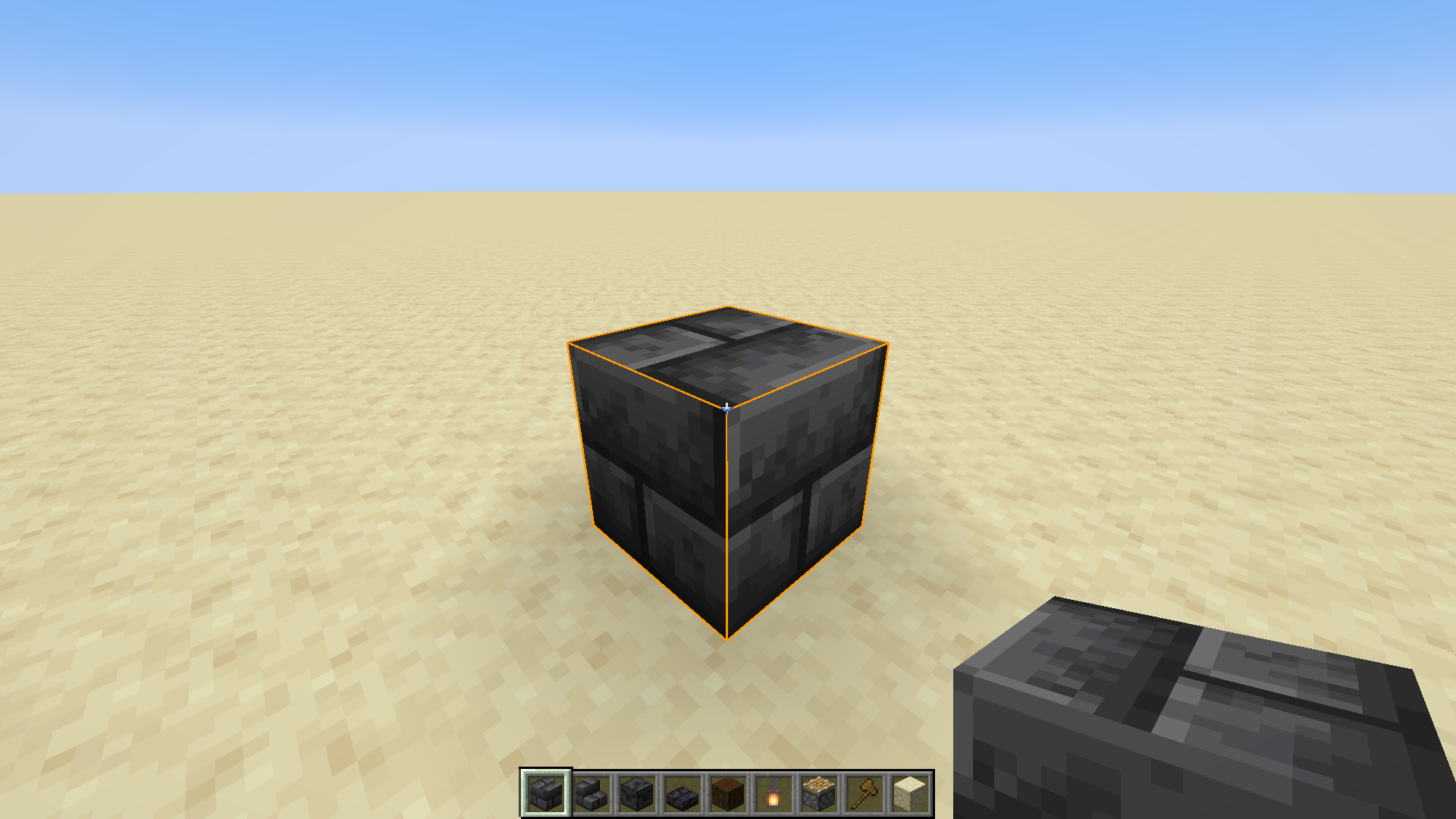
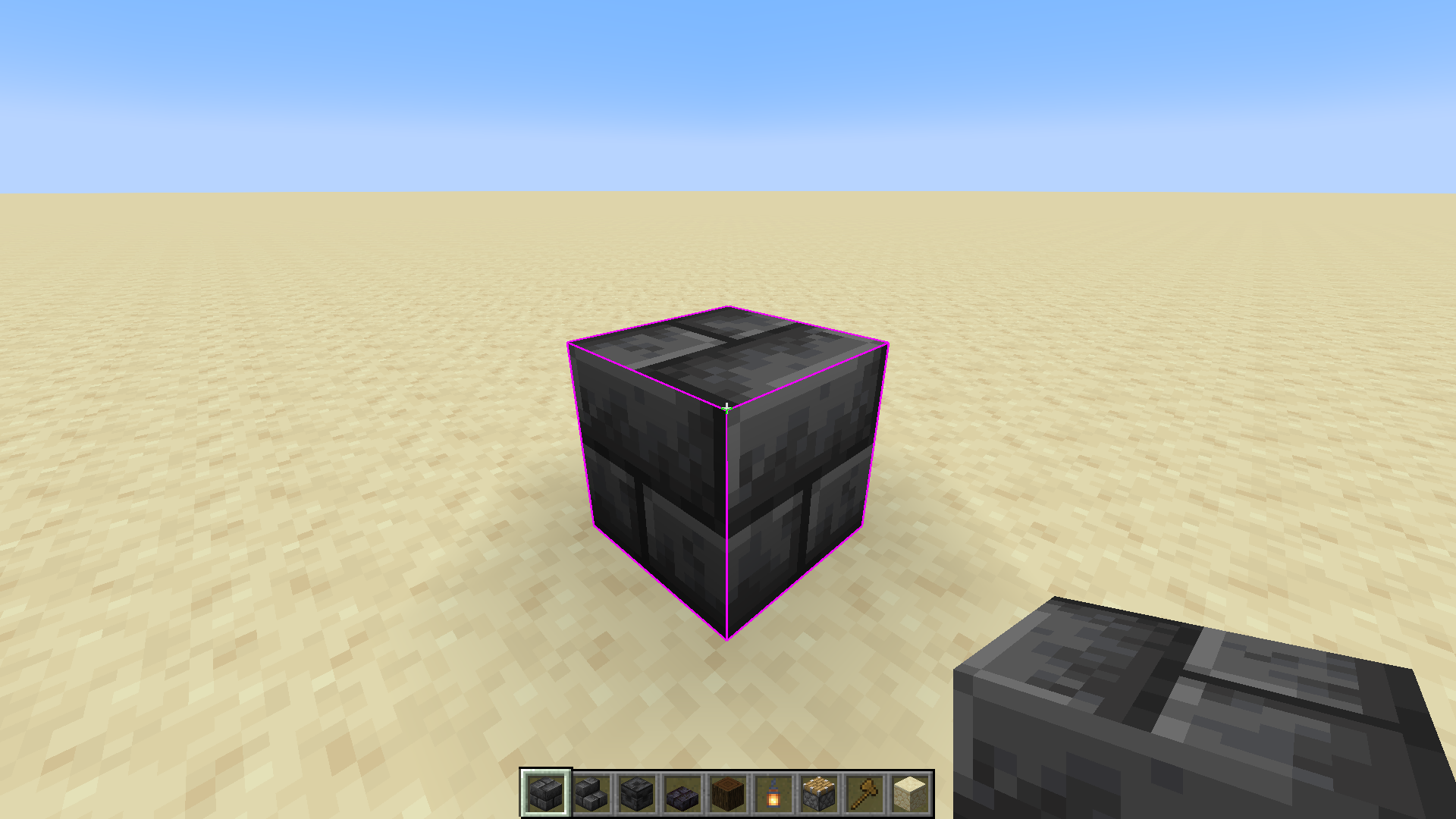
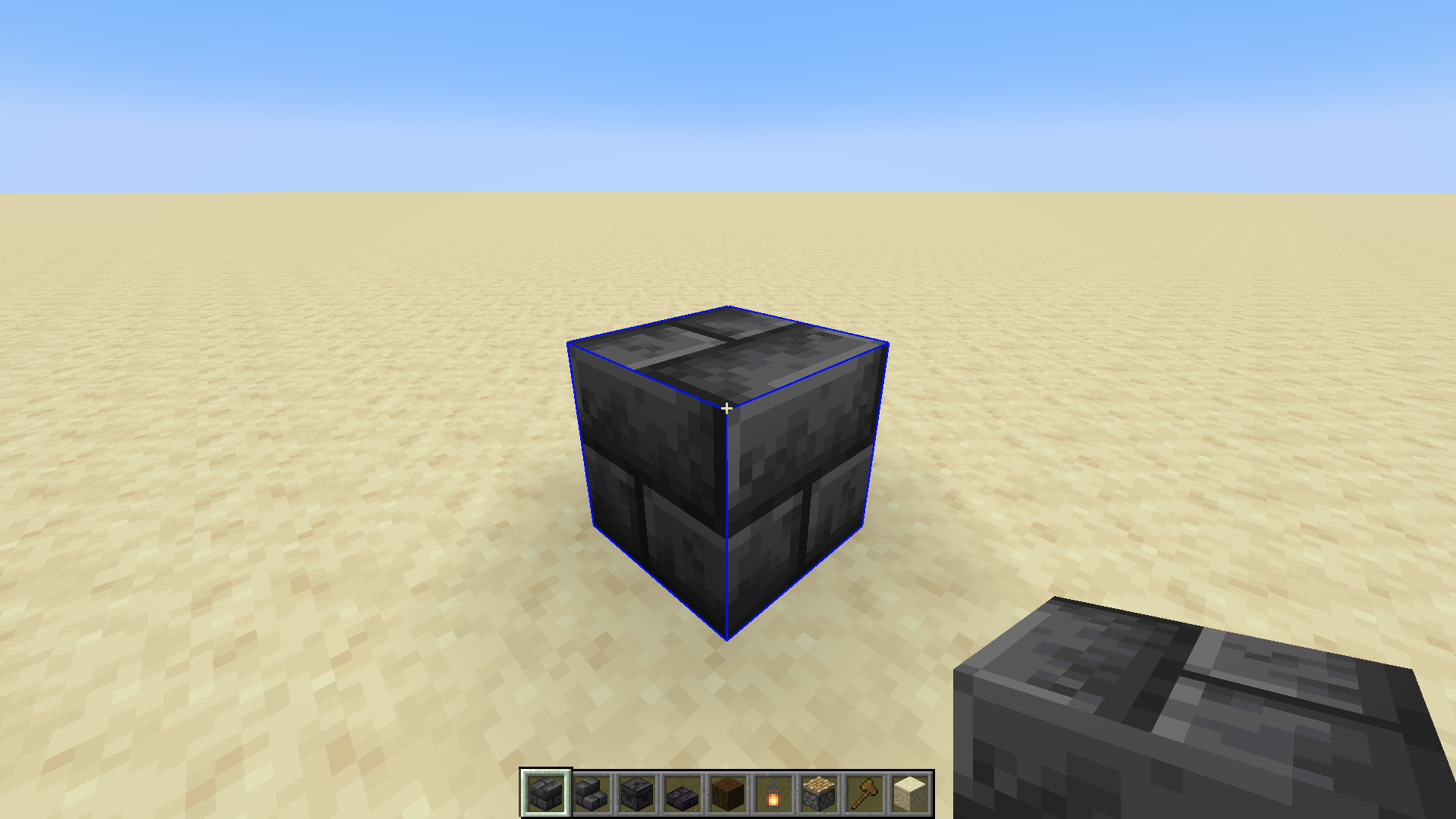
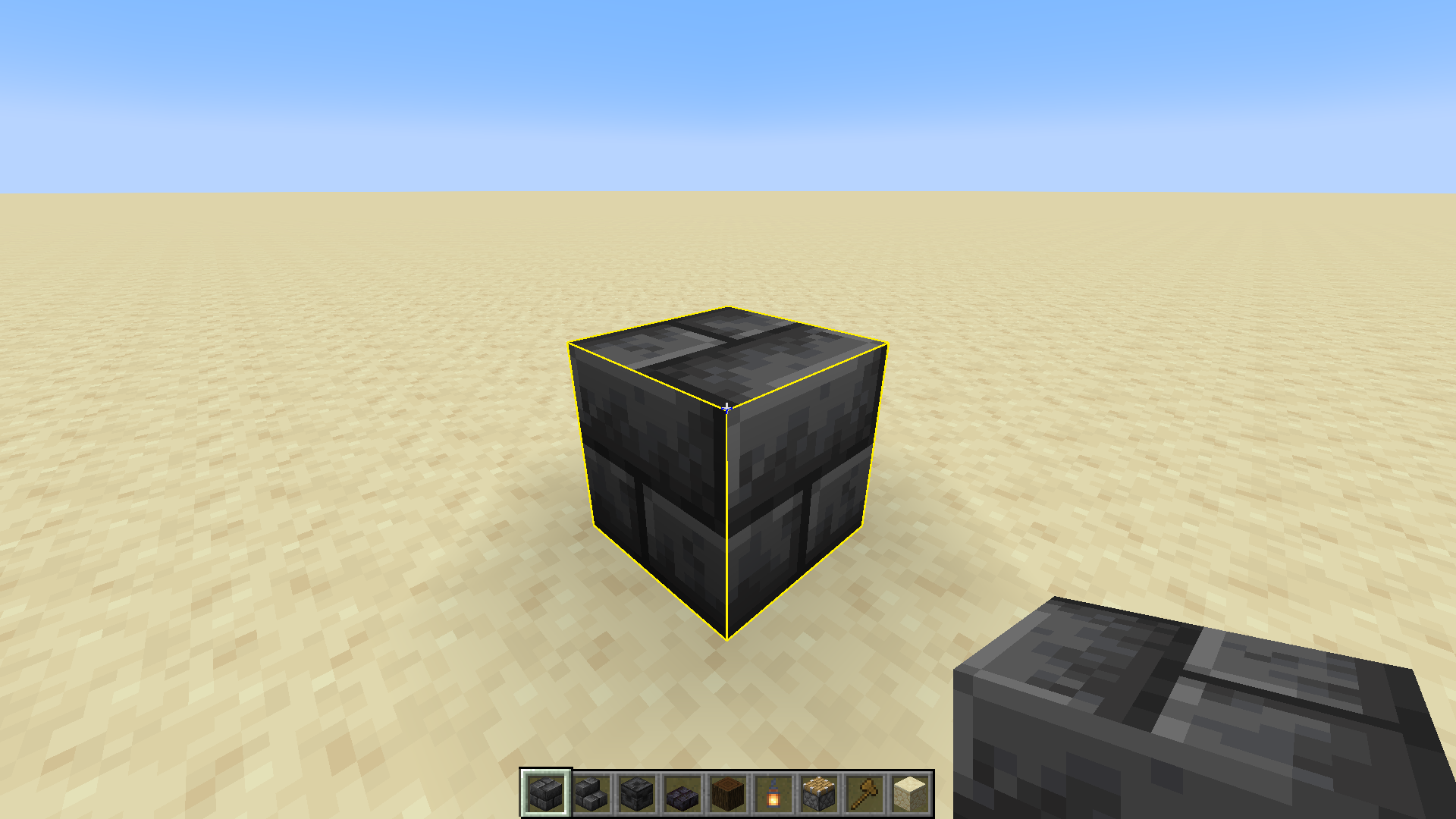
Changes the selection outline of the block you're looking at.
截图

介绍
Selection Outlines
Disclaimer: This resource pack does not work when other shaders are active.
This resource pack simply changes the selection outline of the block you’re looking at to currently one of two colors; purple or turquoise. It’s very helpful for when building with dark blocks, since the vanilla outline can be really hard to see sometimes.
I would really like to see Mojang implementing this into the base game, but until then I have my own resource pack!
Why should this be in the base game?
Customization to the selection outline would benefit all players.
Let’s start with players building with dark blocks. The outline is currently dark gray/black, which makes it really hard to see when building with deepslate, blackstone, netherrack, etc..
Second point I have is personality. Some people may like the color blue more than black (me), and getting to change the outline to whatever color you’d like would make the game feel more personal, since it’s your chosen color.
Third and most important is accessibility. People with problems to their eyes can have it hard to see the block outline. Getting to change it to a vibrant color could help with this and make it easier for them to see the block they’re looking at when they’re building, for example.
In short, players building with dark blocks can more easily see where they’re building, it allows for more personality and is also a very good accessibility feature.
Resource packs can already change the color of the selection outline by going to “assets\minecraft\shaders\core\rendertype_lines.vsh“ and modifying a value. Though it can be hard for casual players to do since they have to read a vertex shader file and change a specific value in it, which is a bit confusing.
Therefore, adding a menu in the accessibility settings where you could modify the color and maybe choose some presets, would be a pretty good feature. It probably wouldn’t take that much time for a skilled programmer to make either, and if I knew how to, I’d definitively make a mod for it!
常见问题
Selection Outlines Vanilla 支持哪些 Minecraft 版本?
Selection Outlines Vanilla 支持 Minecraft Java 版 1.20–1.20.2,共 3 个版本。下载时注意选择和你游戏版本一致的文件。
Selection Outlines Vanilla 怎么安装?
把下载的 .zip 文件(不用解压)放进游戏目录的 resourcepacks 文件夹,进游戏后在「选项 → 资源包」里把它移到右边启用。
ItsCreamMonster 的其他作品
查看全部 →
Purple Pearls
To actually match with the endermen they drop from!

Small Caps Font
Changes the Minecraft font to a small caps one!

Fireworks 3D
Adds a three-dimensional model to firework rockets!

Equipment Dark
A resource pack that makes equipment and tools dark! Works great for combat!
评论
登录后评论和评分