Create: RoadWorks
Build roads and bridges with a smart remote: place path points, smooth curves, random block palettes, borders, viaducts, high arches and Golden Gate style suspension bridges. Live ghost preview, HUD, presets. Blocks are taken from your inventory
截图
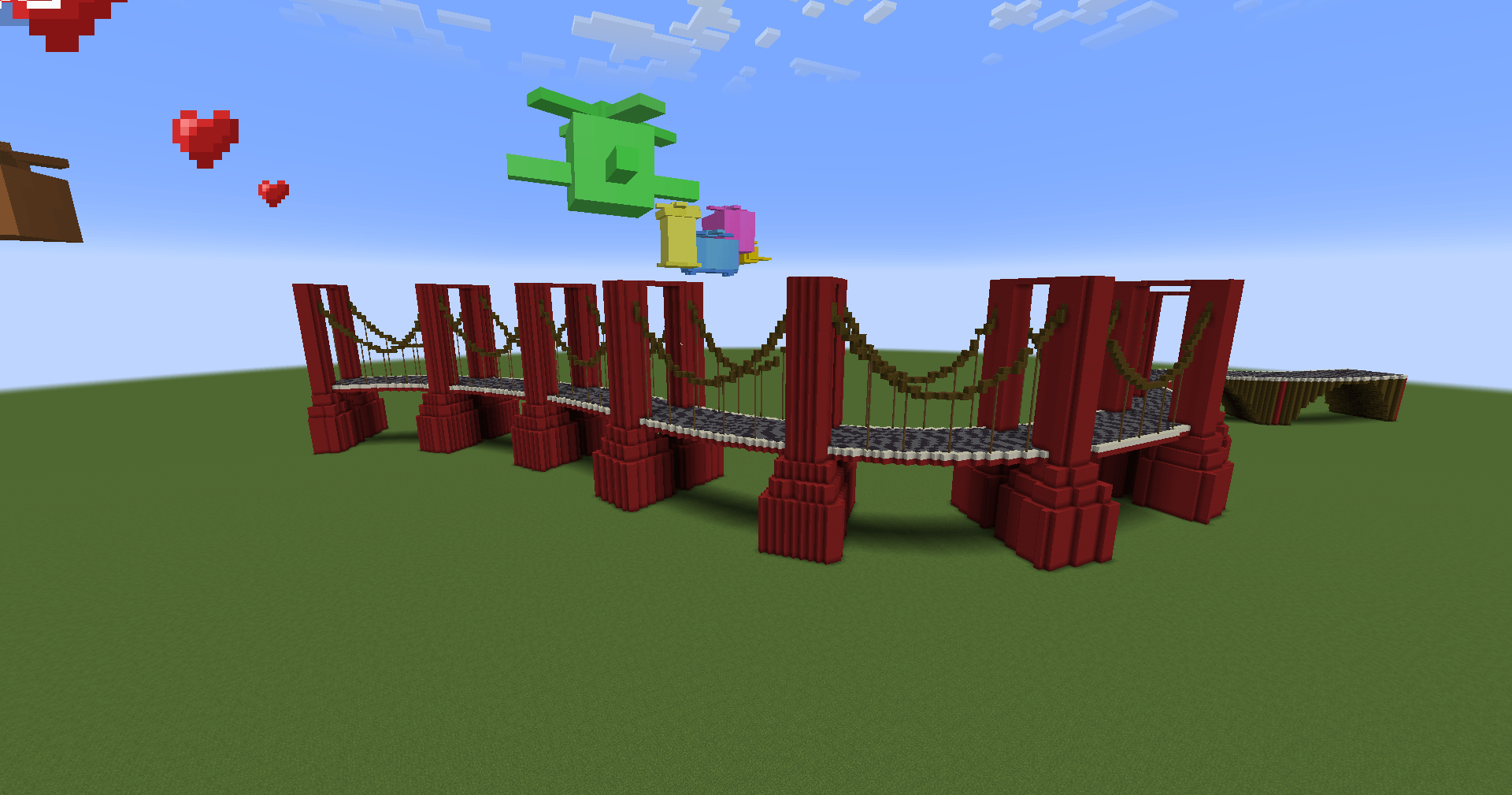
介绍
🛣️ RoadBuilder
Build beautiful roads and monumental bridges in minutes — not hours.
RoadBuilder adds a configurable Road Remote that lets you trace a path through the world, tune every aspect of your road in a clean GUI, preview the exact result as ghost blocks in the world, and build it with one click. In survival, every block is pulled from your inventory and the remote loses durability — no cheating, just speed.
✨ Features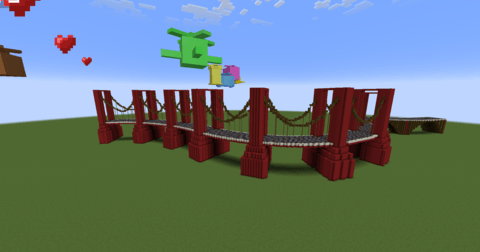
🎮 Three remote tiers
– Iron Remote — 500 durability
– Diamond Remote — 1,500 durability
– Netherite Remote — 45,000 durability
10 blocks placed = 1 durability. Craftable in survival (iron: iron ingots + glass pane + redstone; diamond: upgrade the iron remote; netherite: smithing table upgrade).
Section contrôles :
🕹️ Controls
– Right click a block → add a waypoint
– Sneak + left or right click → remove the last waypoint (never breaks blocks, even in creative)
– Right click in the air → open the GUI
– G → open the GUI | B → build | V → toggle the preview
10 blocks placed = 1 durability. Craftable in survival (iron: iron ingots + glass pane + redstone; diamond: upgrade the iron remote; netherite: smithing table upgrade).
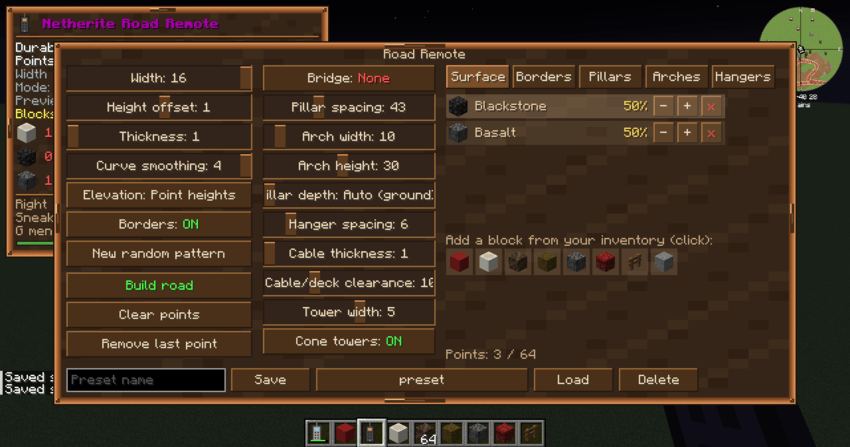
📍 Trace your path with waypoints
– Right click blocks to place up to 64 path points — the road follows a smooth spline through them
– Curve smoothing slider (Chaikin corner-cutting) rounds sharp turns into elegant bends
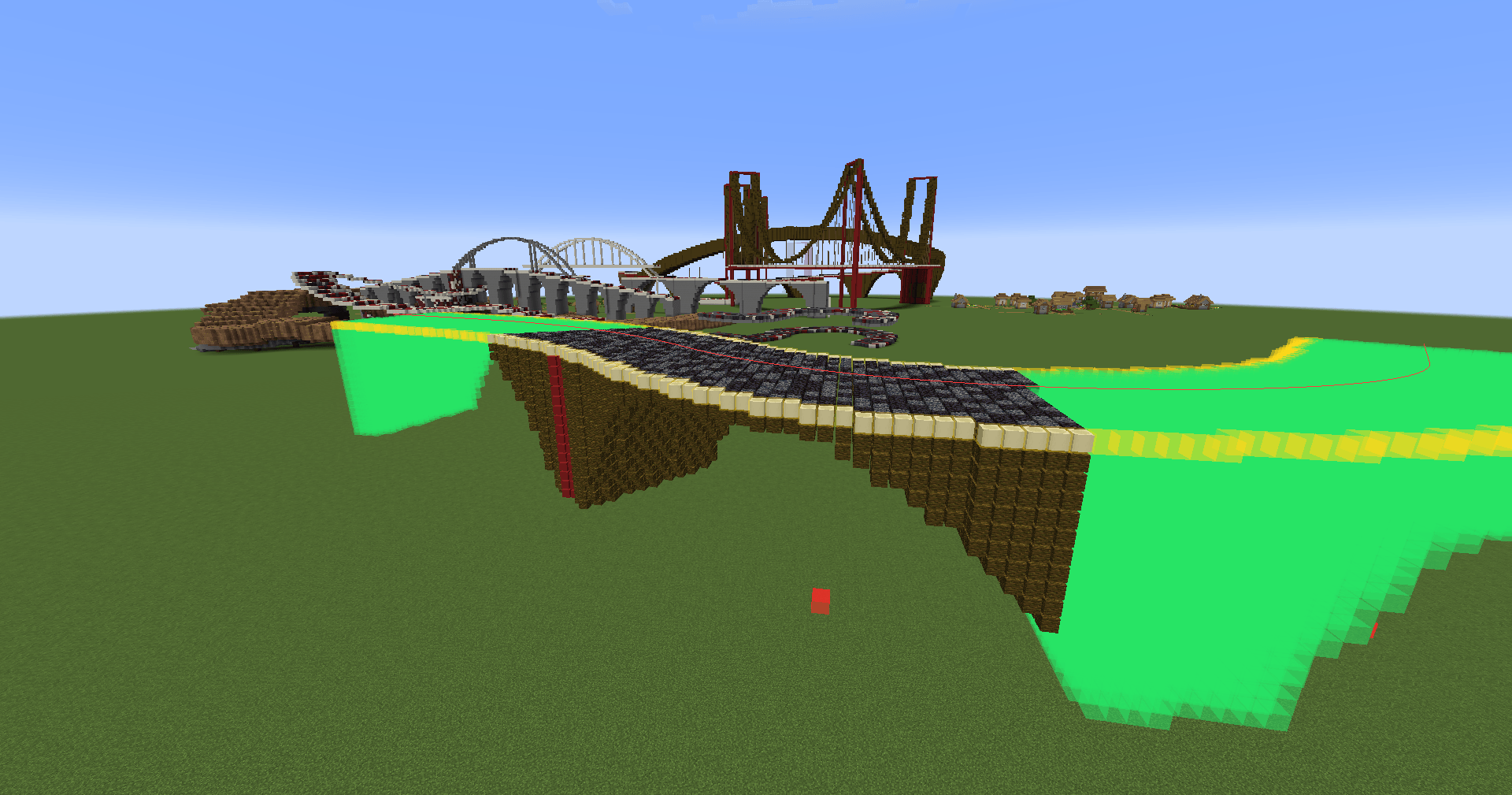
– Two elevation modes: Point heights (the road ramps smoothly between your points — perfect for bridges and slopes) or Follow terrain (the road hugs the ground, with the smoothing slider softening bumps)
🎨 Fully customizable roads
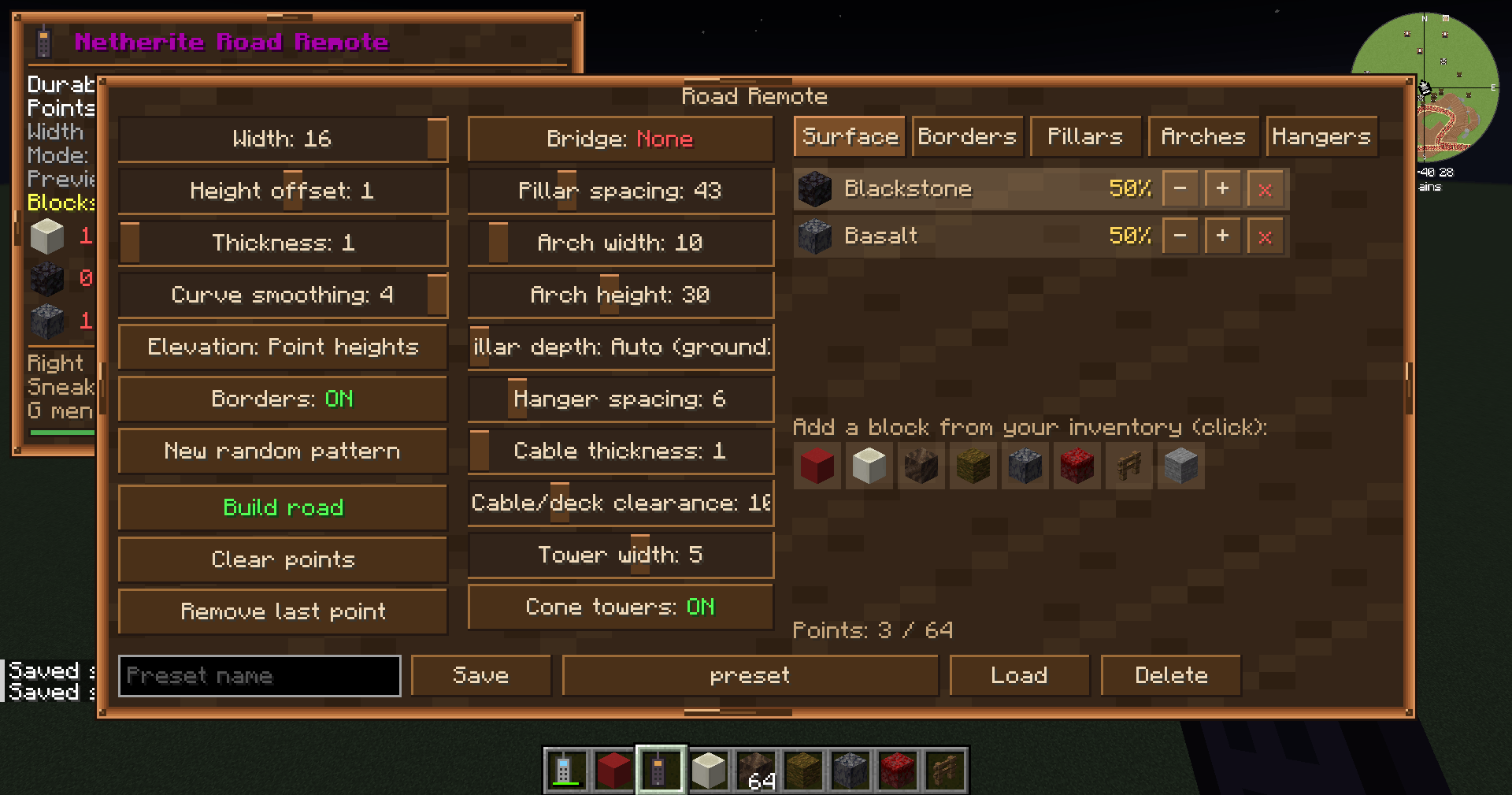
– Width (1–16), thickness (1–4), height offset (−16 to +16)
– Random block palettes with weights: click blocks from your inventory to add them, tune each block’s percentage with +/− buttons — get natural-looking gravel/stone/andesite mixes
– Toggleable borders with their own palette
– Deterministic randomness: the preview shows exactly what will be built; reroll the pattern anytime
🌉 Three bridge types
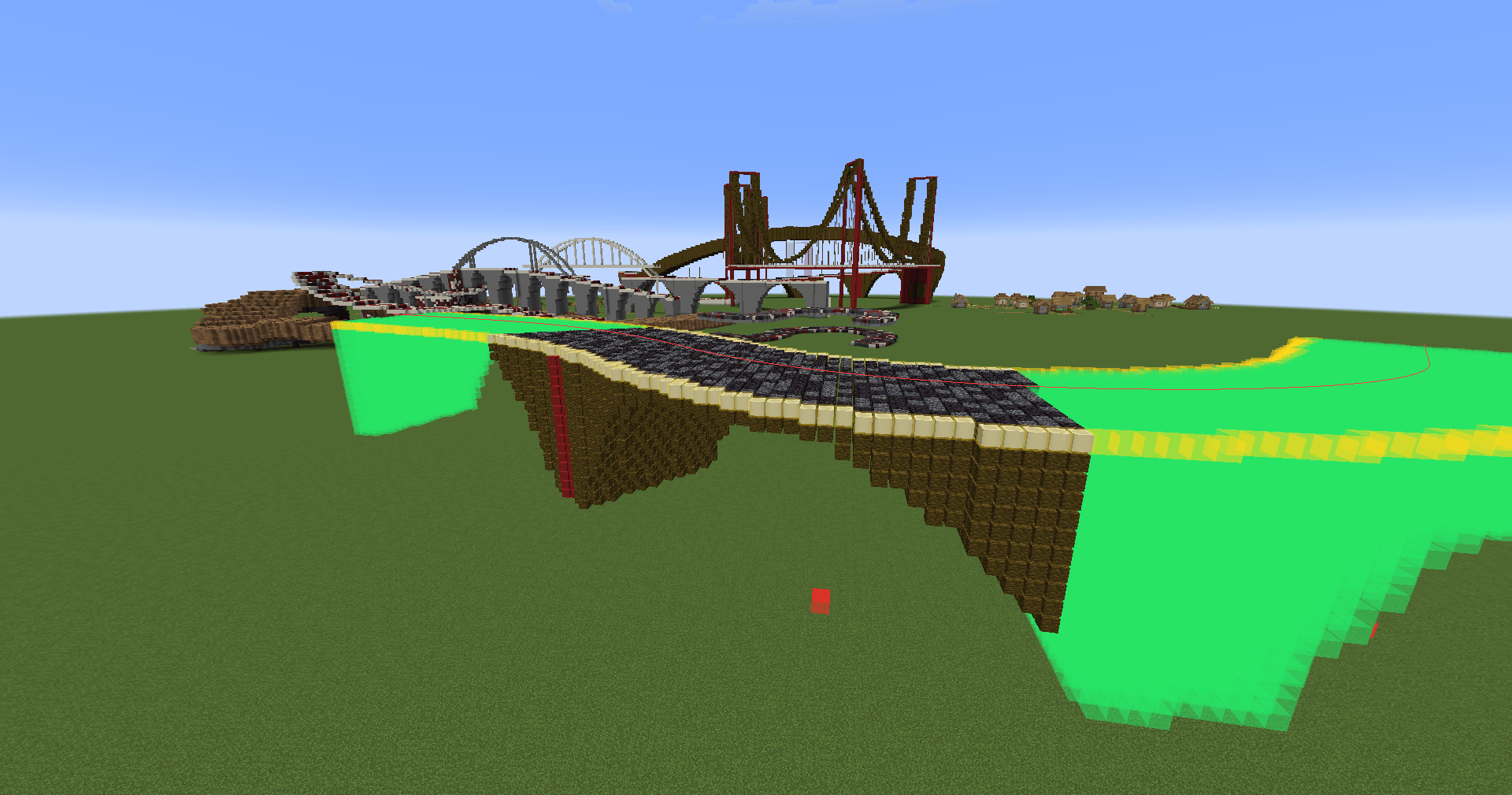
– Viaduct — full-width pillars down to the ground (auto or fixed depth), linked by elliptical arches under the deck. Spans auto-fit the bridge length so pillars always land on both ends. Arch openings up to 126 blocks wide!
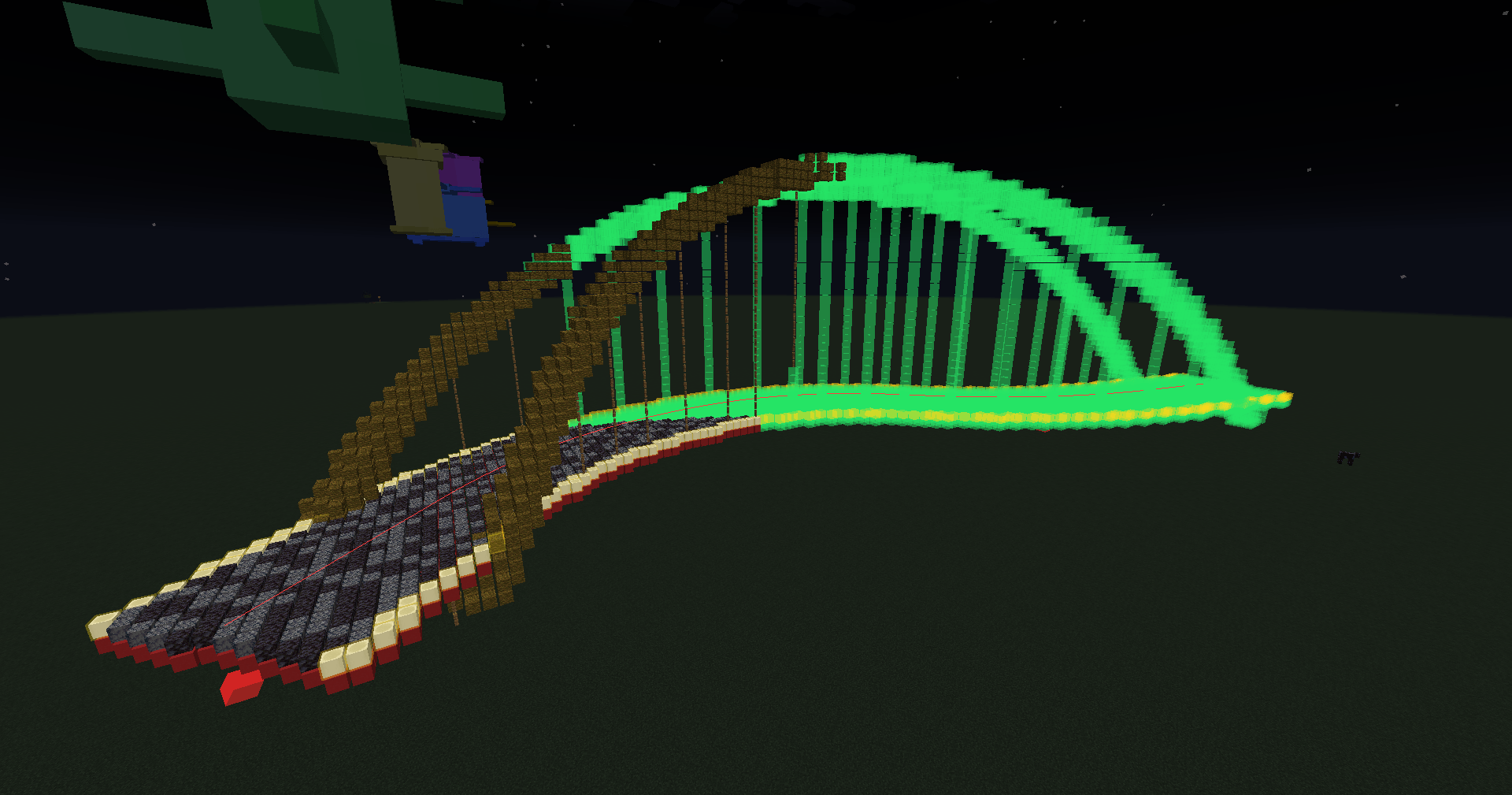
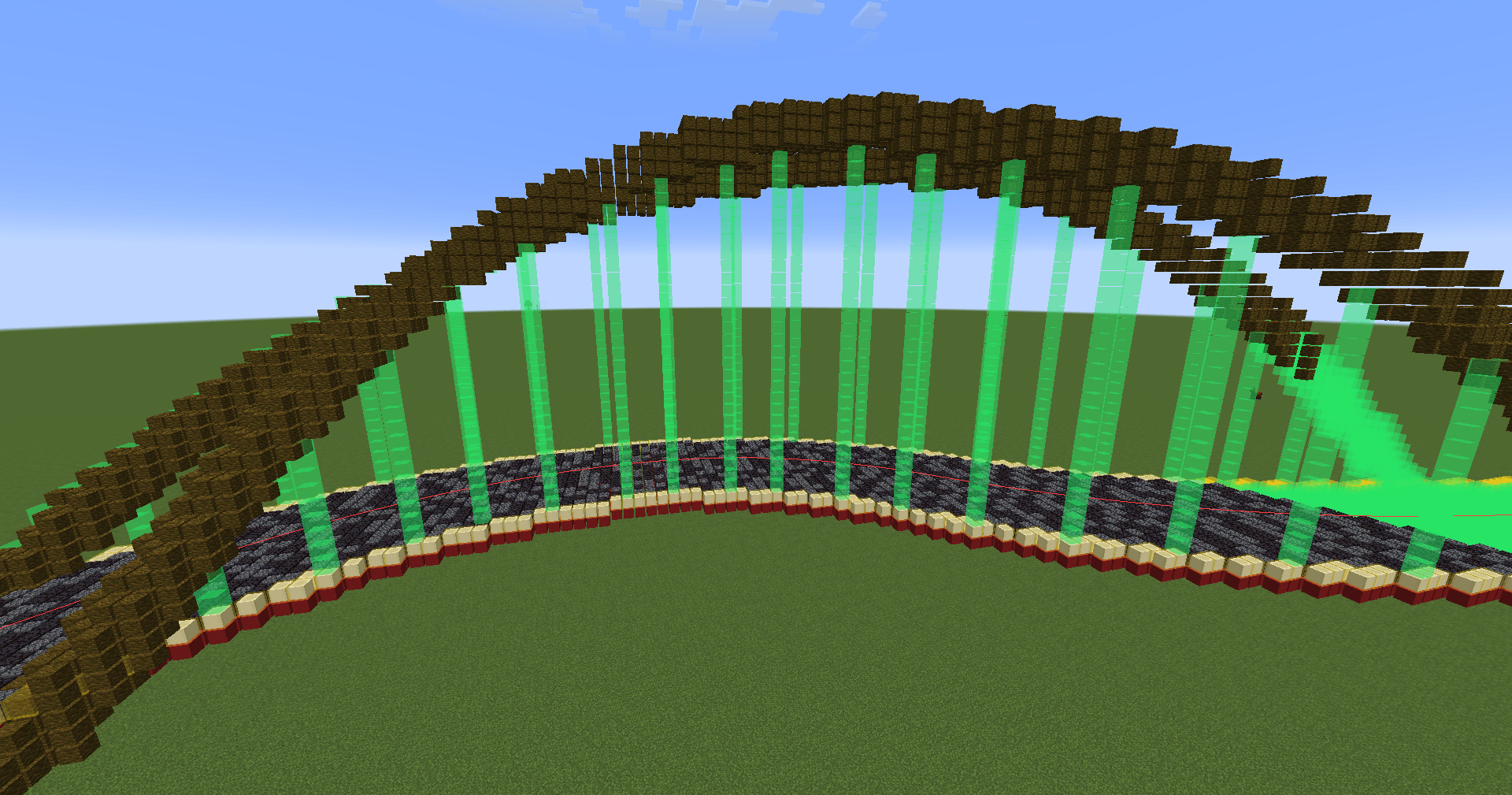
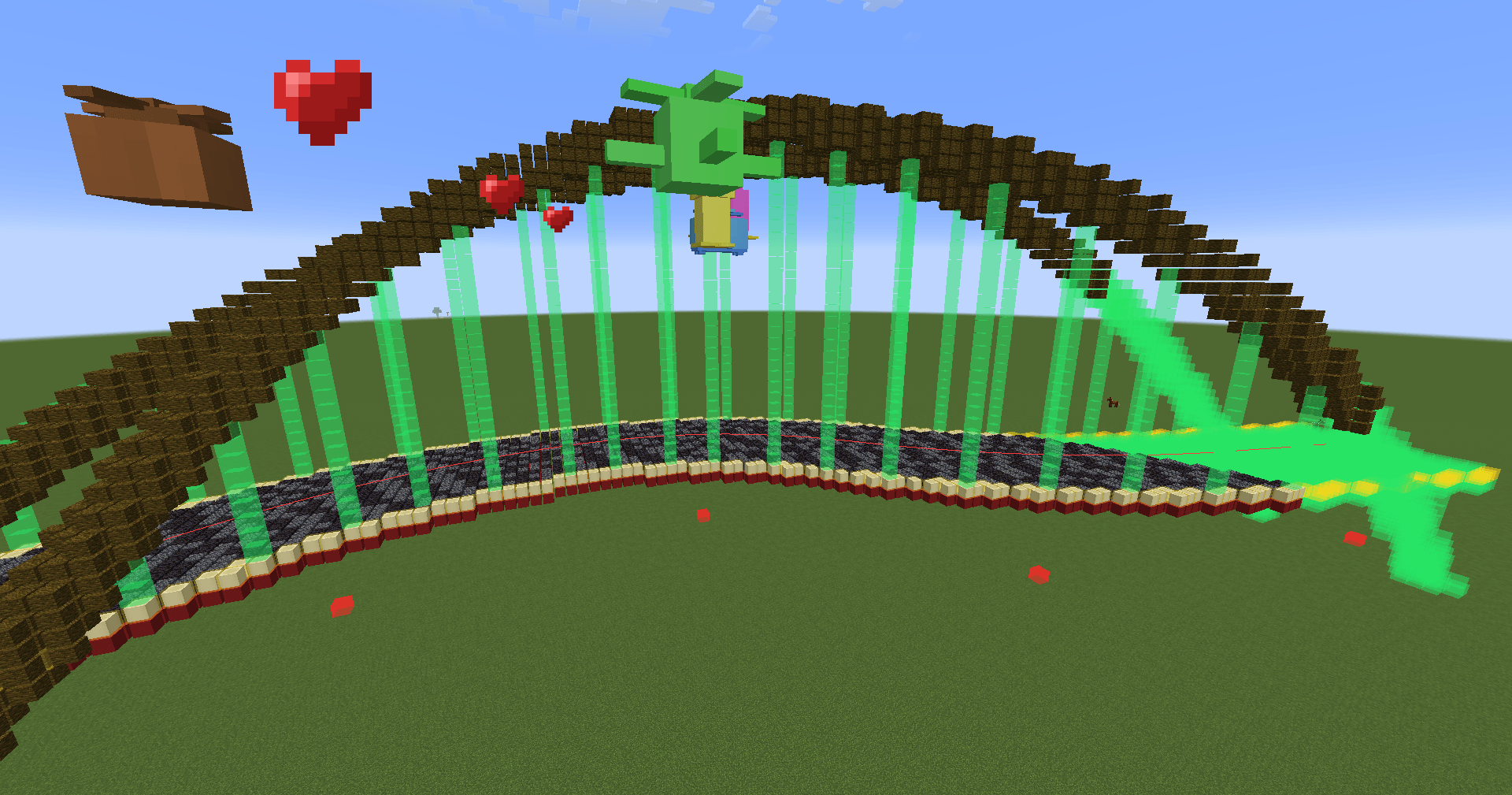
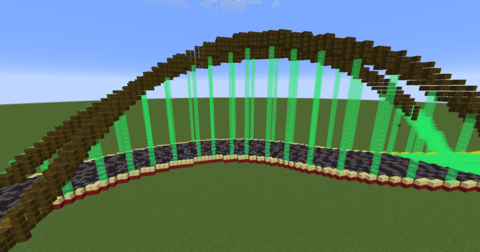
– High arch — two parabolic arches rising above the road, anchored below the deck at both ends, with vertical bars. Adjustable rib thickness.
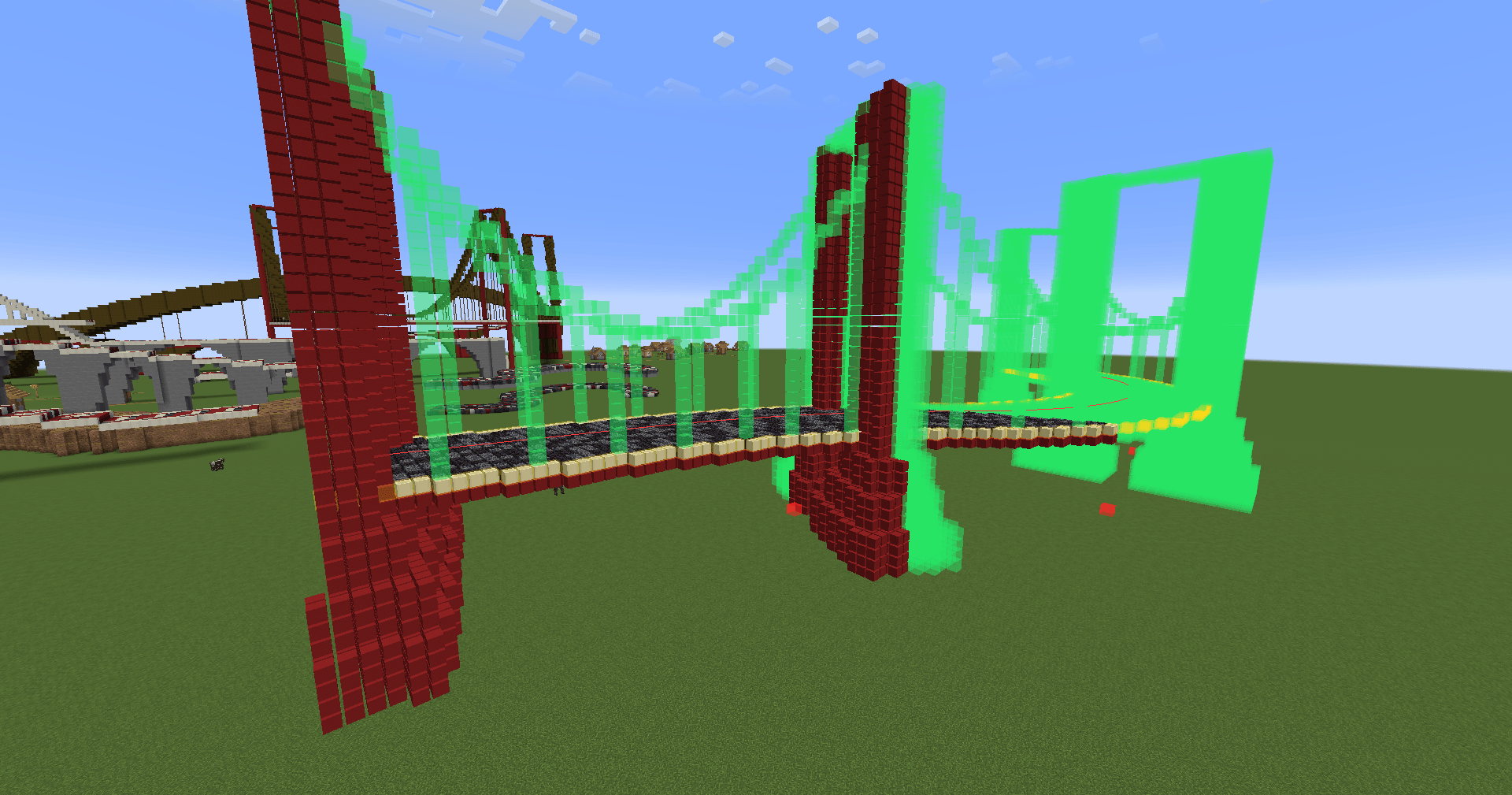
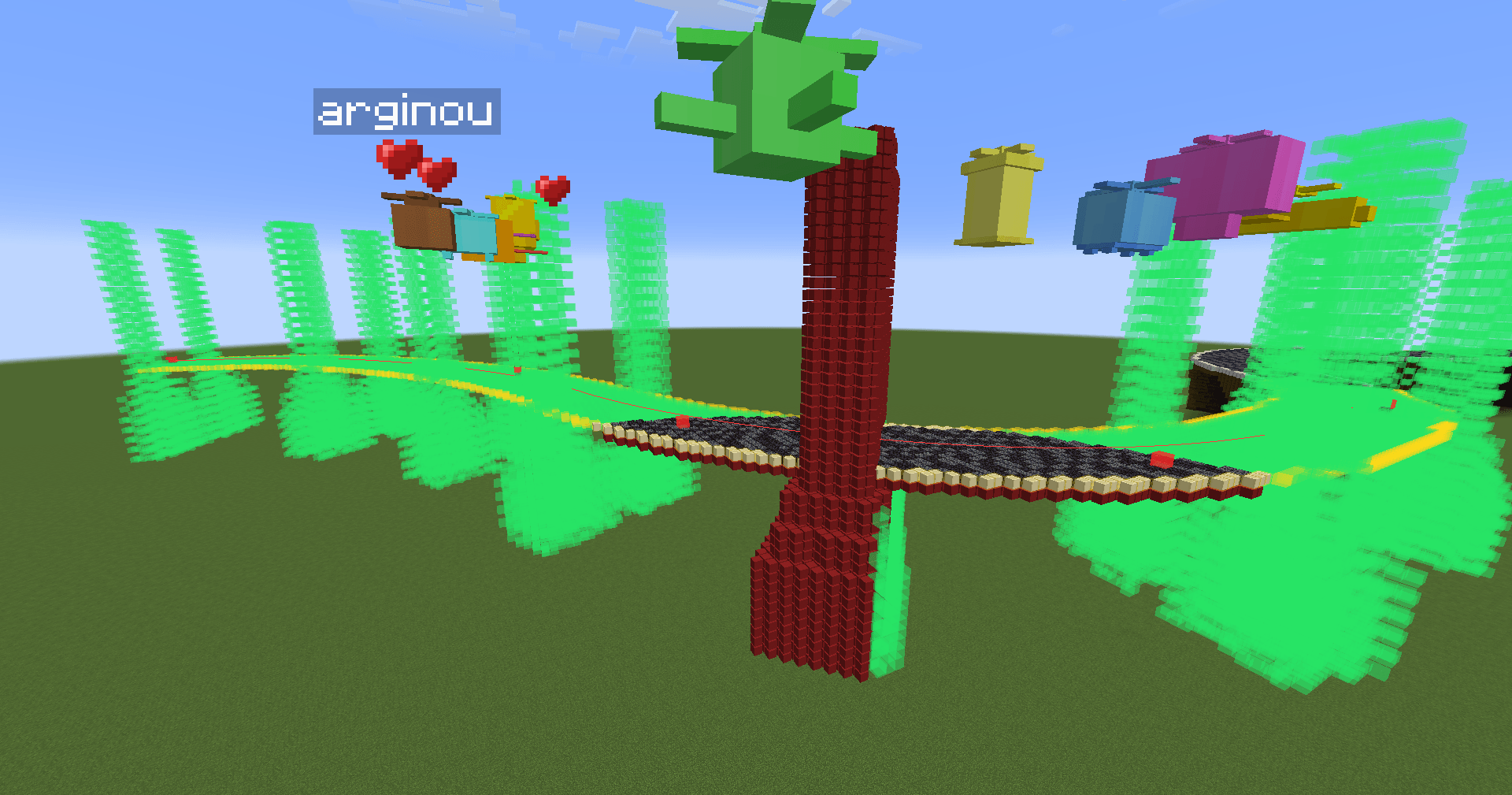
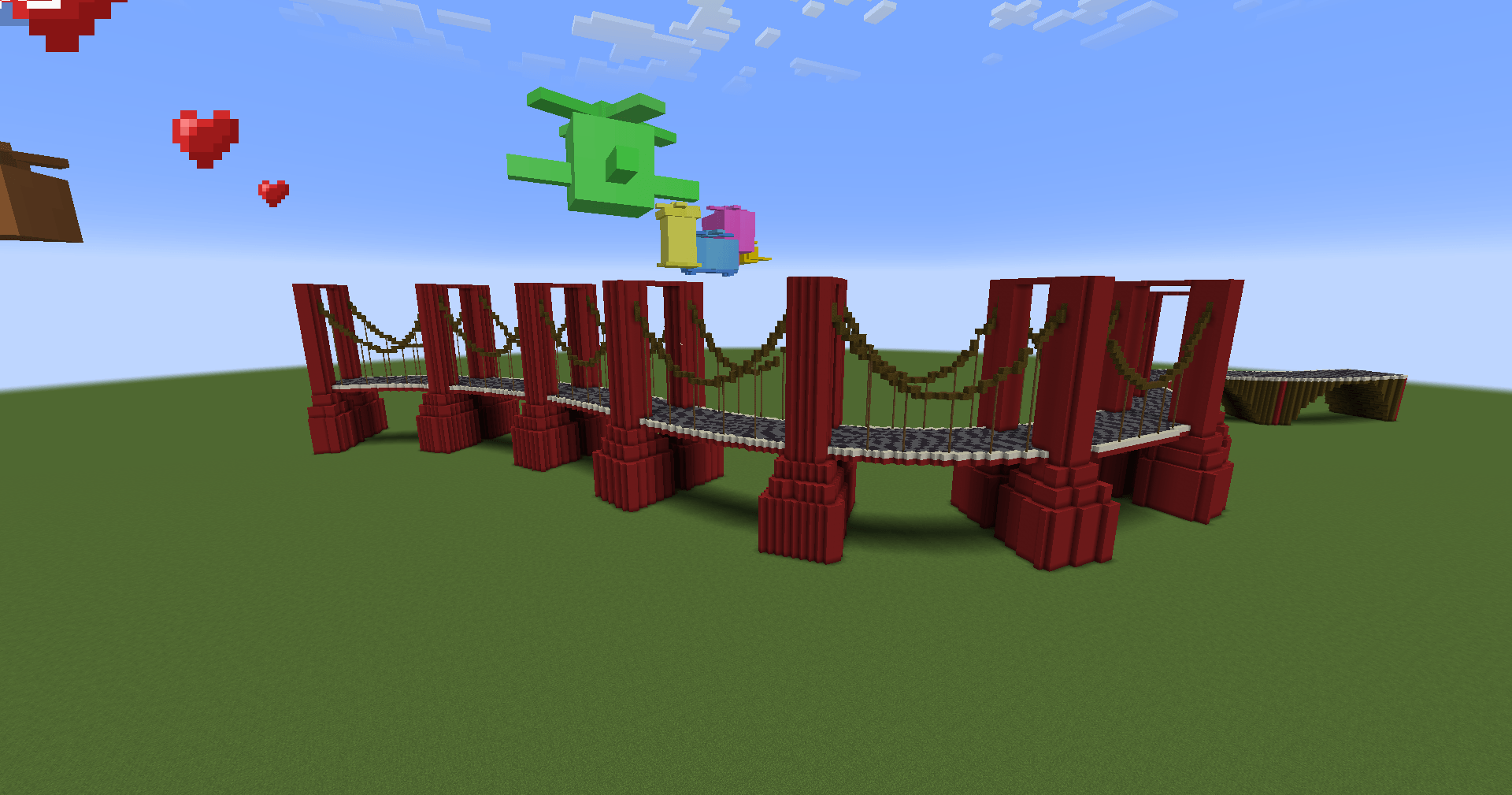
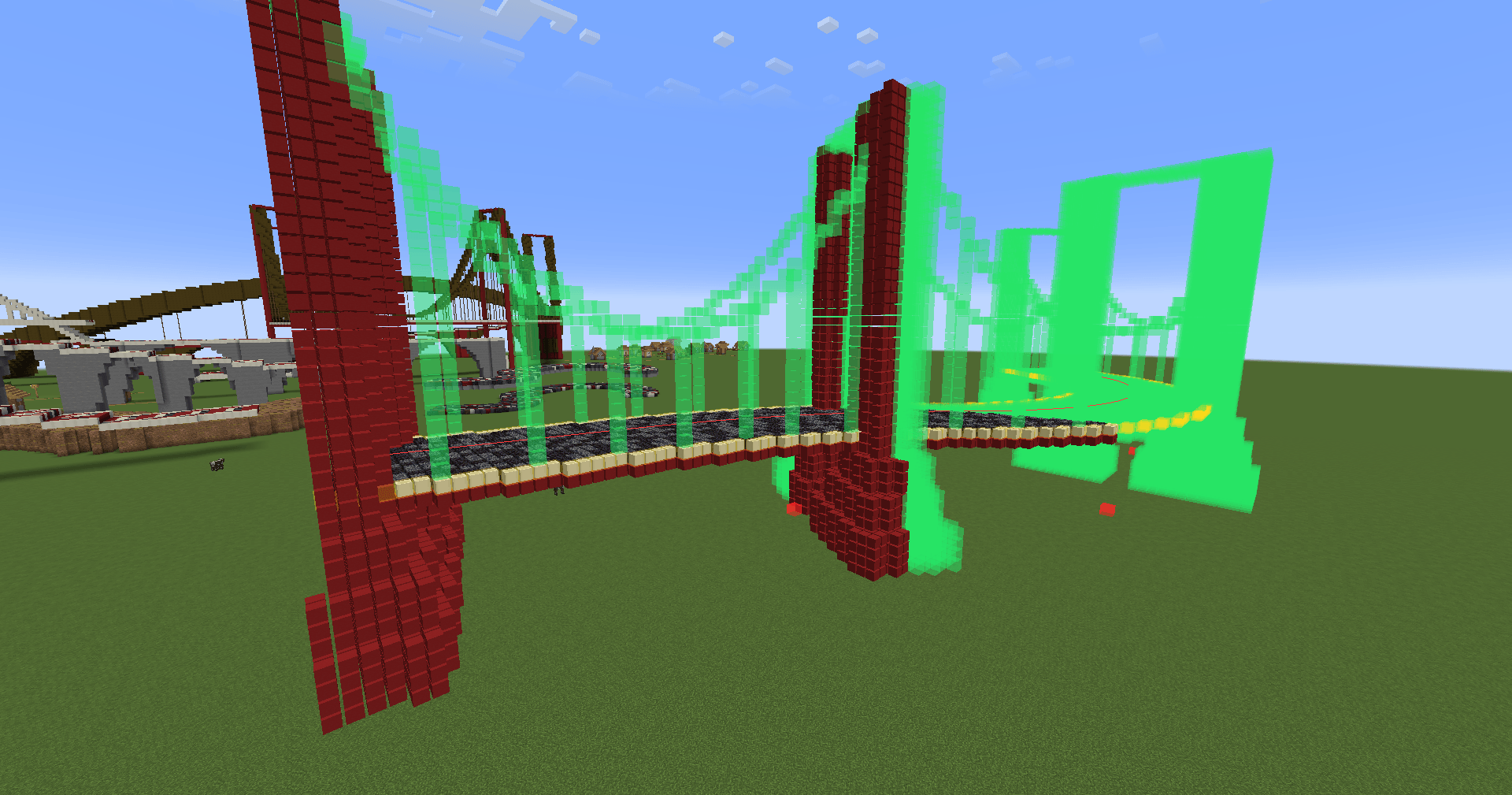
– Suspension (Golden Gate style) — towers with adjustable width and an optional cone base, sagging cables between the tower tops with adjustable thickness and tension (cable/deck clearance), vertical hangers to the deck.
– Five block palettes in total: Surface, Borders, Pillars/Towers, Arches/Cables, Hangers — each with its own weighted random mix
– A continuous structural deck band is placed under the road in every bridge mode
👁️ Live preview & HUD
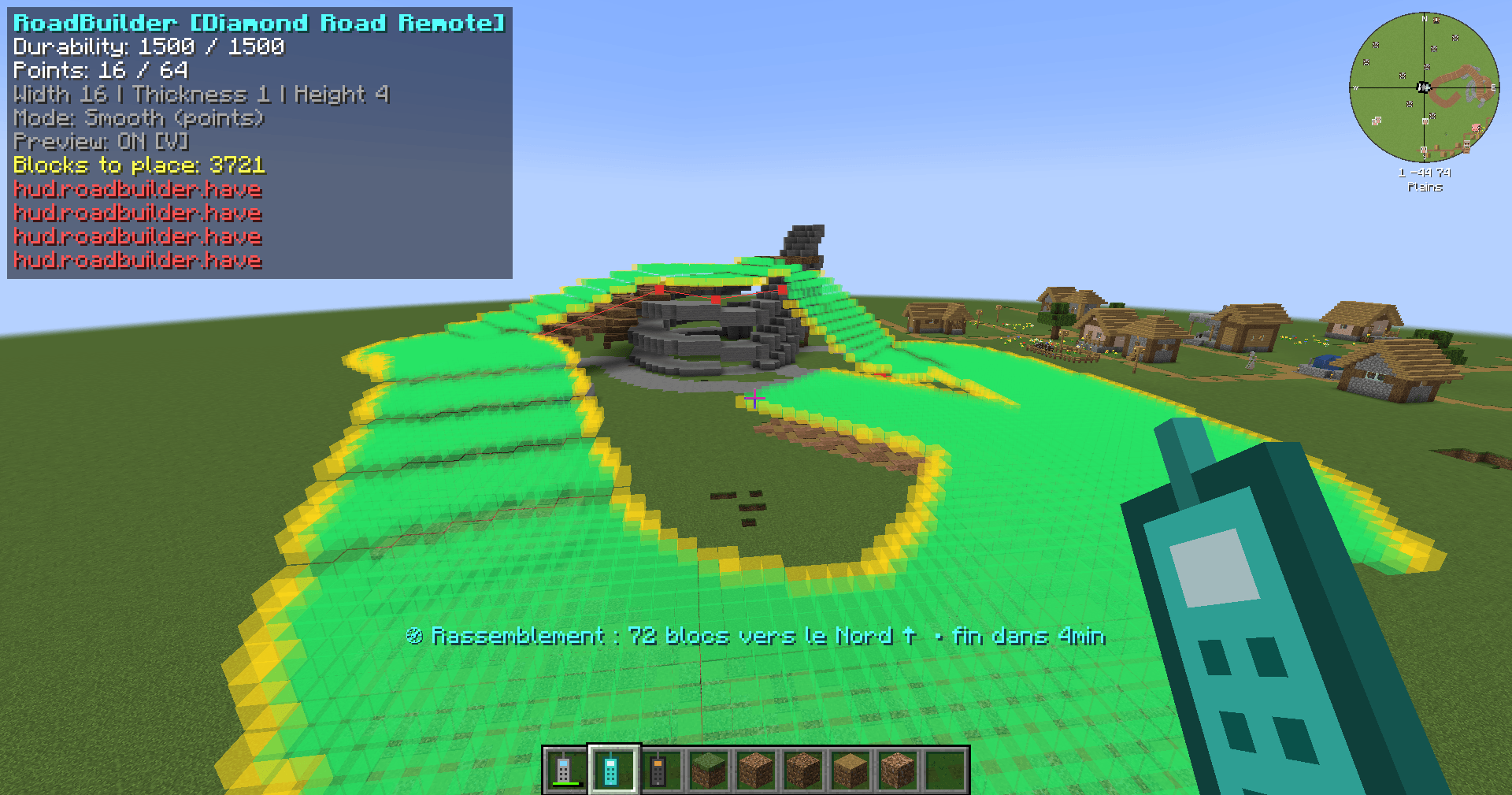
– In-world ghost preview: real block models near you, colored boxes further away, red waypoint markers and a guide line following the exact smoothed curve
– Industrial bronze HUD while holding the remote: durability gauge, points, dimensions, mode, and the full bill of materials — each block with its icon and have / needed count in green/red
– Shortcut reminders right on the HUD
💾 Presets
Save, load and delete named road presets (palettes, dimensions, bridge settings — everything except the points). Build the same road style across your whole world.
⚒️ Survival-friendly building
– Pre-checks your inventory and lists exactly what’s missing
– Builds progressively (32 blocks/tick) — no lag spike
– Stops safely if the remote breaks or you run out of blocks
– Creative mode: free building, no durability
Section contrôles :
🕹️ Controls
– Right click a block → add a waypoint
– Sneak + left or right click → remove the last waypoint (never breaks blocks, even in creative)
– Right click in the air → open the GUI
– G → open the GUI | B → build | V → toggle the preview
📋 Requirements
– Minecraft 1.21.1
– NeoForge
Made by Arginou57.
常见问题
Create: RoadWorks 支持哪些 Minecraft 版本?
Create: RoadWorks 支持 Minecraft Java 版 1.21.1,可用的加载器:NeoForge。下载时注意选择和你游戏版本一致的文件。
Create: RoadWorks 怎么安装?
先用 PCL2 或 HMCL 启动器安装对应版本的 NeoForge,再把下载的 .jar 文件放进游戏目录的 mods 文件夹,重新启动游戏即可。开启了版本隔离的,mods 文件夹在 versions/版本名 下面。
arginou57 的其他作品
查看全部 →
Create : New Furnitures
Create 家具模组:多人游戏第三方椅子座位

CBC Enchanced Shells [Create Big Cannons]
为 Create Big Cannons 新增 50 种强化弹药变体(Mk.I–V):9 种炮弹,伤害、穿甲能力和爆炸威力逐级提升;另有 5 种火药装药,可提高炮口初速。采用分级合成,配有独特色彩,并保持平衡的成长曲线。

[Immersive Vehicle/IV/MTS] Fuel Pump Refill
沉浸式载具 IV(MTS)加油泵补给服务器角色扮演交通工具

Chest Finder Esp – Neo/Forge/Fabric
Chest Finder is a client-side utility mod that helps you locate containers and storage blocks through walls using an ESP (Extra Sensory Perception) overlay. Perfect for exploring abandoned mineshafts, finding hidden loot in dungeons
评论
登录后评论和评分