
Just Coordinates
Just Coordinates shows only XYZ coordinates on your screen — nothing more. Inspired by Bedrock Edition, designed for simplicity and beginners.
截图
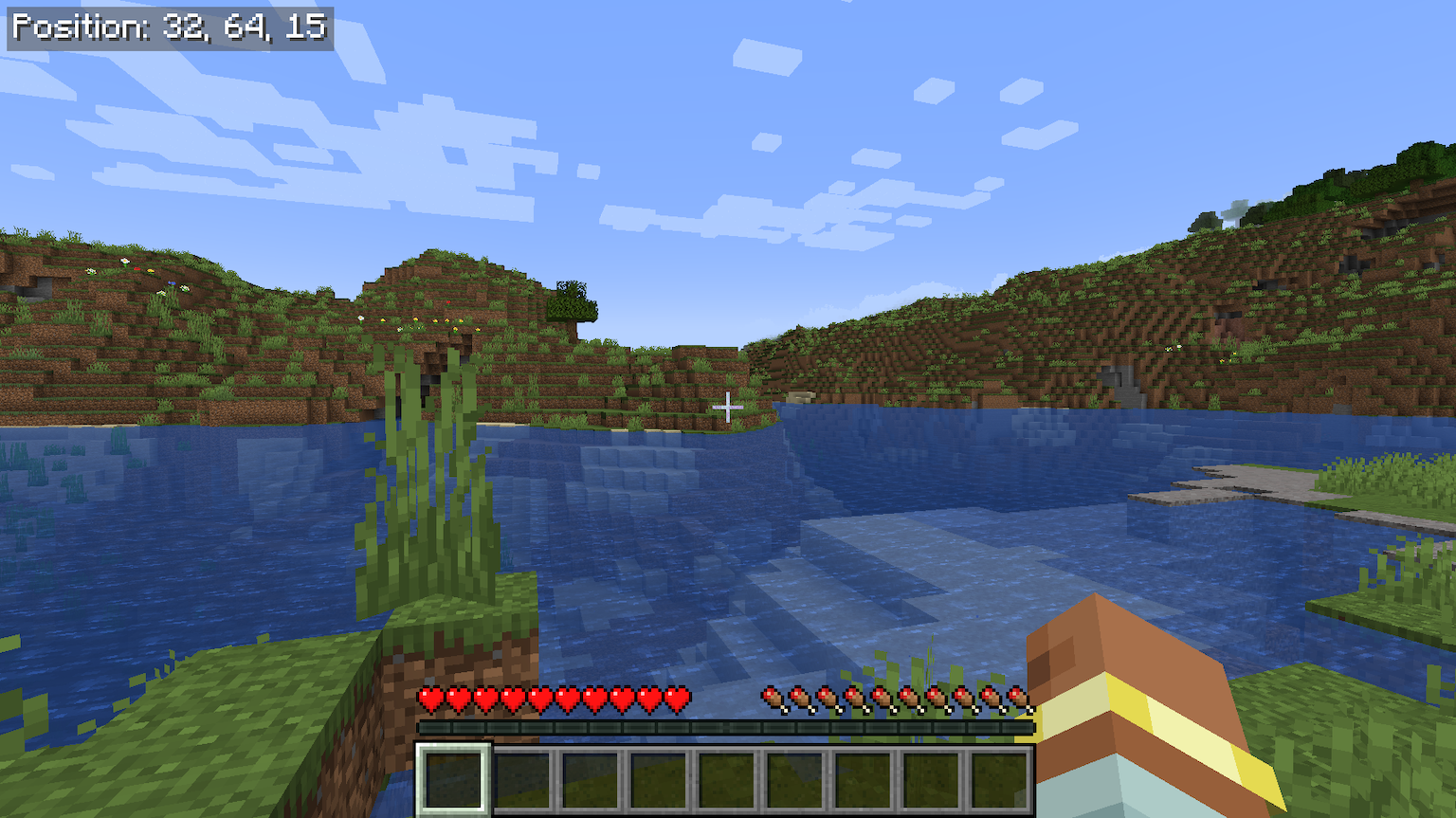
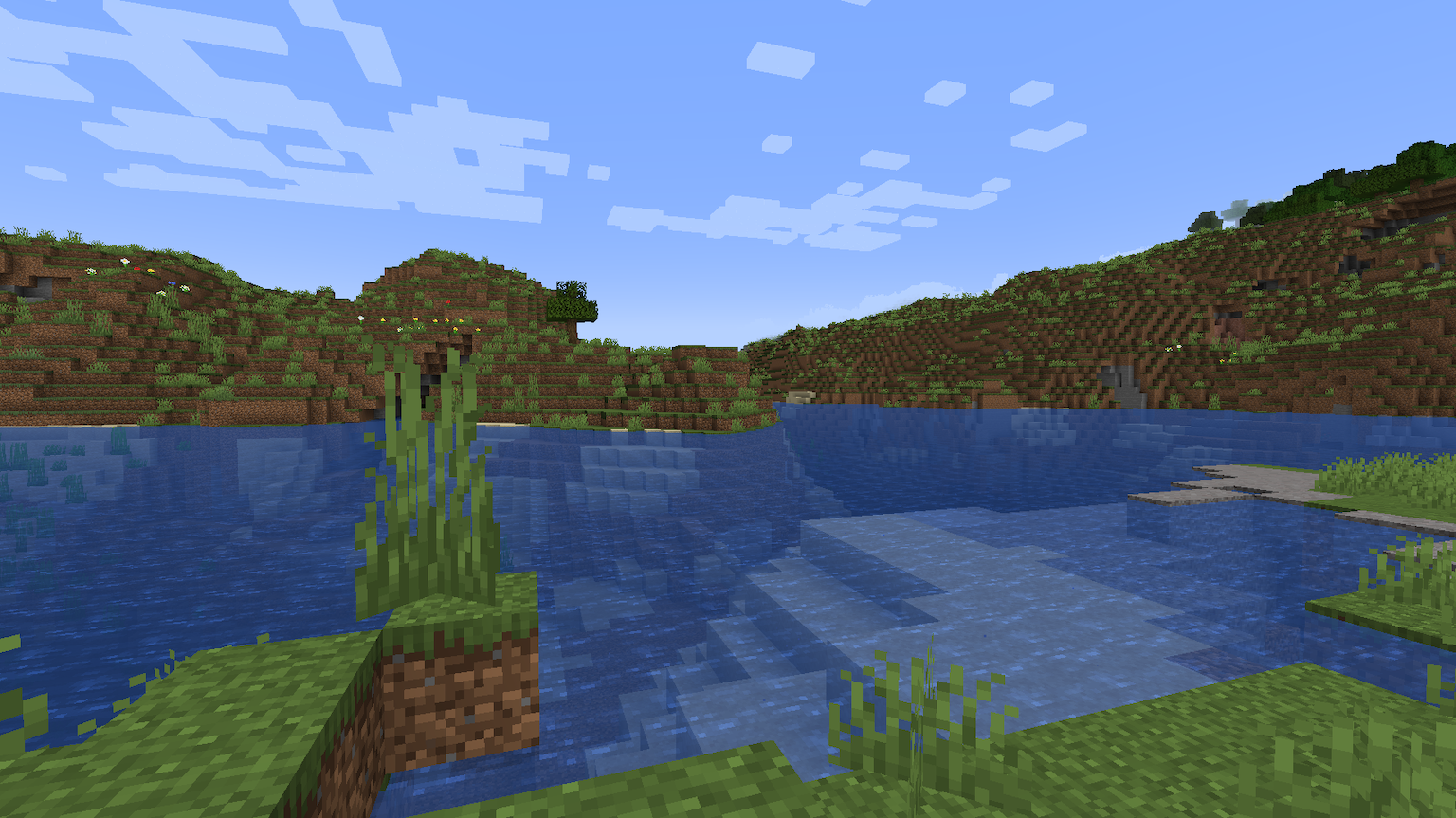
介绍
🧭 Just Coordinates – Simple XYZ Display
A lightweight client-side mod that displays XYZ coordinates, inspired by Bedrock Edition
No minimap, no extra info — just your position on screen. Clean and simple.
✨ Features
🗺️ Coordinates HUD
- Bedrock-Style Display: Shows coordinates with a gray background and white text
- Simple Format:
Position: X, Y, Z— exactly what you need, nothing more - Client-Side Only: No server installation required
🎯 Configurable Position
- 6 Preset Positions: Top-left (default), top-center, top-right, bottom-left, bottom-center, bottom-right
- Easy to Open: Assign a key to “Open Settings” in Controls, or use the Config button (Forge/NeoForge Mods screen, or Fabric with ModMenu installed)
- Remembers Your Choice: Saved to
config/justcoordinates.jsonwhen you close the settings screen
🎮 Smart Visibility
- Toggle Keybind: Press
Jto toggle the coordinates HUD on or off (rebindable in Controls settings) - Share to Chat: Run
/justcoordinates share, or assign a “Share Coordinates” key — no server permission needed (on Forge 1.16.5 and 1.17.1, the keybind is the only option — those versions have no client-command API) - F3 Compatibility: Coordinates HUD is automatically hidden while the F3 debug screen is displayed
- F1 Support: Follows vanilla HUD behavior — hidden when HUD is toggled off with F1
📖 How to Use
- Install the Mod: Drop the jar file into your mods folder
- Launch the Game: Coordinates appear automatically in the top-left corner — no configuration needed
- Optional: Open the settings screen anytime to move the HUD to one of 6 preset positions
🛠️ Technical Details
Multi-Loader Support
This mod supports multiple mod loaders across many Minecraft versions!
| Minecraft | Fabric | Quilt | NeoForge | Forge |
|———–|——–|——-|———-|——-|
| 26.3 | Yes | Yes | Yes | – |
| 26.2 | Yes | Yes | Yes | Yes |
| 26.1.2 | Yes | Yes | Yes | Yes |
| 26.1.1 | Yes | Yes | Yes | Yes |
| 26.1 | Yes | Yes | Yes | – |
| 1.21.11 | Yes | Yes | Yes | Yes |
| 1.21.10 | Yes | Yes | Yes | Yes |
| 1.21.9 | Yes | Yes | Yes | Yes |
| 1.21.8 | Yes | Yes | Yes | Yes |
| 1.21.7 | Yes | Yes | Yes | Yes |
| 1.21.6 | Yes | Yes | Yes | Yes |
| 1.21.5 | Yes | Yes | Yes | Yes |
| 1.21.4 | Yes | Yes | Yes | Yes |
| 1.21.3 | Yes | Yes | Yes | Yes |
| 1.21.1 | Yes | Yes | Yes | Yes |
| 1.20.1 | Yes | Yes | – | Yes |
| 1.19.2 | Yes | Yes | – | Yes |
| 1.18.2 | Yes | Yes | – | Yes |
| 1.17.1 | Yes | Yes | – | Yes |
| 1.16.5 | Yes | Yes | – | Yes |
Download the correct version for your Minecraft version and mod loader.
Requirements
- Fabric: Fabric Loader + Fabric API
- Quilt: Quilt Loader + Fabric API (1.21.9 and earlier)
- NeoForge: NeoForge (1.21.1+)
- Forge: Forge
- No additional dependencies — just the mod loader and its API
Compatibility
- Works alongside other mods
- Compatible with performance mods (Sodium, Starlight, etc.)
- Client-side only — safe for any server
🐛 Bug Reports & Suggestions
Found a bug or have a suggestion? Report it on our GitHub Issues page!
📷 Screenshots
Check out the Gallery above for screenshots of the coordinates HUD in action.
📜 License & Permissions
License: LGPL-3.0 – Copyright (C) 2025 Soichiro Kashima
Source Code: Available on GitHub
Freedom to Use: ✅ Free to use, modify, and redistribute under LGPL-3.0 terms
Modpack Inclusion: ✅ Allowed – You may include this mod in modpacks
Redistribution: ✅ Allowed – You may redistribute this mod (must remain LGPL-3.0)
🔗 Links
- GitHub Repository: https://github.com/ksoichiro/JustCoordinates
- CurseForge: [Link to CurseForge page]
Simple coordinates, inspired by Bedrock Edition 🧭
常见问题
Just Coordinates 支持哪些 Minecraft 版本?
Just Coordinates 支持 Minecraft Java 版 1.16.5–26.3,共 20 个版本,可用的加载器:Fabric / Forge / NeoForge / Quilt。下载时注意选择和你游戏版本一致的文件。
Just Coordinates 怎么安装?
先用 PCL2 或 HMCL 启动器安装对应版本的 Fabric / Forge / NeoForge / Quilt,再把下载的 .jar 文件放进游戏目录的 mods 文件夹,重新启动游戏即可。开启了版本隔离的,mods 文件夹在 versions/版本名 下面。运行环境:仅客户端。
ksoichiro 的其他作品
查看全部 →
Chrono Dawn
Adds Chrono Dawn, a time-themed dimension with custom portals, boss battles, and time-manipulating artifacts. Supports Fabric & NeoForge.
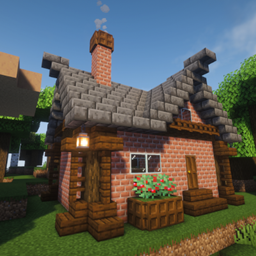
Beginner’s Delight
Generates a small starter house at the world spawn point with a bed, chest of supplies, and torches. Helps beginners survive their first night safely. Built with vanilla blocks only — safe to remove anytime. Supports Fabric, NeoForge and Forge.
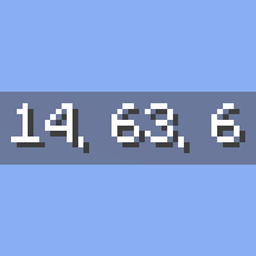
Just Coordinates
Displays simple XYZ coordinates on screen, like Bedrock Edition. Client-side, lightweight, and dependency-free (Fabric API only).
Castle Shift
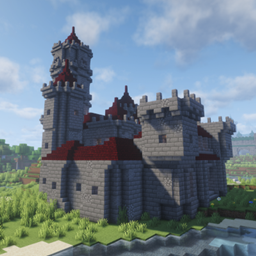
Castle Shift introduces procedurally generated castles with diverse layouts, modular room variations, and dynamic architectural themes — creating a different structure each time.
评论
登录后评论和评分