
截图
介绍


Ever felt annoyed that you needed to press FN + F3 JUST to open the F3 menu on a laptop?
Have you ever wanted to REBIND any of the keys related to the F3 menu but couldn’t because they’re HARD-CODED?
WELL ME TOO!
Debug Keybind (the solution)
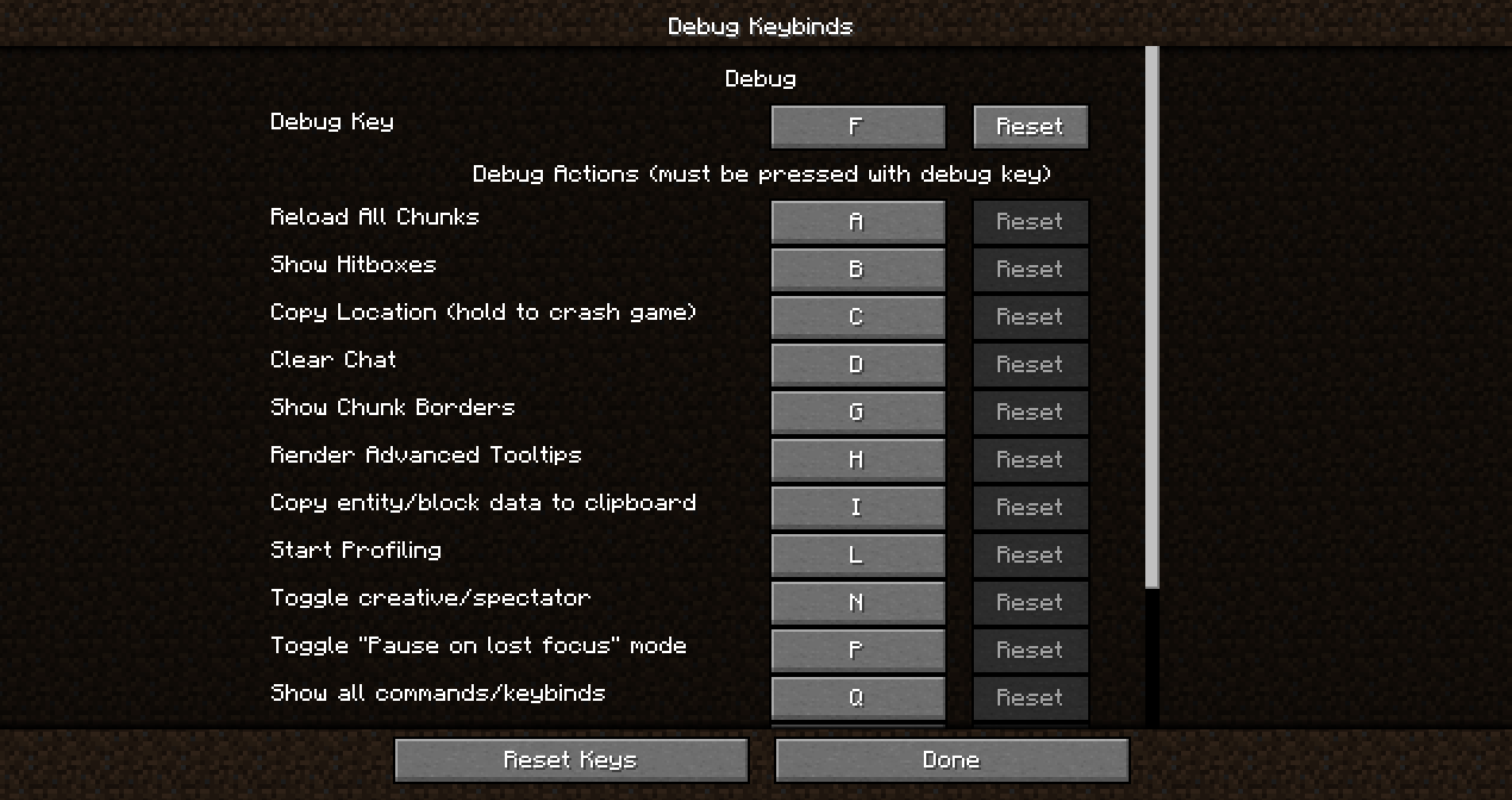
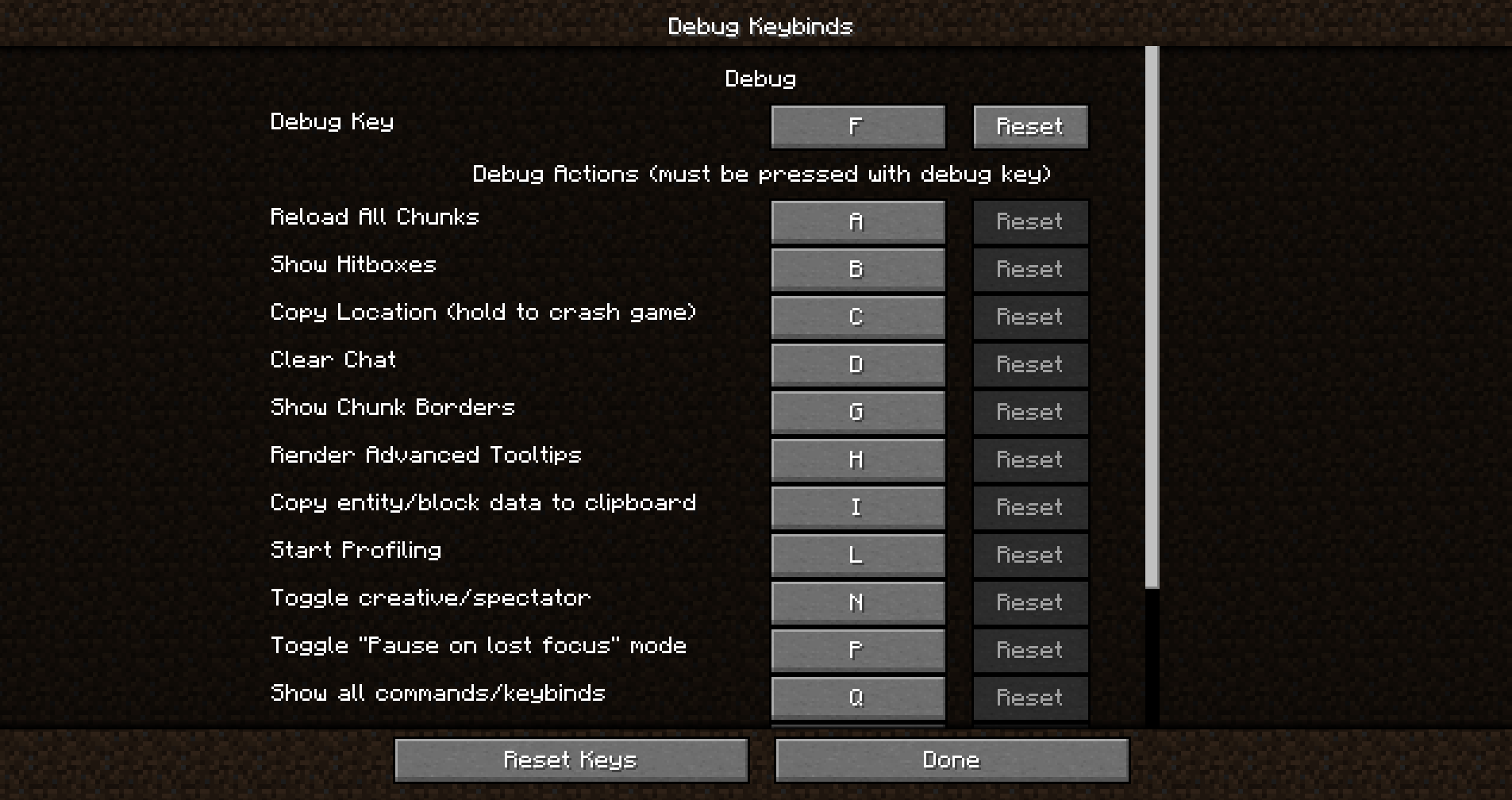
Debug keybind is a mod that allows you to rebind the (previously) hard-coded F3 menu and all of it’s actions.
Didn’t like F3+Q? You can easily rebind it as if it was a normal keybind.
Don’t like F3+G? It can be rebound in the exact same way.
Just open the debug keybinds menu, and you’ll be on your way!
How do I open the Debug Keybinds menu?
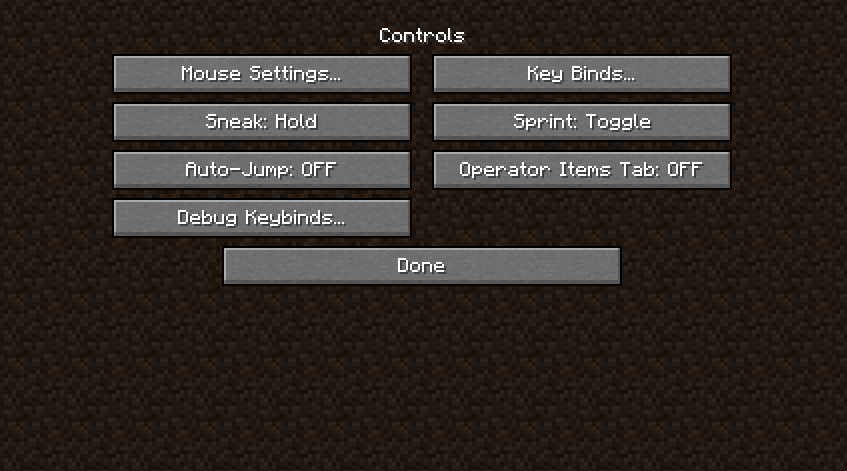
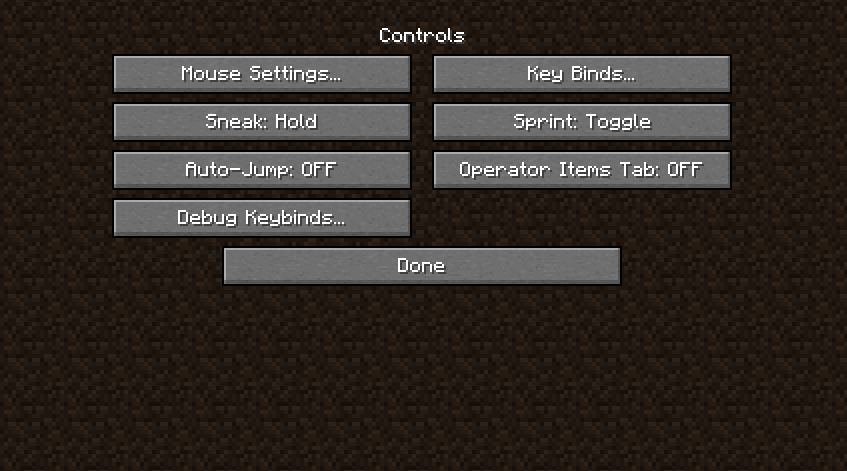
Opening the menu is super simple. You can open it from your modloader’s Config Screen, but it can also be opened with a conveniently placed button placed next to the normal keybinds button!
Features
- Bind any key on your keyboard to activate individual debug actions or combinations.
- Enhance gameplay convenience by placing these keys at your fingertips.
- Improve accessibility for users with specific keyboard layouts or preferences.
Installation/Dependencies
This mod requires BoxLib a Client-side library mod developed by me.
- Install Minecraft Forge/Fabric/Neoforge: Download and install the appropriate modloader for your Minecraft version.
- Download the mod: Download the latest release of Debug Keybind for your specific modloader and Minecraft version
- Download BoxLib: Download the latest release of BoxLib for your specific modloader and Minecaft version
- Place the mod jars: Drop the downloaded jar files into your Minecraft mods folder. The location of this folder varies depending on your operating system.
Fabric Dependencies

Mod Menu is recommended for configuration purposes.
Forge/NeoForge Dependencies
This mod requires BoxLib a Client-side library mod developed by me.
Contributing
We encourage contributions! Don’t hesitate to open issues or pull requests through the GitHub Repository. Your input helps the mod improve and evolve.
Translations
We welcome translations! If you’re interested in translating this mod, please locate the localization files and submit a pull request. Your contributions help make the mod accessible to more users worldwide.
Support
If you encounter any issues, please open an issue on the GitHub repository.
Building
If you’d like to build this mod on your own machine, follow these steps.
- Download the source code from GitHub (Code -> Download zip)
- Extract the zip file onto your local machine, and open the folder.
- Open a terminal prompt in said folder
- Run the command “gradlew build”
- The fabric build will be in “fabric/build/libs”
- The forge build will be in “forge/build/libs”
常见问题
Debug Keybind 支持哪些 Minecraft 版本?
Debug Keybind 支持 Minecraft Java 版 1.14.4–1.21.10,共 31 个版本,可用的加载器:Fabric / Forge / NeoForge / Quilt。下载时注意选择和你游戏版本一致的文件。
Debug Keybind 怎么安装?
先用 PCL2 或 HMCL 启动器安装对应版本的 Fabric / Forge / NeoForge / Quilt,再把下载的 .jar 文件放进游戏目录的 mods 文件夹,重新启动游戏即可。开启了版本隔离的,mods 文件夹在 versions/版本名 下面。运行环境:仅客户端。
Boxadactle 的其他作品
查看全部 →
BoxLib
A client-side library mod with tons of features to do all the heavy lifting for all client-side mods.

Coordinates Display
A basic mod that displays your Coordinates on the In-game HUD.
Coordinates Display
A basic mod that displays your coordinates on the Minecraft HUD

FlatEdit+
A rework of the horrific superflat creation screen.
评论
登录后评论和评分