
介绍
📦 Smootheez Config Lib (SCL)
A utility mod designed to simplify configuration handling for Minecraft modding.
Primarily developed for my own mods, but freely available for public use.
❓ What is SCL?
Smootheez Config Lib (SCL) provides an easier and cleaner way to manage configurations for Minecraft mods.
It removes boilerplate and offers a simple interface for:
- ✅ Config file management
- 🛠️ Automatic config screen generation
- ⚙️ Automatic config file generation
🖼️ In-Game Previews
🔧 Standard Config Screen
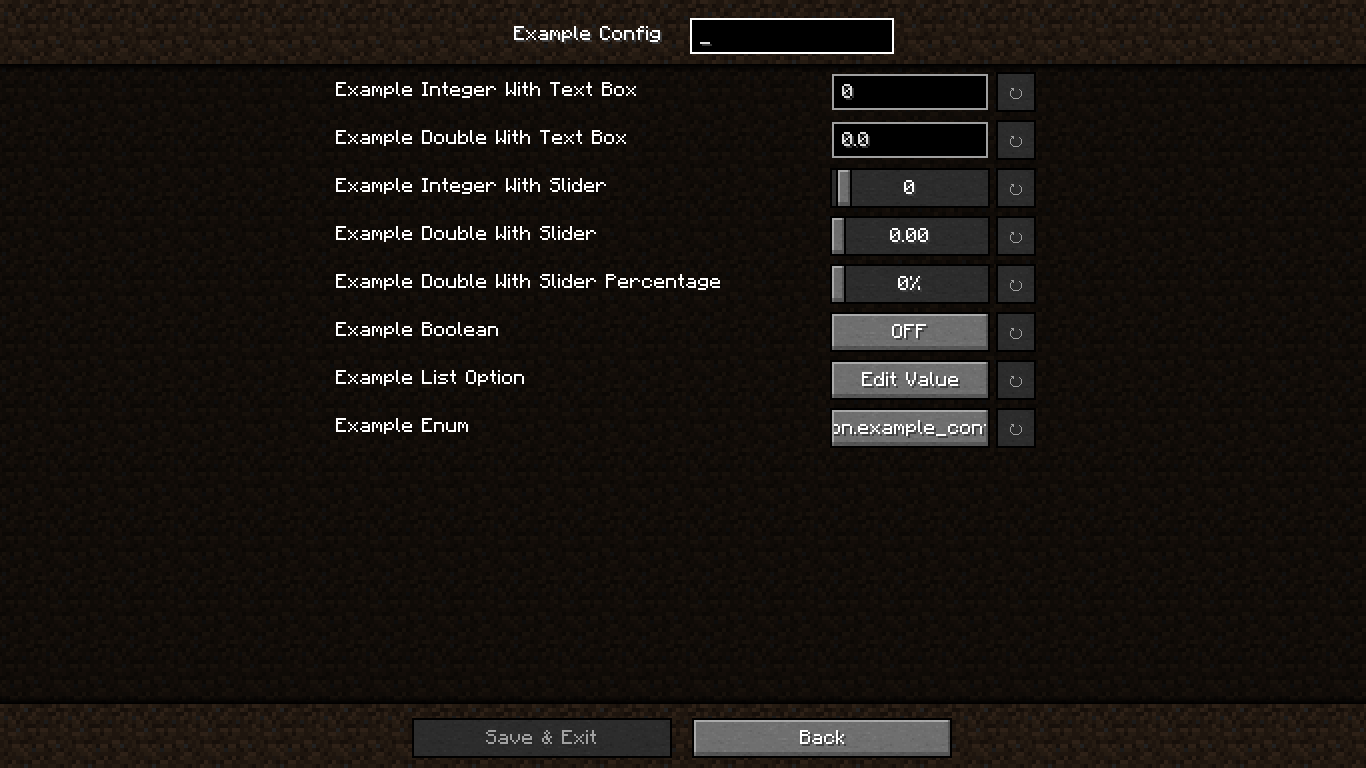
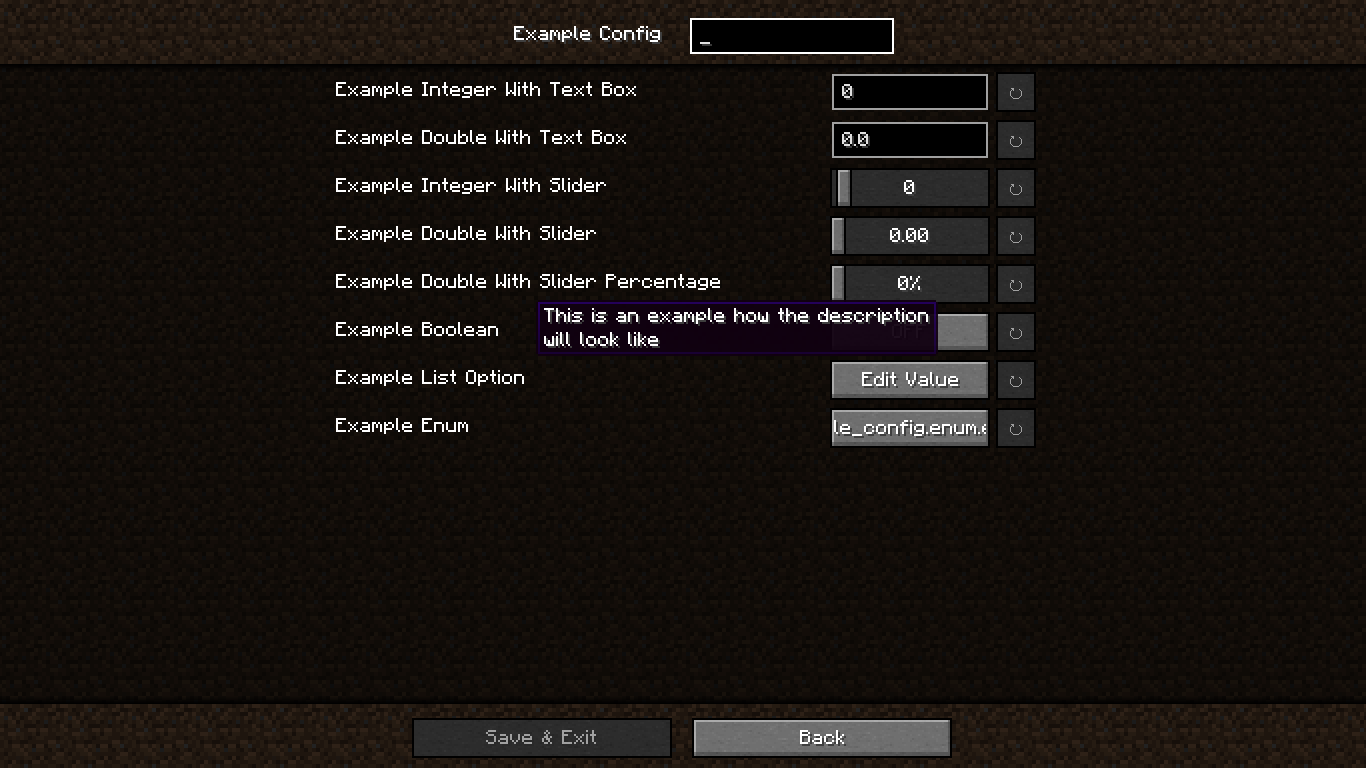
📝 Config Screen with Descriptions
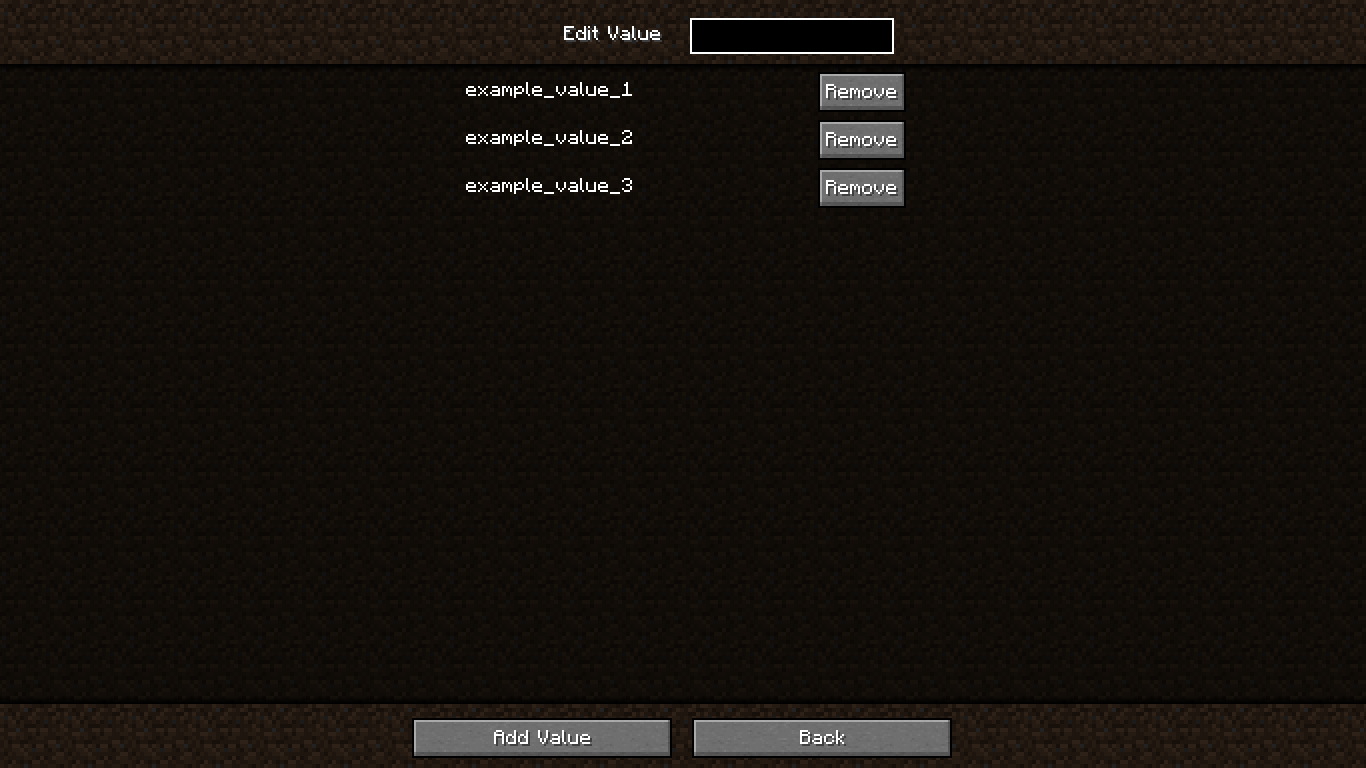
🗂️ Edit Value in OptionList
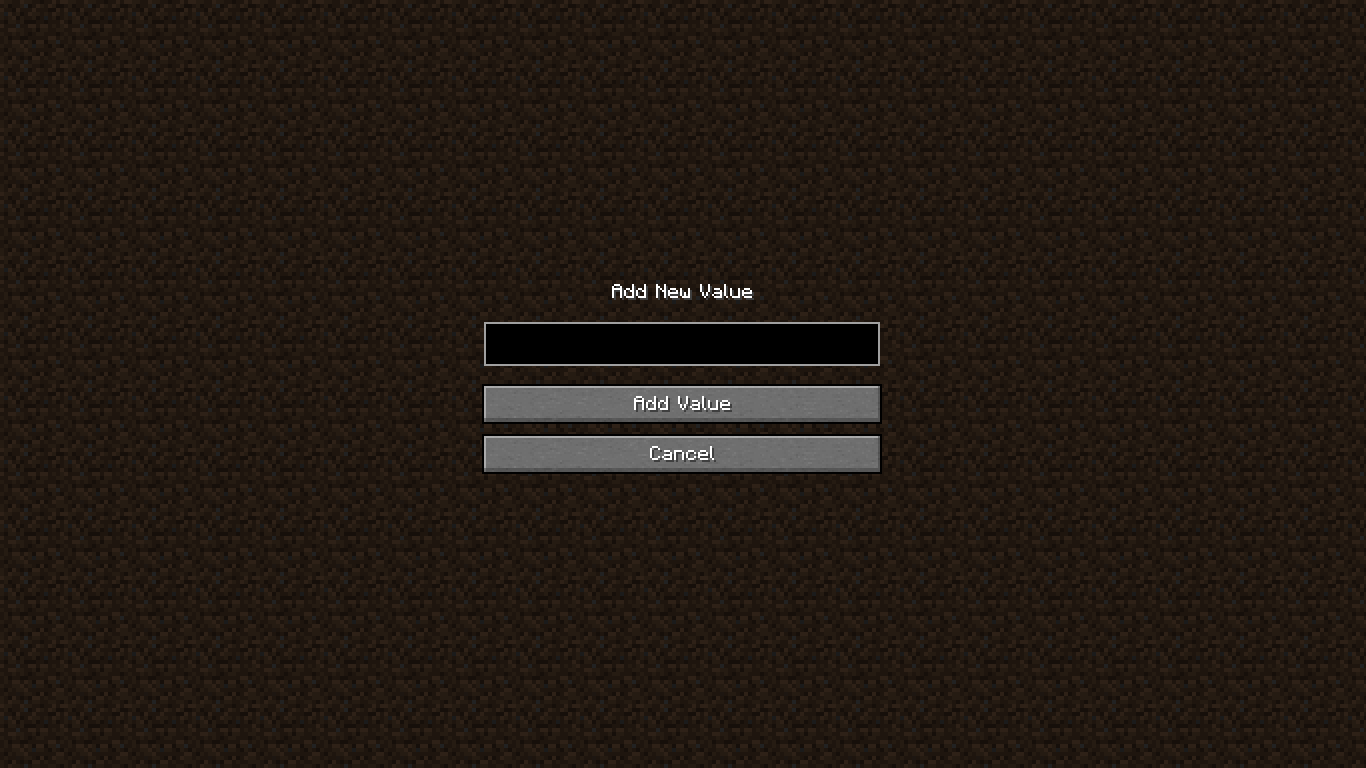
➕ Add Value to OptionList
❗ Confirmation Screen

🚀 Getting Started
🏗️ Step 1 – Add Repository
In your build.gradle:
repositories {
    maven {
        url "https://jitpack.io"
    }
}
📦 Step 2 – Add Dependency
Using version from gradle.properties:
dependencies {
    modImplementation "com.github.smootheez:scl:${project.scl_version}"
}
Or use the version directly:
dependencies {
    modImplementation "com.github.smootheez:scl:[version]"
}
💡 Example Usage
🧱 Step 1 – Create a Config Class
@Config(name = "example_config", gui = true)
public class ExampleConfig {
    public static final ConfigOption<Integer> INT_TEXT = ConfigOption.create("intText", 0, -5, 100);
    public static final ConfigOption<Double> DOUBLE_TEXT = ConfigOption.create("doubleText", 0.0, 0.0, 2.0);
    public static final ConfigOption<Integer> INT_SLIDER = ConfigOption.create("intSlider", 0, -5, 100).asSlider();
    public static final ConfigOption<Double> DOUBLE_SLIDER = ConfigOption.create("doubleSlider", 0.0, 0.0, 2.0).asSlider();
    public static final ConfigOption<Double> DOUBLE_SLIDER_PERCENTAGE = ConfigOption.create("doubleSliderPercentage", 0.0, 0.0, 2.0).asSliderPercentage();
    public static final ConfigOption<Boolean> BOOLEAN = ConfigOption.create("boolean", false);
    public static final ConfigOption<OptionList> LIST = ConfigOption.create("list", "example_value_1", "example_value_2", "example_value_3");
    public static final ConfigOption<ExampleEnum> ENUM = ConfigOption.create("enum", ExampleEnum.EXAMPLE_VALUE_1);
}
🧩 Step 2 – Register the Config
In your fabric.mod.json:
"entrypoints": {
    // ...existing entrypoints
    "scl": [
        "dev.smootheez.scl.example.ExampleConfig"
    ]
}
✅ That’s it!
SCL will automatically generate:
- The config file
- The config screen (requires
ModMenu)
📌 Note:
The config screen will only be generated if:
gui = trueis set- The config
namematches your mod ID
📥 Download

🐞 Issue Tracker
Found a bug or have a feature suggestion?
Submit an issue here: GitHub Issues
⚠️ Important Notes
- ✅ Compatible with Minecraft 1.20.1+
- 📜 Licensed under the MIT License
☕ Support Me
If you find this project helpful and want to support my work, consider donating:


常见问题
Smootheez Config Lib 支持哪些 Minecraft 版本?
Smootheez Config Lib 支持 Minecraft Java 版 1.20.1–1.21.8,共 15 个版本,可用的加载器:Fabric。下载时注意选择和你游戏版本一致的文件。
Smootheez Config Lib 怎么安装?
先用 PCL2 或 HMCL 启动器安装对应版本的 Fabric,再把下载的 .jar 文件放进游戏目录的 mods 文件夹,重新启动游戏即可。开启了版本隔离的,mods 文件夹在 versions/版本名 下面。运行环境:仅客户端。
Smootheez 的其他作品
查看全部 →
Damage Number Particles
Minecraft mod that displays floating number particles whenever an entity takes damage or receives healing

Elytra Control
Simple Mod To Control Your Elytra Such Locking Or Stop Flying In Mid Air Like In Bedrock Edition and more!

Smoothiez Api
Minecraft Mod to provide boilerplate code for all of Smootheez's Mods

Rgb Animated Xp Bar x16
Animated your XP bar in Vanilla Minecraft
评论
登录后评论和评分