
Iron’s Spells’n Spellbooks Add-on:What’s Your Specialized Element?
This is an add-on that adds roles and magical aptitude to Iron's Spells'nSpellbooks.
截图
介绍
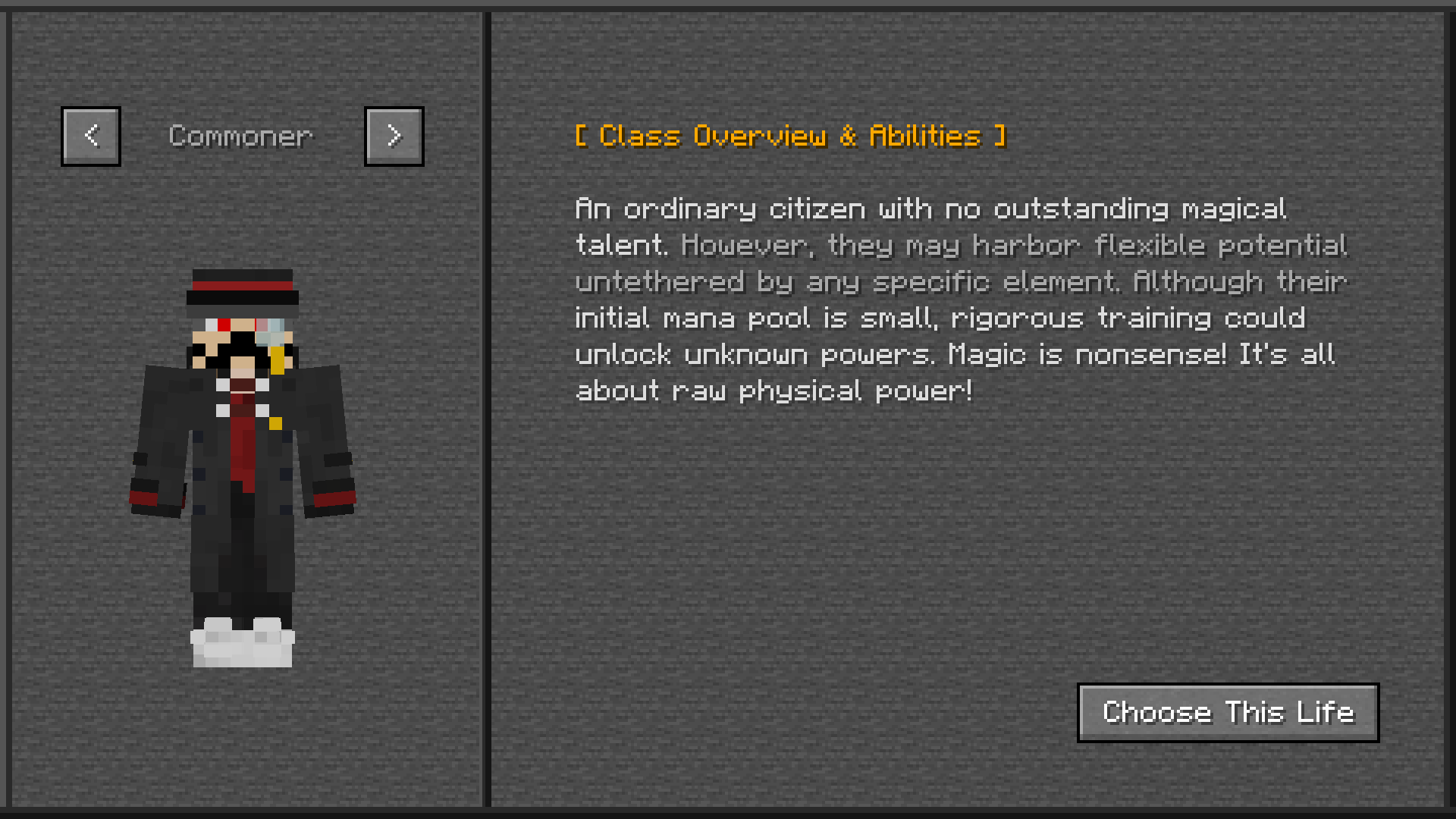
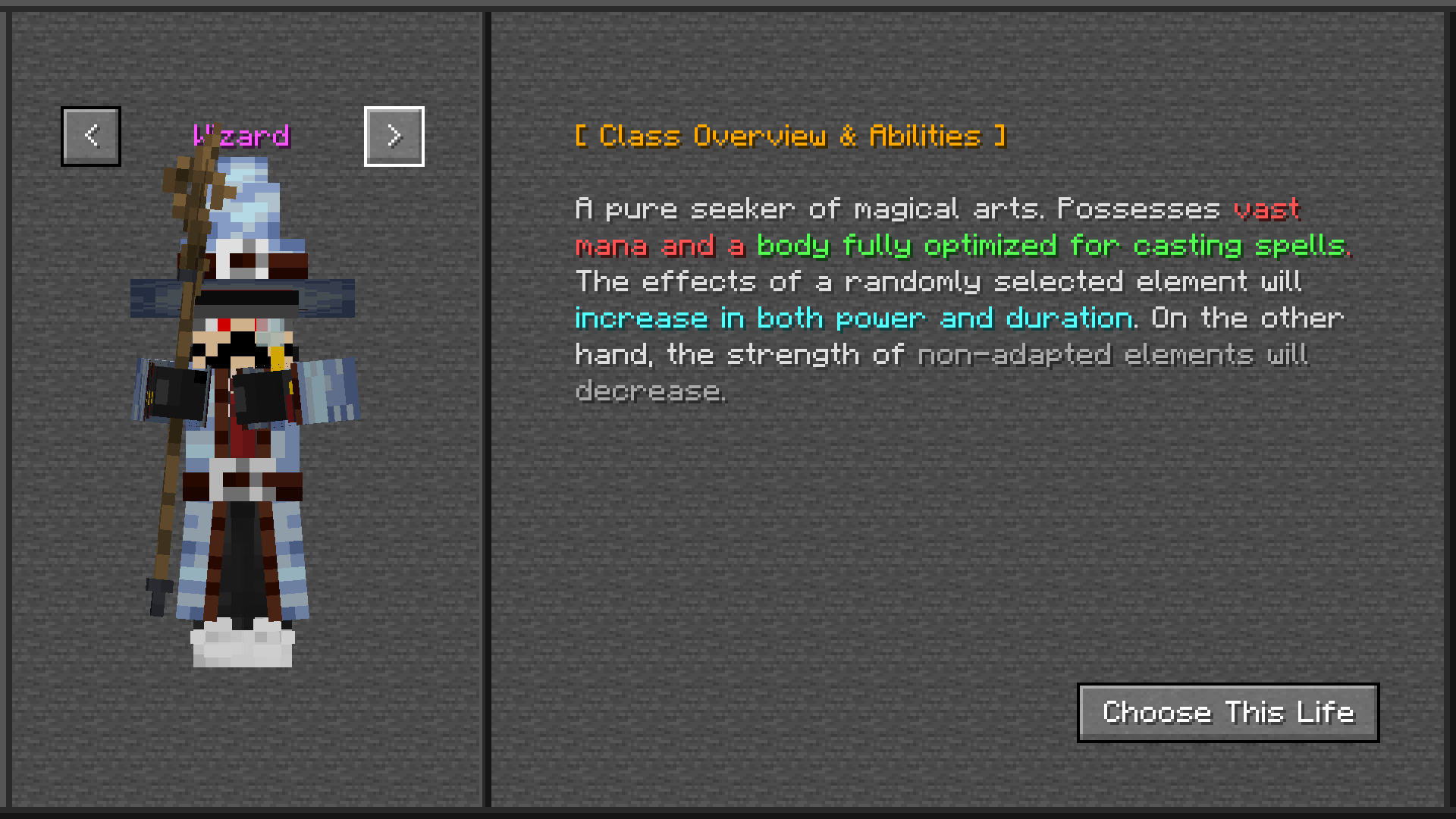
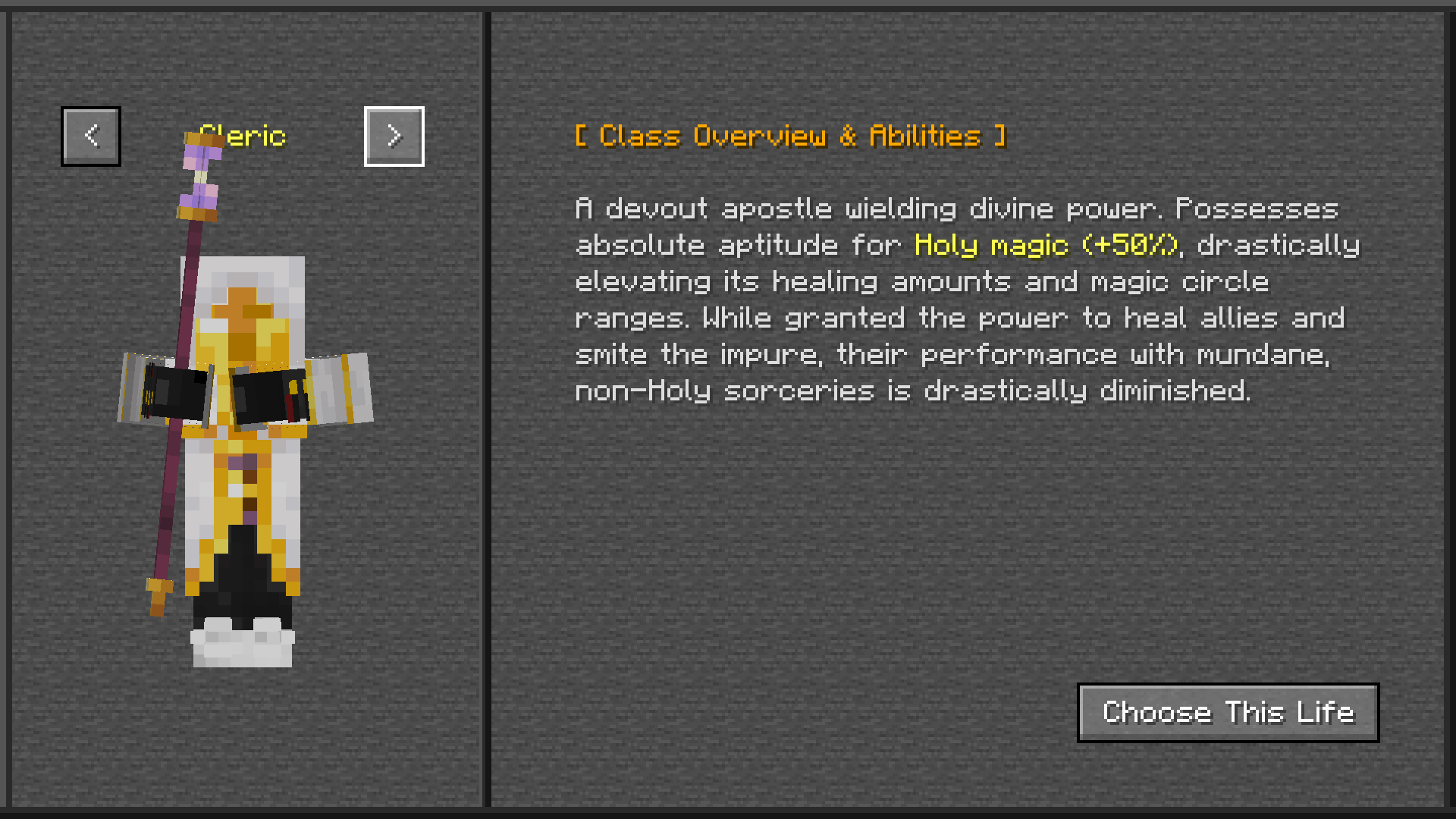
This mod is an add-on created to clearly distinguish between melee and magic classes when playing an RPG with “Iron’s Spells’n Spellbooks” installed. When you first enter the world, press the C key to open the UI and select one of three classes: Wizard, Cleric, or Commoner. Players who select a magic-based class, such as a Wizard or Cleric, will have their mana increased. Wizards are granted a random elemental affinity and enhanced spells of that element, while Clerics are granted enhanced holy-element spells and healing abilities. Wizards can cast spells of attributes other than Holy even without affinity for that attribute, but their power is reduced. Conversely, Clerics suffer a significant reduction in spell power when casting spells of attributes other than Holy. Meanwhile, players who select Commoner have reduced mana and reduced spell power. Commoners are also assigned a preferred attribute, but their spell power is significantly weaker than that of Wizards.Using “/wyse reset target” resets the target’s class and preferred element. Using “/wyse class target classname” allows you to change the class to any class you choose. Additionally, using “/wyse element elementname” allows you to set the preferred element to any element you choose. As of now (July 14, 2026), the only way to check your preferred element is to use the debug command “/wyseinfo,” but in future versions, we plan to allow you to view and change your preferred element in Survival Mode. Enjoy a wonderful RPG experience!
常见问题
Iron’s Spells’n Spellbooks Add-on:What’s Your Specialized Element? 支持哪些 Minecraft 版本?
Iron’s Spells’n Spellbooks Add-on:What’s Your Specialized Element? 支持 Minecraft Java 版 1.20.1,可用的加载器:Forge。下载时注意选择和你游戏版本一致的文件。
Iron’s Spells’n Spellbooks Add-on:What’s Your Specialized Element? 怎么安装?
先用 PCL2 或 HMCL 启动器安装对应版本的 Forge,再把下载的 .jar 文件放进游戏目录的 mods 文件夹,重新启动游戏即可。开启了版本隔离的,mods 文件夹在 versions/版本名 下面。
评论
登录后评论和评分