
截图
介绍
中文介绍正在准备中,下面暂时显示原文。
Dashpanels
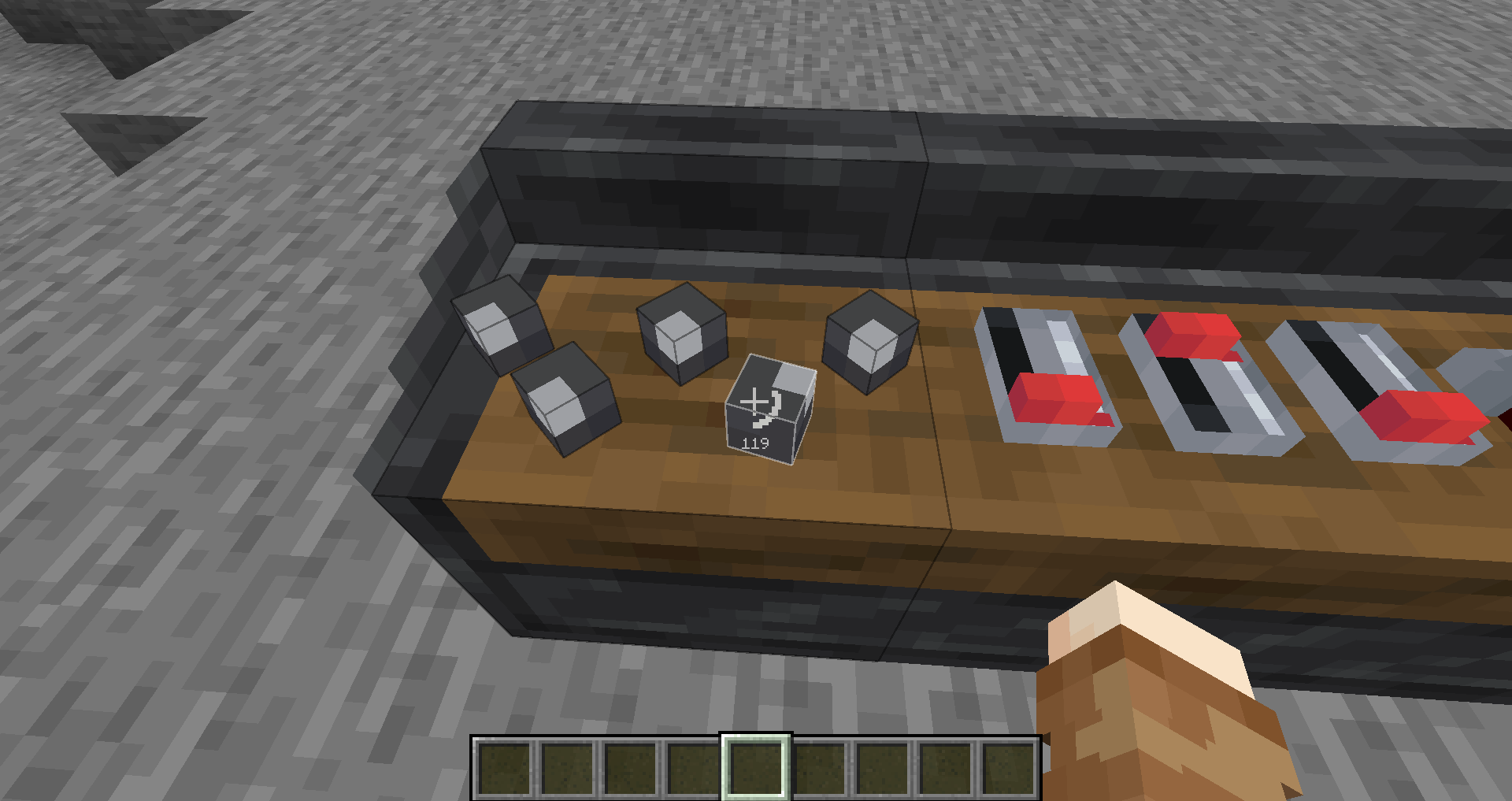
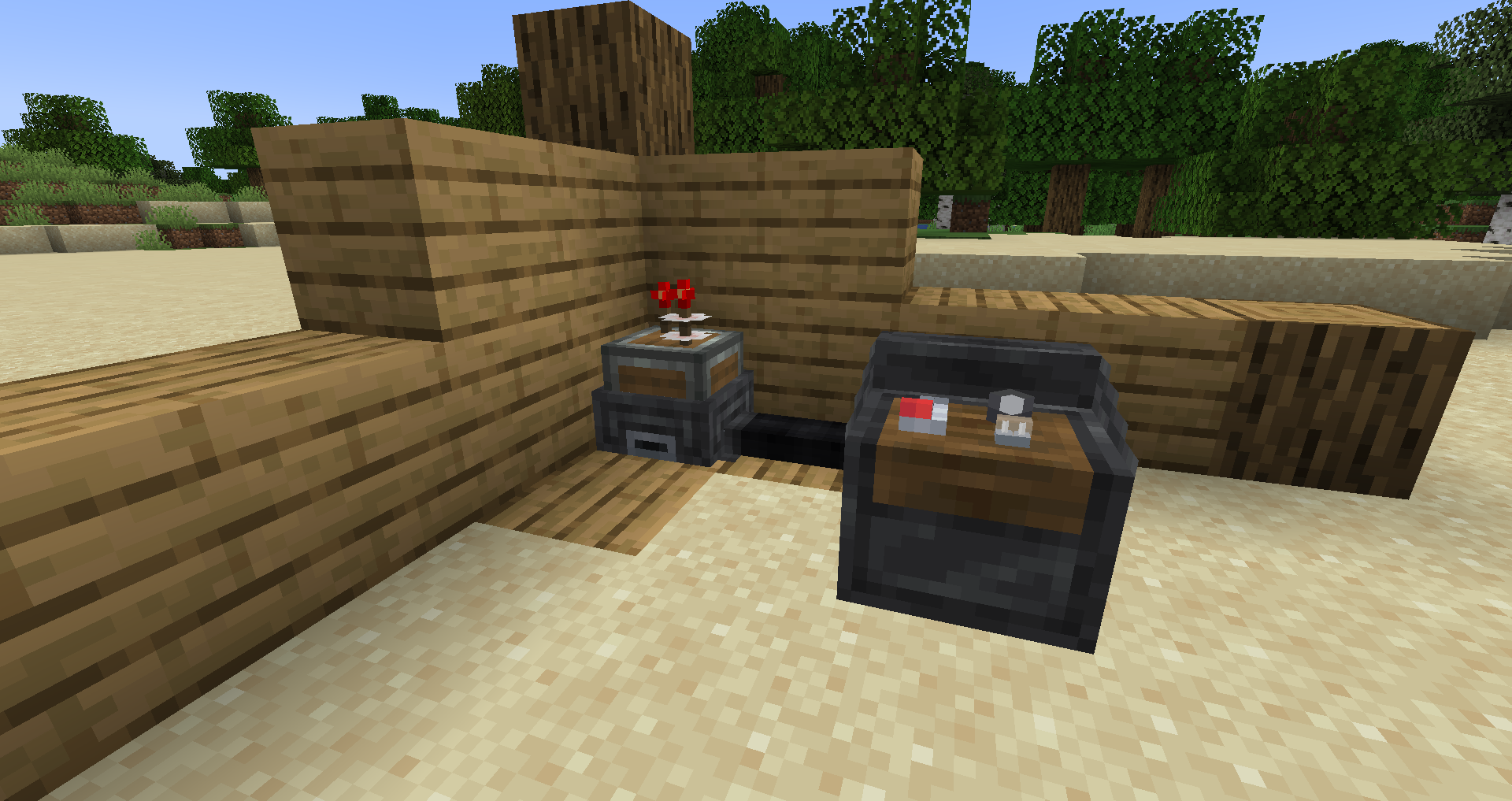
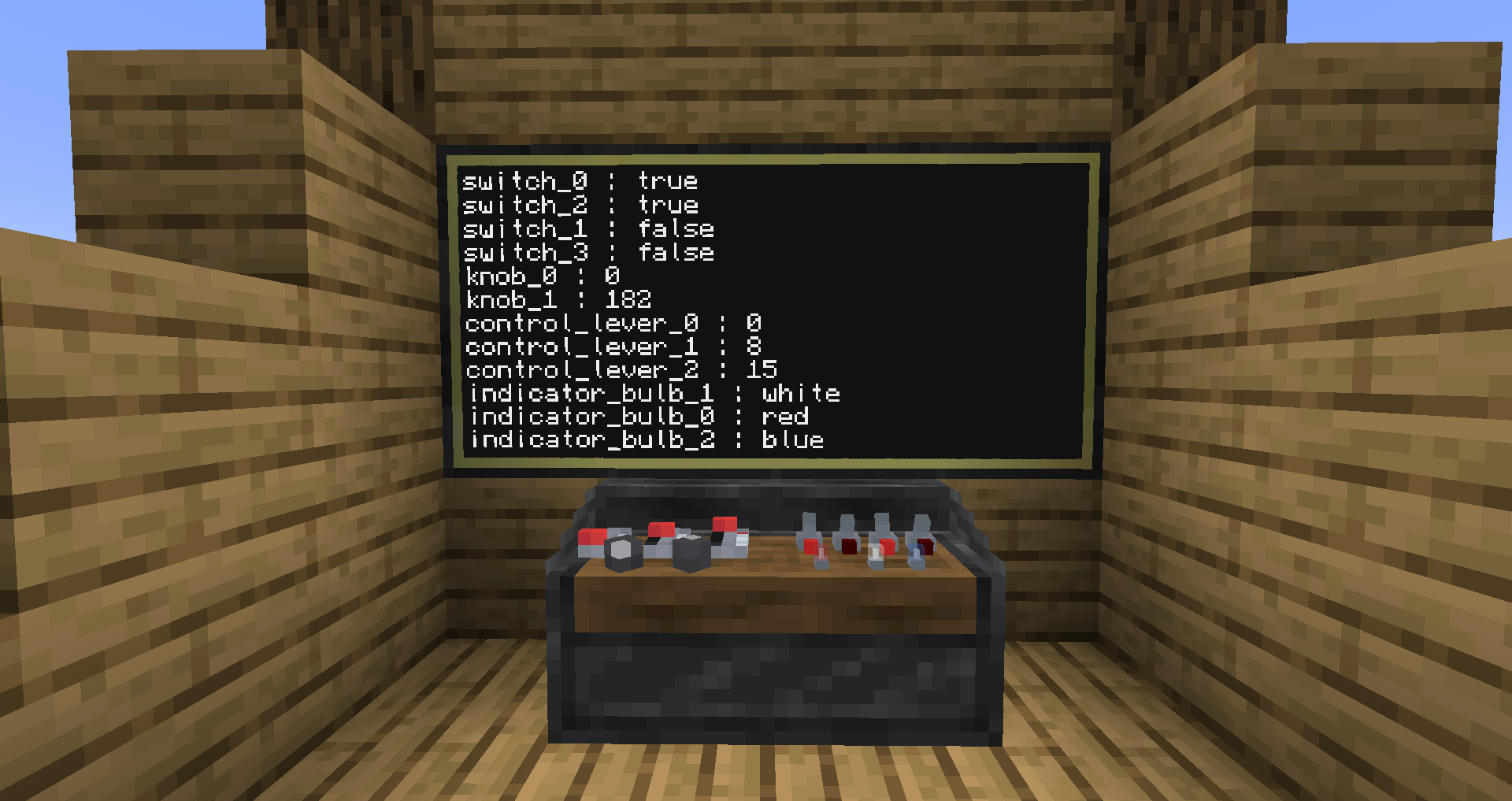
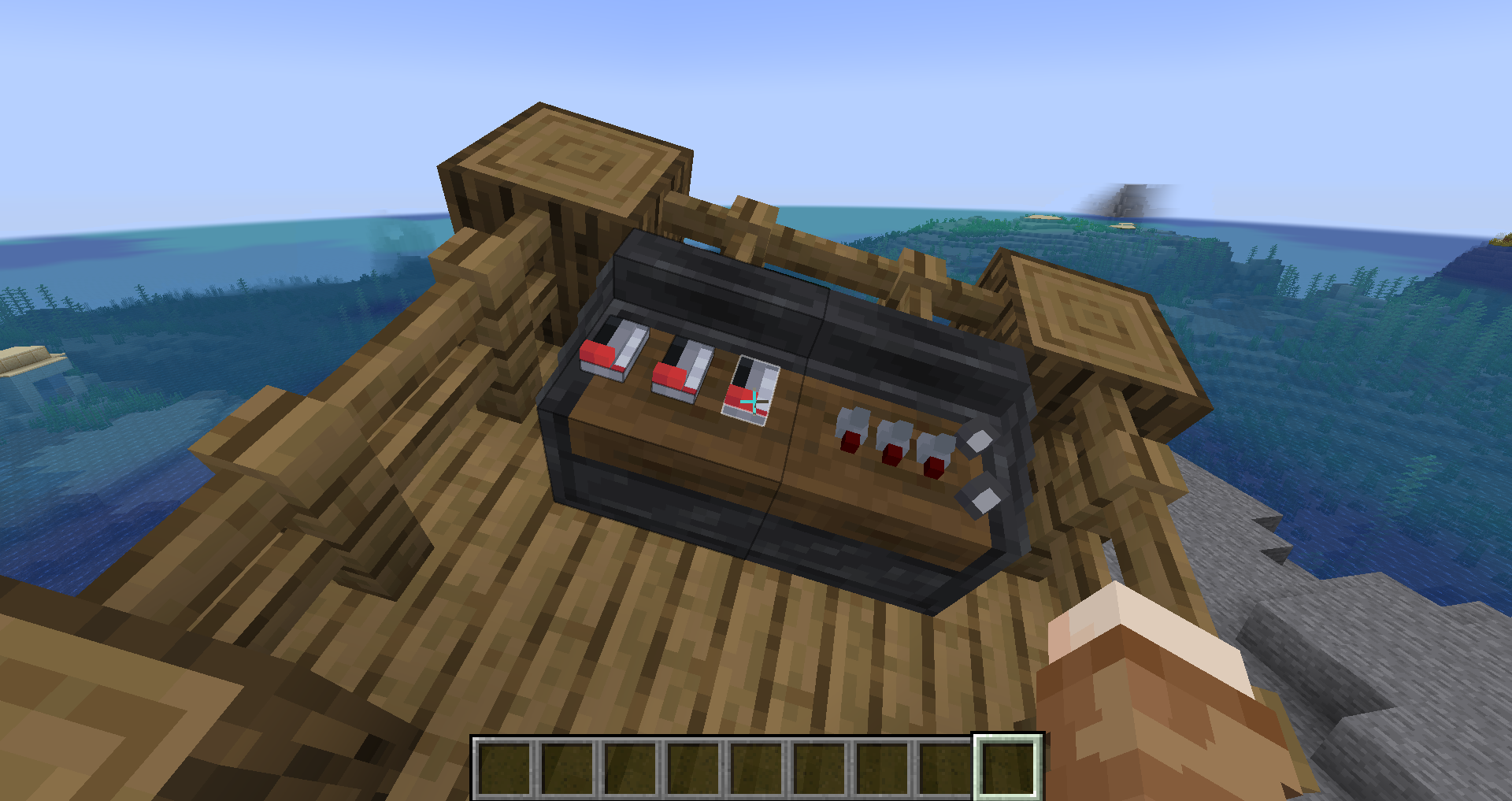
Mod adding control panels for more compact redstone controls


Content
- #### Control Panel
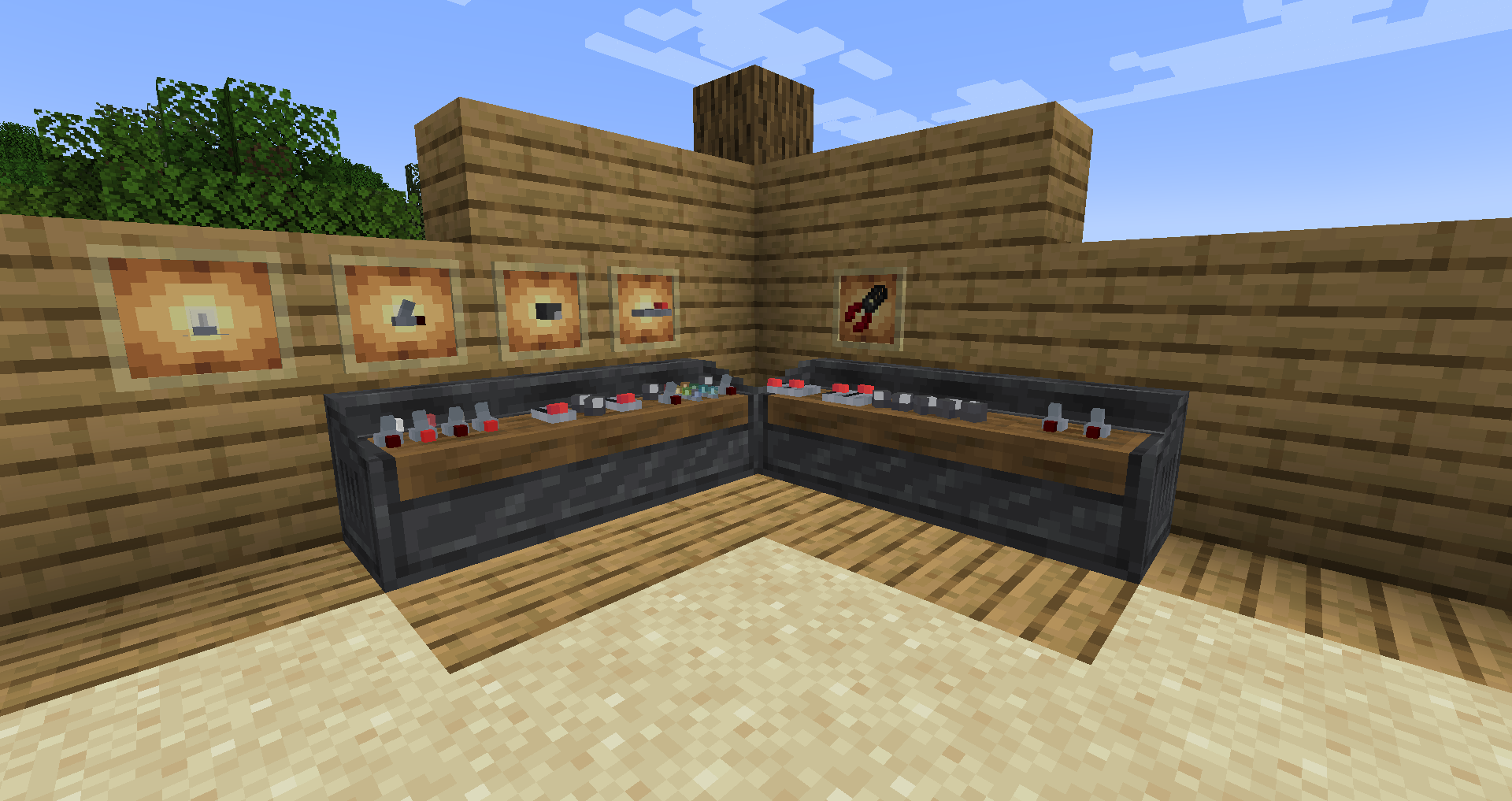
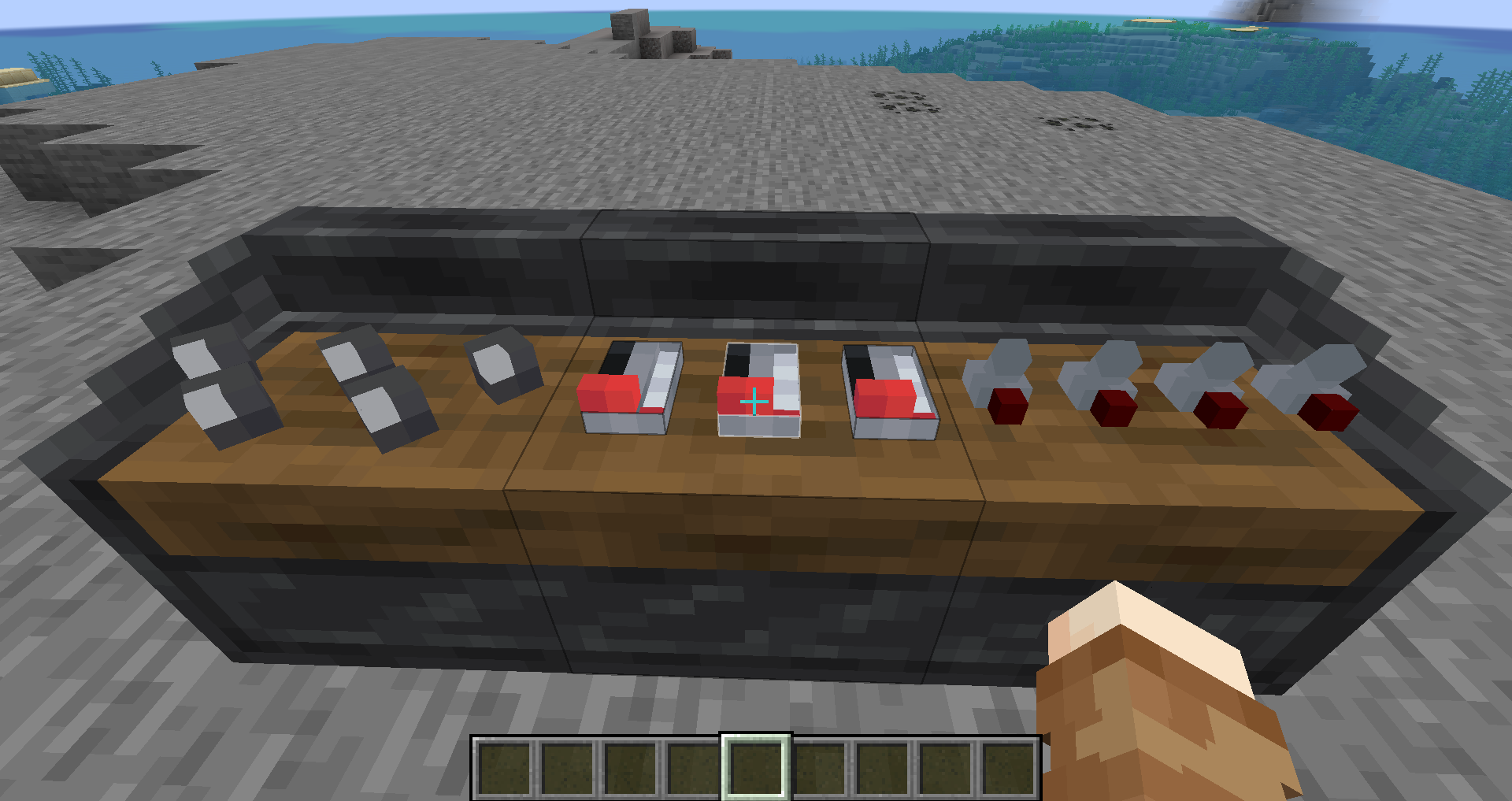
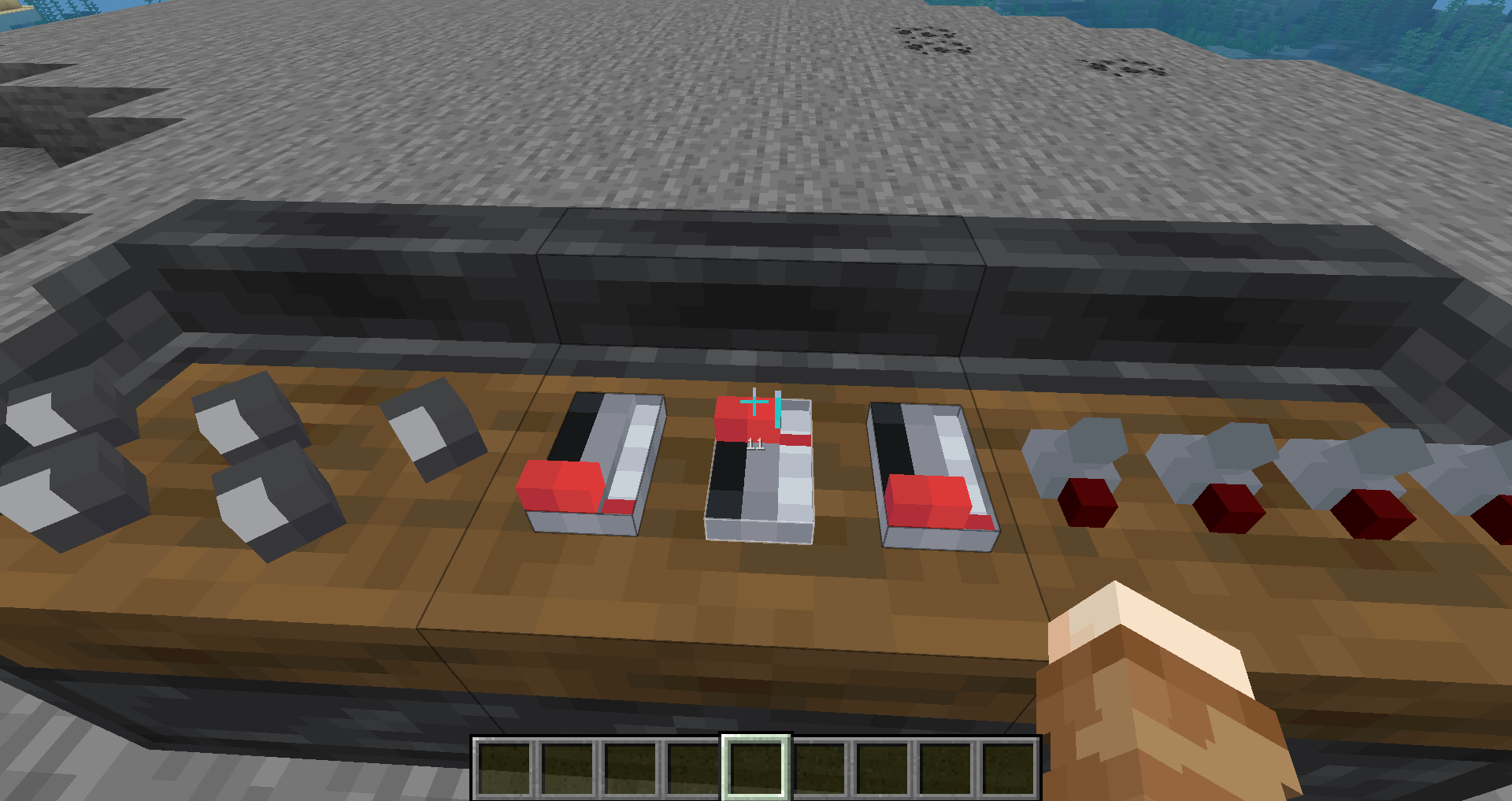
- Put modules onto the different panel types (normal, ceiling, and wall) by holding the module you want to place in your main hand, then just right click on the surface, there should be a visual outline of where and if you can place a module.
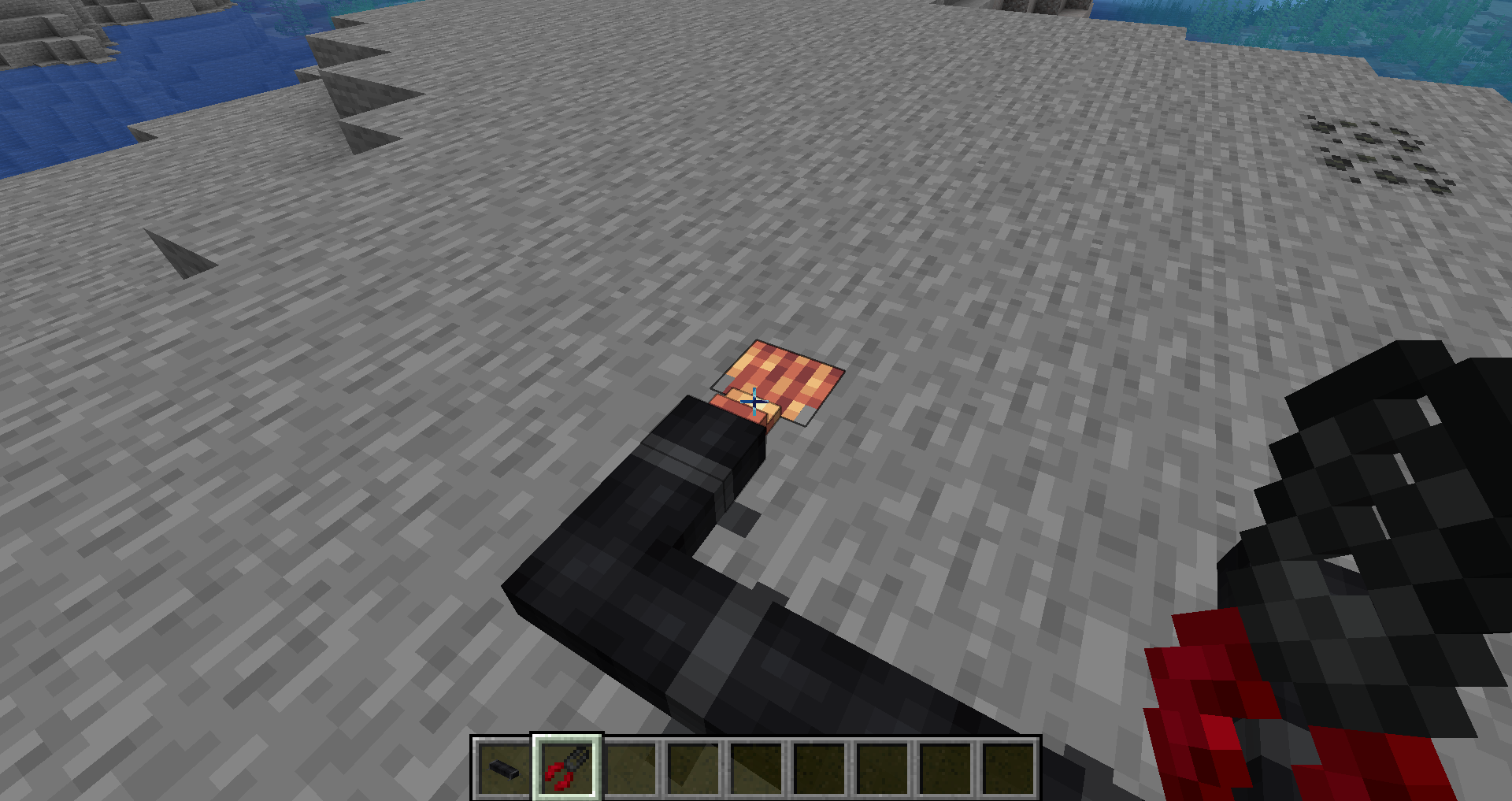
- #### Control Cable
- Use this block to connect panels to eachother and has a stripped form
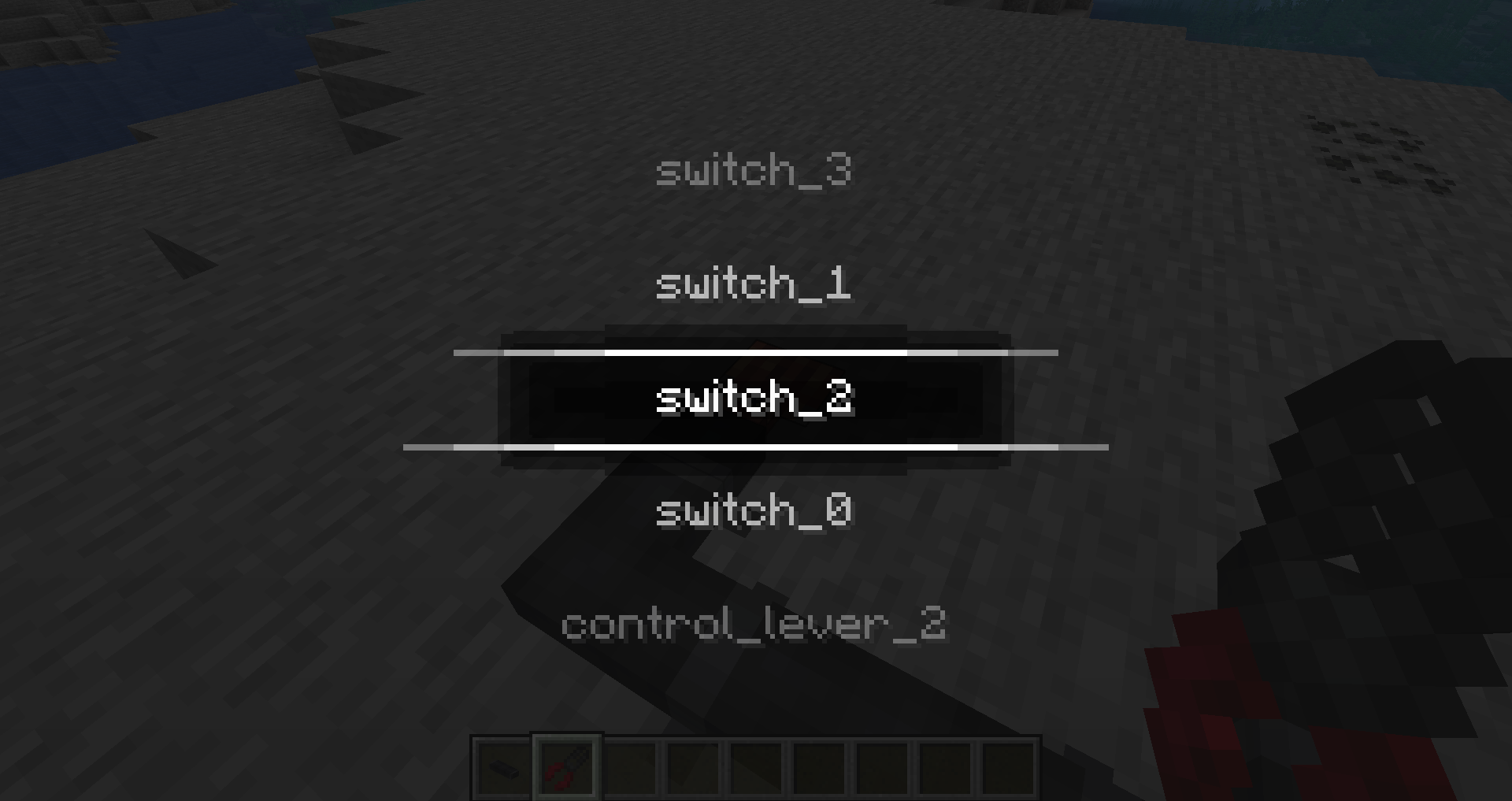
- #### Stripped Cable
- Connects to the control cable to take redstone inputs or outputs from the panels themselves
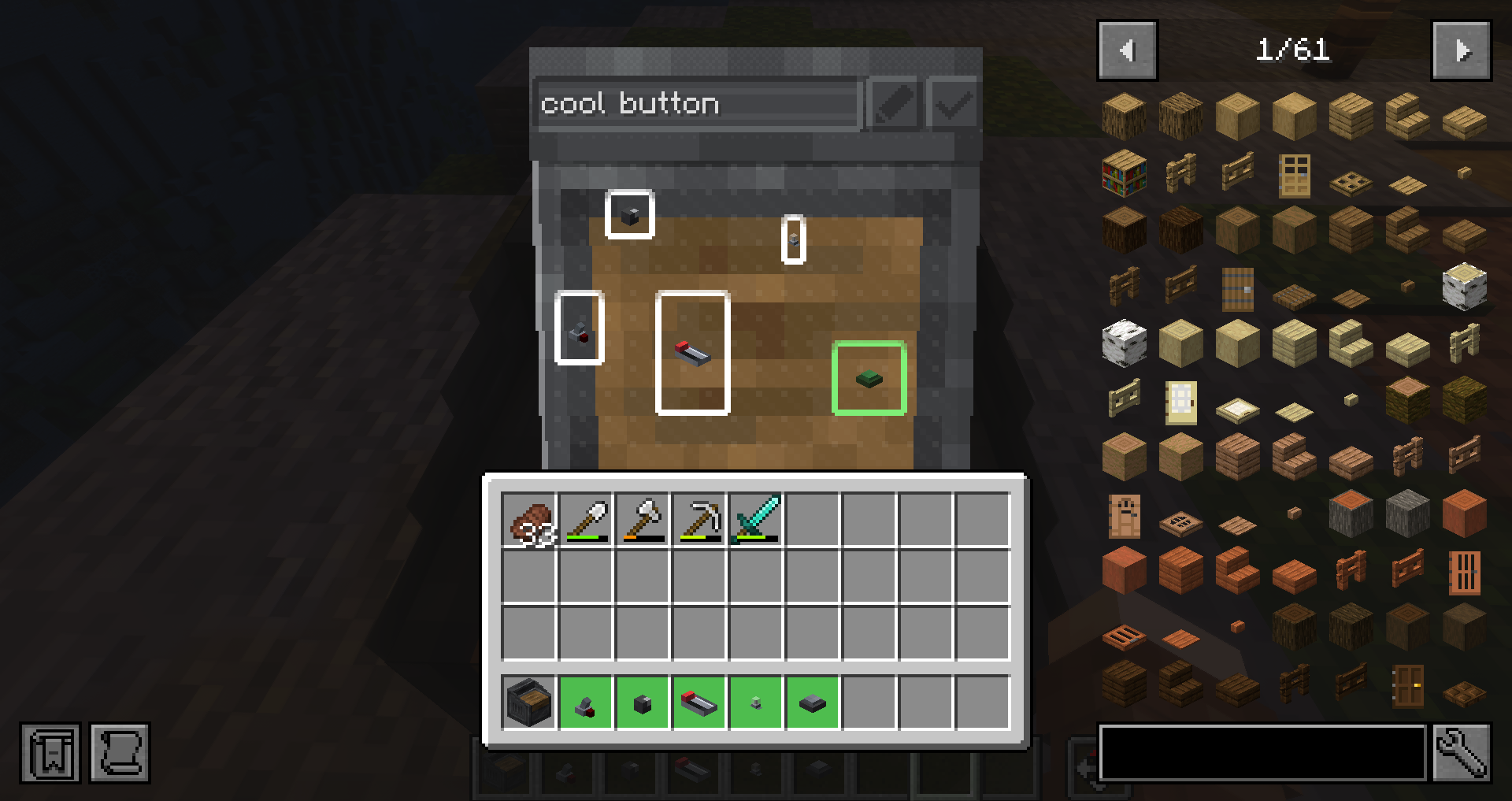
- #### Cable Stripper
- Shift right click control cables or stripped cables to pick them up
- Right click control cables to strip them
- Right click stripped cables to change their configured module
- #### Quite a few cool modules for controlling redstone
Compatibility
- #### Computercraft
- Control Panel can be a peripheral
- #### Create
- Adds a new exclusive block for easier link connections
- #### Sable
- Control Panels can be used aboard sublevels
- #### Dye Depot
- Bulbs can be dyed to extra dyes added by dye depot (or any other dye mod)
Logo made by JWX
常见问题
Dashpanels 支持哪些 Minecraft 版本?
Dashpanels 支持 Minecraft Java 版 1.21.1,可用的加载器:NeoForge。下载时注意选择和你游戏版本一致的文件。
Dashpanels 怎么安装?
先用 PCL2 或 HMCL 启动器安装对应版本的 NeoForge,再把下载的 .jar 文件放进游戏目录的 mods 文件夹,重新启动游戏即可。开启了版本隔离的,mods 文件夹在 versions/版本名 下面。运行环境:客户端和服务端都要装。
评论
登录后评论和评分