Better X-perience Collection
A Modpack created to give players a more realistic and practical gaming experience.
截图
介绍
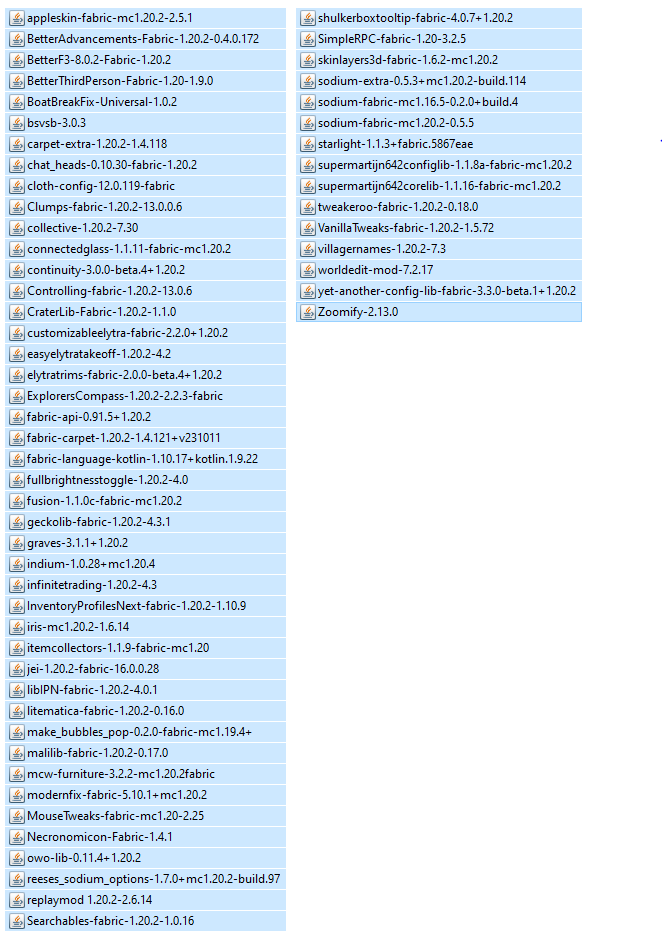
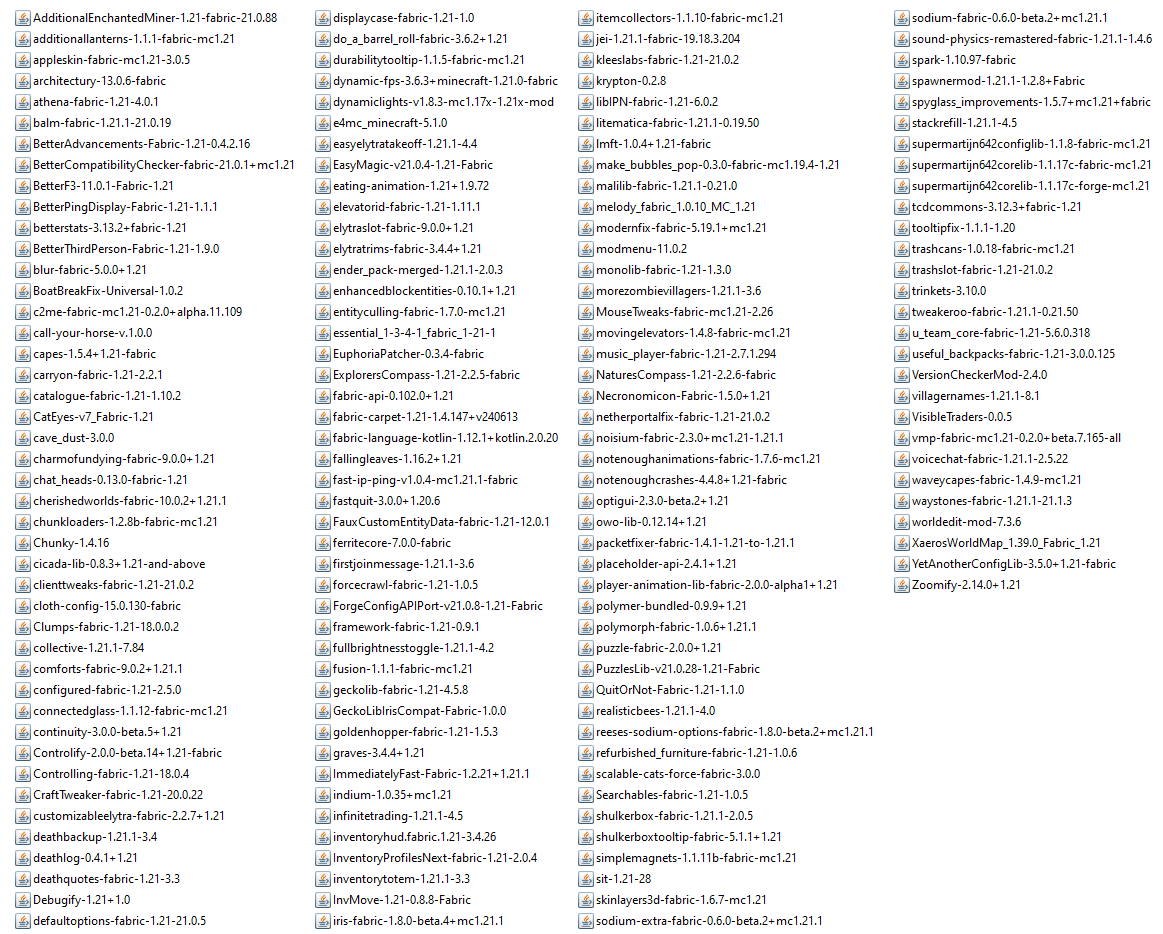
Introducing the “Better X-perience Modpack,” a comprehensive collection of essential mods tailored for FABRIC version. Elevate your gaming journey with a carefully curated selection of features, including:
• Better Sodium Video Settings Button: Enhanced video settings for optimal gameplay.
• Carpet & Carpet Extra: Introduces new dimensions and experiences to explore.
• Cloth Config API: Customizable configuration options to tailor your gaming environment.
• Clumps: Optimizes item pickup for smoother gameplay.
• Continuity: Seamlessly integrates various mods for a cohesive experience.
• Fabric API: Essential foundation for mod compatibility.
• Universal Graves: Preserves player inventory upon death, ensuring a fair and challenging adventure.
• Indium: Adds new functionalities and enhancements to your Minecraft world.
• Iris Shaders: Immerse yourself in stunning visuals with dynamic shaders.
• Litematica: Unleash your creativity with advanced schematic tools.
• MaLiLib: Library mod providing additional support for various features.
• MiniHUD: Compact heads-up display for key information at a glance.
• Mouse Tweaks: Replaces the standard RMB dragging mechanic, adds two new LMB dragging mechanics and an ability to quickly move items with the scroll wheel.
• Reese’s Sodium Options: Fine-tune your visual settings with expanded options.
• Replay Mod: Capture and relive your epic moments in Minecraft.
• Sodium & Sodium Extra: Optimize game performance for smoother gameplay.
• Starlight: Illuminate your world with enhanced lighting effects.
• Tweakeroo: Fine-tune gameplay mechanics to suit your preferences.
• VanillaTweaks: A collection of tweaks enhancing the vanilla Minecraft experience.
MORE MODS COMING SOON…
Experience the beauty of your Minecraft world like never before with added shaders, including BSL Shaders, Complementary Shaders – Reimagined, Complementary Shaders – Unbound, Lux V1, and projectLUMA Shaderpack. Immerse yourself in a Better X-perience Modpack – where enhanced visuals and innovative gameplay come together for an unparalleled Minecraft adventure.
Installation
- First install the Modpack and click on the “Play” button.
- Open the Minecraft Launcher. You’ll see the profile being automatically selected (Fabric 1.20.2 version), Start Minecraft.
- To activate/disable Resource Packs Go to Options → Resource Packs
- To activate or modify Shader settings Go to Options → Video Settings → Shaderpacks, or Sodium Video Settings and Shader Packs. Select Shader and Apply
- To start your own configuration Go to Shader Pack Settings
- Enjoy your game X-perience!
Terms of Use
Kindly review these terms in their entirety:
• Permission is granted to create videos or images using my shaderpack (on platforms such as YouTube, Twitch, etc.).
• Modification of my shaderpack is permitted solely for personal use.
• Claiming my shaderpack as your own is strictly prohibited.
• Redistribution and/or reuploading of the shaderpack are not permitted.
• Only individuals authorized by the creator are allowed to use the shaderpack as a base and share their modifications publicly.
• When sharing my shaderpack, please provide a link to the original post.
• The use of adf.ly links or any other URL shorteners, except bit.ly and goo.gl, is not allowed.
• If modifications are made or my development shaderpacks are used in your videos, please include a note.
Kindly acknowledge and adhere to these terms.
– Thank you.
常见问题
Better X-perience Collection 支持哪些 Minecraft 版本?
Better X-perience Collection 基于 Minecraft Java 版 1.21、1.20.2,使用 Fabric 加载器。
Better X-perience Collection 怎么安装?
点本页「前往下载」拿到整合包文件(Modrinth 的是 .mrpack,CurseForge 的是 .zip),在 PCL2 或 HMCL 启动器里选择「导入整合包」,启动器会自动装好 Minecraft、加载器和全部模组。建议在启动器里给游戏分配 4–6 GB 内存。
Better X-perience Collection 开服需要多大内存?
推荐服务器内存 12 GB。在线人数多、或者建了大量机器和区块加载器时,可以再加 2–4 GB。
怎么和朋友一起玩 Better X-perience Collection?
点本页的「一键开服」,选好配置后会自动安装 Better X-perience Collection 的服务端,几分钟就能开好。把服务器地址发给朋友,大家用同一个版本的整合包连进去就行。
评论
登录后评论和评分