
截图


介绍
Snapper
Screenshots, made simple






📖 About
Inspired by existing screenshot mods, Snapper strives to bridge the feature-gap that most screenshot mods have, improving the overall experience.
With Snapper, you can:
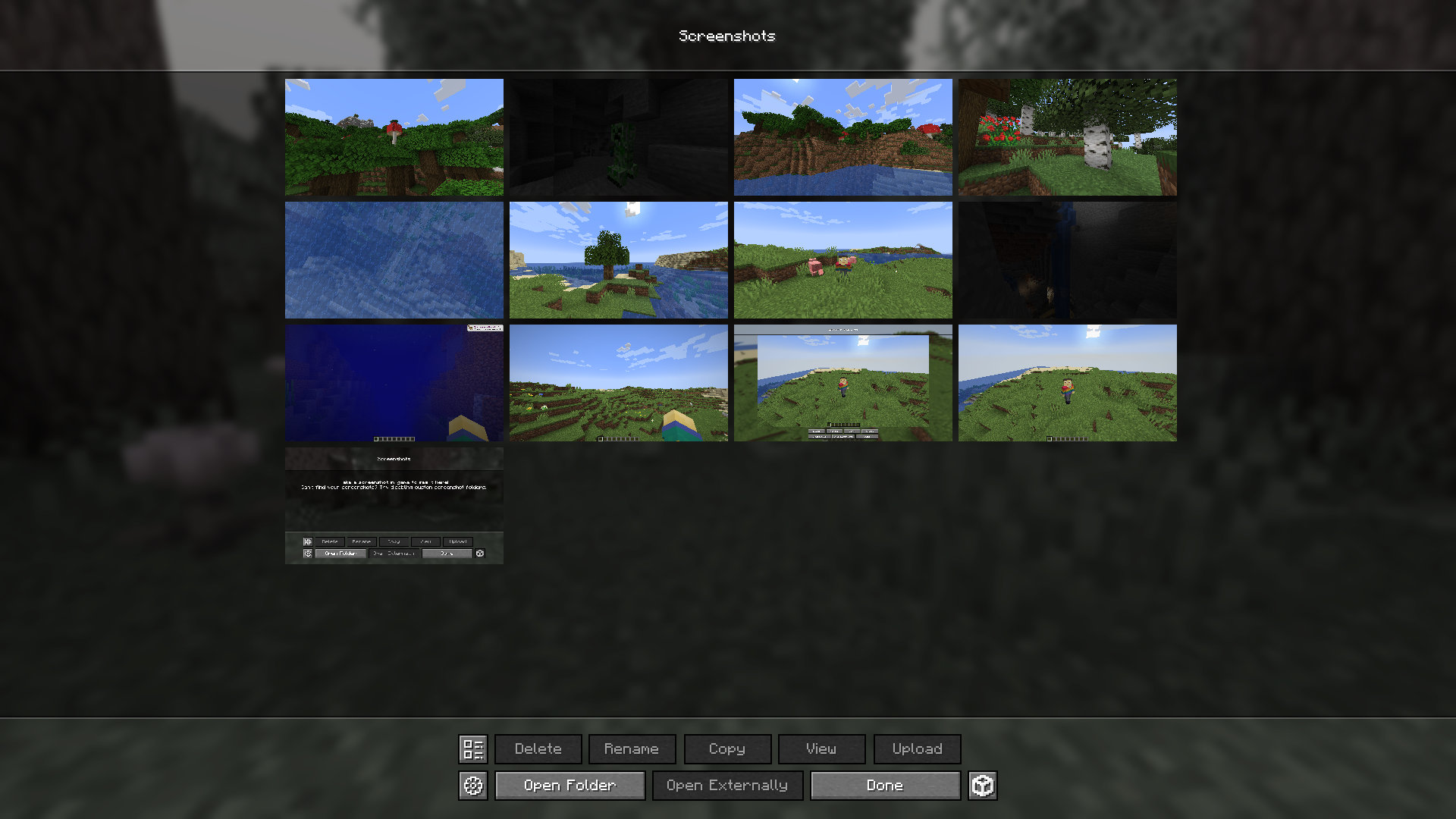
- Access an easy-to-use screenshot management menu from the title screen or in-game
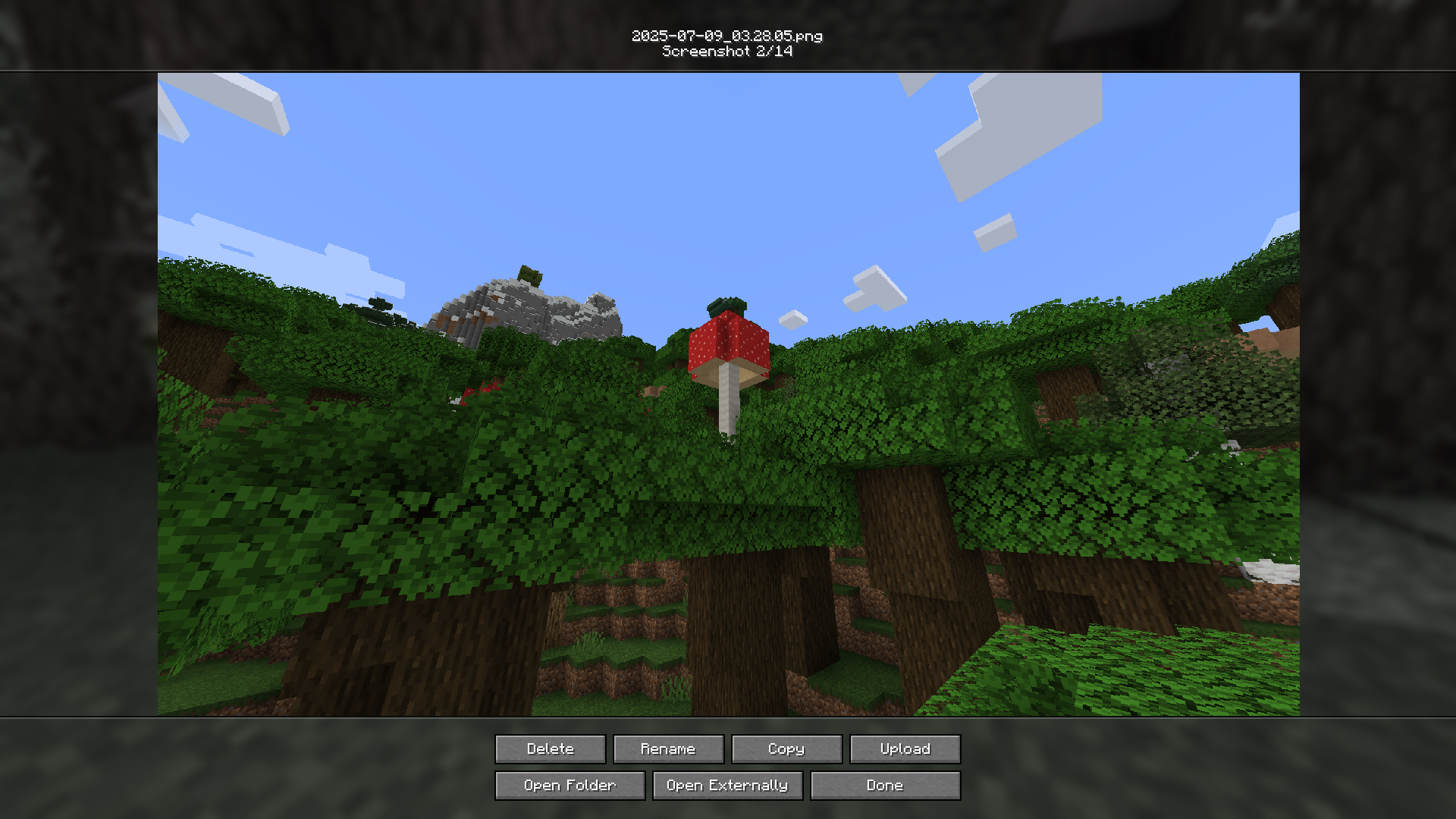
- View your latest screenshot with just a key press
- Rename, delete, copy, and externally open images
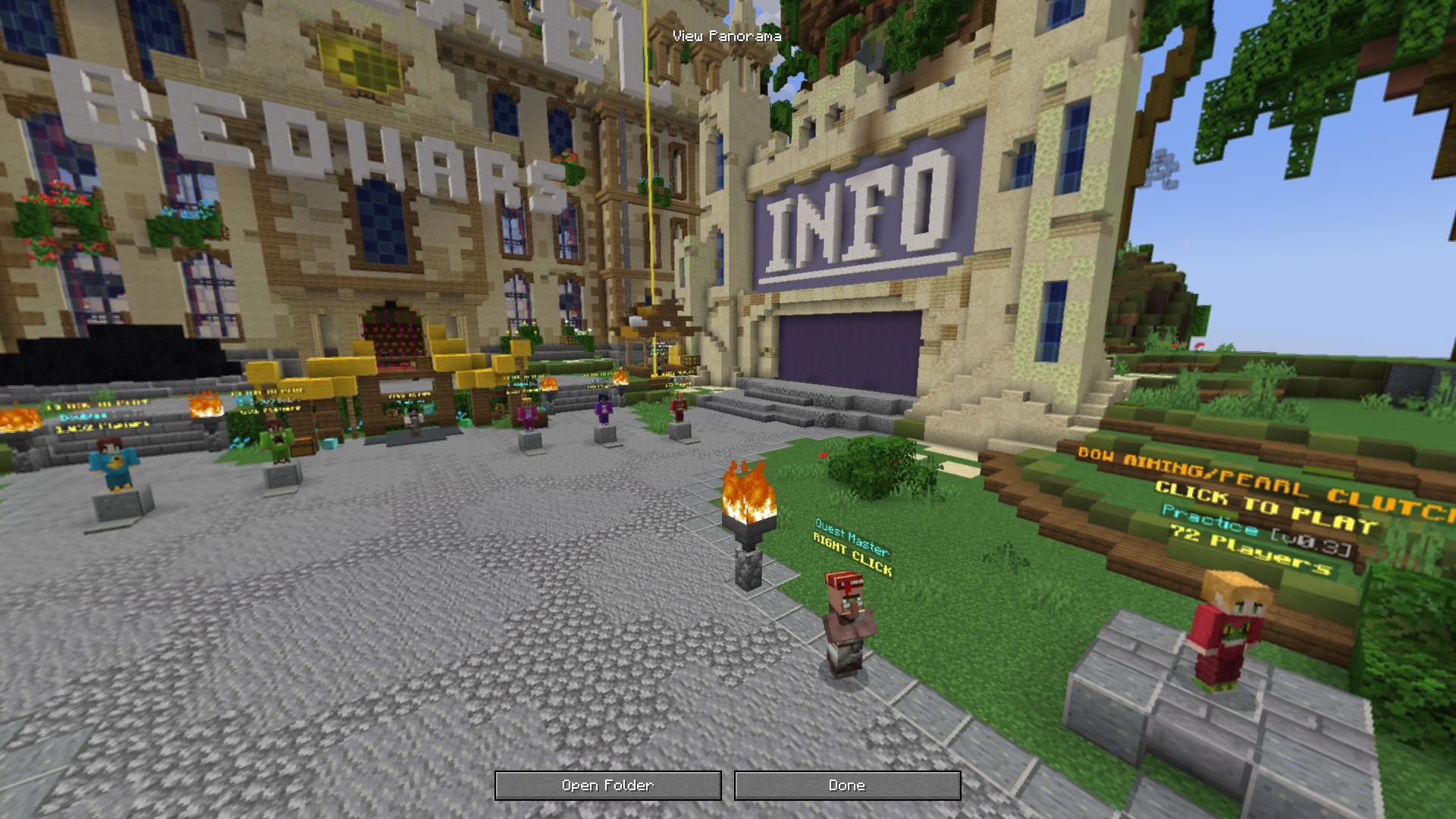
- Create and view panoramic screenshots
- Share your screenshots with anyone via uploading
Not having to install a mod from an EXE
❓ FAQ
- Forge?
No. Please do not ask us for a forge port.
- Do you plan to / Could you add
X?
If you want to suggest something, join the Discord or make a GitHub issue.
- Can you port/backport to
Xversion?
Probably not. Multi-version projects are hard :<
- My screenshots aren’t copying and my game is logging
Failed to get clipboard.
The official Minecraft launcher doesn’t have all of the necessary tools provided by a standard Java runtime. This may cause issues with copying for some users on Windows & Linux. Other launchers are not affected.
- Question not here? We’re happy to help you on our Discord server.
➕ Details
Special thanks to ThinkSeal for helping with Snapper QA.
Snapper’s image uploading is powered by the wonderful (and open-source) AxolotlClient and governed by their terms of use. Agreement is opt-in and you may revoke it at any time.
常见问题
Snapper 支持哪些 Minecraft 版本?
Snapper 支持 Minecraft Java 版 1.21–26.2,共 8 个版本,可用的加载器:Fabric。下载时注意选择和你游戏版本一致的文件。
Snapper 怎么安装?
先用 PCL2 或 HMCL 启动器安装对应版本的 Fabric,再把下载的 .jar 文件放进游戏目录的 mods 文件夹,重新启动游戏即可。开启了版本隔离的,mods 文件夹在 versions/版本名 下面。运行环境:仅客户端。
Spirit Studios 的其他作品
查看全部 →
Hollow
A mod about hollow logs and hollow promises
Hollow
A mod about hollow logs and hollow promises

Bombastic
Sending you pipe bombs since 2024

Armisteel
Fabric port of the decoration blocks from Armistice: the Peace Engines
评论
登录后评论和评分