Death Statue – GraveStone
Turns every player death into a persistent stone monument that safely stores their items and guides them back to reclaim them.
截图
介绍
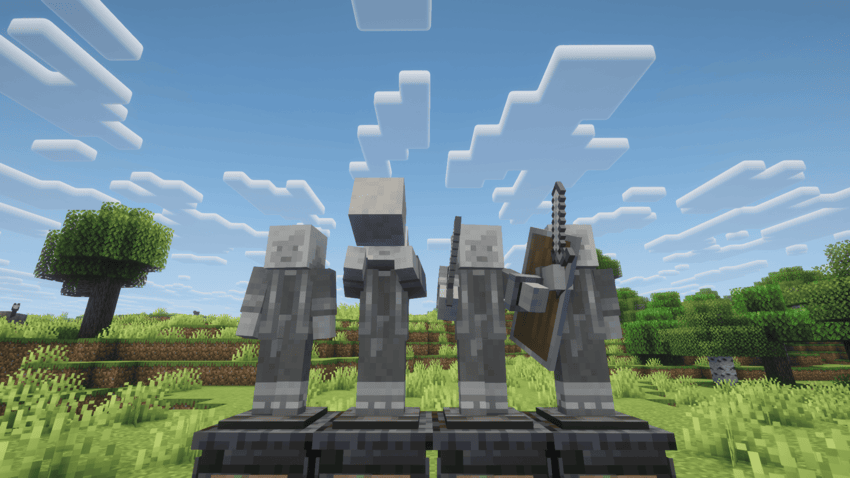
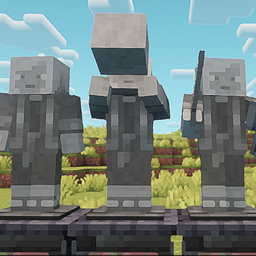
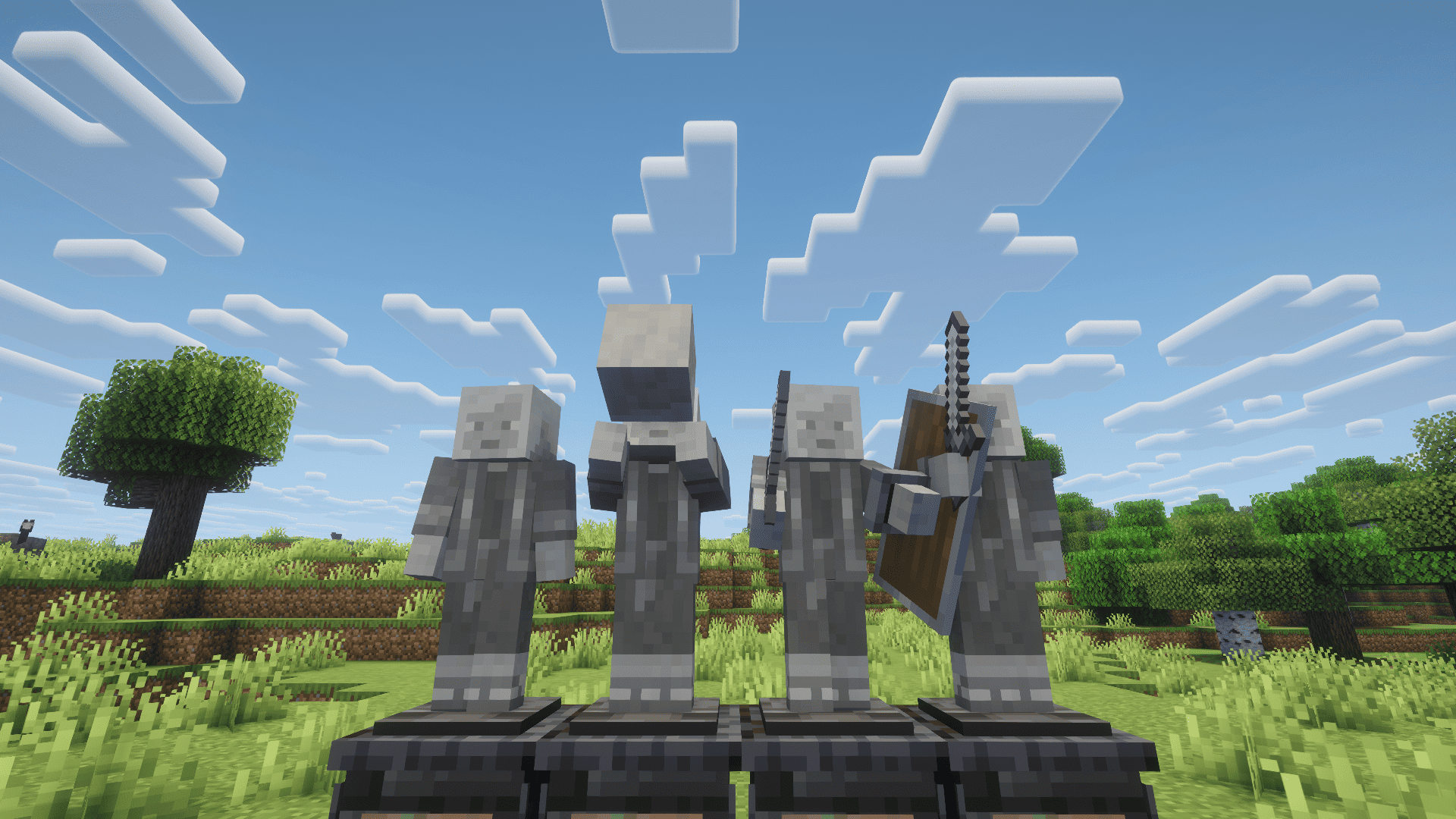
Death Statue transforms player death into a memorable monument instead of leaving behind an ordinary grave. When a player dies, a detailed stone statue of that player appears on a handcrafted dark-stone pedestal and safely stores the player’s dropped inventory.
KEY FEATURES
• Player-shaped stone monuments at the player’s natural Minecraft scale.
• Multiple dramatic statue poses selected on death.
• Special poses can display a petrified sword and shield or hold an Alex head.
• The displayed equipment is decorative and never duplicates or drops extra items.
• Persistent graves that remain in the world until reclaimed by their owner.
• Only the player who owns a statue can break it and recover the stored inventory.
• A cinematic death-location tracker with the dead player’s grayscale face and live distance.
• The tracker smoothly fades with distance and disappears beyond its tracking range.
• Custom destruction effects split the statue into a small number of weighted stone fragments.
• Fragments collide with nearby blocks, settle naturally, and disappear quickly to protect performance.
• Carefully expanded rendering bounds keep statues visible from different viewing angles.
• Designed for survival worlds, multiplayer servers, adventure packs, and large modpacks.
HOW IT WORKS
After death, follow the on-screen marker back to your monument. Your items remain protected inside the grave. Break your own statue to reclaim the stored inventory and watch the stone monument collapse into physical fragments.
Death Statue is built to make every death easier to locate, safer to recover, and visually meaningful without changing the value of the player’s original equipment.
常见问题
Death Statue – GraveStone 支持哪些 Minecraft 版本?
Death Statue – GraveStone 支持 Minecraft Java 版 1.20–26.3,共 8 个版本,可用的加载器:Fabric / Forge / NeoForge。下载时注意选择和你游戏版本一致的文件。
Death Statue – GraveStone 怎么安装?
先用 PCL2 或 HMCL 启动器安装对应版本的 Fabric / Forge / NeoForge,再把下载的 .jar 文件放进游戏目录的 mods 文件夹,重新启动游戏即可。开启了版本隔离的,mods 文件夹在 versions/版本名 下面。
Haider_x 的其他作品
查看全部 →
Luna shader
Luna 光影:优化了水面反射,呈现深蓝色调,并为末地传送门加入独特的旋转黑洞效果。

Aetheria Shaders
Aetheria Shaders 是 Complementary Reimagined 的一款华丽奇幻改版光影。拥有自定义维度氛围、发光的青绿色水体、银河主题的下界传送门、流动的熔岩,以及体积化的末地龙卷风。性能表现有保障。

Quanta Shader
快速呈现精美的《Minecraft》画面。柔和的阴影、动态云朵、波光粼粼的水面和绚丽天空,同时优化性能,畅玩高帧率游戏。

Vanilla Rebuild
保留 Minecraft 的经典风格,同时增强光照效果,呈现逼真的天空、体积云、柔和阴影,以及各维度独具特色的浓郁氛围。
评论
登录后评论和评分