
Optix Client
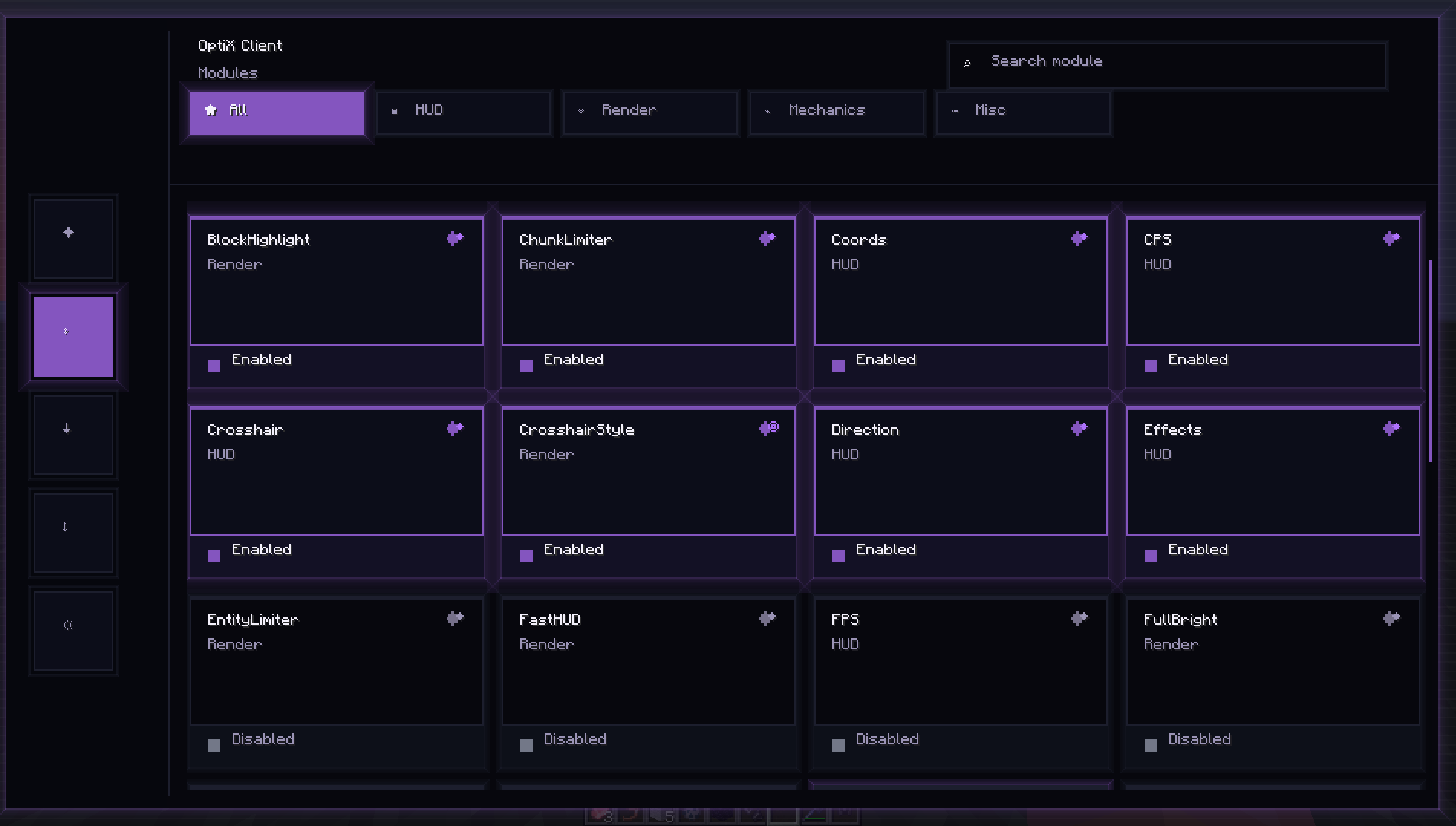
Optix Client is a cutting-edge, Fabric-based utility client built for players who demand performance and precision. Designed with a focus on PvP and minimalist aesthetics, it provides a seamless experience for modern Minecraft versions.
截图
介绍
Optix Client — Precision & Performance
Optix Client is a modern, lightweight utility client designed for the Fabric loader. Built with a focus on competitive PvP and high-performance gameplay, it provides the essential tools you need with a clean, distraction-free interface.
🚀 Key Features
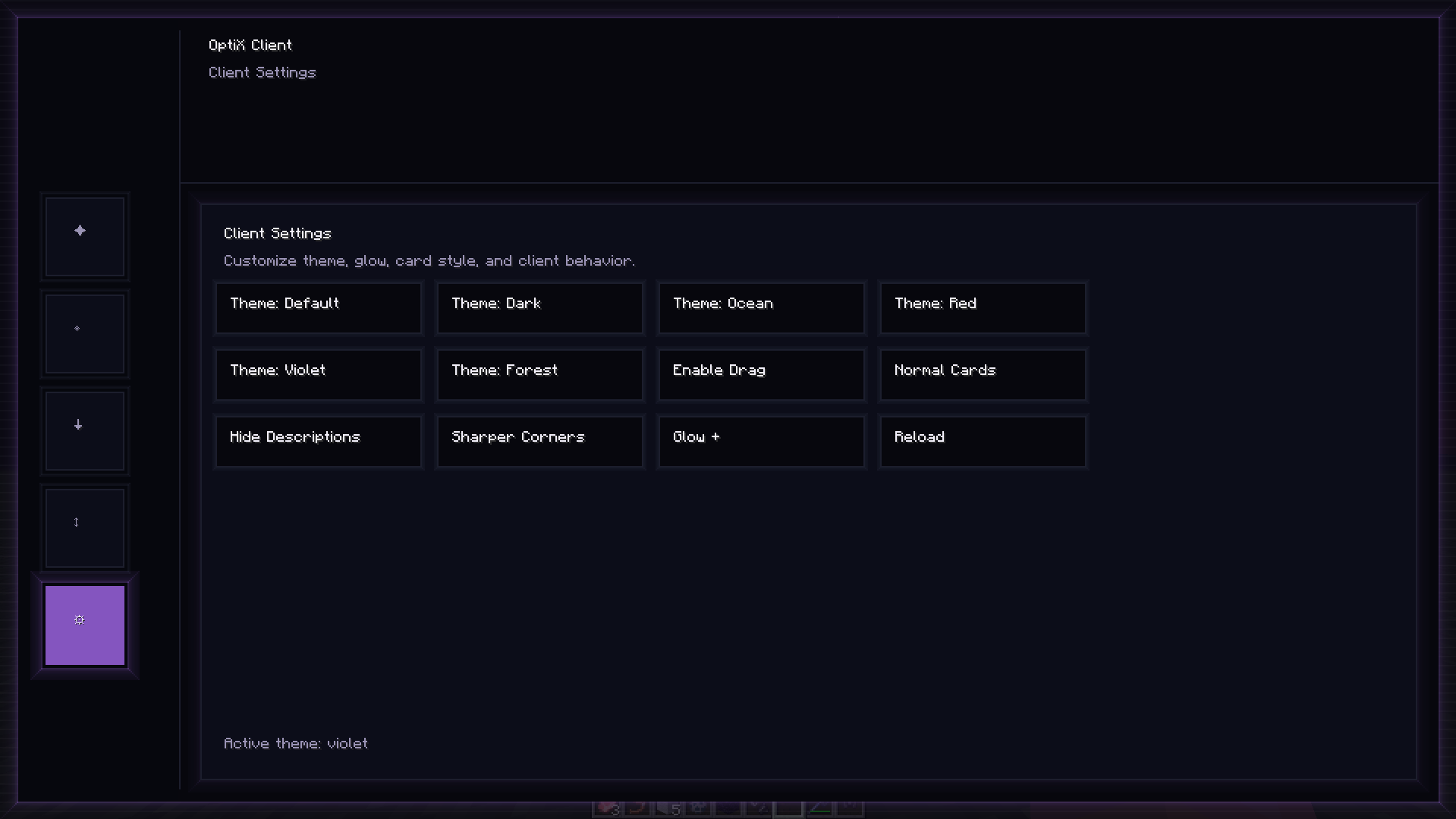
Custom ClickGUI: A fast and intuitive menu to toggle your modules instantly.
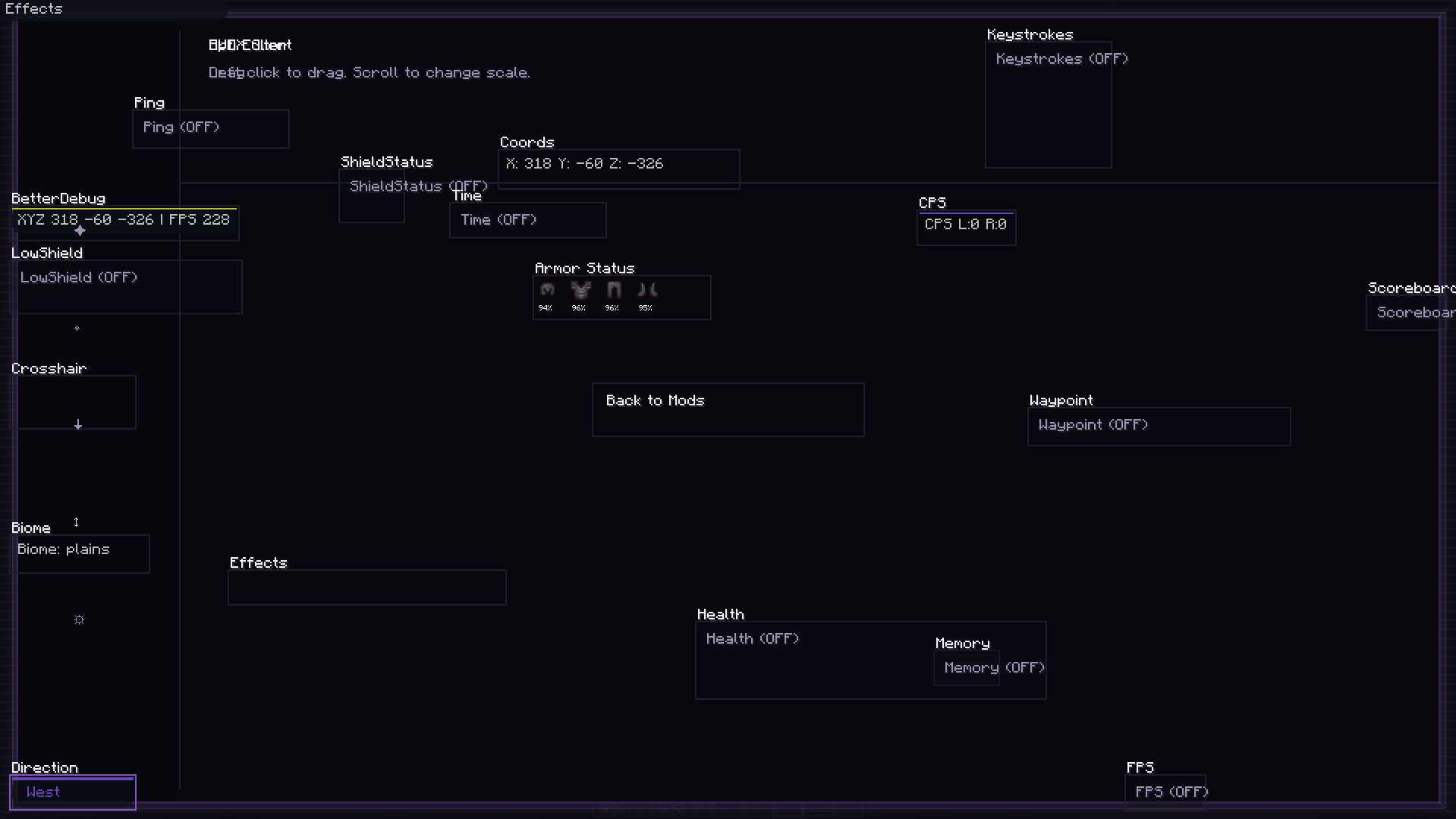
Draggable HUD: Fully customizable screen elements. Move your coordinates, FPS, and status effects exactly where you want them.
Built for PvP: Optimized code to ensure maximum FPS and low input latency during intense combat.
Modern Aesthetics: A sleek silver-themed UI that stays out of your way while providing all the info you need.
🛠 Technical Specs
Platform: Fabric.
Minecraft Version: 1.21.x.
Java Requirement: Java 21 or higher.
常见问题
Optix Client 支持哪些 Minecraft 版本?
Optix Client 支持 Minecraft Java 版 1.21–26.1.2,共 15 个版本,可用的加载器:Fabric。下载时注意选择和你游戏版本一致的文件。
Optix Client 怎么安装?
先用 PCL2 或 HMCL 启动器安装对应版本的 Fabric,再把下载的 .jar 文件放进游戏目录的 mods 文件夹,重新启动游戏即可。开启了版本隔离的,mods 文件夹在 versions/版本名 下面。运行环境:客户端 / 服务端。
评论
登录后评论和评分