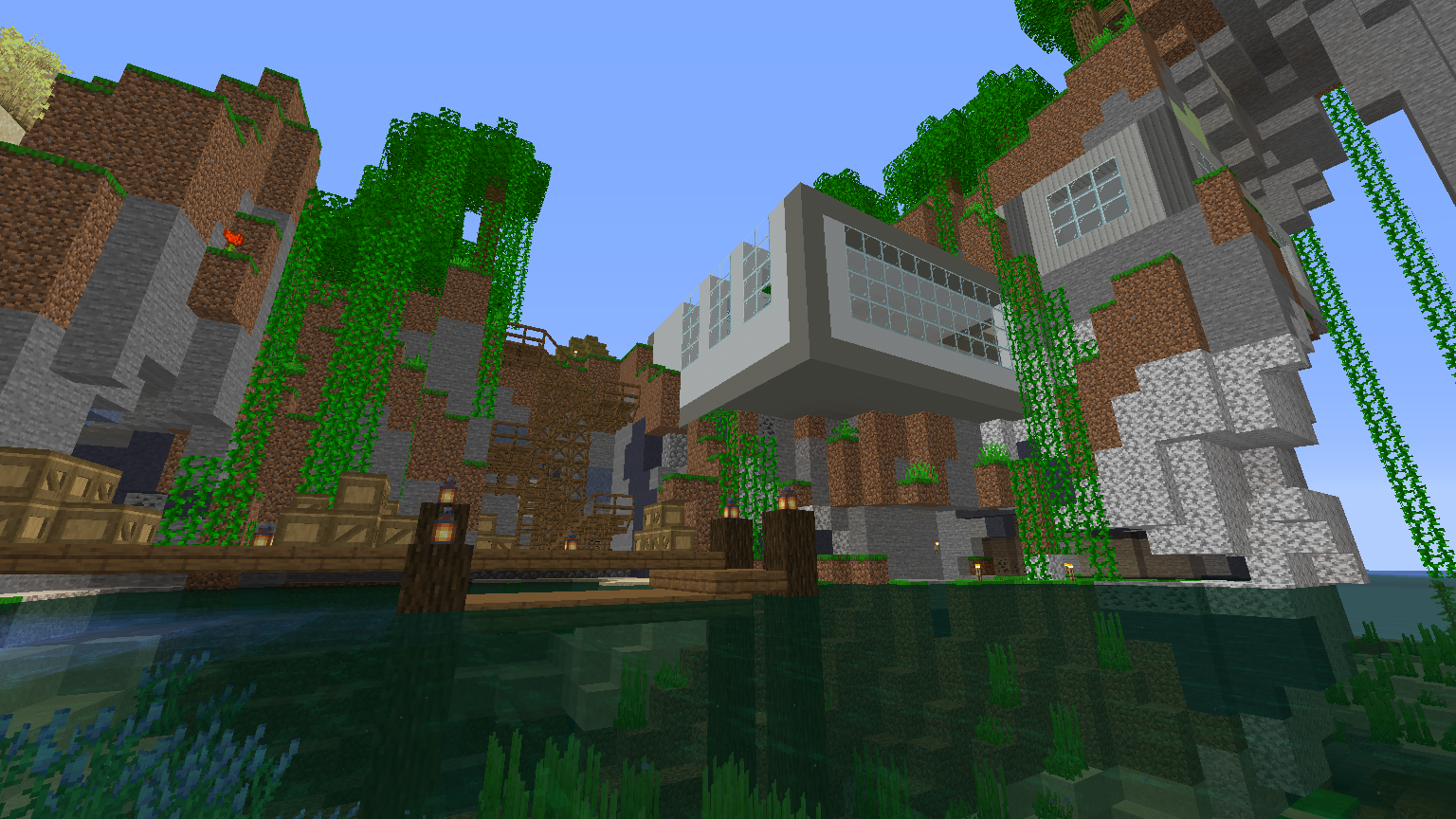
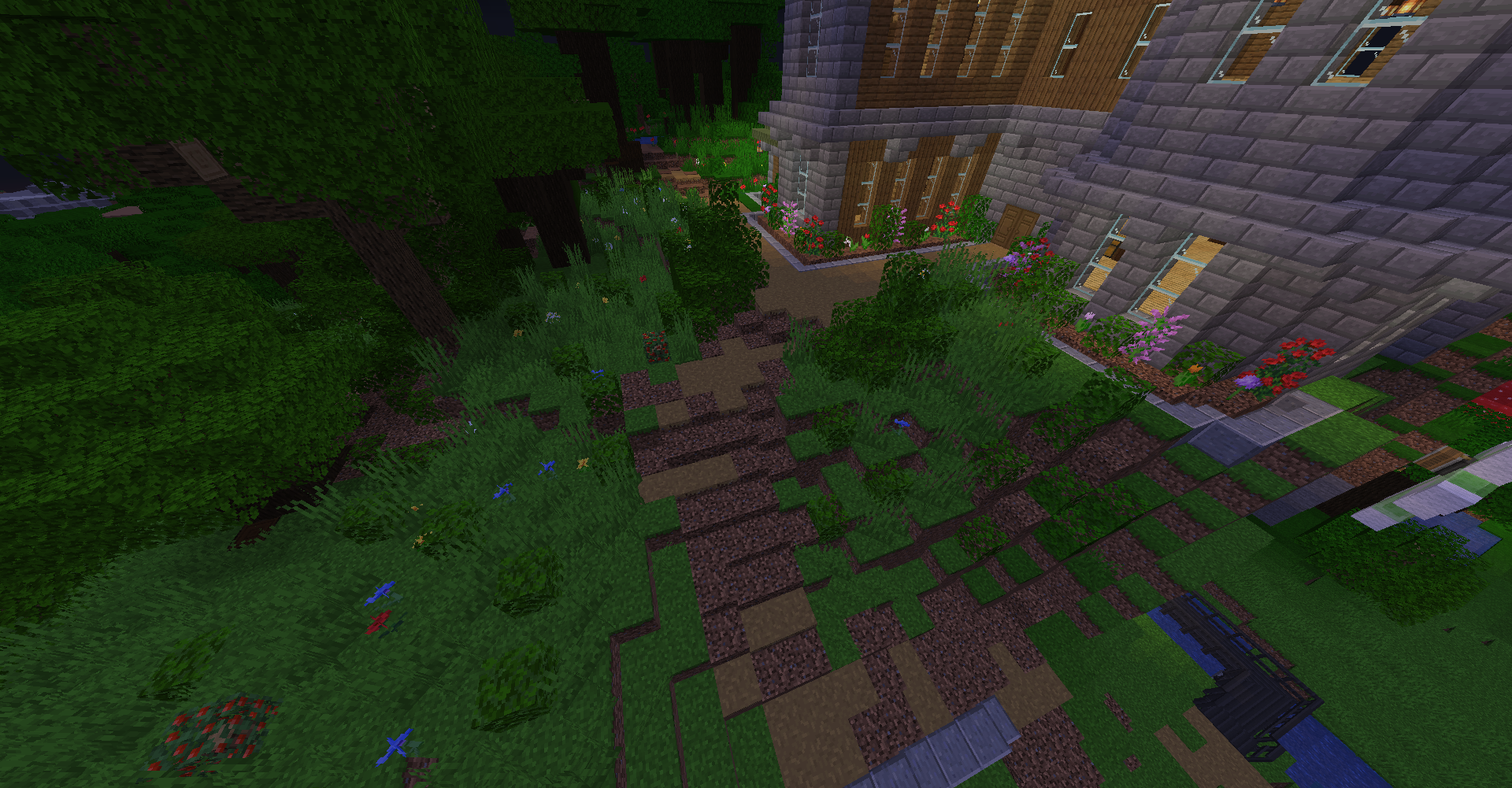
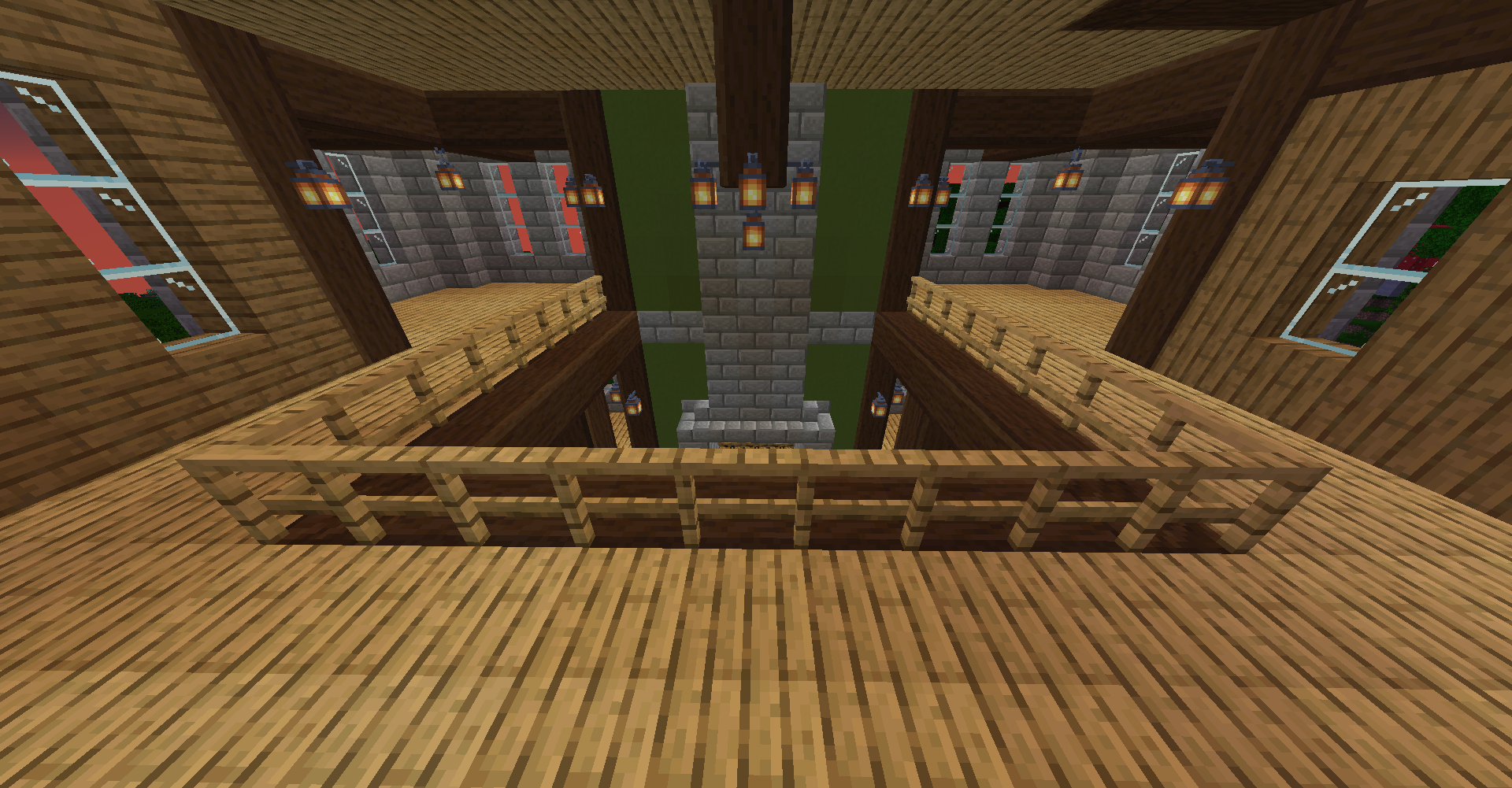
截图
介绍
About:
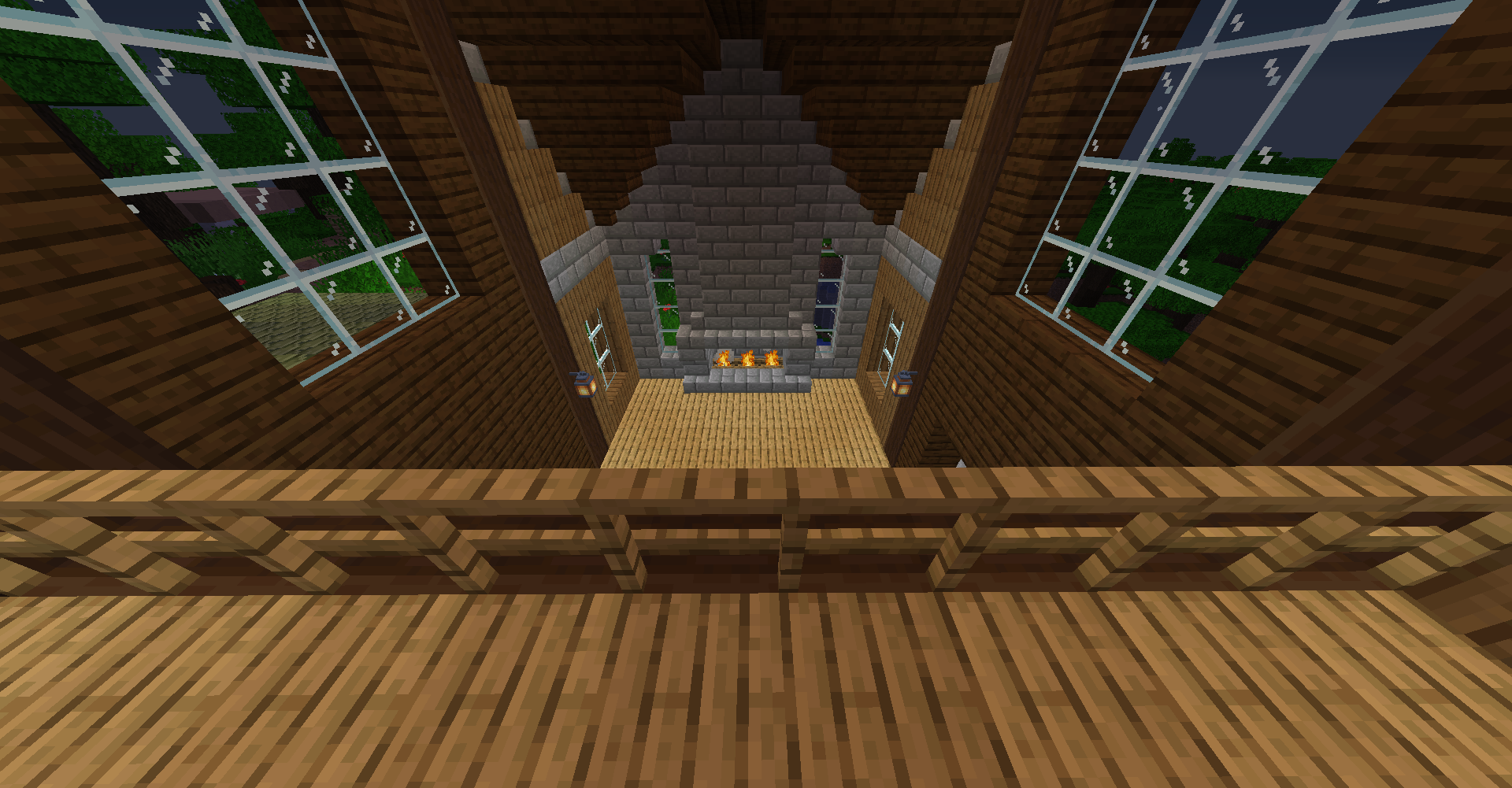
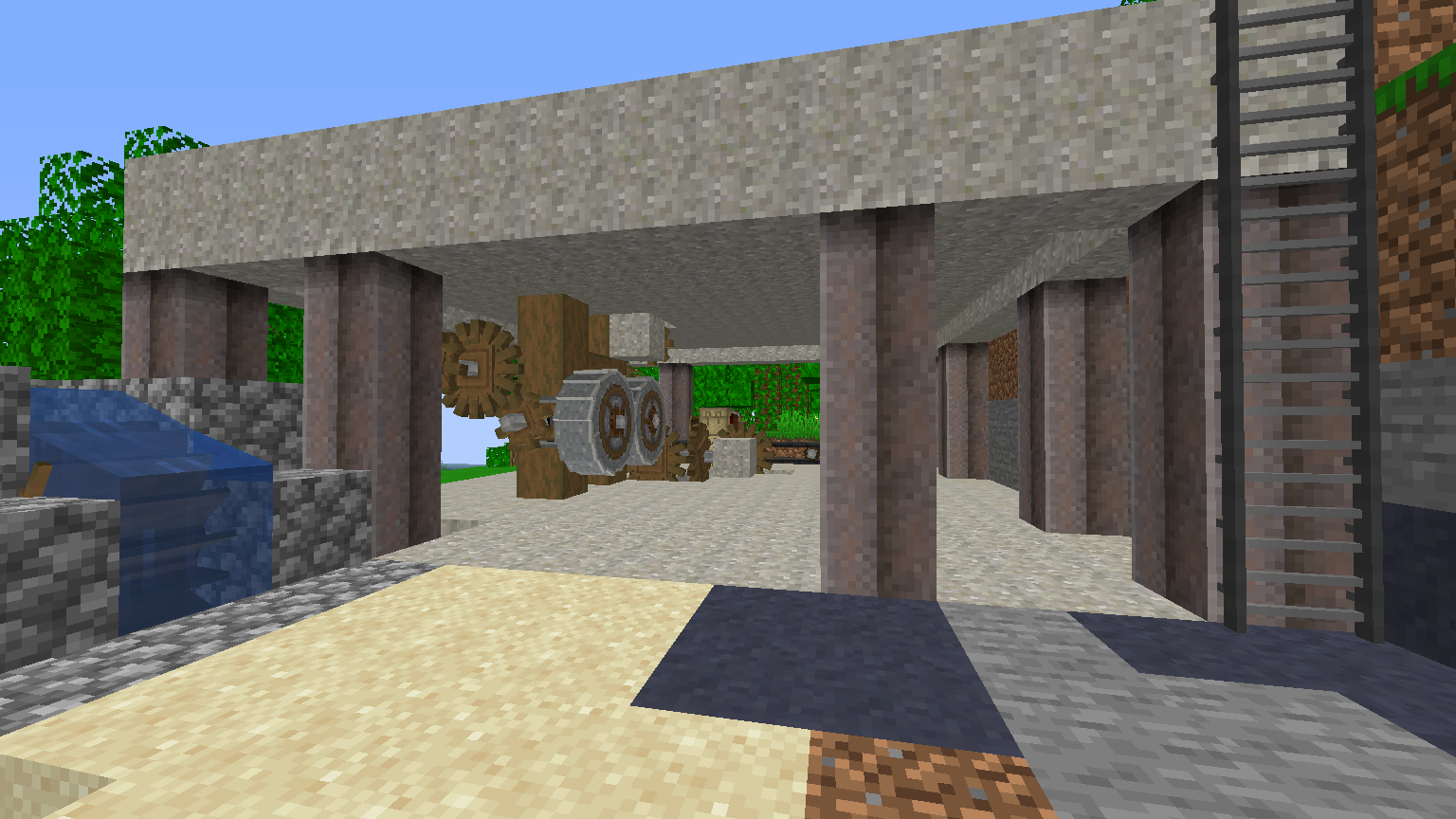
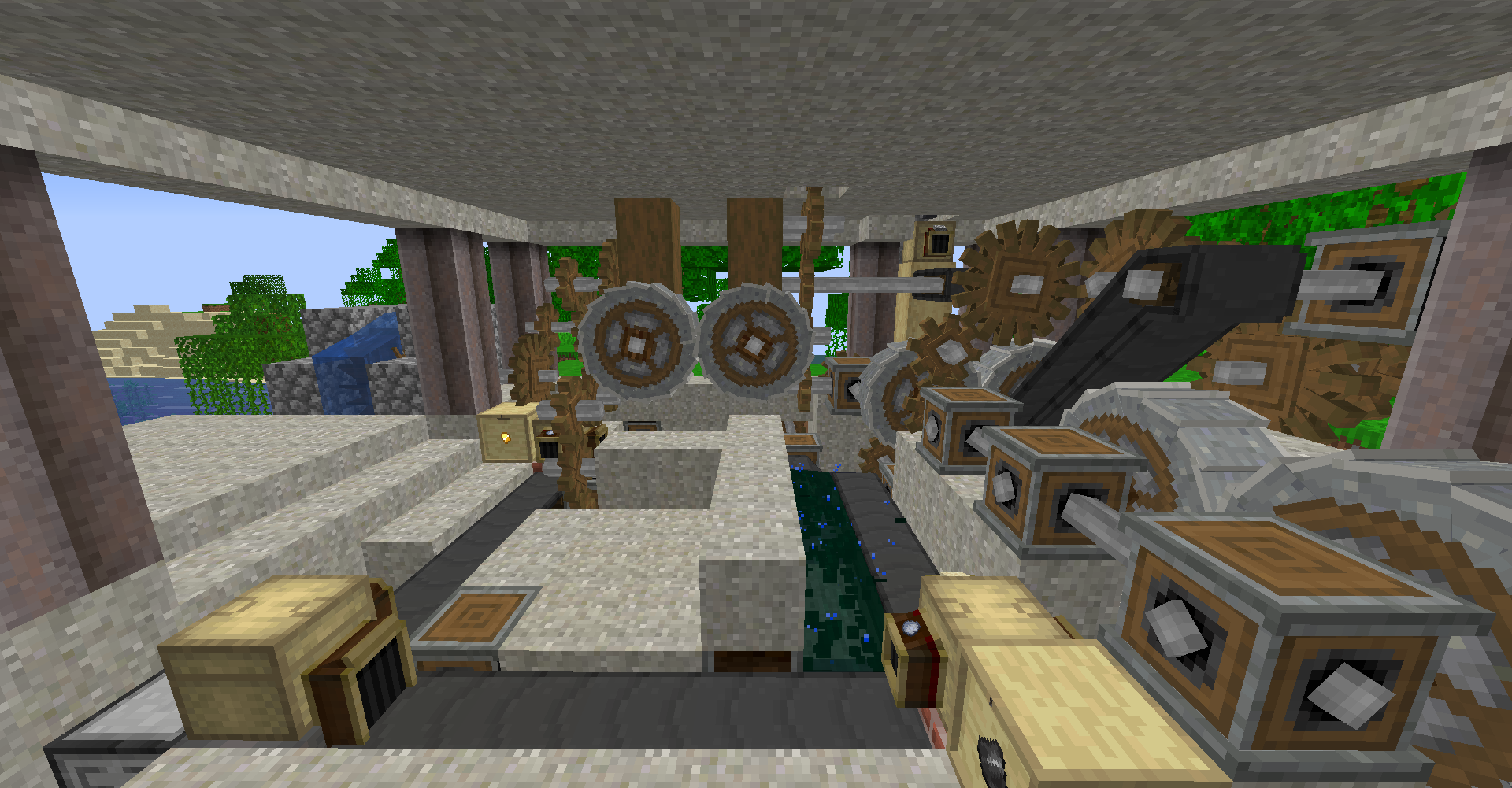
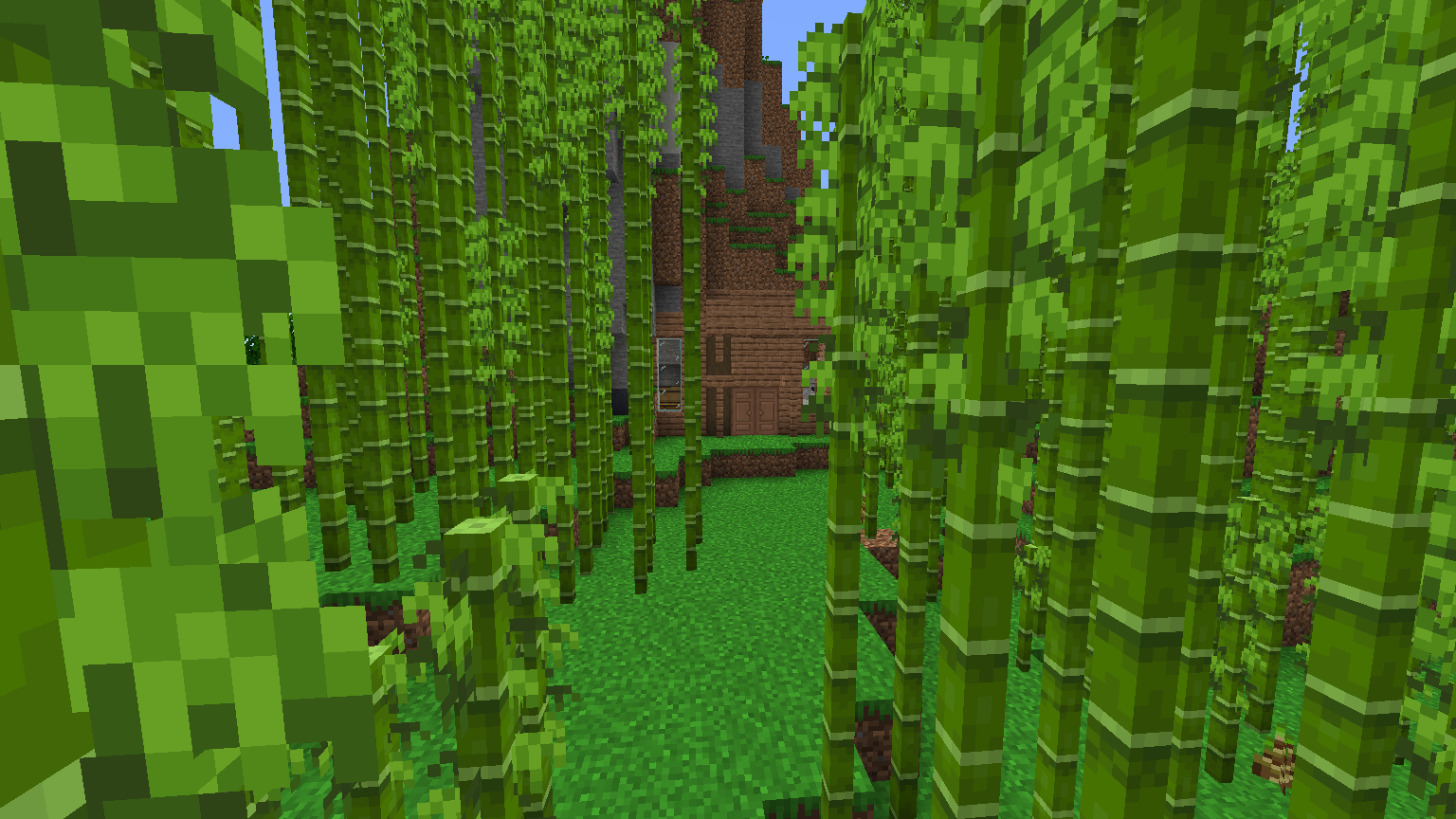
Modded Construction: building, with mods. It could mean almost anything, but for the most part the focus is on beauty and utility.
The mods are mostly things that add utilities, blocks, block varieties, and vanilla+ content. A handful add unique and fun stuff, like Create, or are more worldly things, like Ambient Sounds. If you like building and mods, you’ll enjoy this pack.
Notes:
1) RAM requirements: I play with 4GB. That’s a little overkill for a pack this pack. However, it’s probably good to have that much for future levels of engineering. 4GB RAM allocation will be handy for those who have a reasonably large render distance, a lot of Create stuff, and want to use a ton of villagers. It’s 1.14, after all, they’ll give you all the resources you can’t automate.
2) Optifine: it’s impossible to guarantee it can be supported. I give no guarantees it’ll work. I’ve found for a period it works, and then it causes more lag than it fixes even without enabling any of the nice visual bonuses it provides. Use it at your own risk, and remember to always include you’ve added it (attempt a self-fix by removing it) whenever you report an issue to any developers.
3) Modded Construction isn’t meant to be a super-high-tech or high magic pack. However, it contains some tech mods for utility and functionality that you can use to help better your world. Or, you know, systematically weather a mountain to an empty chunk so it has that je ne sais quoi you crave.
4) In releases, the pack’s called MC^2 because Minecraft Modded Construction. MC MC. MC^2. Yeah.
5) Mod suggestions are welcome! Suggest building mods, utilities, and fun stuff that you think fits the aesthetic or adds a new potential building palette.
6) Feel free to send me your videos and stream VODs of you playing the pack. If you run into any weird stuff, make cool things for all to see, or just want to share, I appreciate it and might add links in the description here.
Featured Content:
Guy Smith (the pack dev): https://www.youtube.com/playlist?list=PLfK30xqsKNlvET4bvJSQbp2CPsUiSm22J
Mod list:
- [SBM] Wooden Shears
- Absent by Design
- Additional Enchanted Miner
- Advanced Finders
- Advanced Skin Customization
- Adventure Tools
- AmbientSounds 3
- Angel Block
- Angel Ring
- AppleSkin
- AutoRegLib
- Bad Wither No Cookie – Reloaded
- Bamboo Everything
- Better Advancements
- Better Animations Collection 2
- Better Crates
- Better Than Bunnies
- Better Than Llamas
- Better Than Mending
- Blur
- Bonsai Trees 2
- BountifulBaubles
- Bow Infinity Fix
- Building Gadgets
- Caelus API
- Cake Chomps
- Carry On
- ChineseWorkshop
- ChunkNoGoByeBye
- CleanView
- Cloth Config API
- Clumps
- CoFH Core
- Colytra
- Comforts
- Controlling
- Cooking for Blockheads
- Corpse
- Cosmetic Beds
- Crafting Station
- Crafting Tweaks
- CraftTweaker
- Create
- Cucumber Library
- Curios API
- Cyclops Core
- Demagnetize
- Ding
- EmbellishCraft
- Enchantment Descriptions
- Ensorcellation
- Equipment Tooltips
- Essentials
- Everlasting Abilities
- Extended Caves
- Extended Lights
- Extra Boats
- FastFurnace
- FastWorkbench
- Fence Jumper
- Flopper
- ForgeEndertech
- Forgiving Void
- Friendly Fire
- FTB Backups
- Gauges and Switches
- Glassential
- Hwyla
- I Like Wood
- Inspirations
- Inventory Sorter
- Iron Chests
- It’s the little things
- Just Another Rotten Flesh to Leather Mod
- Just Enough Items
- Just Mob Heads
- Kiwi
- KleeSlabs
- Libnonymous
- Light Overlay
- Lollipop
- Lumberjack
- MaLiLib
- Mantle
- Metal Barrels
- Mining Gadgets
- Mouse Tweaks
- MrCrayfish’s Furniture Mod
- MysticalLib
- Neat
- Nomadic Tents
- OpenBlocks Elevator
- Ore Excavation
- Overloaded Armor Bar
- Paintings ++
- Pickle Tweaks
- Placebo
- Platforms
- Powah!
- ProjectE
- Quark
- QuickHomes
- Refined Storage
- Refined Storage Addons
- RFTools Base
- Ring of Attraction
- Ring of Teleport
- Ruins
- Scalable Cat’s Force
- ShetiPhianCore
- Silent Gear
- Silent Lib
- Silent’s Gems
- Simple Farming
- Simply Light
- Simply Tea!
- Snow Variants
- Solar Flux Reborn
- Stone Chest
- Storage Drawers
- SwingThroughGrass
- Switch-Bow
- The Endergetic Expansion
- The Flying Things
- The Mighty Architect
- Toast Control
- Tool Belt
- Torchmaster
- Trample Stopper
- TrashSlot
- Traveller’s Boots
- Traverse: Legacy Continued
- U Team Core
- Upgrade Aquatic
- Uppers
- Useful Backpacks
- V-Tweaks
- VanillaTweaks
- Wither Skeleton Tweaks
- WorldEdit
- Xaero’s Minimap
- Xaero’s World Map
- XL Food Mod
- XNet
- XP Tome
- YAMDA – Yet Another Mining Dimension Attempt
- YUNG’s Better Caves
常见问题
Modded Construction 支持哪些 Minecraft 版本?
Modded Construction 基于 Minecraft Java 版 1.14.4。
Modded Construction 怎么安装?
点本页「前往下载」拿到整合包文件(Modrinth 的是 .mrpack,CurseForge 的是 .zip),在 PCL2 或 HMCL 启动器里选择「导入整合包」,启动器会自动装好 Minecraft、加载器和全部模组。建议在启动器里给游戏分配 4–6 GB 内存。
Modded Construction 开服需要多大内存?
推荐服务器内存 12 GB。在线人数多、或者建了大量机器和区块加载器时,可以再加 2–4 GB。
怎么和朋友一起玩 Modded Construction?
点本页的「一键开服」,选好配置后会自动安装 Modded Construction 的服务端,几分钟就能开好。把服务器地址发给朋友,大家用同一个版本的整合包连进去就行。
TheGuiSmith 的其他作品
查看全部 →
Build-a-ville
探索,观看血月,最重要的是建造一个村庄

Last in Colour
A pack dedicated to analyzing the most interesting parts of 1.12 modpacks

Just A Fun Time (JAFT)
It's got fun, quirks, quarks, Timelords, and horrors beyond your imagination!

NonBEEnary
Enbees, if you will
评论
登录后评论和评分