
Nostalgia
Return to the roots with classic textures, familiar mechanics, and the timeless charm of Minecraft’s past.
截图
介绍
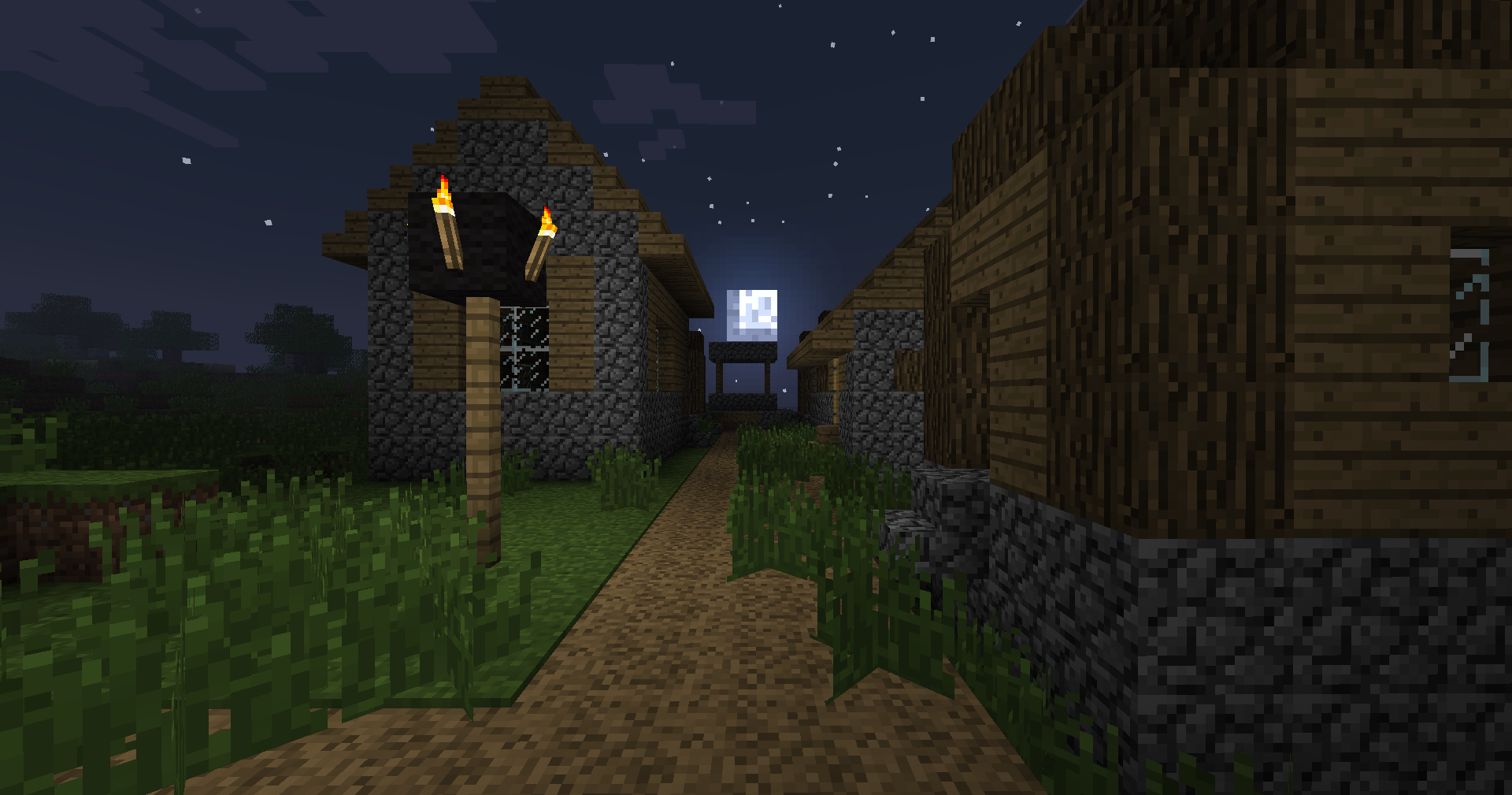
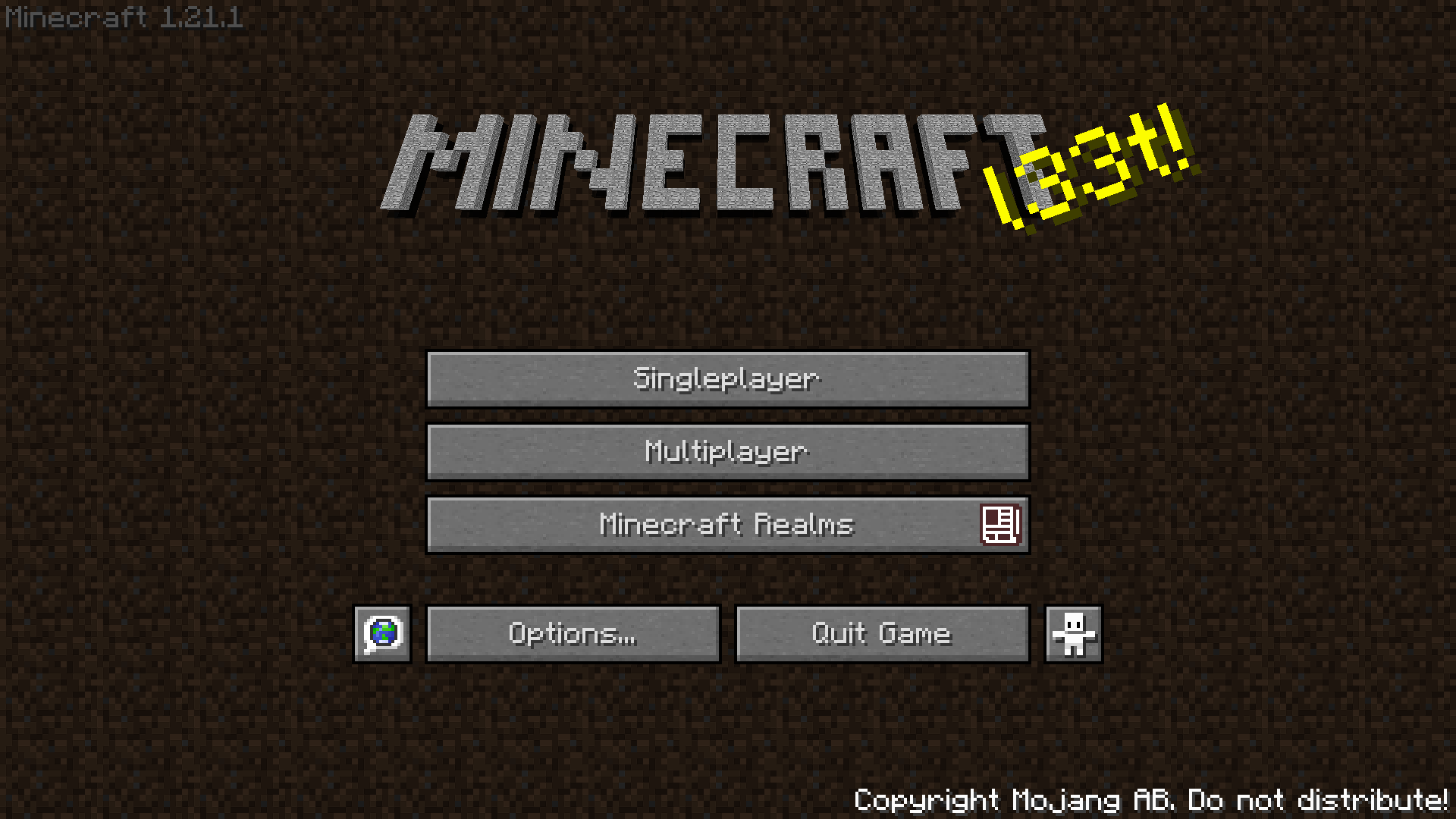
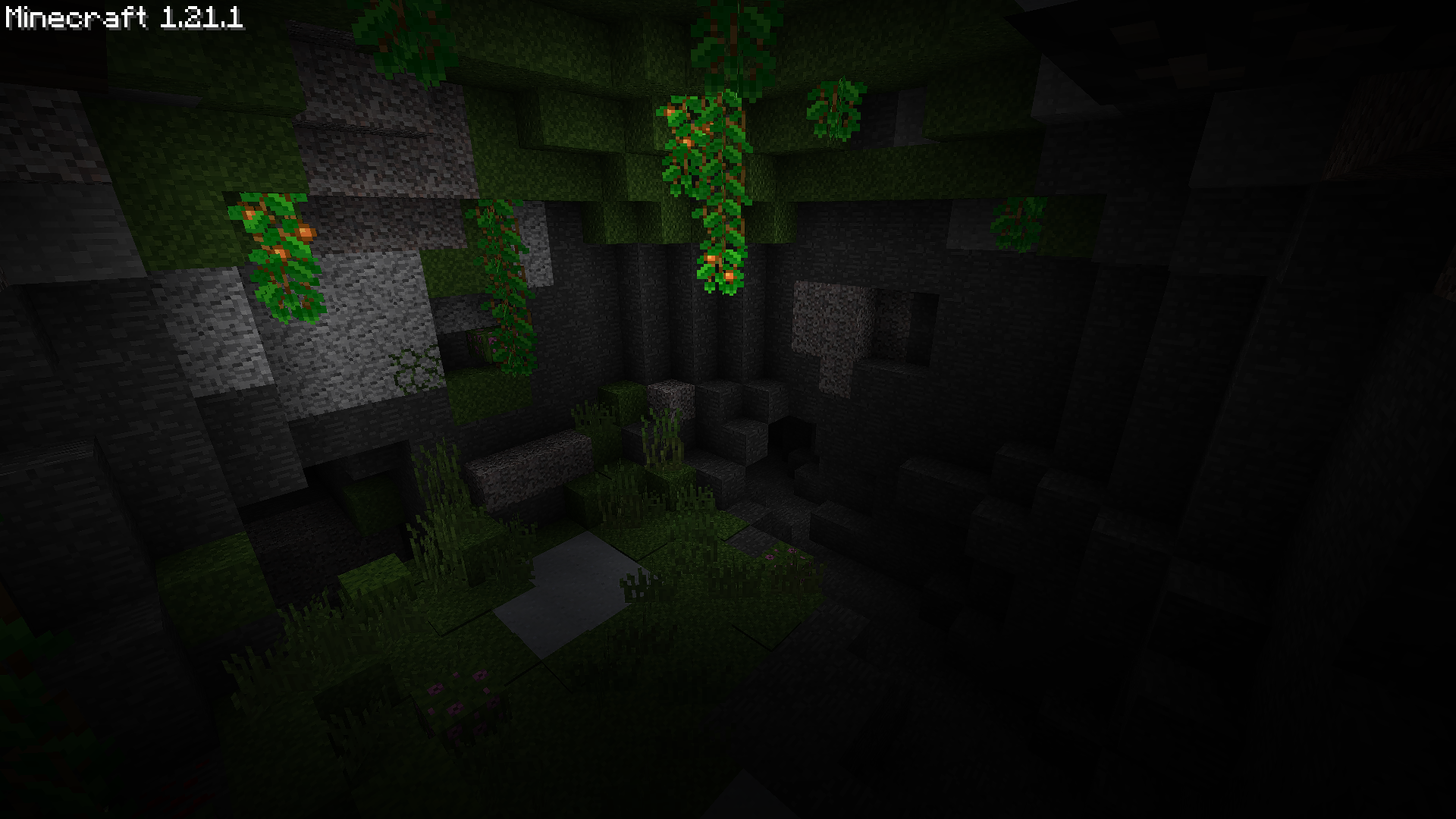
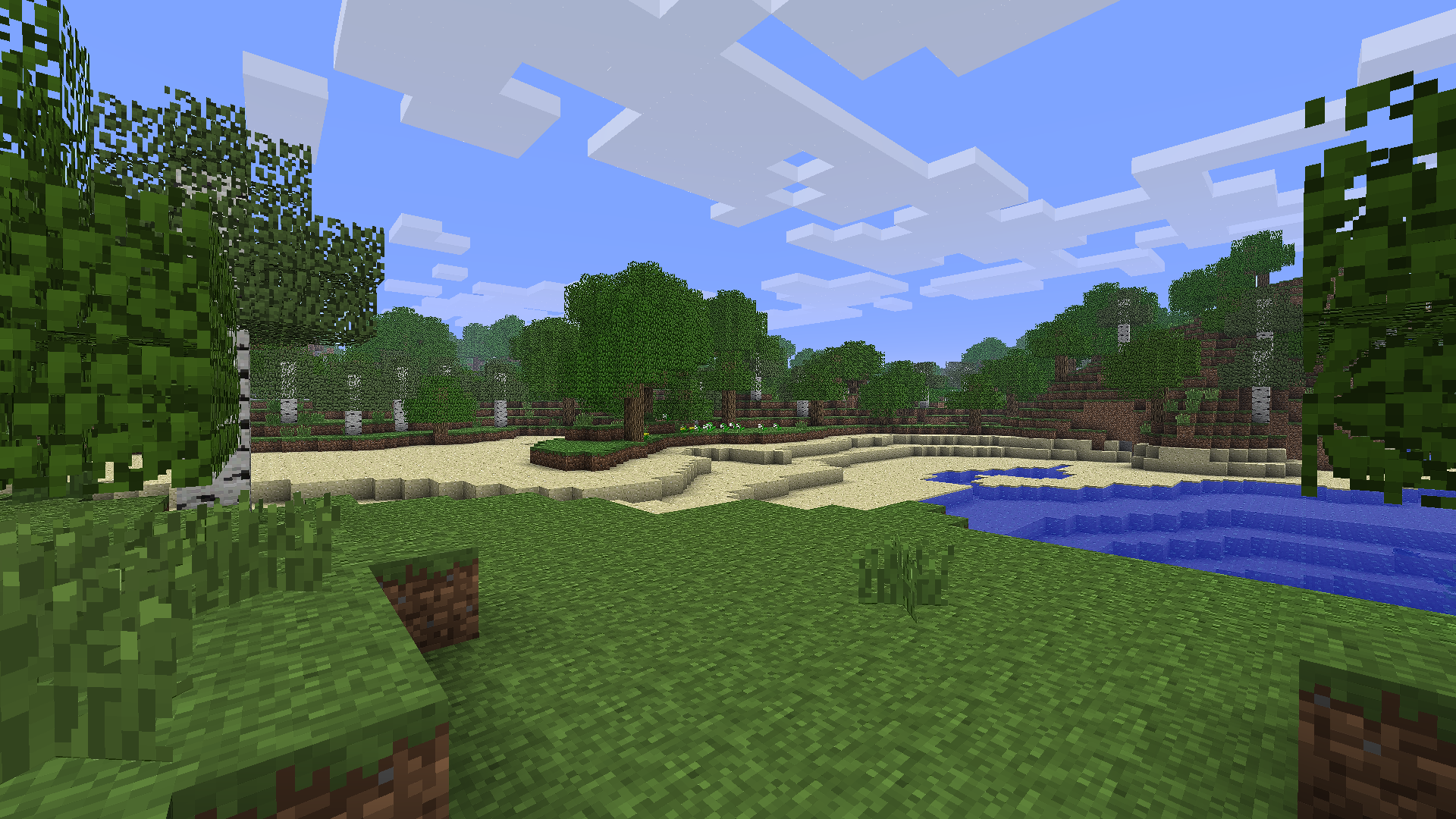
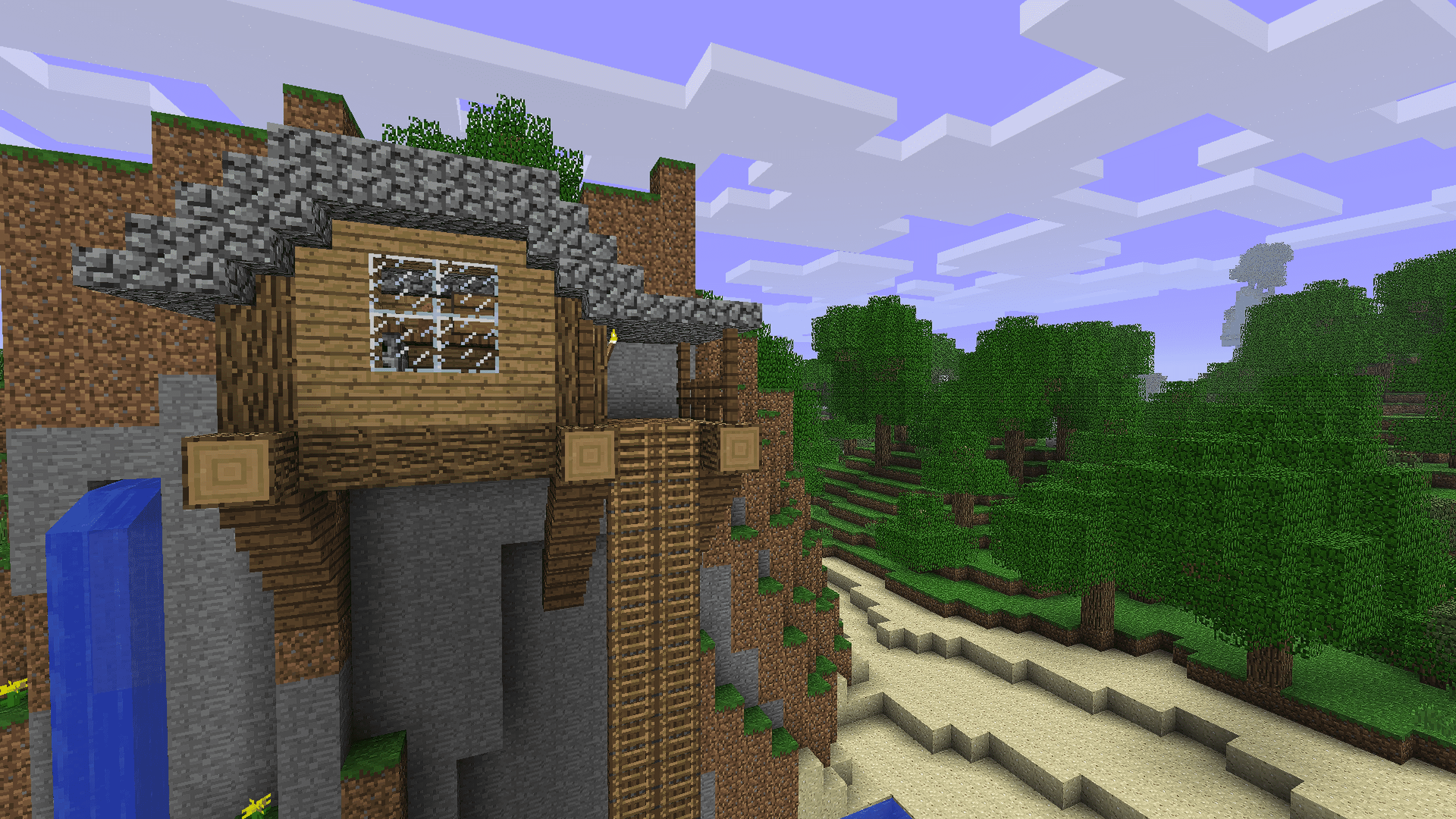
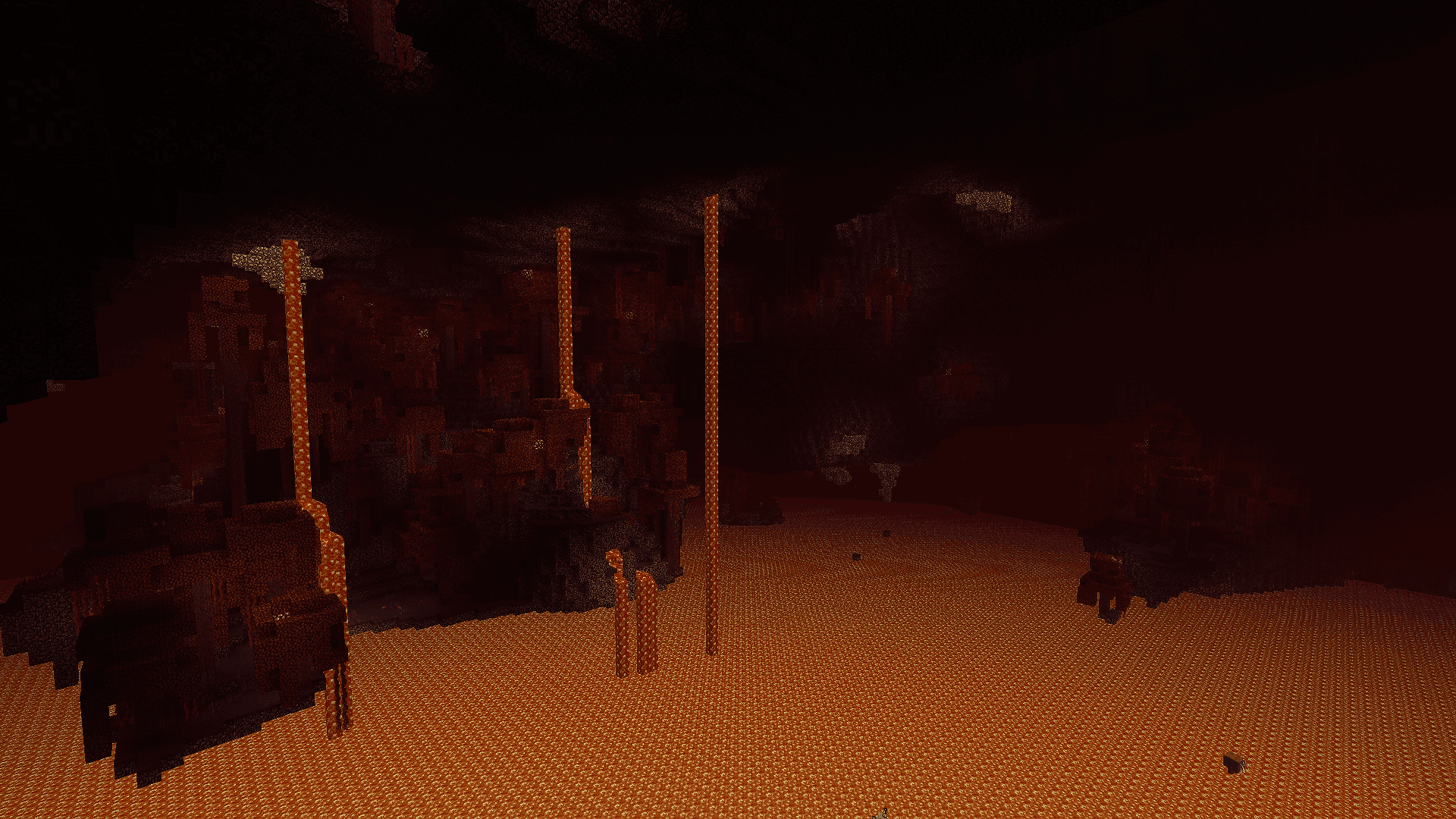
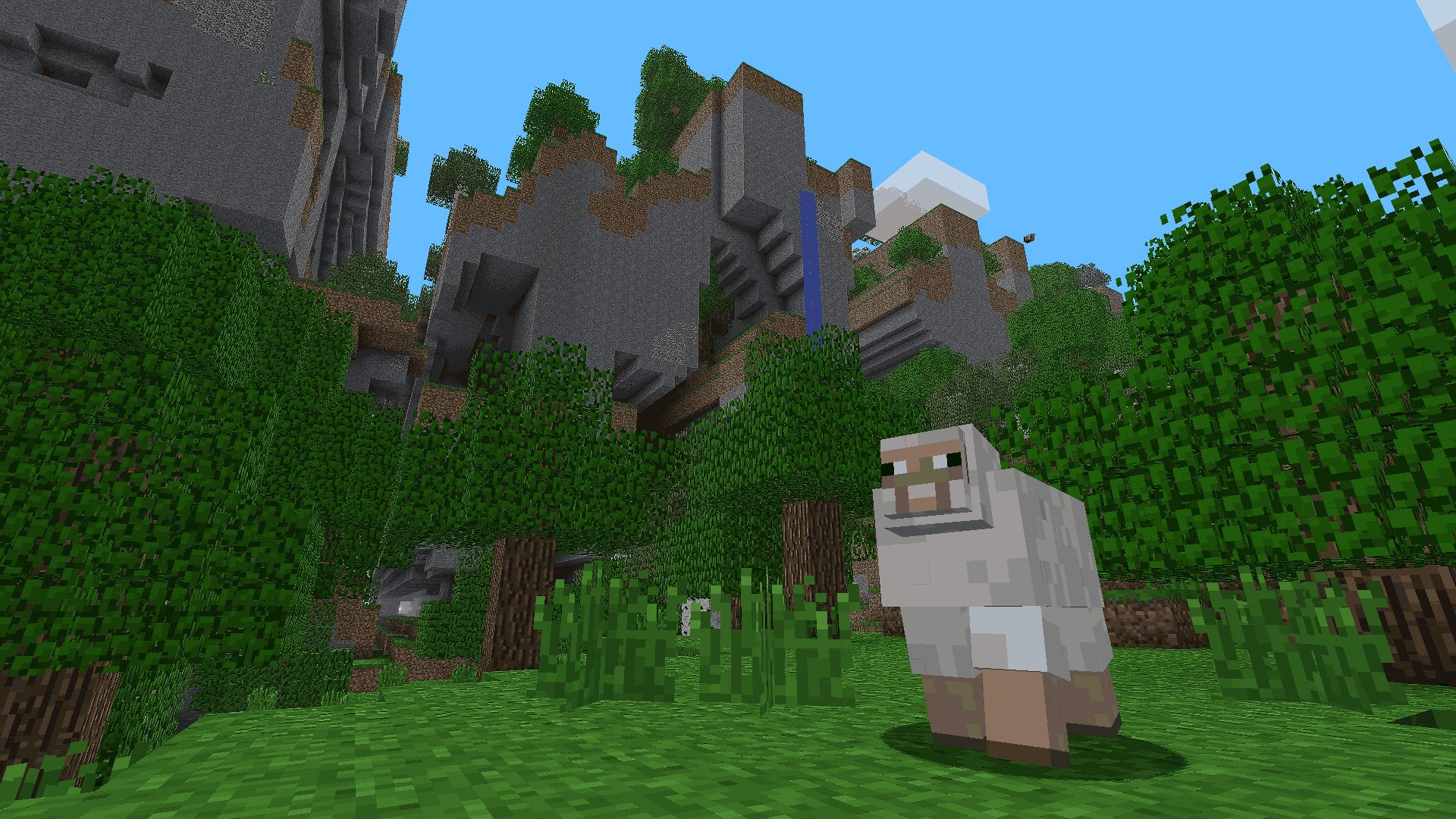
A journey back to the roots of Minecraft. Experience the game as it was in its early days, with classic textures, familiar mechanics, and that timeless charm. Rediscover the simple, adventurous spirit that made the game unforgettable, while enjoying the benefits of modern versions and features.
What to expect:
- Original textures and sounds
- Classic world generation
- Classic villages, with workstations & beds
- Modern stability and performance
- The same fun and excitement you had when you first played
Planned updates:
- Backported vanilla features
- The aether?
- Suggest one!
Q&A:
- Q: How do I invite/join my friends world?
A: Open your world to LAN, the server IP will show up in chat.
- Q: How do I get the classic world generation?
A: Simply use Moderner Beta when creating your world.
- Q: How can I enable the fog effect?
A: Press F6 to enable fog whenever you want.
Want a sneak peak into future updates before they come out? Check out my Ko-fi!
_Feel free to suggest changes/additions via the Github issues tab._
包含的模组 18 个
 Architectury API
 Balm
 Better Sodium Video Settings Button
 Classic Minecraft Icon
 Cloth Config API
 Default Options
 e4mc
 Enhanced Block Entities
 Fabric API
 锂
 Moderner Beta
 Nostalgic Tweaks
 Paxi
 ScalableLux
 钠
 Sodium Extra
 Yeetus Experimentus
 YUNG's API
绿色边框的模组本站有收录,点进去看中文介绍;其余跳转到 Modrinth。
常见问题
Nostalgia 支持哪些 Minecraft 版本?
Nostalgia 基于 Minecraft Java 版 1.21.1,使用 Fabric 加载器。
Nostalgia 怎么安装?
点本页「前往下载」拿到整合包文件(Modrinth 的是 .mrpack,CurseForge 的是 .zip),在 PCL2 或 HMCL 启动器里选择「导入整合包」,启动器会自动装好 Minecraft、加载器和全部模组。这个整合包有 18 个模组,建议在启动器里给游戏分配 4–6 GB 内存。
Nostalgia 开服需要多大内存?
推荐服务器内存 12 GB。在线人数多、或者建了大量机器和区块加载器时,可以再加 2–4 GB。
怎么和朋友一起玩 Nostalgia?
点本页的「一键开服」,选好配置后会自动安装 Nostalgia 的服务端,几分钟就能开好。把服务器地址发给朋友,大家用同一个版本的整合包连进去就行。
cydonic 的其他作品
查看全部 →
Create Automata
Built around Create Mod and its add-ons, complete with atmosphere-enhancing mods, Overhauled Biomes, Fresh Animations and QoL tweaks! All while staying mostly lag free!
Create Automata
Built around Create Mod and its add-ons, complete with atmosphere-enhancing mods, Overhauled Biomes, Fresh Animations and QoL tweaks! All while staying mostly lag free!
评论
登录后评论和评分