截图
介绍

Parkour Recorder is a client-side mod for modern versions of Minecraft Forge and Fabric that gives you the tools to record, playback, and aid in parkour.
Version 1.1.3.0
Available for Fabric MC1.20.4
Main Features
– Record player’s movements and keystrokes. (Use the Record key-bind; set to R)

– Playback a recording. (Use the Play key-bind; set to P)

– Override an existing recording. (Use the Override key-bind; set to UP Arrow on your mouse)

– Save Recording Menu: Shows record history and allows you to save a recording among other features. (In Main Menu Gui; set to M)

– Load Recording Menu: Loads a list of saved recordings. (In Main Menu Gui; set to M)
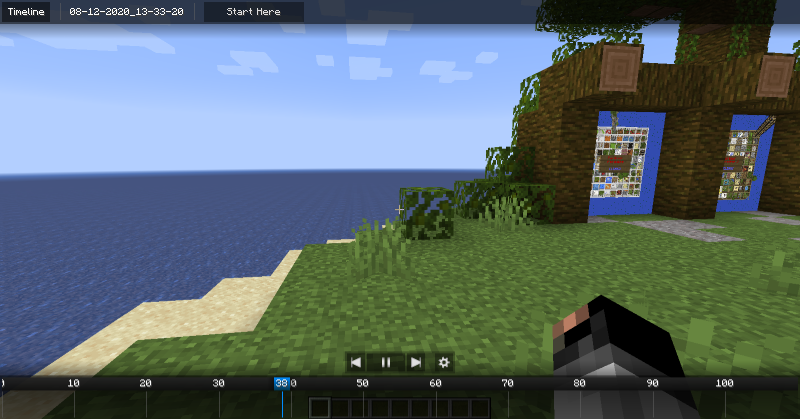
 – Timeline Menu: Can quickly preview a recording using video-player-like controls. (In Main Menu Gui; set to M)

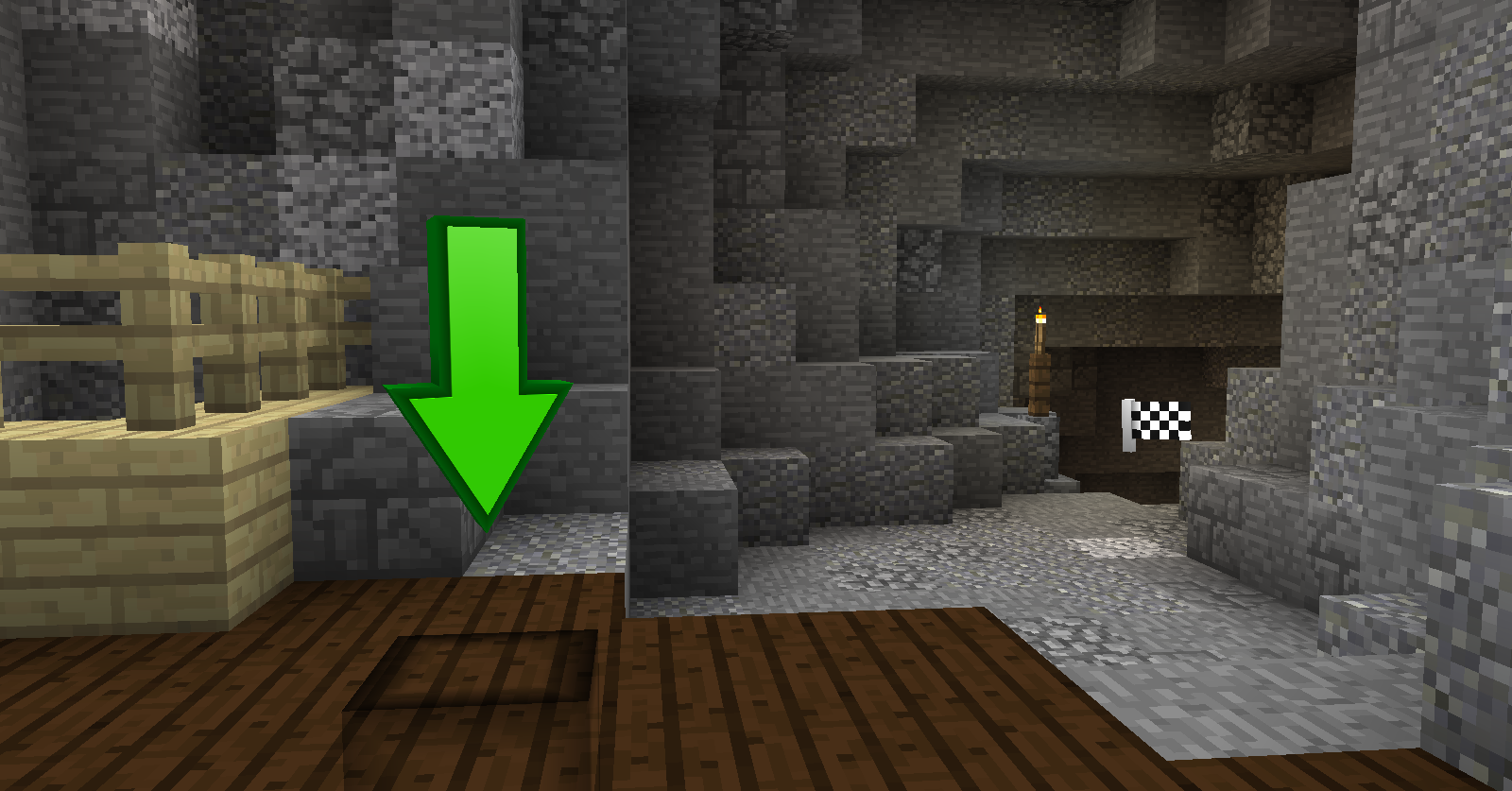
– Playback Particles: Use to guide you during playback. Has cool animations!

常见问题
Parkour Recorder 支持哪些 Minecraft 版本?
Parkour Recorder 支持 Minecraft Java 版 1.12.2–1.20.4,共 7 个版本,可用的加载器:Fabric / Forge。下载时注意选择和你游戏版本一致的文件。
Parkour Recorder 怎么安装?
先用 PCL2 或 HMCL 启动器安装对应版本的 Fabric / Forge,再把下载的 .jar 文件放进游戏目录的 mods 文件夹,重新启动游戏即可。开启了版本隔离的,mods 文件夹在 versions/版本名 下面。
评论
登录后评论和评分