Netherite Road
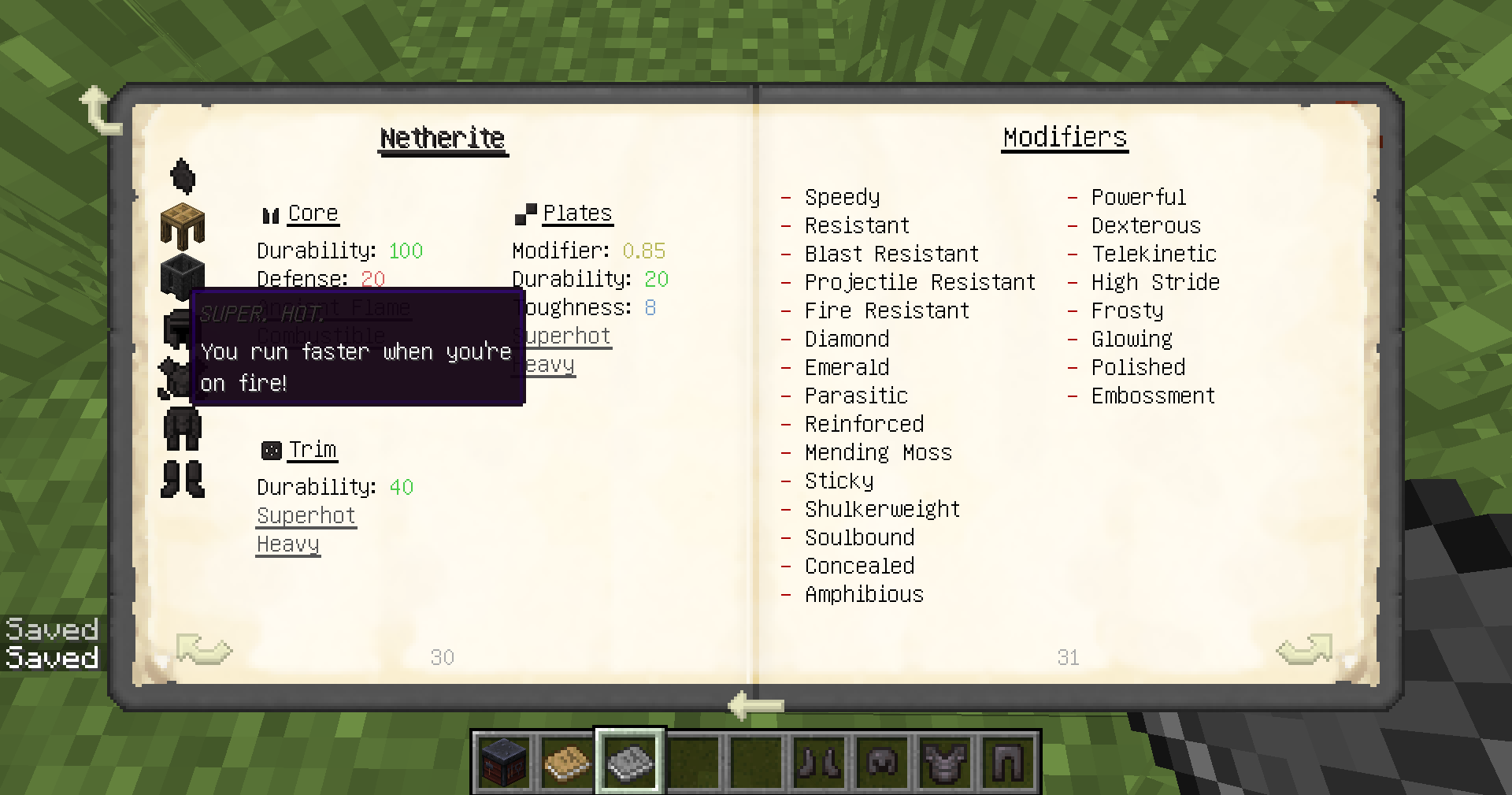
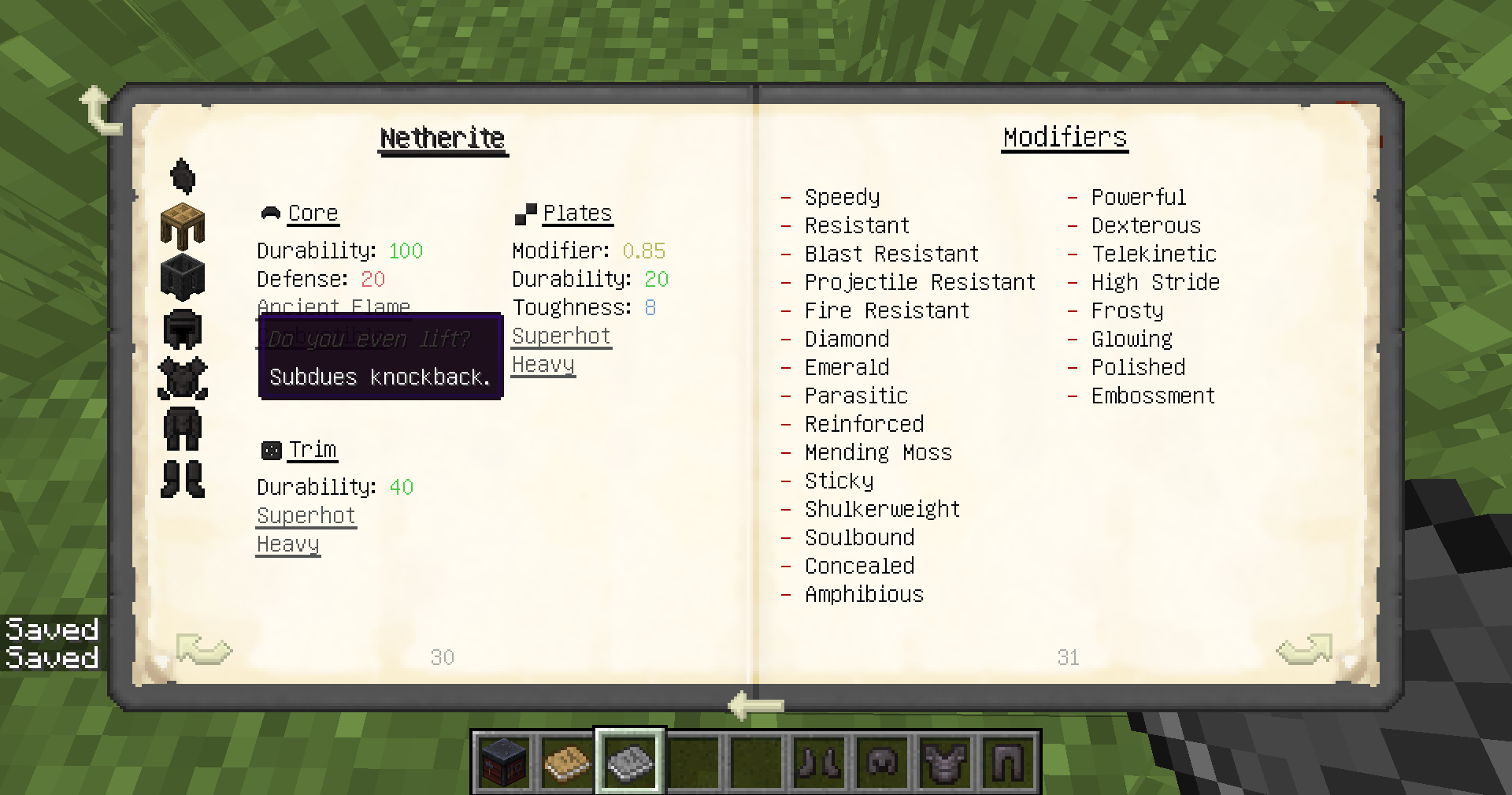
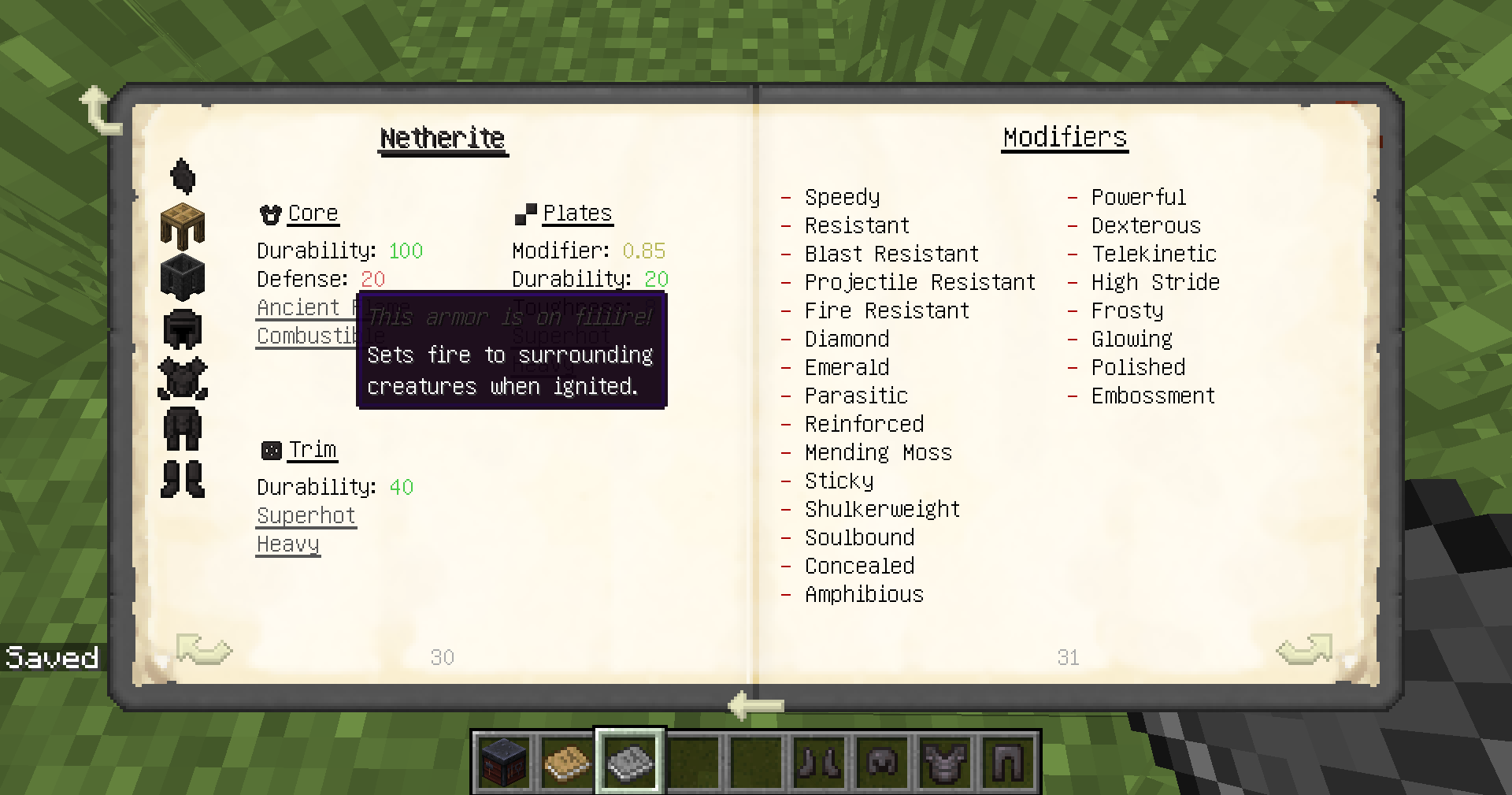
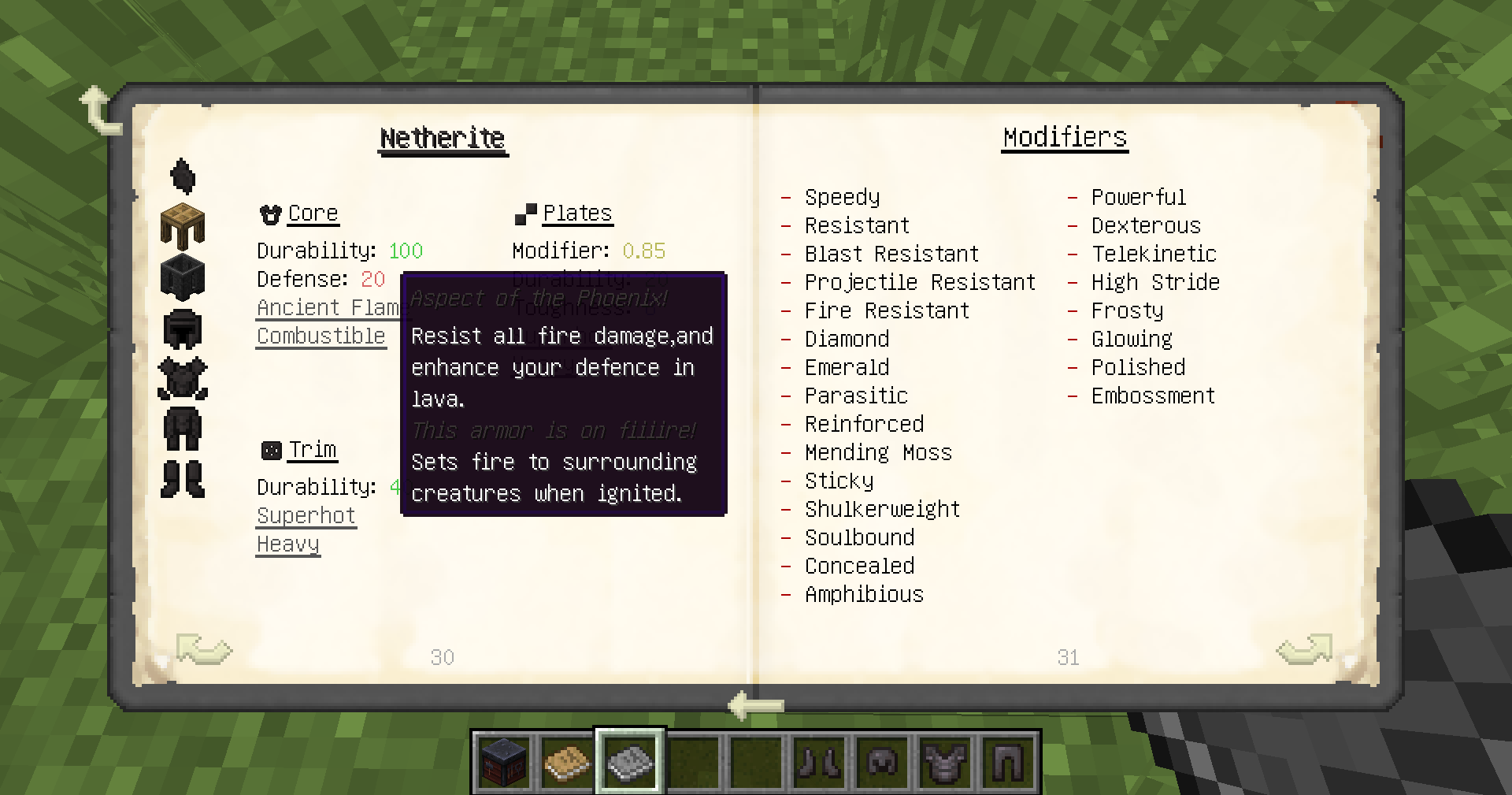
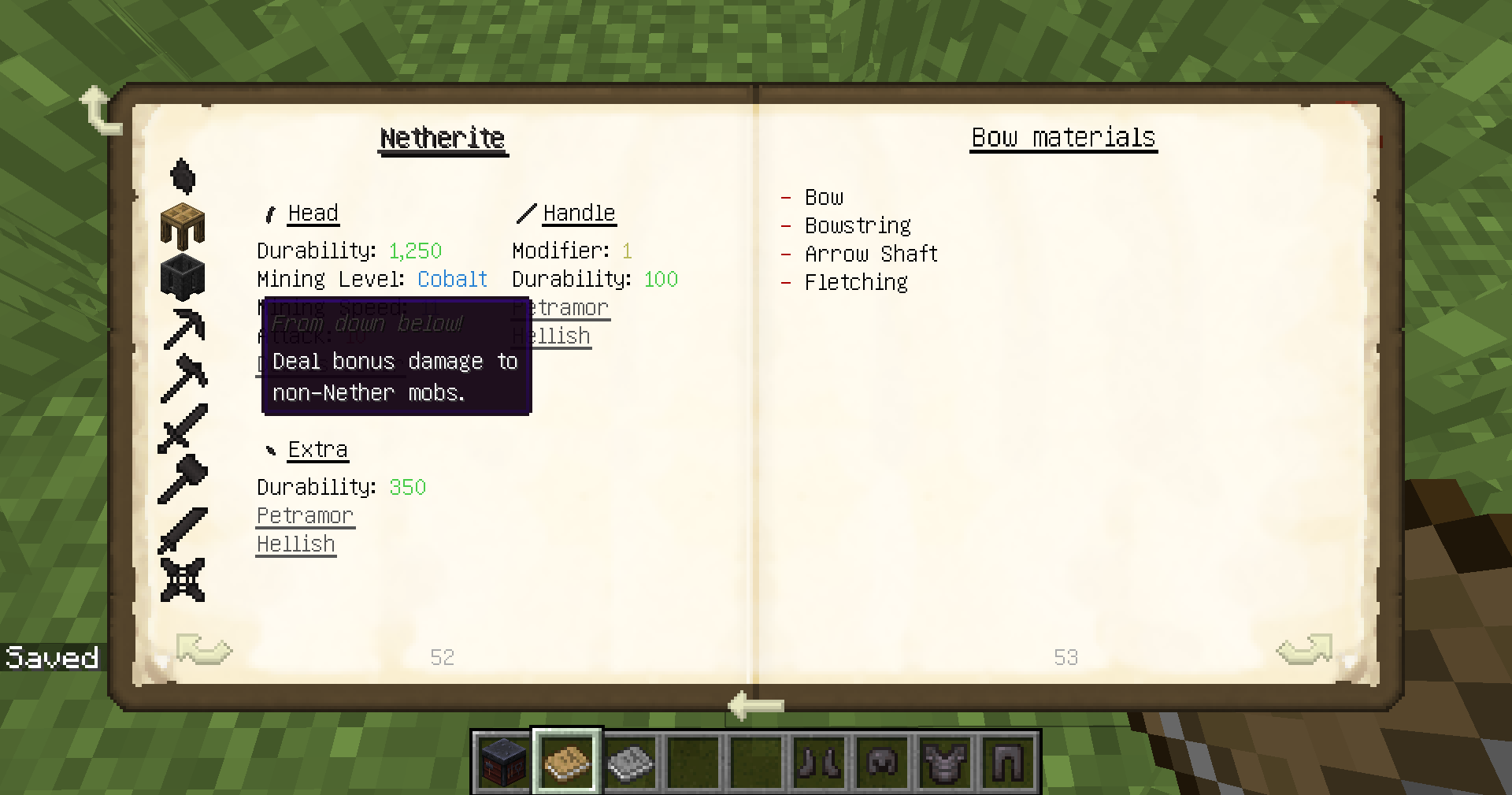
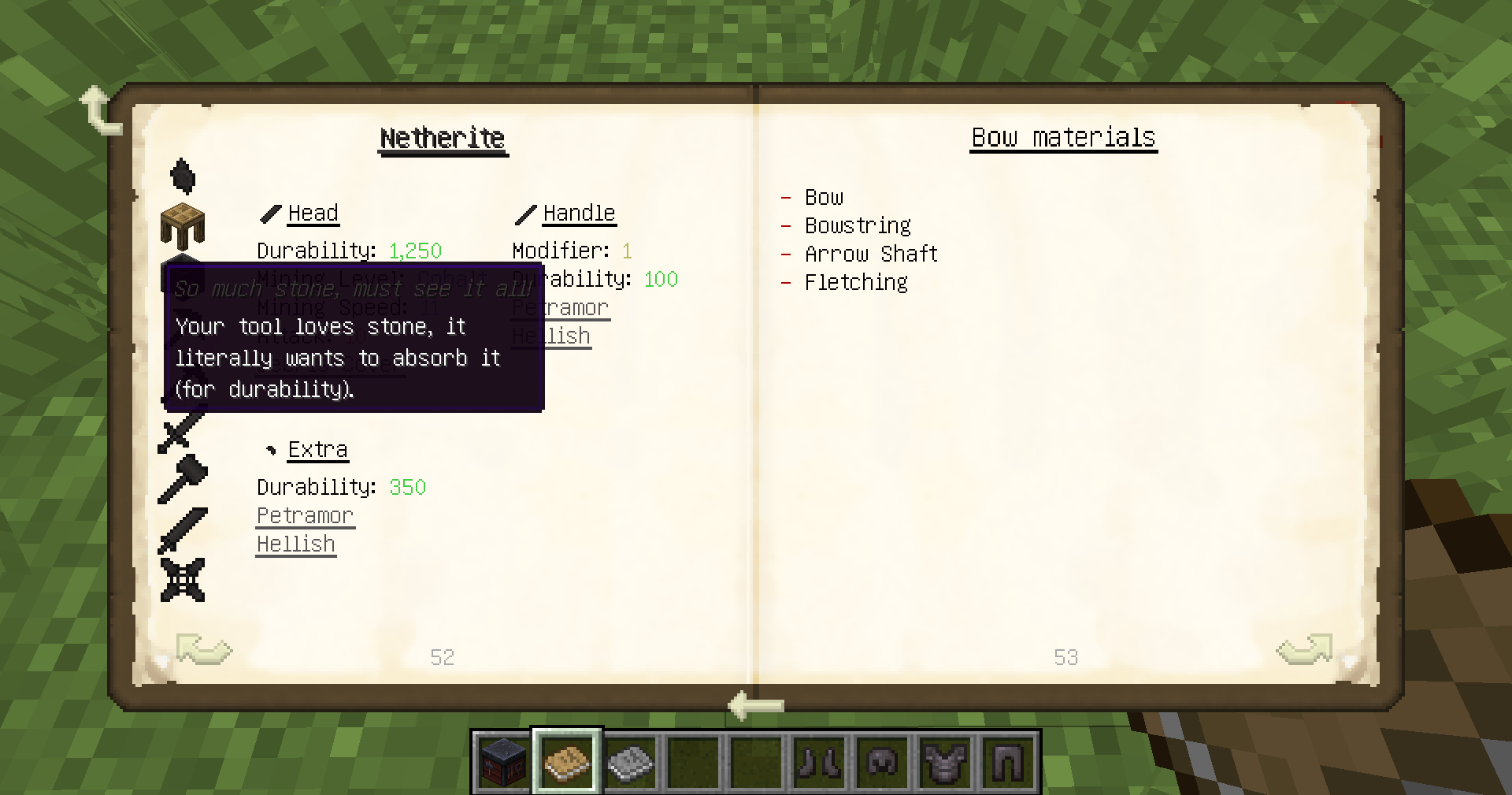
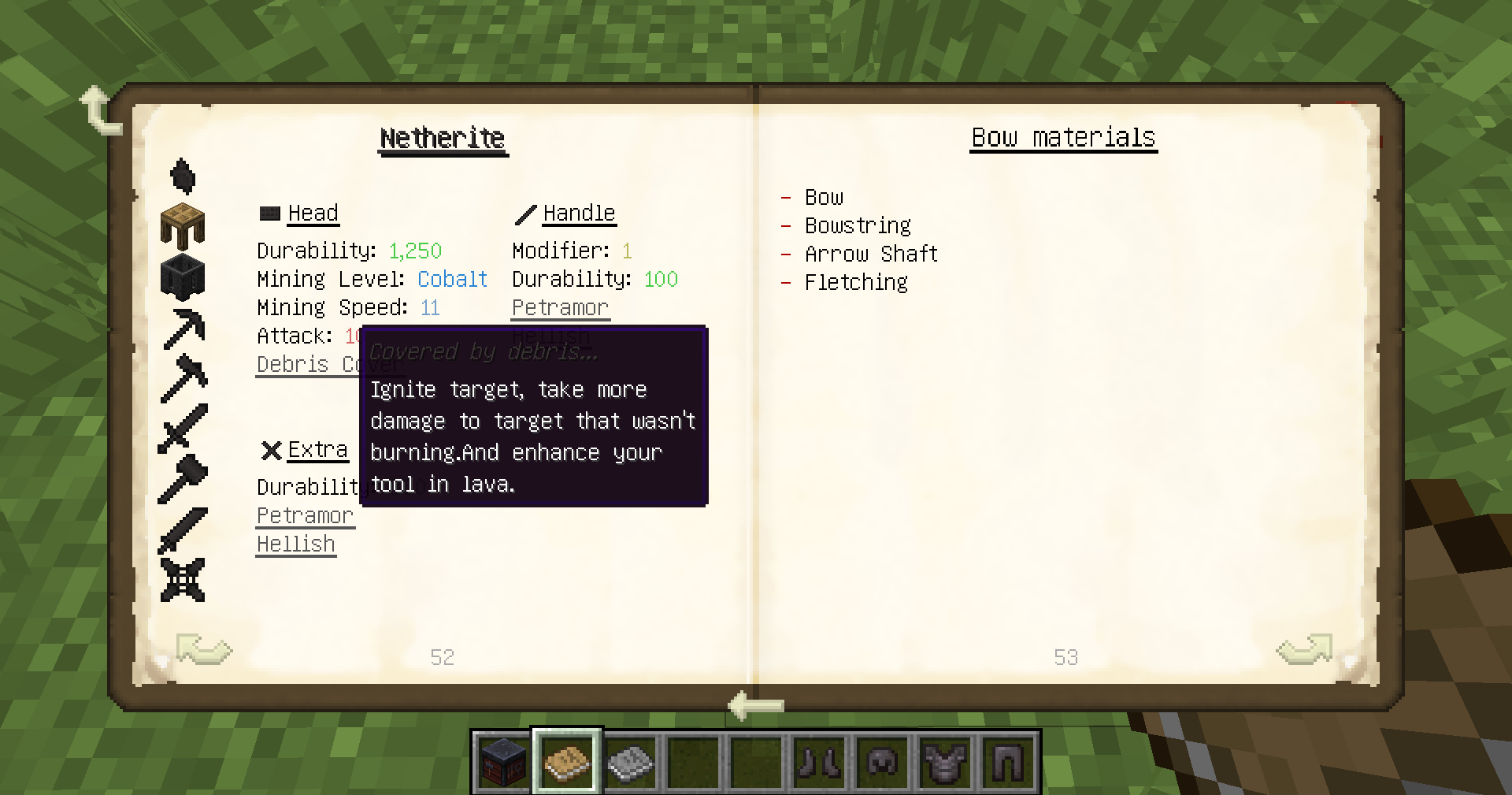
This MOD adds items, tools, block about the netherite alloy in 1.12.2, and expands some other gameplay.
截图
介绍
Netherite Road

Project Introduction
The restoration degree is over 80%, bringing the gospel to the players who want to get the Netherite Alloy in version 1.12 but have no way to do so. The Netherite Road has been continuously updated!
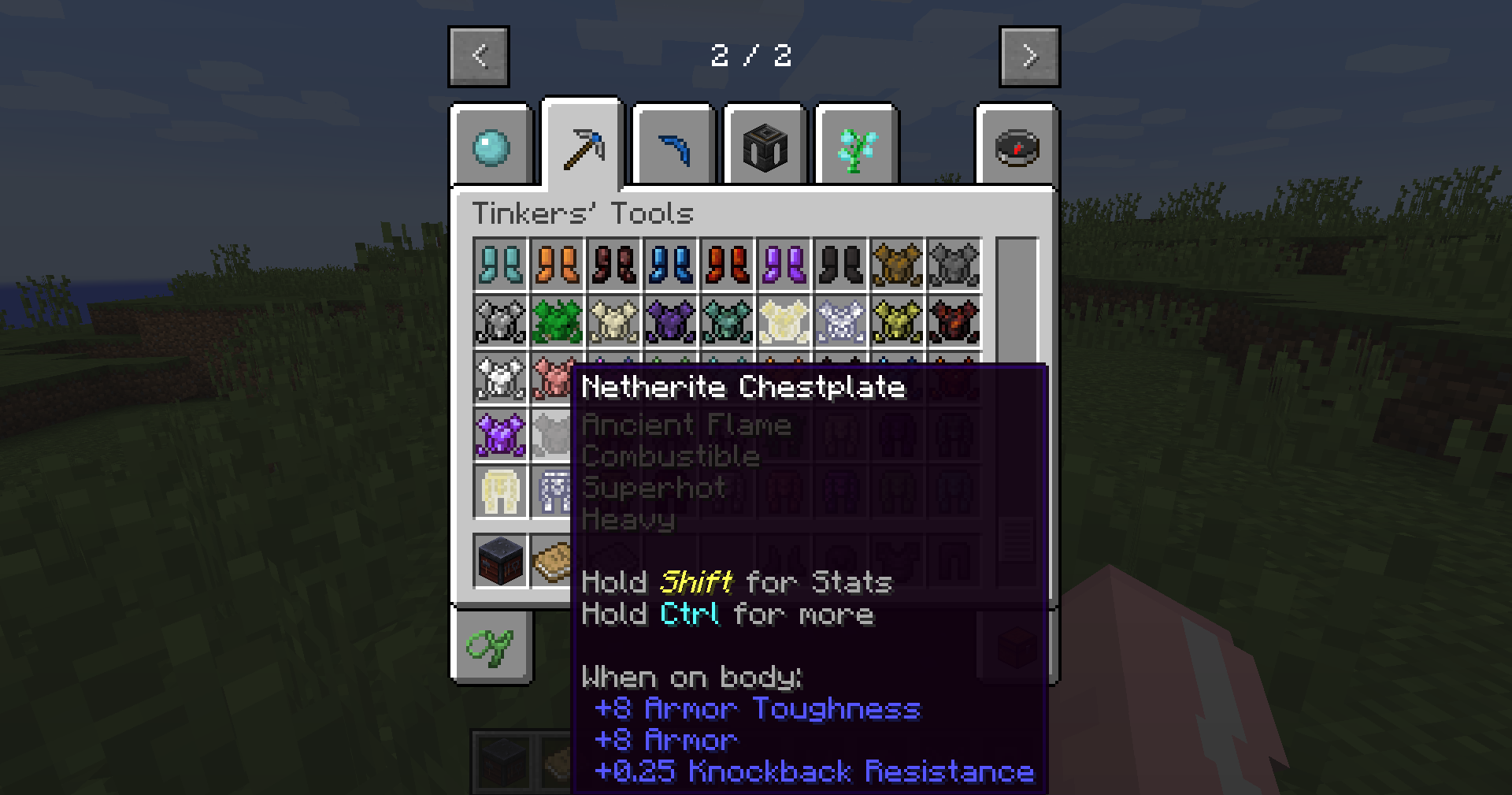
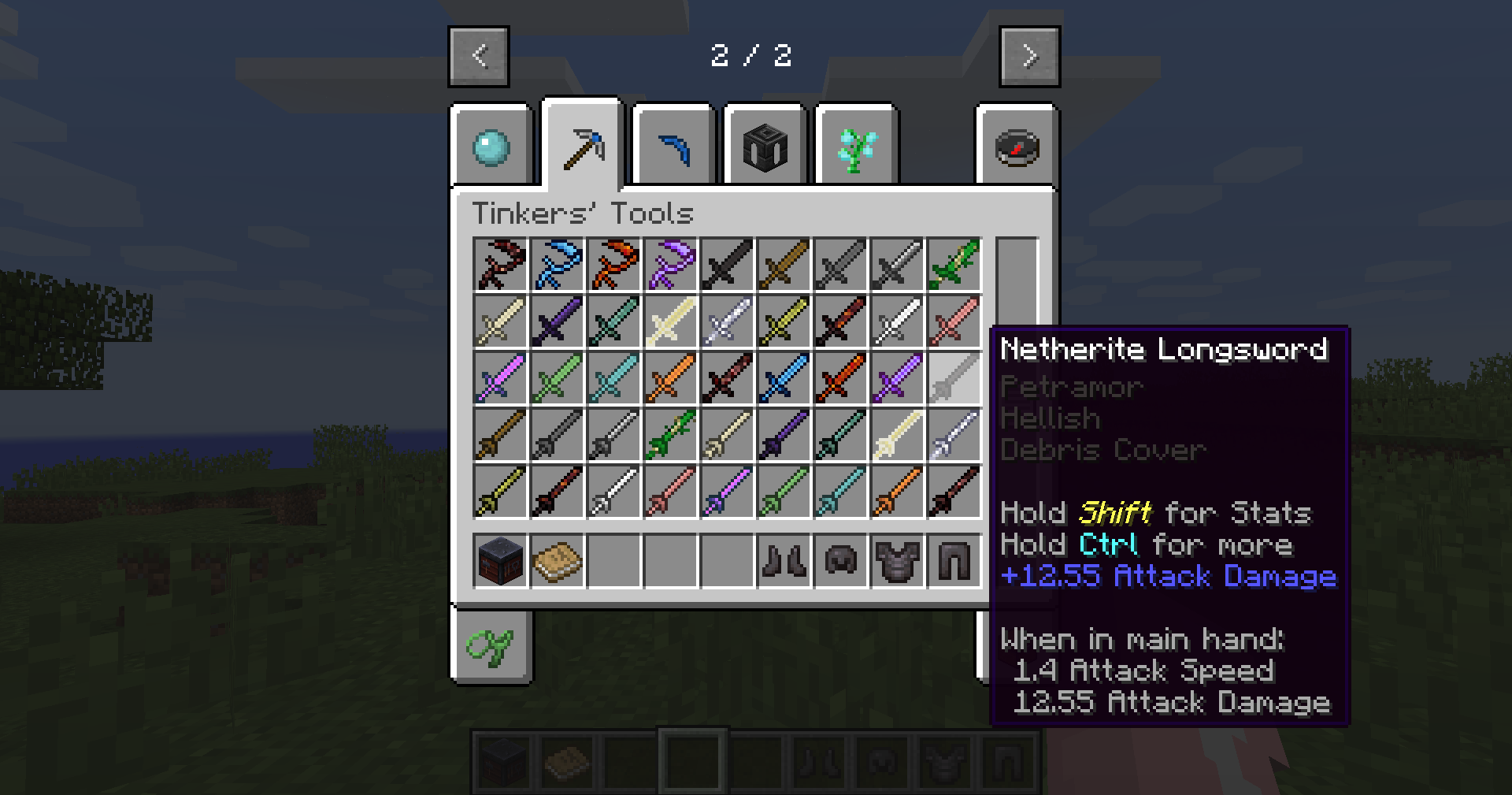
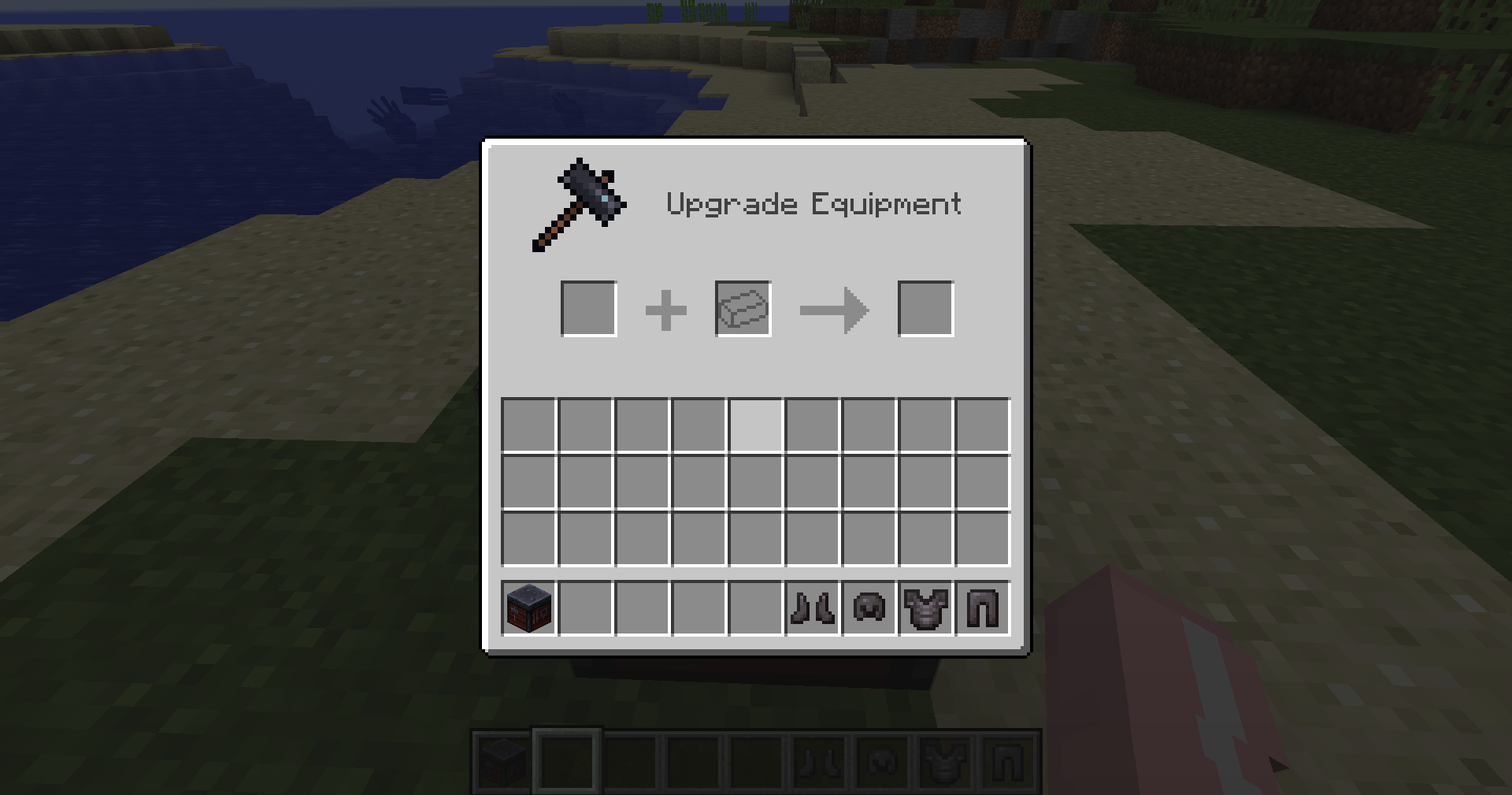
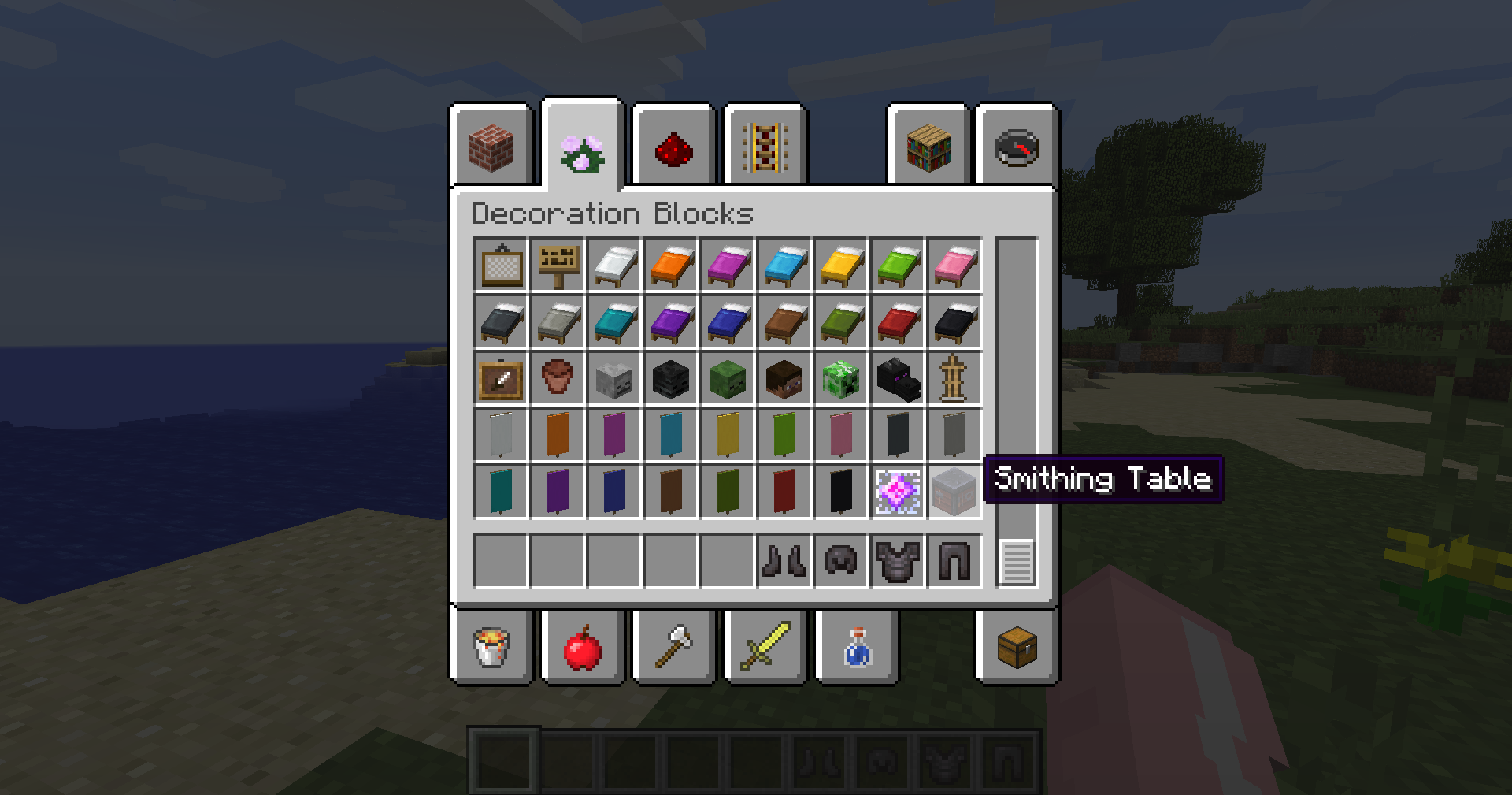
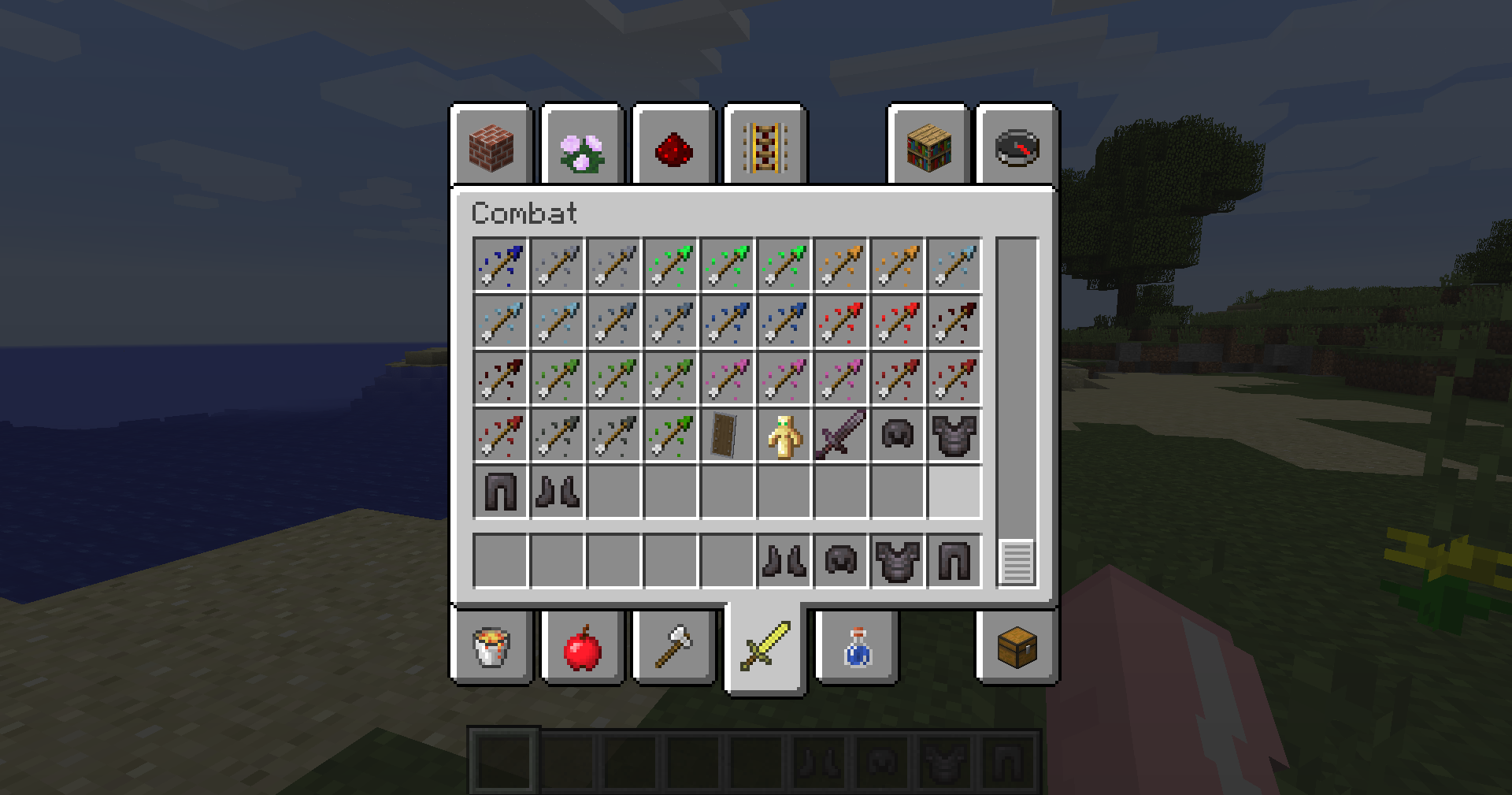
This mod is dedicated to restoring the nether metal equipment, tools, and armor elements of version 1.16 and above in version 1.12.2, such as nether alloy swords, netherite armor sets, ancient wreckage, netherite ingots and fragments, etc. Not only that, but also the pursuit of meticulous perfection, the armor, blocks, sound effects and item textures are 100% restored to the vanilla version, allowing players to experience the vanilla feeling.
Are you still worried that your TiC smelting furnace can’t make the craftsman’s soul’s netherite alloy equipment without the nether alloy? The ontology of the Netherite Road can do it! The Nether Road is also a TiC linkage module, which can be smelted with molten gold and molten ancient wreckage into molten netherite alloy, and then you can make various tools related to the netherite alloy of the TiC.
The NetheriteRoad is just an ontology, and we make various expansion packs to enrich the gameplay of the mod. If you have any suggestions, please give us feedback!
Developer Options
If you want to add this mod to your development environment for development, please type the following in your build.gradle:
repositories {

    maven {

        url "https://cursemaven.com"

    }

    mavenCentral()

}

dependencies {

    deobfCompile implementation("curse.maven:netheriteroad-${nr_build}")

}
${nr_build} is the CurseForge code of NetheriteRoad. It is recommended to write variables in gradle.properties, and the latest code is given here:
nr_build=616670:4012543
Finally, thank you for your support for NetheriteRoad !
常见问题
Netherite Road 支持哪些 Minecraft 版本?
Netherite Road 支持 Minecraft Java 版 1.12.2,可用的加载器:Forge。下载时注意选择和你游戏版本一致的文件。
Netherite Road 怎么安装?
先用 PCL2 或 HMCL 启动器安装对应版本的 Forge,再把下载的 .jar 文件放进游戏目录的 mods 文件夹,重新启动游戏即可。开启了版本隔离的,mods 文件夹在 versions/版本名 下面。
评论
登录后评论和评分