截图
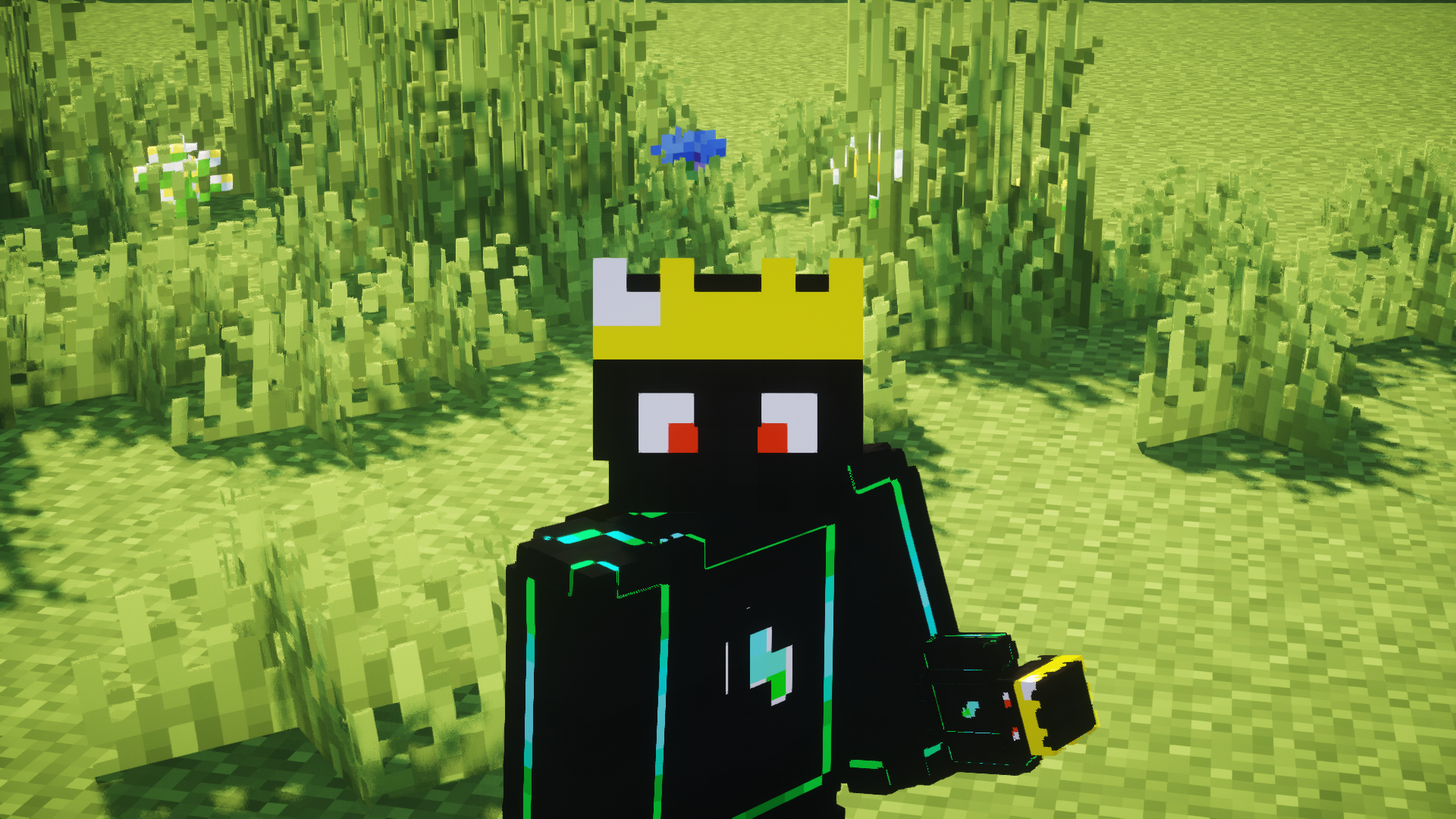
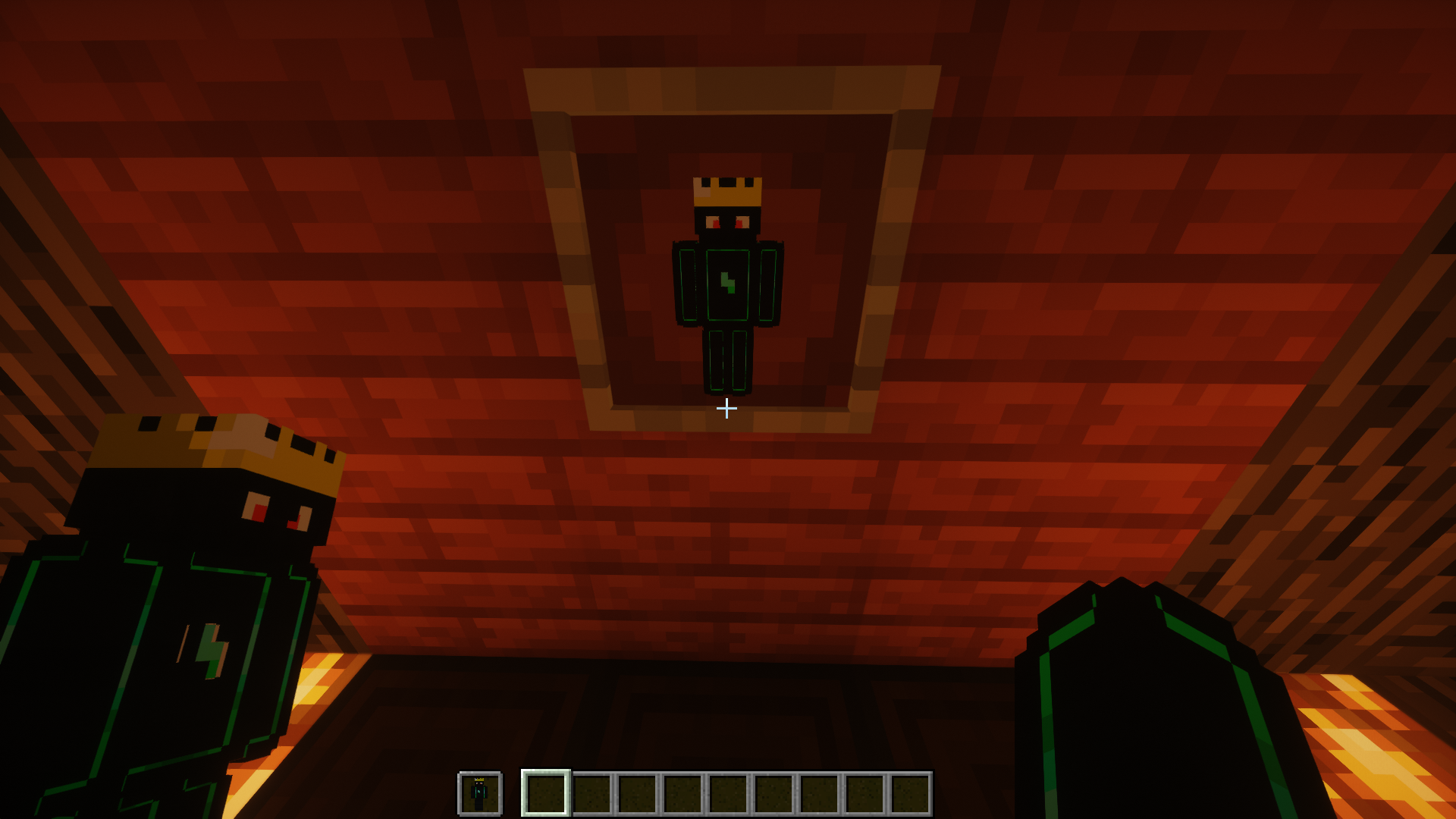
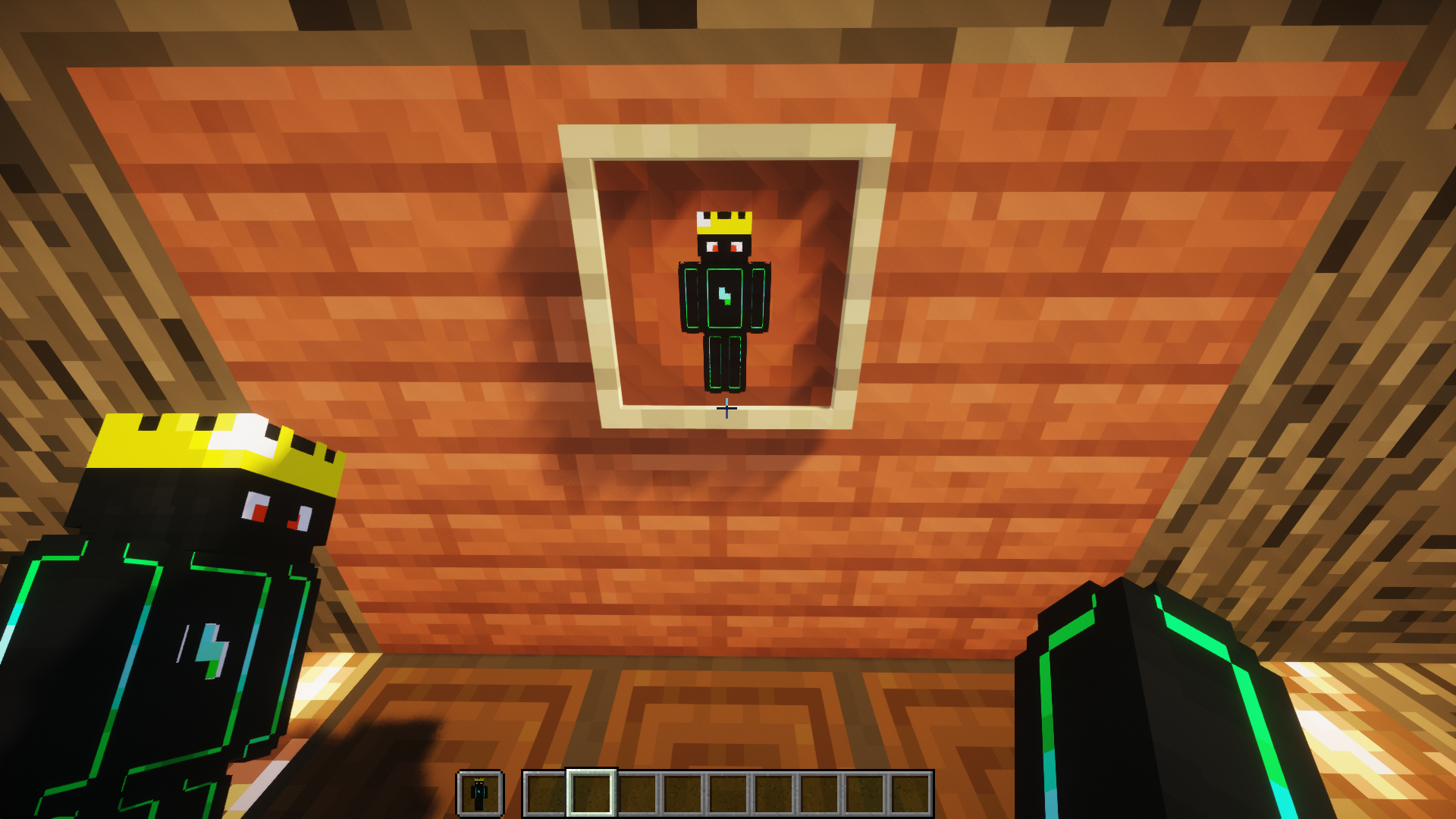
介绍
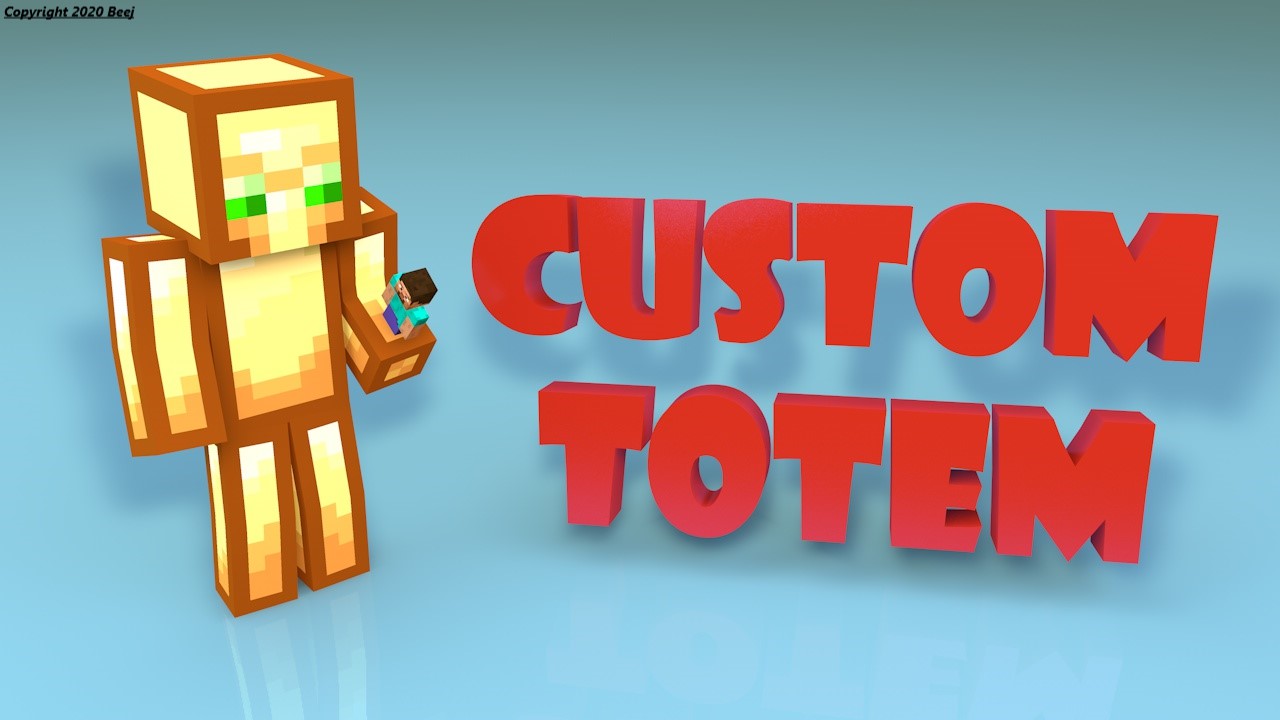
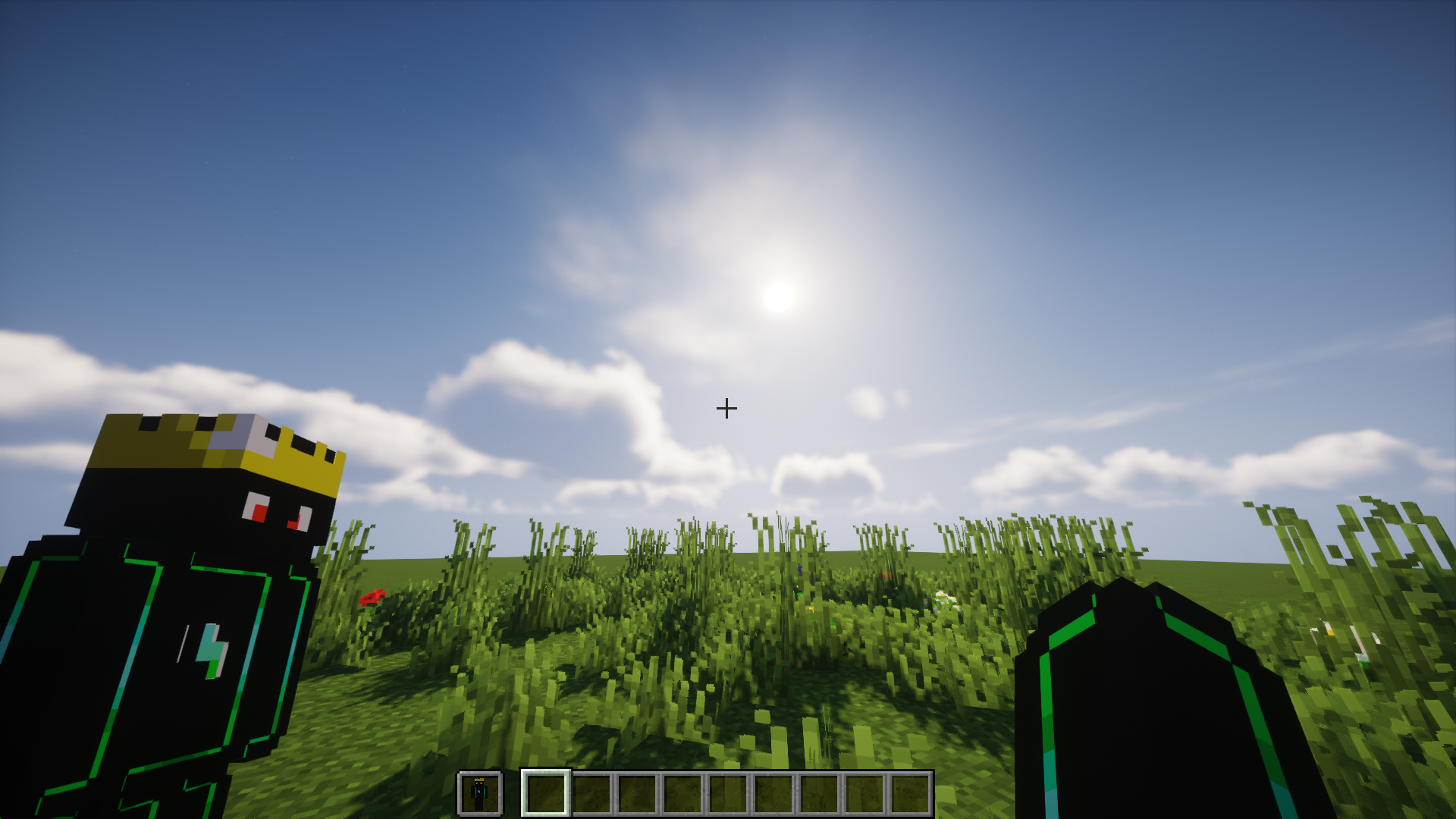
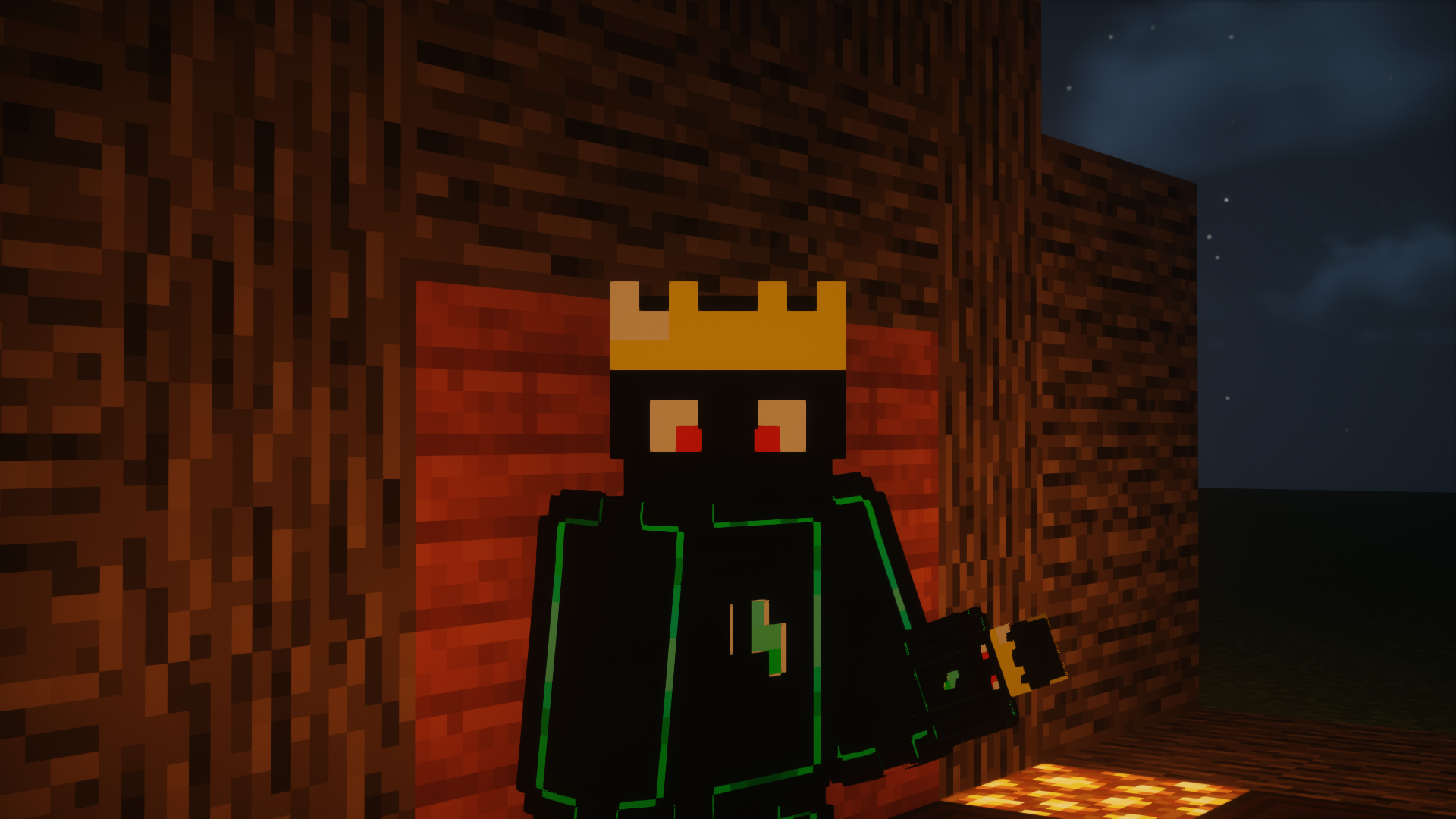
Give a totem with your own skin
Obtén un Tótem con tu propio skin
Features.
- 💡 Personalize with your 3D skin / Personalízalo con tu skin 3D
- 🎮 Compatible with Minecraft 1.11 to 1.20 / Compatible con Minecraft 1.11 a 1.20
- ⚙️ Simple installation / Instalación sencilla
- 📱 HD skin support / Soporte para skins HD
- 🎥 Smooth animations / Animaciones suaves
- 💪 Slim/Alex version available / Versión Slim/Alex disponible
- ⏰ Updated to version 1.20 / Actualizado a la versión 1.20
Video Tutorial.
Installation English.
1- First rename your skin to “totem.png” (without the “”)
2- Then go to assets/minecraft/textures/item
3- Replace the “totem.png” that is there with your skin previously renamed the same
Open Minecraft and put the texture pack, that’s it!
If you have any problem contact me
Discord: https://discord.gg/RRsRh7W
For 1.13 onwards the name of the texture is “totem_of_undying.png”
Instalación _Español._
1- Primero renombra tu skin a “totem.png” (sin las “”)
2- Luego ve a assets/minecraft/textures/item
3- Reemplaza el “totem.png” que está ahí por tu skin previamente renombrada igual
Abre Minecraft y pon el texture pack, ¡listo!
Si tienes algún problema contáctame
Discord: https://discord.gg/RRsRh7W
Para la 1.13 en adelante el nombre de la textura es “totem_of_undying.png”
Contact: [email protected]
常见问题
Custom Totem 支持哪些 Minecraft 版本?
Custom Totem 支持 Minecraft Java 版 1.11–1.20.2,共 31 个版本。下载时注意选择和你游戏版本一致的文件。
Custom Totem 怎么安装?
把下载的 .zip 文件(不用解压)放进游戏目录的 resourcepacks 文件夹,进游戏后在「选项 → 资源包」里把它移到右边启用。
评论
登录后评论和评分