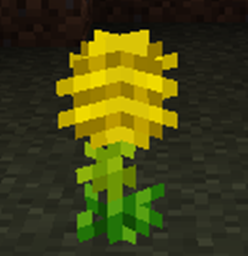
截图
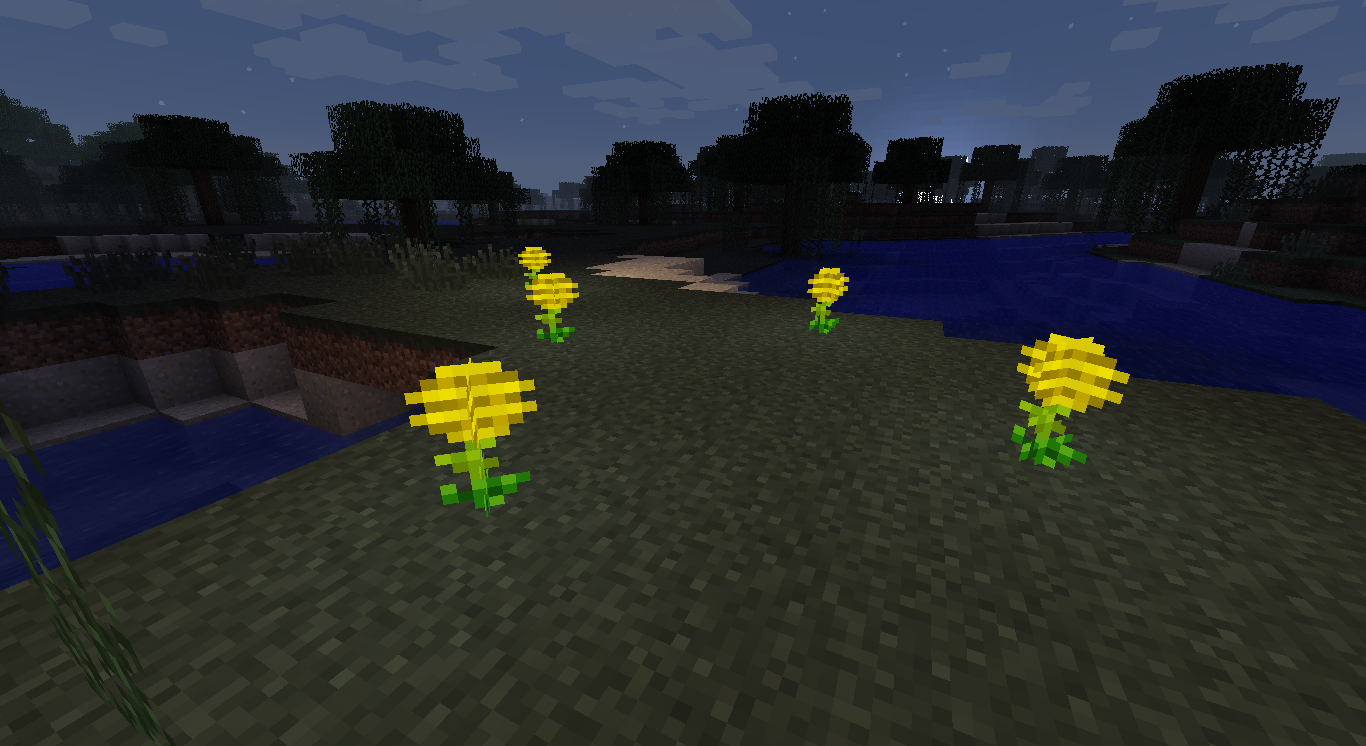
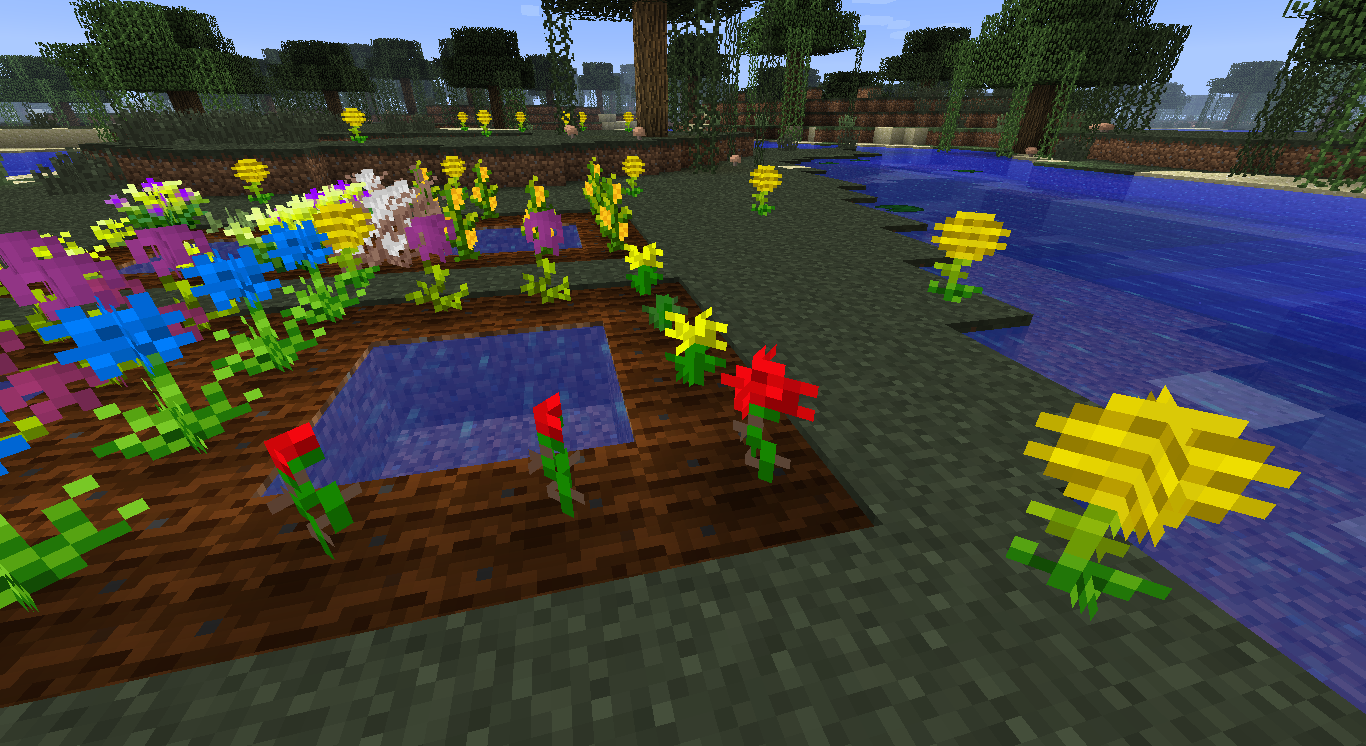
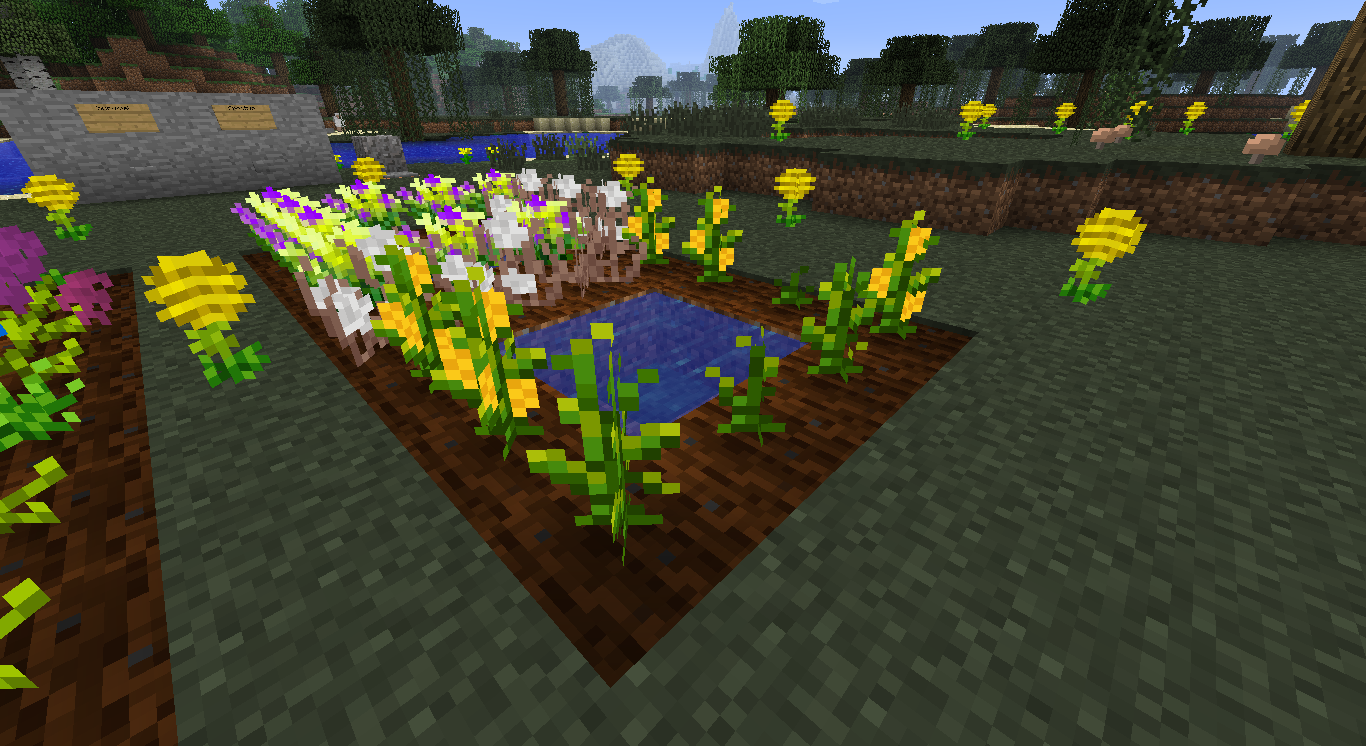
介绍

In a nutshell
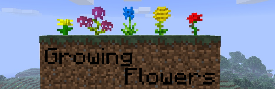
- breed all Minecraft flowers (vanilla flowers)
- additional plants and flowers
- proper stems, blooms and also recipes
- craft new flowers from stems and blooms
Pictures


New Flowers and Plants


(only available when Growing Flowers Plus activated)


(only available when Growing Flowers Extended activated)
How to breed Flowers?
- hoe a dirt block
- craft seeds using 2 flowers
- plant these seeds on hoed land
- let them grow
- when looking like normal flowers, crop them (drops 1-4 flower(s) and 1-3 seed(s))
- if cropped too early, it drops only seeds
- use a shear to get blooms and stems
- growing to slow? Use bonemeal!
Recipes

The following are only available when the Option “Growing Flowers Plus” ist activated


The following are only available when the Option “Growing Flowers Extended” ist activated


How to activate “Growing Flowers Plus” or “Growing Flowers Extended”?
Both are normally deactivated. Before starting your World, go to “Mods”, select “Growing Flowers” at the Mods list. The press “Config” at the bottom left corner and activate Plus or/and Extended. Mention, that the Recipes of “Growing Flowers Extended” needs “Growing Flowers Plus” to work!
Credits
- Code and realisation: me (gelber_kaktus, also known as Yelteen)
- Textures (plants, flowers): juirox
- Textures (seeds) ced_der and Dragonisser
常见问题
Growing Flowers 支持哪些 Minecraft 版本?
Growing Flowers 支持 Minecraft Java 版 1.5.1–1.7.10,共 6 个版本,可用的加载器:Forge。下载时注意选择和你游戏版本一致的文件。
Growing Flowers 怎么安装?
先用 PCL2 或 HMCL 启动器安装对应版本的 Forge,再把下载的 .jar 文件放进游戏目录的 mods 文件夹,重新启动游戏即可。开启了版本隔离的,mods 文件夹在 versions/版本名 下面。
评论
登录后评论和评分