
截图
介绍
The saved world will be in the same folder as your singleplayer worlds.
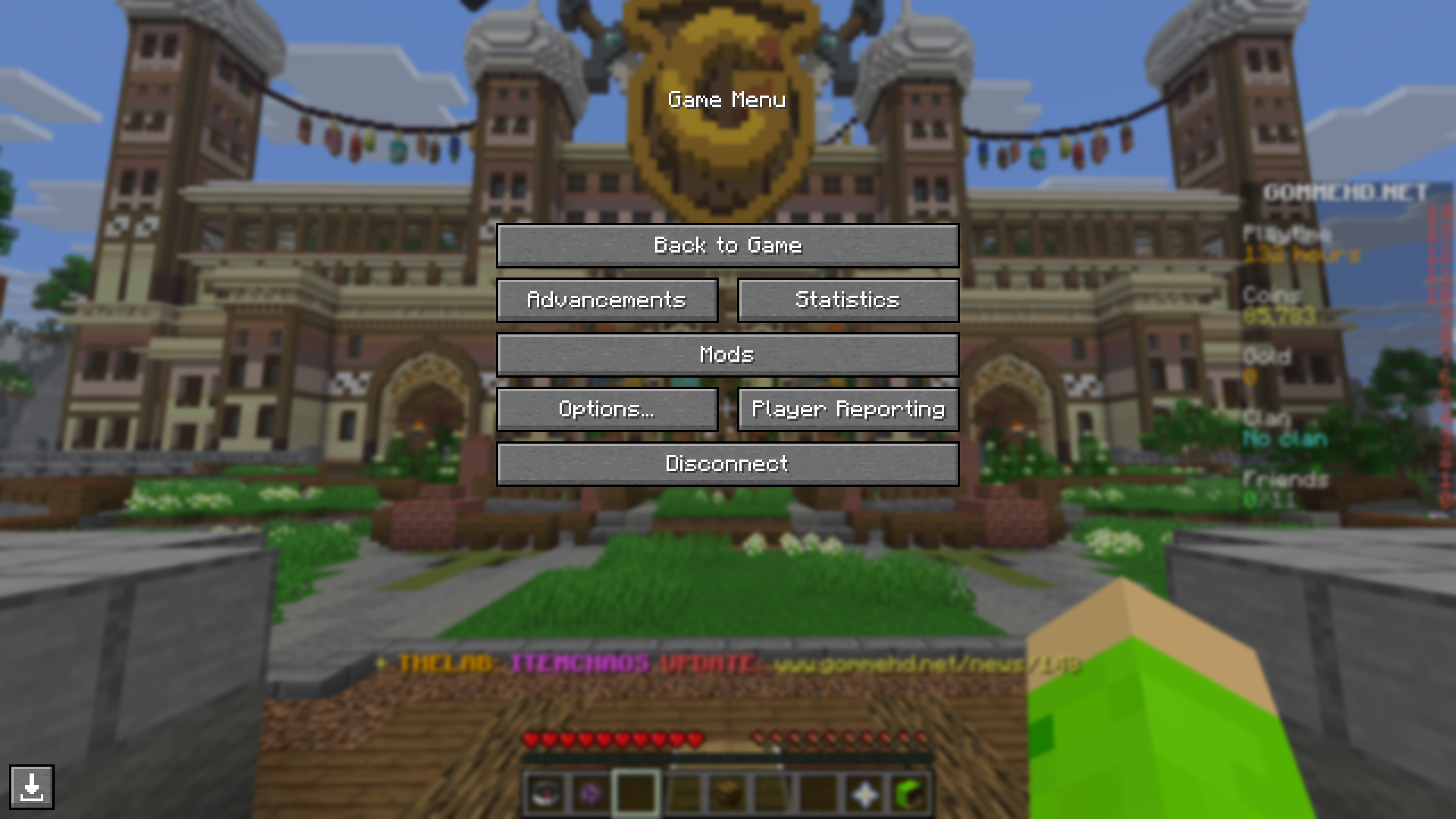
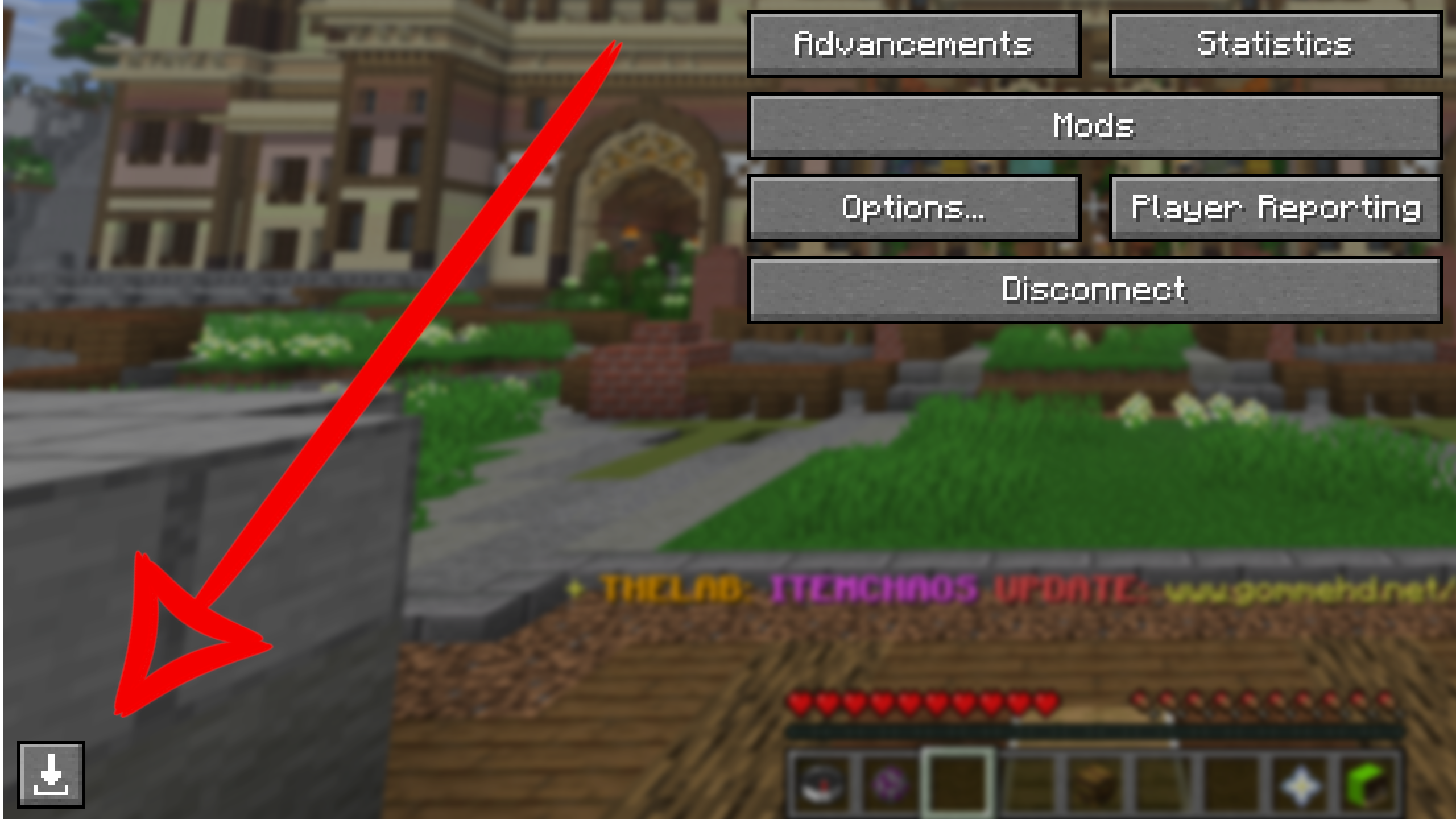
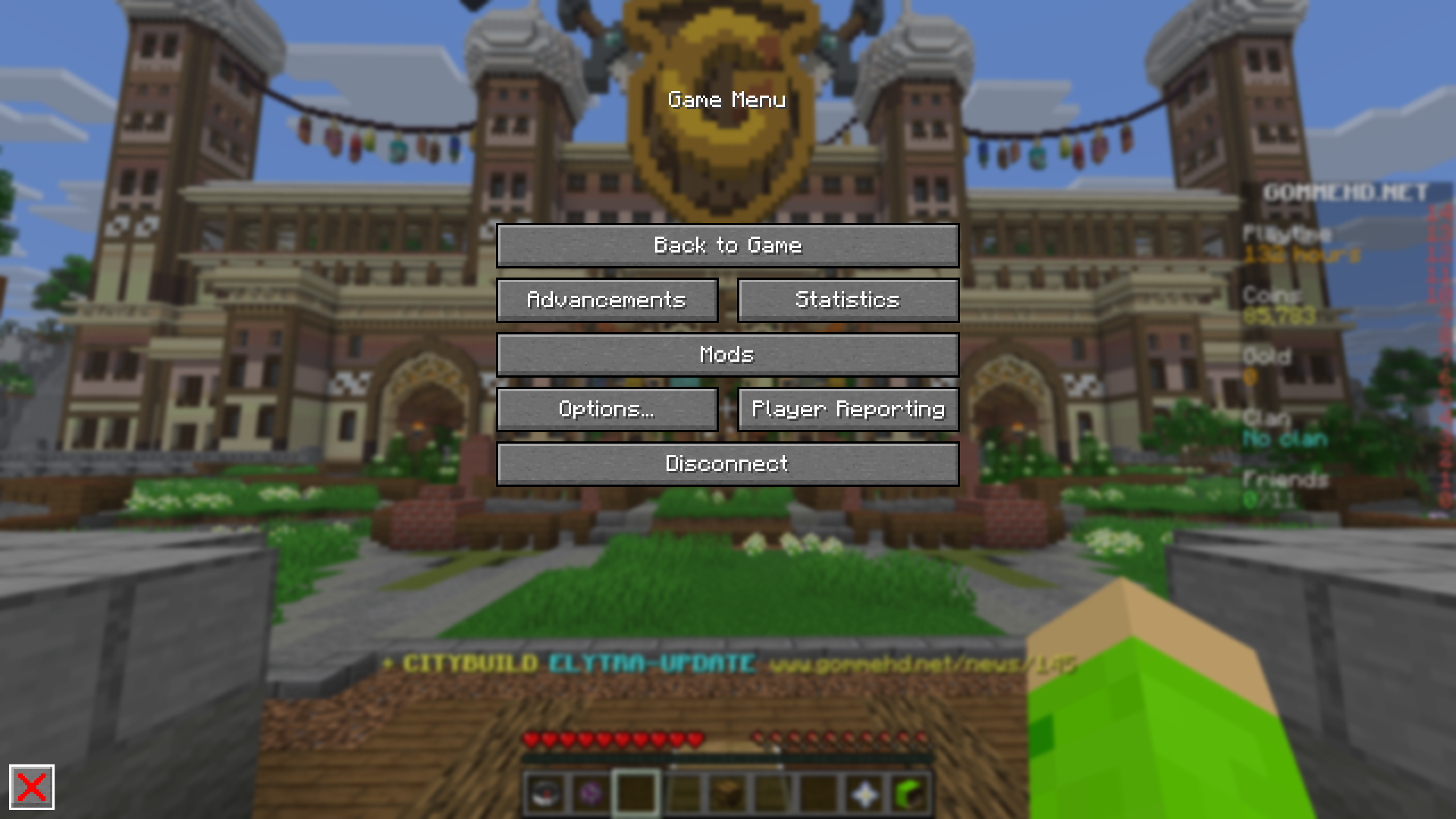
This Mod adds a button to the Escape-Menu which allows you to download a copy of the Server you are on to Singleplayer.
The Mod downloads:
- Blocks
- BlockEntities
- Resourcepacks
- Player Inventory
- Entities
- Enderchest Inventory
- Containers (Chests, Barrels, …)
- Villagers
- Advancements
- Statistics
Containers
Container inventories (Enderchest, Chests, Barrels, …) can only be saved if you open the inventory at least once while the world download is running. This is also true for Entitiy Inventories (like Villagers, Chestboats, Horses, …).
Advancements & Statistics
Advancements and Statistics can only be saved if the corresponding UI’s are opened at least once while the download is running.
Fabric API
The Fabric API is required for this Mod to work. It can be downloaded here.
Config
Use “/swd config” to access the config.
Auto Downloading
Set whether worlds should be downloaded automatically on server joining.
Save world to
Set the name of the saved world. If a world with this name already exists, the new chunks overwrite parts of that world.
Flashback
You can download the world from a Flashback recording. Just open the Flashback Replay Viewer in-game and press escape. There will be a download button in the bottom left.
Replay Mod
You can download the world from a Replay Mod recording. Just open the Replay Mod Replay Viewer in-game and press escape. There will be a download button in the bottom left.
Images
Affiliate
If you are in need of a reliable Minecraft Server, you can support me by using my affiliate Link for Wisehosting or my discount code joker.
Thanks!

常见问题
Simple World Downloader 支持哪些 Minecraft 版本?
Simple World Downloader 支持 Minecraft Java 版 1.20.5–26.3,共 19 个版本,可用的加载器:Fabric / NeoForge。下载时注意选择和你游戏版本一致的文件。
Simple World Downloader 怎么安装?
先用 PCL2 或 HMCL 启动器安装对应版本的 Fabric / NeoForge,再把下载的 .jar 文件放进游戏目录的 mods 文件夹,重新启动游戏即可。开启了版本隔离的,mods 文件夹在 versions/版本名 下面。运行环境:仅客户端。


评论
登录后评论和评分