
Weather Effect 2
Be God and change weather or time in your survival world with machines!
截图
介绍
Weather Effect 2
– Items and Blocks description
• item | Air Ball: Put it in a Weather Controller to change the weather to sunny! You can obtain it by right clicking a block with the Empty Ball.
• item | Water Ball: Put it in a Weather Controller to change the weather to rainy! You can obtain it by right clicking a block under water with the empty ball.
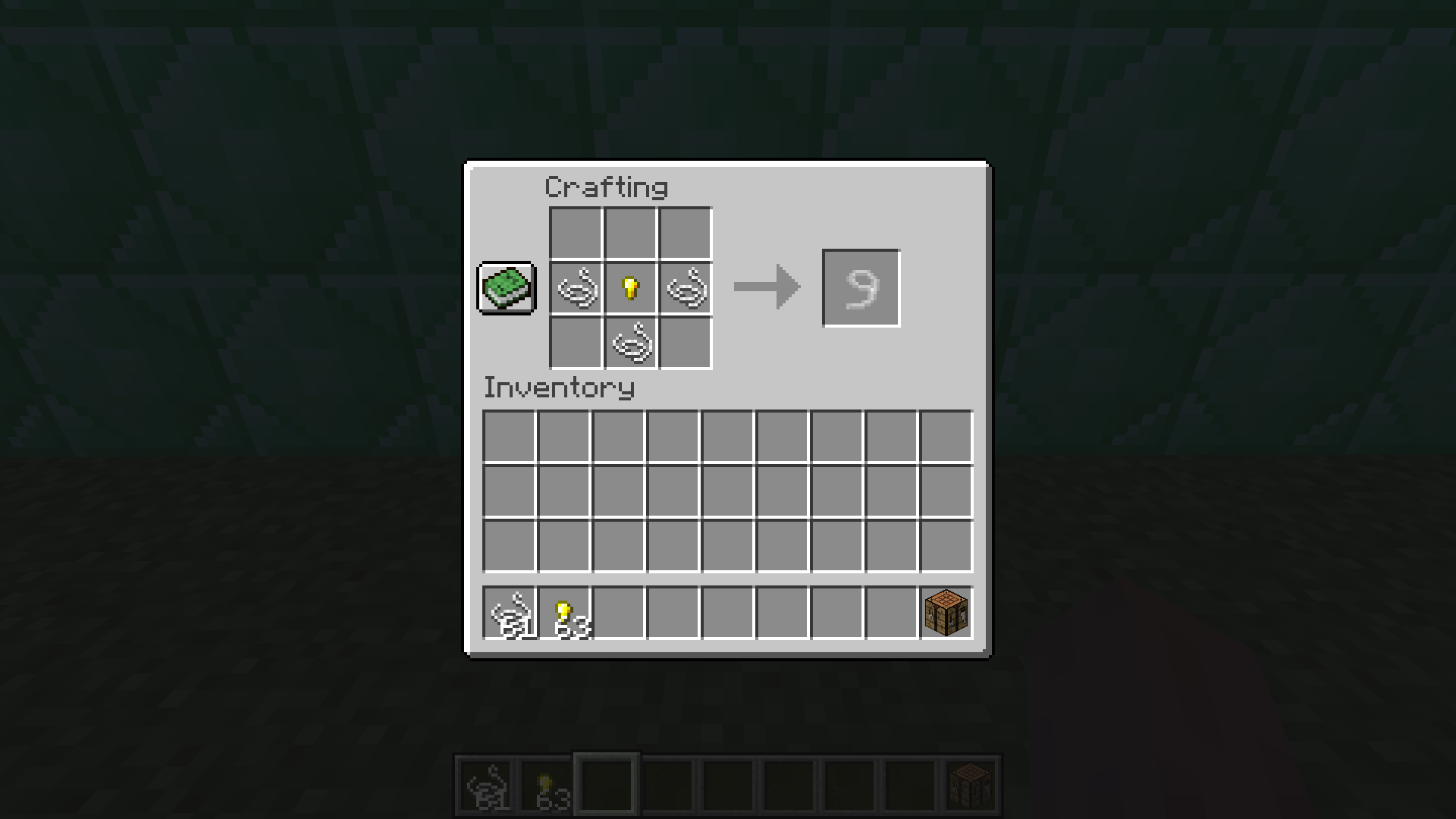
• item | Empty Ball: An empty ball that can be filled with air or water!
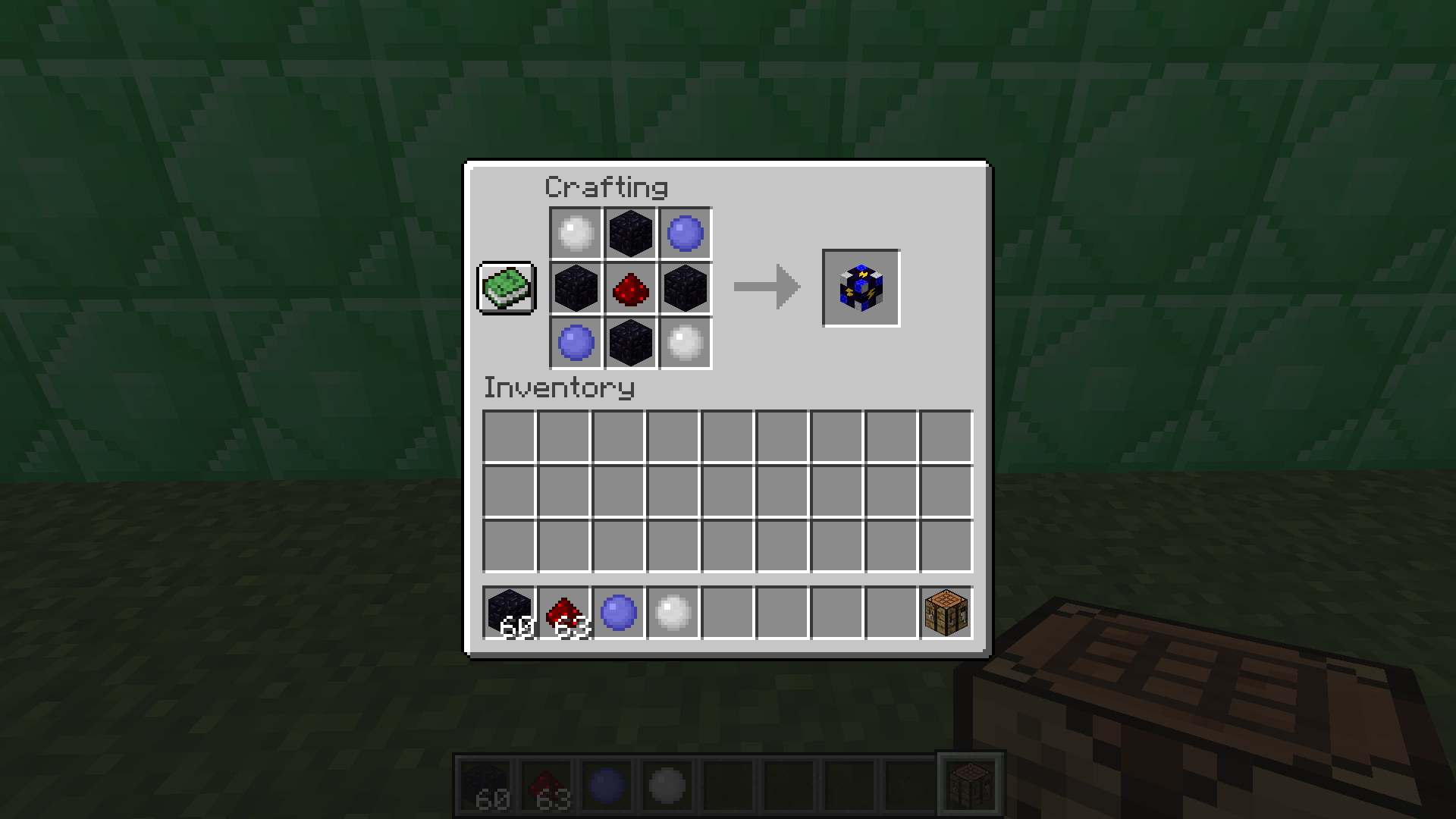
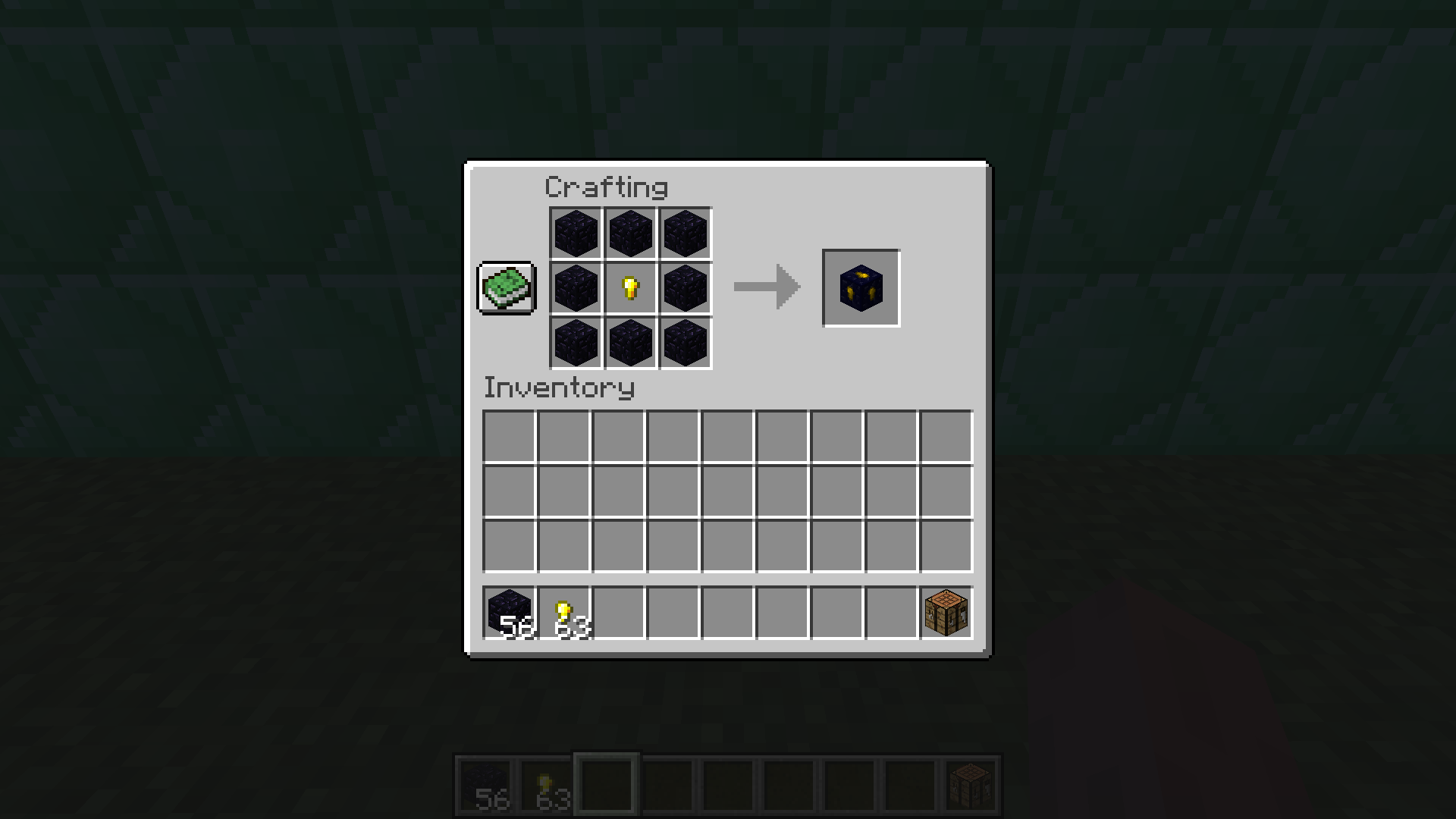
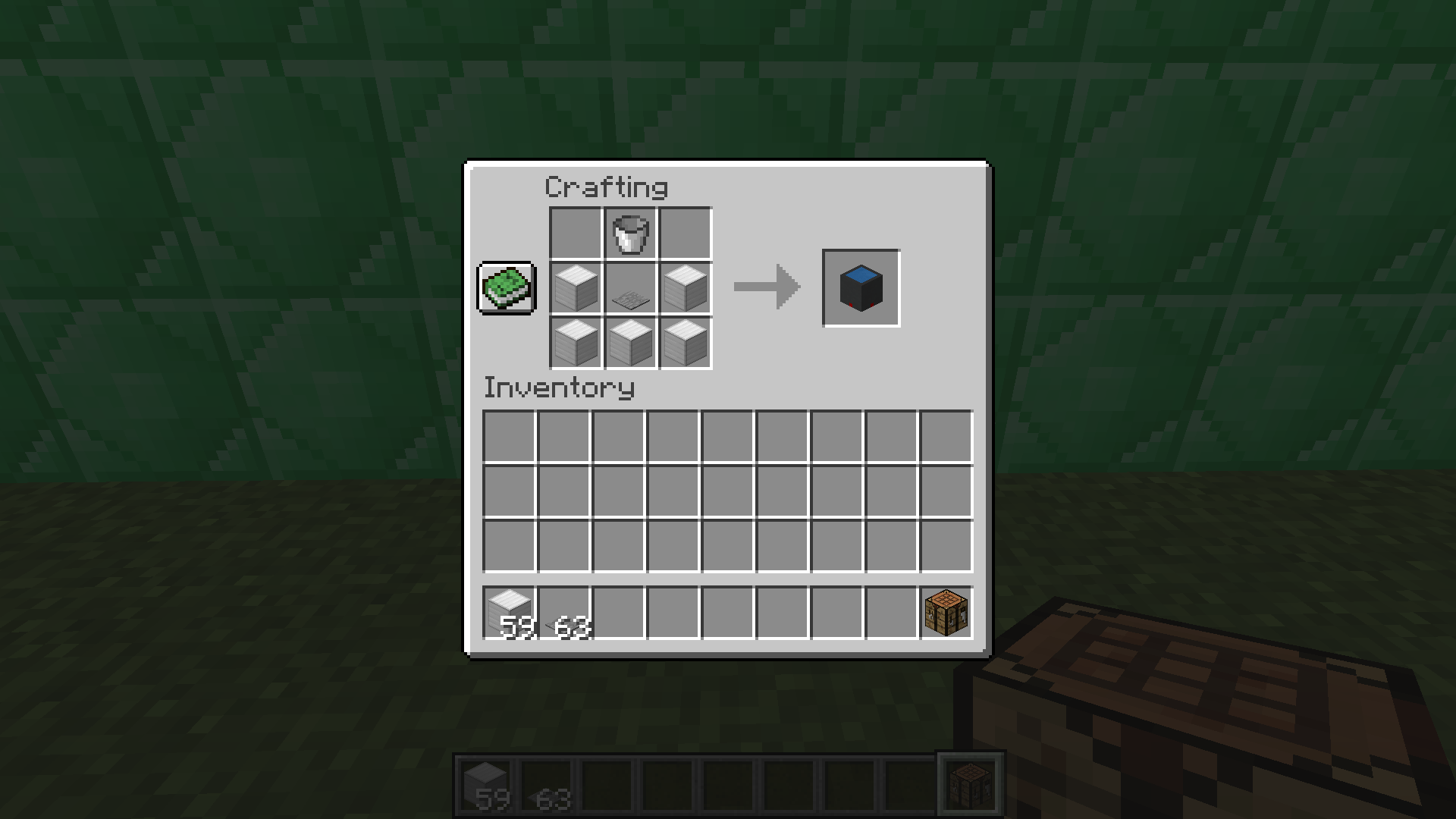
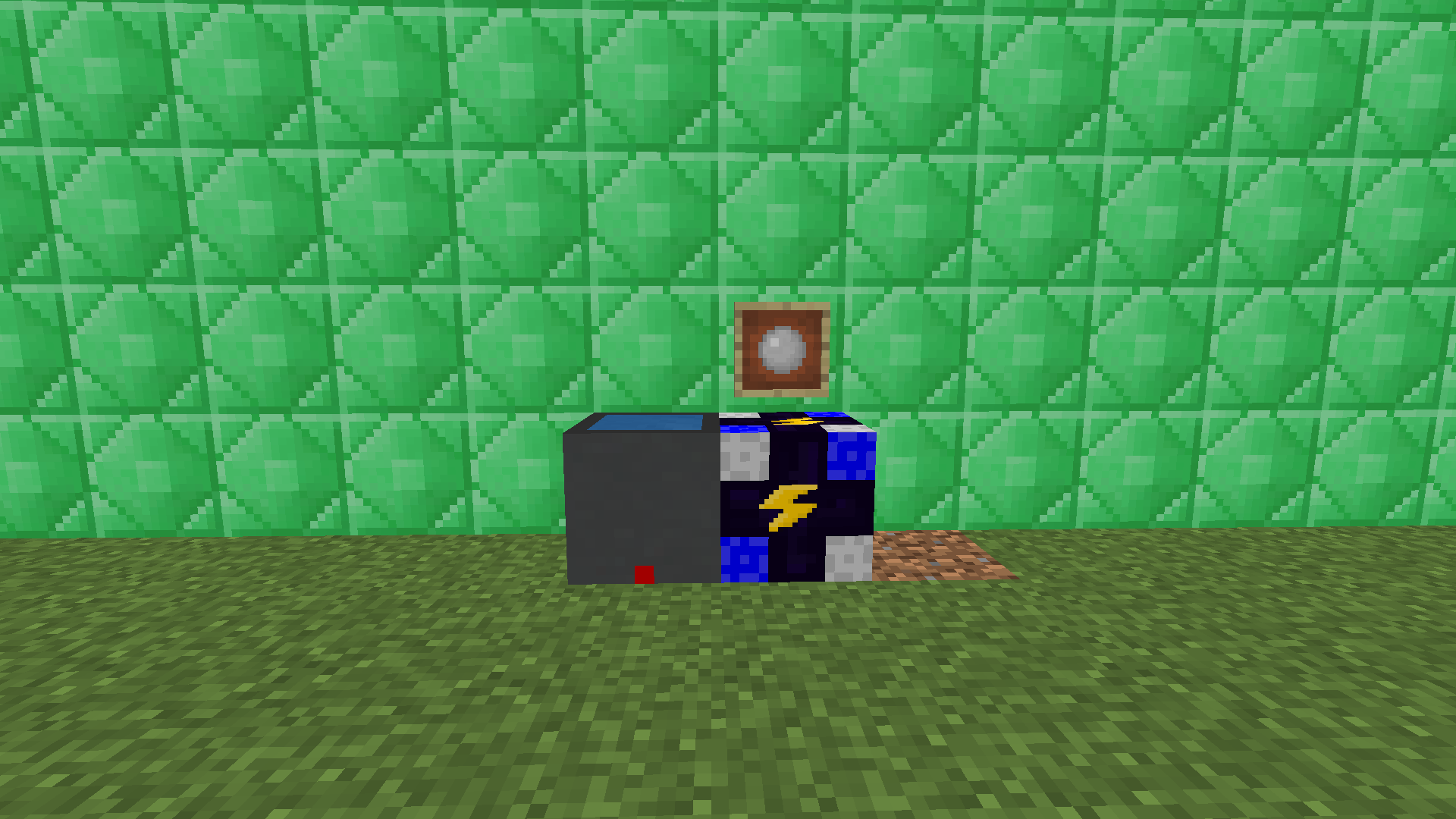
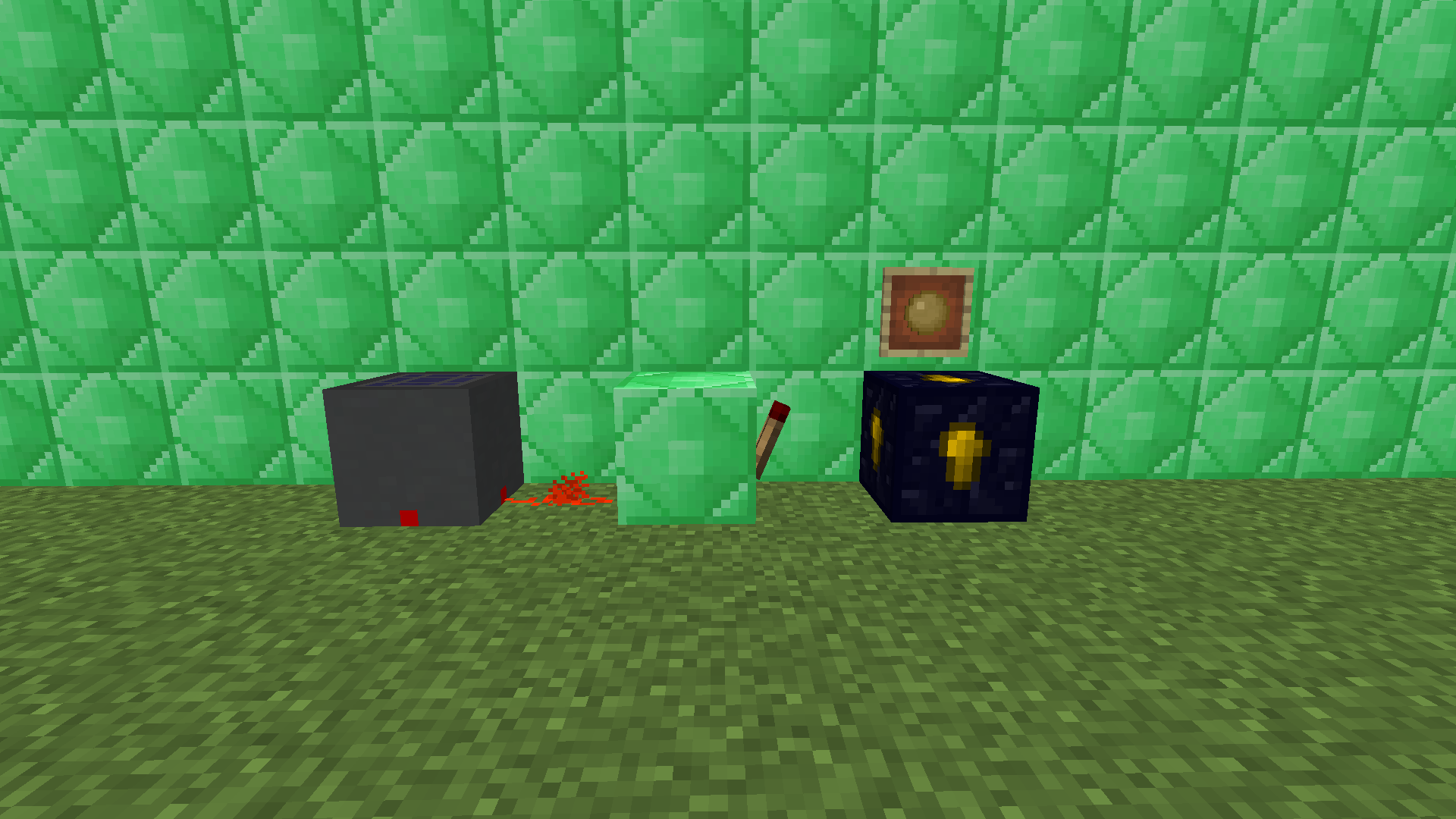
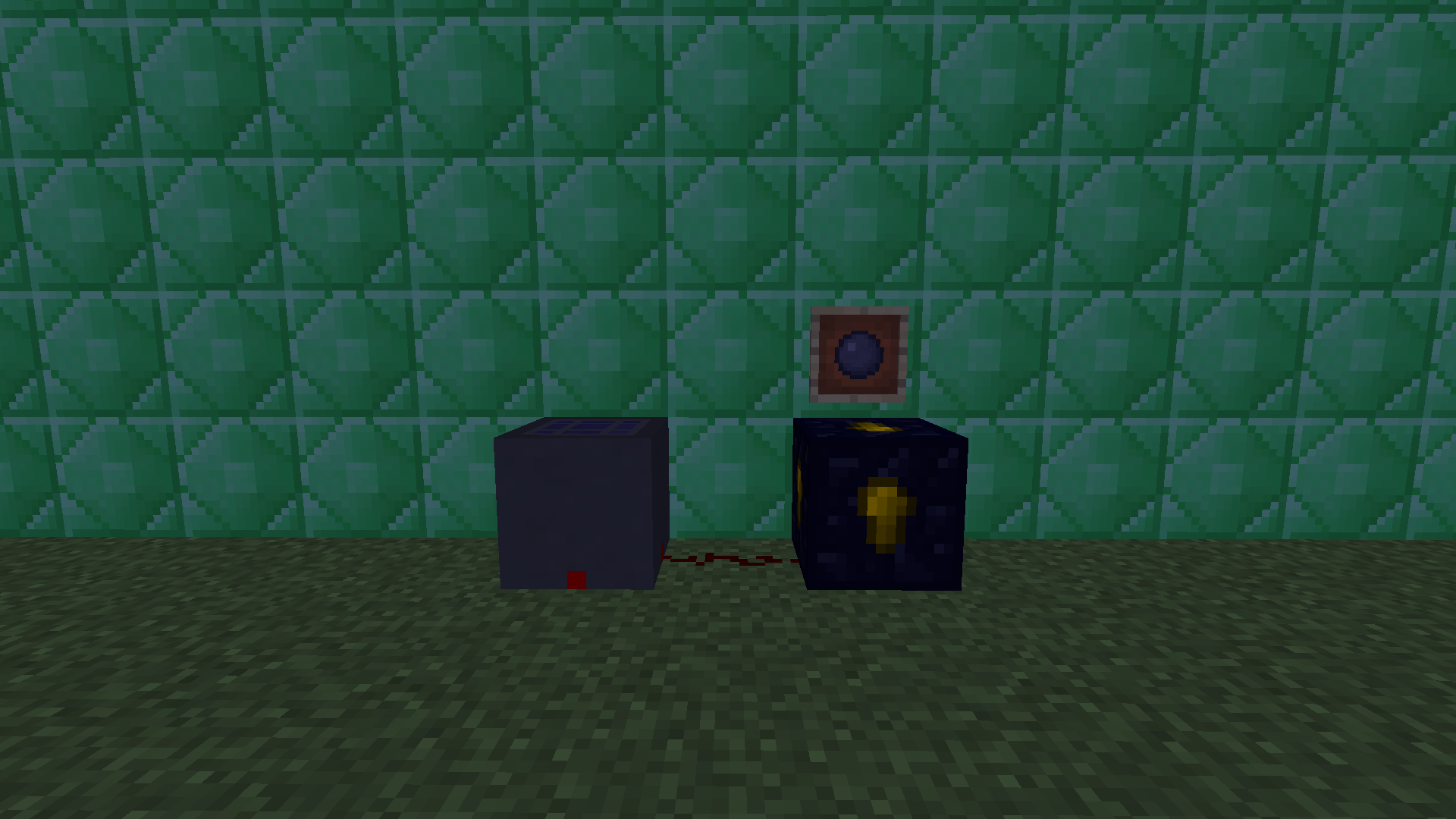
• block | Weather Controller: Put an Air or a Water Ball inside and send a redstone currant to it to set the weather to sunny or rainy!
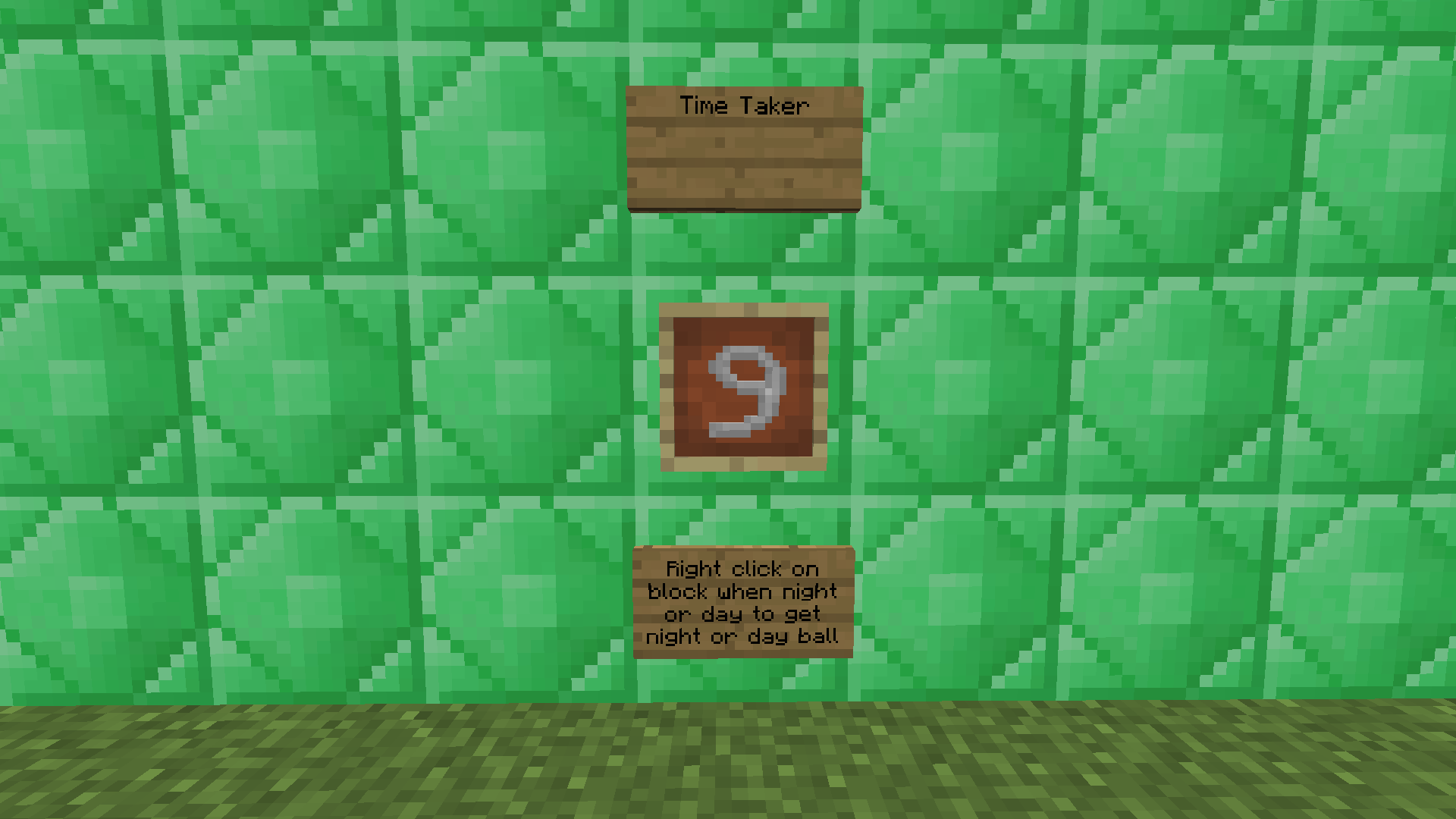
• item | Sun Ball: Put it in a Time Changer to set the time to day! You can get it by right clicking a block with the Time Taker during the day.
• item | Night Ball: Put it in a Time Changer to set the time to night! You can get it by right clicking a block with the Time Taker at night.
• item | Time Taker: Click on a block during night or day to get a Night or Sun Ball!
• block | Time changer: Put a Sun or Night ball inside and send a redstone currant to it to set the time to day or night!
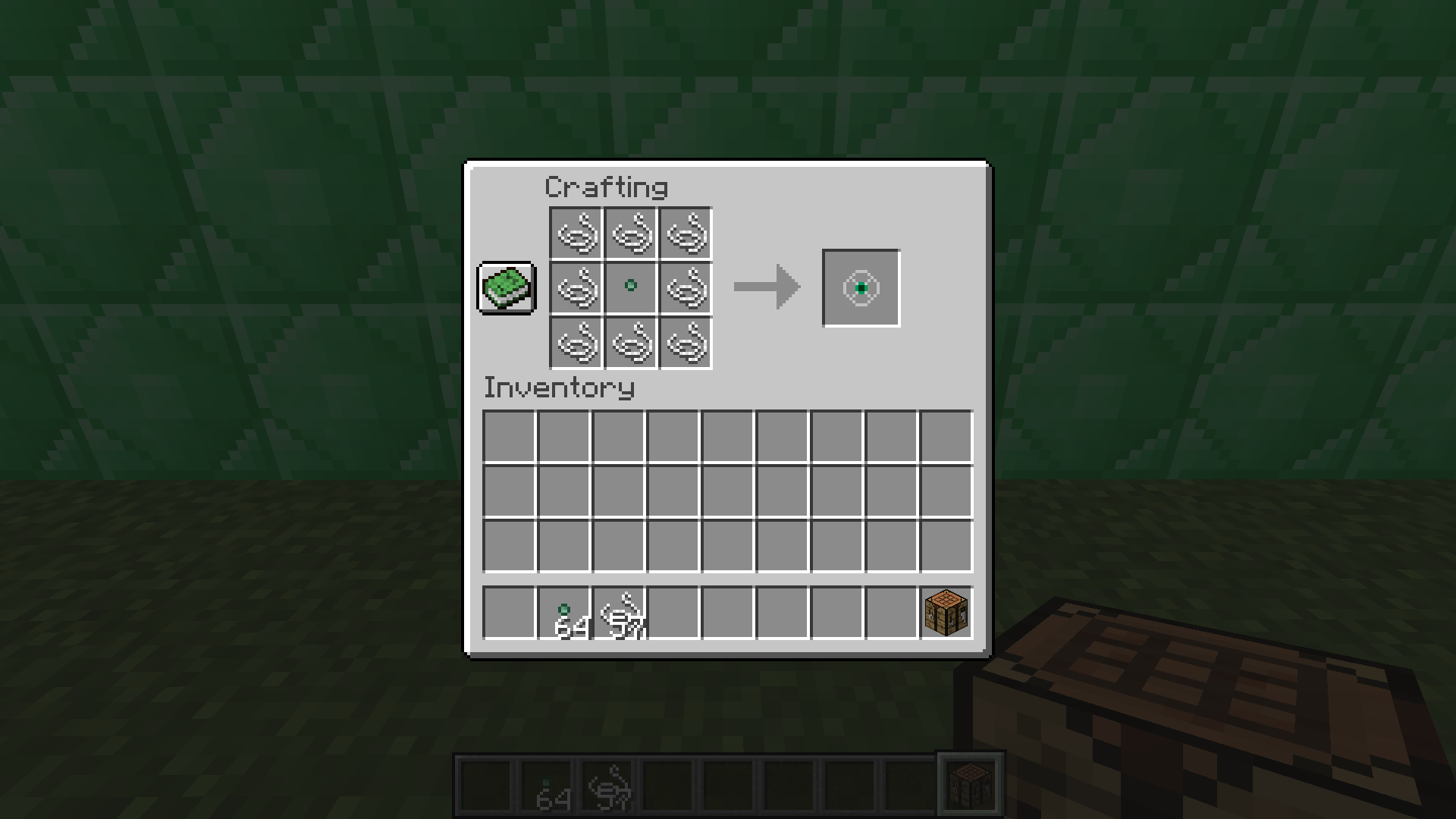
• item |Nature Modificator: A little seed that is necessary in certain crafting recipes . You can obtain it by breaking grass.
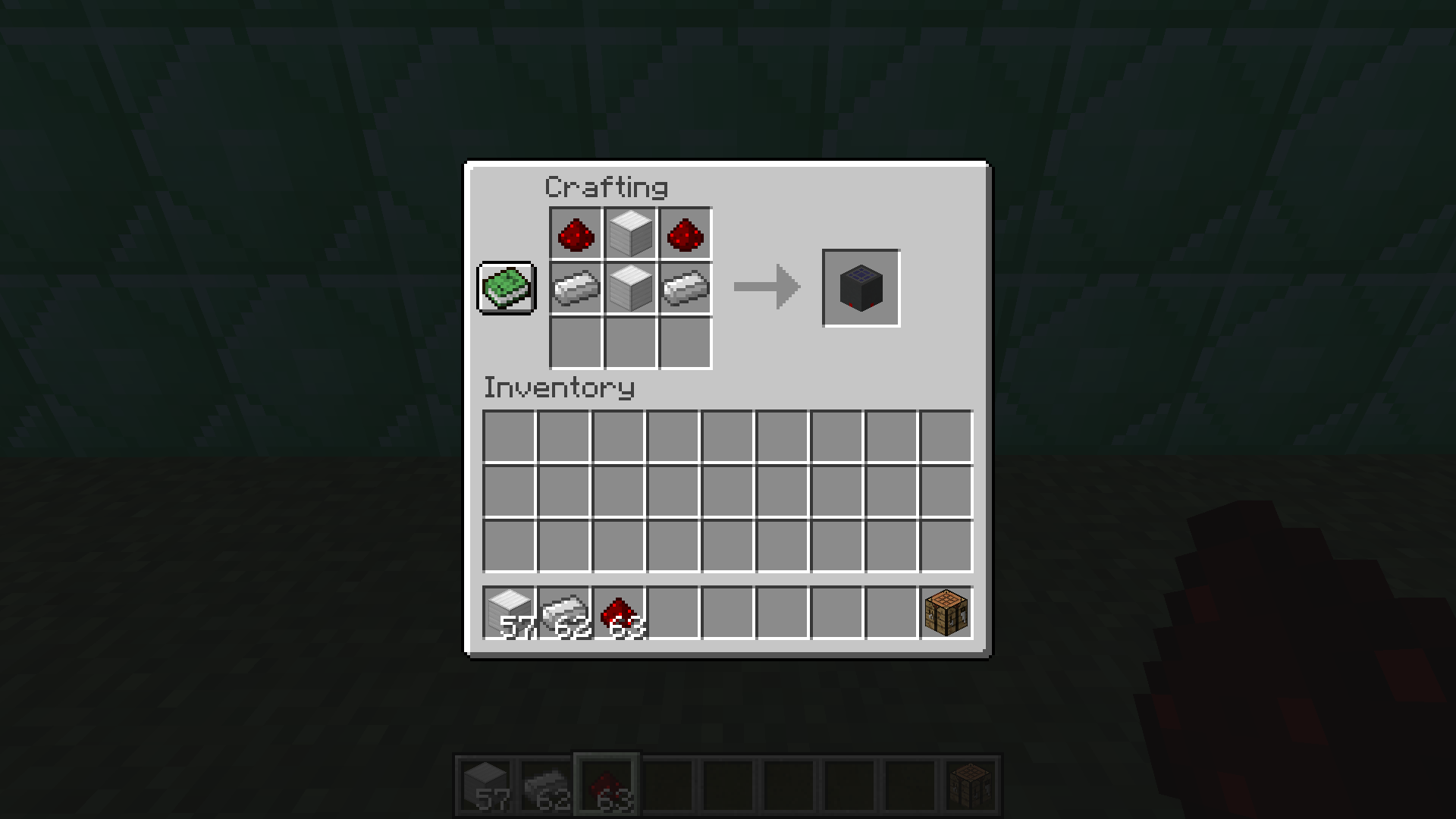
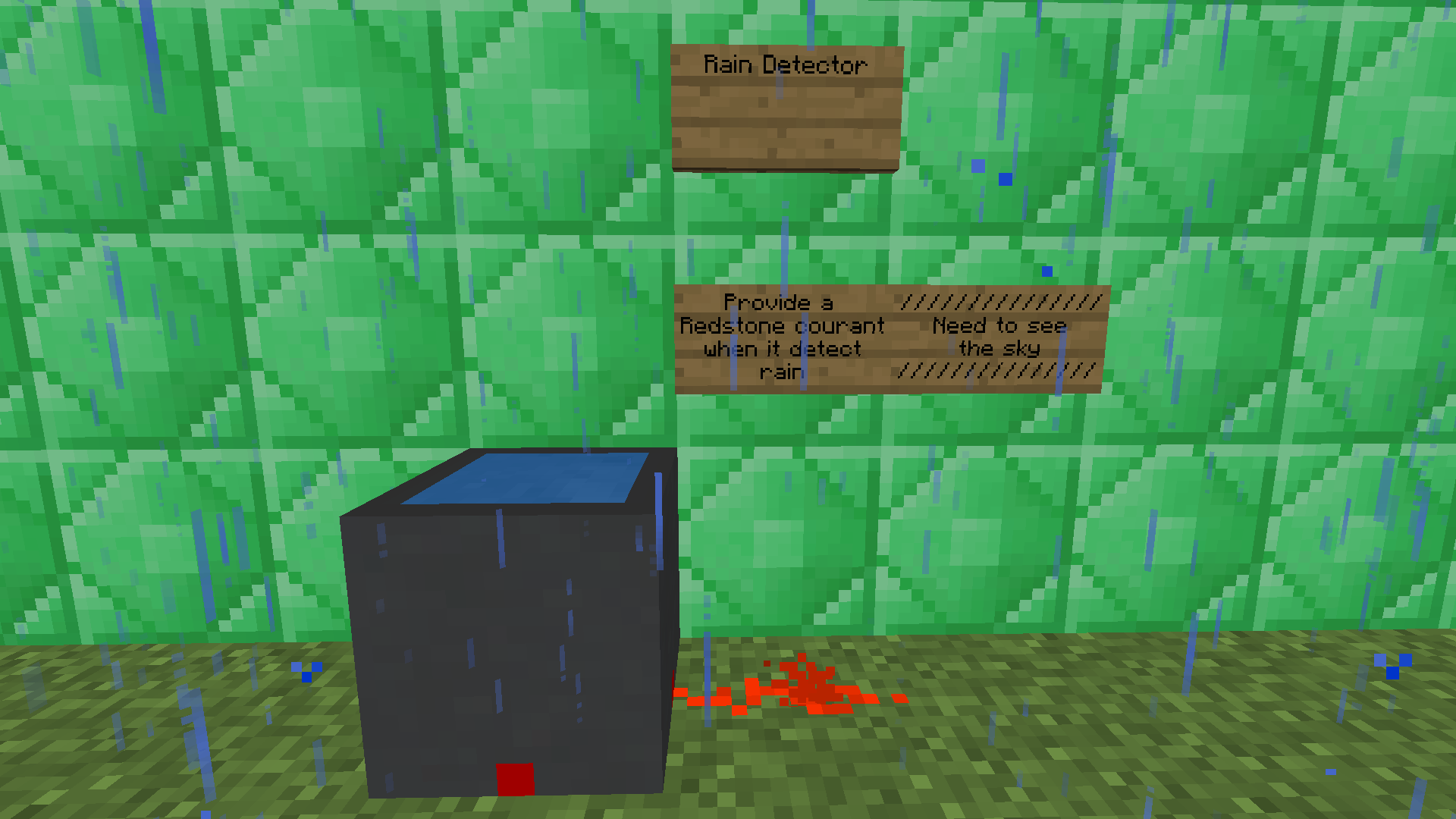
• block | Rain Detector: Provide a redstone currant when it detect rain. (It needs to see the sky)
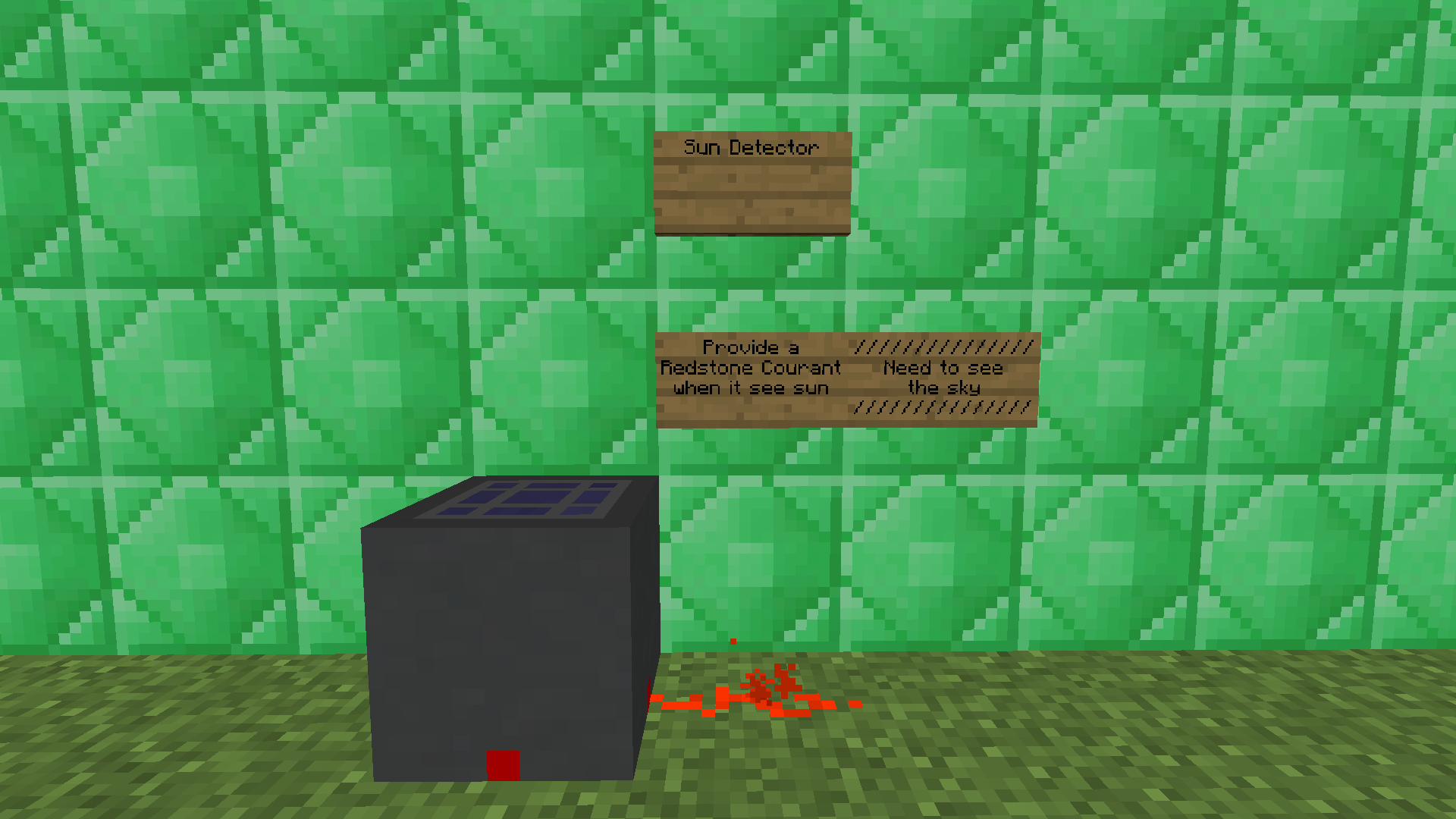
• block | Sun Detector: It’s the same as the Rain Detector but with an easier crafting recipe and a different texture. (It needs to see the sky)
– Crafts
• Please view the screenshots.
常见问题
Weather Effect 2 支持哪些 Minecraft 版本?
Weather Effect 2 支持 Minecraft Java 版 1.12.2,可用的加载器:Forge。下载时注意选择和你游戏版本一致的文件。
Weather Effect 2 怎么安装?
先用 PCL2 或 HMCL 启动器安装对应版本的 Forge,再把下载的 .jar 文件放进游戏目录的 mods 文件夹,重新启动游戏即可。开启了版本隔离的,mods 文件夹在 versions/版本名 下面。

评论
登录后评论和评分