
截图
介绍
中文介绍正在准备中,下面暂时显示原文。
Take control of your clicks with this versatile AutoClicker mod! Whether you’re farming resources, engaging in rapid combat, or just want to save your fingers some effort, this mod provides a robust and configurable solution.
Core Features:
- Dual-Mode Clicking: Automate both left-clicks (attack/break) and right-clicks (use/interact) independently or at the same time.
- Customizable Speed:
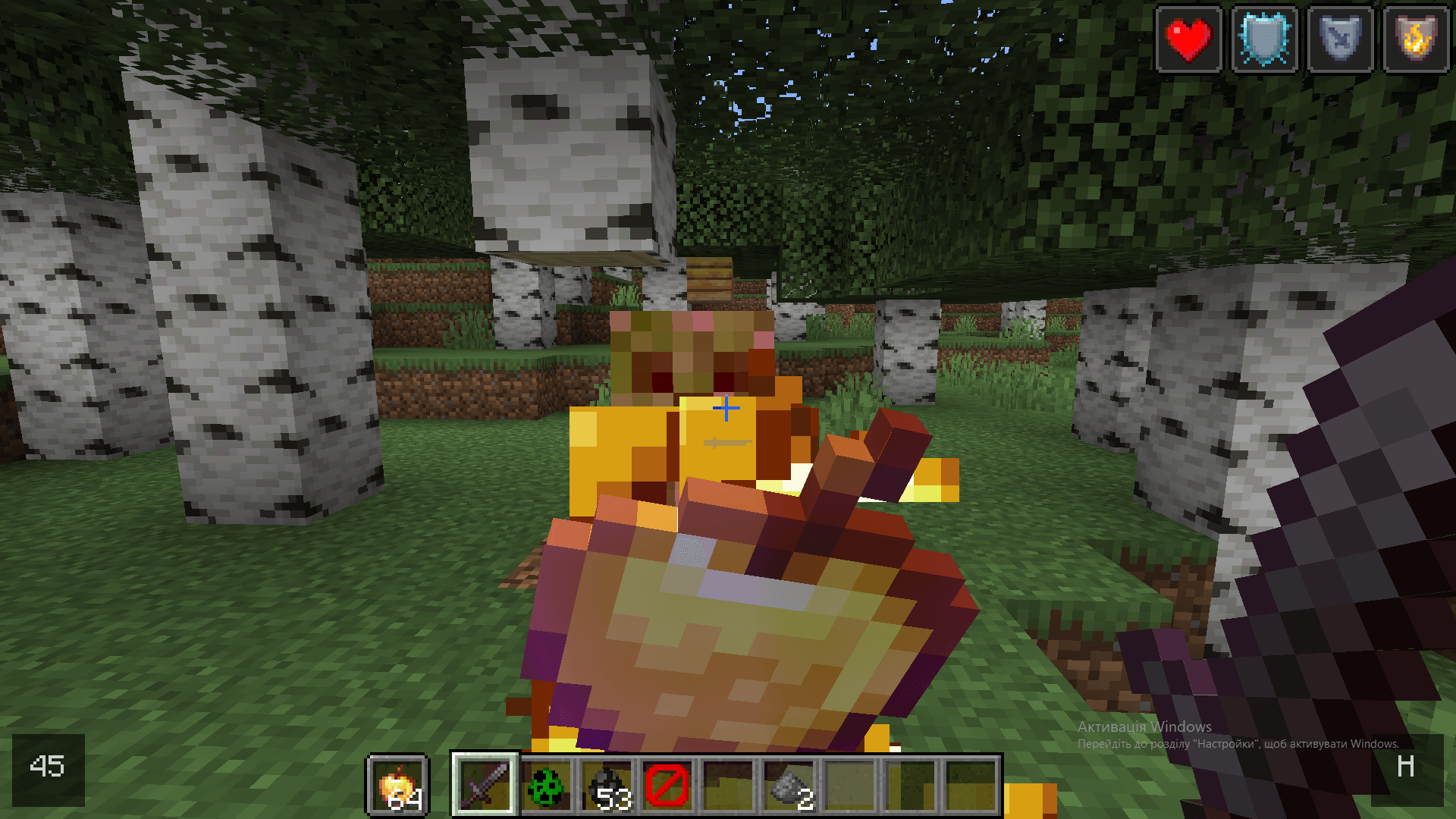
- Delay Mode: Set a precise delay (in game ticks, where 20 ticks = 1 second) between each click.
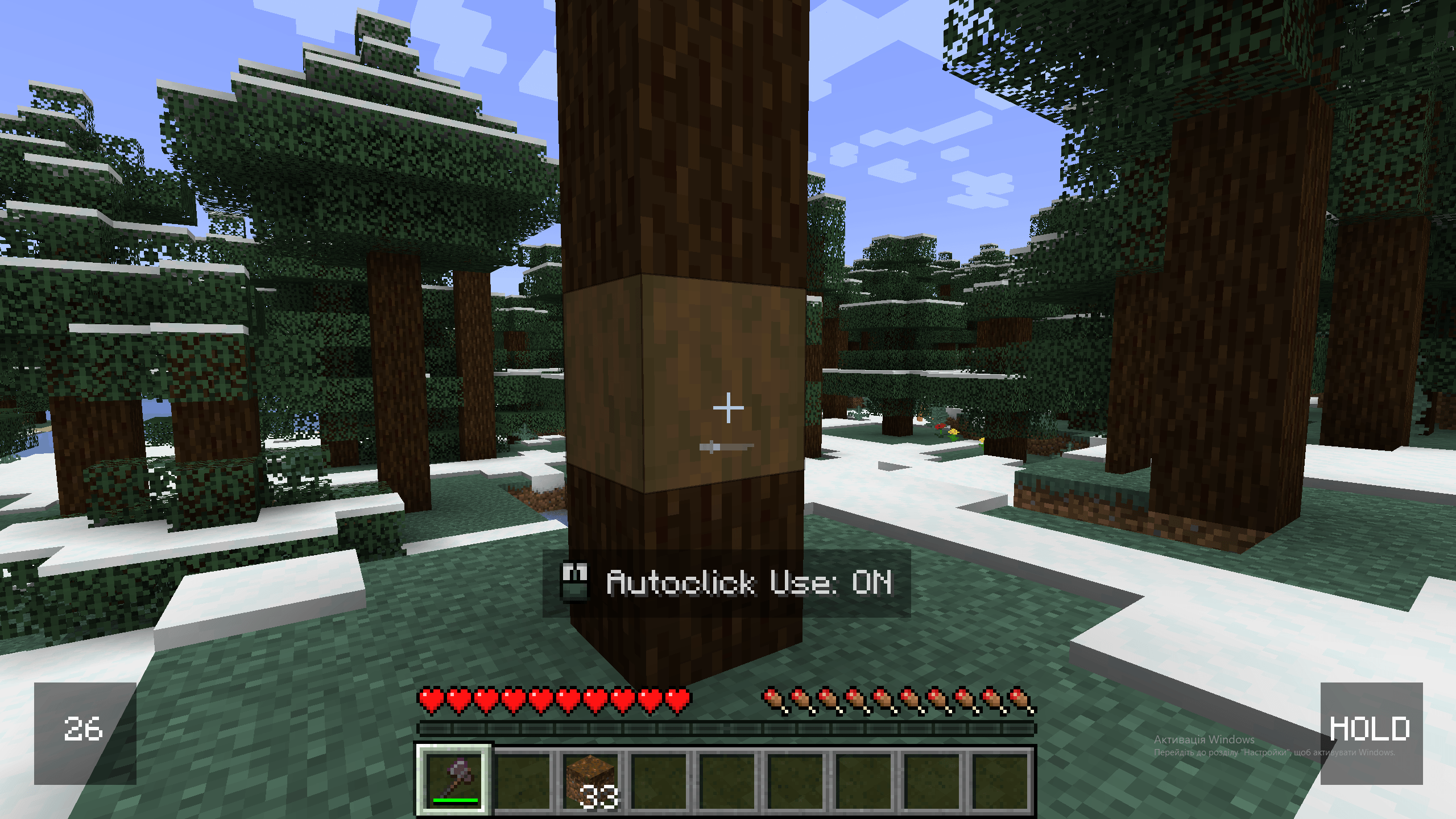
- Hold Mode: Simulate continuously holding down the mouse button for actions like mining or using a bow
Intuitive Toggle Keybind:
- Quickly toggle your saved left-click or right-click configuration on or off using a customizable modifier key (defaults to Tab) + the respective mouse button (Left Mouse Button for attack, Right Mouse Button for use).
- If the clicker is active, this key combination will turn it off and save its current settings.
- If inactive, it will activate the clicker with your last saved settings.
- Change the modifier key from Tab to anything you like in Minecraft’s standard “Controls” menu!
Simple Chat Commands:
/click attack <delay>: Start left-clicking with a specific tick delay./click use <delay>: Start right-clicking with a specific tick delay./click attack hold: Hold down the left mouse button./click use hold: Hold down the right mouse button./click stop: Immediately stops all autoclicking and saves the current active configurations.
- Clear Visual Feedback: A subtle on-screen overlay shows the status of your left and right clickers, including countdowns for delayed clicks or a “HOLD” indicator.
⚠️ Warning
- Important!
Using this mod on certain multiplayer servers may violate their rules, especially if auto-clickers or automated actions are prohibited.
Is allowed on HolyWorld 🙂
常见问题
A-Clicker 支持哪些 Minecraft 版本?
A-Clicker 支持 Minecraft Java 版 1.20.1,可用的加载器:Forge。下载时注意选择和你游戏版本一致的文件。
A-Clicker 怎么安装?
先用 PCL2 或 HMCL 启动器安装对应版本的 Forge,再把下载的 .jar 文件放进游戏目录的 mods 文件夹,重新启动游戏即可。开启了版本隔离的,mods 文件夹在 versions/版本名 下面。
评论
登录后评论和评分