
PokeBike [Cobblemon & Pixelmon Addon]
PokeBike adds rideable Pokémon inspired bikes to Minecraft, ideal for Cobblemon and Pixelmon modpacks.
截图
介绍




🚲 PokeBike
🎮 What is PokeBike?
PokeBike adds rideable Pokémon-inspired bikes to Minecraft for exploration-heavy packs, Pokémon adventures, RPG maps, and multiplayer servers.
Designed to fit naturally with mods like Cobblemon and other Pokémon-themed experiences, it gives players a fast, smooth, and immersive way to travel while also offering useful tools for map creators, server owners, and modpack authors.
🚲 Bikes & Customization
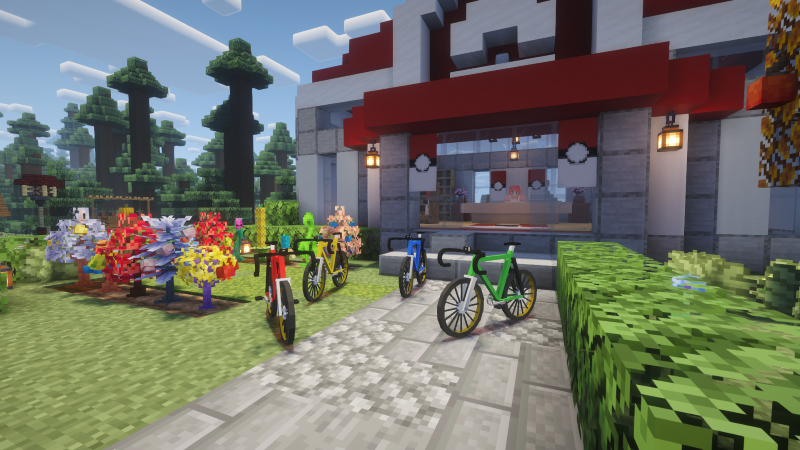
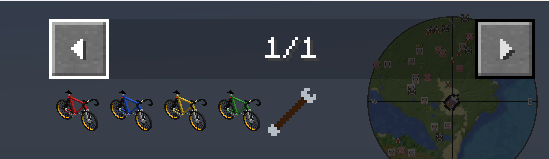
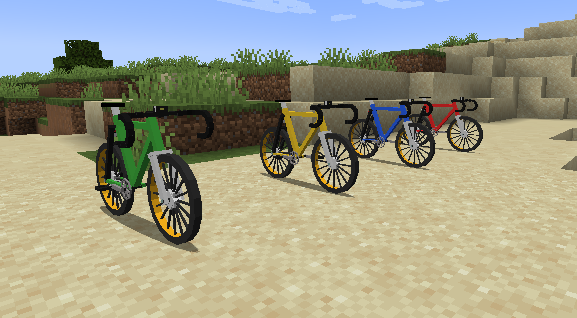
PokeBike includes four bike color variants:
- Red
- Blue
- Green
- Yellow
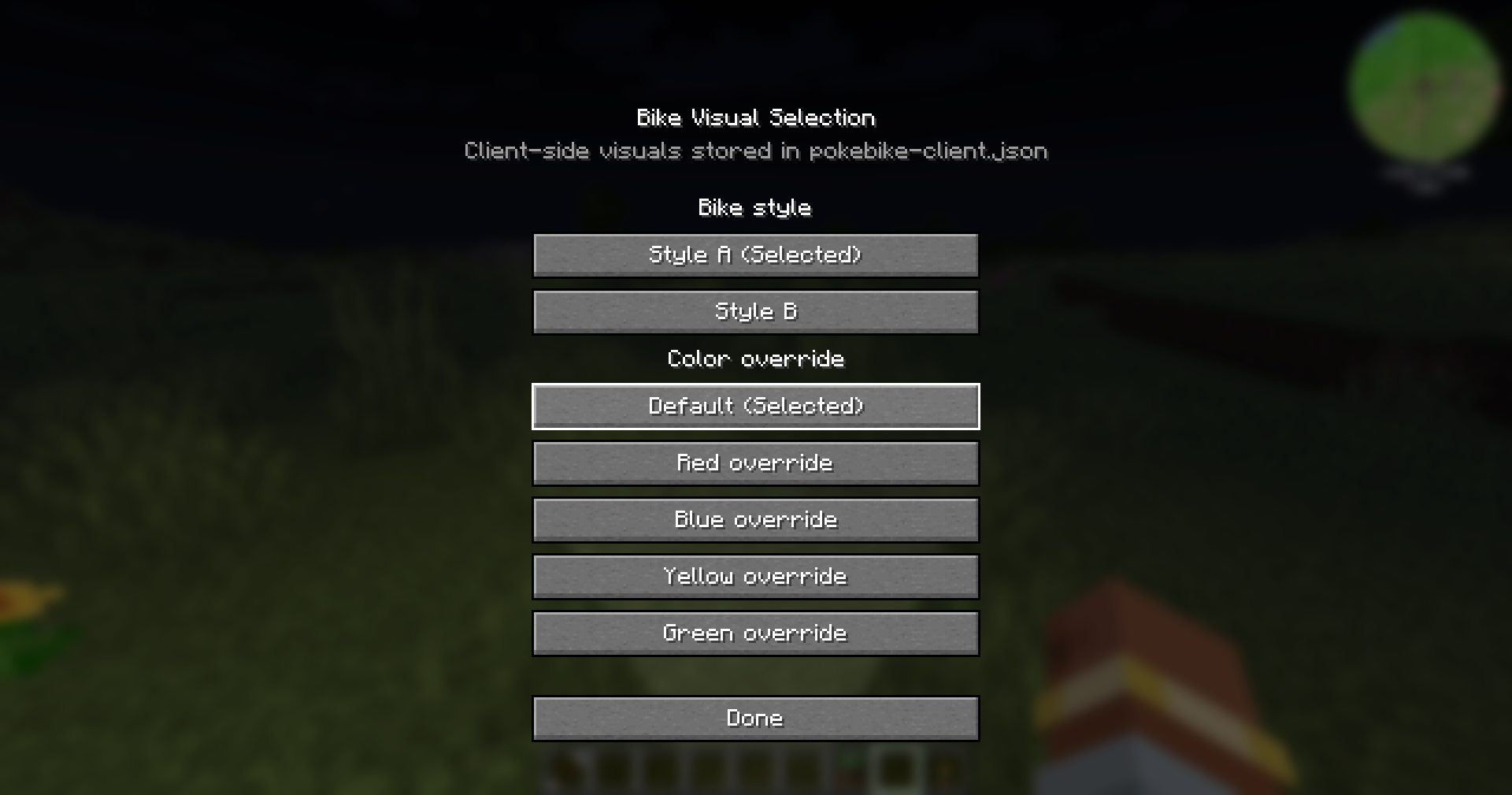
It also includes two visual styles and optional client-side visual overrides, letting players personalize their ride without affecting gameplay balance.
✨ Features
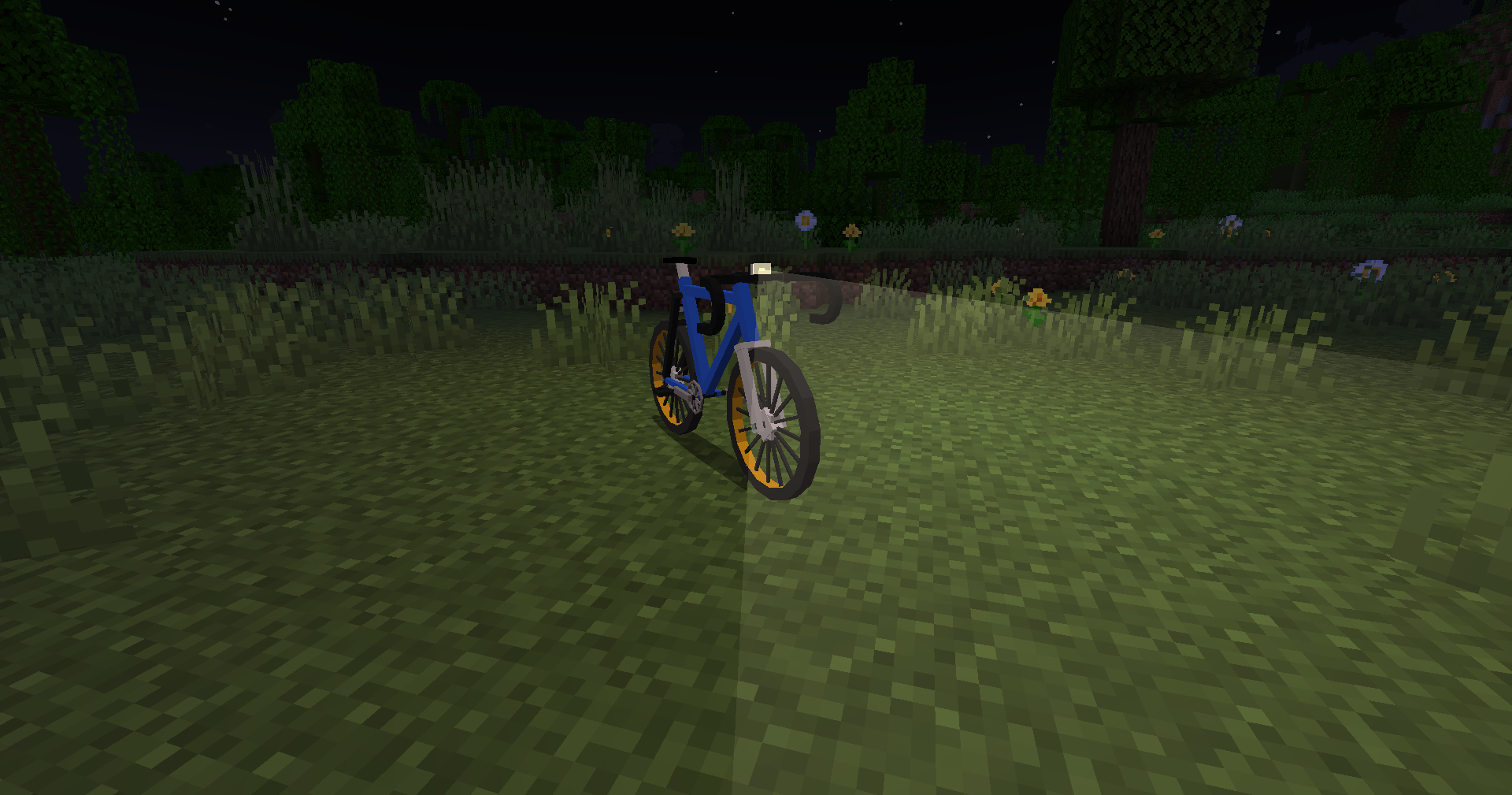
- Rideable bikes with smooth movement
- Animated wheels and pedaling
- Improved rider pose while riding
- Slight bike lean while turning
- Light ground dust particles while moving
- Bike bell with its own sound effect
- Front bike light with real-world lighting
- Visual selection menu for style and color customization
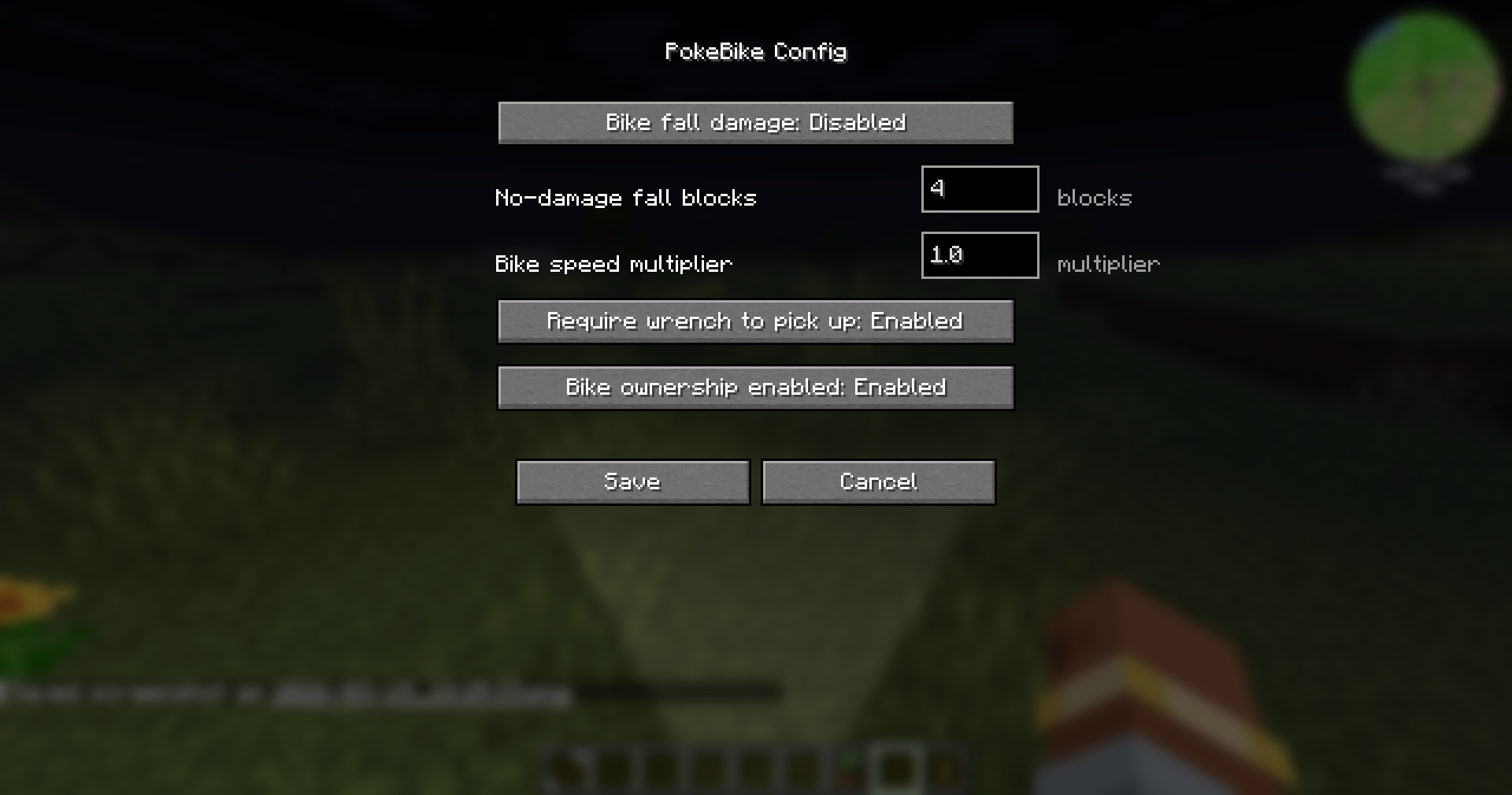
- Dedicated client and server config files
- In-game config support on supported loaders
🛠️ Durability & Repair
PokeBike includes an optional durability system for survival, servers, and adventure packs.
- Bikes can take damage from dangerous falls
- Lava can instantly break bikes if enabled
- Low durability can reduce performance
- Broken bikes must be repaired before use
- The Bike Wrench is dedicated to repairs
- Broken bike items can be repaired directly from the inventory
🌍 Decorative Bikes & Mapmaking
PokeBike also includes powerful tools for Pokémon map creators, RPG world builders, and modpack teams.
- Place decorative bikes directly in the world
- Give decorative bikes custom names
- Organize bikes into groups
- Move, rename, align, duplicate, and inspect bikes with commands
- Convert placed bikes into decorative bikes after positioning
- Export and import decorative bikes across worlds
- Use markers and nearest-bike tools for easier editing
- Ship preset decorative bikes from the config folder
- Keep preset bikes separate from manual world placements
- Support version-based preset reapplication
Perfect for building:
- Bike shops
- Rental stations
- Town decorations
- Race routes
- Event areas
- Adventure hubs
🔧 Multiplayer & Mod Compatibility
- Synced bike movement and speed behavior
- Optional auto-return to inventory on dismount
- Immediate mounting when placing a bike
- Shift + right click pickup for cleaner handling
- Lightweight and server-friendly
- Useful admin and mapmaker commands
- Compatible with Figura
- Stable behavior for public servers and curated experiences
🧭 Perfect For
PokeBike fits naturally into:
- Cobblemon modpacks
- Pixelmon modpacks
- Pokémon-inspired adventure packs
- Story maps and server hubs
- Region-based RPG experiences
No fuel, no bloated upgrade trees, no unnecessary complexity.
Just a clean, immersive, and creator-friendly way to travel and build better Pokémon experiences.
🌍 Localization
PokeBike currently includes support for:
- English (
en_us) - French (
fr_fr) - German (
de_de) - Spanish (
es_es) - Simplified Chinese (
zh_cn) - Traditional Chinese (
zh_tw)
💻 Game Hosting
Looking for a reliable server host for your Minecraft adventures?
PokeBike proudly partners with BisectHosting.
If you want to explore, build, and ride with your friends on a stable server, check them out and use the code OurStory to get 25% off your first month.
Using our partner link directly supports the development of PokeBike and the Our Story Collection.
💖 Support the Project
If you enjoy PokeBike and want to support its development or access previews of upcoming mods:
Patreon – Our Story Collection
常见问题
PokeBike [Cobblemon & Pixelmon Addon] 支持哪些 Minecraft 版本?
PokeBike [Cobblemon & Pixelmon Addon] 支持 Minecraft Java 版 1.21.1–26.1.2,共 14 个版本,可用的加载器:Fabric / NeoForge。下载时注意选择和你游戏版本一致的文件。
PokeBike [Cobblemon & Pixelmon Addon] 怎么安装?
先用 PCL2 或 HMCL 启动器安装对应版本的 Fabric / NeoForge,再把下载的 .jar 文件放进游戏目录的 mods 文件夹,重新启动游戏即可。开启了版本隔离的,mods 文件夹在 versions/版本名 下面。运行环境:客户端和服务端都要装。
LevelsFR 的其他作品
查看全部 →
Catch Indicator [Cobblemon Addon]
添加清晰的游戏内提示,显示宝可梦是尚未见过还是已经捕获。

Our Story: FTB Quest & Mod Theme
来自《Our Story》系列的现代 FTB 模组 UI。设计简洁,自定义图标,支持多语言。

Cobblemon Rustling Spots
Rustling Spots adds dynamic, world-driven “rustling spots” across the Overworld.

Cobblemon Rustling Spots
Rustling Spots adds dynamic, world-driven “rustling spots” across the Overworld.
评论
登录后评论和评分