
Jitelcraft
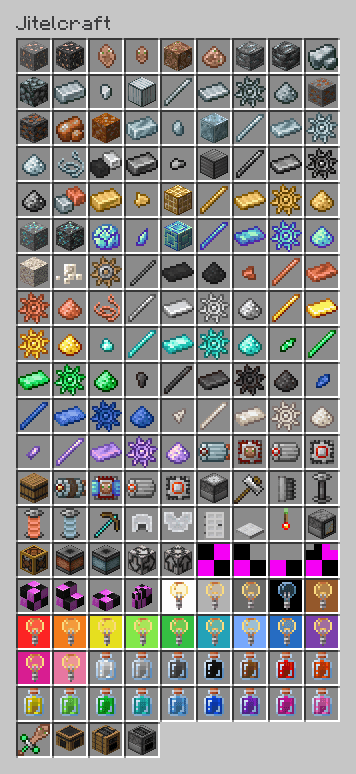
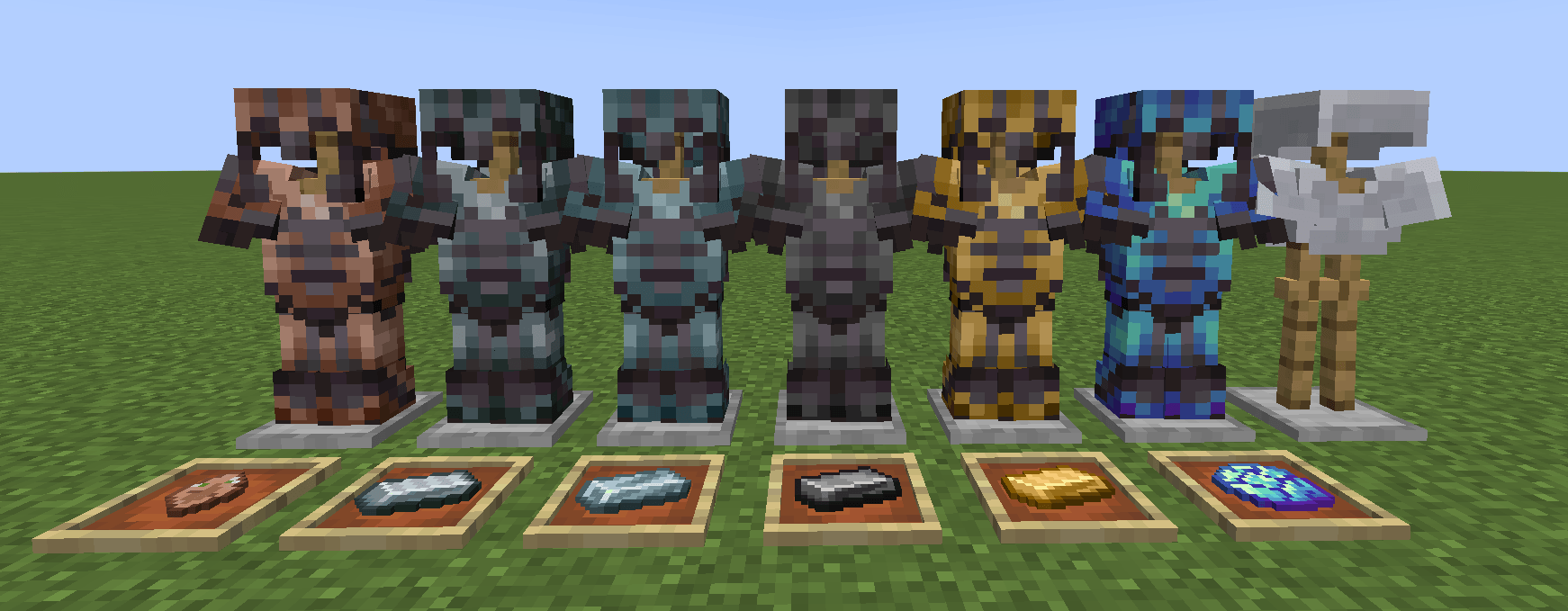
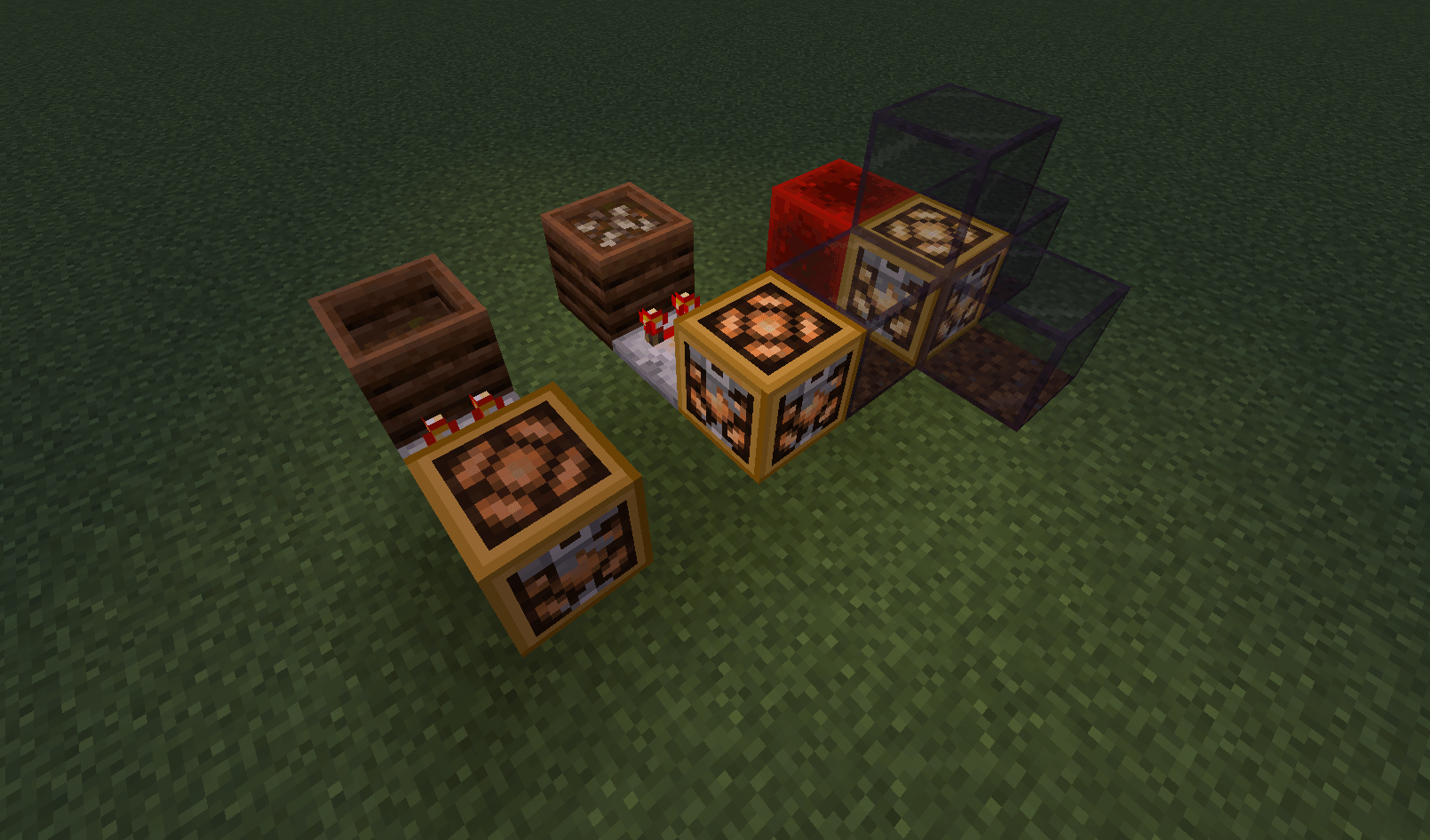
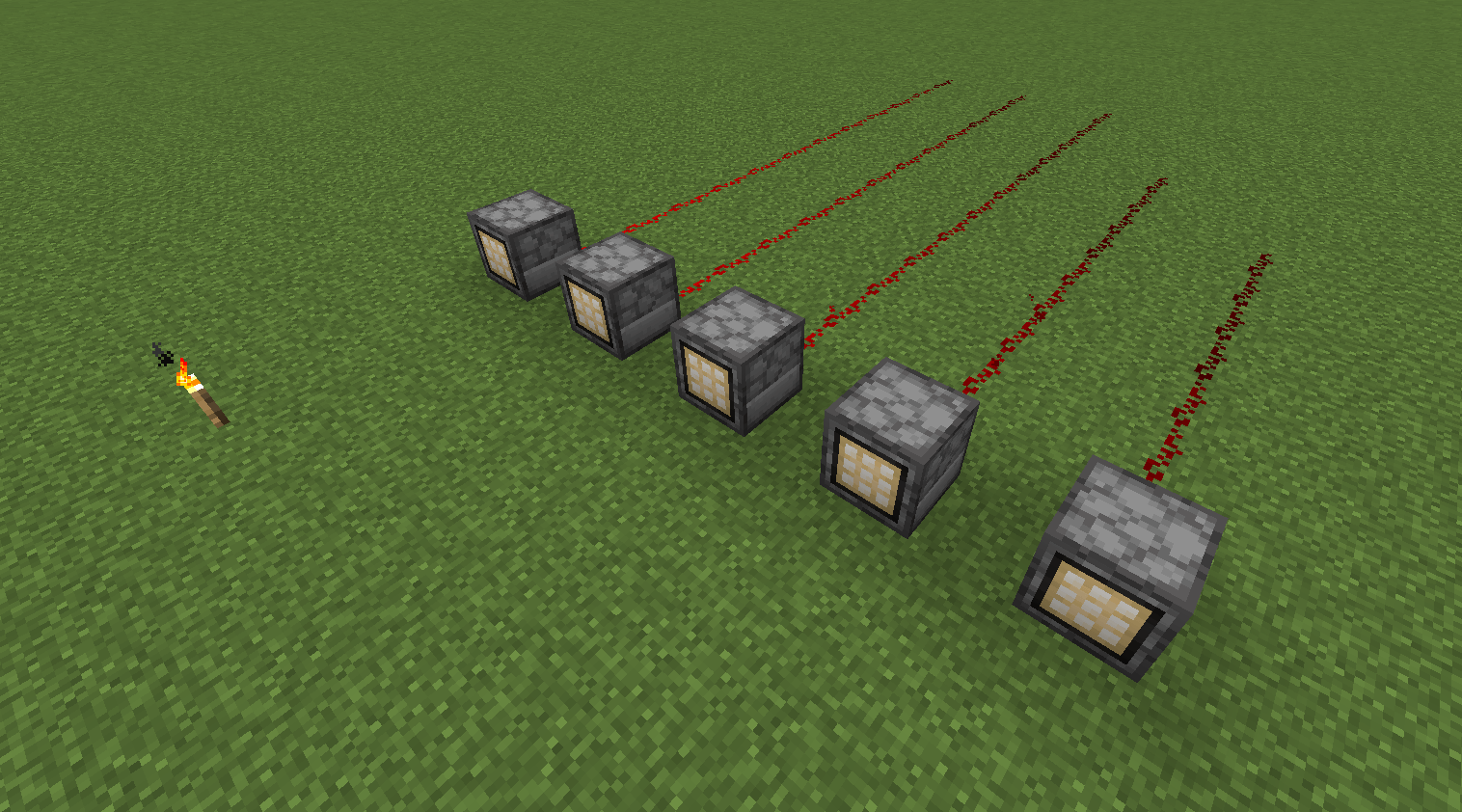
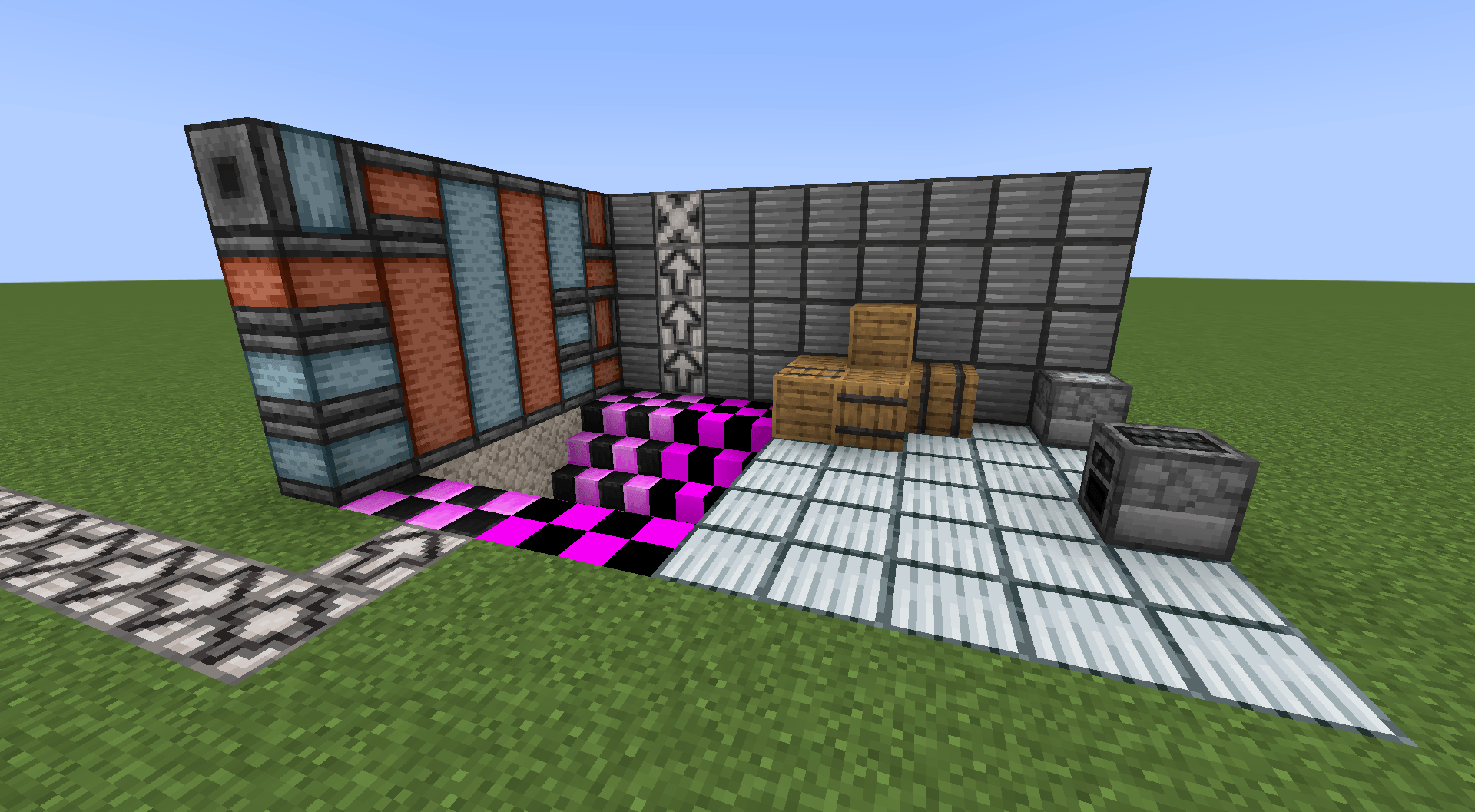
A small technical/industrial mod for Forge 1.20.1 in a very early stage of development, that adds several useful and useless, in most cases unrelated to each other, materials, items and blocks.
截图
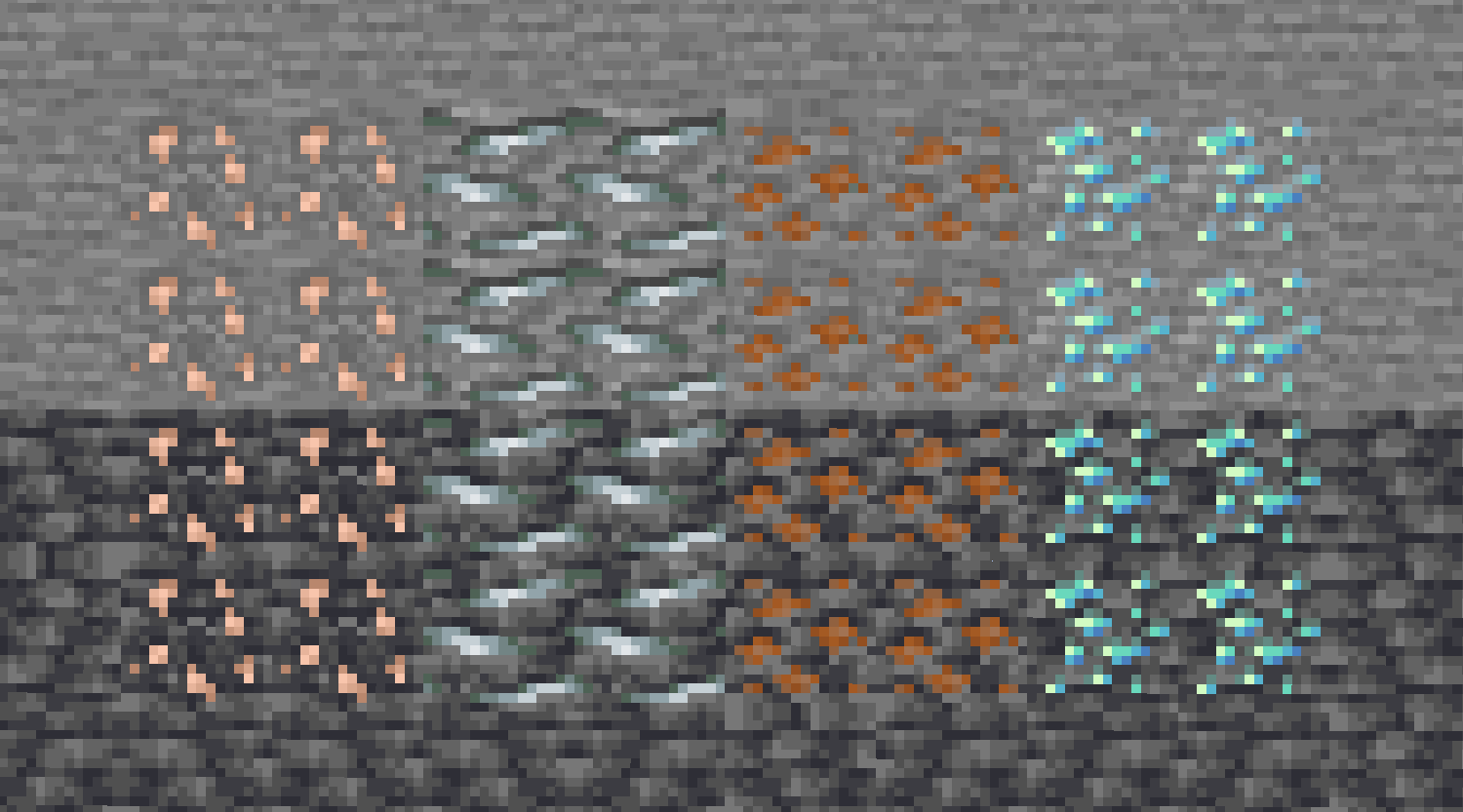
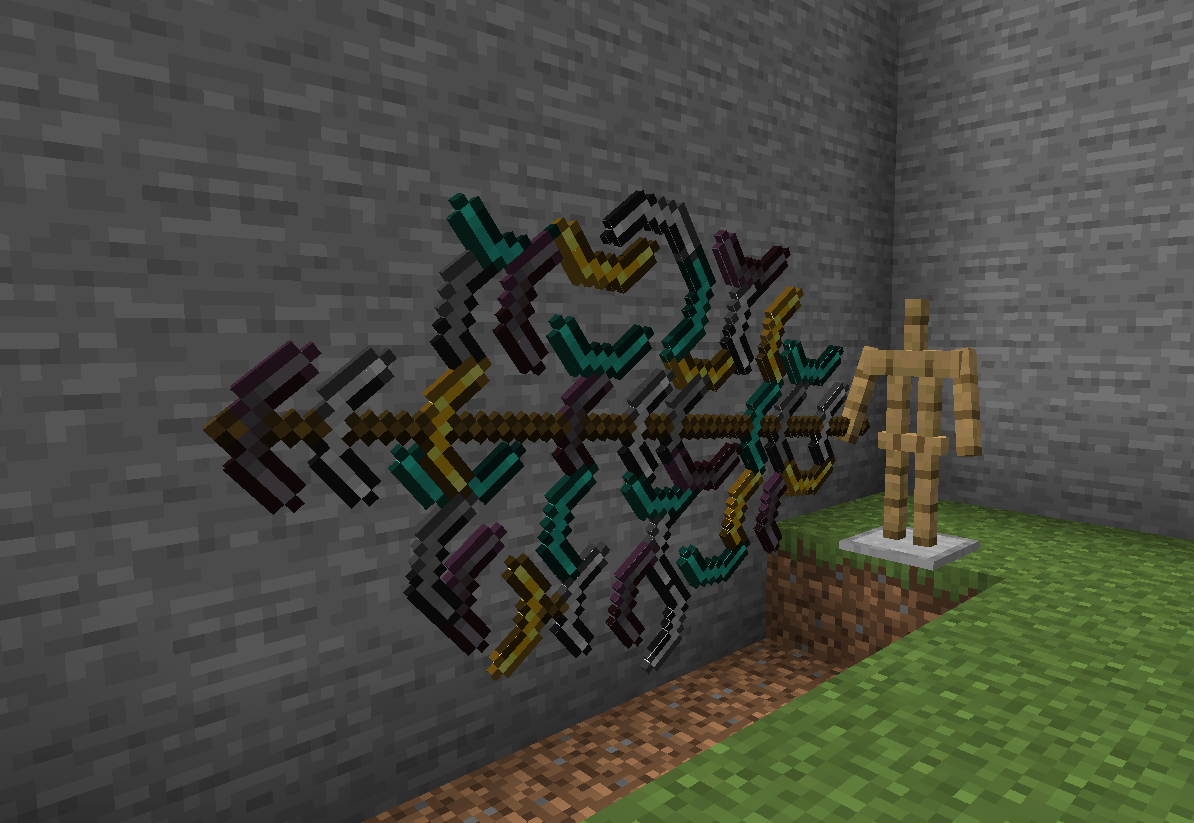
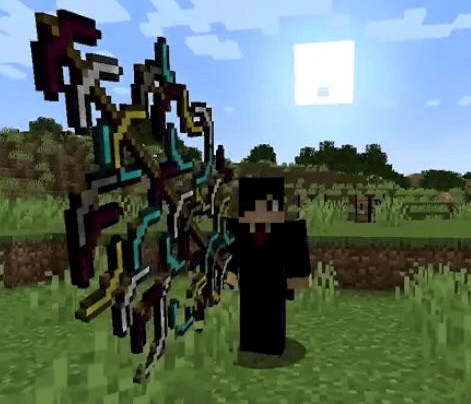
介绍
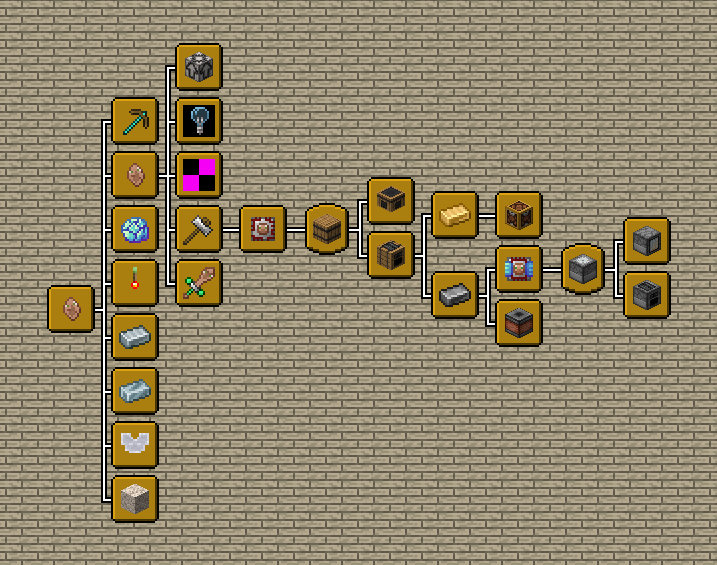
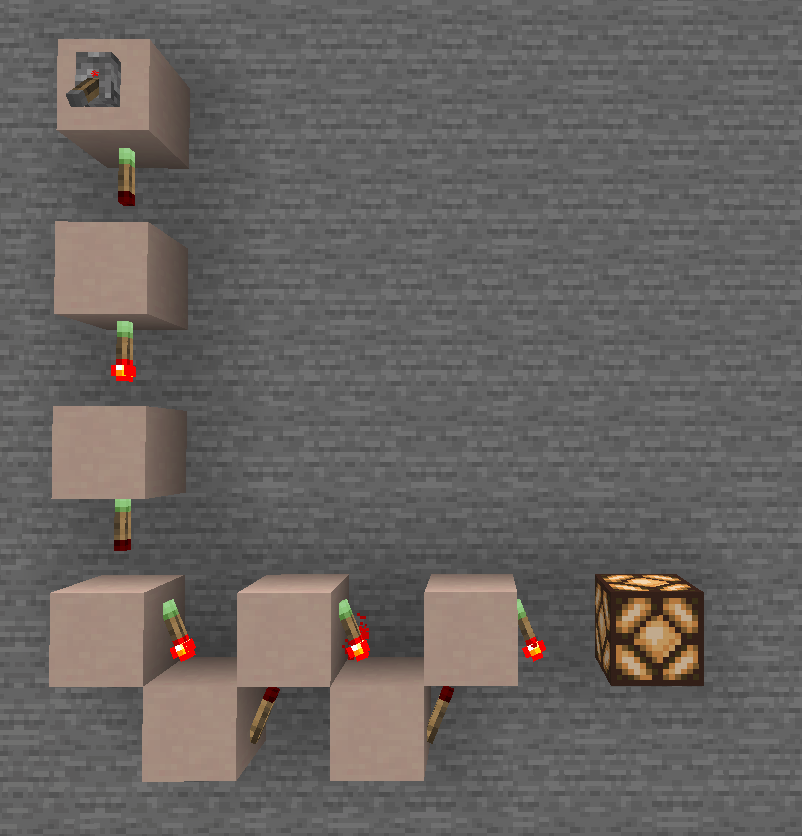
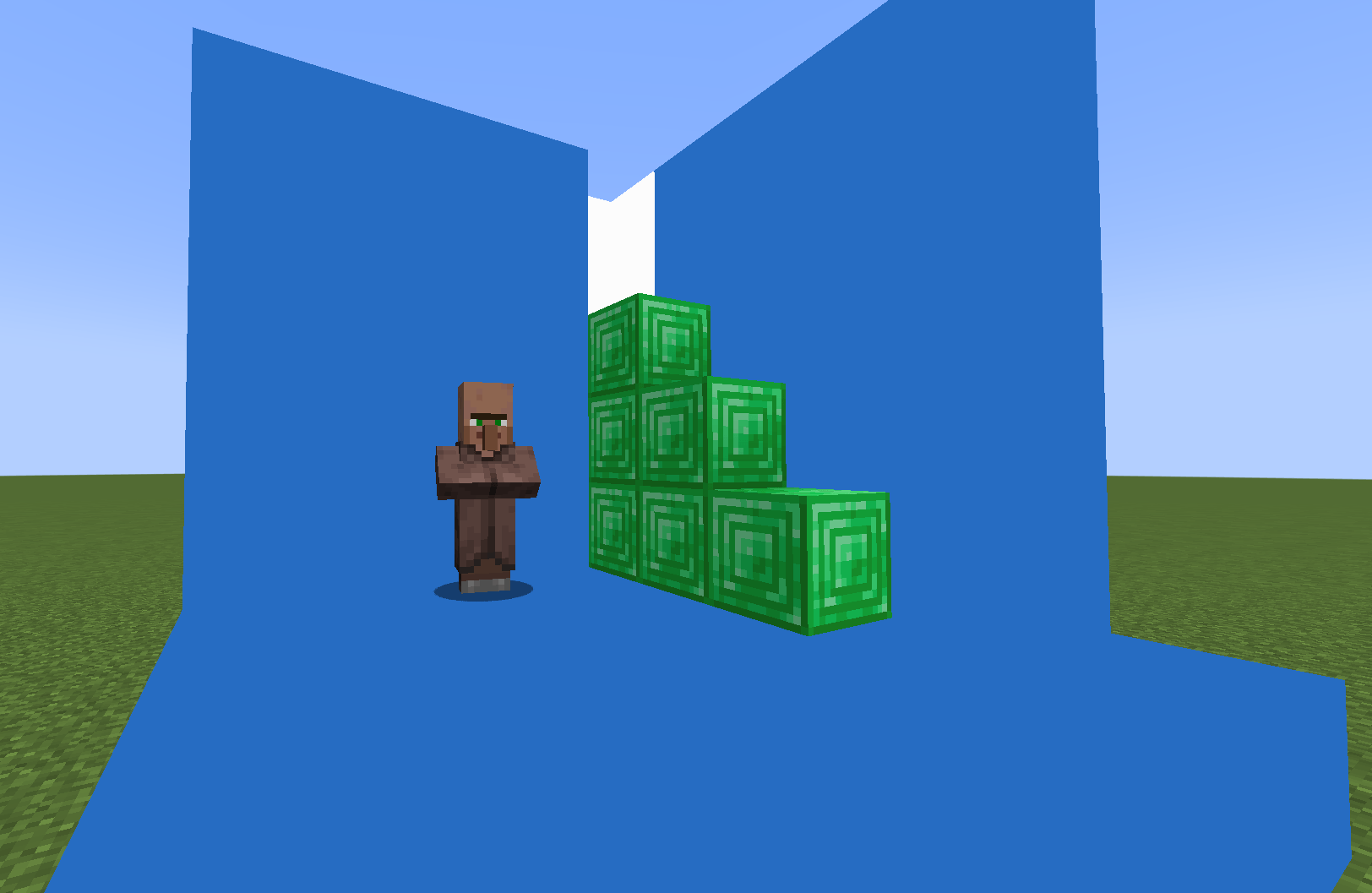
A small non-MCreator technical/industrial mod for Forge 1.20.1 in a very early stage of development, that adds several useful and useless, in most cases unrelated to each other, materials, items and blocks, which I added because I would like to see them in (modded) Minecraft.
Author – ViI14G3R (formerly Villager12345).
“Jitel” or “Zhitel” means “Villager” in Russian, and doesn’t really make any sense because the mod has nothing to do with villagers (for now).
Mod supports English and Russian languages.
Please note that I am very beginner at programming, so the mod may be unstable, contain bugs and unoptimized code.
Most of the code is copied from vanilla items, from Mcreator or from tutorials on Youtube.
For versions from 1.16.5 to 1.19.2, the mod was developed in MCreator, but for version 1.20.1, MCreator is no longer used due to some annoying flaws and limitations. These versions also contained a lot of cringe and strange unfinished useless stuff, so I really don’t recommend using them.



Additional information:
- The mod is only available for Forge modloader and most likely will move to NeoForge for 1.21.3+. Versions for Fabric and Quilt are not planned to be created in the near future.
- Mod supports forge tags (forge:ingots, forge:gems, etc) and EMC from ProjectE.
- It is recommended to play with these mods (because these are good QoL mods): JEI or REI, Cucumber or Better Tips, Jade, Polymorph, JAOPCA, Better Advancements, Catalogue, Configured, Not Enough Crashes, Not Enough Recipe Book, AppleSkin, Overflowing Bars, Cosmetic Armor Reworked, Cherished Worlds, Equipment Compare, Tax Free Levels, Apothic Attributes.
- You can find all changelogs here.
- Versioning of the mod: Jitelcraft_⟨1⟩.⟨2⟩.⟨3⟩.b⟨4⟩_⟨5⟩.jar, where:
- ⟨1⟩ – Very major updates
- ⟨2⟩ – Normal major updates
- ⟨3⟩ – Minor and bugfix updates
- ⟨4⟩ – Betas/snapshots
- ⟨5⟩ – Minecraft version
Not important message: JC is officially published only on CurseForge https://www.curseforge.com/minecraft/mc-mods/jitelcraft, Modrinth https://modrinth.com/mod/jitelcraft and on Minecraft Inside (ru) https://minecraft-inside.ru/mods/153704-jitelcraft.html. Publishing the mod on all other sites is not agreed with creator of JC. I don`t forbid it, but also not responsible for any false, outdated or crookedly translated information, and also for outdated or modified files located on such sites (it looks especially interesting on sites that just Ctrl+C Ctrl+V my text from here without any changes, as if I wrote this text specifically for them).
常见问题
Jitelcraft 支持哪些 Minecraft 版本?
Jitelcraft 支持 Minecraft Java 版 1.16.5–1.20.1,共 4 个版本,可用的加载器:Forge。下载时注意选择和你游戏版本一致的文件。
Jitelcraft 怎么安装?
先用 PCL2 或 HMCL 启动器安装对应版本的 Forge,再把下载的 .jar 文件放进游戏目录的 mods 文件夹,重新启动游戏即可。开启了版本隔离的,mods 文件夹在 versions/版本名 下面。
评论
登录后评论和评分