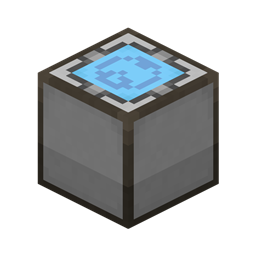
截图
介绍
中文介绍正在准备中,下面暂时显示原文。
Applied Web Terminal
Move your AE terminal to the web!
Dependencies
Usage
- Download the latest version of this mod from Files and install the dependencies
- If you are playing in single-player mode:
- Enter your single-player world
- Run the command
/appwebterminal resources renderto generate frontend resources (only needs to be run once)
- If you are playing on a server:
- Create a new single-player world
- Run the command
/appwebterminal resources renderto generate frontend resources (only needs to be run once) - Upload the
aeKeyResourcesfolder from your game root directory to your server
- Connect the
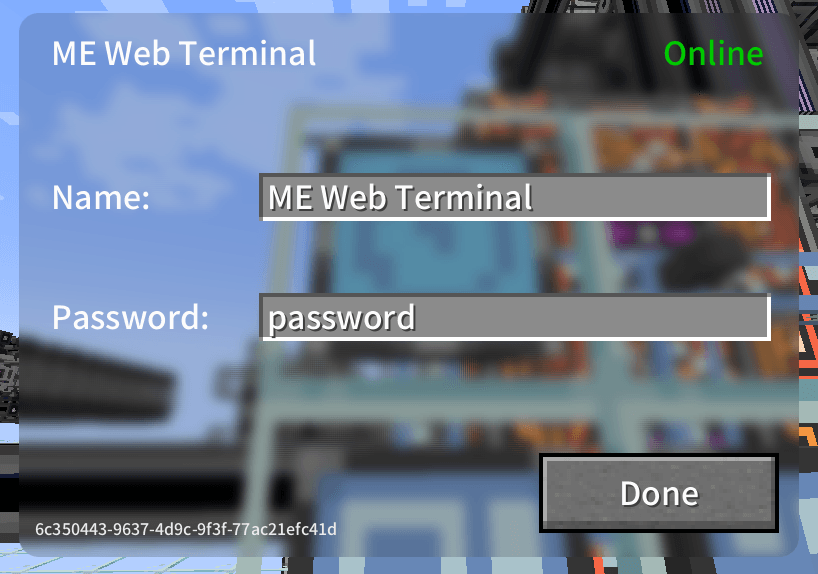
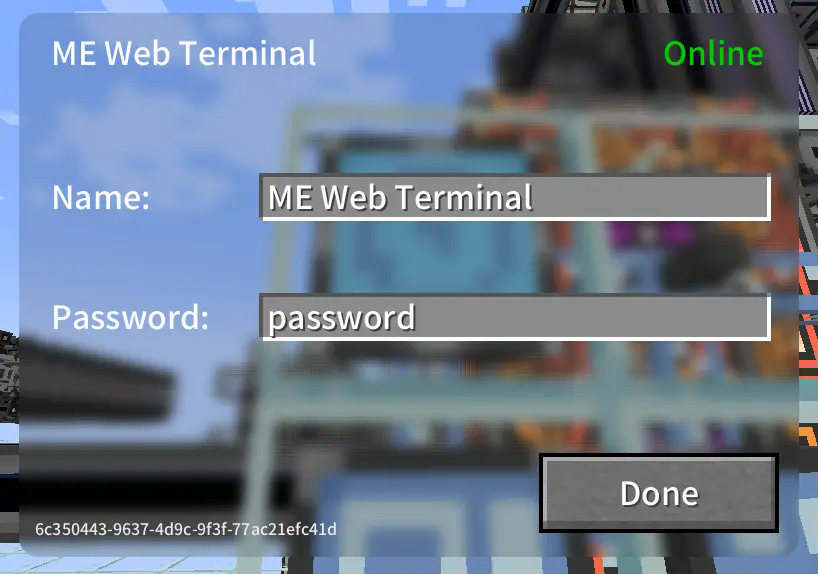
ME Web Terminalto the AE network - Right-click to open the GUI and configure the name and password
- Open your web browser, access the network terminal address, and log in with the password
- All done!
Images
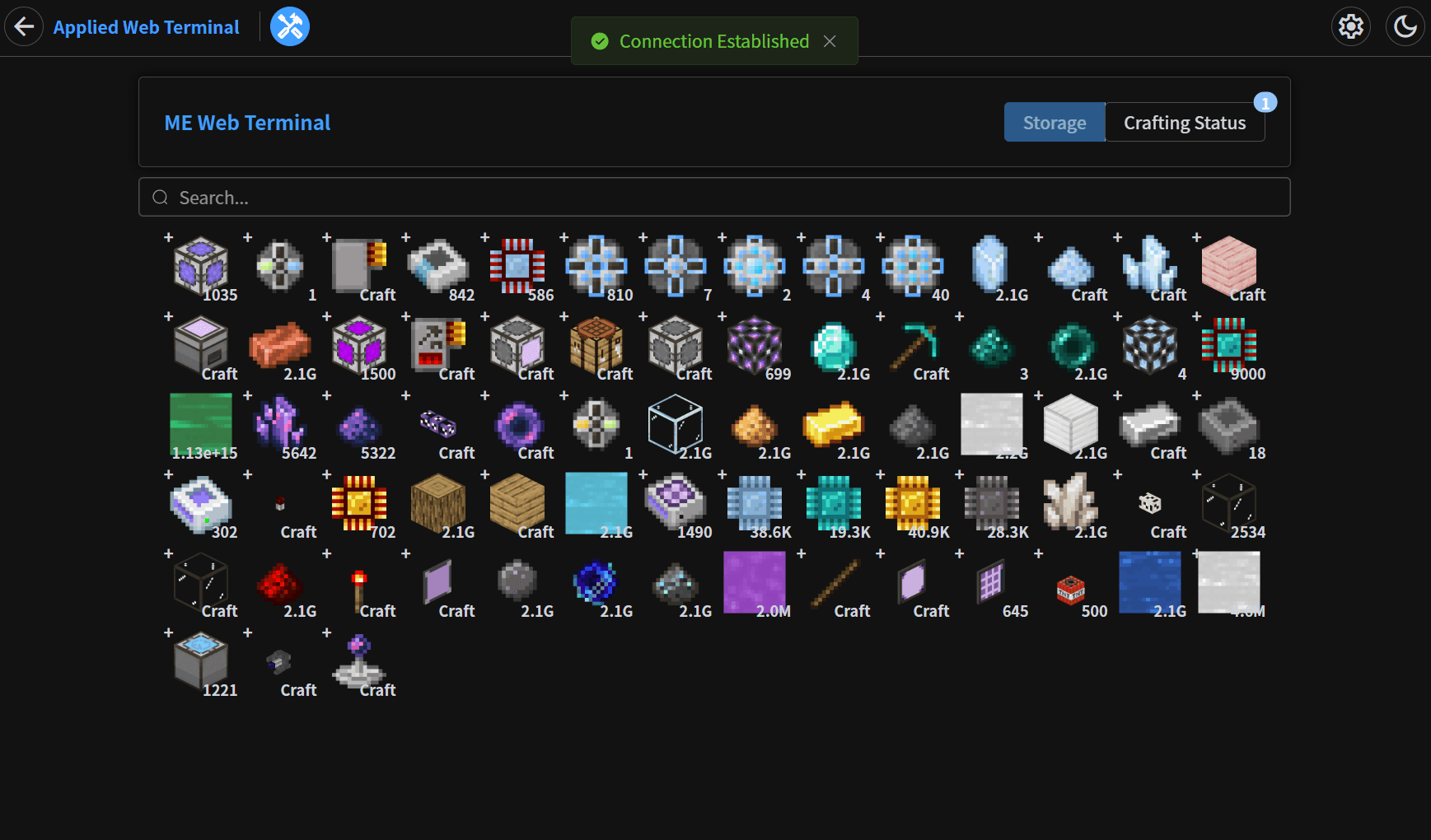
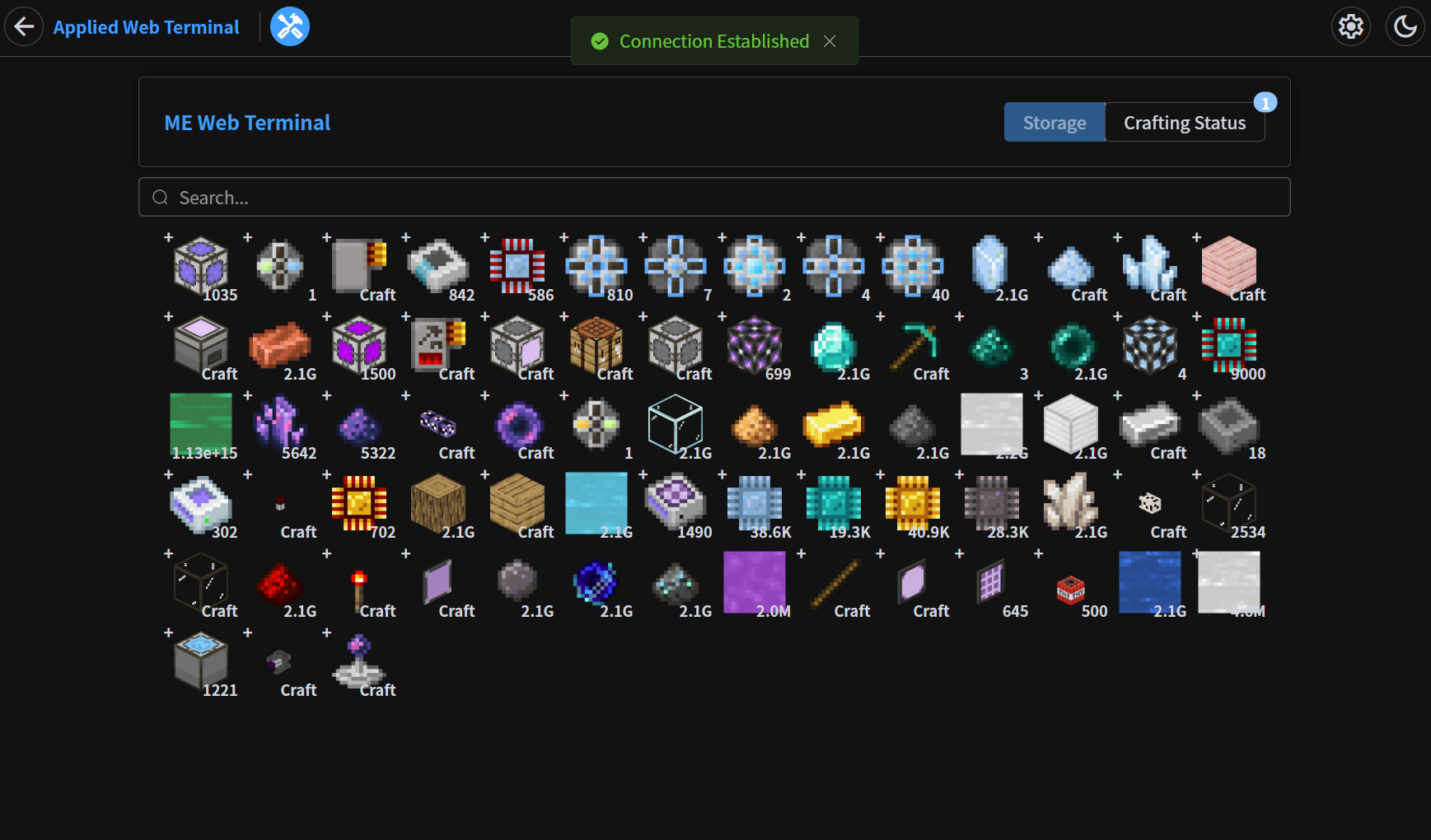
Storage Page
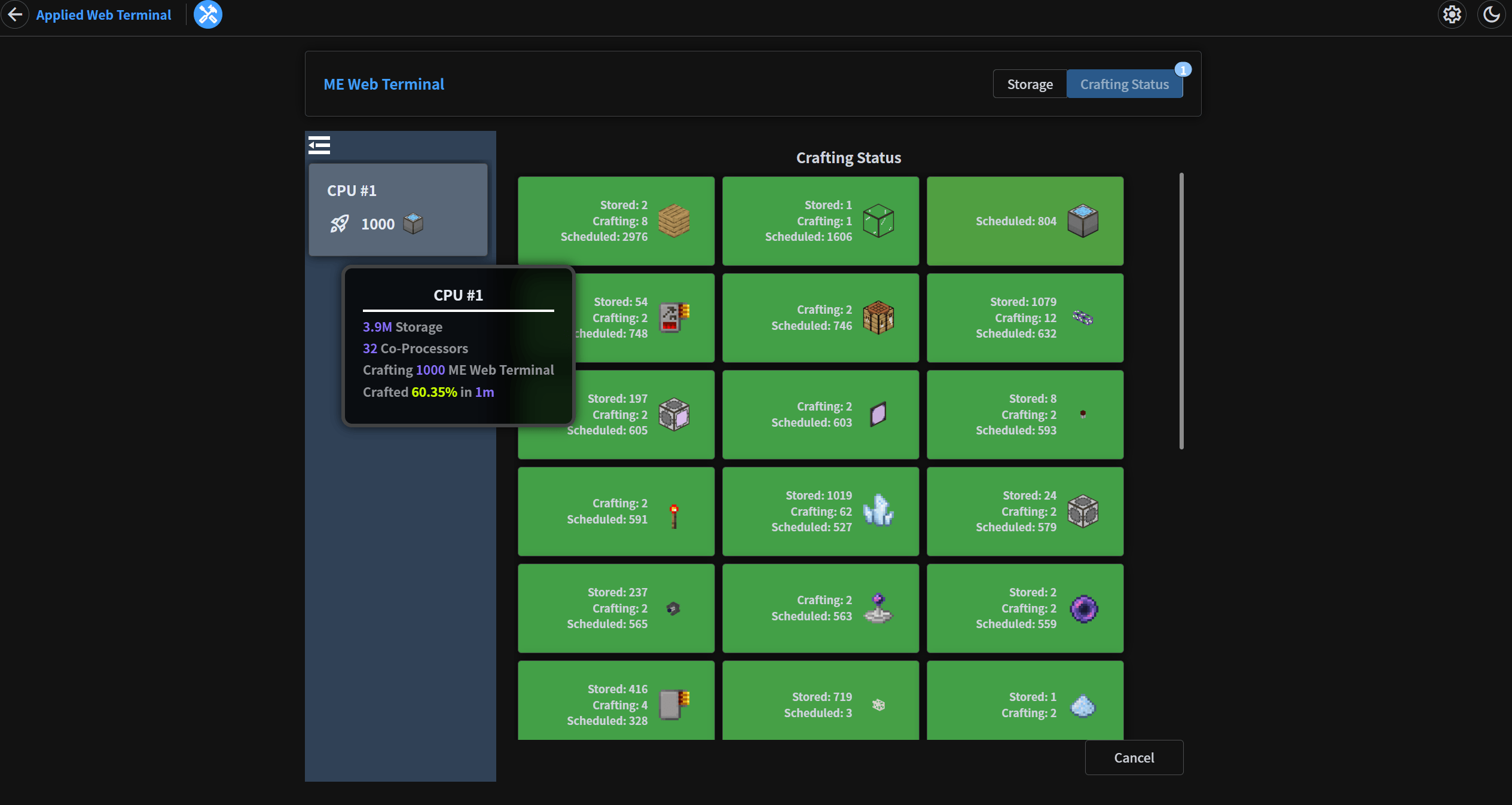
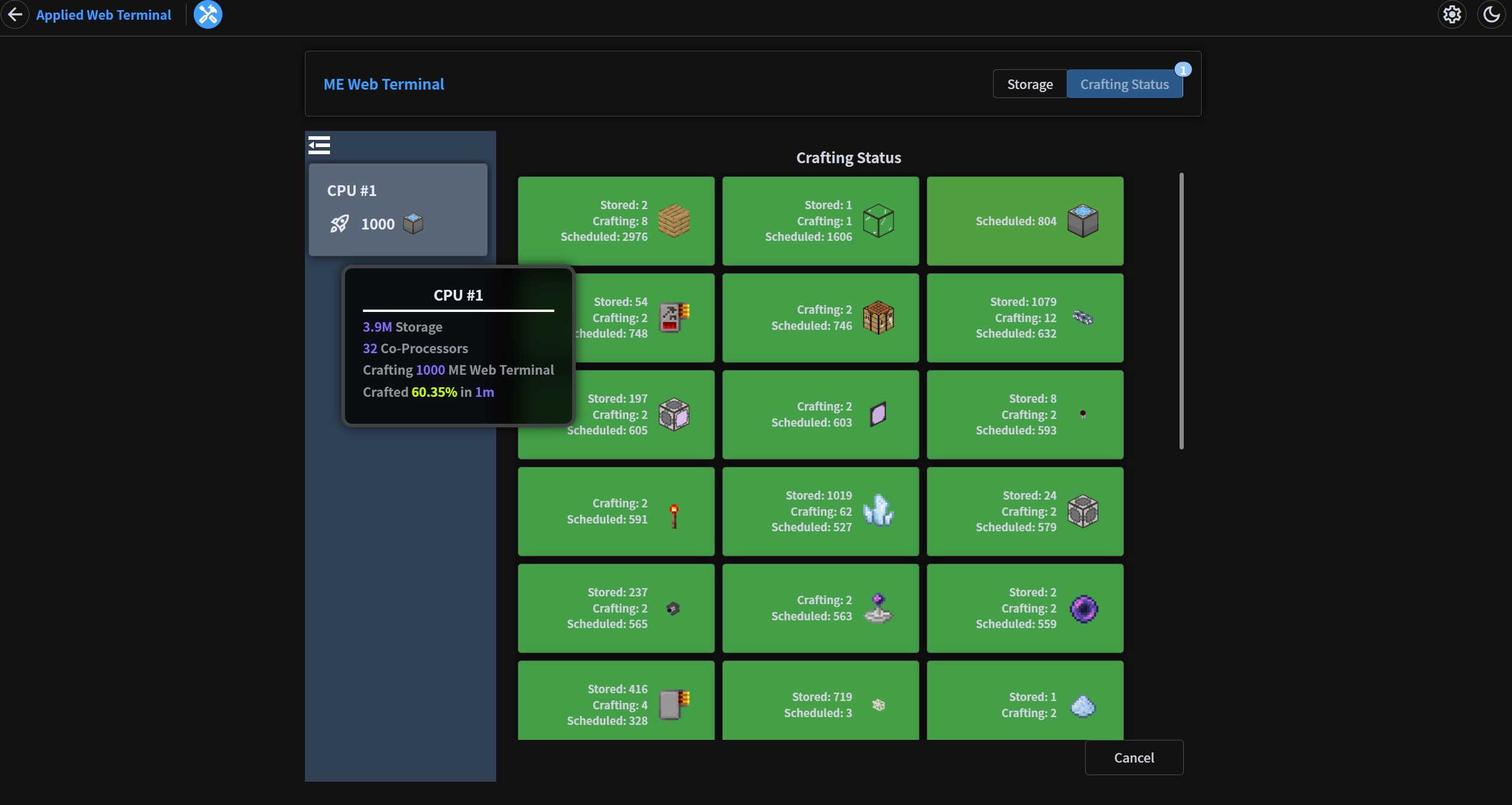
Crafting Status Page
In-Game GUI
常见问题
Applied Web Terminal 支持哪些 Minecraft 版本?
Applied Web Terminal 支持 Minecraft Java 版 1.20.1,可用的加载器:Forge。下载时注意选择和你游戏版本一致的文件。
Applied Web Terminal 怎么安装?
先用 PCL2 或 HMCL 启动器安装对应版本的 Forge,再把下载的 .jar 文件放进游戏目录的 mods 文件夹,重新启动游戏即可。开启了版本隔离的,mods 文件夹在 versions/版本名 下面。
雪舞天使 的其他作品
查看全部 →
Curtain
by Gugle, 雪舞天使
一个类似 fabric-carpet 的 Forge 模组
17.3万
2 年前
CurseForge

Neo ECO AE Extension
by 雪舞天使, TedXenon 等
Neo ECO AE 扩展是应用能源2的附属模组,提供更高性能的组件
17.1万
1 天前
CurseForge
DisableTools
by 雪舞天使
禁用工具的模组,可通过配置文件进行设置。
2.5万
2 年前
CurseForge

AdvancedAE Addon
by 雪舞天使
为 Advanced AE 的量子合成器添加 AE2 合成卡支持。
2.5万
1 个月前
CurseForge
评论
登录后评论和评分