
Build Blueprint
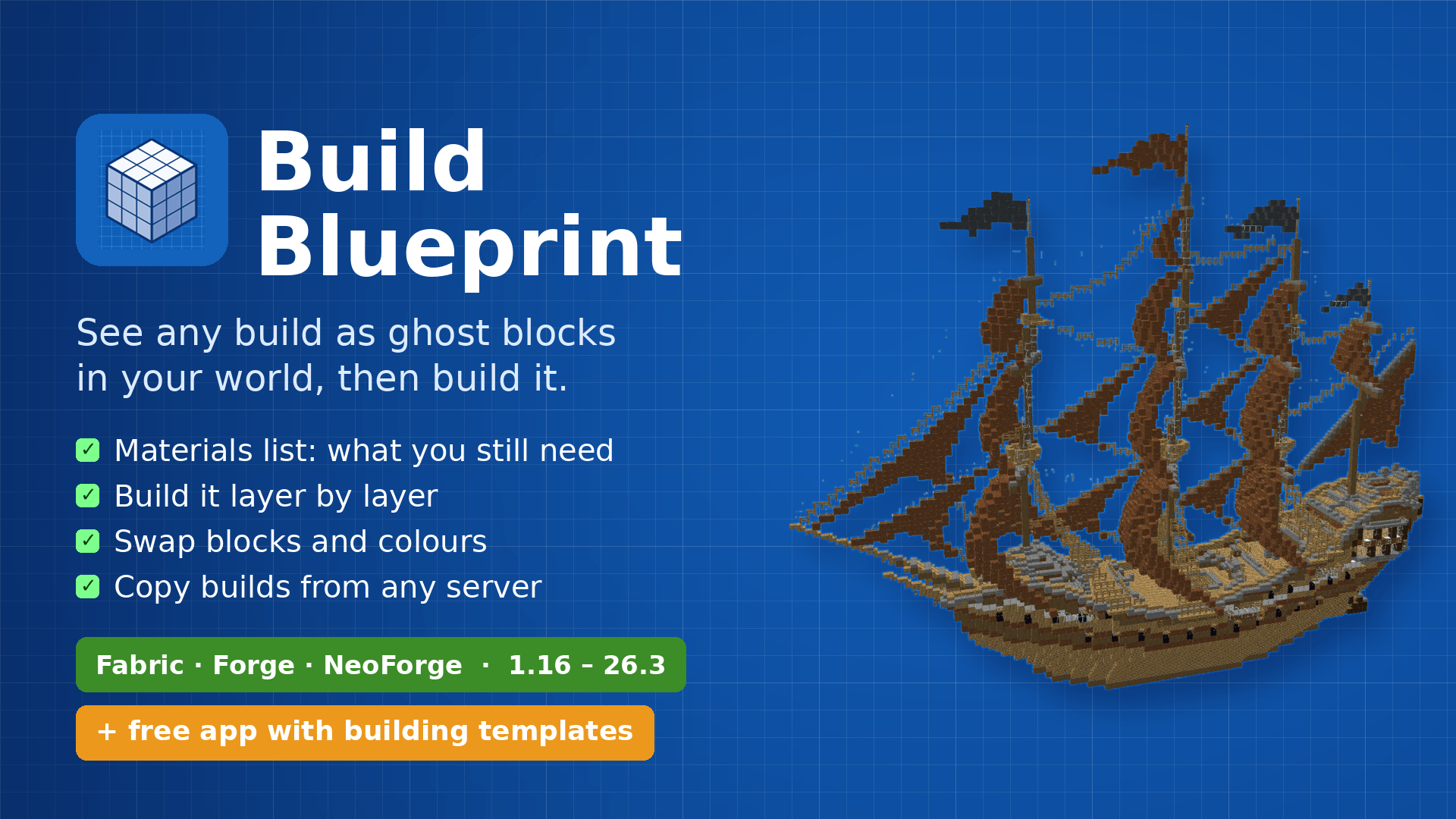
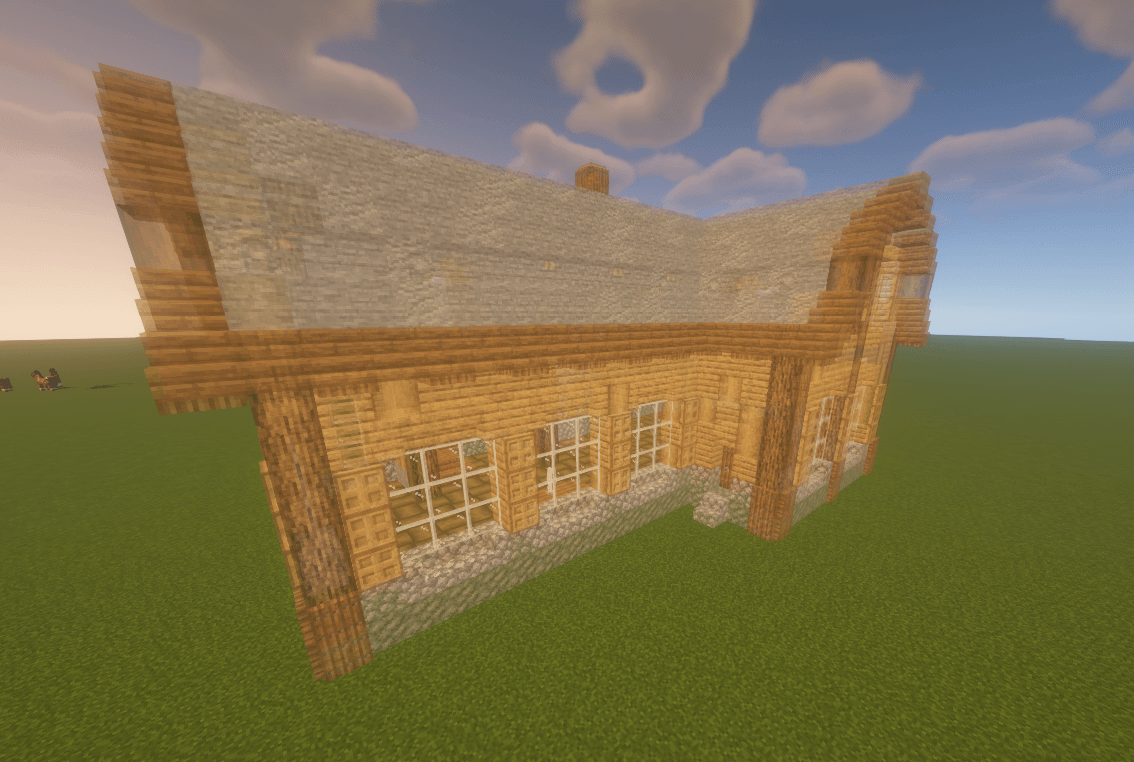
See any build as see-through ghost blocks in your world, with a materials list, layers and build copying.
截图
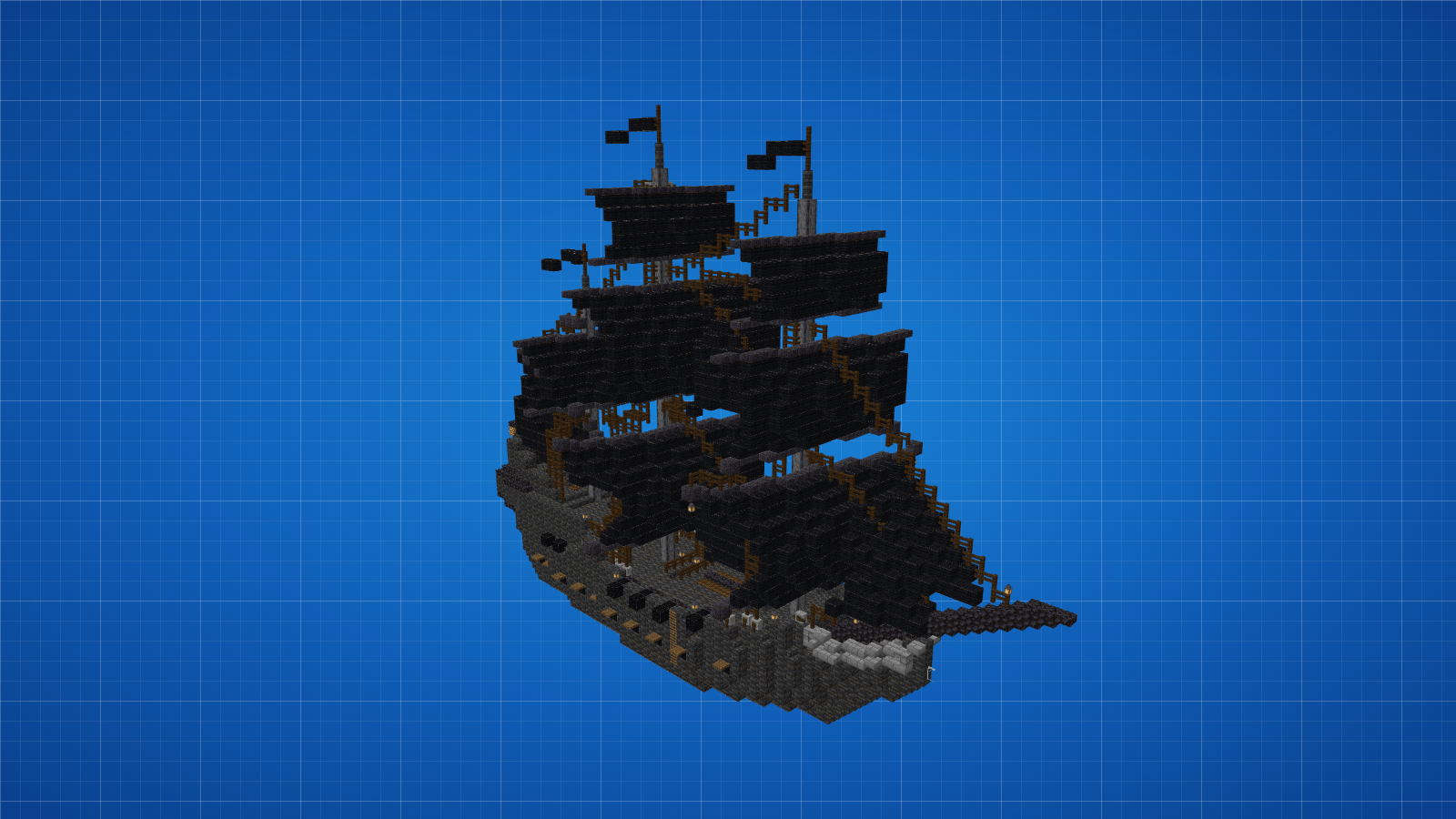
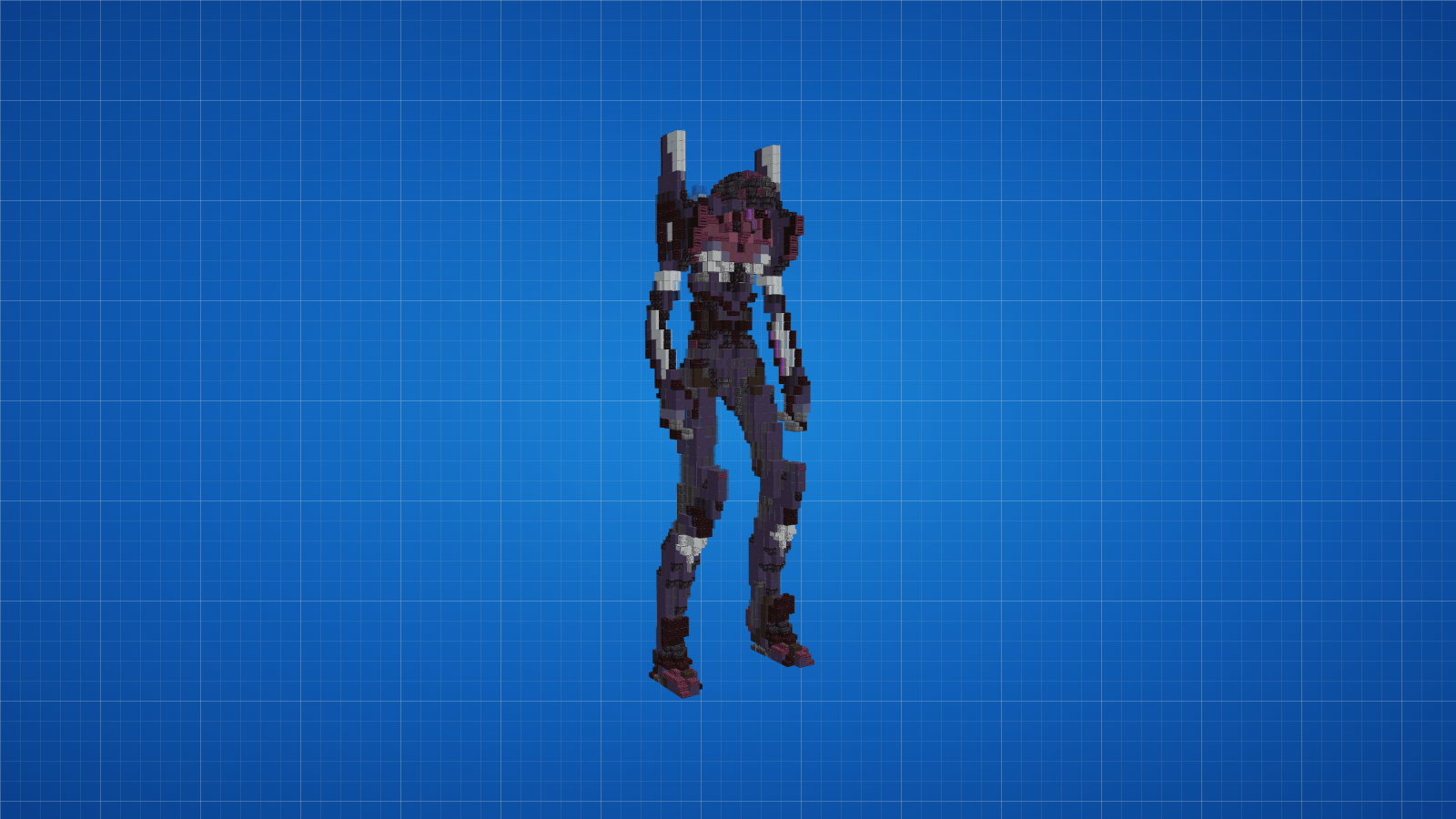
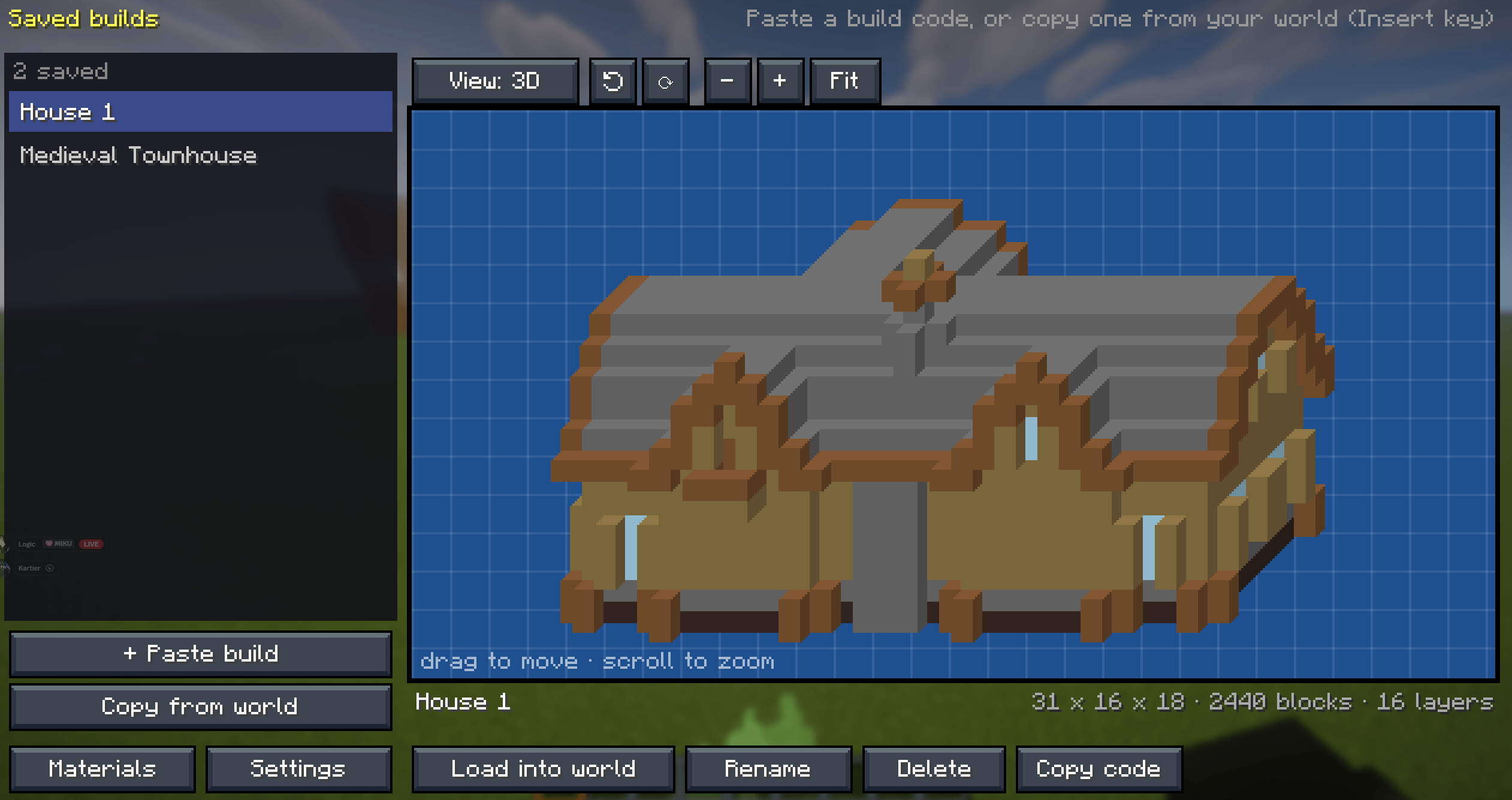
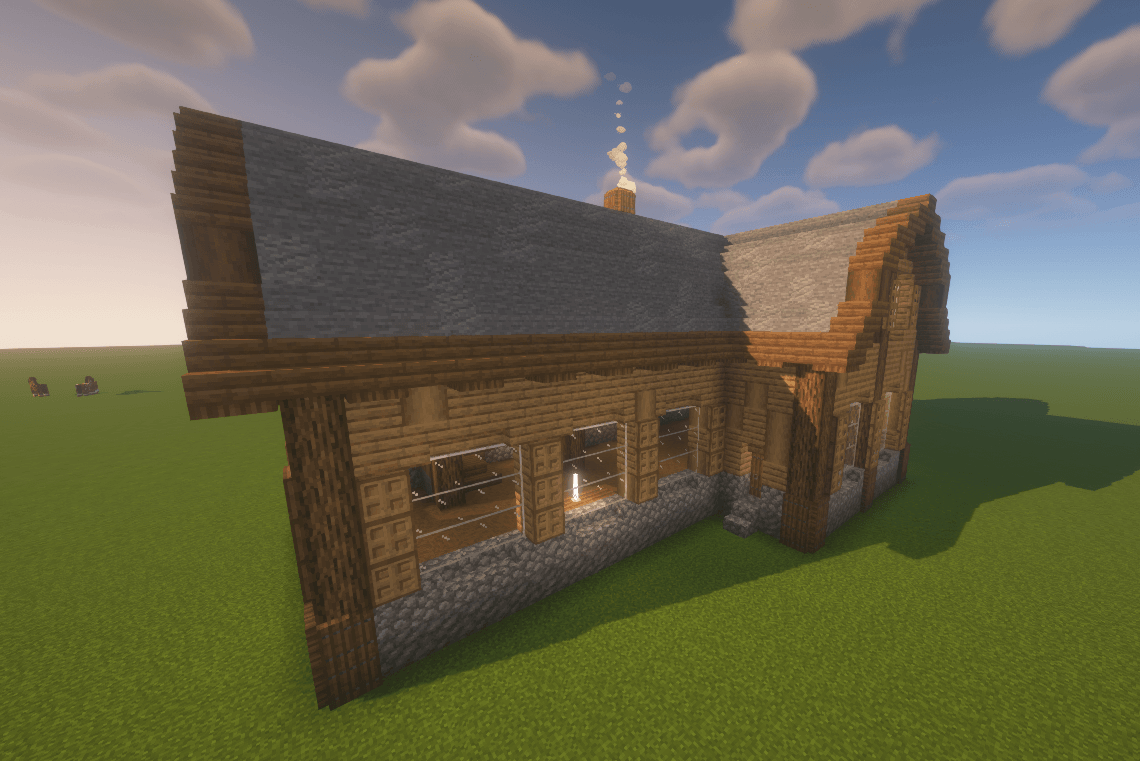
介绍
Stop guessing. Start building.
Ever tried to copy a build from a picture or a video and lost count halfway through? Build Blueprint puts the whole build into your world as see-through ghost blocks. You place the real blocks right where the ghosts are, one layer at a time, until it’s done.
📂 Works with schematic files: .litematic, .schem and .nbt
🔥 What it does
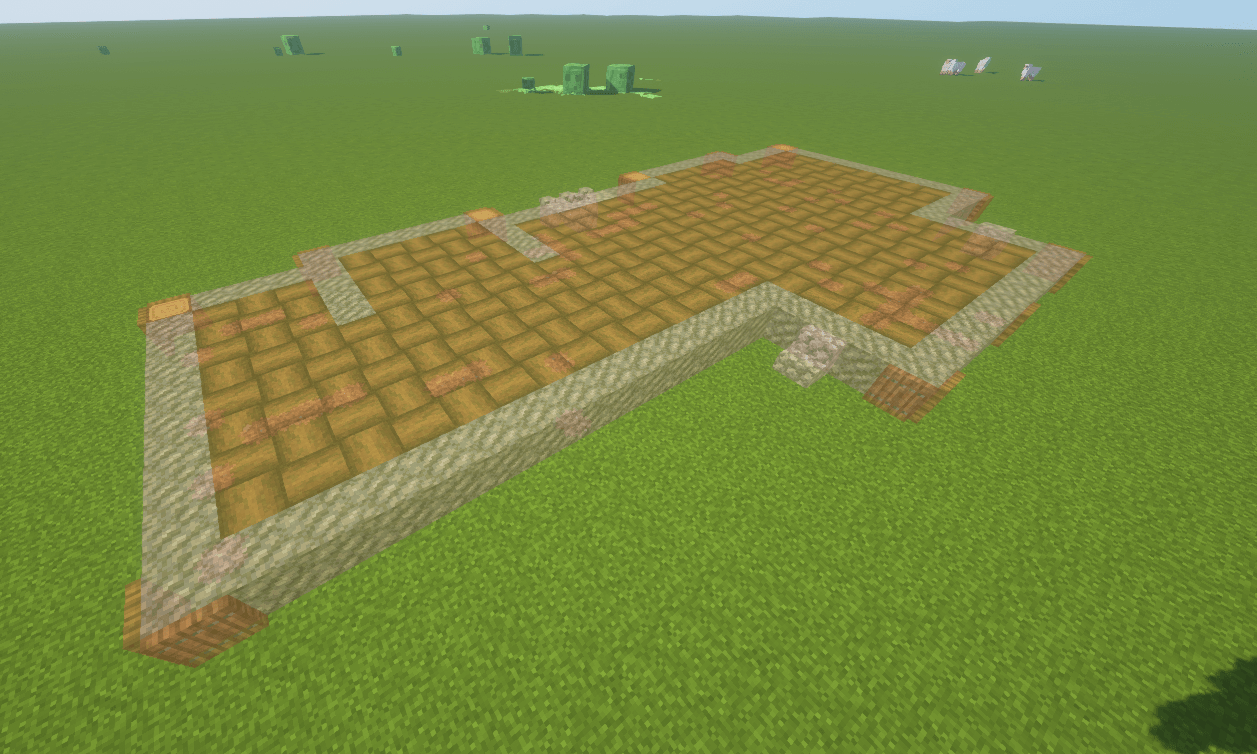
👻 See it before you build it
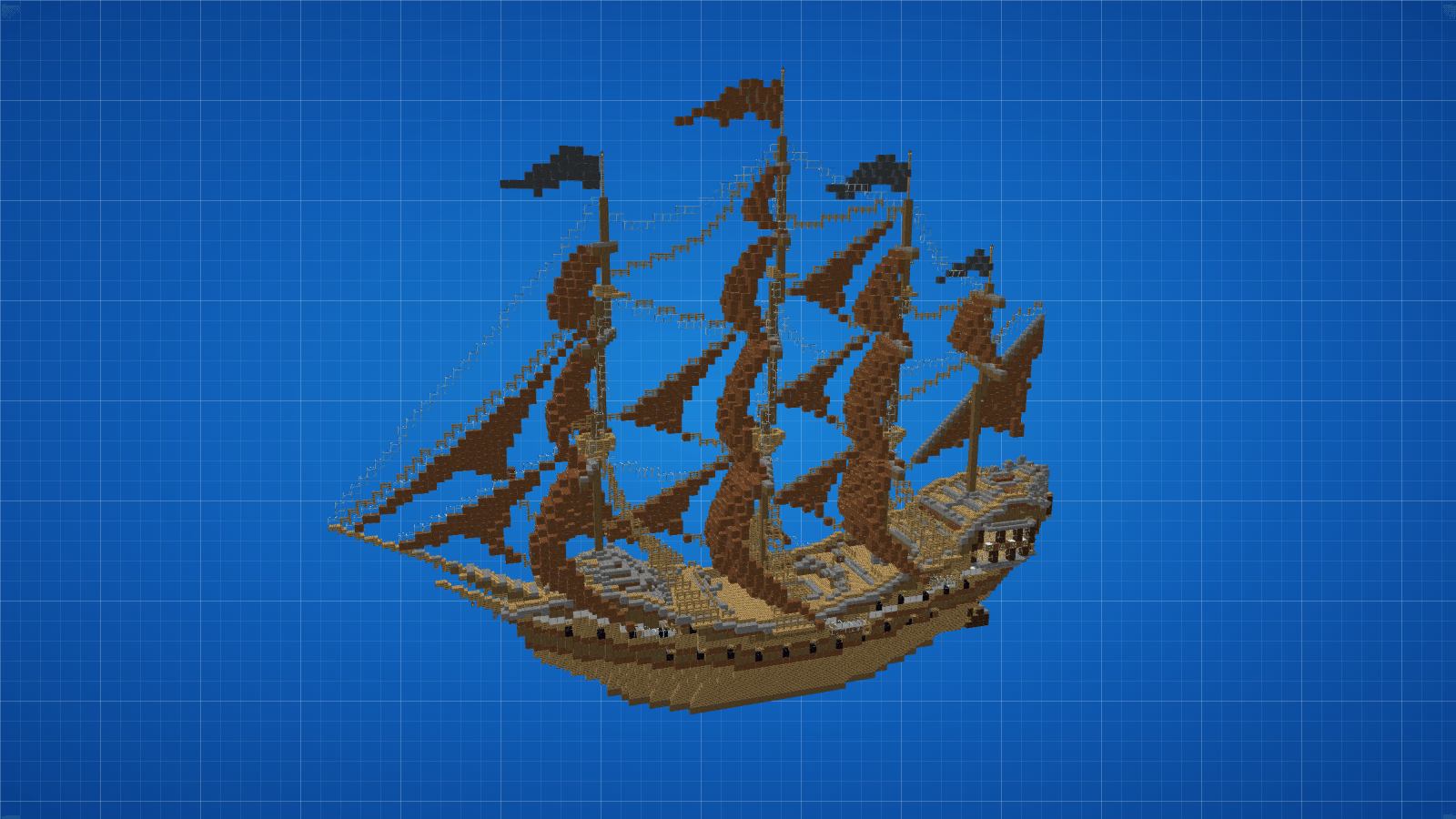
The full build appears as ghost blocks in your world. Move it, turn it, mirror it or drop it onto the ground until it’s exactly where you want it. Then press Delete to lock it in place.
🧱 Build layer by layer
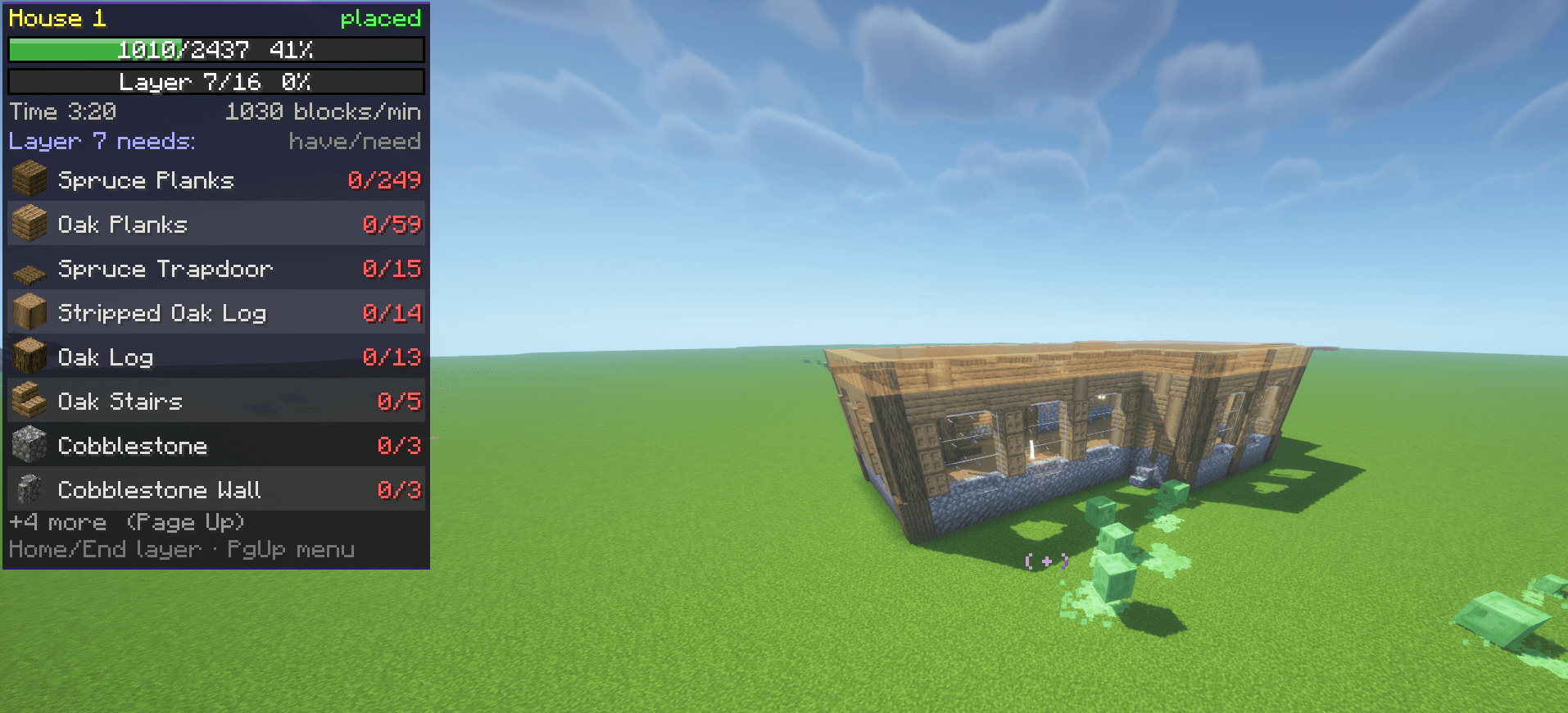
Start at the bottom. The mod shows one layer at a time and moves you up when you finish it. If you break a block in a layer you already finished, it takes you back to fix it.
📋 Know exactly what you need
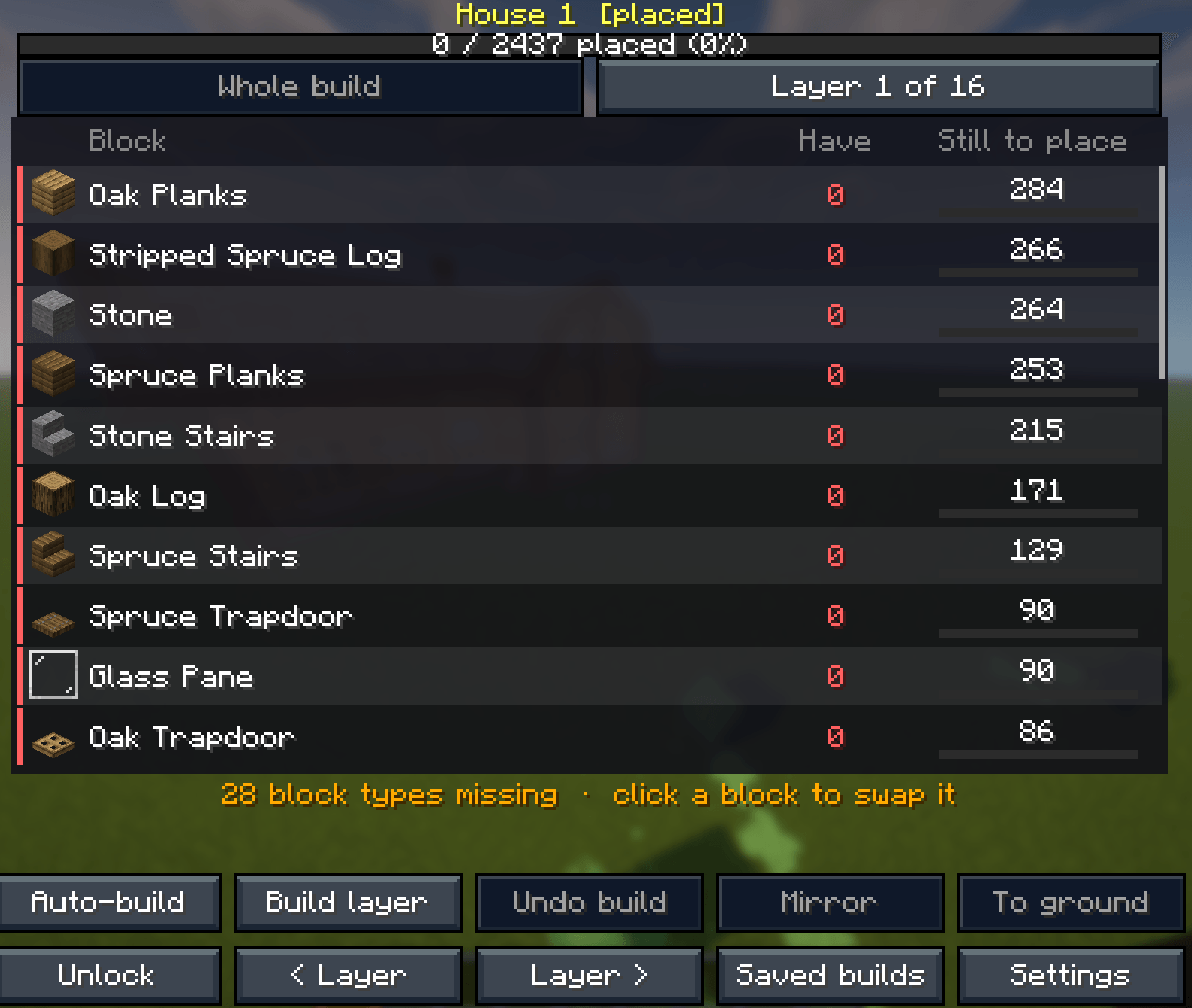
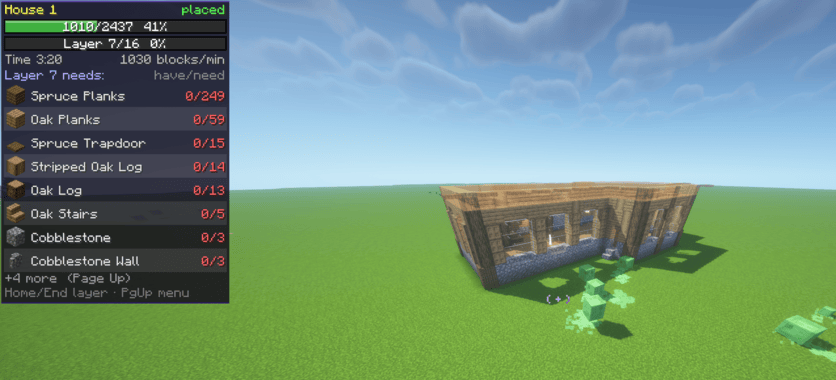
A live list shows every block the build needs, how many you have, and how many are left. Hover any block to see how many stacks you still need. Chests you’ve opened nearby that hold blocks you still need get a green glow, and when you open one, the slots with those blocks are framed in green so you know exactly what to take.
🎯 Never lose your place
A pulsing box shows the next block to place. Middle-click any ghost block to put that block in your hand. Placed a stair upside down or a log on its side? It gets a red box and a message telling you which way it should face.
🎨 Make it yours
Click any block in the list and pick another one to use instead: any block in the game, even blocks from other mods you have. Search by name, or start with similar blocks (stairs stay stairs, closest colours first). Every block of that kind in the build changes, and Undo swap puts it back. Don’t want a block at all, like snow on a roof? Remove it from the build. Click the eye next to a block to hide its ghost blocks, or Shift-click it to see only that one block.
🧩 Works with modded blocks
Got mods that add blocks? Build Blueprint works with them. Copy a build that uses modded blocks and it keeps them, schematic files with modded blocks load as they are, and the swap list shows every block from your other mods with the mod’s name. If a build has blocks from a mod you don’t have, or from a newer Minecraft version, the mod tells you and lets you swap them for blocks you do have.
📸 Copy any build in your world/Other servers
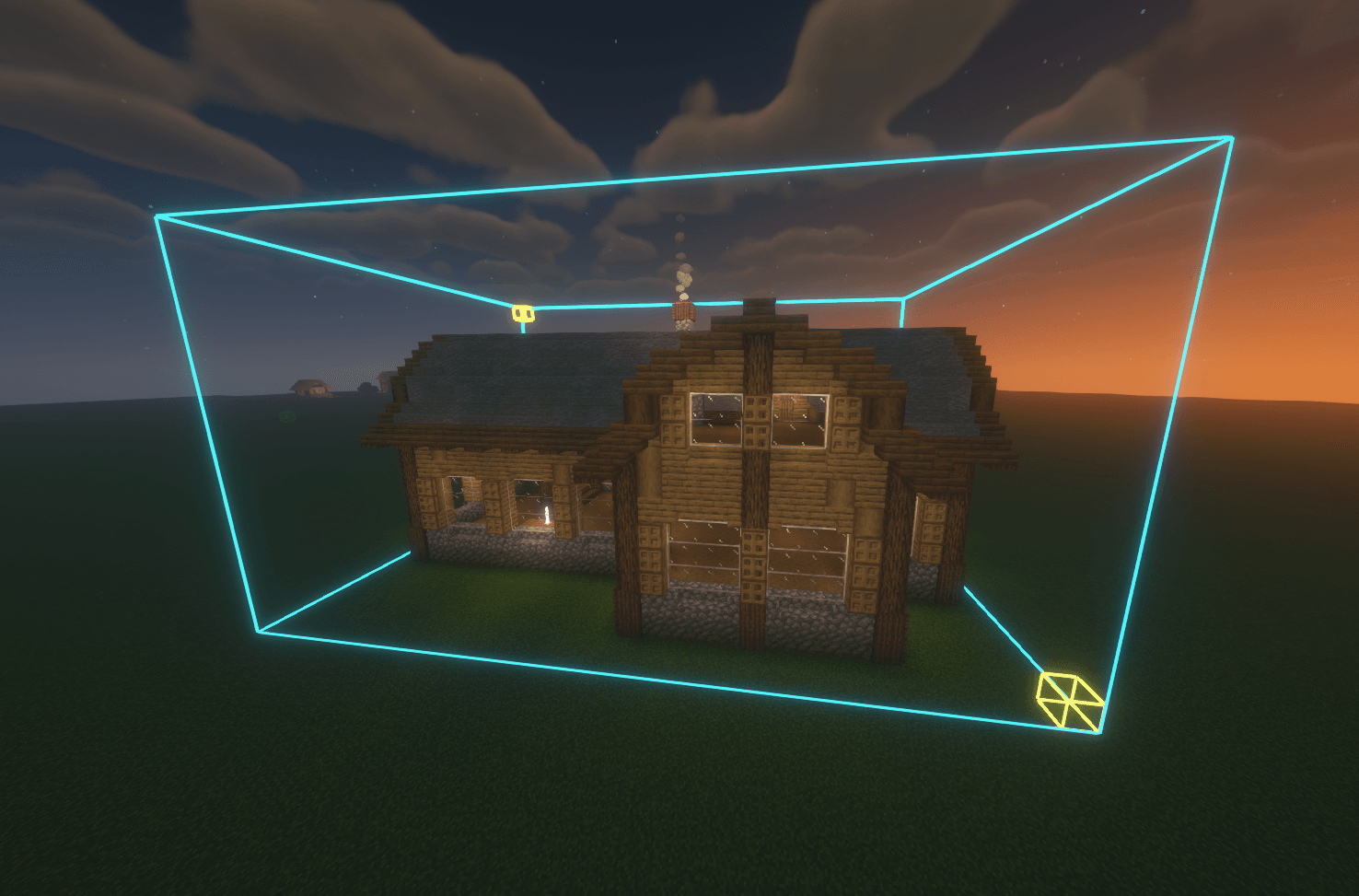
Look at a corner of a build and press Insert. A box starts on that block: make it as big as the build with the arrow keys, or look at the far corner and press Page Down to stretch it there. Save it, share it as a code, or build it again somewhere else.
⚡ Creative mode extras
In Creative mode the mod can build it for you. Auto-build places the whole build at once, Build layer places just the layer you’re on, and Undo build takes it all back if you change your mind. On servers this needs operator rights.
💾 It remembers
Leave the world and come back, and your blueprint is still there, right where you left it.
🎮 Controls
| Key | What it does |
|---|---|
| Page Up | Open the menu |
| Arrow keys | Move the build (hold Shift for 5 blocks) |
| Page Down | Turn it |
| Delete | Place it and start building |
| Home / End | Go up or down a layer |
| Insert | Copy a build from your world |
| Middle-click | Hold the ghost block you’re looking at |
Change any key in Options → Controls.
📦 Requirements
- Fabric: Minecraft 1.15.2, and 1.16.1 to 26.3 (needs Fabric Loader and Fabric API)
- Forge: Minecraft 1.15.2, and 1.16.1 to 26.3
- NeoForge: Minecraft 1.20.2 to 26.3
- Pick the file for your Minecraft version and loader on the Files tab.
- Client-side only, so it works in single-player and on any server.
Companion app – free building templates
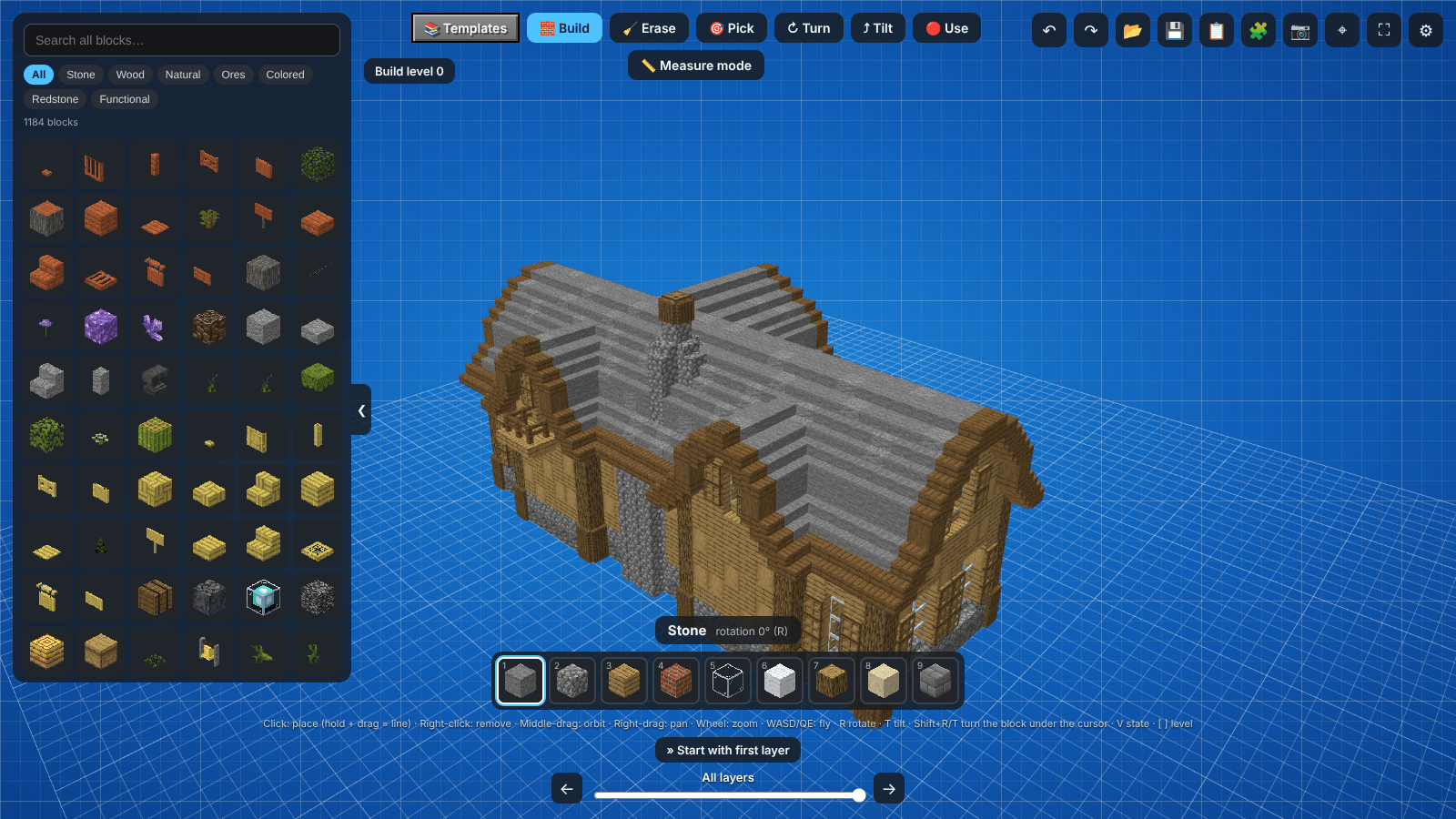
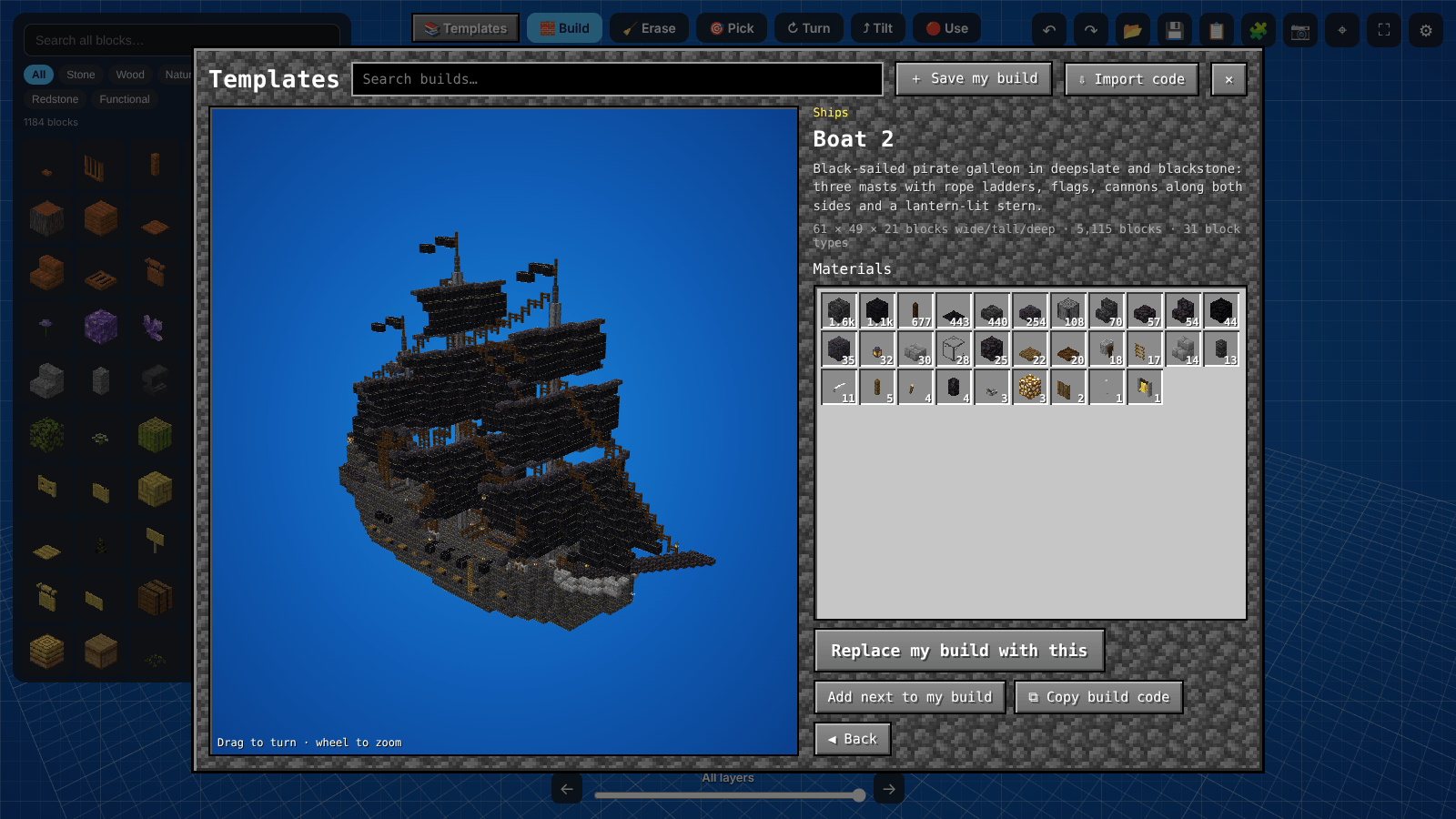
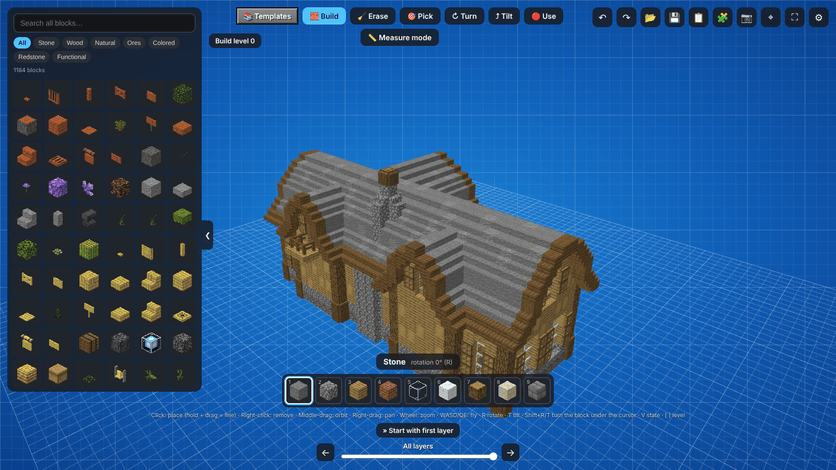
Get the free Block Blueprint app for Windows and start from a ready-made template: a giant sailing ship, smaller boats, a cozy house, a robot and more. Pick one, tweak it if you want, and press Send to Minecraft. It shows up in the mod’s Saved builds, ready to place as a blueprint in your world.
- Building templates to use straight away, with more added over time
- Design your own builds block by block in 3D with real Minecraft textures
- Swap blocks and colours before you build, and see exactly how many blocks you need
- Builds you copy in game (even from other servers) show up in the app too
- Free, and it updates itself
Download it here: https://github.com/CosmicLogic0/block-blueprint
❤️ Support the mod
Build Blueprint and the Block Blueprint app are free. Donations keep the mod up to date with fixes, new Minecraft versions and new features. Donate with PayPal – any amount helps. Thank you!
常见问题
Build Blueprint 支持哪些 Minecraft 版本?
Build Blueprint 支持 Minecraft Java 版 1.15.2–26.3,共 40 个版本,可用的加载器:Fabric / Forge / NeoForge。下载时注意选择和你游戏版本一致的文件。
Build Blueprint 怎么安装?
先用 PCL2 或 HMCL 启动器安装对应版本的 Fabric / Forge / NeoForge,再把下载的 .jar 文件放进游戏目录的 mods 文件夹,重新启动游戏即可。开启了版本隔离的,mods 文件夹在 versions/版本名 下面。
评论
登录后评论和评分