截图
介绍
Modpack Backstory: I originally had a server using Sbeev’s modpack but some mods where broken when using a server. That’s why I made this. This Modpack has tons of mods to create machines and automate resource productions to aid you in making a town with the MineColonies Mod. It also has weapons from Love and War, as well as BigCannons. I may add War and Taxes in the future but I did not see it to be necessary as only me and 2 other people use my server; we do not see a need to go to war.
Recommended
5GB+ of Ram to play smoothly on fast textures with a Render Distance and Shadow Distance of 12 chunks.
Features
Minecolonies
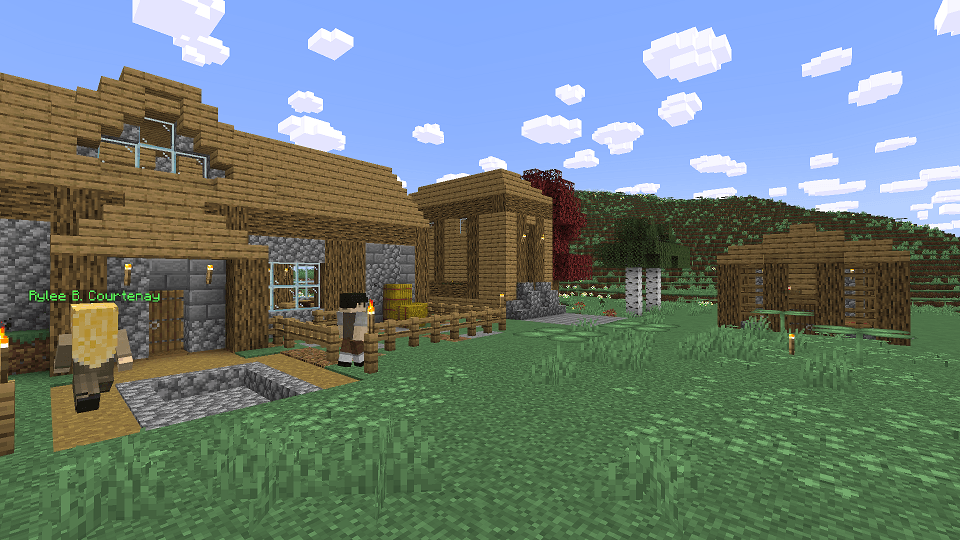
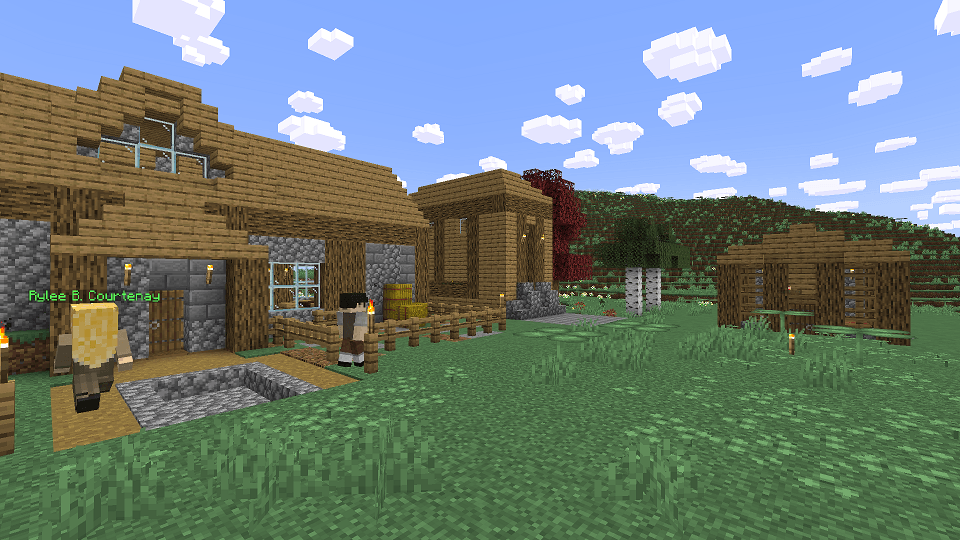
Create the city of your dreams with Minecolonies, as well as addons with new styles, building blocks and voices for citizens.
Create Mod
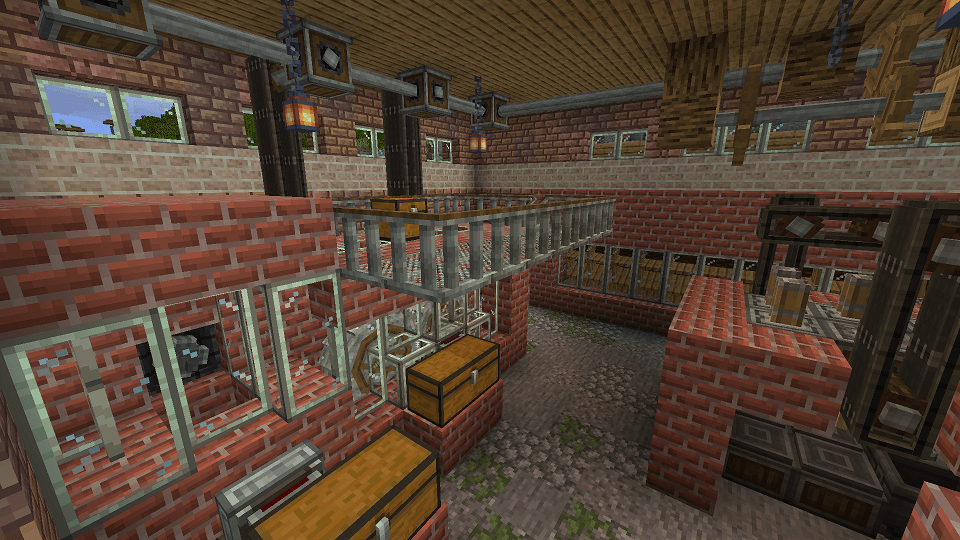
With tons of addons, you can automate pretty much anything. Build factories, Trains, Boats, Cannons, Auto-Cannons, Grenades and Guns!
Factory Decor
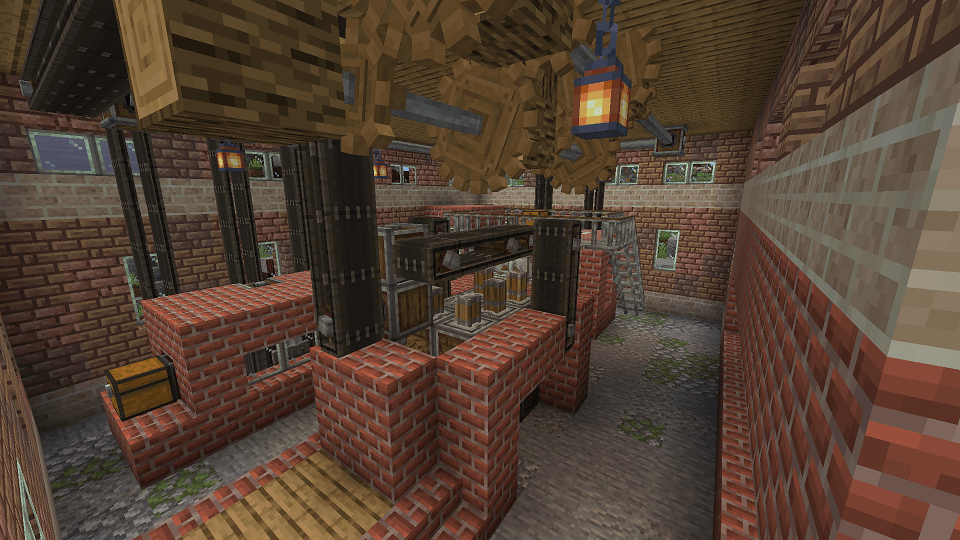
Tons of mods to make the factory of your dreams with new blocks and signage to make your factory OSHA approved.
Custom Blocks
Use Copycat and Framed blocks to add tons of textures to all common building blocks plus more.
Love and War
Create guns and Grenades from Flan’s Mod.
Farmer’s Delight
Use Farmer’s Delight and Create Addons to automate food production.
Graphics
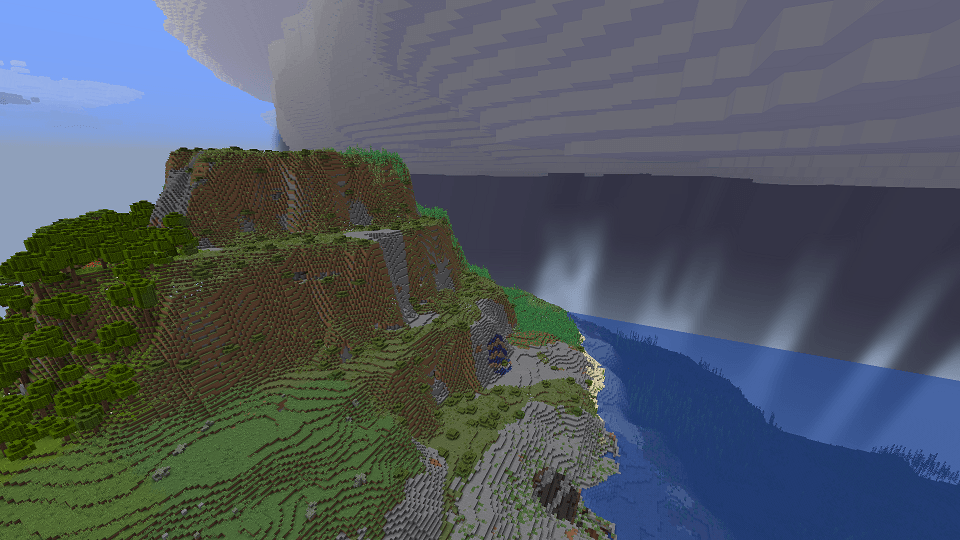
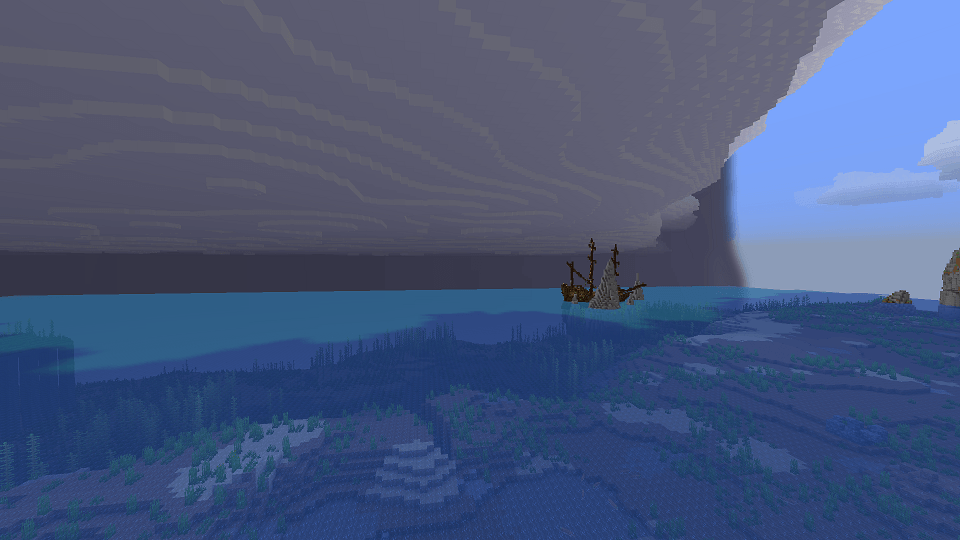
Distant Horizons for extended view distance, Fusion for connected textures, Ocusus for better shaders, Sodium for better lighting, and Simple Clouds for new clouds and localized storms.
(You can go into the config folder in the modpack folder, and edit simpleclouds-client.toml and set [clientSideCloudMode = “SINGLE”] to prevent it from constantly storming. You can thank me later)
New Terrain Generation
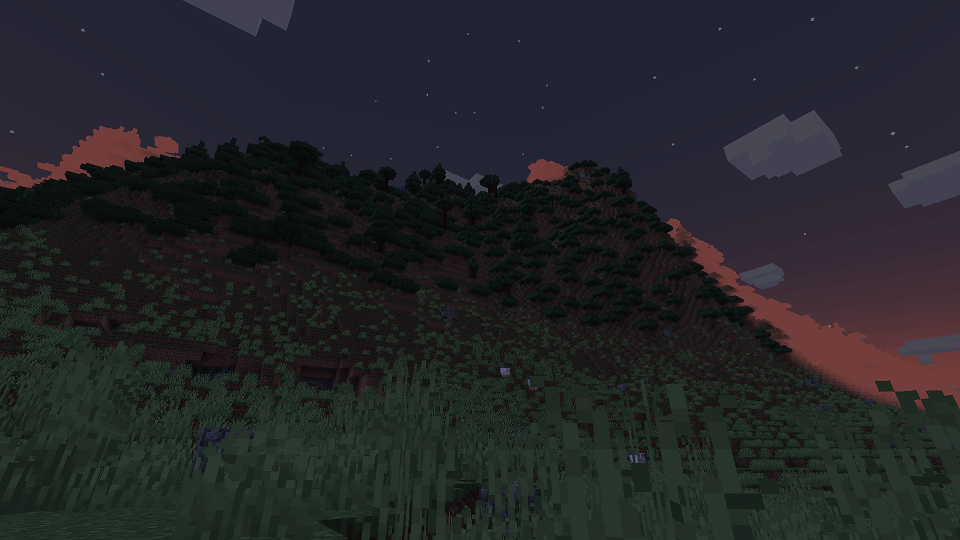
Tectonic and Terralith enhances terrain generation with Biomes O’ Plenty’s added biome types.
Since I made this modpack to have a working server using mods from Sbeev’s Create’a Colony, here is how you can too as I have seen many people online wanting a server pack. I’ll try and work on getting a server pack made at some point but I’ve never done this so here’s how I always make servers.
First download Forge 1.20.1-47.2.0 and install a server to any folder. There are many tutorials online if you need help doing that.
Next copy all mods from this modpack to the mods folder in your new server.
After that, delete all client-side mods from that modlist as they will crash the server.
That’s it! let me know if you need help or have problems with anything server related.
常见问题
GoldenGeologist’s Create’a Colony 支持哪些 Minecraft 版本?
GoldenGeologist’s Create’a Colony 基于 Minecraft Java 版 1.20.1,使用 Forge 加载器。
GoldenGeologist’s Create’a Colony 怎么安装?
点本页「前往下载」拿到整合包文件(Modrinth 的是 .mrpack,CurseForge 的是 .zip),在 PCL2 或 HMCL 启动器里选择「导入整合包」,启动器会自动装好 Minecraft、加载器和全部模组。建议在启动器里给游戏分配 4–6 GB 内存。
GoldenGeologist’s Create’a Colony 开服需要多大内存?
推荐服务器内存 12 GB。在线人数多、或者建了大量机器和区块加载器时,可以再加 2–4 GB。
怎么和朋友一起玩 GoldenGeologist’s Create’a Colony?
点本页的「一键开服」,选好配置后会自动安装 GoldenGeologist’s Create’a Colony 的服务端,几分钟就能开好。把服务器地址发给朋友,大家用同一个版本的整合包连进去就行。
评论
登录后评论和评分