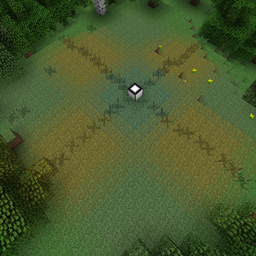
截图
介绍
Use Cofhs Redstone Flux to terraform your world (only changing the biome, no blocks are changed yet).
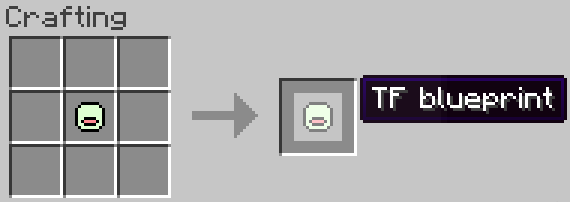
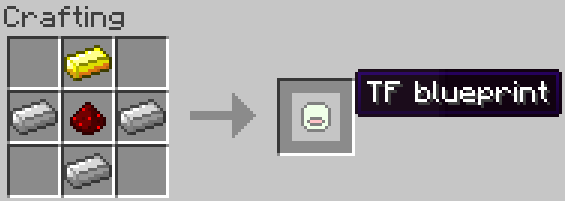
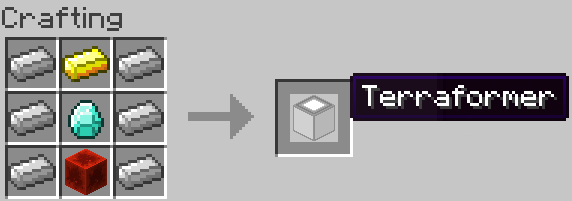
Recipes
The biome hold by the TF blueprint will be the biome you stand in when you craft it.
How to use
Setup
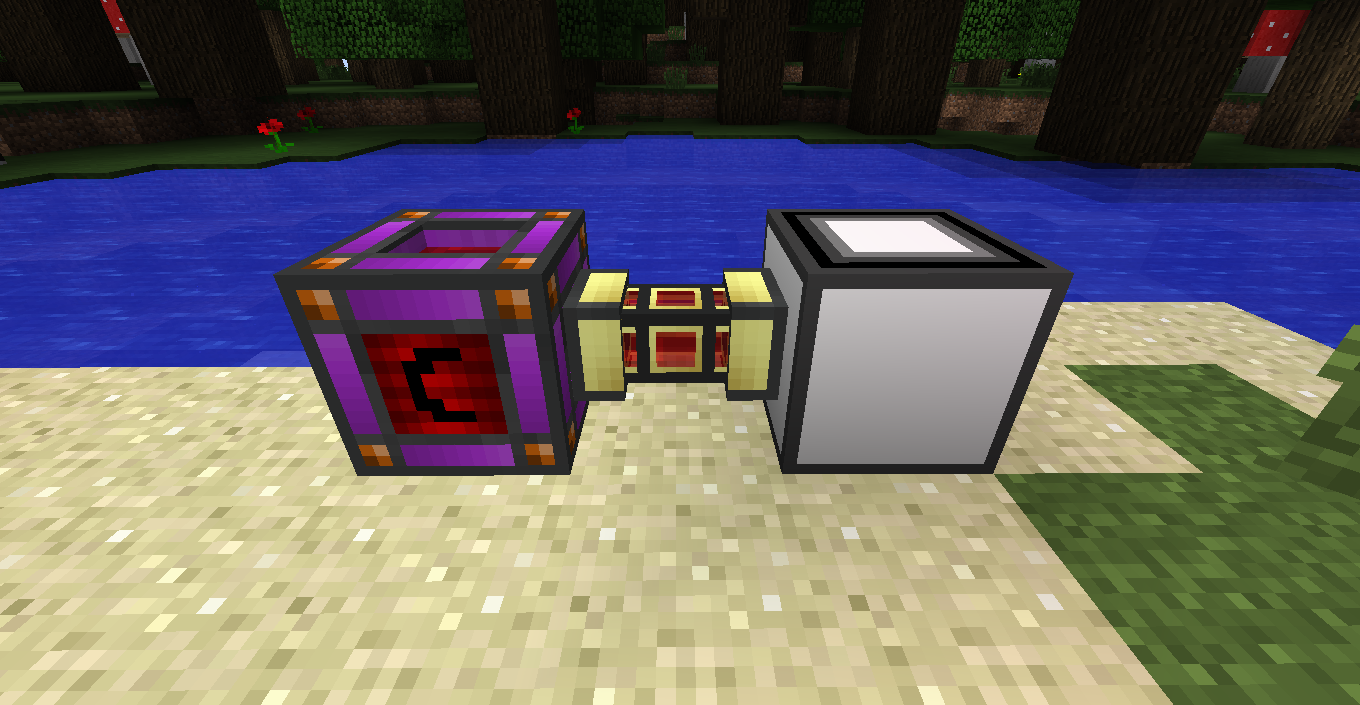
First we need power. So connect a RF power source to one of the sides of the terraformer.
The GUI
Than we can open the GUI and start terraforming
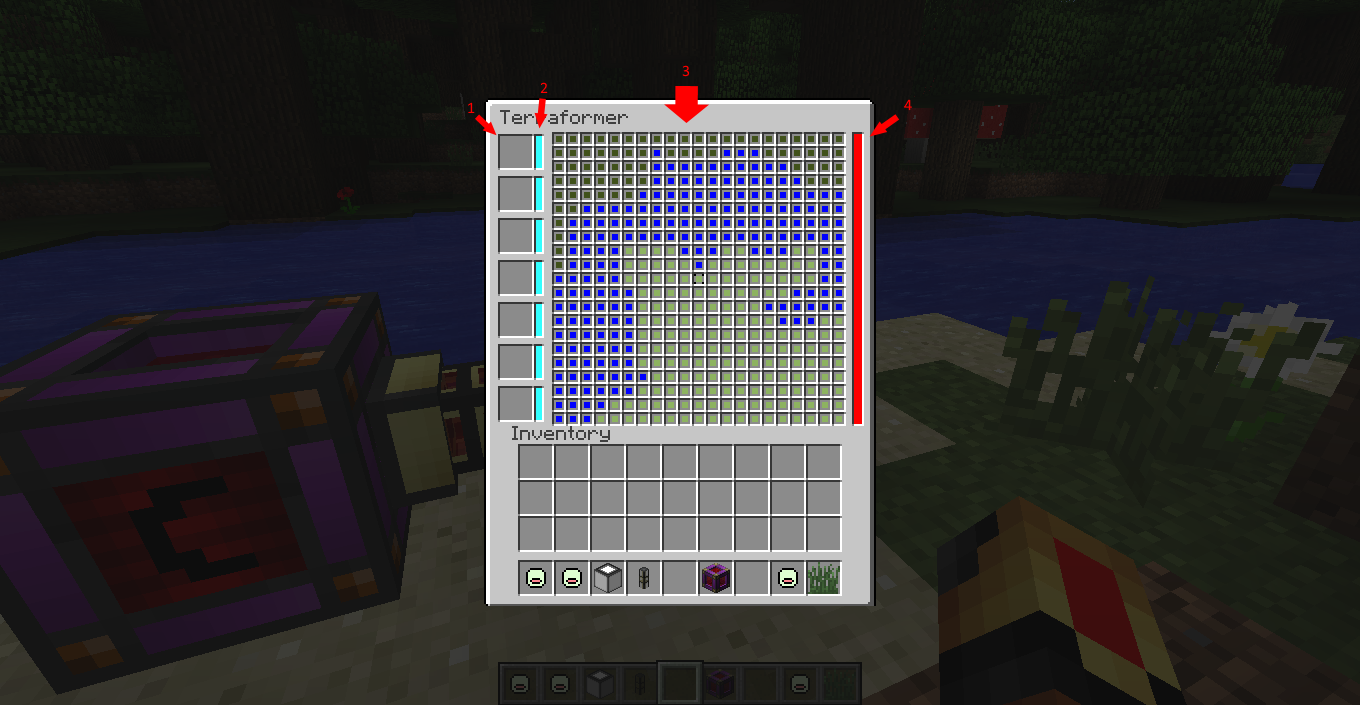
1. TF-blueprint slots
This is the part of the GUI where you can put your TF-blueprints.
2. Colorers
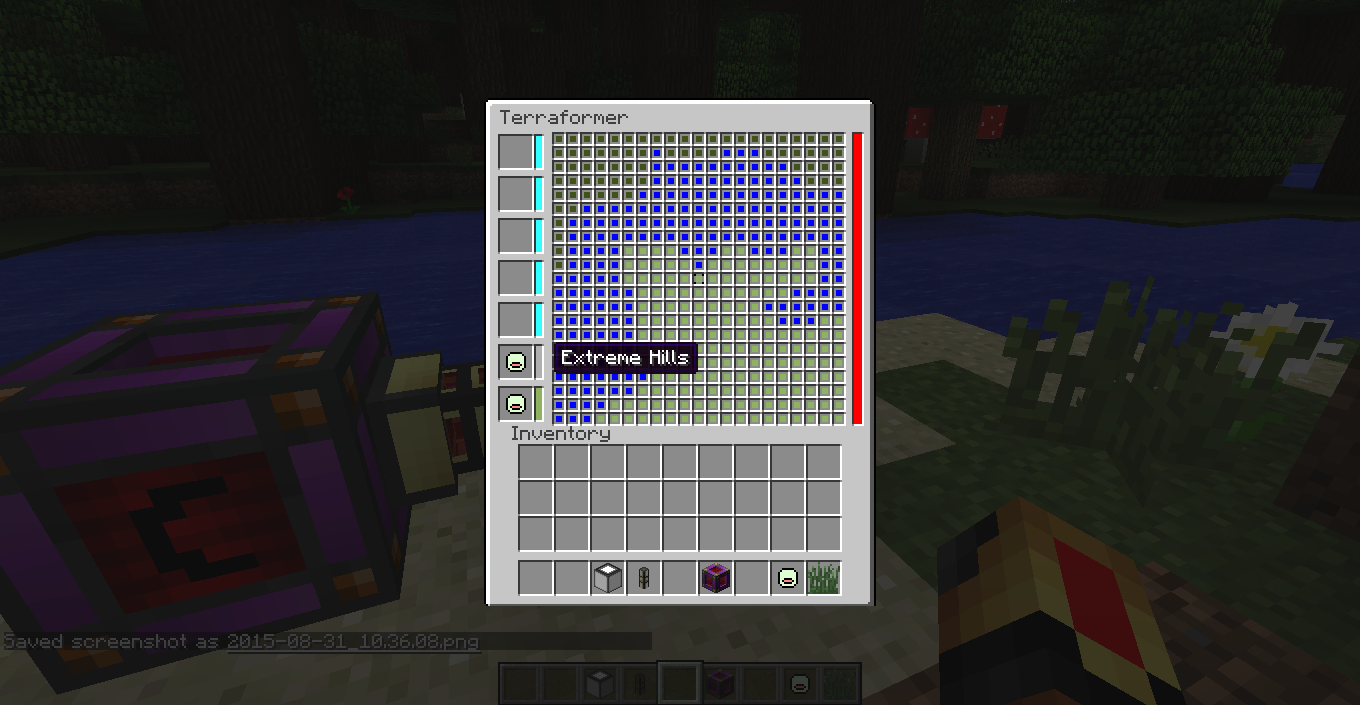
The colors of these boxes will change to the color of the TF-blueprint next to it. Than you can select a color by clicking on it. A black box will appear around the selected color. (Shift right clicking on a colorer will change every block in range to that color, shift left clicking will clear the main screen)
3. Main screen
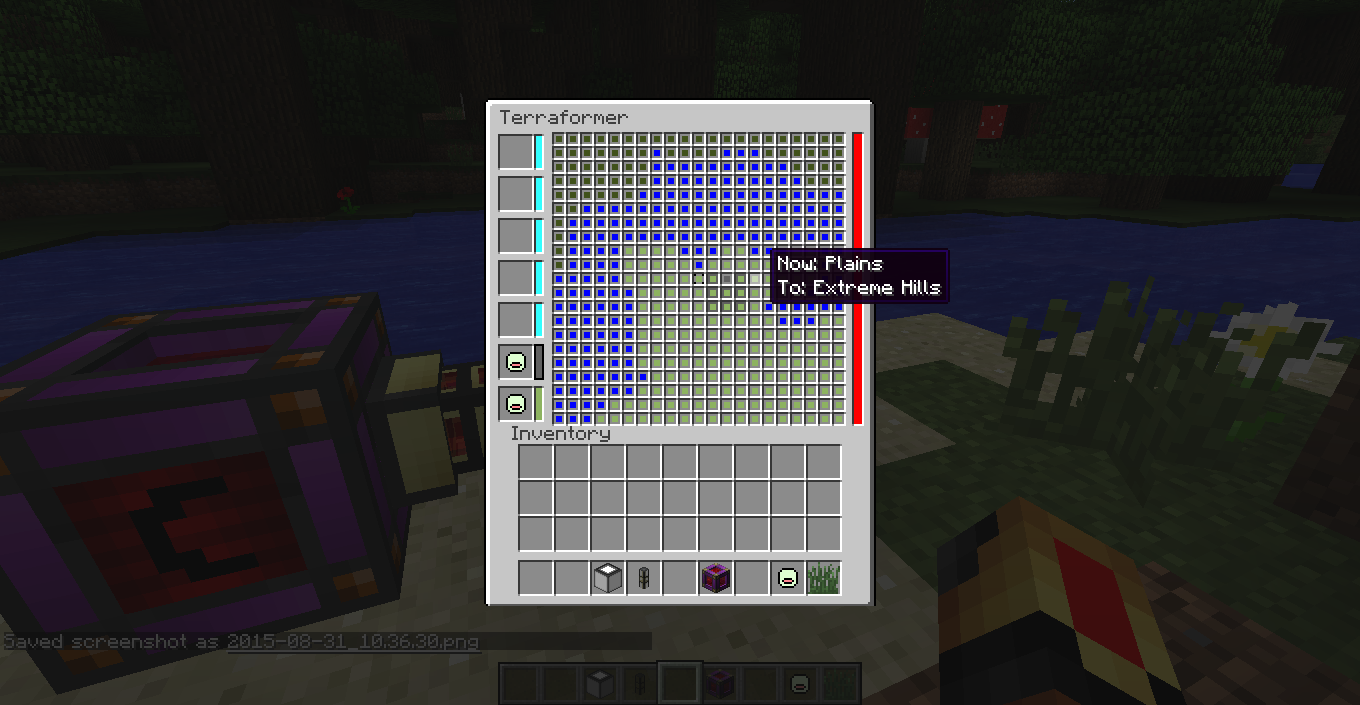
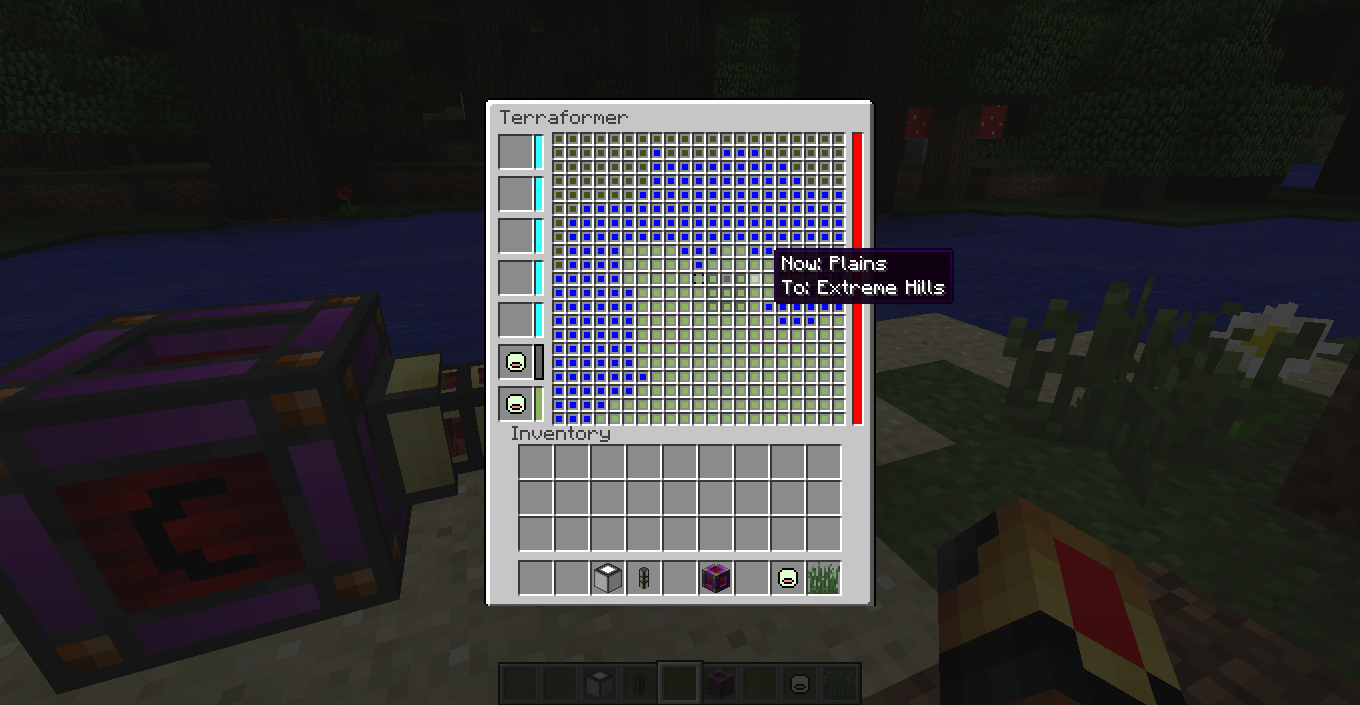
With the color you selected above you can change the biome of every block around the terraformer seperately. Right click sets the selected block to the selected colorer, left click sets the block to the current biome.
4.Energy bar
This will display how mutch energy is in the terraformer.
常见问题
Terraformer 支持哪些 Minecraft 版本?
Terraformer 支持 Minecraft Java 版 1.7.10,可用的加载器:Forge。下载时注意选择和你游戏版本一致的文件。
Terraformer 怎么安装?
先用 PCL2 或 HMCL 启动器安装对应版本的 Forge,再把下载的 .jar 文件放进游戏目录的 mods 文件夹,重新启动游戏即可。开启了版本隔离的,mods 文件夹在 versions/版本名 下面。

评论
登录后评论和评分