FrameGen
Frame generation for Minecraft. Pick a target FPS — FrameGen generates the frames your GPU can't render in time. No RTX needed.
介绍
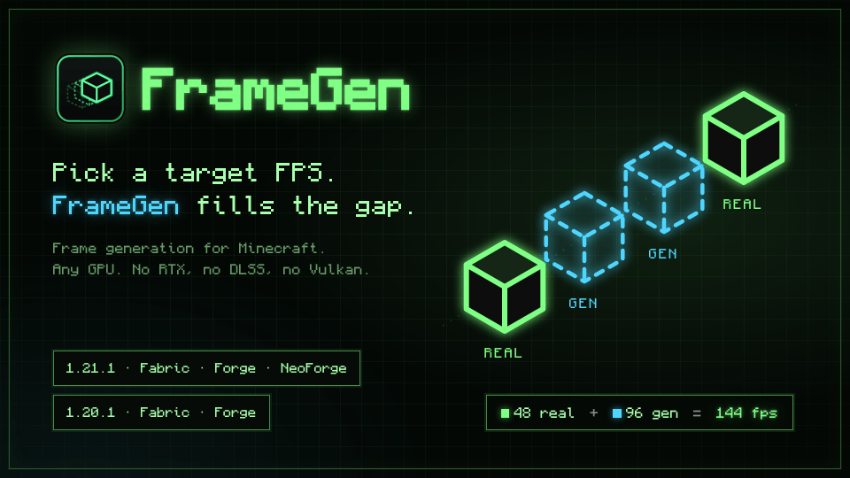
Pick a target FPS. FrameGen generates the frames your GPU can’t render in time.
No RTX, no DLSS, no Vulkan renderer — plain OpenGL 3.2, the same as Minecraft itself.
How it works
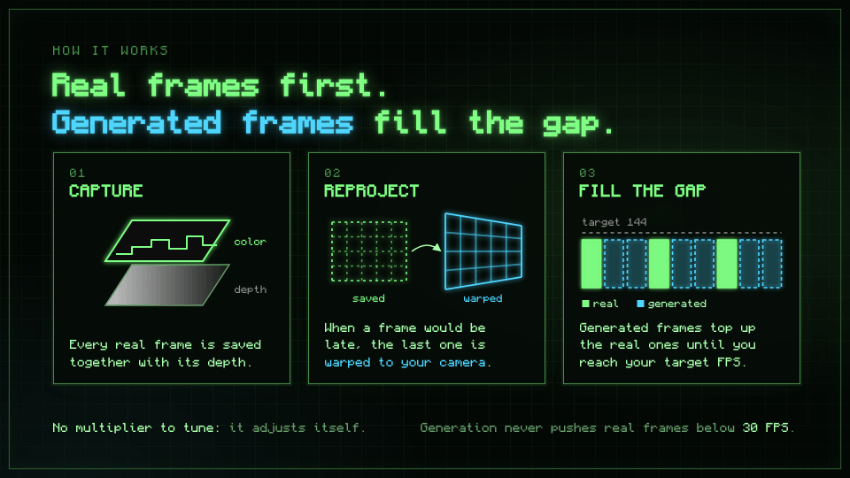
Every real frame is saved together with its depth. When the next frame would be late, FrameGen warps the saved one to your current camera instead of rendering the world again. Looking around stays smooth and responsive.
Features
- Target FPS from 30 to 500, or your monitor’s refresh rate. No multiplier to tune — it adjusts itself.
- Real frames come first. Generation only fills the gap, and never pushes real frames below 30 FPS (configurable), so the world keeps moving.
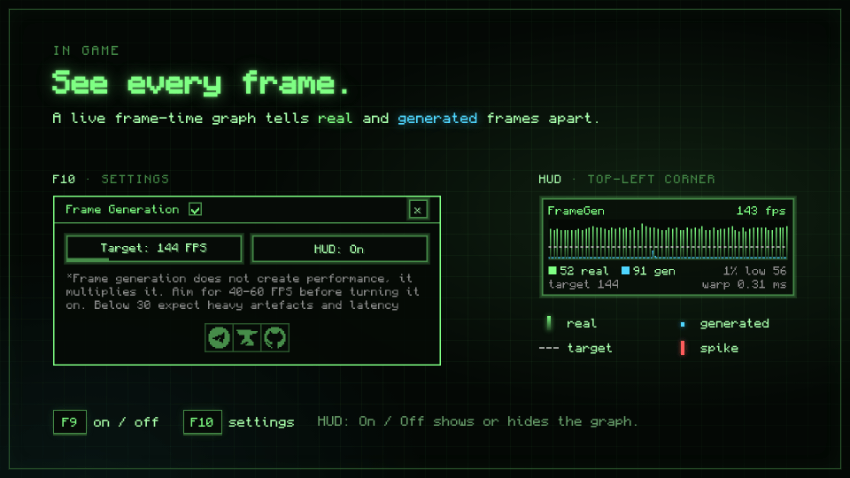
- Live frame-time graph: real frames green, generated cyan, spikes red, plus 1% low.
- Iris and Oculus shader packs (experimental).
- HUD caching for heavy modded HUDs.
- F9 on/off, F10 settings.
Good to know
- Frame generation multiplies performance, it doesn’t create it. Aim for 40–60 real FPS first.
- Minecraft has no motion vectors, so mobs, particles and water move at the real frame rate.
- Best with VSync off.
Requirements
- Client-side only
- Any GPU that runs Minecraft: GeForce 400+, Radeon HD 5000+, Intel HD 2500+, Apple M1+
Source and issues: GitHub. Free to use in any modpack with a link back. License: LGPLv3.
常见问题
FrameGen 支持哪些 Minecraft 版本?
FrameGen 支持 Minecraft Java 版 1.20.1–1.21.1,共 2 个版本,可用的加载器:Fabric / Forge / NeoForge。下载时注意选择和你游戏版本一致的文件。
FrameGen 怎么安装?
先用 PCL2 或 HMCL 启动器安装对应版本的 Fabric / Forge / NeoForge,再把下载的 .jar 文件放进游戏目录的 mods 文件夹,重新启动游戏即可。开启了版本隔离的,mods 文件夹在 versions/版本名 下面。
评论
登录后评论和评分