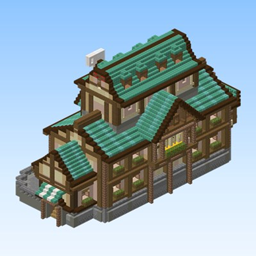
Medieval House 5 – Teal Mansion
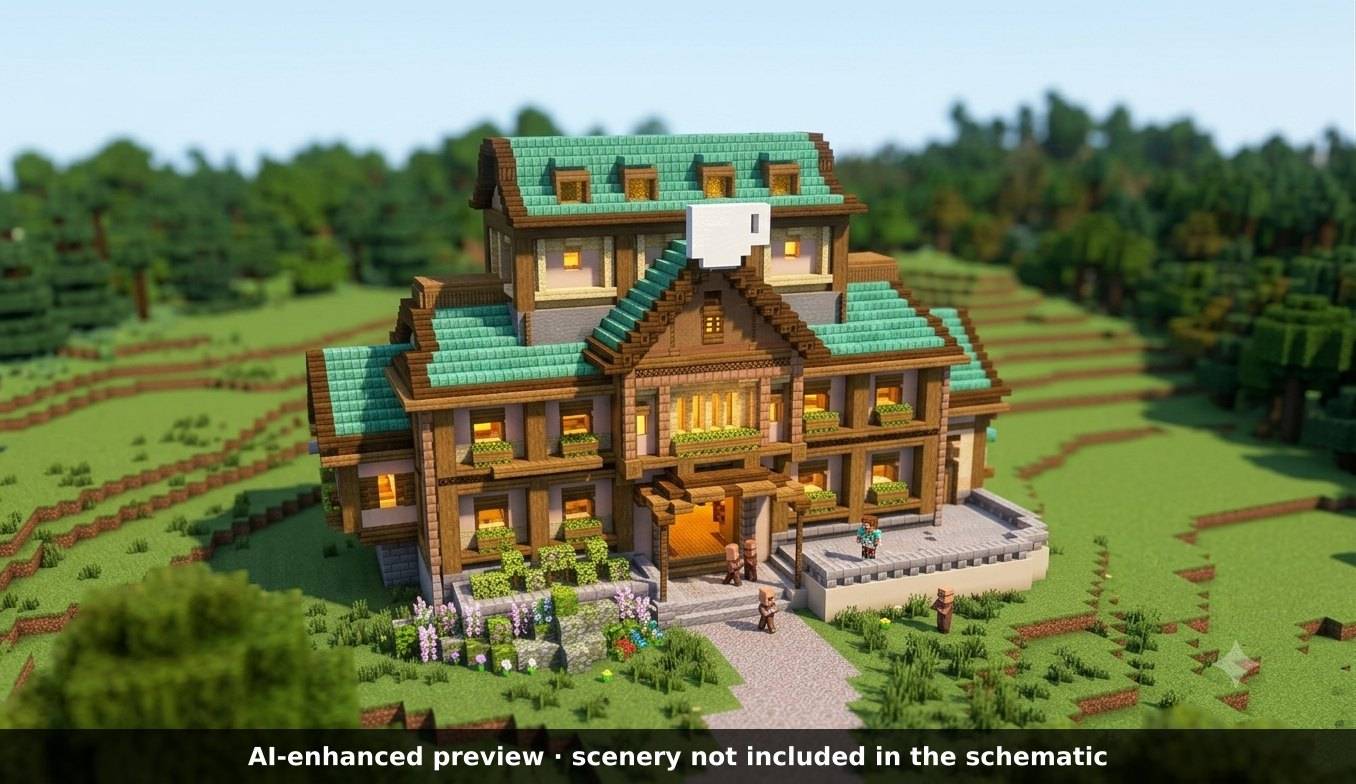
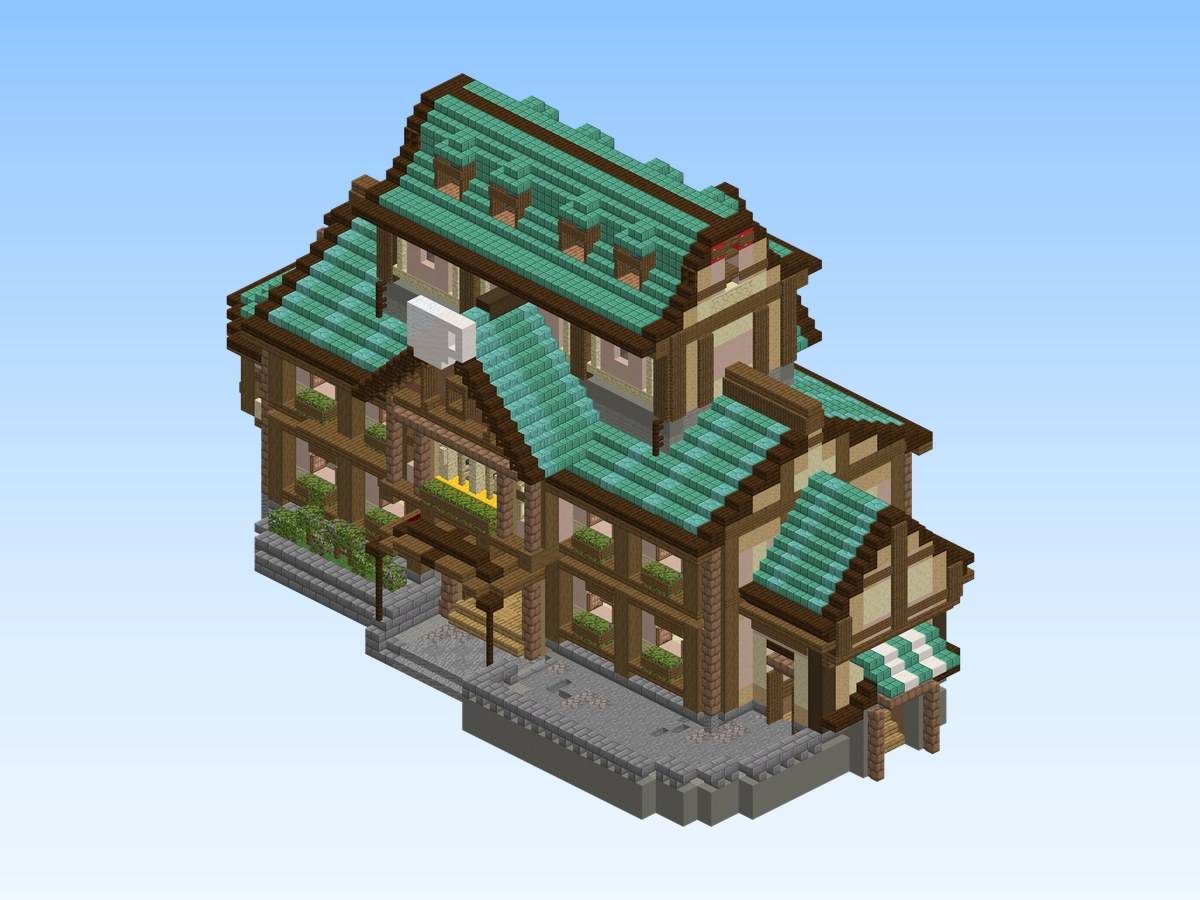
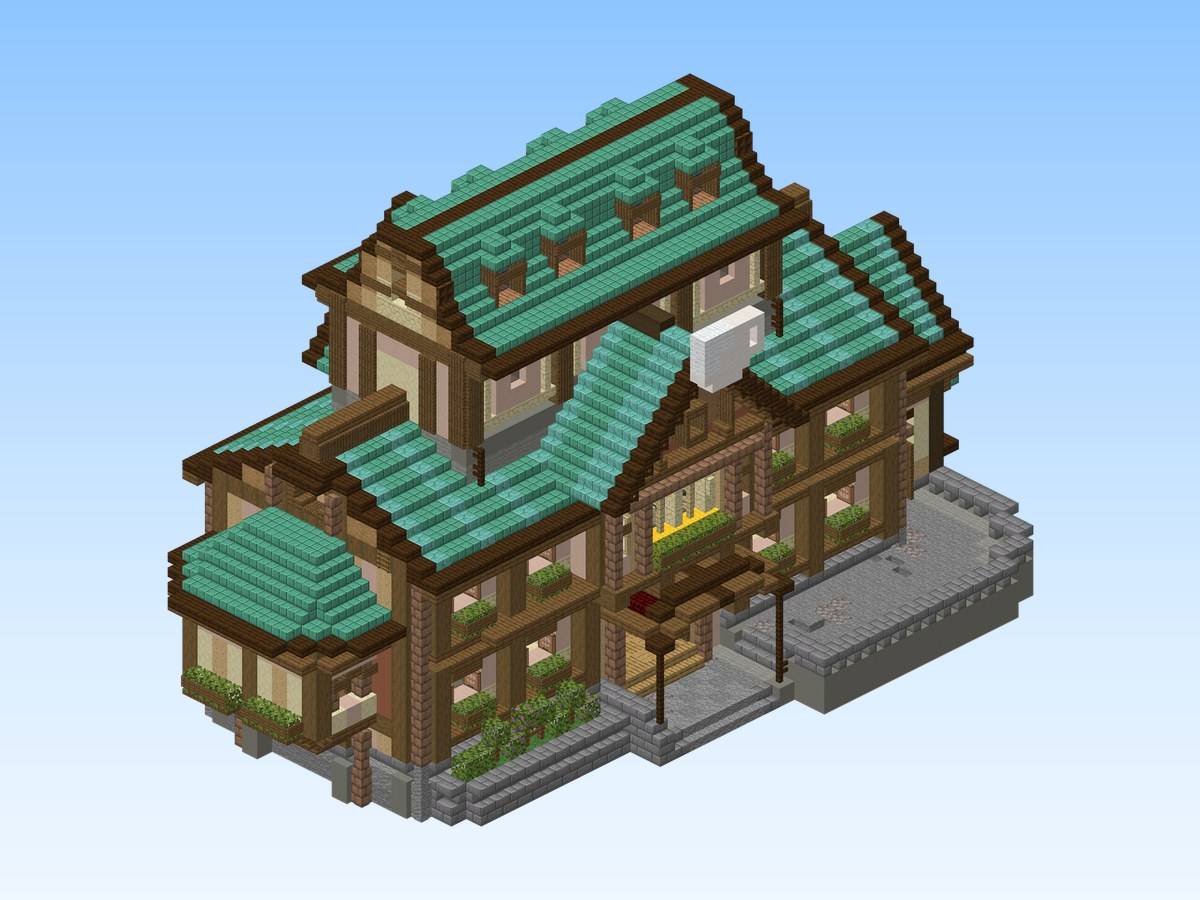
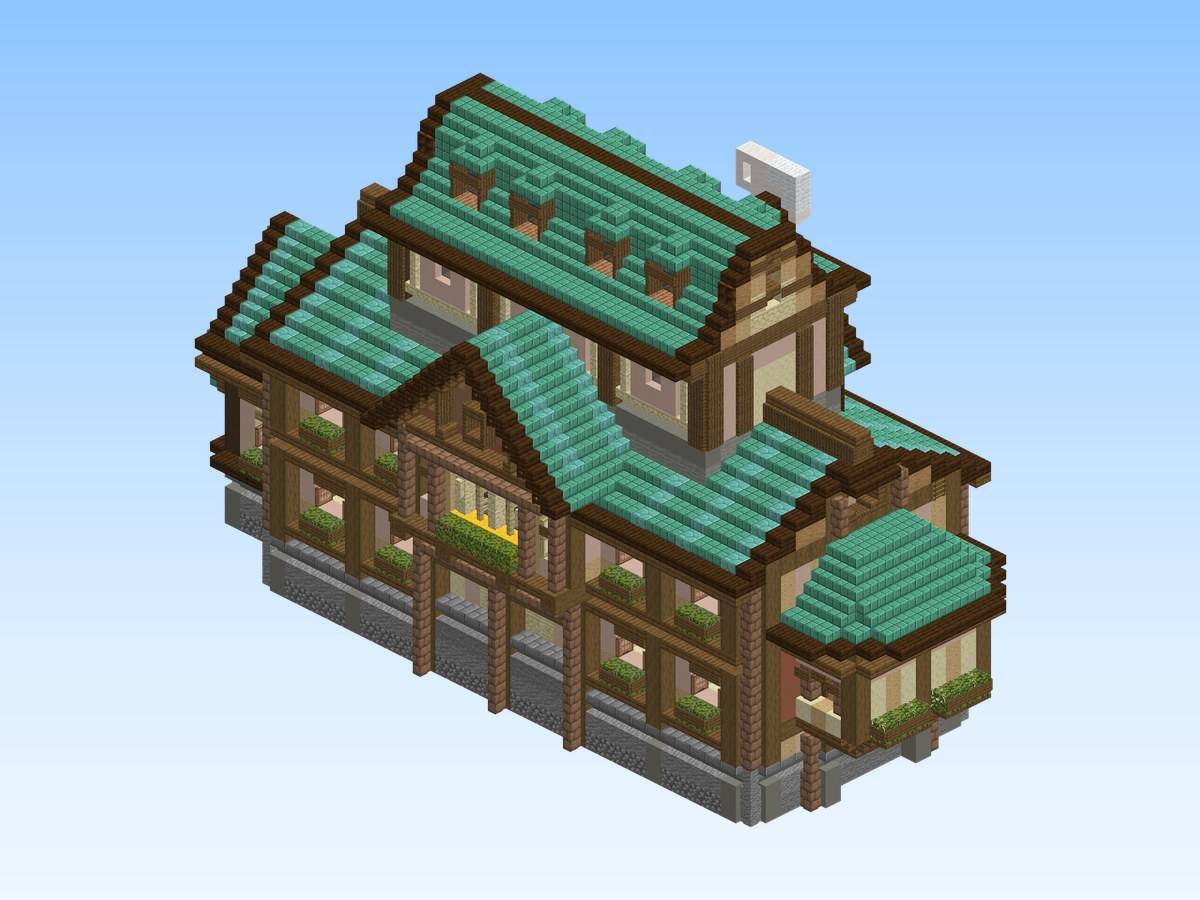
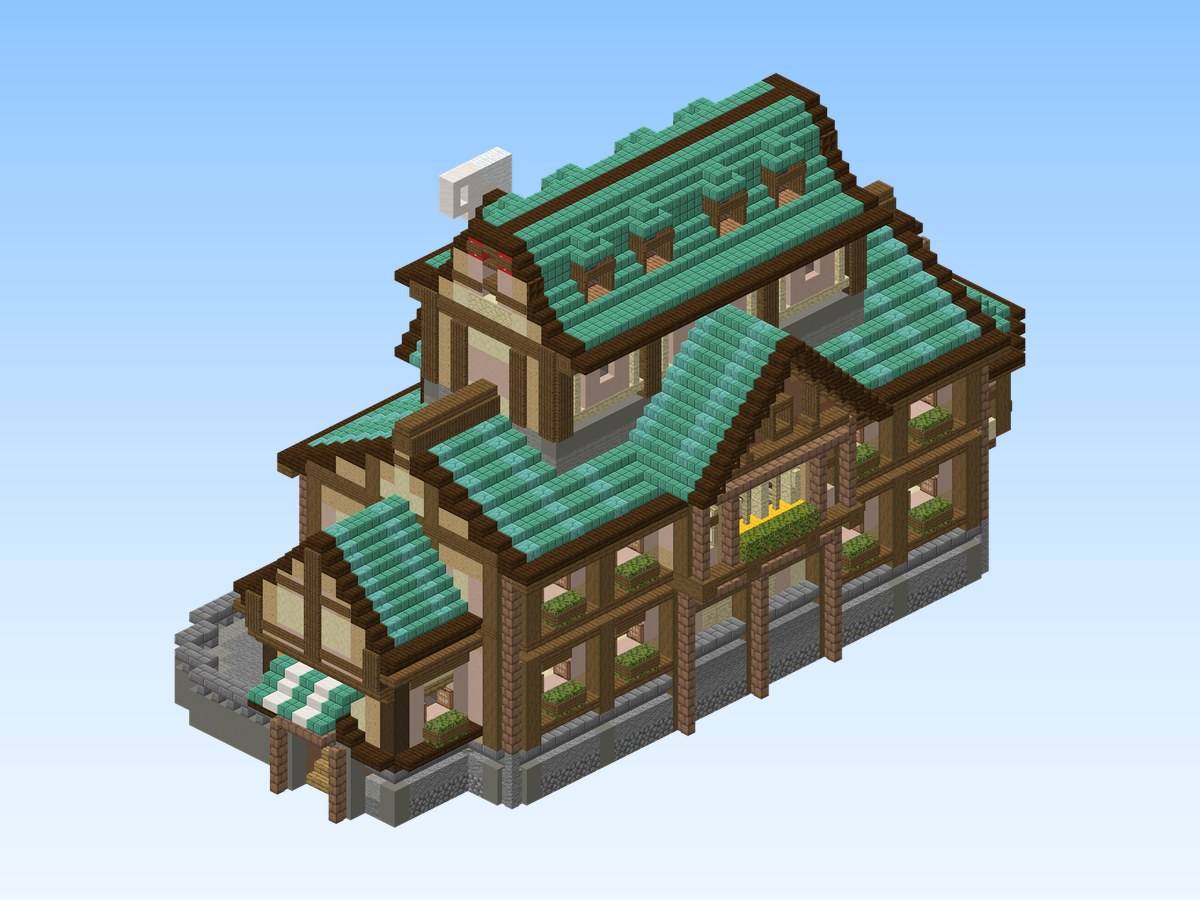
A spacious medieval mansion with sweeping teal roofs over several gables, flower boxes under the windows, a striped awning and a stone foundation.
截图
介绍
Medieval House 5 – Teal Mansion
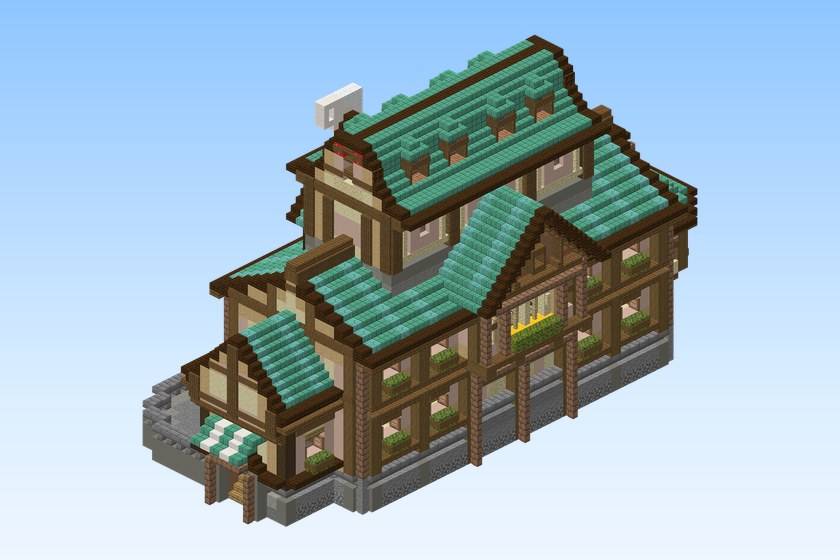
A spacious medieval mansion with sweeping teal roofs over several gables, flower boxes under the windows, a striped awning and a stone foundation.
Build details
- Size: 47 × 43 × 68 blocks (width × height × length)
- Blocks: 9,923
- Main materials: white terracotta, brown mushroom block, spruce slab, light gray wool, stripped spruce log
- World: Java Edition 26.1.2 or newer
- Schematic: Sponge .schem for WorldEdit / FastAsyncWorldEdit, Java Edition 26.1.2 or newer
What’s included
- A flat creative world with the build, ready to play (you spawn in front of it)
medieval-hub-house-5.schem— the same build as a schematic, to paste into your own worldREADME.txt— instructions
Play the world
- Install it with the CurseForge app, or copy the folder from the zip into
.minecraft/saves/. - Open Minecraft, Singleplayer: creative mode, cheats on.
Paste the schematic
- Install WorldEdit or FastAsyncWorldEdit.
- Copy the
.schemfile intoplugins/WorldEdit/schematics/(Paper / Spigot) orconfig/worldedit/schematics/(Fabric / NeoForge, singleplayer). - In game, run
//schem load medieval-hub-house-5. - Stand where you want the build and run
//paste.
The render images show exactly what the schematic contains. Images labelled “AI-enhanced preview” place the build in a decorative setting: that scenery (landscape, water, ships, props around the build) is not part of the download.
Free build from the Spaleforce collection. View the build on Spaleforce.
常见问题
Medieval House 5 – Teal Mansion 支持哪些 Minecraft 版本?
Medieval House 5 – Teal Mansion 支持 Minecraft Java 版 26.1.2–26.3,共 3 个版本。下载时注意选择和你游戏版本一致的文件。
Medieval House 5 – Teal Mansion 怎么安装?
解压下载的文件,把里面的存档文件夹放进游戏目录的 saves 文件夹(开启了版本隔离的在 versions/版本名/saves),重新打开游戏就能在「单人游戏」里看到。请用 26.1.2–26.3 版本打开,版本不对可能导致地图损坏。
user_ugfm07jdksnw6itc5969 的其他作品
查看全部 →
Grand Medieval Castle
A grand medieval castle with red rooftops, round towers, ramparts and a walled courtyard, rising from the water.
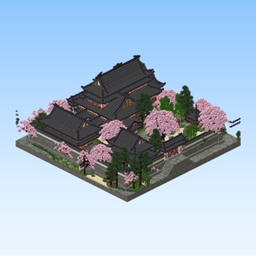
Cherry Grove Grand Estate
Explore a large compound of halls, gardens and courtyards in a vibrant cherry grove, with dark tiled roofs, warm timber details and carefully landscaped surroundings.
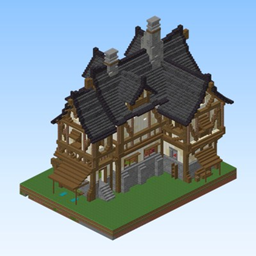
Deloria Grand Manor
The flagship house of the Deloria Castle collection: a grand twin-gabled medieval manor in dark oak timber framing over a stone base, with double chimneys, a covered entrance stair and rich roof detailing.
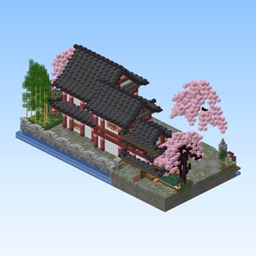
Cherry Grove Longhouse
A long Japanese-inspired residence in a vibrant cherry grove.
评论
登录后评论和评分